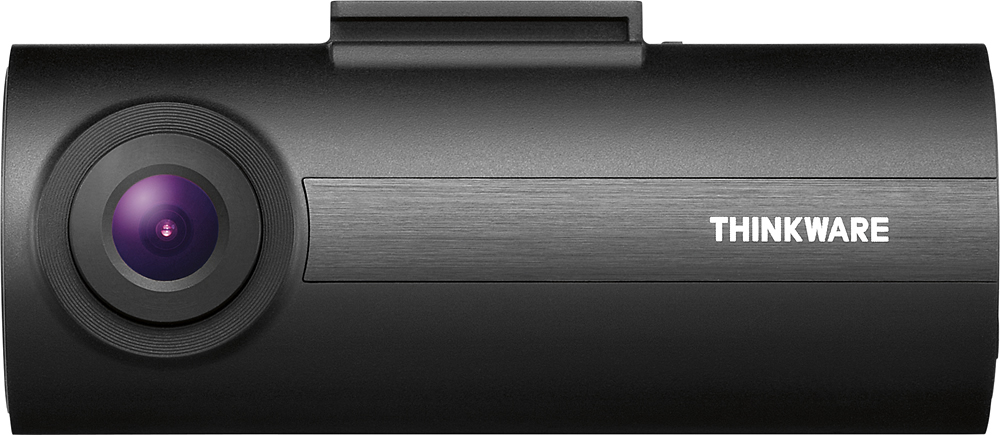
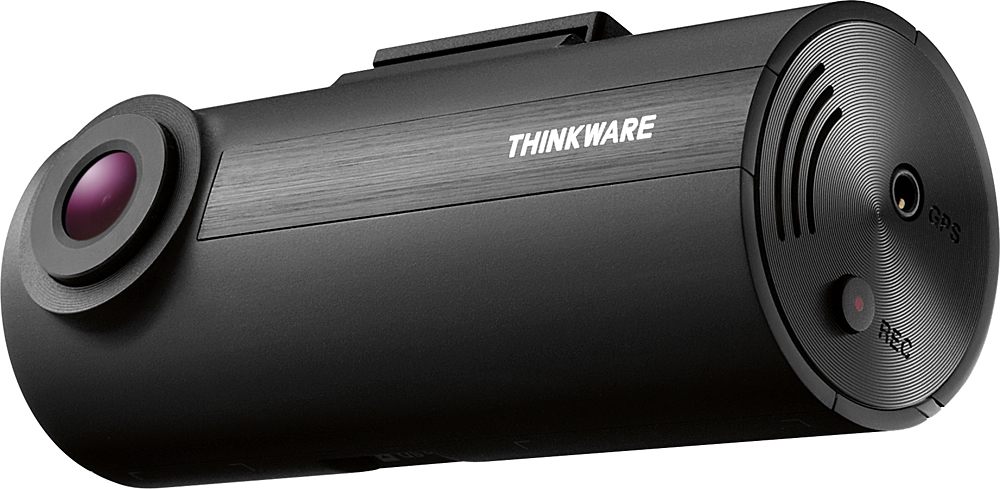
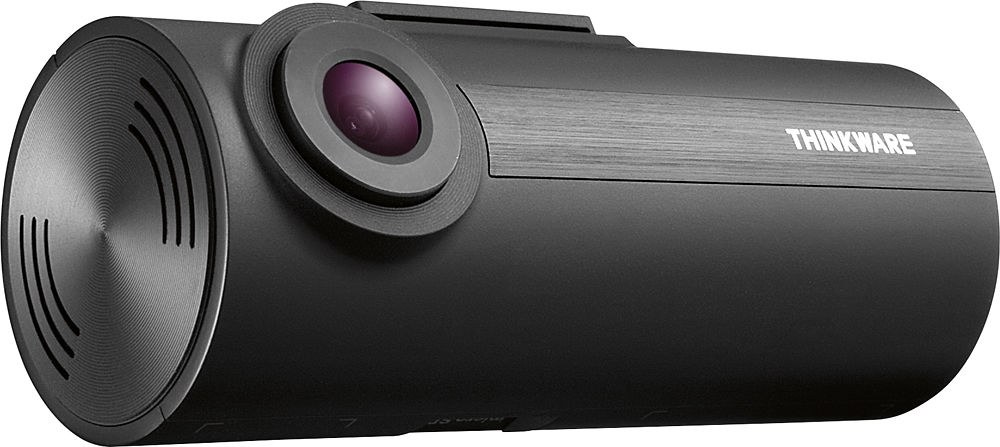
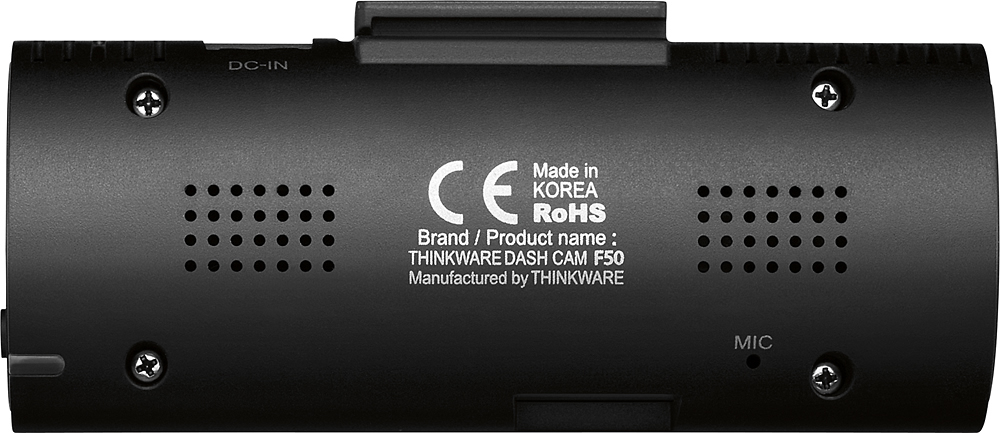
A:AnswerHi Chuck! This dash cam does have motion detection but it will need to be hardwired using the Thinkware hardwiring cable first. The hardwiring cable is available online at Best Buy here: http://bit.ly/1QB9KJS We hope this helps! Please let us know if you have additional questions by contacting us directly by phone (1-844-865-9273) or email (support@thinkware.com). Thinkware Customer Support
A:AnswerHi There,
Unfortunately of the F50 this feature can only be turned down to Low. If you are experiencing a lot of beeping still, i'd recommend turning the volume down.
Kind Regards,
Thinkware Customer Support
A:AnswerI had this camera originally in a Chevy Cobalt which also had outlets that never turned off. I ended up purchasing the hardwire kit and tapped it into a fuse that switched off with the ignition.
A:AnswerSounds like you either tapped into a fuse that doesn't switch off with the ignition or you have parking mode enabled. I would check to see what fuses are switched off when the ignition is off and try one of those. Don't want to run down your battery!
A:AnswerHi there,
With the included 8GB micro SD card the F50 comes with, the micro SD card will hold 62 mins of footage. Once the mico SD card is full it will record over top of the oldest footage. You are able to increase the size of the micro SD card up to a 64GB micro SD card, that will give up up to 496 mins of recording.
Kind regards,
Thinkware Customer Support
A:AnswerI'm recommend purchasing a external Mini USB card reader and locating where those files might be . Otherwise download the Thinkware software via the THINKWARE Site . And look through all the preset folders.
A:AnswerHi Frank,
The F50 was designed to record facing to your windshield. While you can mount the dash cam to record the interior, video quality may be affected. Please note that this dash cam can only record from one direction. If you are looking for a dash cam to record the front with an interior camera, please contact us directly by email (support@thinkware.com) or phone (1-844-865-9273).
Kind regards,
Thinkware Customer Support
A:AnswerDepending on how fast the car is going and how close they are. The camera makes out plates very well when the car is maybe 15 or so feet in range but anything more than that and it gets a bit blurry.
A:AnswerHello Adam,
Please try resetting the camera by holding the format and manual record button. This will also reset the WiFi password to the default password. Feel free to contact us directly by email (support@thinkware.com) or phone (1-844-865-9273). Kind regards, Thinkware Customer Support
A:AnswerYes, it would be the same as you connect the dash cam to the hot wire of your car. Doing this will keep your dash cam on all the times and it may drain your car battery. Normally, you have to connect it to the ignition wire. That means your dash cam is turned on only when start your car engine.
A:AnswerIt records where the lens is pointed- so yes you can record inside the car if the lens is pointed toward the inside! And it continues to record what is being said or the radio or whatever noise is going on in the car but to record an action the lens will have to point in the direction you want to record!