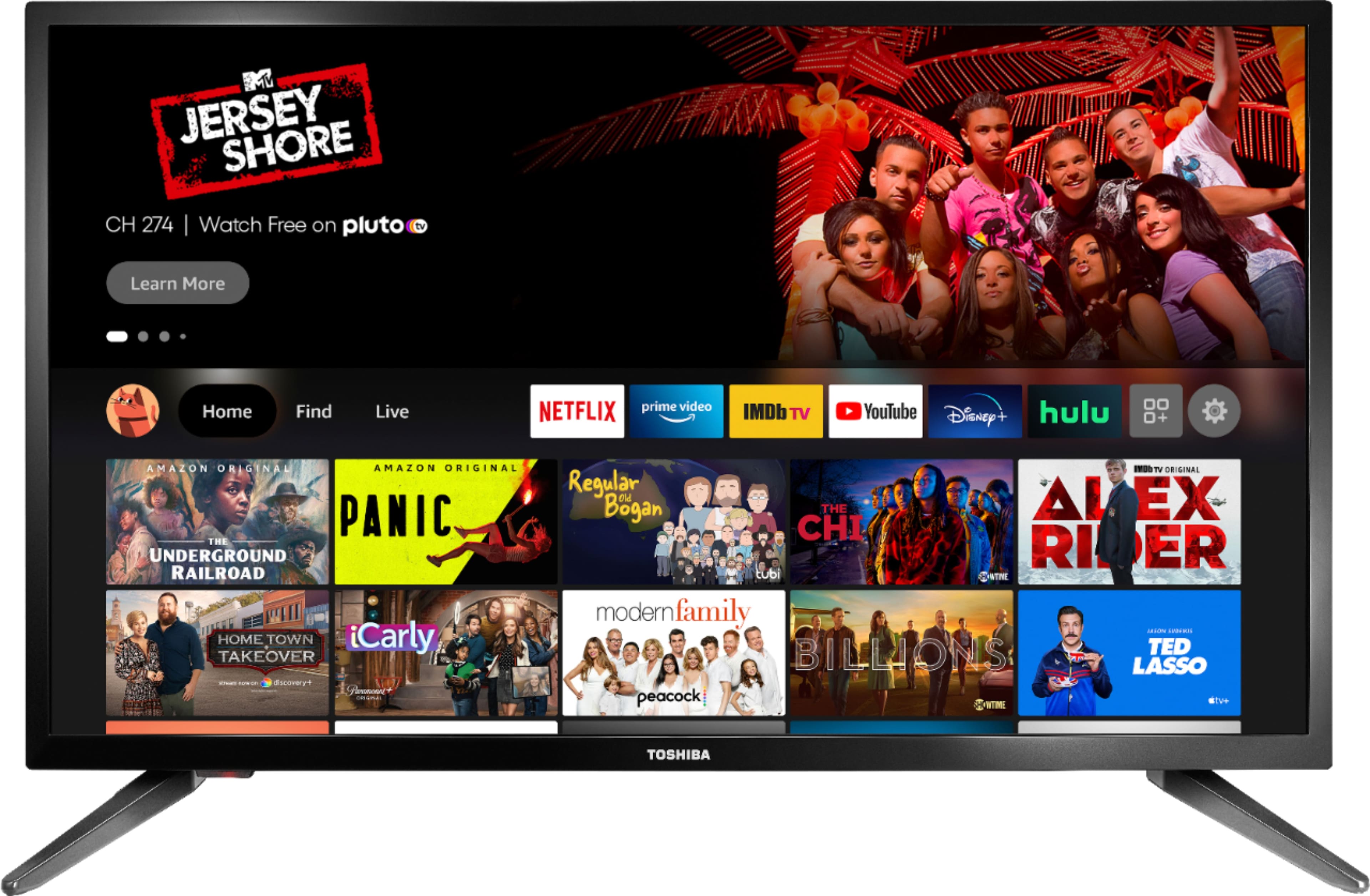
A:AnswerUnfortunately, the Spectrum TV app is not available for download on this TV.
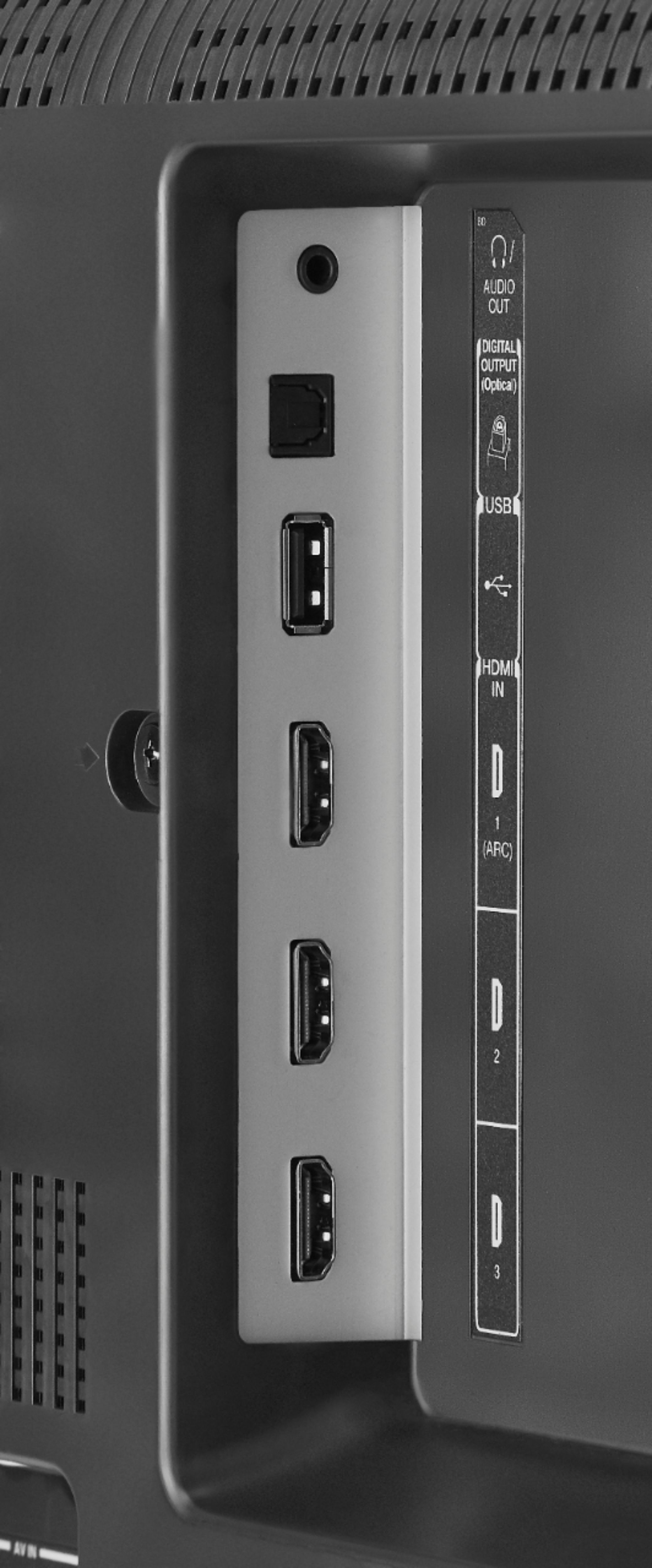
You can hook up a Roku device into one of the HDMI inputs on the TV.
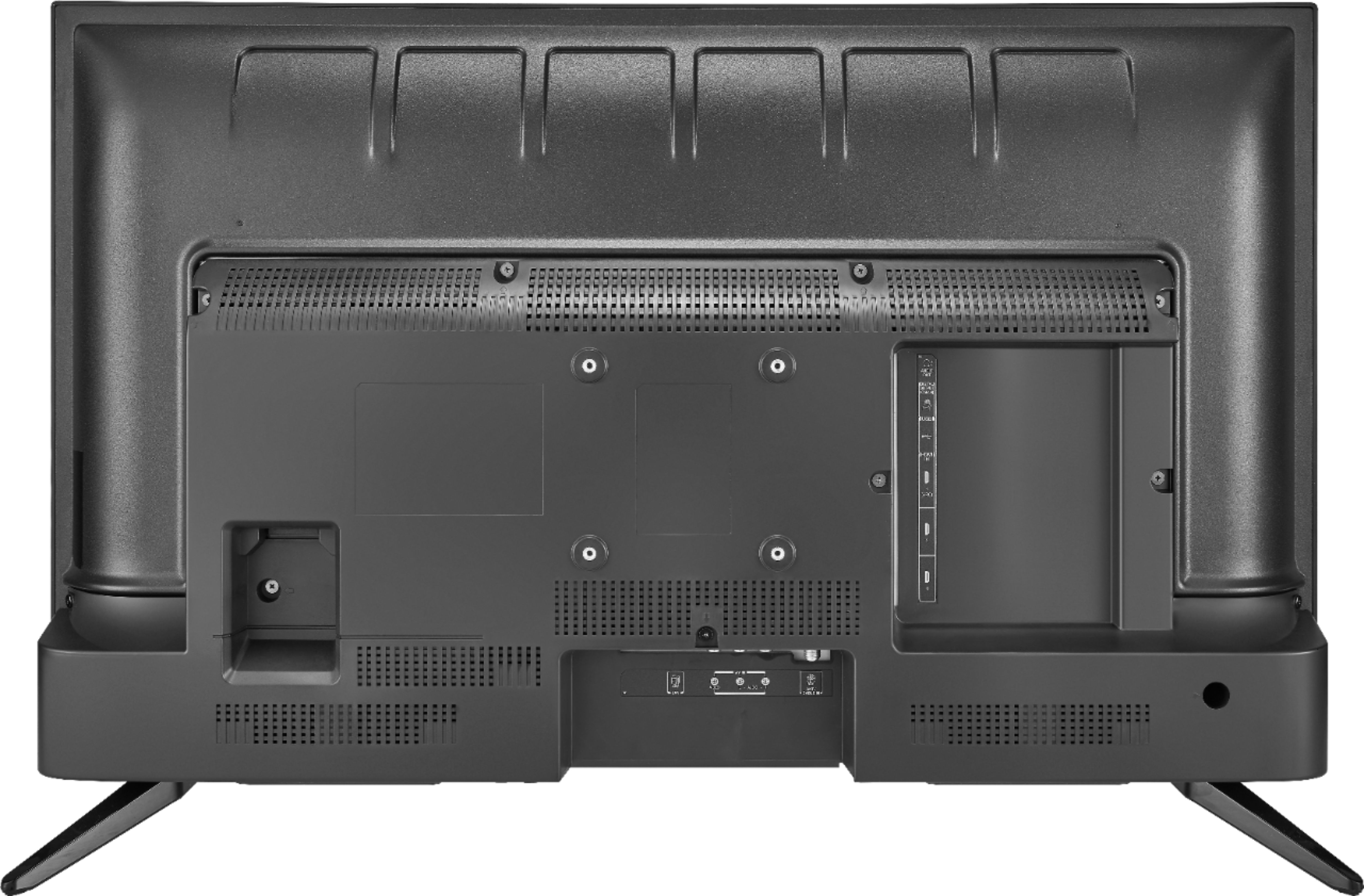
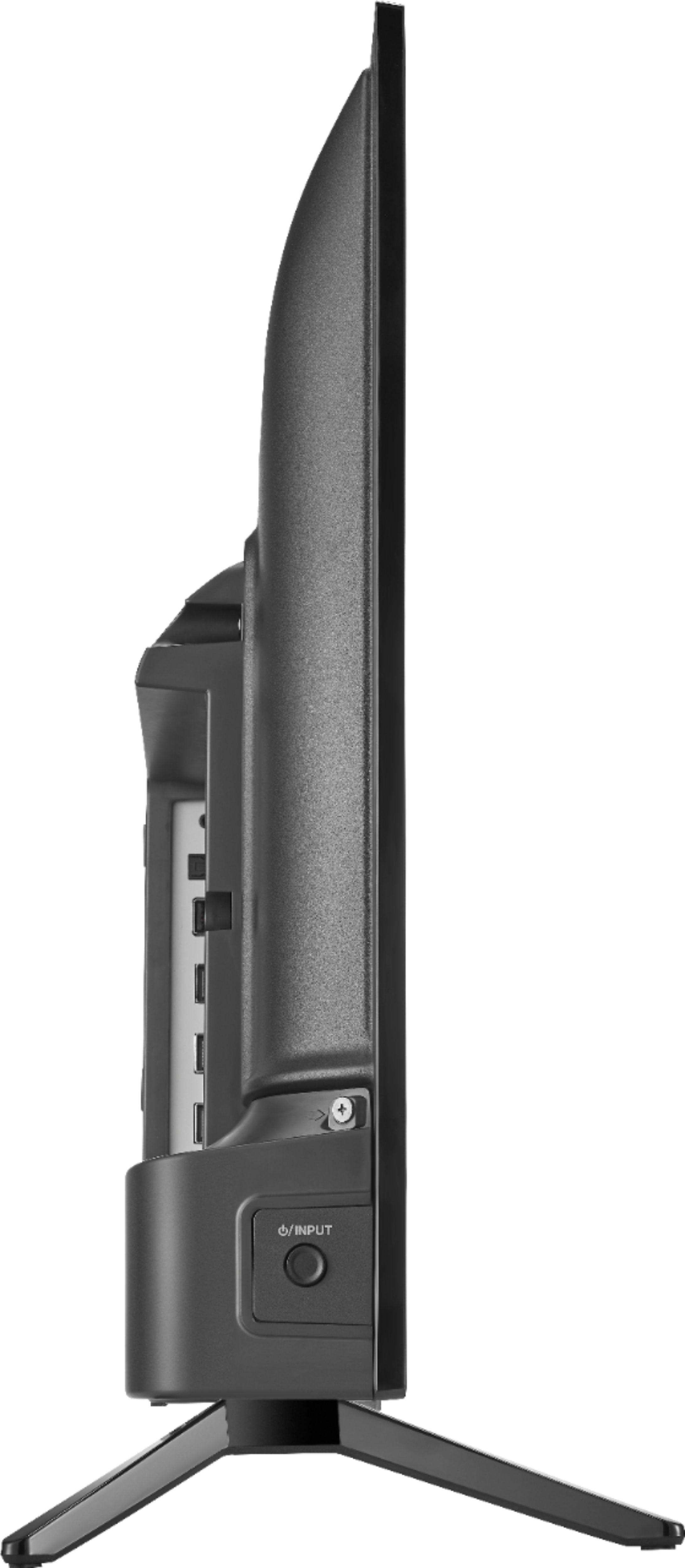
A:AnswerThe stands (legs) are labeled R (right) and L (left), you cannot install the TV stand in a different position. You can use a Universal TV Stand like the Model: NS-HTMS1
A:AnswerThe Warranty is for 1 year
https://tvna.compal-toshiba.com/us/en/wp-content/uploads/sites/2/2020/05/Toshiba_1-Year-Warranty_190626_v2.pdf
For product support please call 1-855-527-2411
A:AnswerI've not had this issue myself, but if you are then I'd suggest attempting a factory reset on the TV and if that doesn't work then take it into BestBuy, and see if they can get it to pair. If not I'm sure they would replace it without a problem.
A:AnswerThis TV supports only one audio output at a time.
Try to use a Bluetooth transmitter that supports 2 devices to pair headphones and a soundbar.
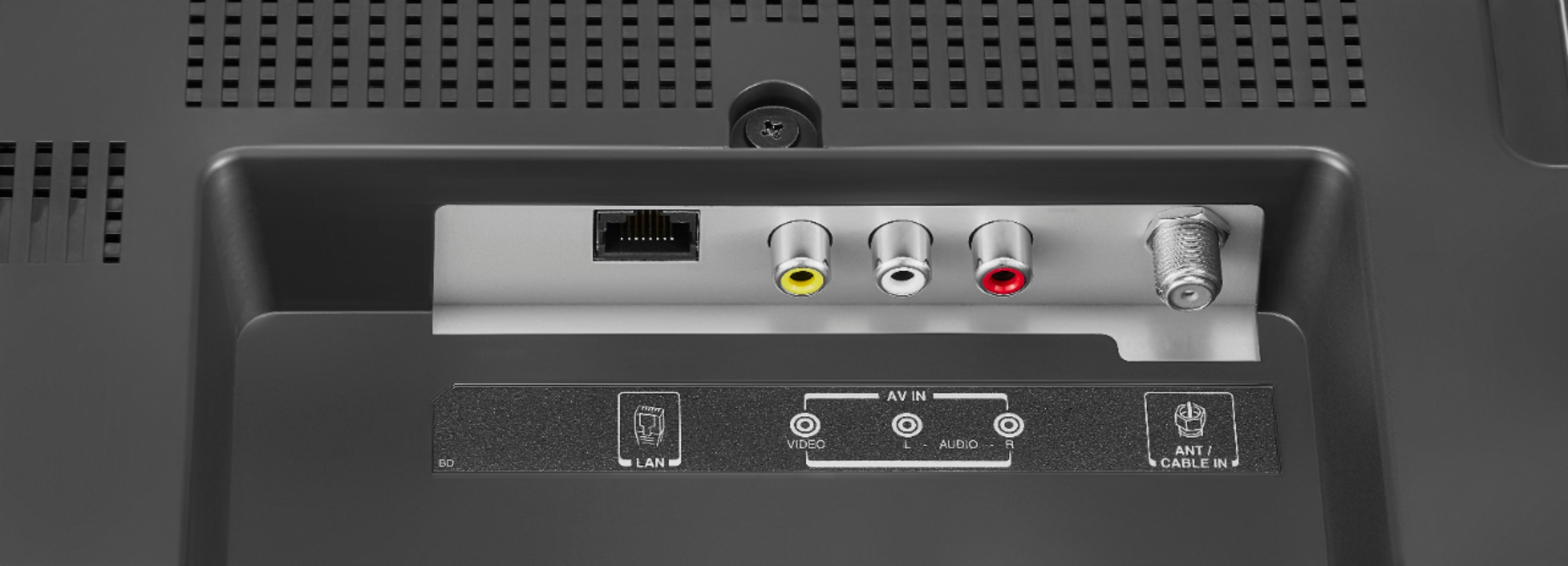
A:AnswerFor best video quality hook up your Cable Box into one of the HDMI inputs on the TV. With that connection you do not need to scan for channels.