A:AnswerTry holding the select button and the pause/play button simultaneously - hold for at least 5 seconds. This restarts your tv, much like unplugging it.
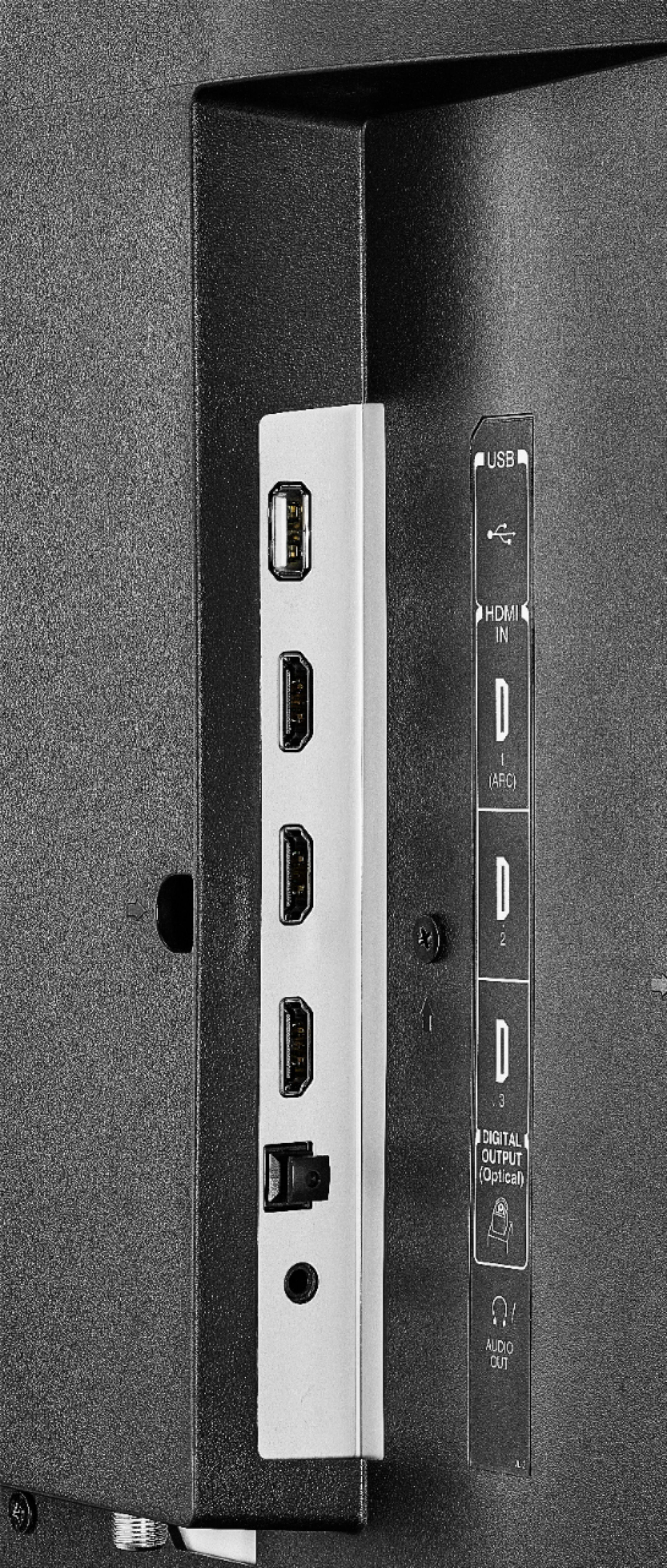
A:AnswerThe Fire TV Edition television supports Dolby Digital - 5.1 Passthrough Optical.
To change the Audio Output settings go: Home > Settings > Display and Sounds > Audio Output > Turn TV Speakers OFF and Select Digital Audio Format PCM.
David M. - Toshiba Support
A:AnswerWhile watching Live TV, press and hold the Home button for 3 seconds to launch the Quick Access menu, select Display settings to adjust the Picture Size and Aspect Ratio.
David M. - Toshiba Support
A:AnswerYou have to make sure you're using the Premium HDMI cables. The HDMI cables that were used for the 1080 television are not strong enough to handle the 4K.
A:AnswerWhile watching the TV, press the home button for 3 seconds, navigate to Auto aspect and turn it off. After this, go to Picture Size and select the first option which should give you the full size picture.
A:AnswerYes it has both wifi and wired ethernet. Through the initial configuration dialog, it will automatically discover your wifi network and possibly those of your neighbors. Select your network and enter your network's password. That should have you connected.
A:AnswerIt may be because you are using an outdated HDMI cable. I am not sure what else would be the cause because I usually only watch 4k content from Netflix or Prime and I never have issues with that.
A:Answergo to your home screen and push settings then go to display and sound and click on picture settings then click on spps and video and you can take it from there
A:AnswerThere are screen mirror apps available, just not built in. You can do a search for screen mirror apps through the search at the top left corner of the home screen. I hope this helps...
A:AnswerDish remote will work with this tv. But you will have to use the included remote after turning on to change the input to Dish TV. Default setting is Fire TV so everytime you turn your tv on you will see the Fire TV home screen meaning you will have to change inputs meaning you need 2 remotes. Other than that this is a great tv
A:AnswerI've had my tv for about a month and I have not experienced that problem. You might want to get an exchange. In fact my sound is crystal clear, I never have raise sound above a 5 or 7. Hope this helps.