A:Answer First, when a manufacturer says something isn't user upgradeable, they generally mean that upgrading yourself will void the warranty. Definitely check with Toshiba first if you're concerned about voiding the warranty. That being said, I've upgraded to 16GB and swapped the hard drive out for a SSD.
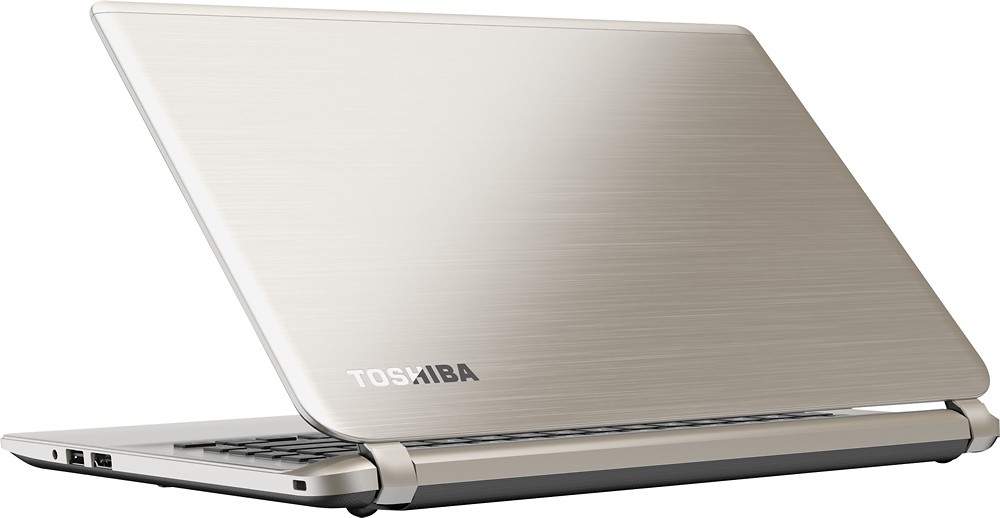
Again, the memory is expandable to 16GB, and it is relatively easy to do. Just flip the laptop over and unscrew all the screws (they're all the same size so you don't have to remember which hole they come out of), then CAREFULLY start prying the bottom off. A small flat screwdriver works well. Start near the hinges and slowly work your way around. Once the bottom is off, it's just a matter of swapping the memory, replacing the bottom and screwing it all together.