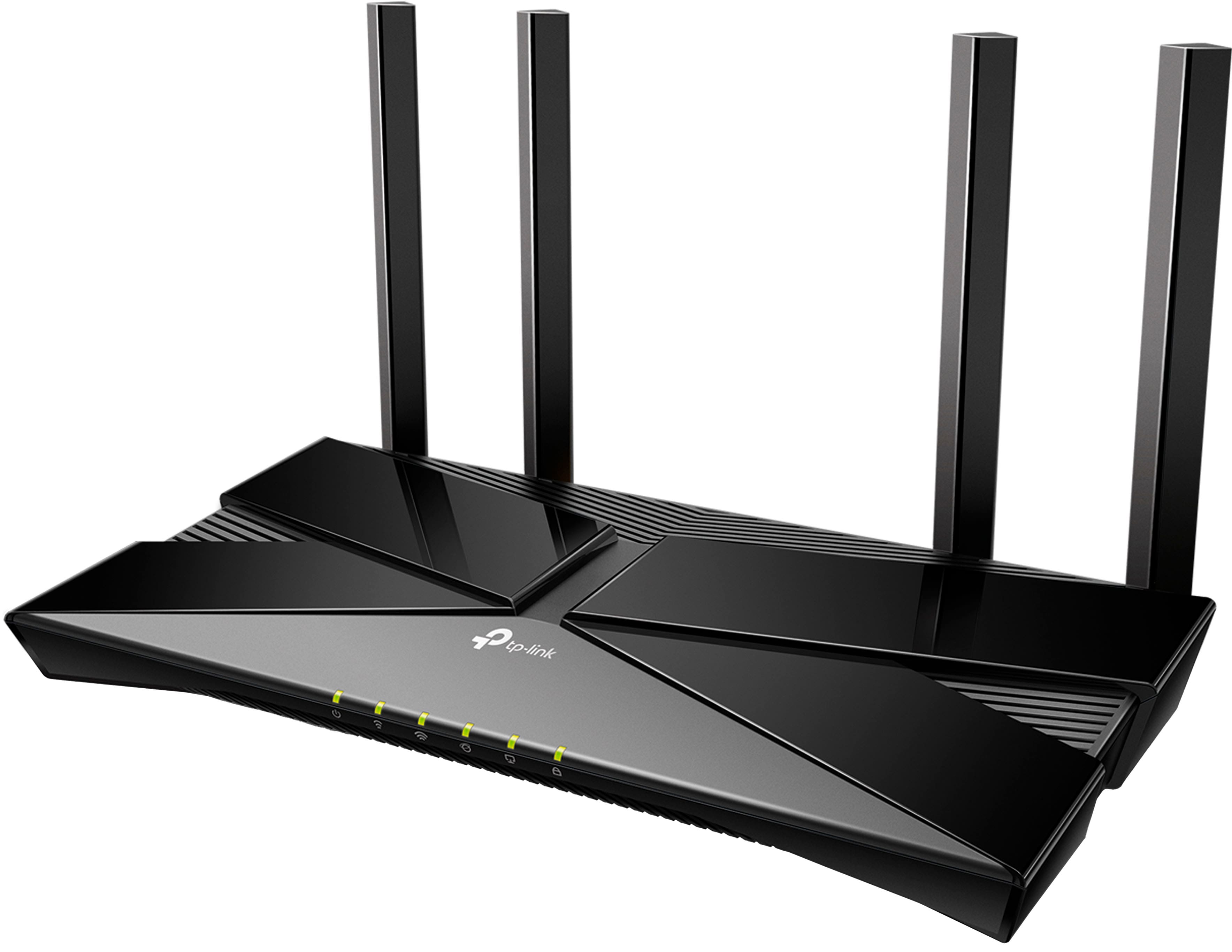
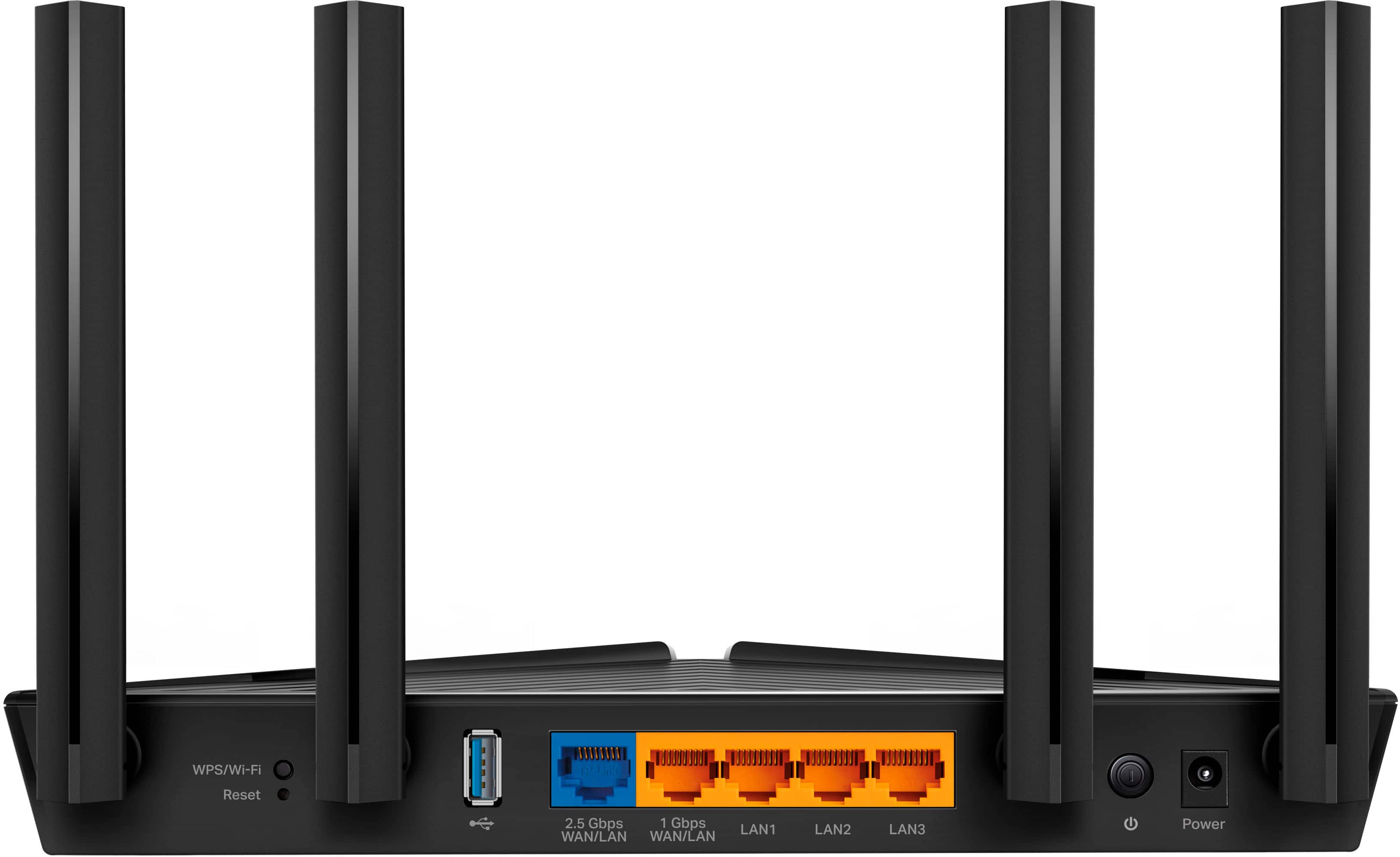
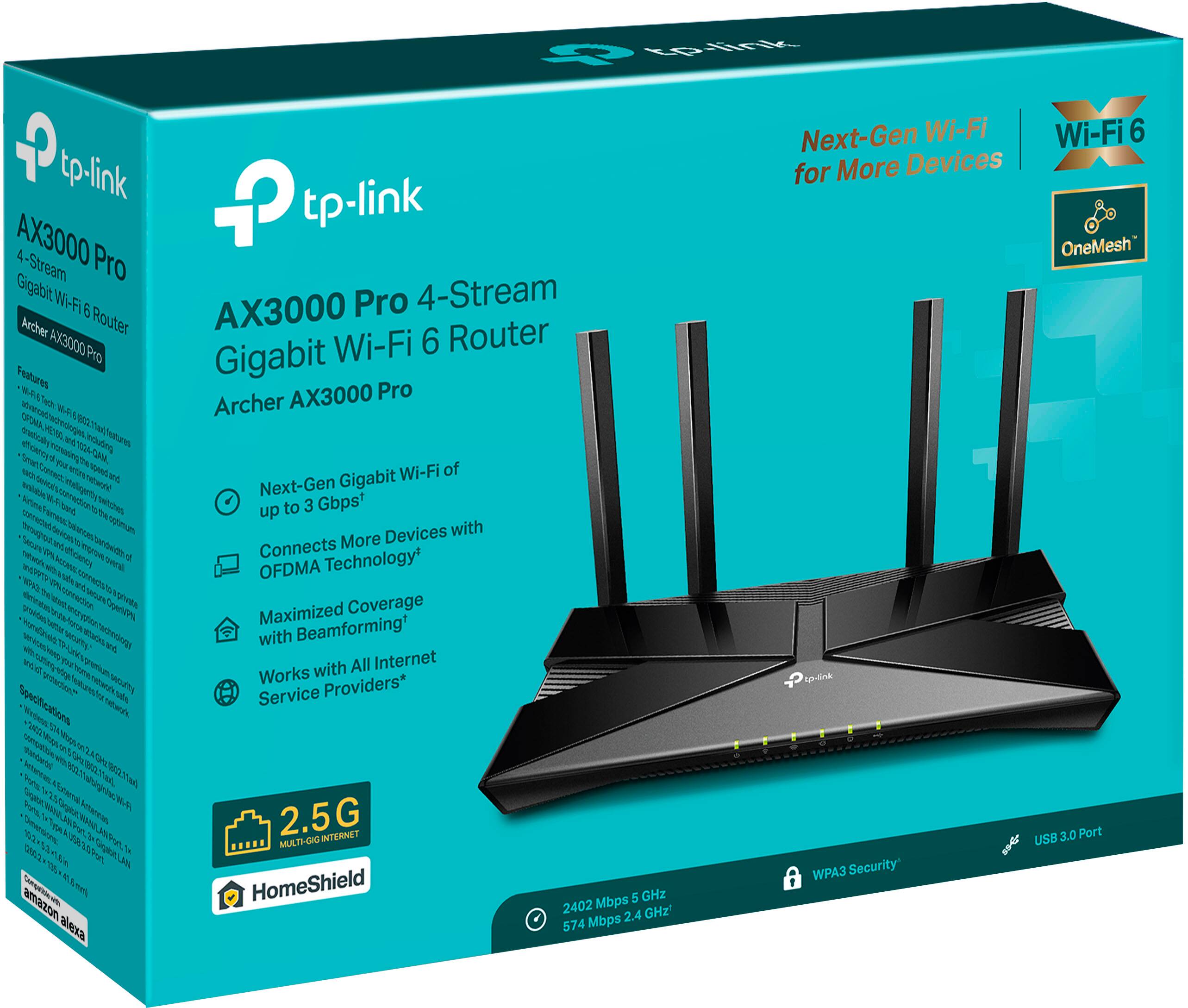
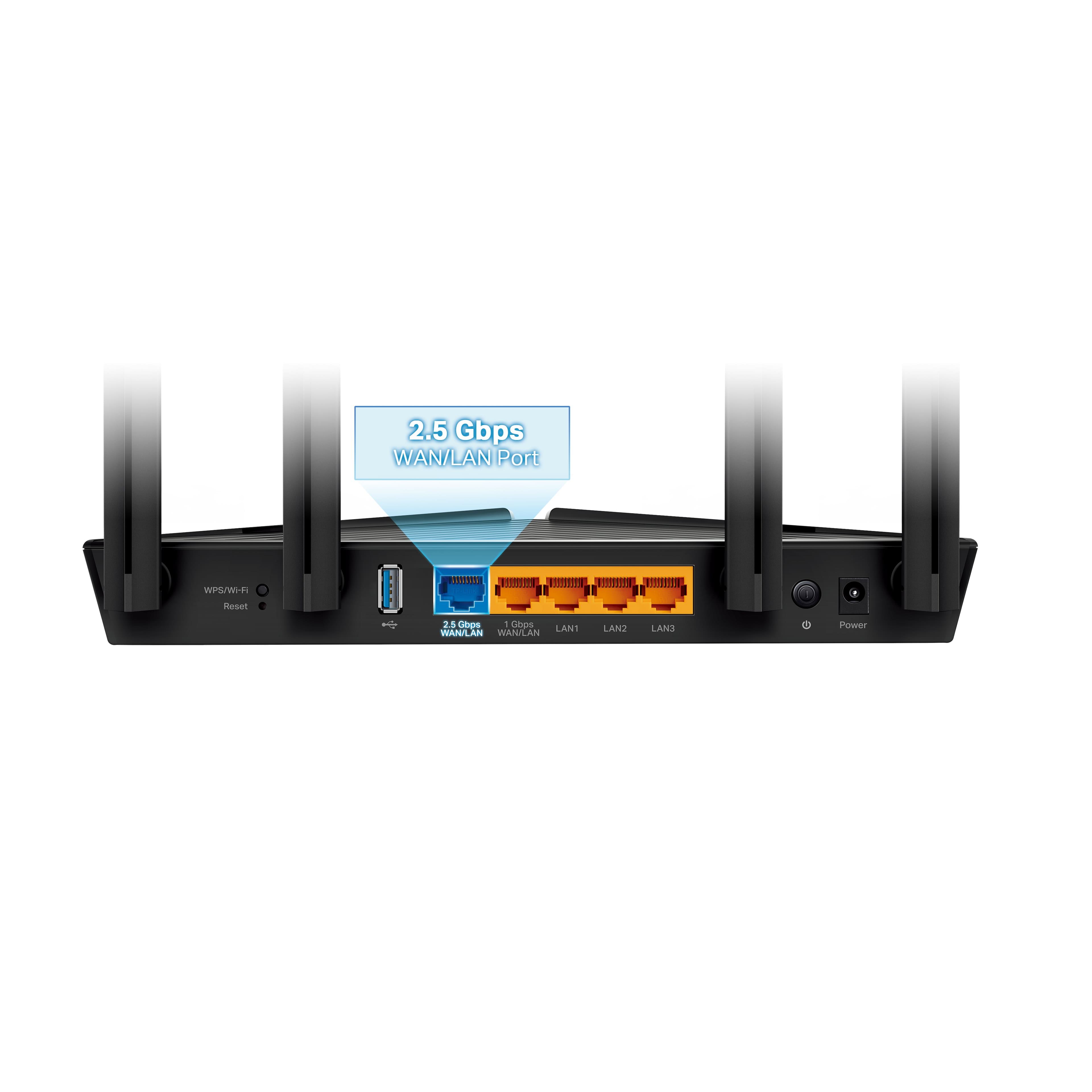
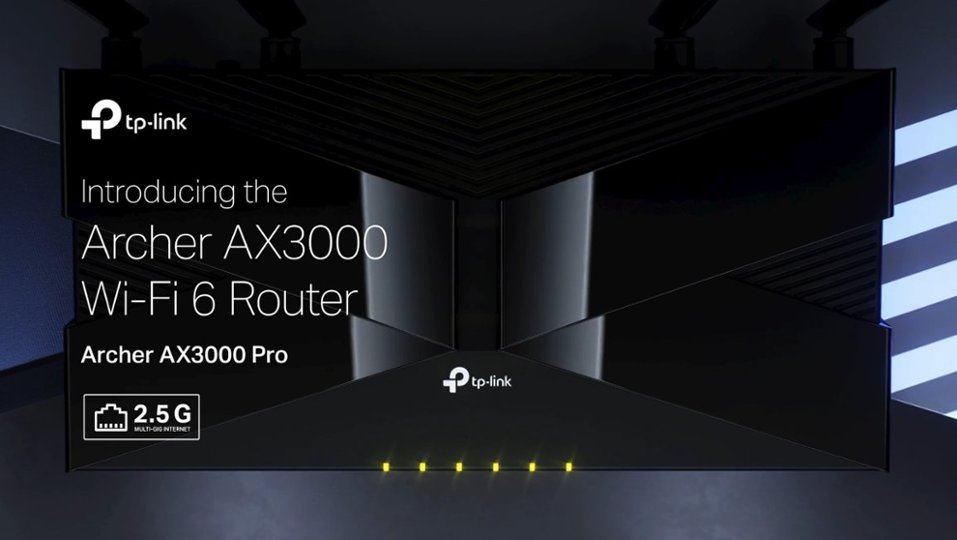
A:AnswerHi! No, the Archer AX3000 Pro is equipped with a 2.5Gbps WAN port in order to provide more than double the potential link rate of traditional Gigabit Ethernet (1Gbps).
A:AnswerHi! Yes, the Archer AX3000 Pro supports a Wireless Schedule Function that allows you to set parameters for when the Wi-Fi will be enabled or disabled.
A:AnswerThe same way it works with any other Internet Service Provider and a modem. Plug the modem into proper port on this router, and you have wifi. Probably better than the crap the ISPs "rent" to you.
A:AnswerReplace? No. This does NOT have a modem built in. It requires a modem to be plugged into it for internet access. It works for networking with out internet, as well, but for internet access, you need an isp and a modem to plug into this router.
A:AnswerTo define a device limit is rather difficult. The better question is the amount of bandwidth which is available and the amount of bandwidth (throughput as you call it) which is consumed by your devices. Having 20 devices which all require a lot of bandwidth (TVs, game consoles, and potentially laptops) will throttle everything. There are ways to set this up and limit some bandwidth to some devices and have no limits on others which might help your situation. Your bottleneck could also be on the internet side of this router (if it is connected directly to your internet connection) or any other routers between there and the internet.
Try to disconnect you different devices and then connect some and run speed test on each laptop simultaneously as you connect one or more. I believe that most TVs also allow direct connection to the internet and you could run the speed test on it/them simultaneously as well. Not sure what you define as an IOT, but the details there could also explain some issues (are there any servers serving the internet in your house? That could be a terrible bandwidth hog as well.
Personally, I have no problems with bandwidth but I only have 4 computers and 2 TVs on it and one of those TVs is hard wired (not WiFi) and I have no bandwidth issues from this device.
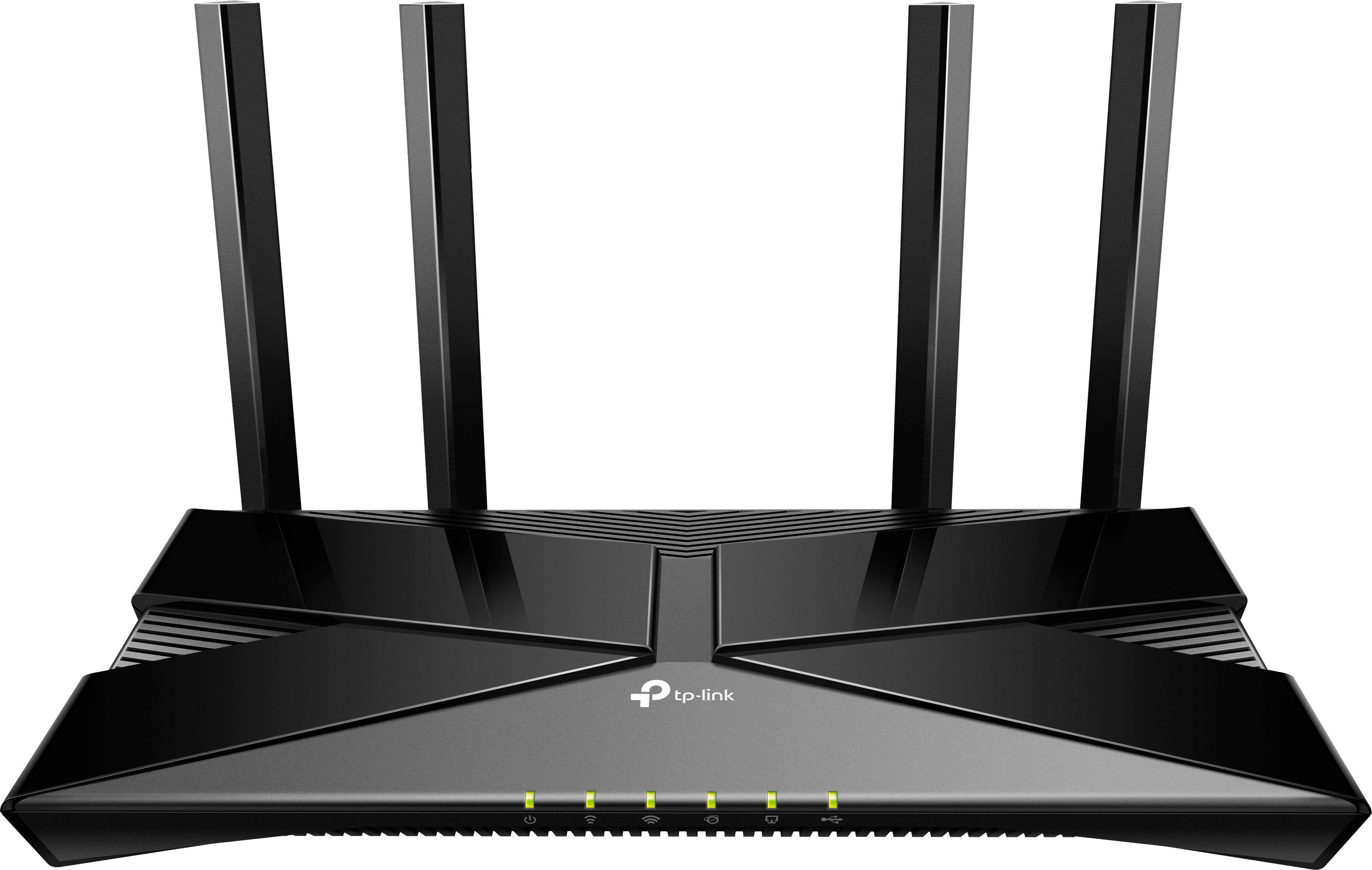
A:AnswerNot sure what you are asking here. It is AX3000. the AX entries are the model number. You can go to the TP-link site and compare models (AX55 to AX3000) and see the differences.
A:AnswerThankfully, your PC's operating system doesn't affect the router's installation. The Archer AX3000 Pro can be set up using a web browser or the TP-Link Tether app on your smartphone (iOS or Android). The router comes with a Quick Installation Guide that offers intuitive instructions for each setup method for your convenience.
A:AnswerThis router will work great for gaming plus manage any other WiFi or Wired devices on your local network. Having two routers on the same network can be done but one of them needs to be configured as an access point with its routing (DHCP) turned off so they will not fight each other for control. There are lots of great videos on YouTube that describe how to manage two routers on the same network while avoiding what’s called Double Natting.