A:AnswerThanks for your inquiry! Please reach out directly to our dedicated Support Team so they can get a better idea about the application you're referring to and lend a hand. They’re always happy to help and can be reached right from the support section of the Turtle Beach website. Thank you and have a great day!
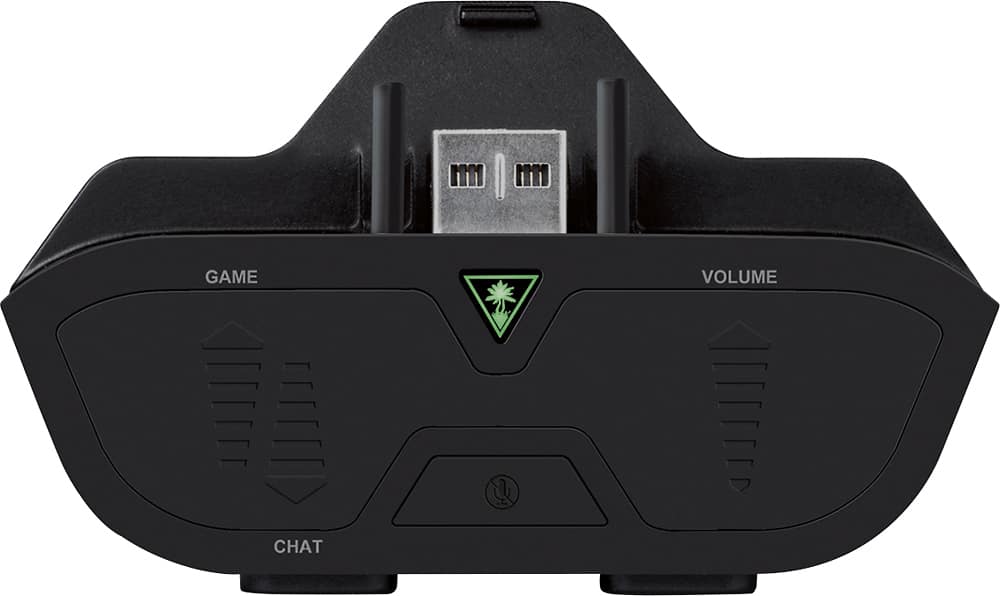
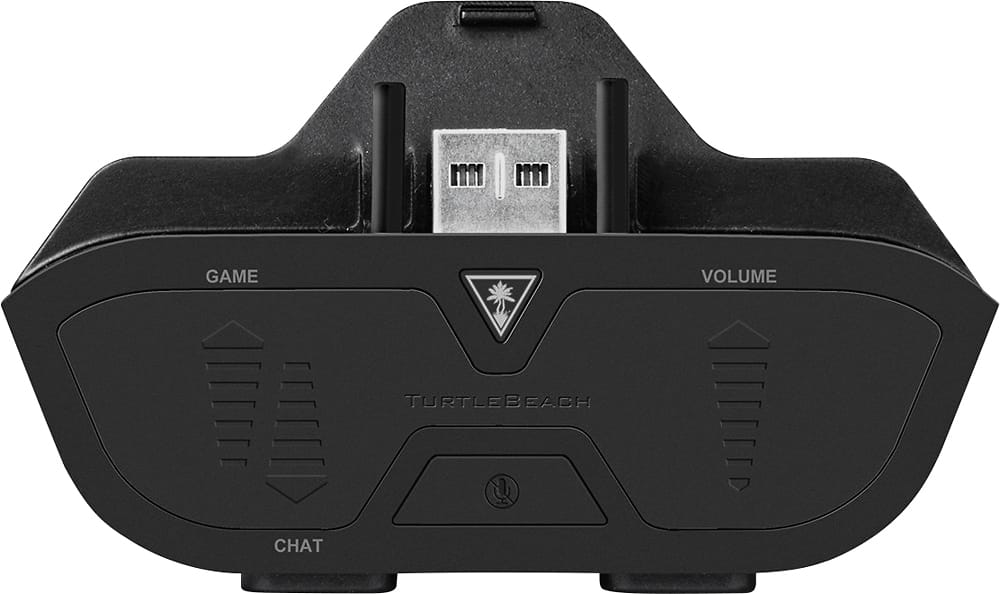
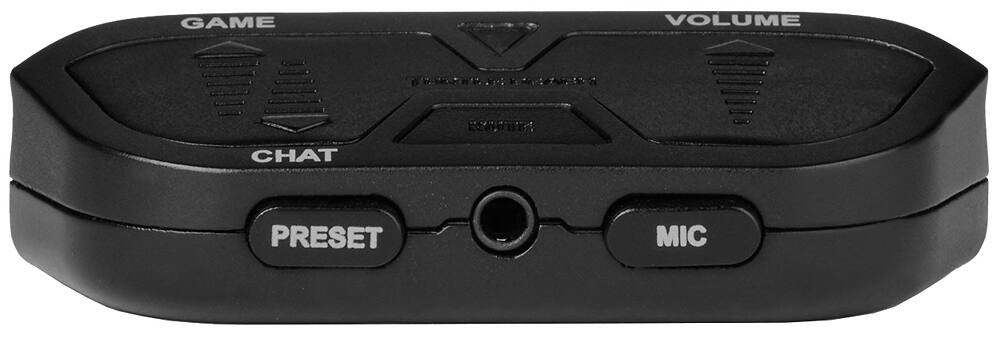
A:AnswerThe Headset Audio Controller does not provide independent game audio and chat volume. It provides the ability to adjust the Game/Chat balance in the wired headset it is being used with. If you want to hear more Game Audio, you will hear less Chat Audio and vice versa. This device is also only compatible with wired headsets and would have no affect on a wireless device.
A:AnswerThe Headset Audio Controller Plus (HAC) was designed to be used with headsets that are equipped with a 3.5 mm CTIA plug. If your HyperX Cloud II headset is equipped with that type of plug, then it should work with the HAC.
A:AnswerThe Rig 500 Pro uses a 3.5mm headphone plug, but the casing around it is designed specifically to connect directly to an Xbox controller. Due to that unique casing around the headphone plug, we can not make any guarantees that that headset would be compatible with the adapter or even capable of connecting to it.
A:AnswerYou would have to ensure that your Xbox controller is fully up to date. Microsoft periodically releases updates for their controllers, so it would be recommended to perform an update when one was available.
A:AnswerThis would make use of the port/jack in the middle of the controller, not the headset jack itself.
However, if the controller itself is still recognizing that a headset is connected to it; we can't guarantee that there isn't further internal damage to the controller that may prevent this adapter from working.
A:AnswerYou would want to reach out to our dedicated Support Team so they can assist in troubleshooting what you're experiencing. They can be reached via the support contact form on the main Turtle Beach website.