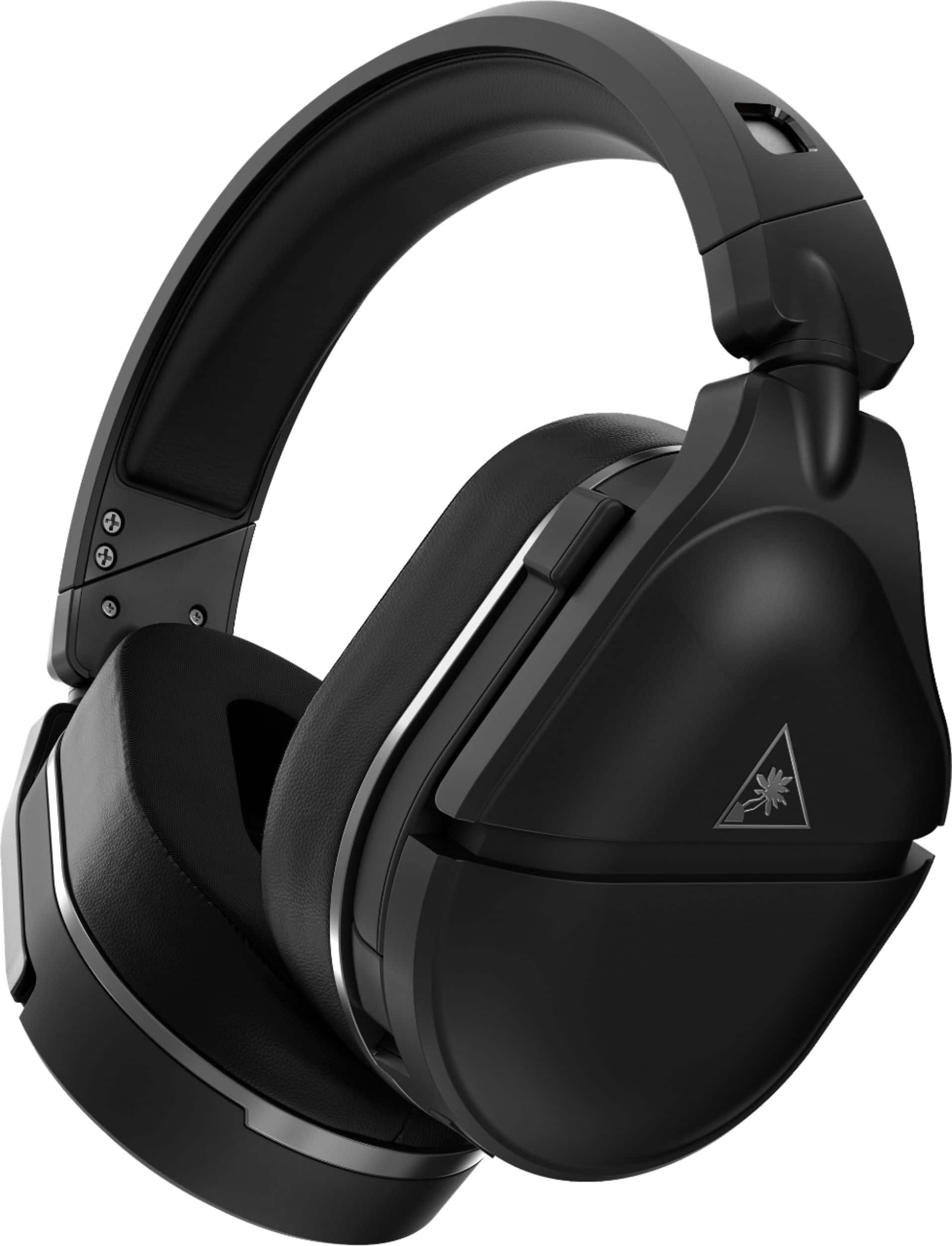
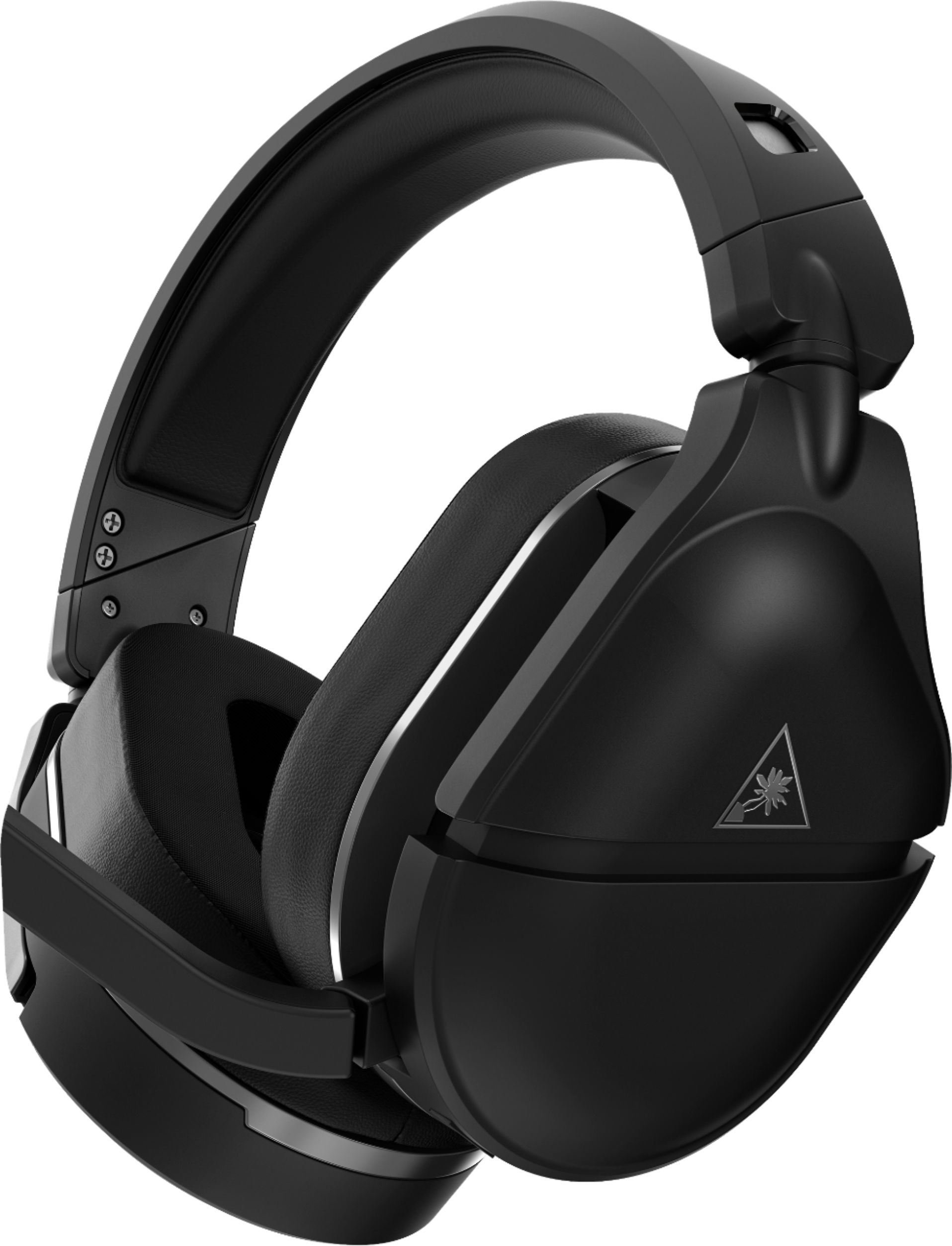
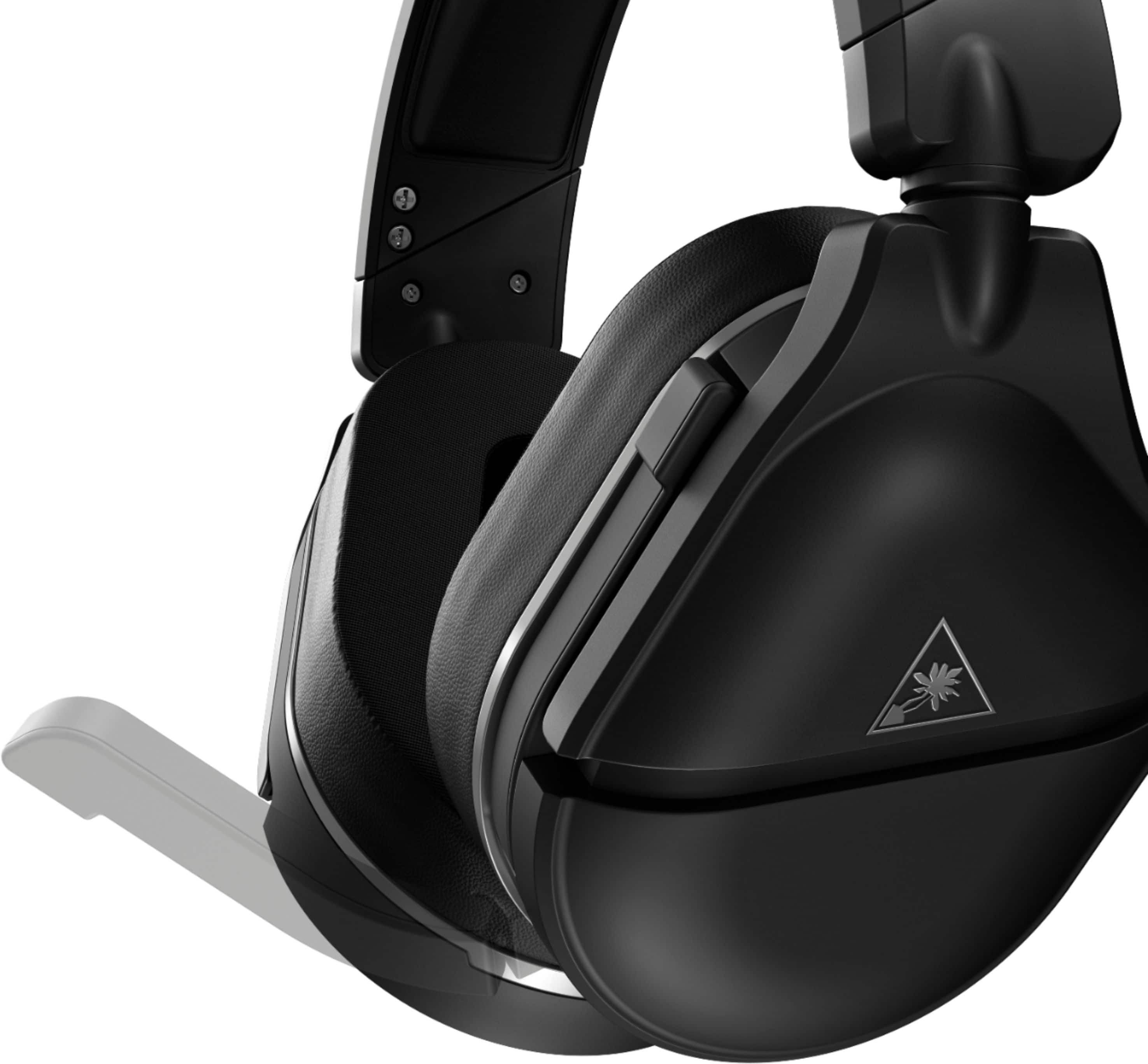
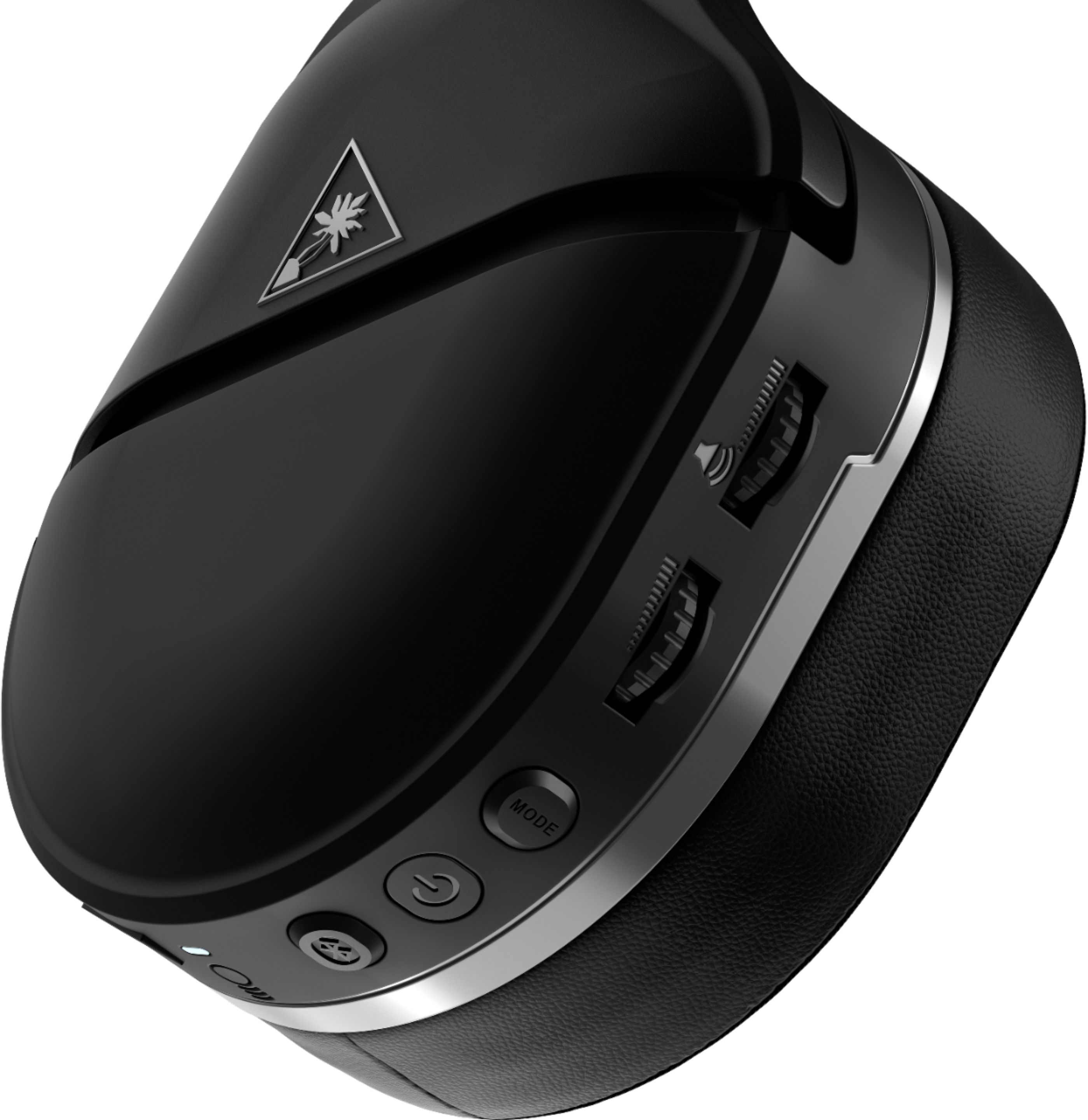
A:AnswerFrom my experience you can but I’m not sure if you can use the headsets mic as the mic to talk with but you can hear the discord call and talk I’m pretty sure, all you have to do is click the Bluetooth button and connect it to your phone and bam you’re ready to go
A:AnswerI would return the headset if you can and get a different headset. This headset only connects well with the xbox and mobile phones (via bluetooth) at the moment even though they should be fully capable of connecting to pc/mac via bluetooth. I expect they will resolve these problems eventually with a firmware update but as of now they have not.
A:AnswerA PC or Mac would be required in order to perform any sort of firmware updates. The headset can not be updated via the console itself, a mobile device like a tablet or smartphone, nor a Chromebook.
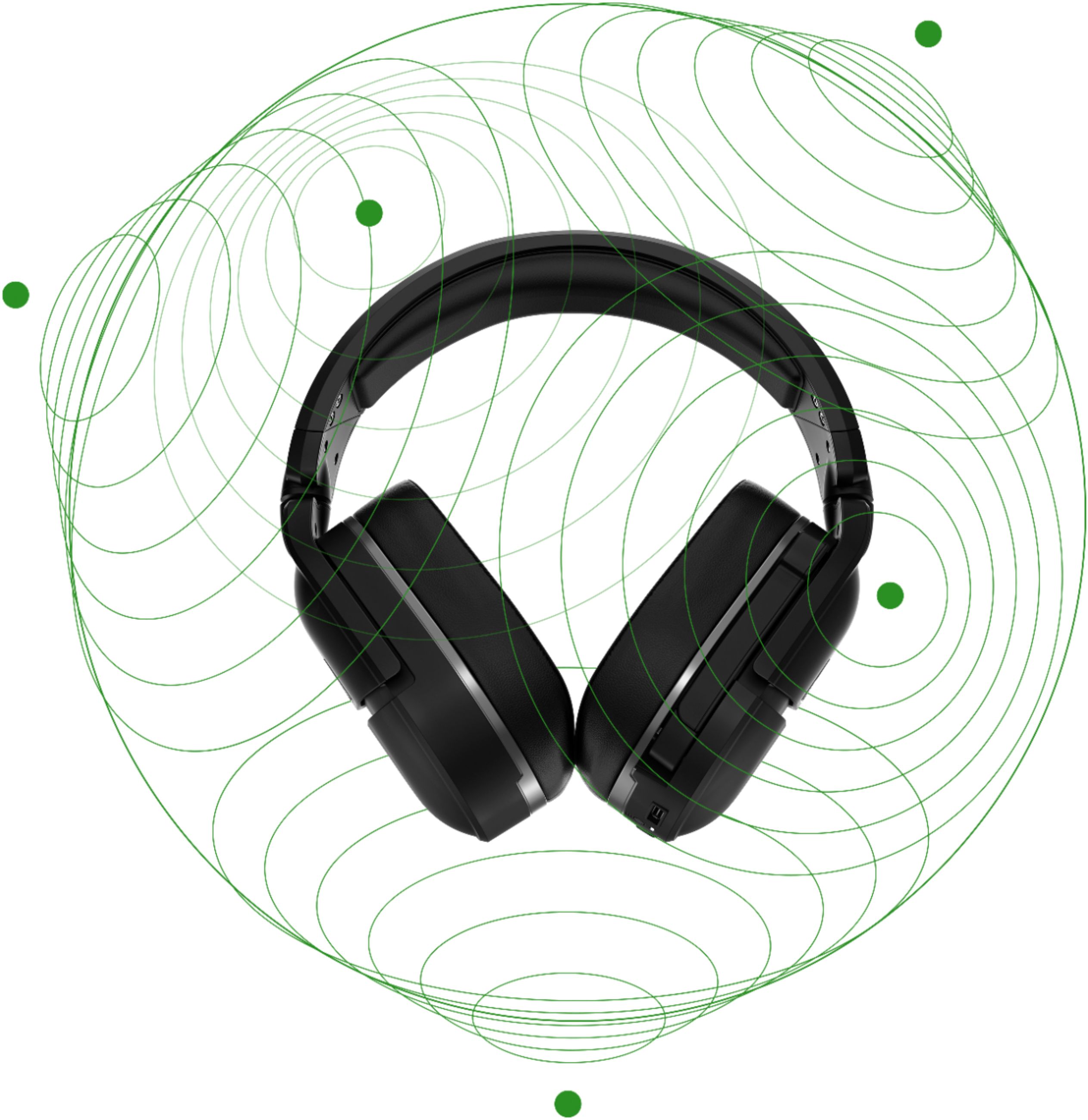
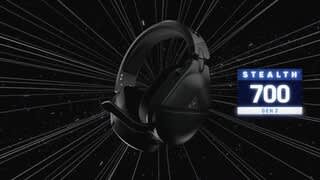
A:AnswerThe GEN 2 Xbox One headsets are fully compatible with Xbox One with Windows Sonic Surround Sound, which is a standard feature on those consoles. There is no need to go out and purchase access to Dolby Atmos.
If you want access to Dolby Atmos, then you would have to pay the fee that Dolby charges for it.
A:AnswerYou will want to double check your console's privacy settings & ensure that CrossPlay chat is enabled. This will ensure you're able to communicate with players from various consoles.
Also, ensure that your privacy settings are set so that you can communicate with "Everyone" via voice chat.
If this is occurring in a specific game, please be sure to double check the in-game chat settings as well as the game itself may have its own independent settings in that regard.
If you're still in need of assistance; our dedicated support team can be reached right from the support section of the Turtle Beach website as needed.
A:AnswerYes! Any charger that's USB C can charge this headset!
And vise versa, the charger that comes with this headset is (I believe) USB C 3.0 and i use it to quick charge my phone.
A:AnswerYou would need a headset for each console due to the differences in how each headset connects to the new consoles and due to the differences in how new consoles will handle game and chat audio.
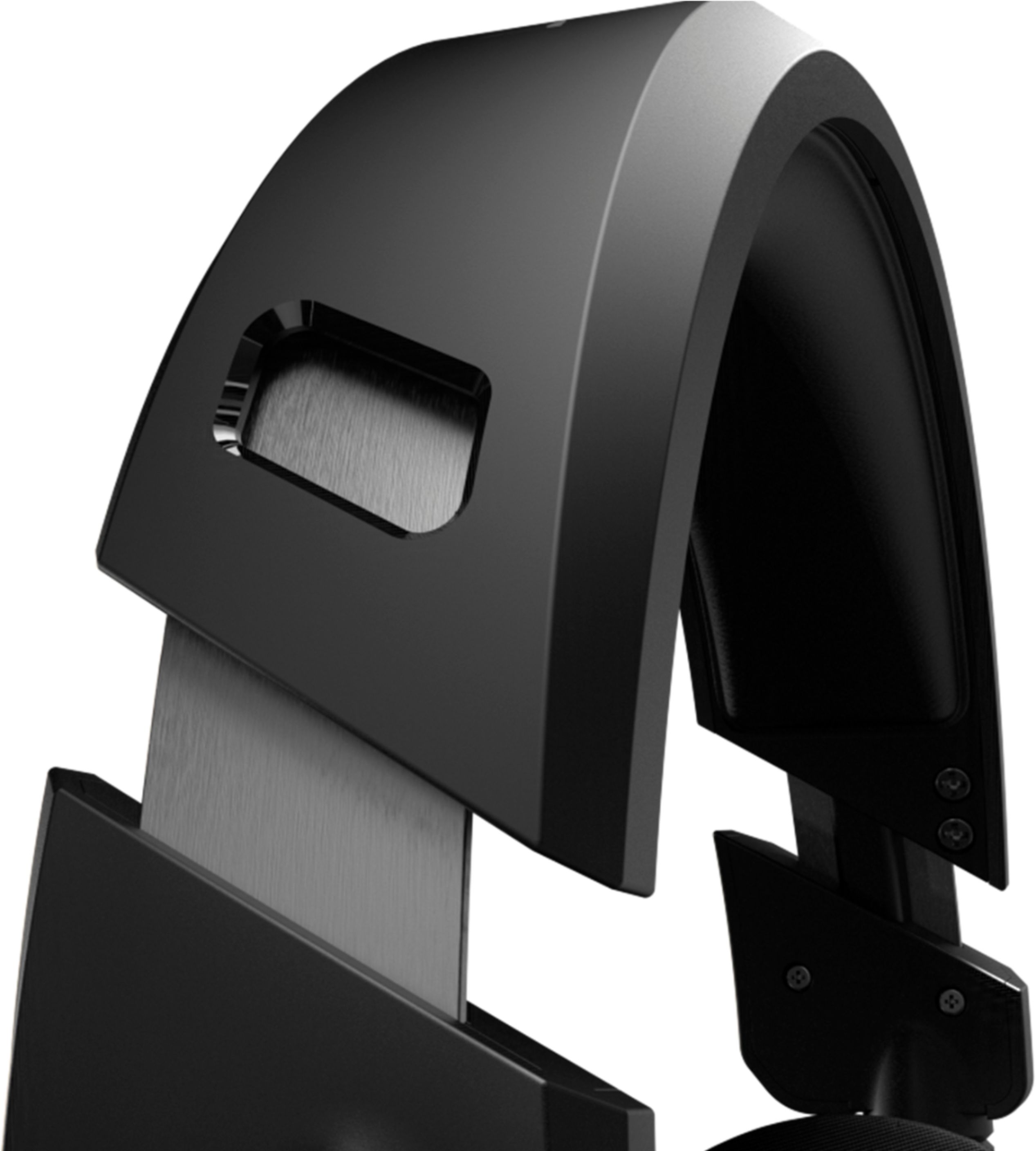
A:AnswerAbsolutely. The protection will cover wear and the fabric on the ear cup may separate. I have never had an issue with the headband because it is metal reinforced. However, it has been beneficial for the other components.
A:AnswerThey are able to connect via Bluetooth. However, there is a designated PS model of these headphones that will provide a more seamless experience.
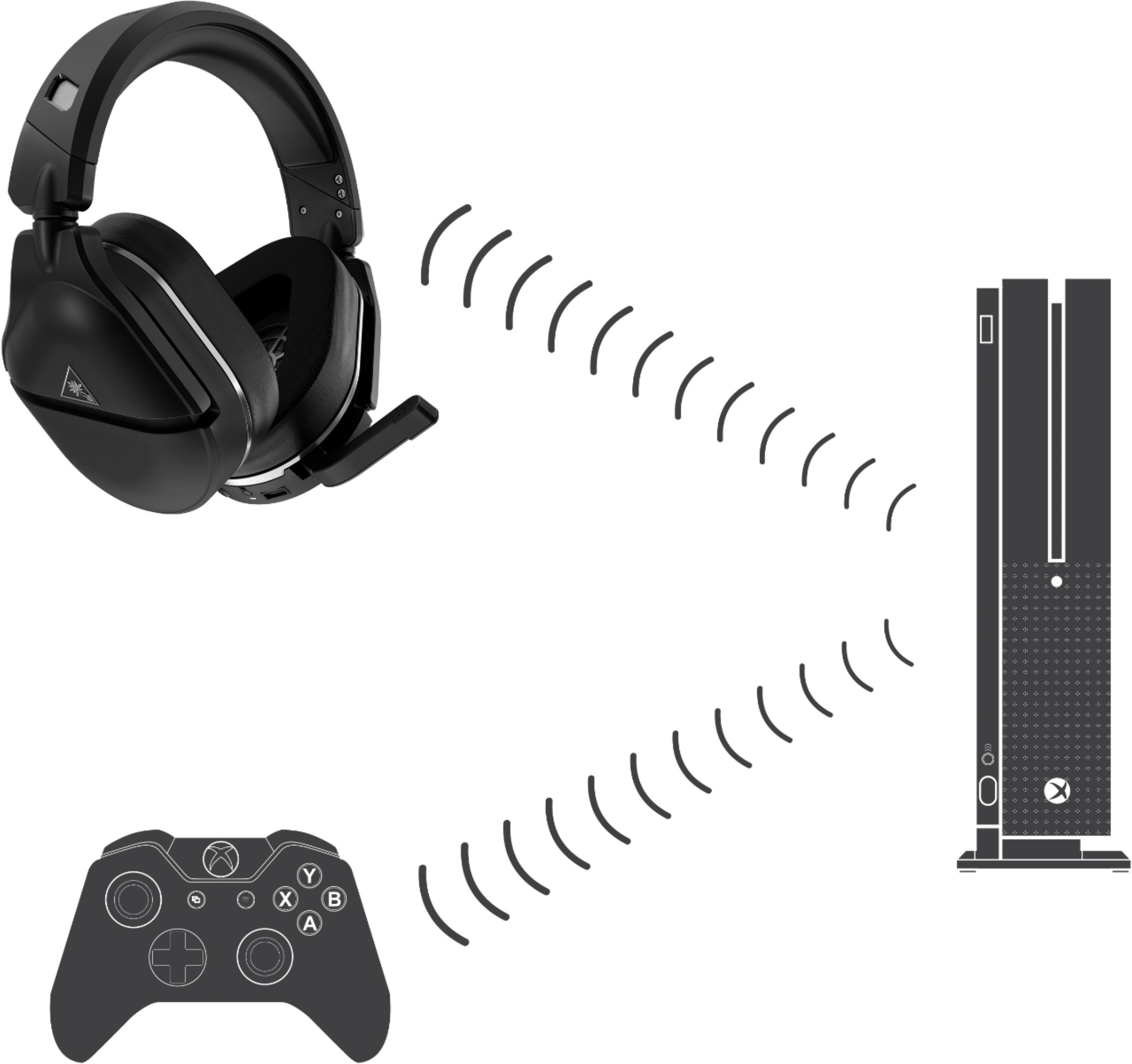
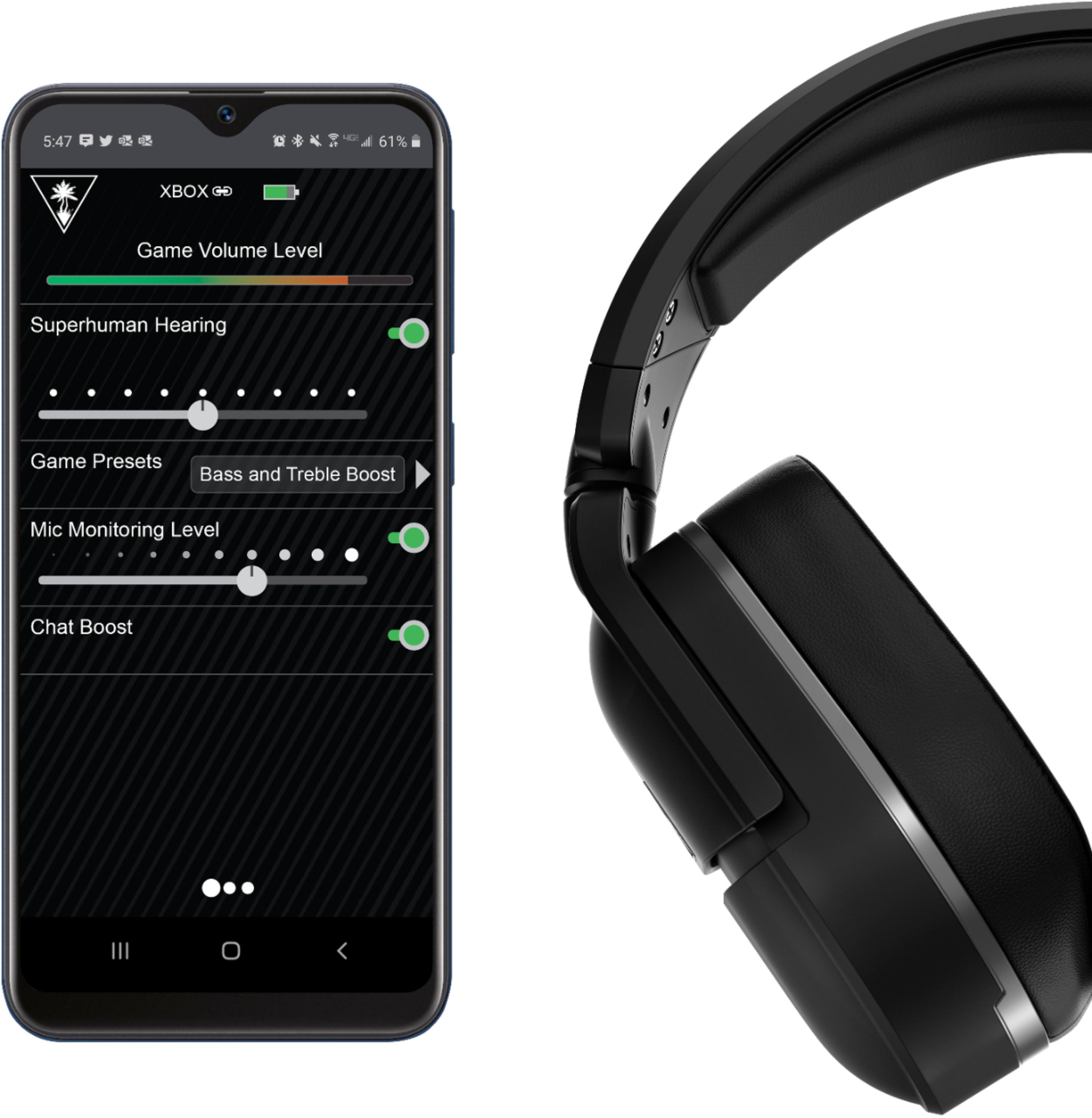
A:AnswerThese will Bluetooth to your phone for phone calls and it also connects to the Xbox via pairing it with the pairing button on the Xbox. The one thing I love about it is if I am in game party chat and someone calls my cell and I answer it, I hear it through my headset but can still hear my party as well at a lower volume. They are not able to hear me or my call. All the settings with this headset are done via the app on your phone wirelessly or you can hook it to a computer as well.