A:AnswerIt's okay.....I don't play it loud, that's not what I intended it for....the sound quality goes down as you dial up the volume.....hope this helps
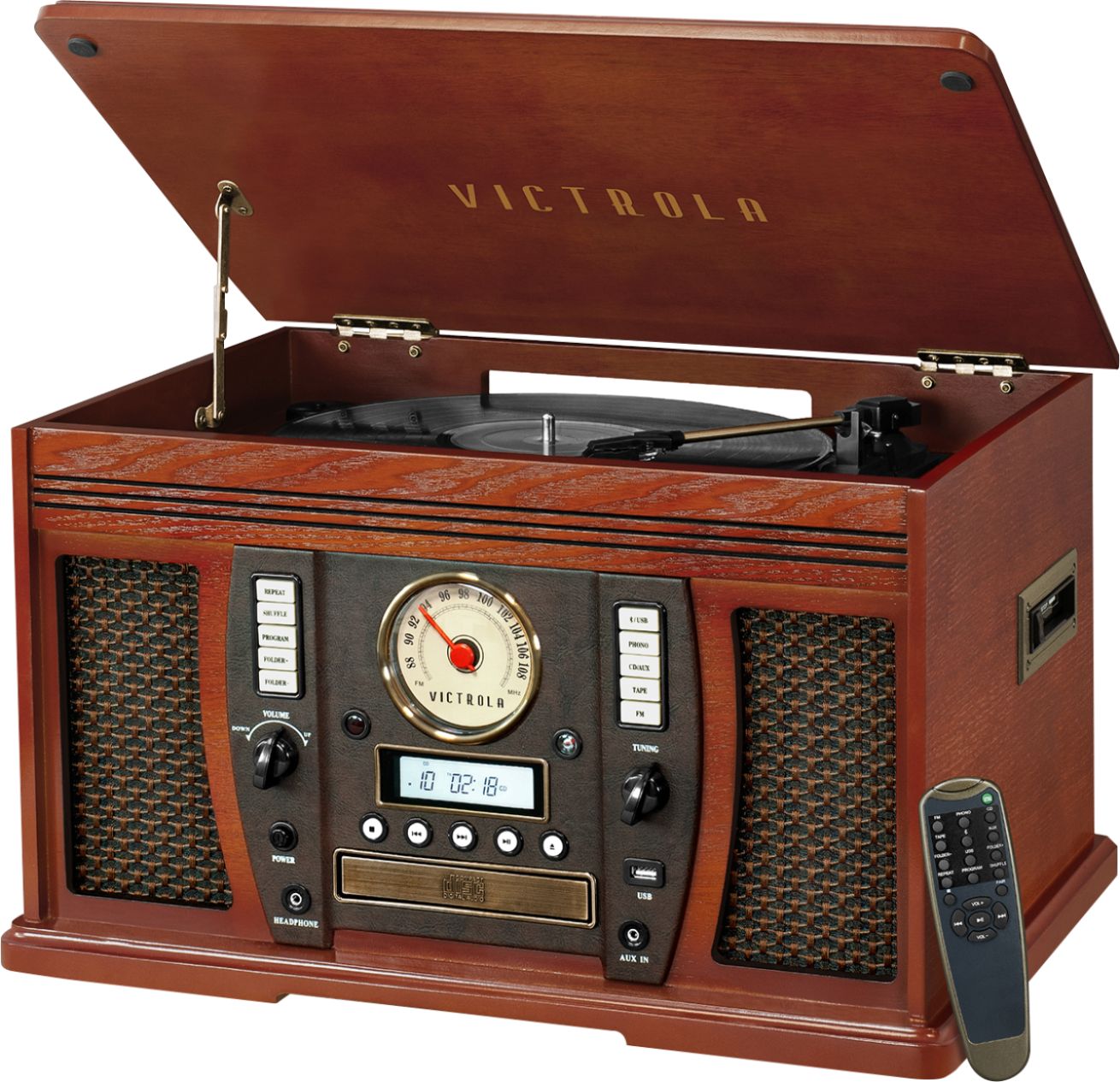
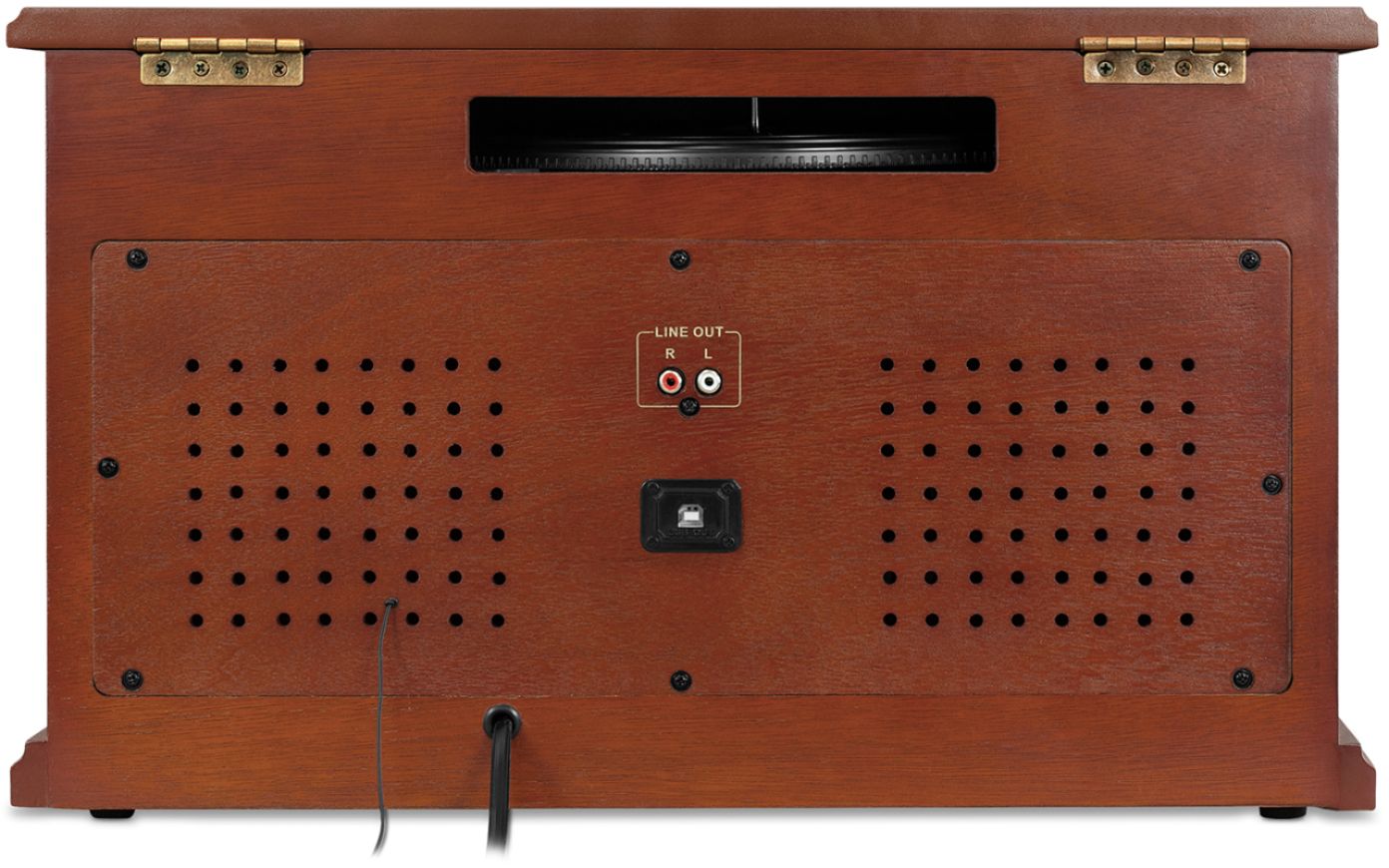
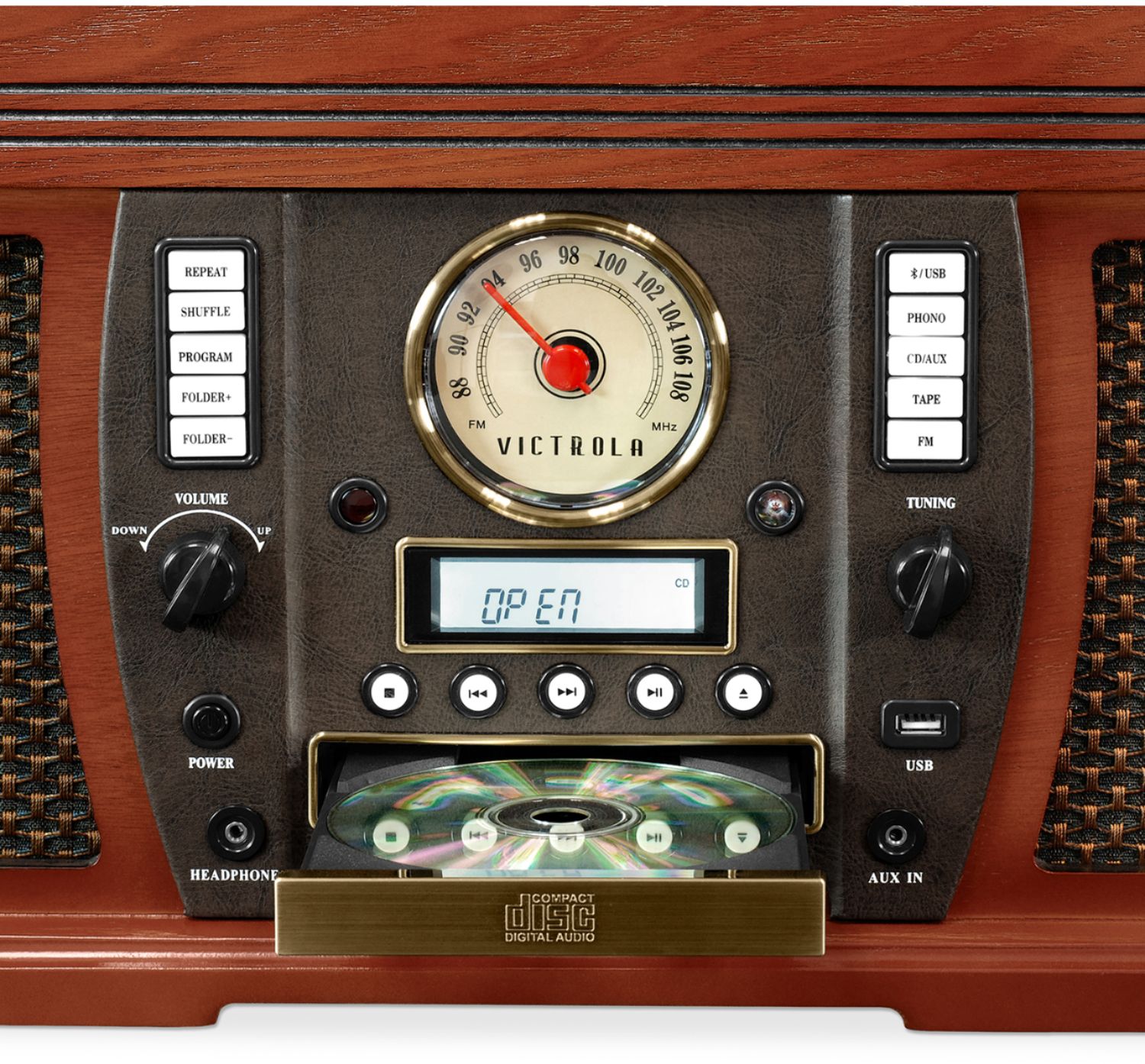
A:AnswerI have the model 754B purchased at BestBuy. On that model the USB port on the back of the unit will output an audio stream from any of the devices on the Victrola unit, Radio, CD, Cassette, or Phonograph. I have tried them all! The cable carrying this audio stream is connected to a USB port on your computer and through the Audacity software, that is available free on line at audacity.com you can capture, save and process that audio stream into one of several different audio formats. The most common are MP3 or WAV files but several other music formats are available through Audacity.
Just be advised I am on my third Victrola unit, on the first one the USB port on the front for playing music from a memory stick did not work. On the second unit the Cassette tape player did not work. So far everything is working on the third unit.
As I have stated in previous comments, VICTROLA Customer Service is extremely poor. I have tried many, many times using the on line question tool at victrola.com and the phone line at Victrola and have never received a reply.
There is no HOLD function on the Victrola phone line and while they say they will call you back, in the more than half dozen times I have called and left messages I have never received a call back.
Also, to get the unit repaired under warranty you have to pay to ship it to New York, the unit weighs 27 lb. for me the cost to return it was $72. AND, you have to send a check with the unit to pay for handling and return shipping. This of course is if you can get an RMA from Victrola which is required for any return.
Thank goodness for Best Buy Customer Service they have saved me both times by going above and beyond to help. If your going to buy one of the Victrola units, buy it from Best Buy or get burned. And buy the Geek Squad protection plan...SERIOUSLY.
AND NO!! I don't work for nor am I associated with Best Buy except as a Customer.
A:AnswerNo. It functions as a bluetooth speaker, so you can send music from a phone or other device to play through its speakers. However, you can't use an external bluetooth speaker to play media from this unit.
A:AnswerYou need a pre-amp or receiver with Line in connections to play to additional speakers. The unit will not play directly to speakers. The remote runs all your functions, cd, radio, cassette, volume, track change fast forward etc....
A:AnswerThe Victrola will convert vinyl to an audio stream that is fed to your computer (using Audacity software) through the USB port on the back side of the Victrola. From there you can fix the "needle on wax sound" or any other sound you want, if it is noticeable, using the Audacity software... if you are good enough. The software is capable and the tutorials are excellent... it's up to you.
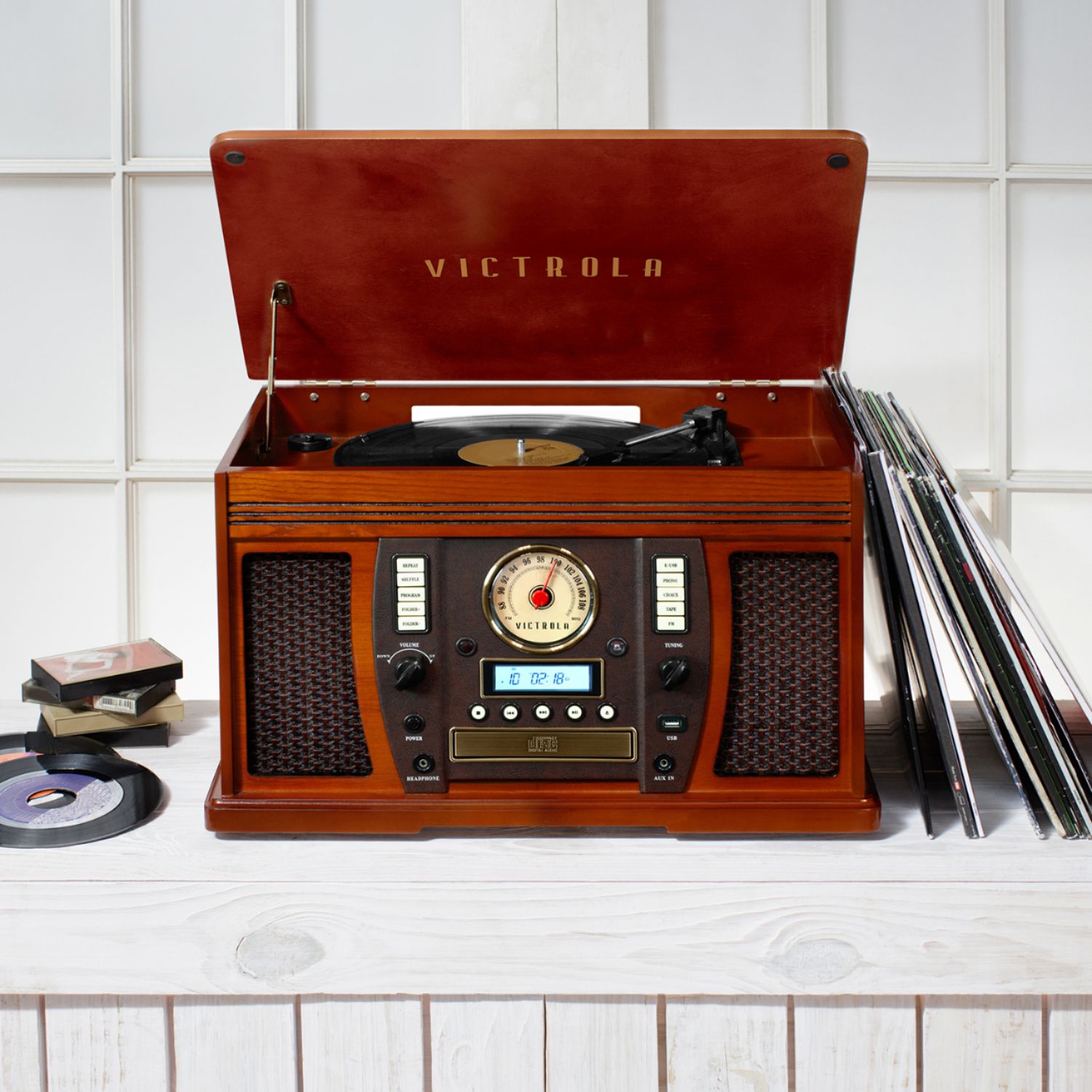
A:AnswerMine is 12 & 1/2 inches high with lid closed, 20 & 1/4 inches wide, and 13 & 1/2 inches deep......the cord comes out the back but doesn't take up much space...Mine is the 8 - 1 version, not sure if the others would be smaller
A:AnswerI talked to the technical dept at Victrola and I was told there is no way to reset the volume. This is the default and they couldn't explain why. I returned the item for that reason.
A:AnswerHello,
I have not bough the system myself, but to answer your question. MP3s are digital music files that can be burned onto CDs if you have the appropriate disk drive. If you turn your vinyls into MP3s and store them on your computer you could theoretically burn it on to some blank CDs if you have the proper CD(-R?) drive.
Sincerely,
Gaspar
P.S. If anyone reads this and realizes I'm wrong about something, please correct me.
A:AnswerIt does not have bluetooth out but that can be accomplished by purchasing a bluetooth adapter with RCA or 3.5" audio. I now can take my portable bluetooth speaker all around the house and outside on my porch. The sound coming out of the player is actually very good even turned up loud. I wish it came with bluetooth out but I got it going anyway!
A:AnswerIt has built-in speakers but also
Listening through RCA LINE OUT
For amplifier device listening, first reduce the volume level to minimum. Insert the white and red plugs on the RCA cable into the back of the unit, then insert the opposite end into your amplifier device. Be sure to connect the white plug into the white jack and the red plug into the red jack.
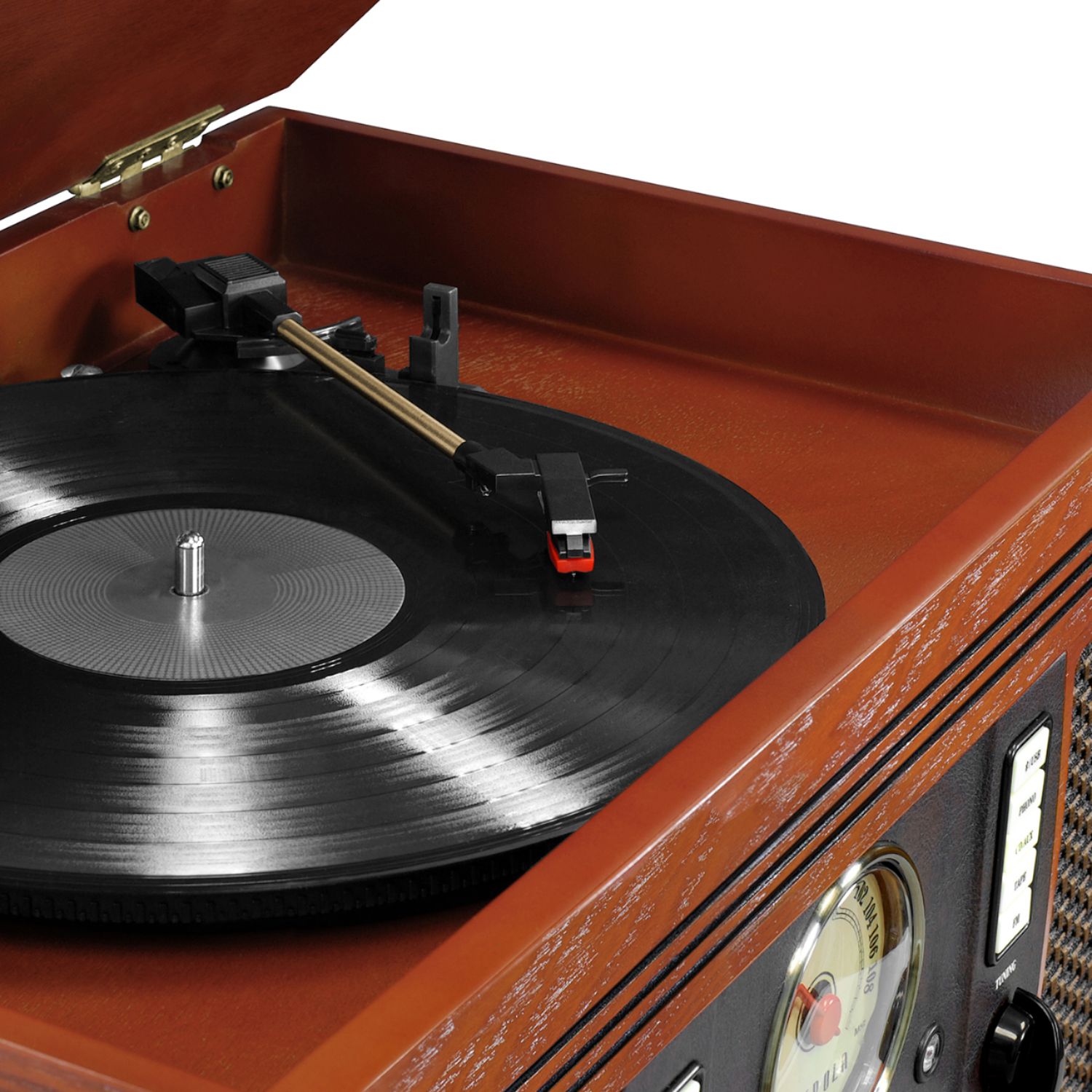
A:AnswerGrasp the adapter and gently pull upward until it comes off of the center peg holding it on. You may have to twist it but not much. Don't pull too forcibly as there is a little overhang on the adapter itself, keeping it attached to the peg.