
Questions & Answers
- Model:
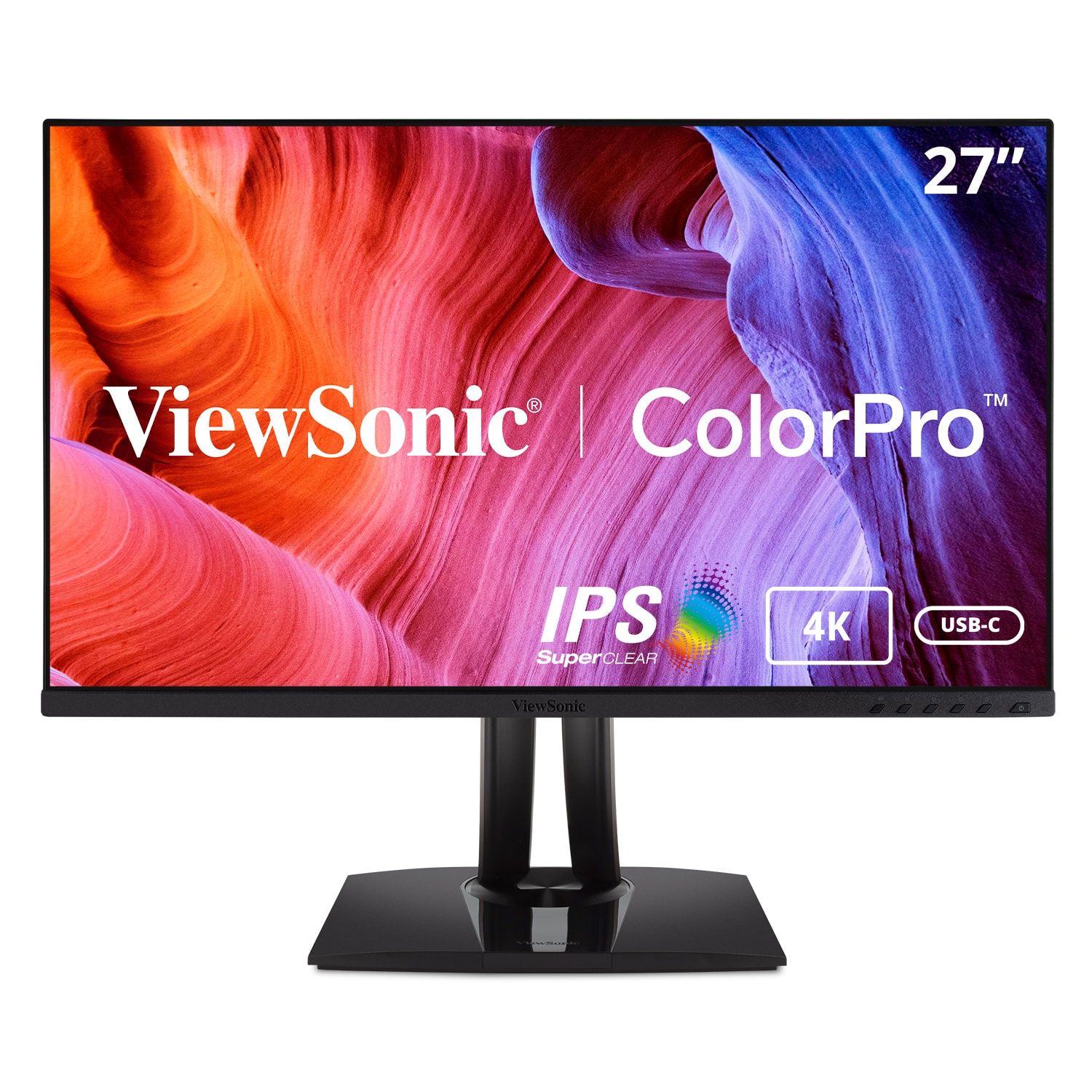
- VP2756-4K
- |
- SKU:
- 6509003
$449.99Your price for this item is $449.99
Page Showing 1-9 of 9 questions
Q: QuestionWhat is the brightness level of this ViewSonic monitor?
- A:Answer This monitor has a brightness of 350 candela per square meter.
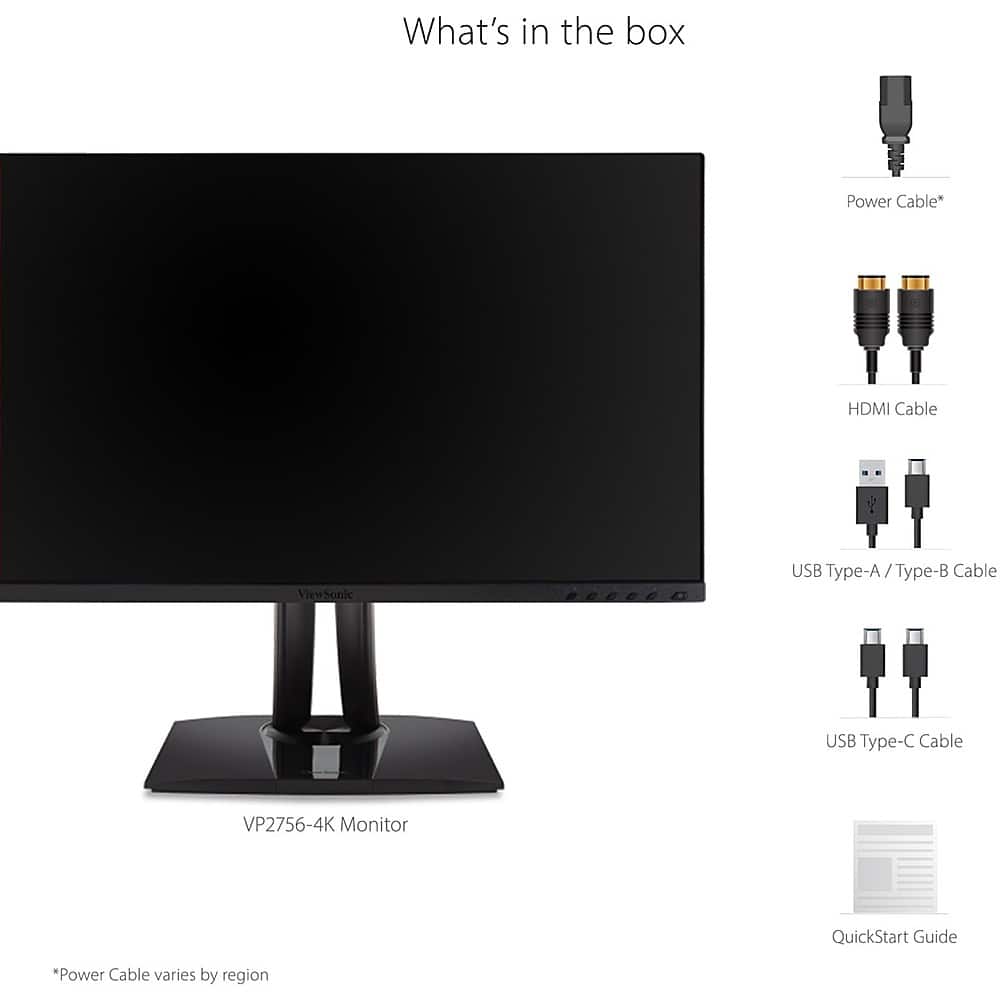
This question and answer was generated by AI based on customer and product data.Q: QuestionDoes the ViewSonic monitor include a stand?
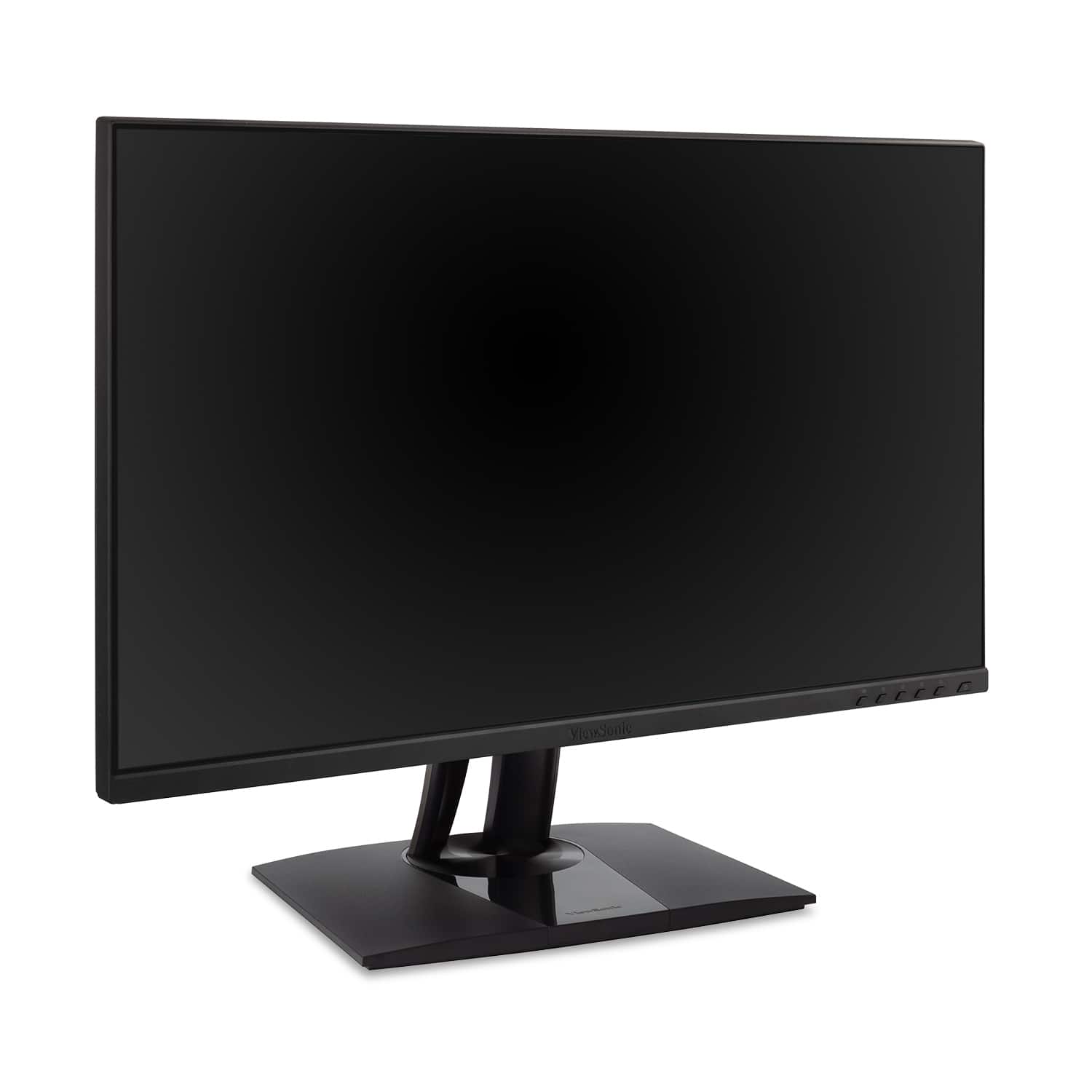
- A:Answer Yes, the monitor includes a stand.
This question and answer was generated by AI based on customer and product data.Q: QuestionWhat type of panel does this ViewSonic monitor use?
- A:Answer This monitor uses an IPS panel.
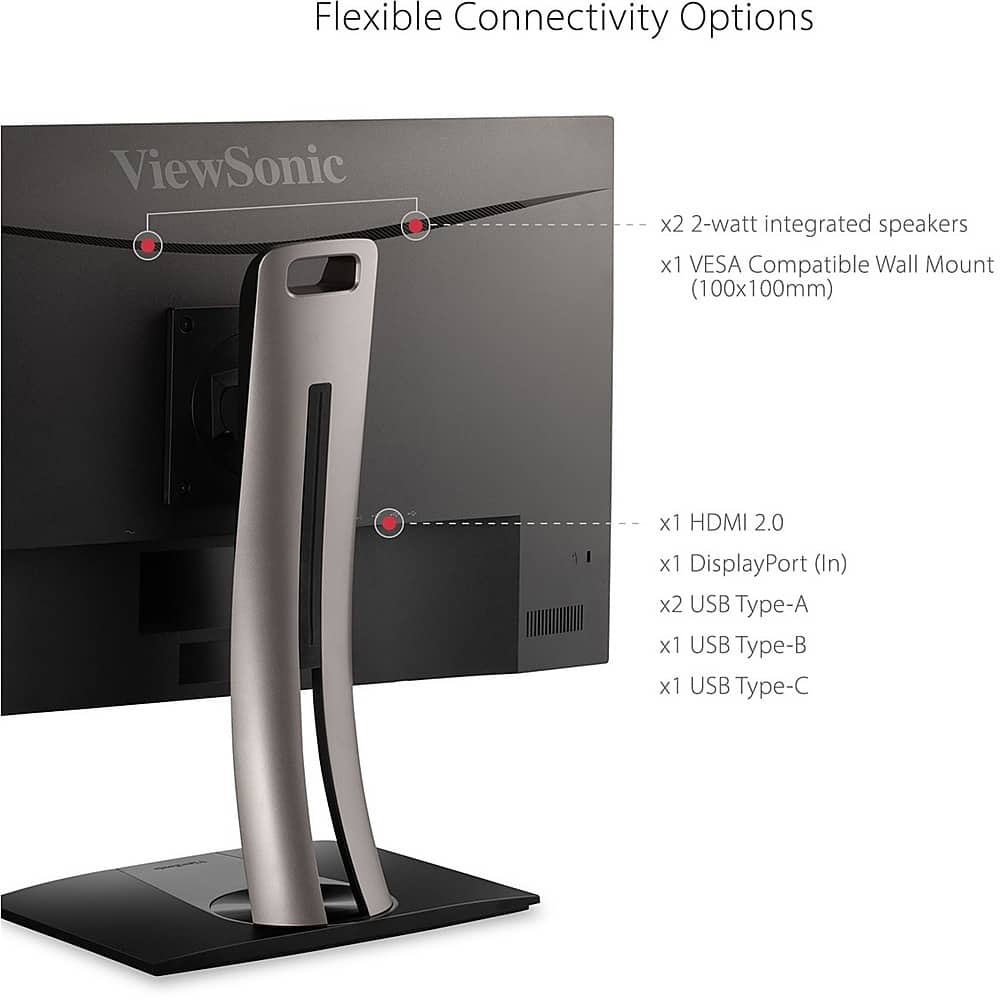
This question and answer was generated by AI based on customer and product data.Q: QuestionDoes this monitor have built-in speakers?
- A:Answer Yes, the monitor comes with integrated speakers.
This question and answer was generated by AI based on customer and product data.Q: QuestionWhat is the response time of this monitor?
- A:Answer This monitor has a response time of 5 milliseconds.
This question and answer was generated by AI based on customer and product data.Q: QuestionHow is the monitor connected for power?
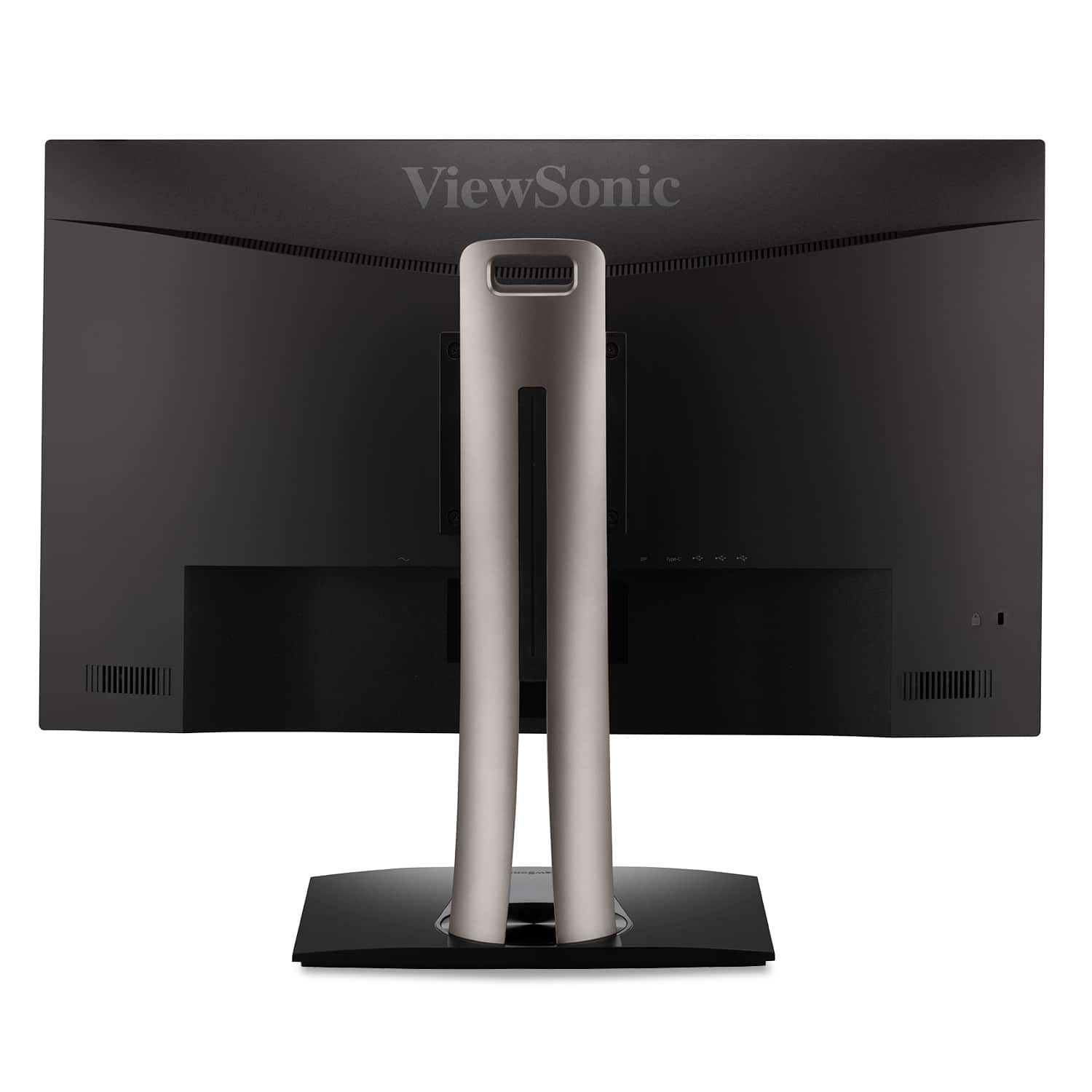
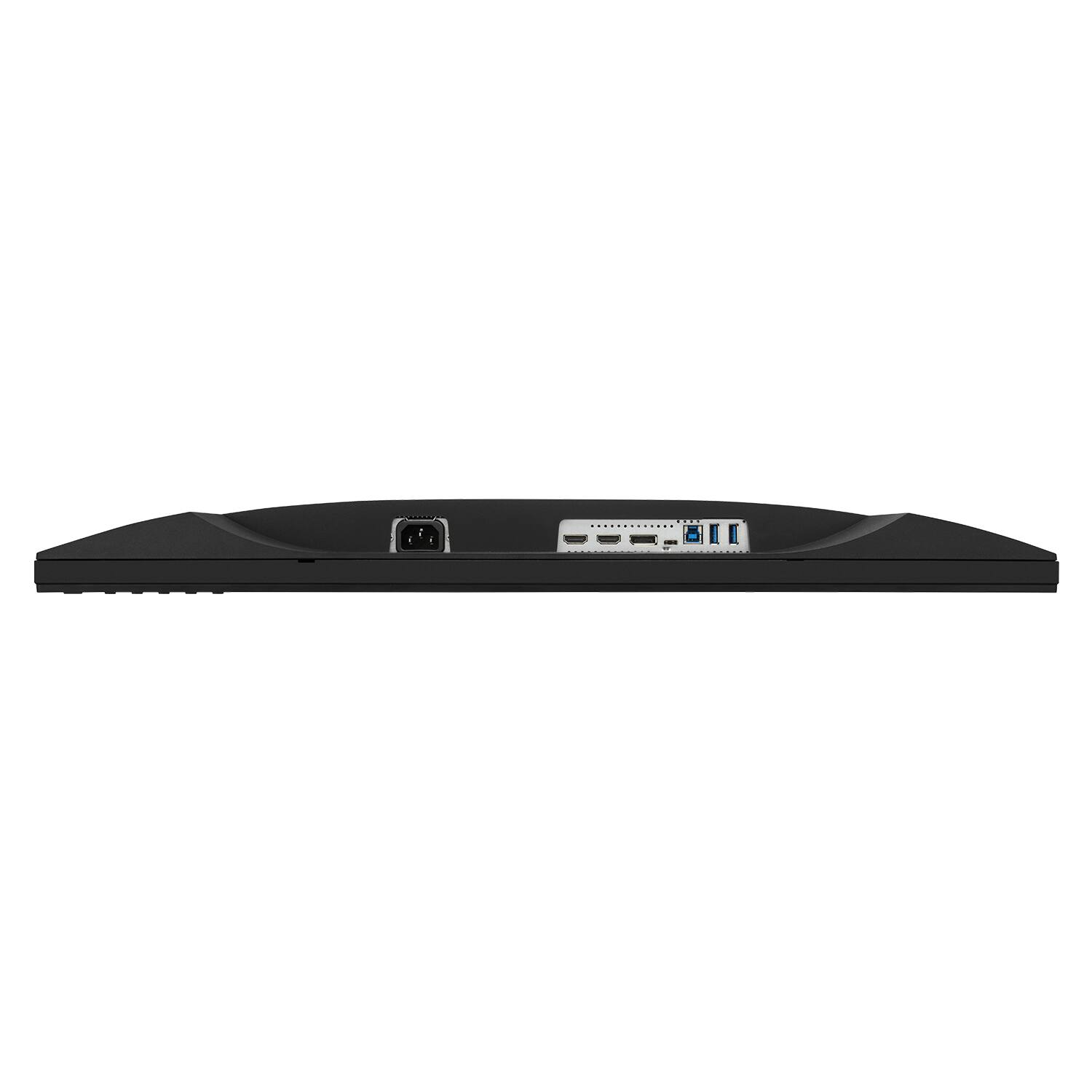
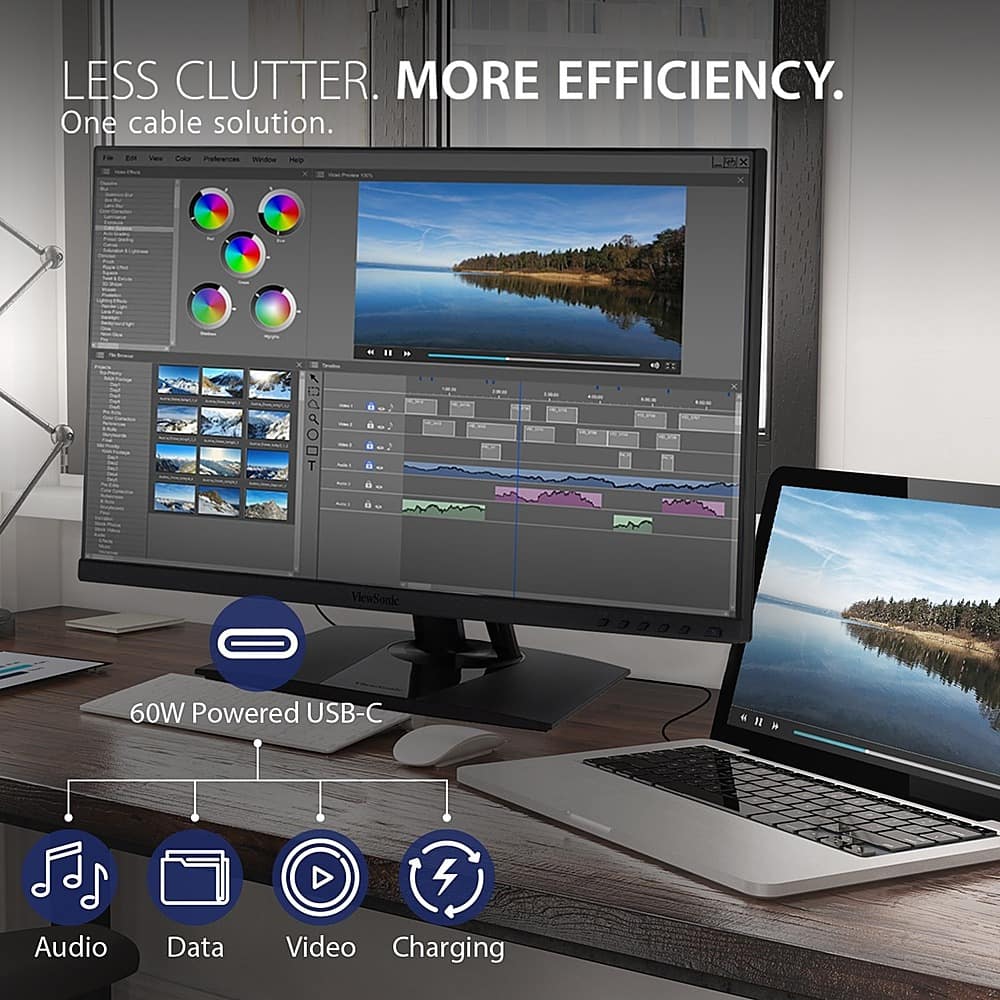
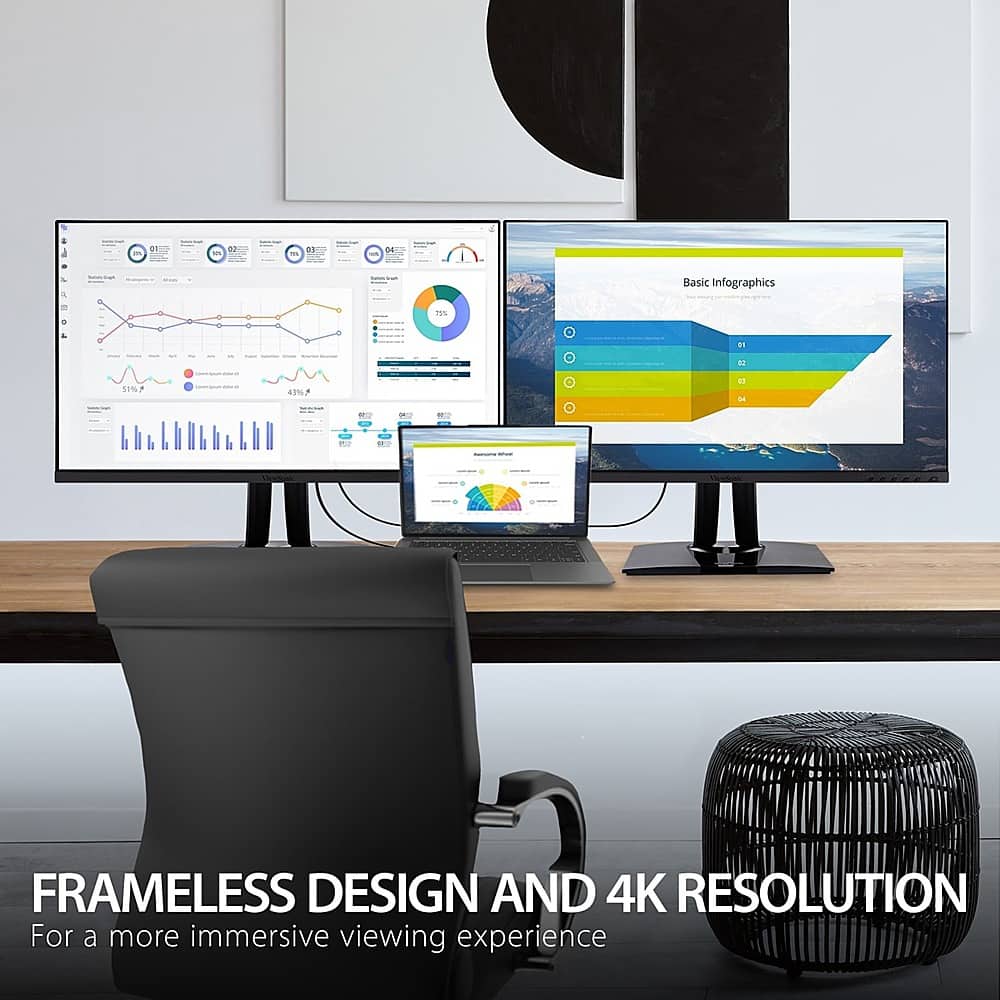
- A:Answer The VP2756-4K is equipped with USB-C for single cable connectivity to deliver video, audio, and 60W of power delivery.
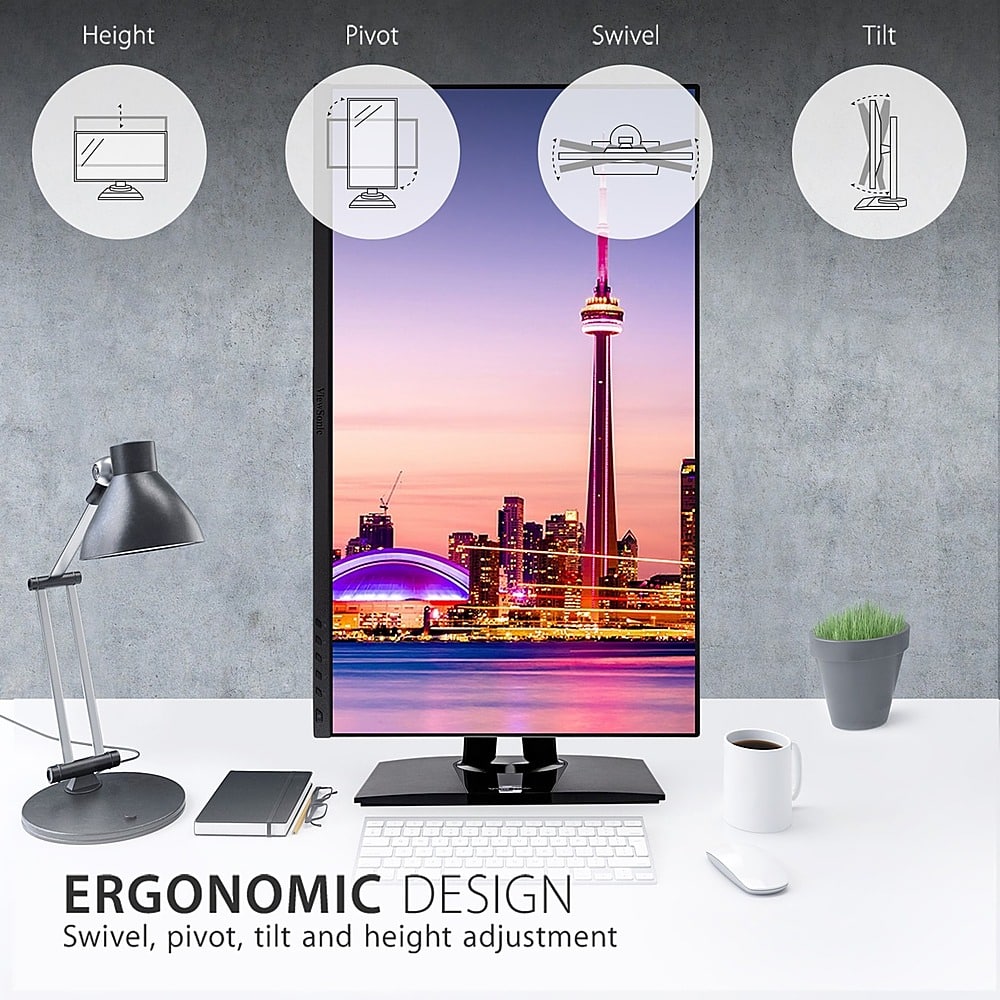
This question and answer was generated by AI based on customer and product data.Q: QuestionCan this monitor be positioned vertically on the same stand it comes with?
Asked by Bobby.
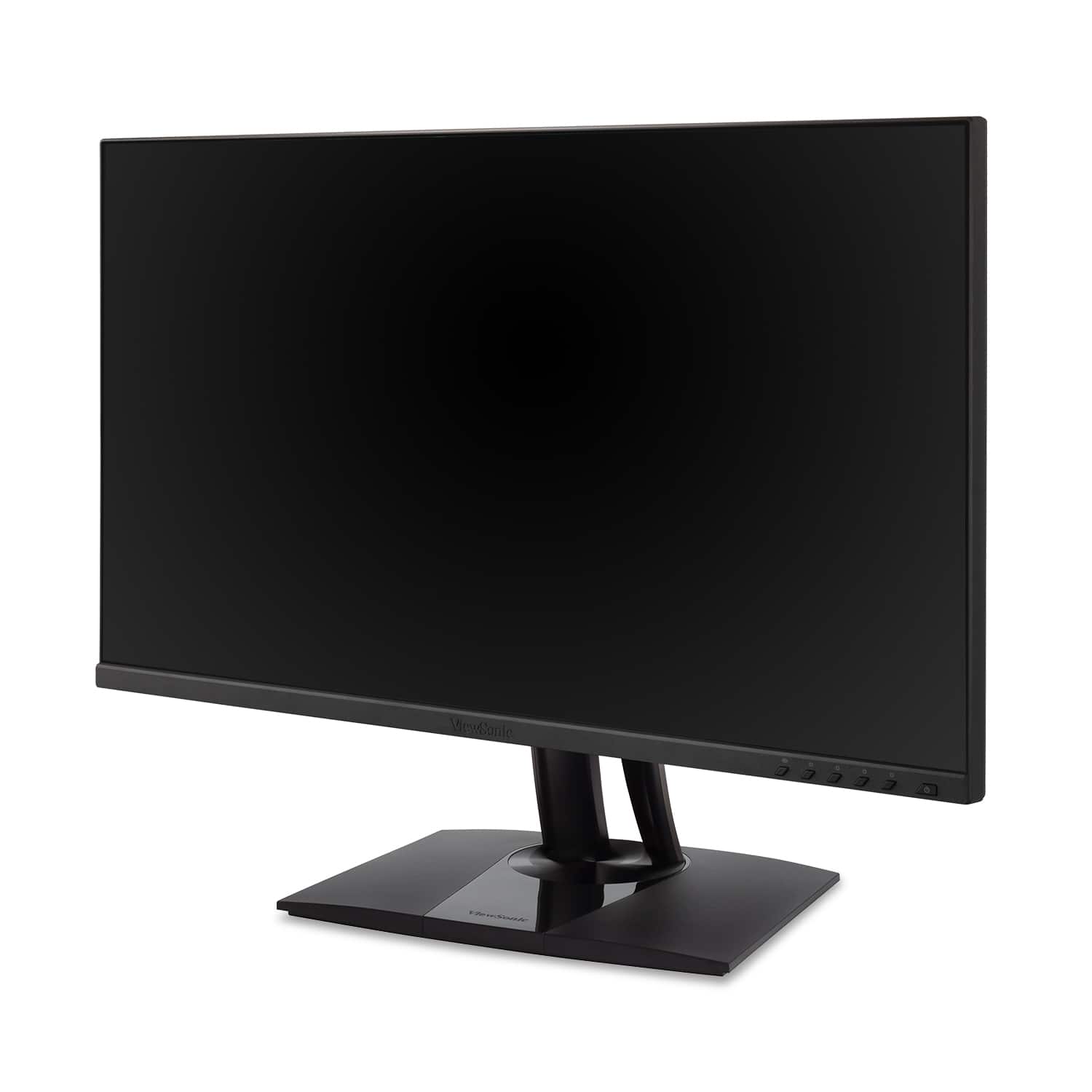
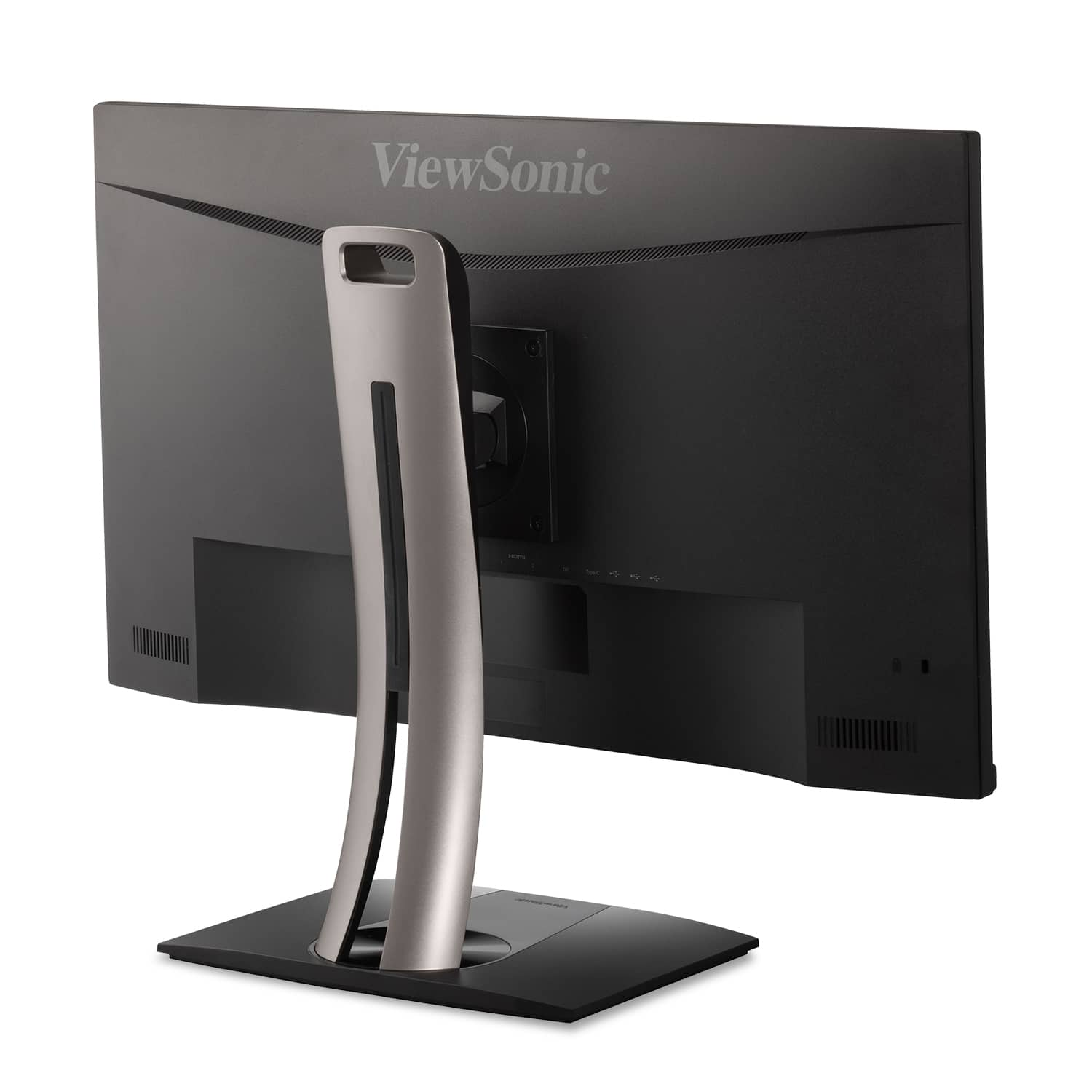
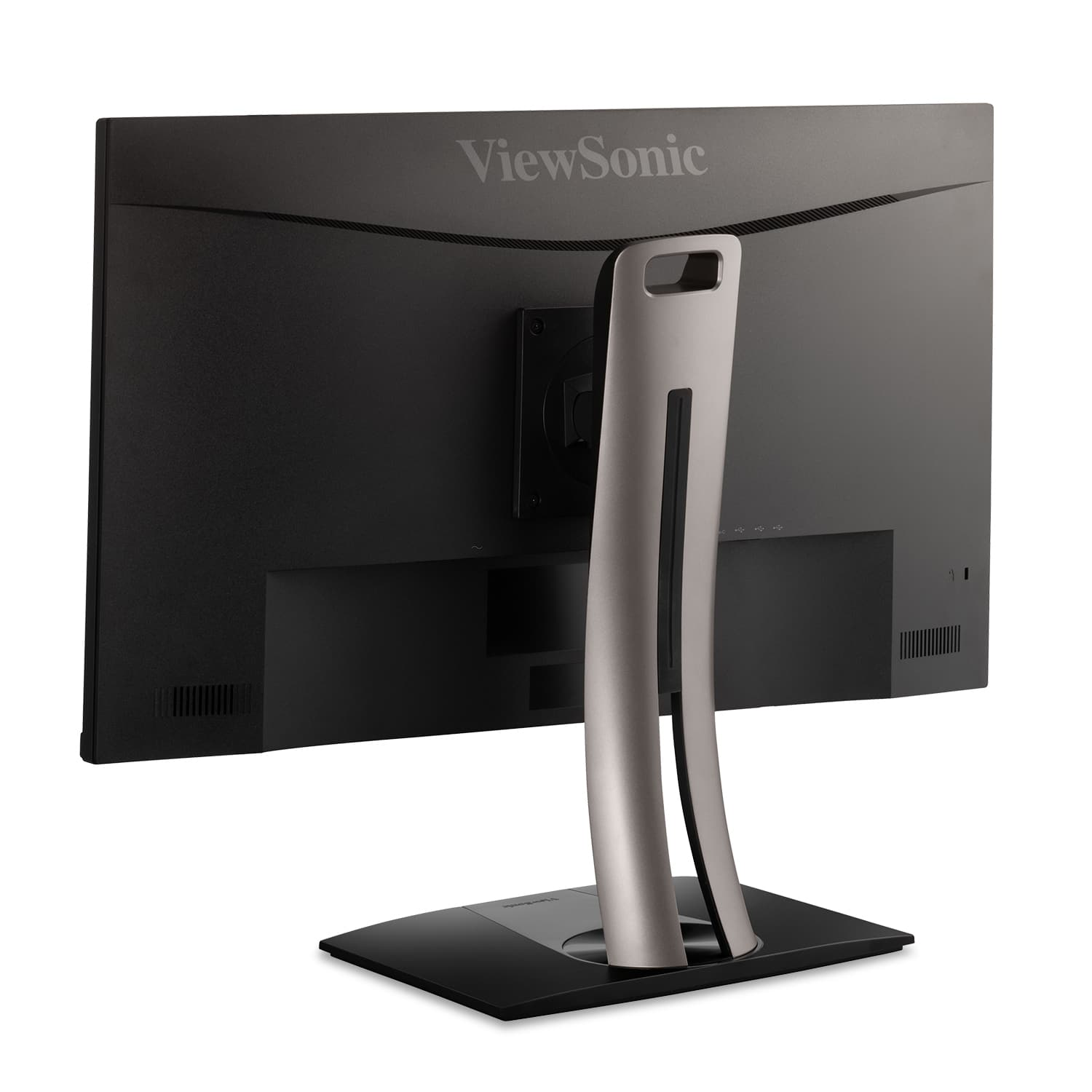
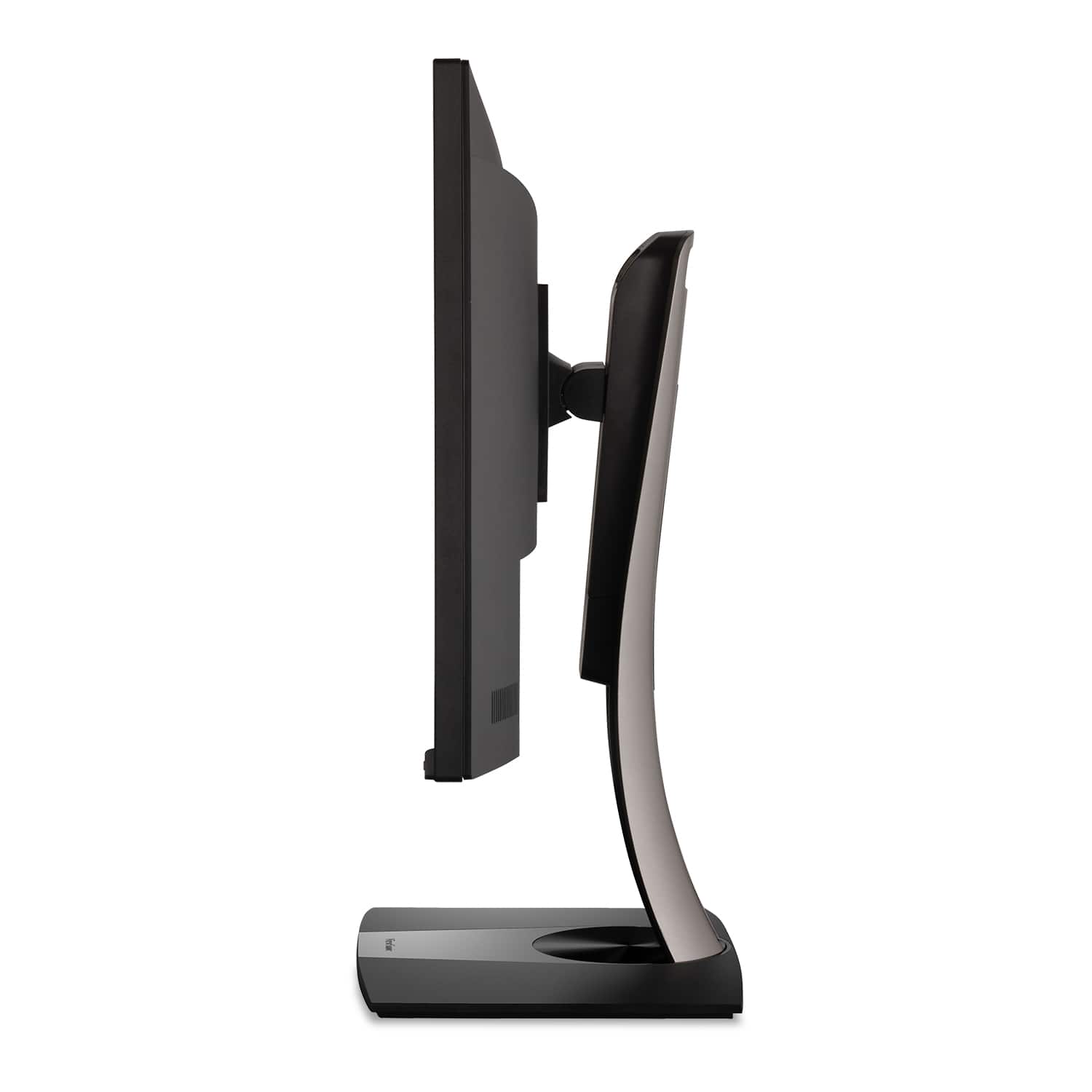
- A:Answer This monitor can be positioned in portrait mode with the stand it comes with as it provides swivel, tilt and pivot functionality.
Answered by ViewSonic Corporation
Q: QuestionCan you explain the variety of USB ports? I assume it's a hub? Which are used to connect to the computer and which become hub outputs? From a MacBook can I use USB C instead of HDMI for the video? Does this become a one cable connection?
Asked by DC.
- A:Answer As far as I can determine: Can connect via USB-C, for video, OR connect video via DP v1.2(?) & USB-B. NOT SURE: should you connect video. via DP/USB-B, if you can THEN use the USB-C port for connecting further devices. USB-A ports should be for connecting other devices. [I haven't hooked anything else up, to mine, as yet...] Hope this helps!
Answered by BLevering
Q: QuestionWhich version of Display Port does this monitor have, 1.2, 1.3, or 1.4?
Asked by HanSolo.
- A:Answer Took a little digging, but as far as i can determine, it's DP version 1.2. Hope this helps!
Answered by BLevering
Page 1, Showing 1-9 of 9 questions
Best-selling monitors
- Black Friday Deal$104.99Your price for this item is $104.99
- No contentBlack Friday Deal$86.99Your price for this item is $86.99
- Black Friday Deal$99.99Your price for this item is $99.99
- Black Friday Deal$89.99Your price for this item is $89.99
- Black Friday Deal$79.99Your price for this item is $79.99
- Black Friday Deal$159.99Your price for this item is $159.99
- Black Friday Deal$279.99Your price for this item is $279.99
- Black Friday Deal$259.99Your price for this item is $259.99
- Black Friday Deal$129.99Your price for this item is $129.99
- Black Friday Deal$179.99Your price for this item is $179.99
- Black Friday Deal$219.99Your price for this item is $219.99
- Black Friday Deal$209.99Your price for this item is $209.99
- Black Friday Deal$99.99Your price for this item is $99.99
- Black Friday Deal$149.99Your price for this item is $149.99
- No contentBlack Friday Deal$114.99Your price for this item is $114.99
- $69.99Your price for this item is $69.99$159.99The comparable value for this item is $159.99
- $279.99Your price for this item is $279.99$499.99The comparable value for this item is $499.99
- Black Friday Deal$99.99Your price for this item is $99.99
- Black Friday Deal$129.99Your price for this item is $129.99
- No content$134.99Your price for this item is $134.99