A:AnswerTo answer your question, I want to gather a bit more information. When you have a free moment, we are available through text message, chat, or over the phone. Just go to support.VIZIO.com and click on ‘Contact Us’.
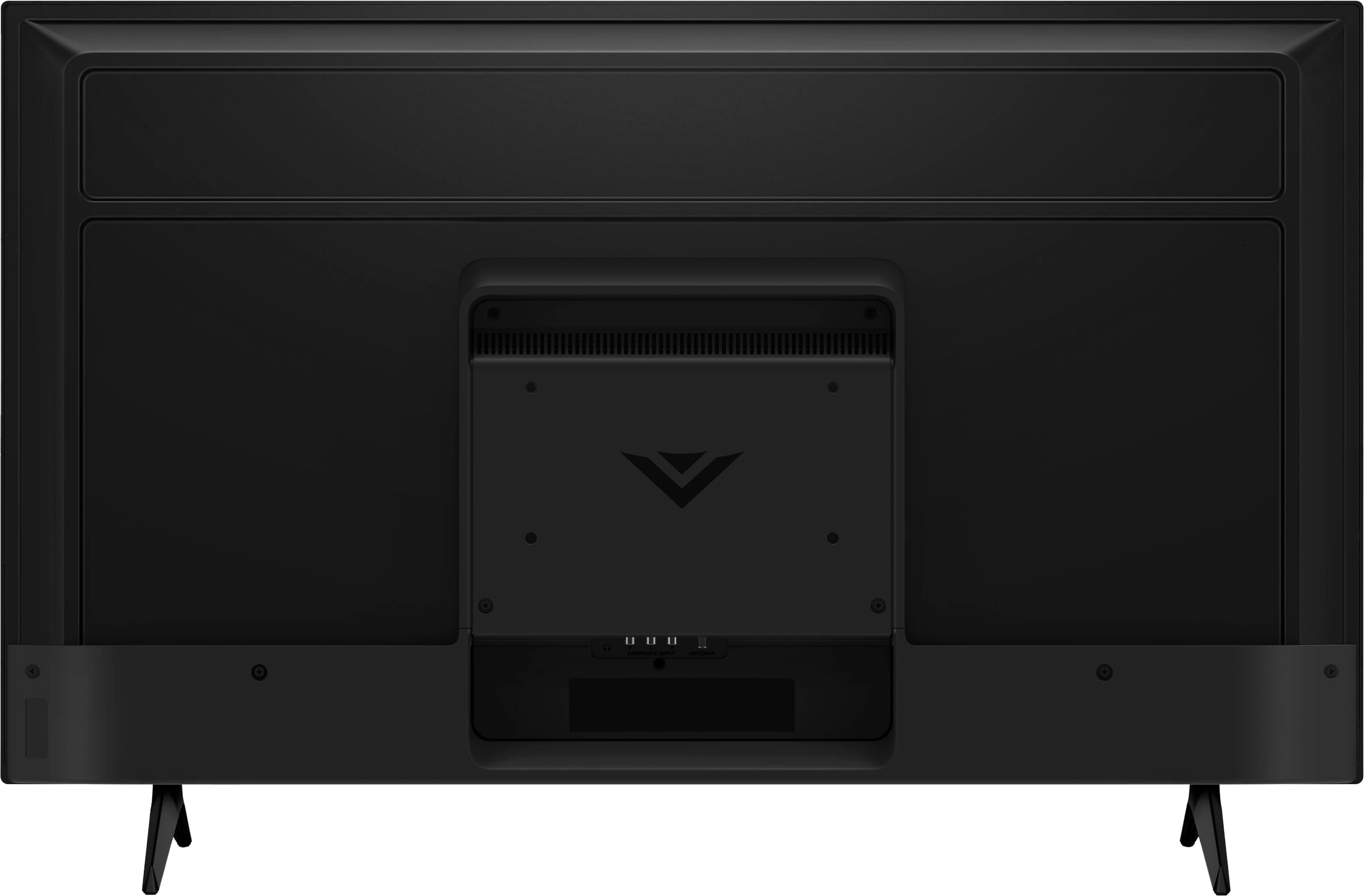
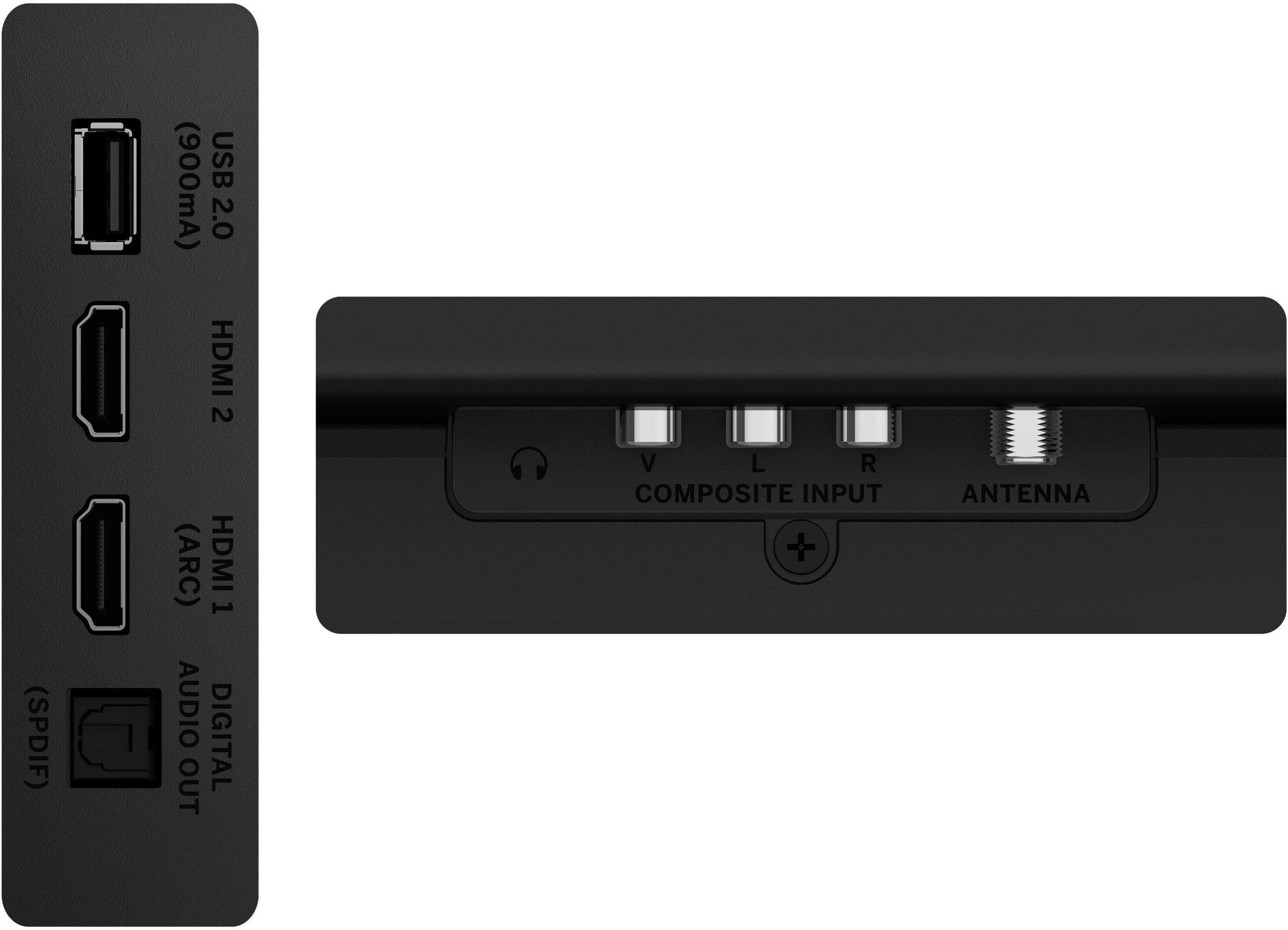
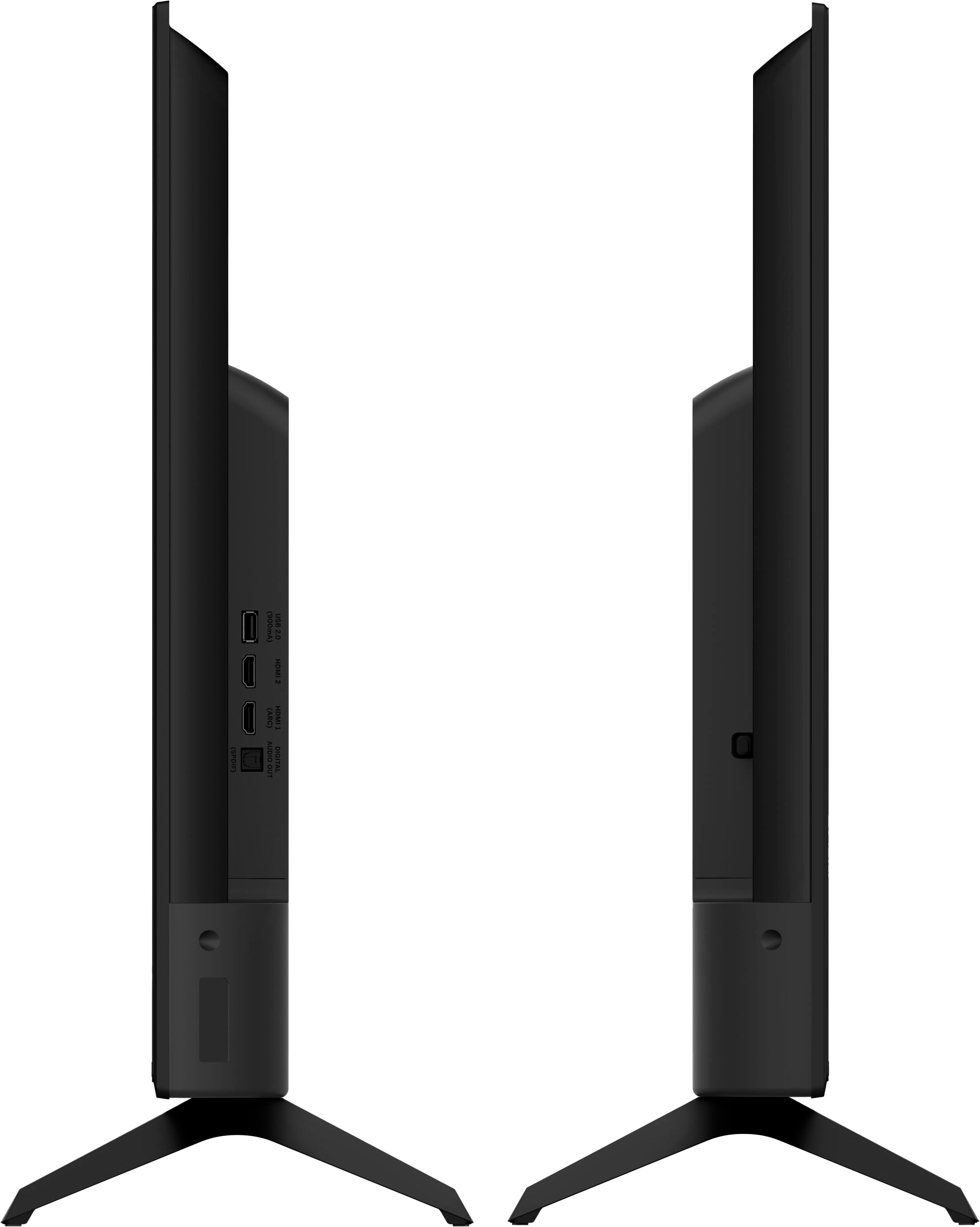
A:AnswerThis TV has one composite input for a device to be connected. For more information on connection options or adapters from the DVD or VCR players, I would recommend to check with that device's technical support team.
A:AnswerThis TV is not designed to output audio over Bluetooth. You could purchase a Bluetooth transmitter and connect it to this TV to listen over Bluetooth.
A:AnswerYes, a DVD player can be attached to this TV using the red/white/yellow composite cords, or we here at VIZIO would recommend to connect the DVD player using an HDMI connection.
A:AnswerIt is possible to attach a computer to the TV using an HDMI cord. You will then need to adjust the input on the TV screen to match the HDMI input used on the back of the TV. There is also a possibility that you may need to adjust some computer settings as well.