A:AnswerHello,
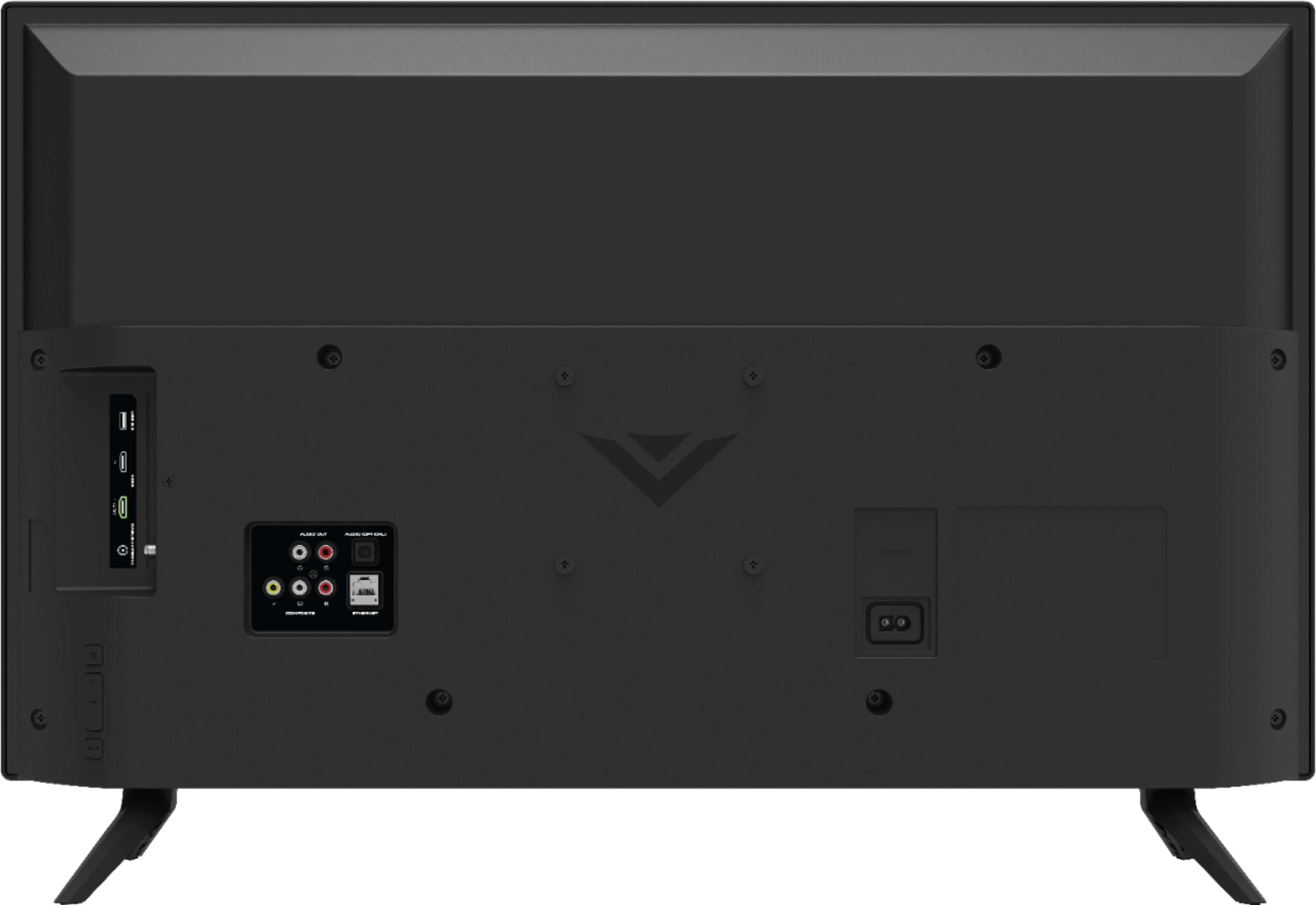
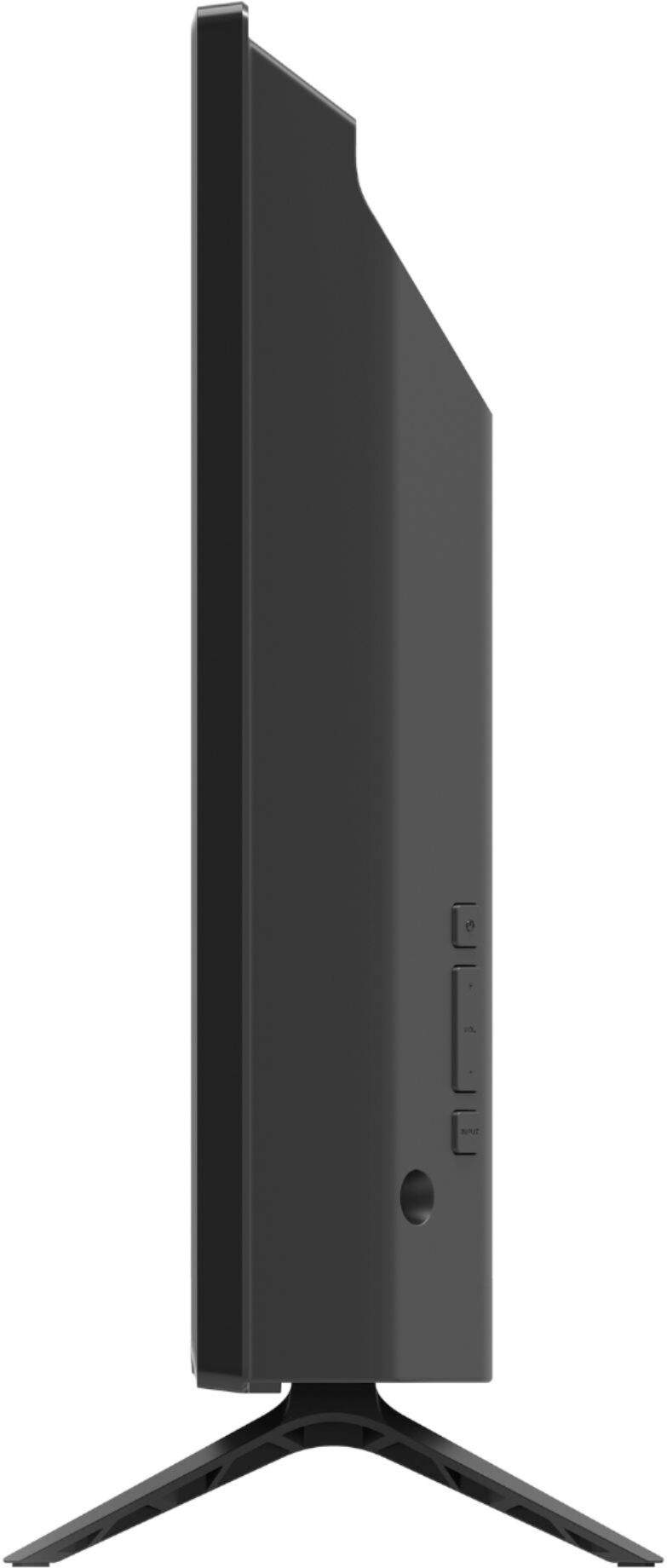
The VESA mounting pattern for this TV is 100mm x 100mm so as long as your bracket supports that pattern you should be fine. Thanks for your question!
A:AnswerHello,
This model supports Bluetooth LE, which is a low energy form of bluetooth used to assist in pairing the VIZIO SmartCast Mobile application to use devices like smart phones and tablets as a remote for the TV.
A:AnswerHello,
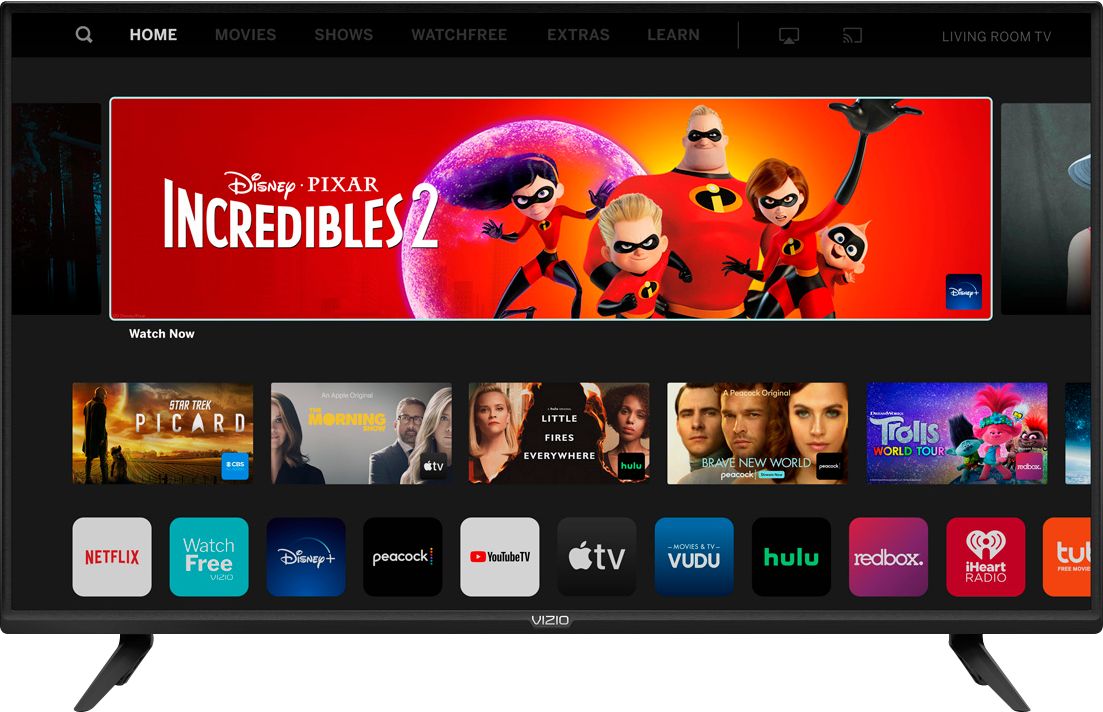
Currently, the Spectrum app is not a part of SmartCast. VIZIO is committed to giving consumers access to as much streaming content as possible. We appreciate your feedback and will make sure to continue adding features and applications in the future.
A:AnswerHello Frank, Unable to download the Fubo app on the TV, but SmartCast televisions also support Google Chromecast and Apple AirPlay 2 so that you can share content from the latest applications on your phone, tablet, or computer directly to the TV.
A:AnswerHello,
This TV is 4k, so it will play lower resolution content as well. It has a technology called upscaling which enhances the resolution of lower resolution content to look closer to 4k.
A:AnswerThis model supports Bluetooth LE, which is a low energy form of bluetooth used to assist in pairing the VIZIO SmartCast Mobile application to use devices like smart phones and tablets as a remote for the TV. To connect wireless headphones make sure you are using a pair that has a bluetooth transmitter. Connect the transmitter to the TV, then follow the manufacturer's instructions on how to connect the headphones with the transmitter.
A:AnswerHello Rol, MLB app not available to be downloaded on the smart cast input, But depending on the app you may cast or airplay the app to the TV from a wireless device that is connected on the same network connection.
A:AnswerThough you cannot add apps, SmartCast televisions support Google Chromecast and Apple AirPlay 2 so that you can share content from the latest applications on your phone, tablet, or computer directly to the TV.
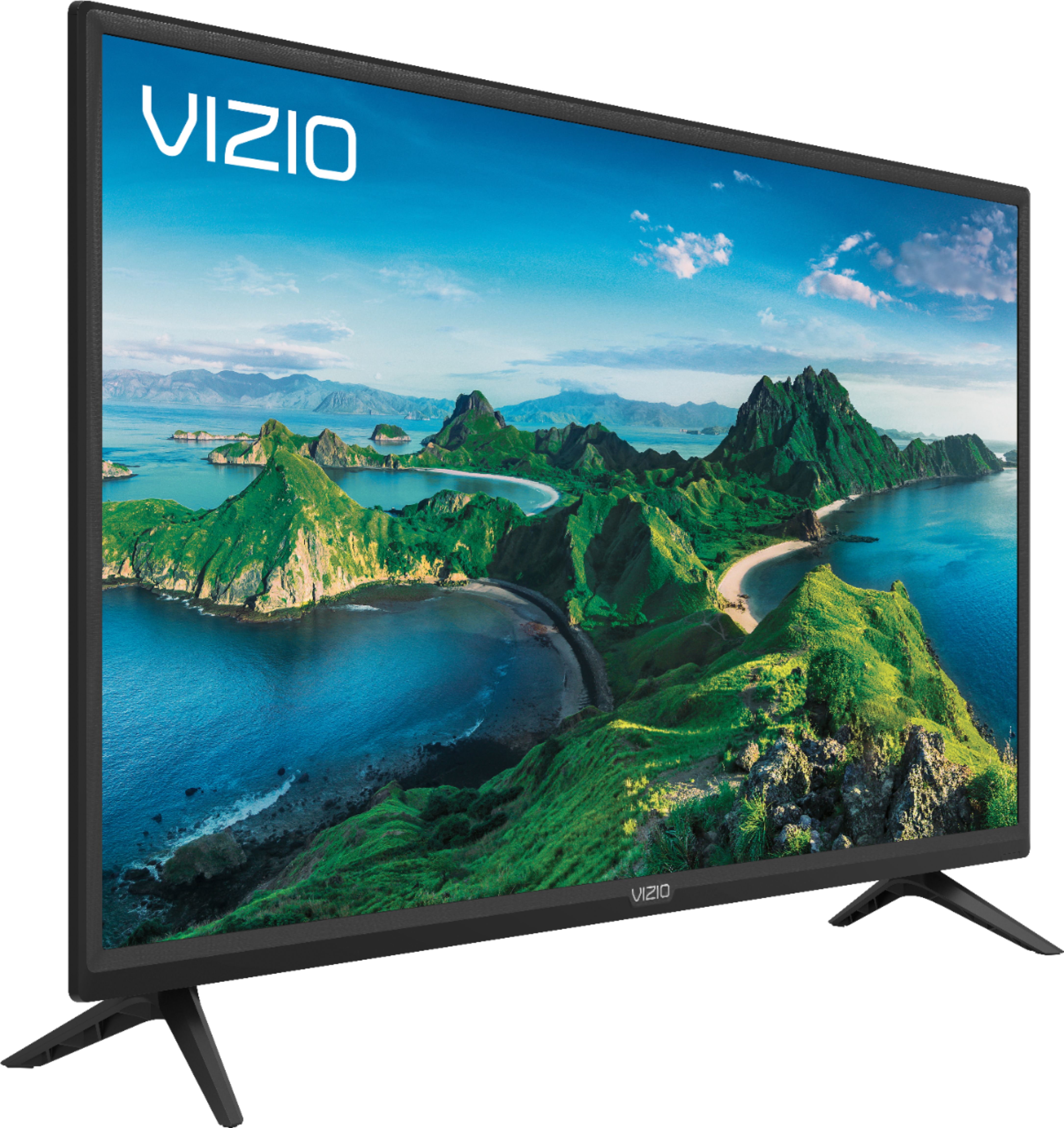
A:AnswerThis is a 1080p TV. If you are experiencing a specific technical issue I would love to have a chance for our award-winning customer support team to help you out. When you have a free moment, they’re available through text message, chat, or over the phone. Just go to support.VIZIO.com and click on ‘Contact Us’.

A:AnswerHello John,
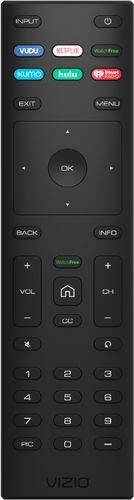
To get started with using your Alexa to control your TV please take a look at this article: https://support.vizio.com/s/article/Alexa-SmartCast-Display?language=en_US
If you have any questions or issues with the setup process feel free to give us a call at 844-254-8087.