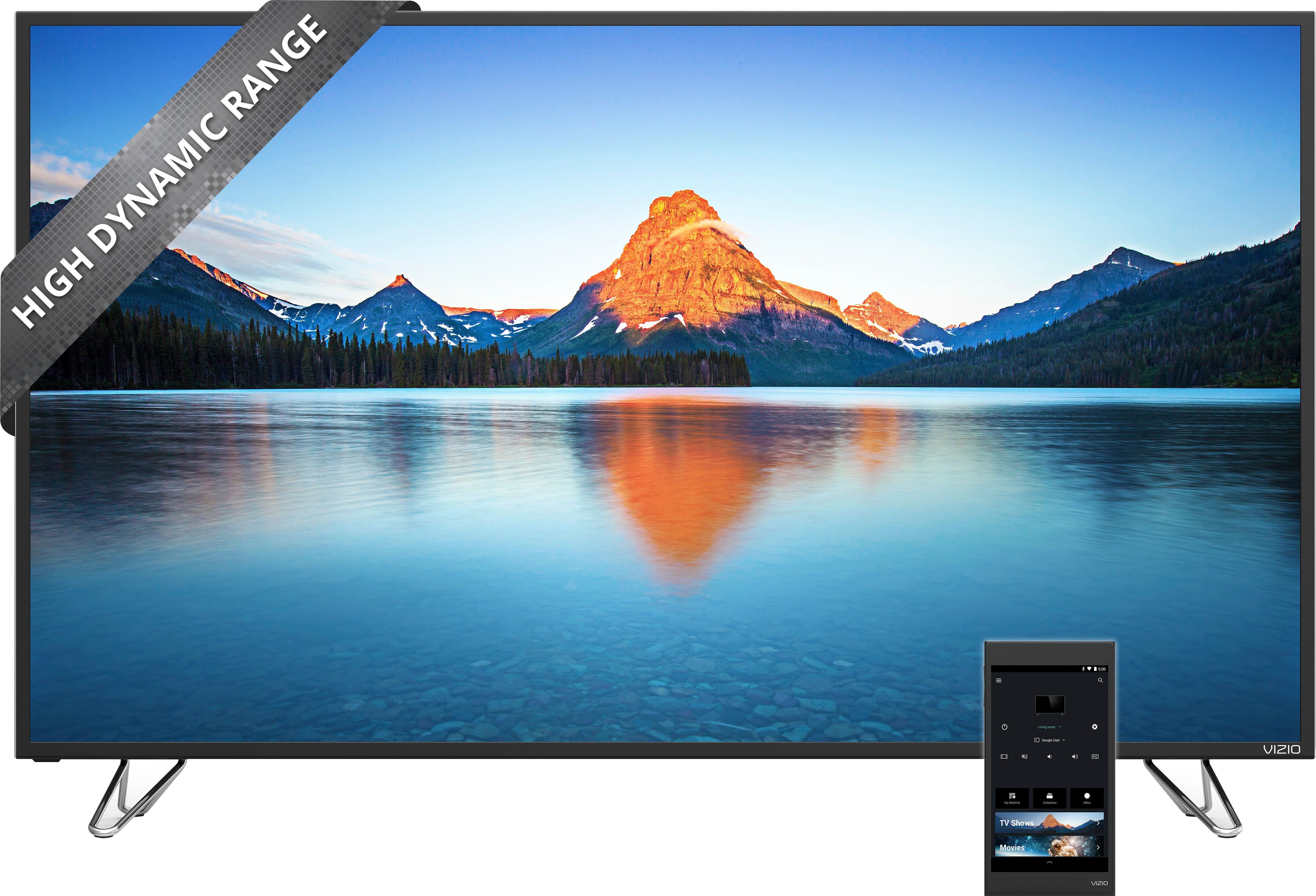
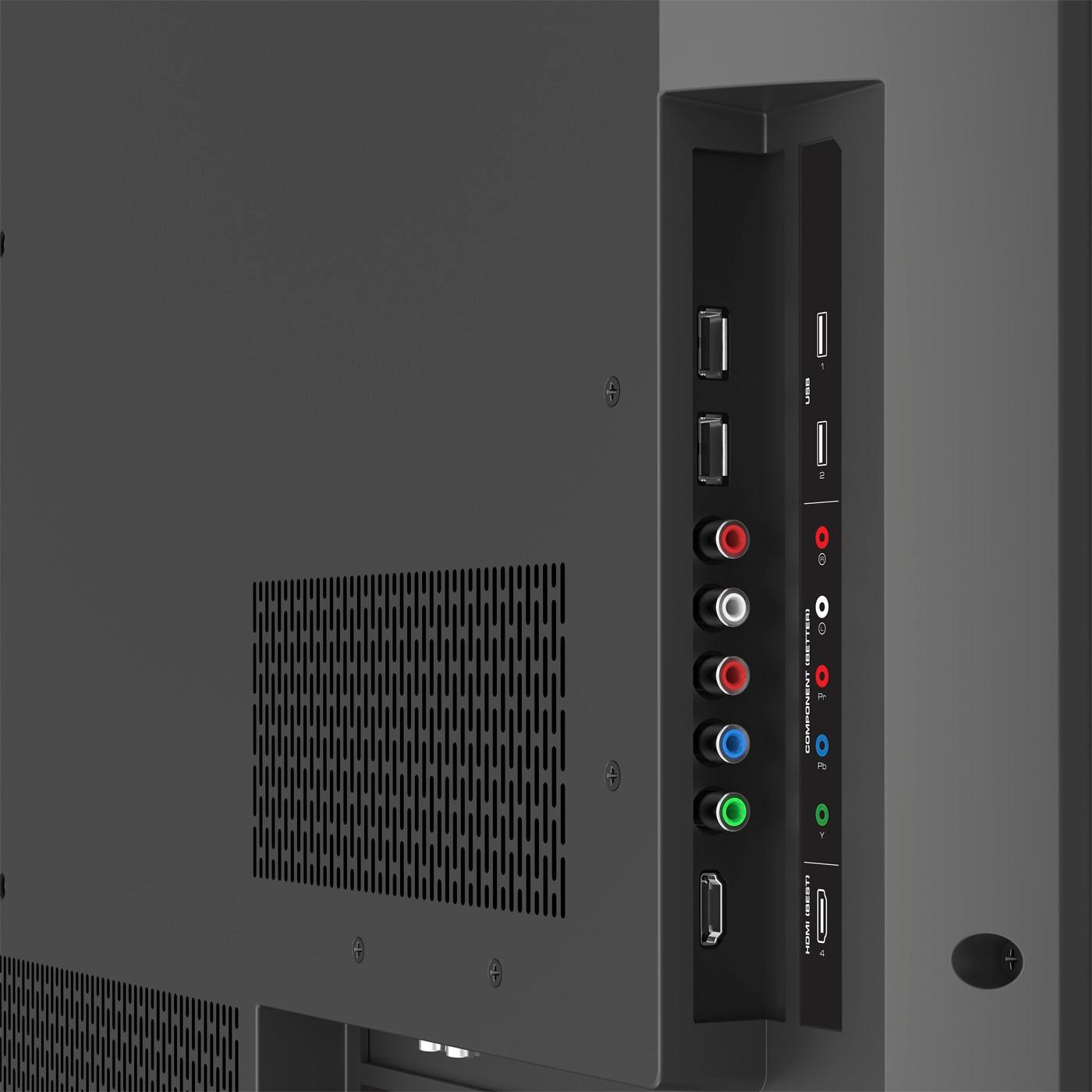
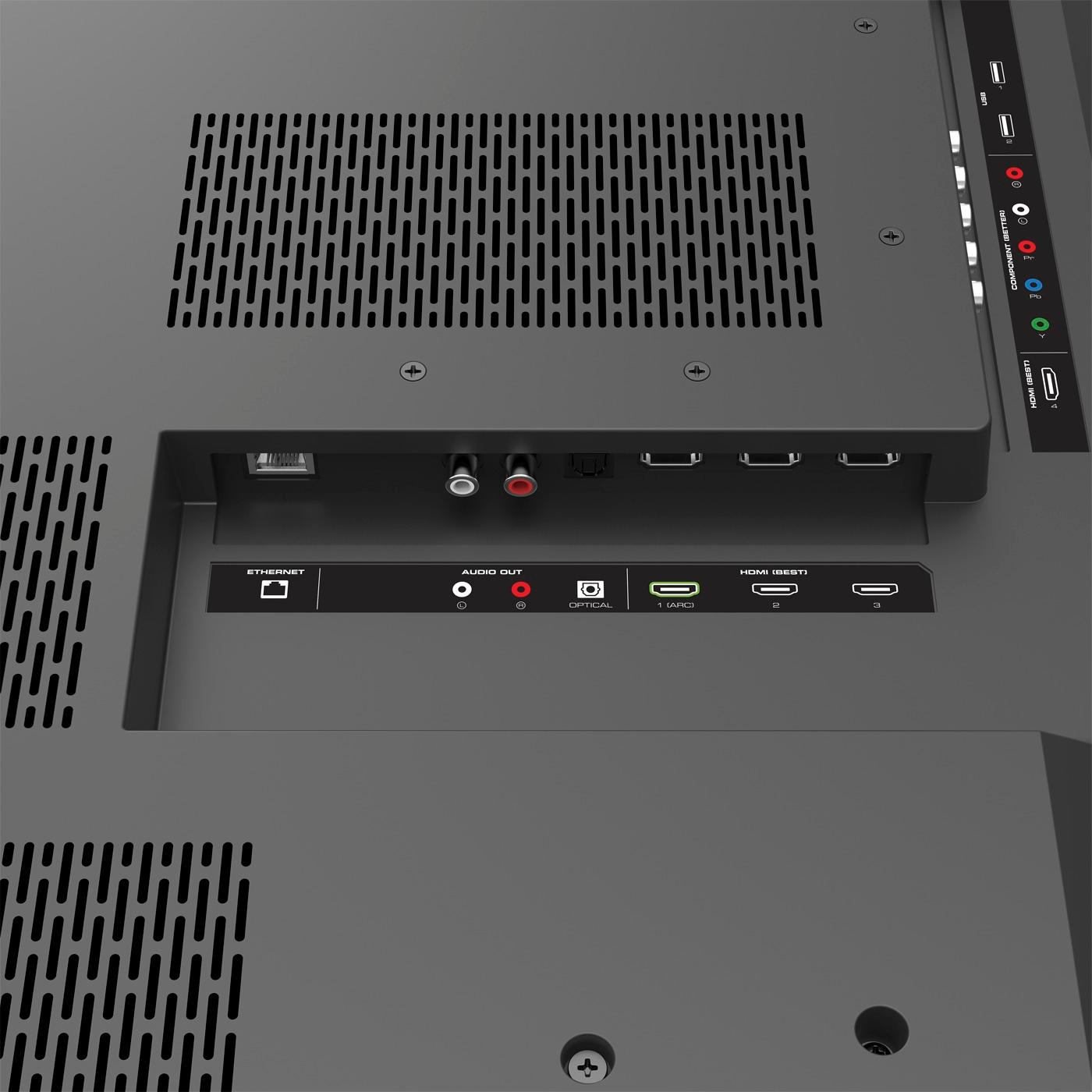
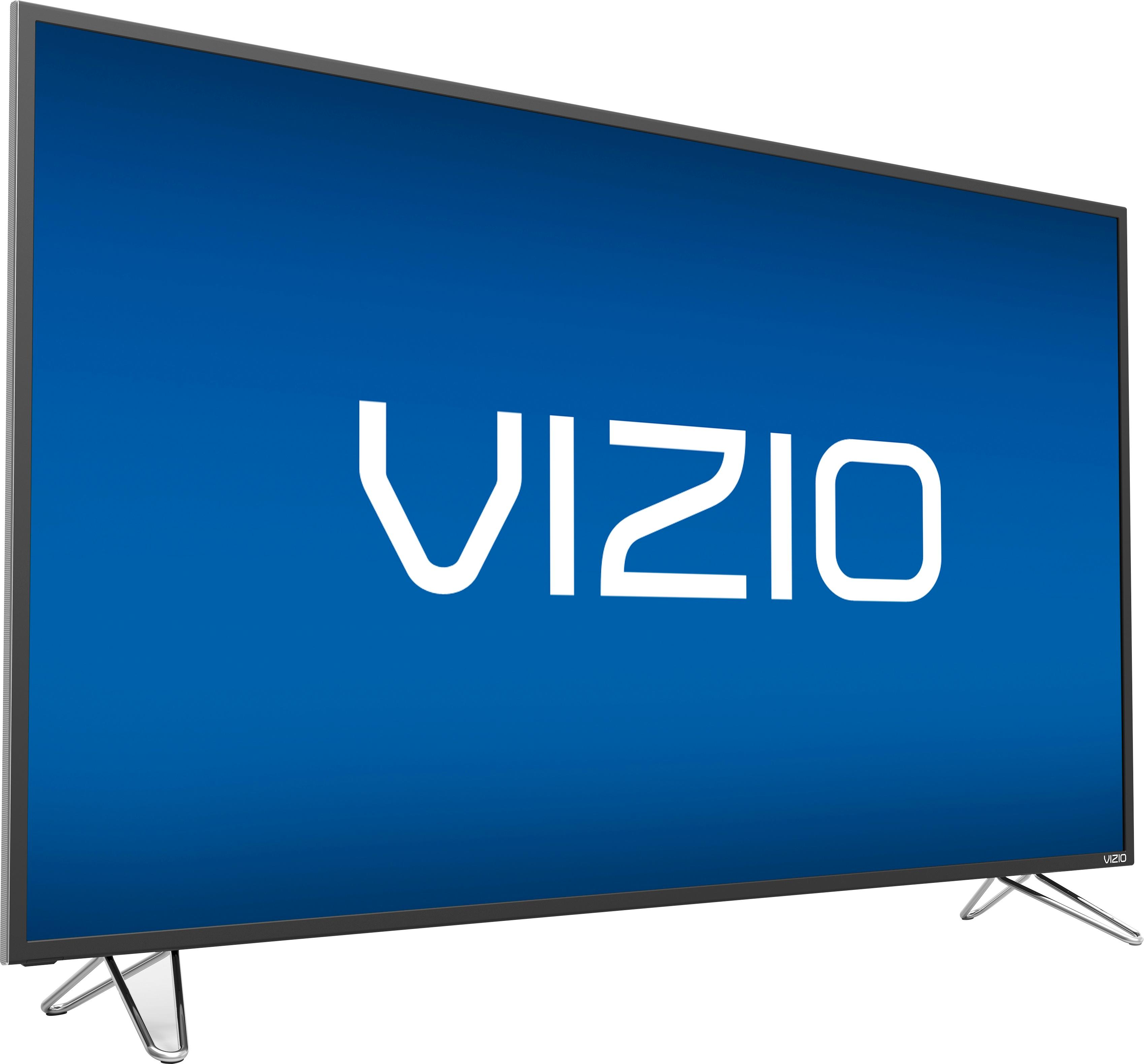
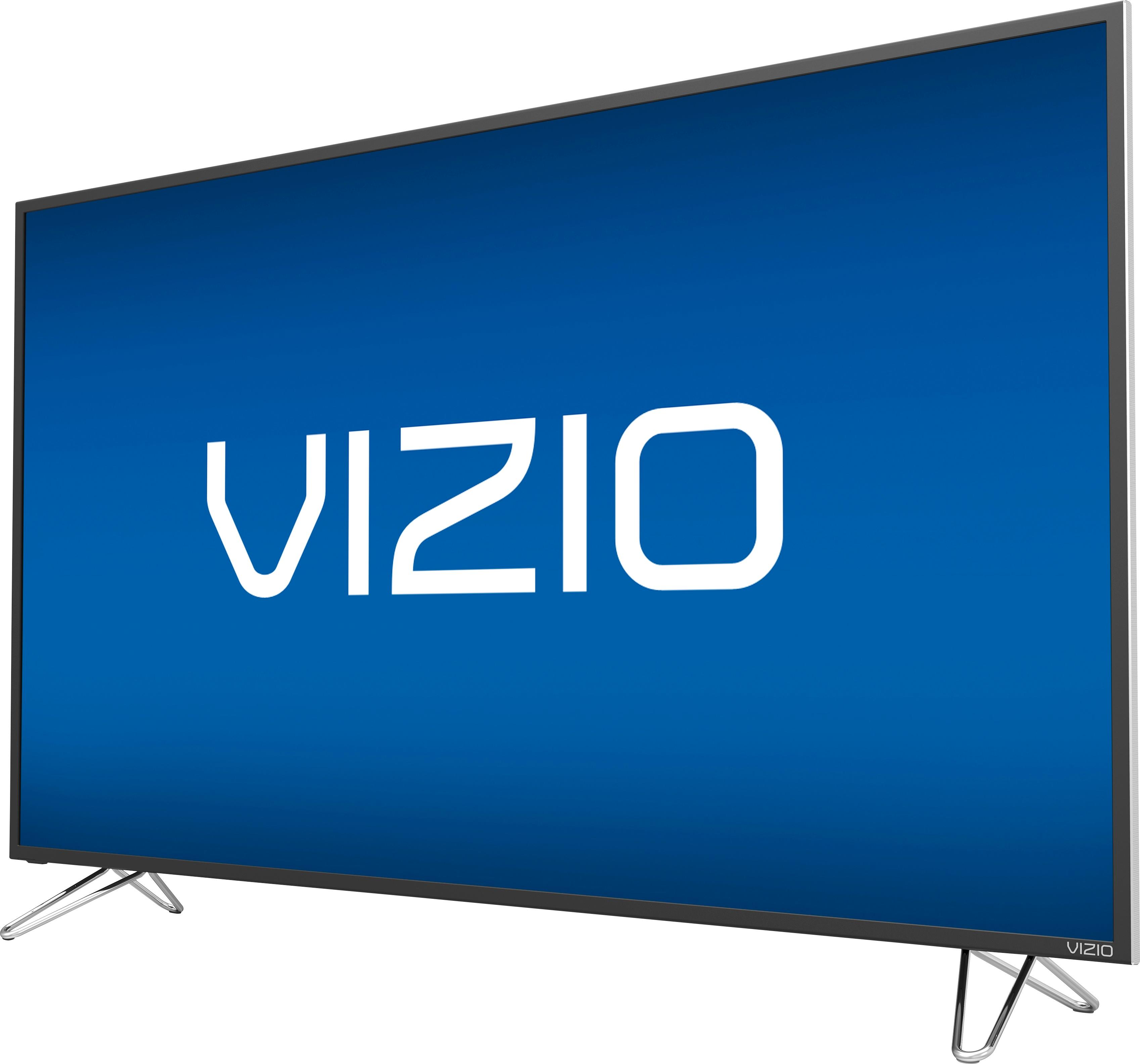
A:Answer long answer... pretty much, most of the time. This TV uses the Dobly Vision HDR standard, PS4 Pro and Xbox One both use the HDR10 standard. Vizio released several workarounds via firmware updates recently. You will need to have your PS4 Pro connected to HDMI port 1. That is the only supporting port. You will need to then go into your TV settings on your tablet/app, then to the input section. You will find a setting for HDMI port 1 called "subpixel rendering." You will need to turn that on. That's Vizio's workaround to add support to HDR10. Initially it was very glitchy and would cause the screen to occasionally go completely black with nothing other than a hard reset of the console to restore the picture. Last week they released a new firmware update for the TV that improved that glitch. I haven't had the issue since the update, but am not holding my breath! Please note that only HDMI port 1 is 2.0 and has the subpixel rendering option, so if you want to use other HDR devices (Roku, 4K Blu Ray player), you'd have to swap ports to 1, otherwise you wouldnt have HDR. The next Vizio model up, the P series, has HDMI 2.0 on all it's ports, but has the same sub-par HDR10 workaround. If you don't want to chance the sometimes glitchy workaround and want more than one HDMI 2.0 port, you might want to look at something else with both HDR10 AND Dolby Vision, and several 2.0 ports.