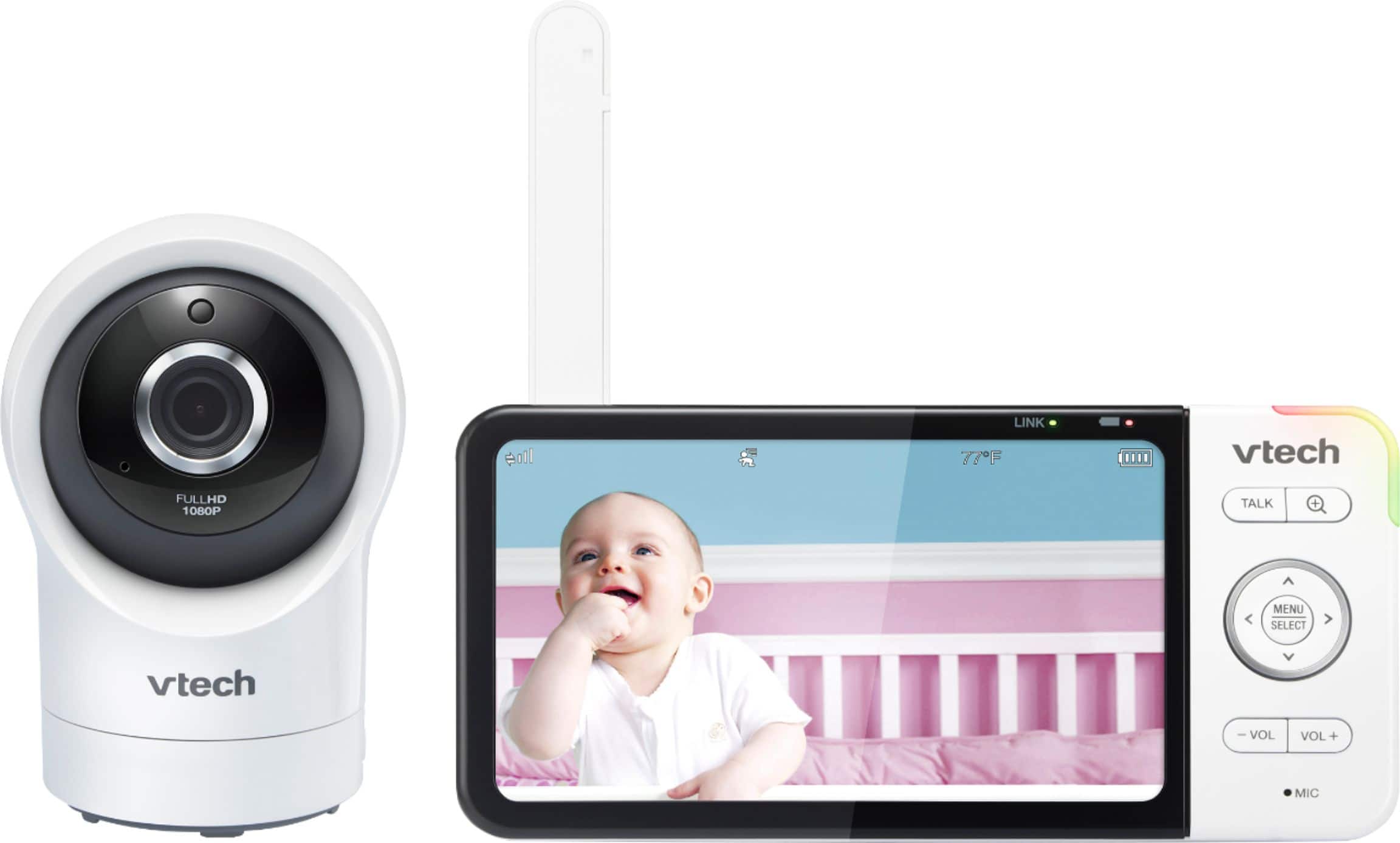
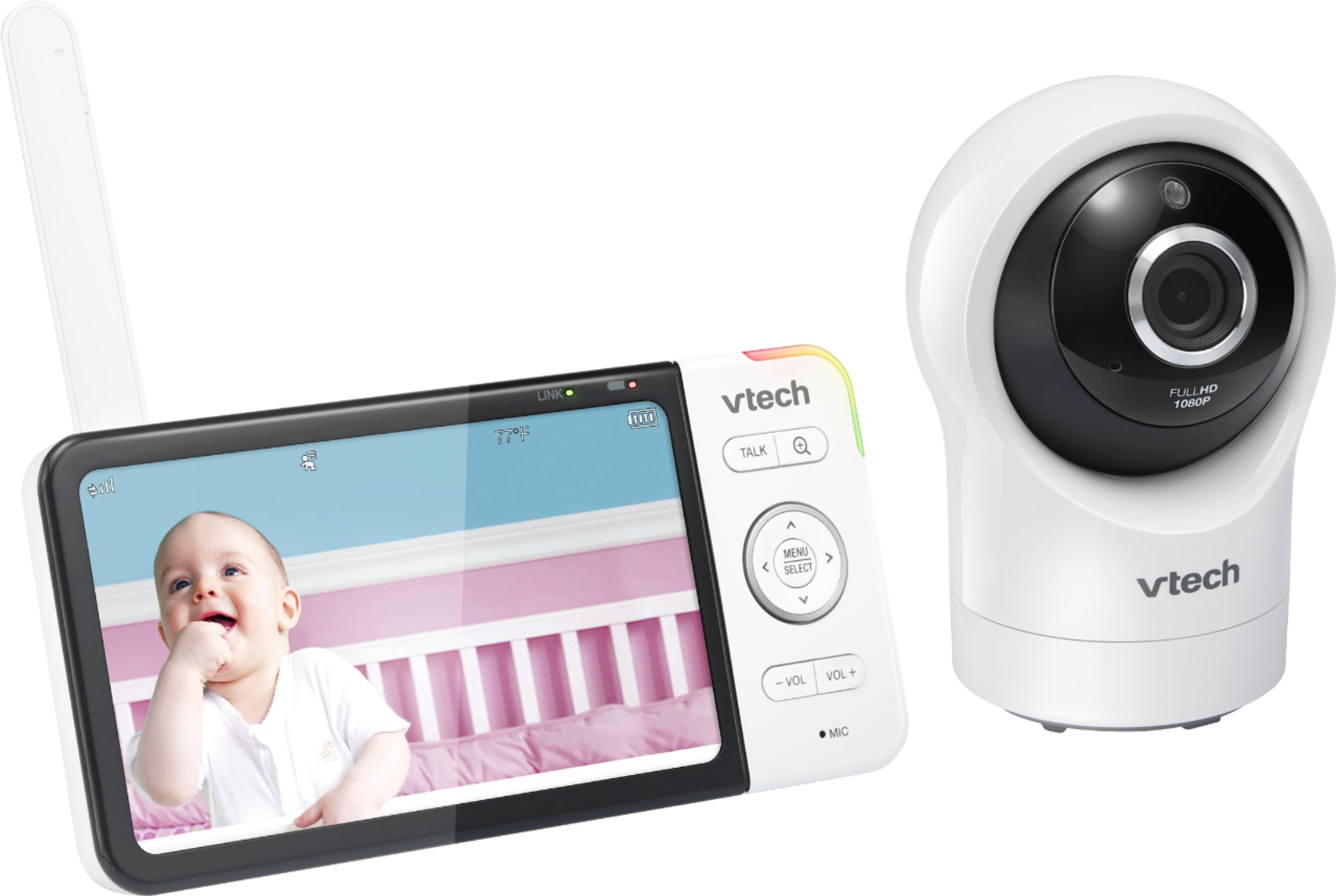
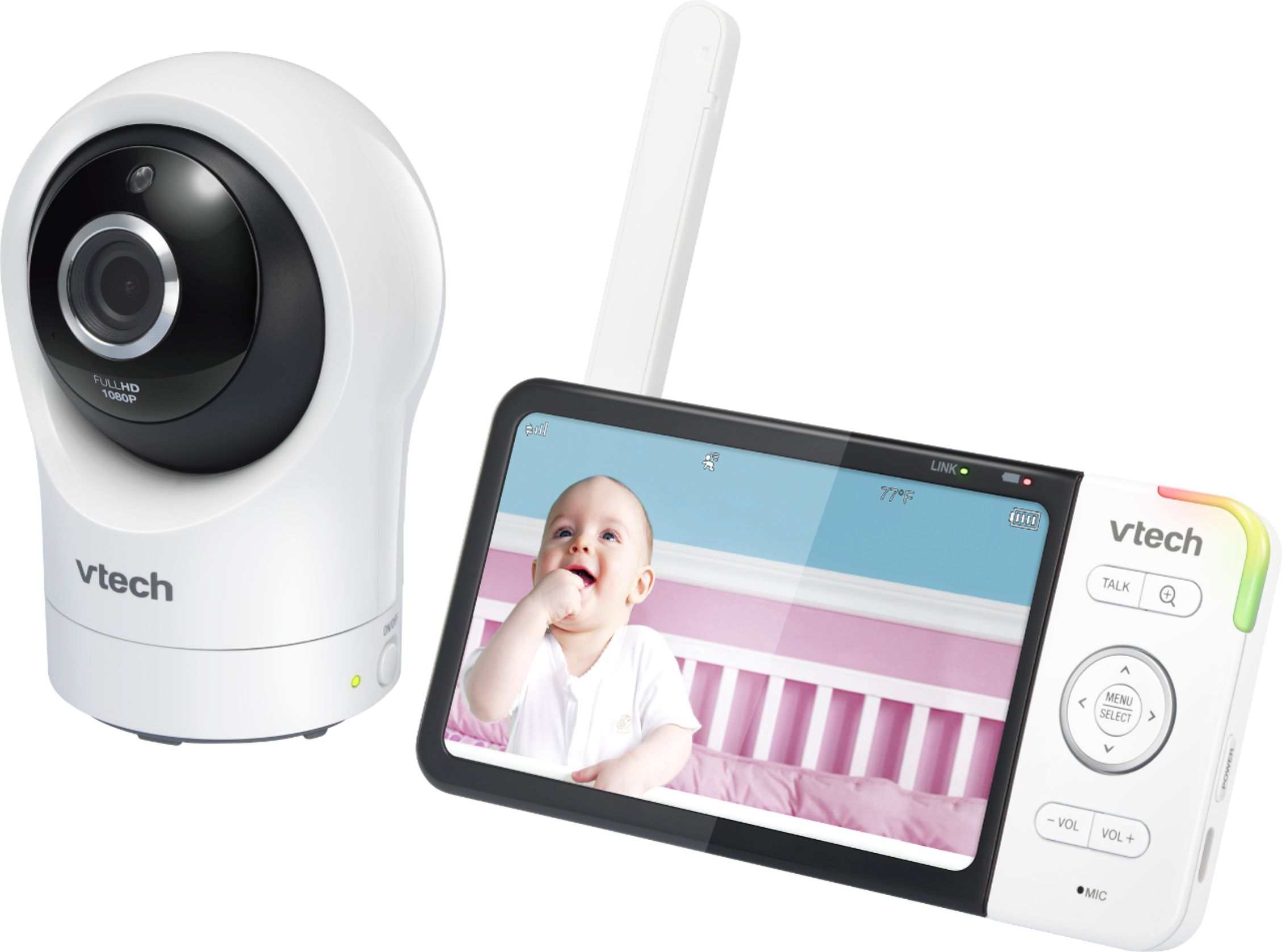
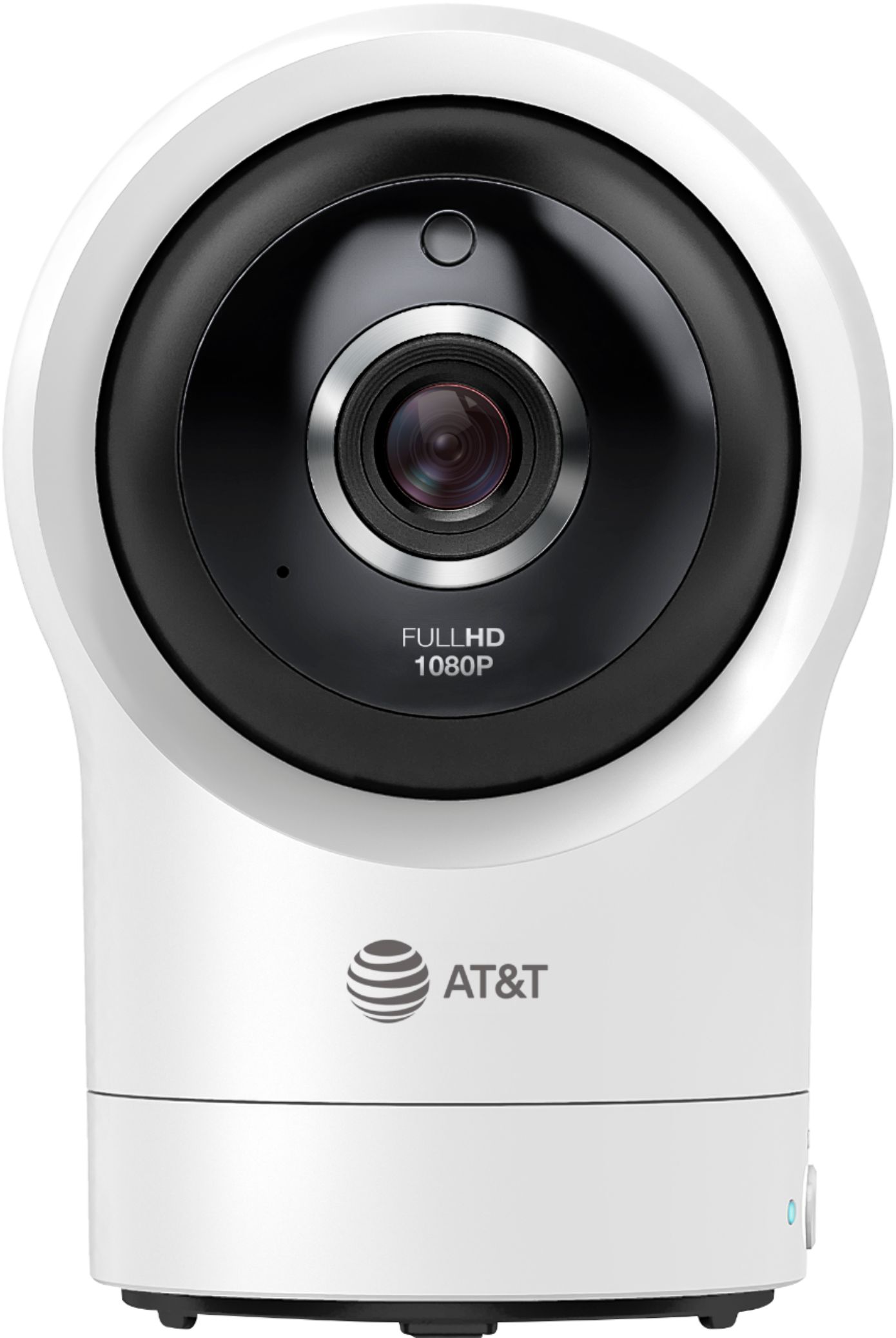
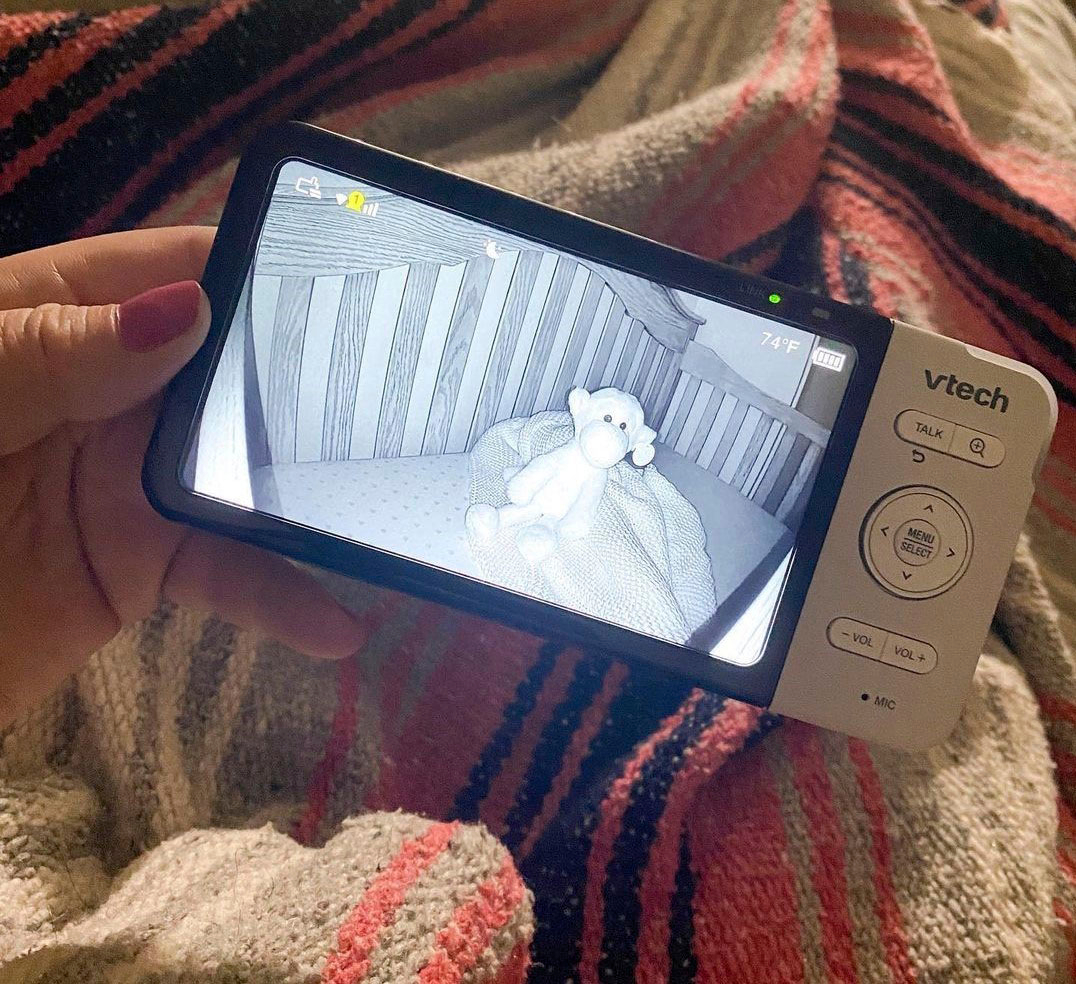
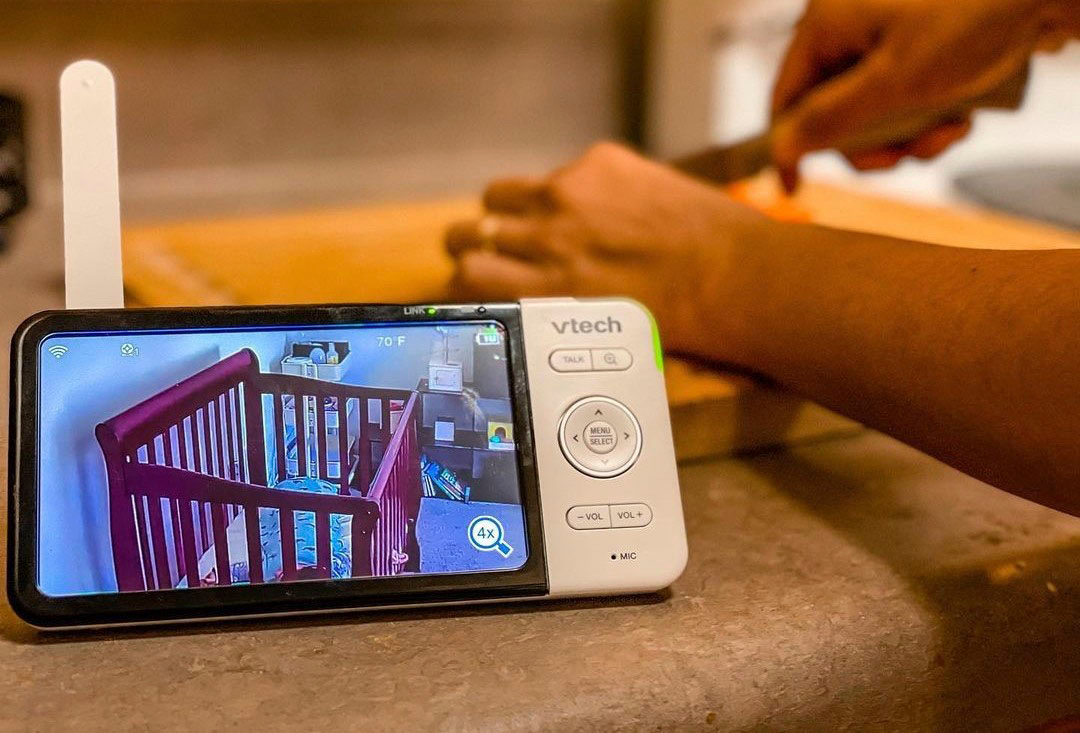
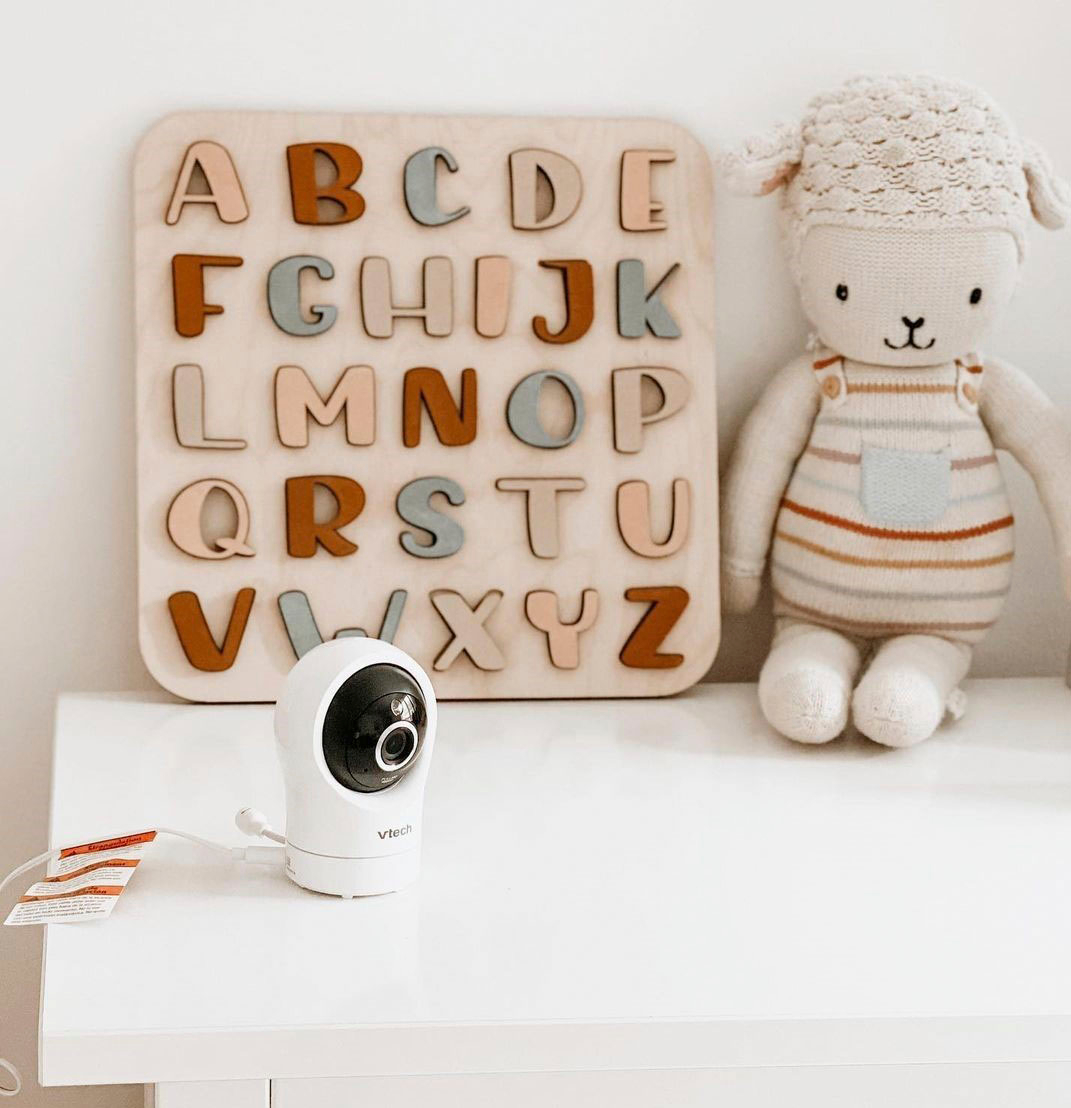
A:Answer Hi - We are sorry to hear with what happened to your VTech RM5764HD. We regret to inform you that your baby monitor is a non-expandable model, hence, there is no option to pair it with a different camera. Kindly do a complete reset on your baby monitor by turning off and unplugging both the parent and baby units fromt he electrical outlet. Wait for 1 minute before you plug and turn back on the units. If the issue will still persist, we can only conclude that the unit is malfunctioning and it has to be replaced. Please be advised that the 1-year manufacturer's warranty does not cover a unit that has been subjected to accident, neglect or any other physical damage.
Thank You!
-VTech Support