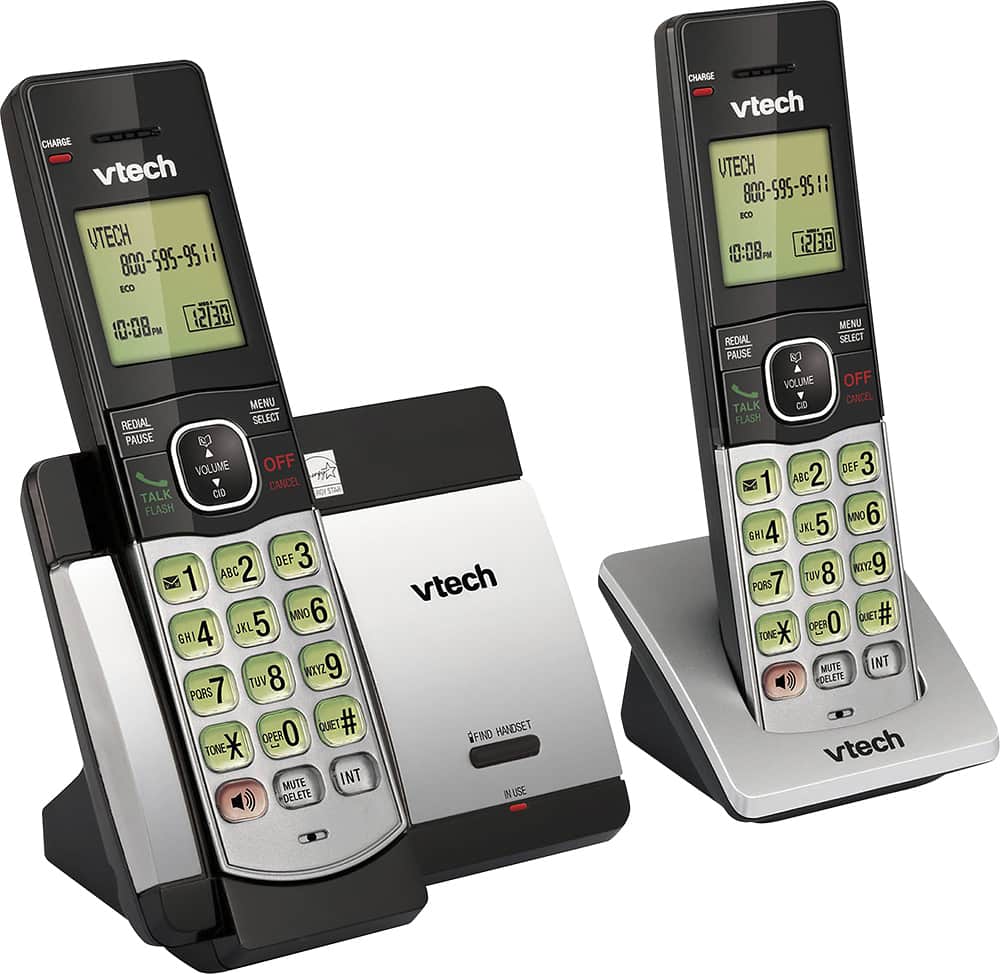
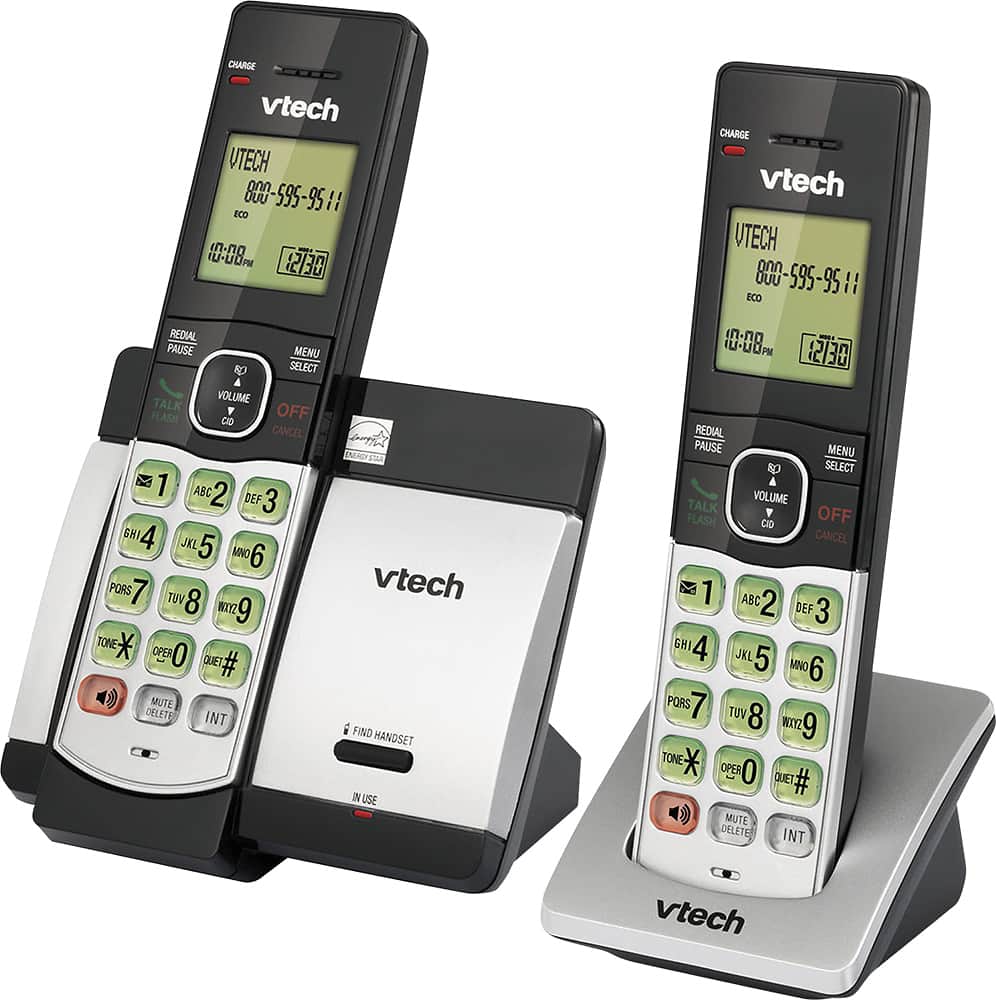
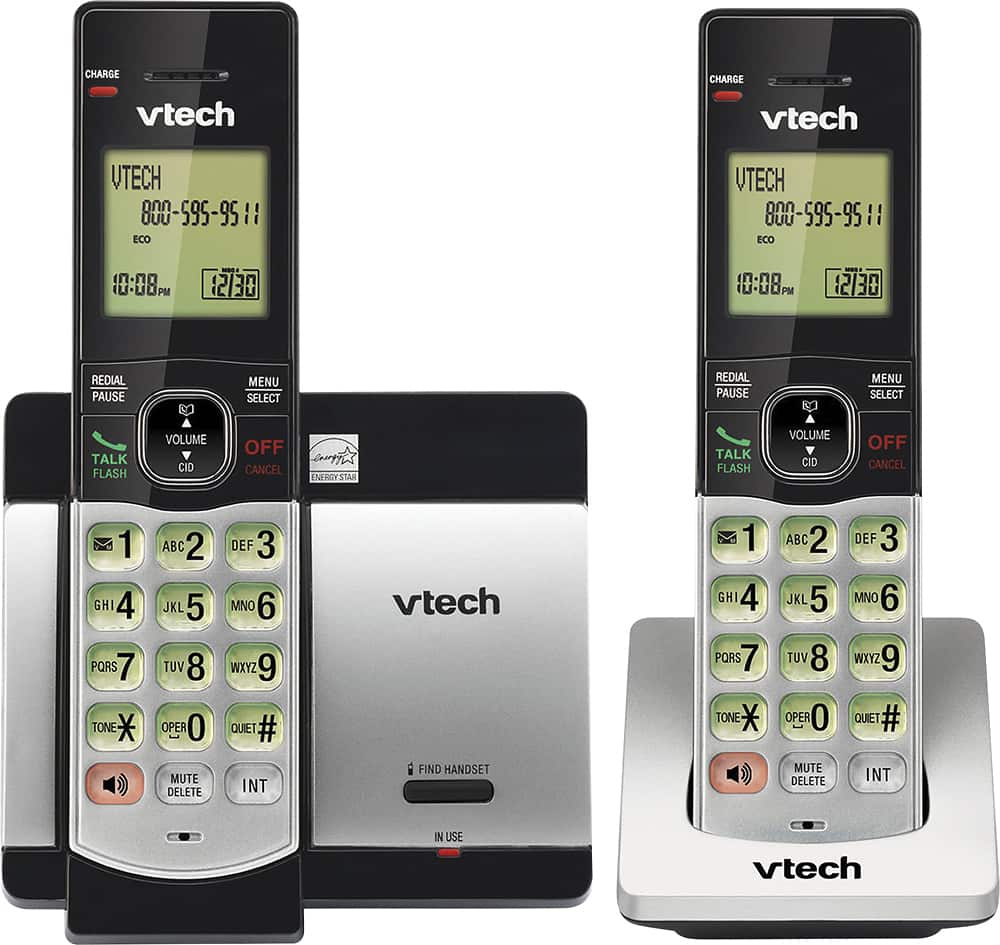
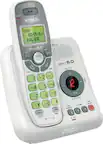
A:AnswerCurious - We are sorry to hear that you are having an issue with the VTech CS5119-16. The unit is compatible with 3-way calling as long as you are subscribed to the service with your telephone service provider. If you are subscribed to the said service with your telephone company, a system reboot may resolve the issue. You can try rebooting your phone system by disconnecting the power from the telephone base then unplugging the battery on the cordless handset for a minute. Reconnect and test. If the issue still persists, please contact VTech Customer Support for further assistance at 1-800-595-9511. We are open from 9:00 AM to 3:00 PM, Mondays through Fridays. When calling, please have your VTech model number handy: CS5119-16. Thank you! - VTech Support
A:AnswerMaxx - The VTech CS5119-2 does not have a built-in answering system. You may check CS5129-2, the maximum number of rings on the answering machine is up to 6 rings. Thank you for your interest! ~VTech Support
A:AnswerI was curious about that as well, so I called and spoke with the representative who told me the range is up to 2,000 ft! I have not tested that out, but if that's true, I have never had a landline phone with that type of distance before and it will be great if I want to take it over to my neighbors when I spend some time with them.
A:AnswerHi - We are sorry if you are having difficulties blocking numbers on your VTech CS5119. Below is the complete instructions in blocking certain numbers:
Step 1: Press MENU when the phone is not in use.
Step 2: Press ▲ or ▼ to select Call block and then press SELECT.
Step 3: Press SELECT to choose Block list.
Step 4: Press ▲ or ▼ to select Add new entry then press SELECT.
Step 5: When Enter number displays, use the dialing keys to enter the number.
-OR
Copy a number from the redial list by pressing REDIAL and then press ▲,▼ or REDIAL repeatedly to select a number. Press SELECT to copy the number.
Step 6: Press SELECT to move on to enter the name. The handset displays Enter name.
Step 7: Use the dialing keys to enter the name. Additional key presses show other characters of that particular key. The first character of every word is capitalized.
Step 8: Press SELECT to save. You will hear a confirmation tone.
Hope this helps! ~VTech Support
A:AnswerMae - We are sorry if you are having trouble finding the Serial Number (SN) of your VTech CS5119-2. The serial number can be found underneath the base on a white sticker. Thank you! -VTech Support
A:AnswerHi - We are sorry to hear that you are having issues registering the handset on the VTech CS5119-2. This telephone base unit will only work with the CS5109 accessory handset. If you have the correct model, please contact our Customer Support at 1-800-595-9511. We are open from 9:00 AM to 5:00 PM, Mondays through Fridays. Thank you!
-VTech Support
A:AnswerHello. The most likely answer for this is that your telephone company's voicemail is likely picking up after one ring. If the telephone company takes the call first, then the phone won't continue ringing, regardless of how many rings you set. Check your voicemail settings. If you still have issues, please contact our support team. Thank you!
A:AnswerHello. The VTech CS5119-2 does not have a built-in answering machine. To change the number of rings for voicemail, you would need to contact your telephone service provider. Thank you.
A:AnswerHi - Our VTech cordless phones requires the home or speaker button to be pressed to answer an incoming call. You may check our CS6649 corded/cordless phone where you just need to lift the corded HS on the main base to answer an incoming call. Thank you! - VTech Support