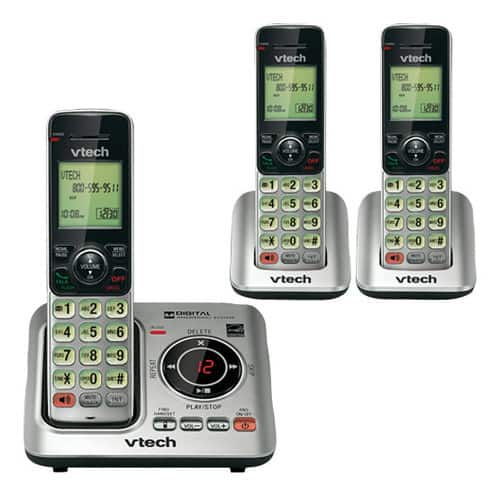
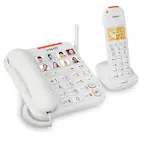
A:Answer Tony - We are sorry to hear that you are having an issue with the VTech CS6629-3. Please make sure that the ringer volume is set to a higher level by pressing the VOL+ on the telephone base. You can also adjust the ringer volume on the handset by following this instructions.
1. Press MENU when the handset is not in use.
2. Press ▼ until the handset displays Ringers, then press SELECT.
3. The handset displays Ringer volume, then press SELECT again.
4. Press ▼ or ▲ to sample each ringer volume level.
5. Press SELECT to save your selection. You will hear a confirmation tone.
If this does not help, like many electronic devices, a system reboot may resolve the issue. You can try rebooting your phone system by disconnecting the power from the telephone base then unplugging the batteries on the cordless handsets for a minute. Reconnect and test. If the issue still persists, please contact VTech Customer Support for further assistance at 1-800-595-9511. We are open from 9:00 AM to 3:00 PM, Mondays through Fridays. When calling, please have your model number handy: CS6629-3. Thank you! - VTech Support