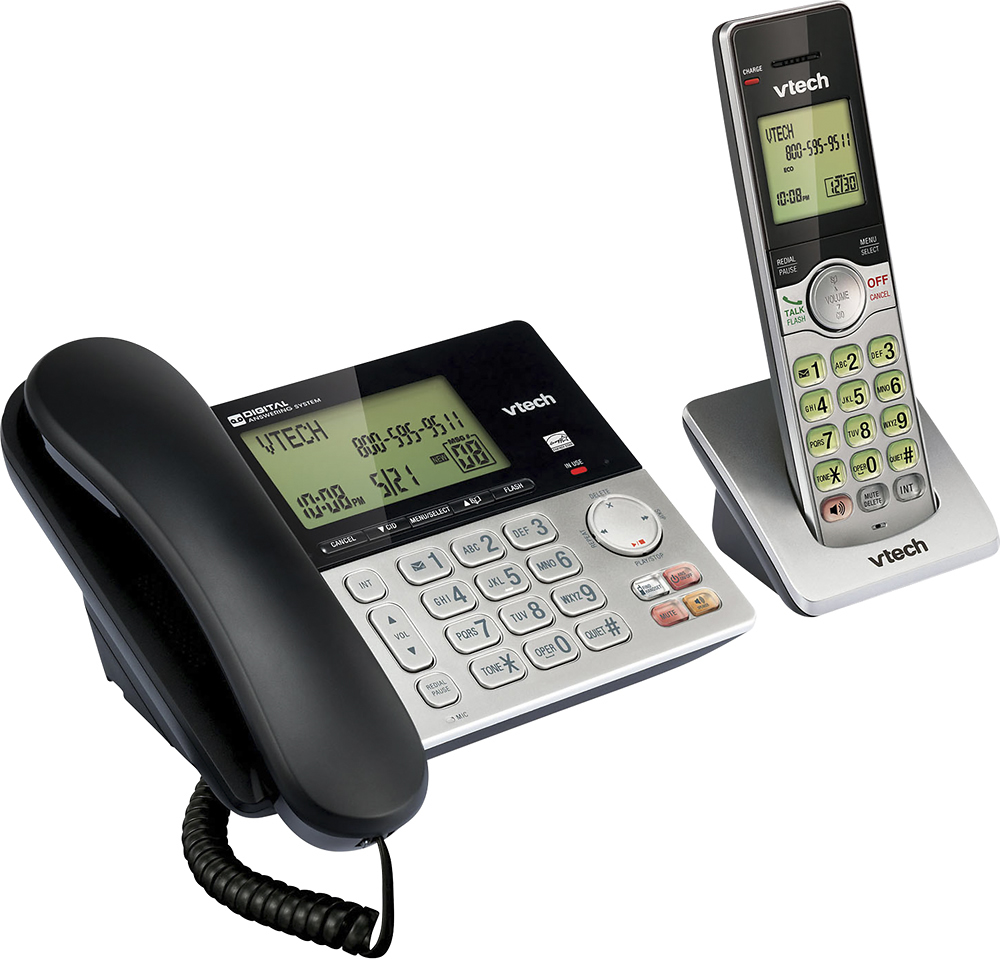
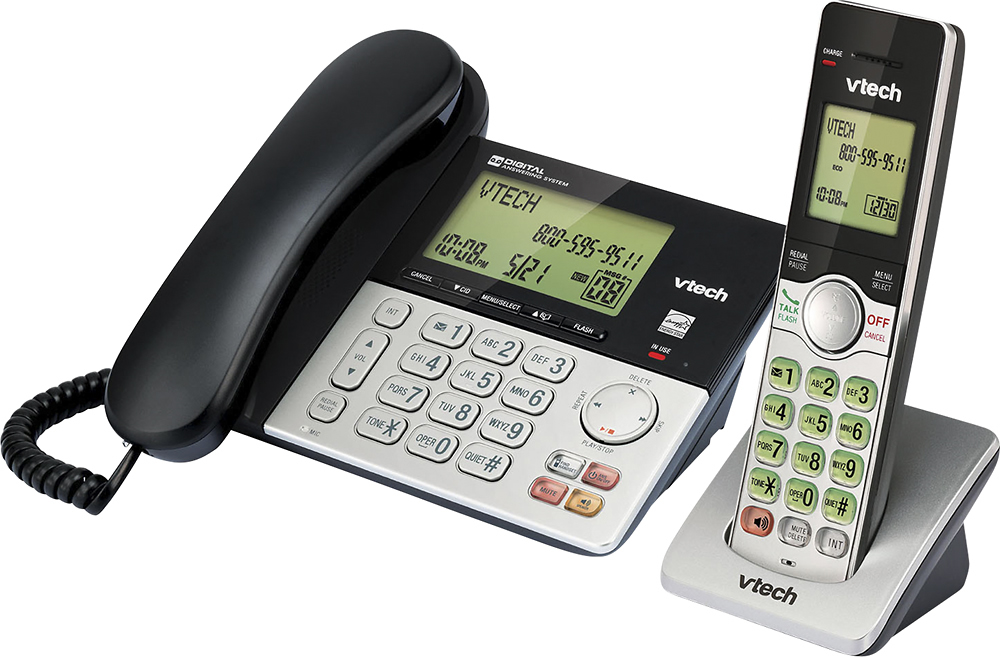
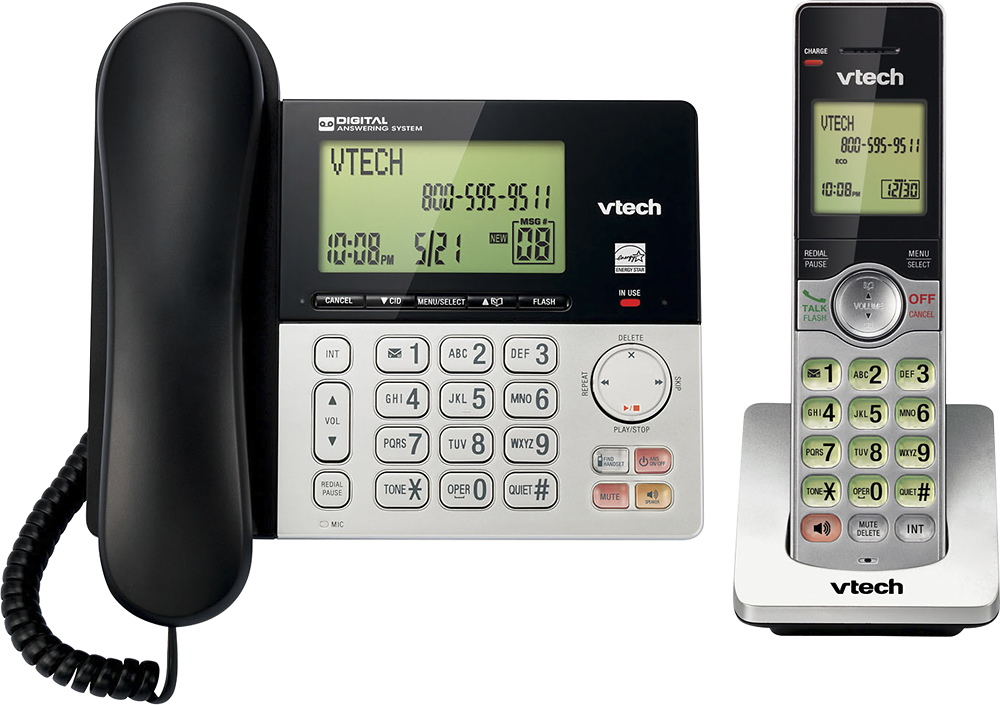
A:Answer Gene - We are sorry to hear that you are having difficulties unblocking a number, here's the procedure on how to delete a call block list entry.
Step 1: Press MENU when the phone is not in use.
Step 2: Press ▲ or ▼ to choose Call block, and then press SELECT.
Step 3: Press ▲ or ▼ to choose Block list, and then press SELECT.
Step 4: Press ▲ or ▼ to choose Review, and then press SELECT.
Step 5: Press ▲ or ▼ to browse through the directory.
Step 6: Search for the desired call block entry.
Step 7: Press DELETE on the handset or press X/DELETE twice on the telephone base. Hope this helps! ~VTech Support