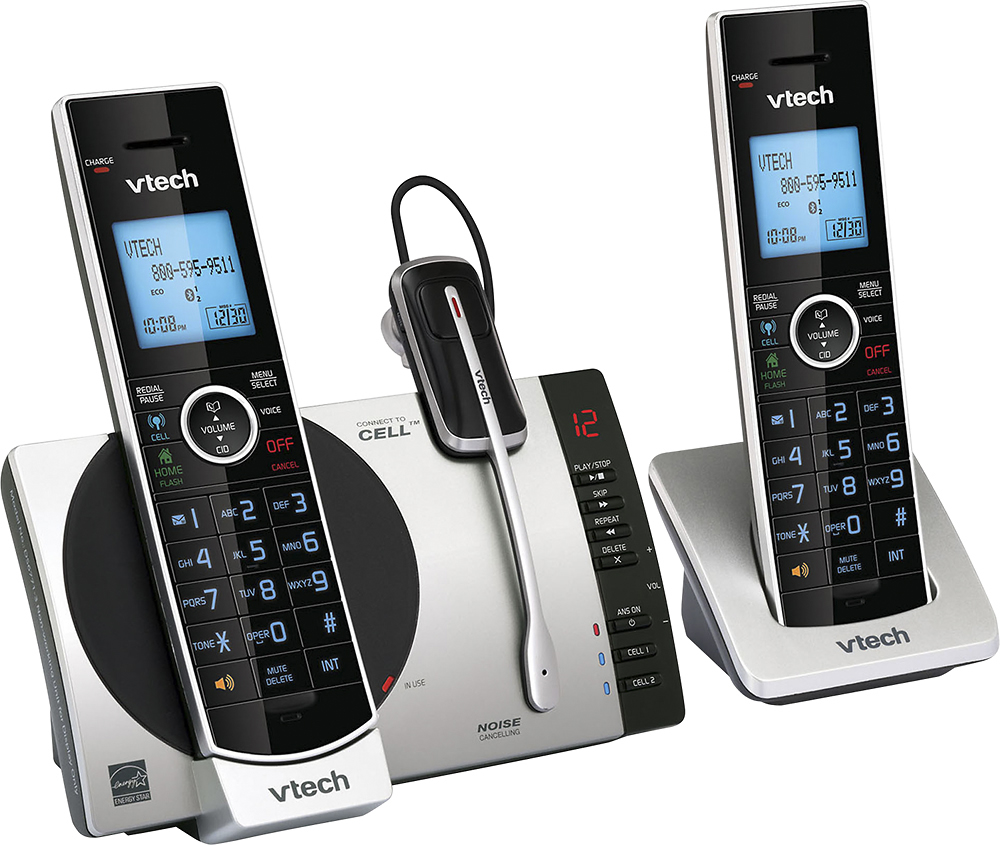
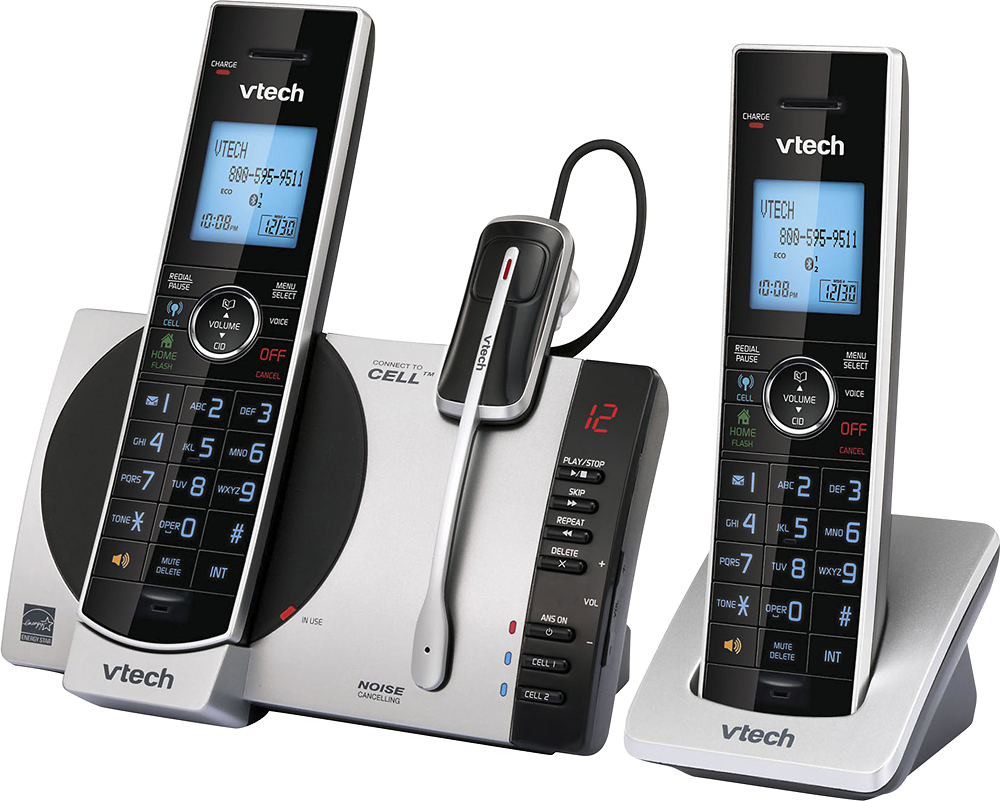
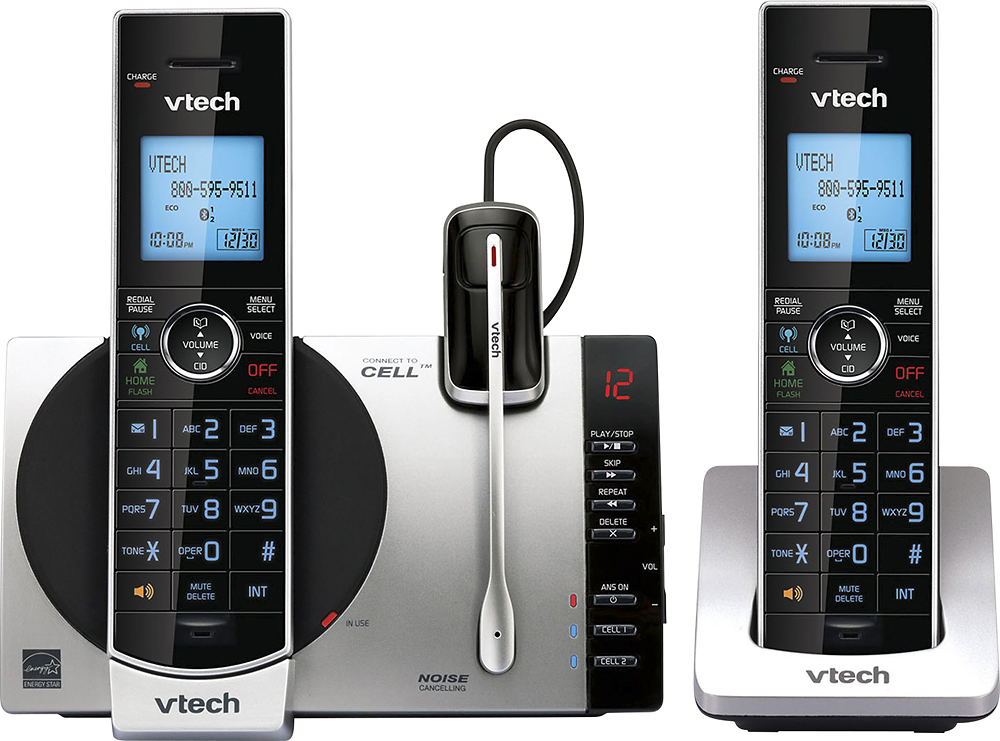
A:Answer Tim - We are sorry to hear that you are having issues registering the the headset to the VTech DS6771-3. Here's how you can register the headset to the base.
Step 1: Remove the headset from the charger
Step 2: On the telephone base press and hold the FIND HANDSET button for about 4 seconds, until the red IN USE light turns on then release the button.
Step 3: Immediately place the headset in the headset charger. The light on the headset turns red and the red IN USE light on the telephone base turns off when the registration process is complete.
If this does not help, you can contact our Customer Support at 1-800-595-9511. We are open from 9:00 AM to 3:00 PM, Mondays through Fridays.
Thank you,
-VTech Support