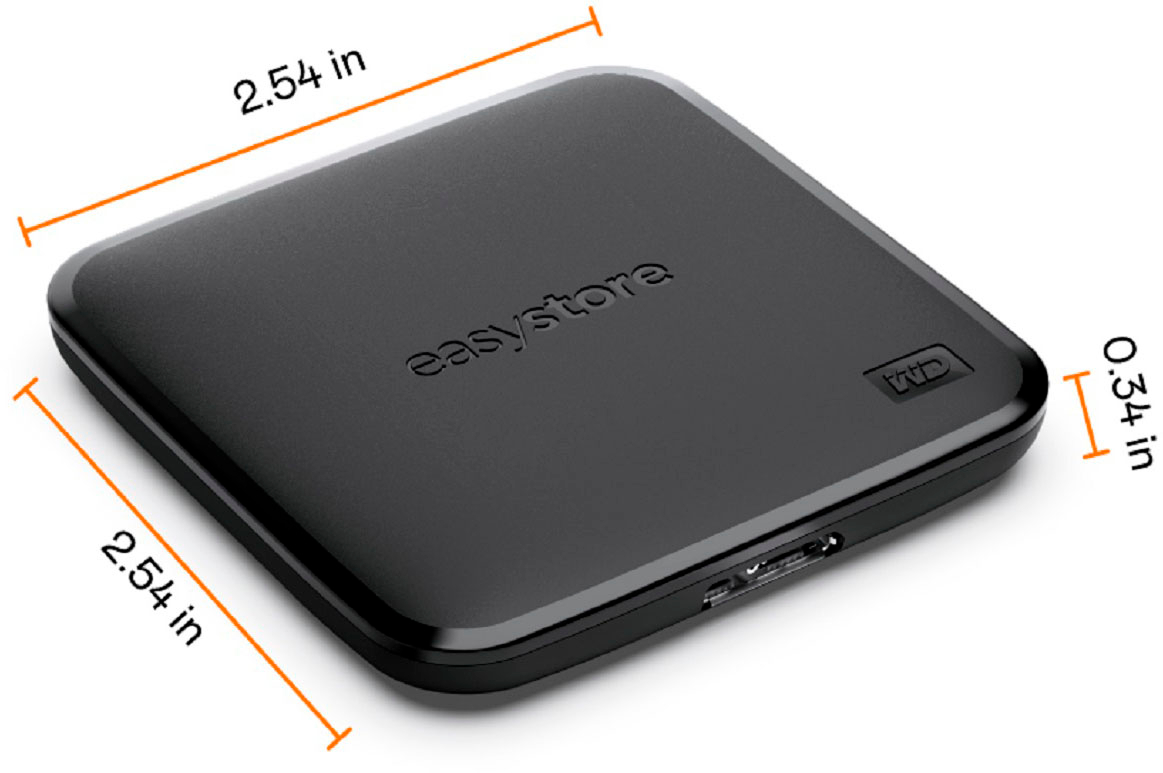
A:AnswerAs long as you’re TiVo DVR has the ability to accept external hard drives, but you may want to find out first if it has to be formatted in a certain way another words if you put it in and it doesn’t work it doesn’t mean that it doesn’t work it just may mean that it has to be formatted correctly. A lot of people make this mistake thinking that the hard drive doesn’t work when that’s not necessarily the case.
A:AnswerIt should be fine but you’ll need the correct cable or adapter with the output port to your iPad on one end and usb-a input on the other. For best practice and highest compatibility, format the drive to Mac OS Extended (Journaled) in a Mac, but in any case, it should work fine right out of the box.
That’s it. Hope this helps.
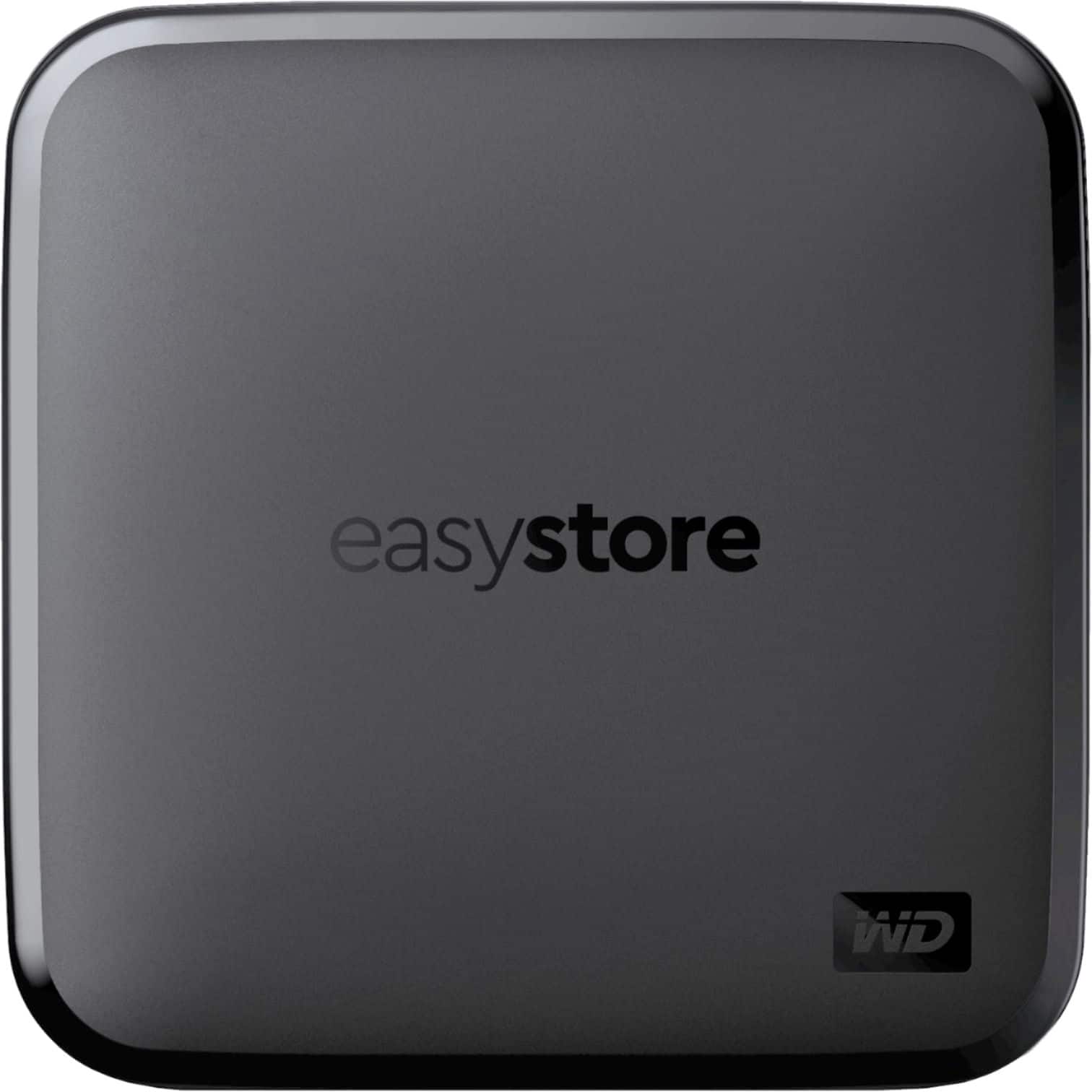
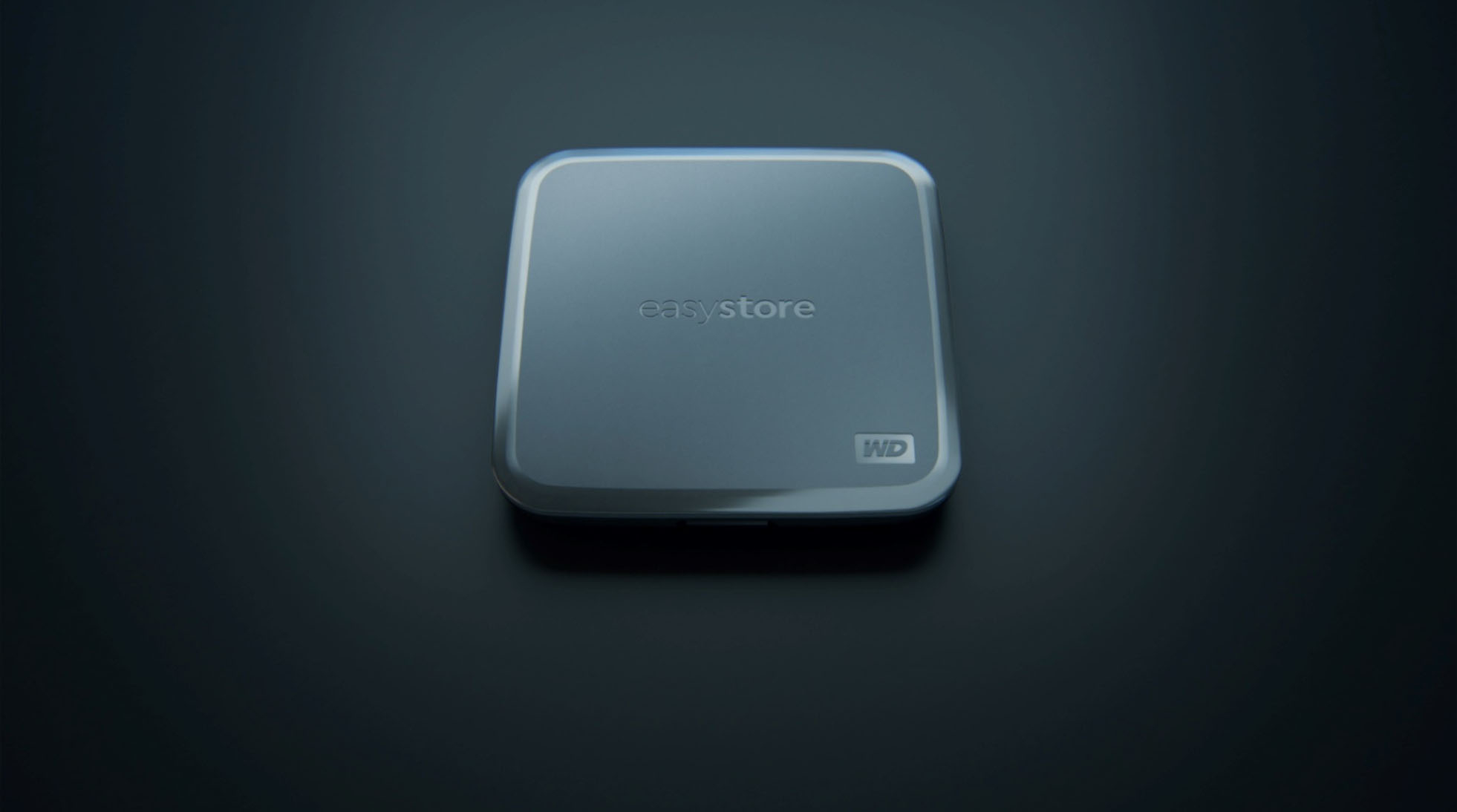
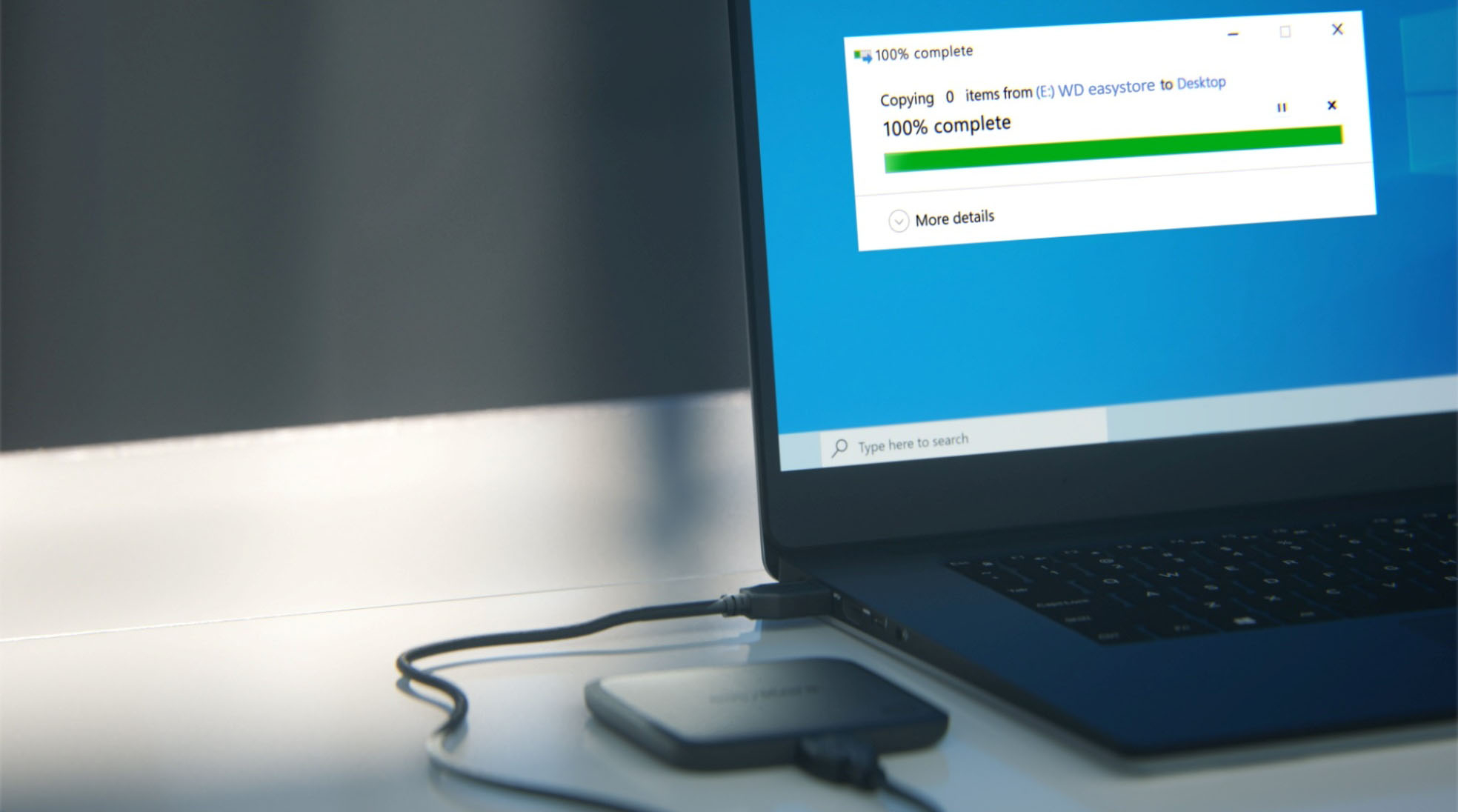
A:AnswerHello, Please be informed that the WD Easystore External SSD drive is a plug 'n' play device tested and designed for Windows and Mac computers for seamless operation. You could simply copy and paste data to the drive from your computer and vice-versa. Please refer to the link to know more about the drive: https://products.wdc.com/library/SpecSheet/ENG/data-sheet-easystore-ssd.pdf -Need Help? Please see our "'Contact Us" page for information.
A:AnswerI believe it came in fat 32 but you can change it to whatever you like. I have a Mac and I changed it to ex fat keep in mind that certain formats won’t allow you to use the entire memory only a certain portion
A:AnswerIt’s just an external hard drive but I believe it’s 3.0 so if your USB port is 3.0 then it should work fine as far as how fast does it suck in information or put out information really doesn’t depend on the hard drive. It really depends on your computer and the processing speed of your computer. It could only work as fast as your computer.
A:AnswerMore than likely, your computer has a setting on it that it will not open that particular folder unless it’s password protected. You shouldn’t have to even pay for this. I recommend going to google and putting in this phrase. “ how to password protect a hard drive” and then follow directions from there. Good luck!!!
A:AnswerHello, Please be informed that the WD Easystore External drive comes preformatted in NTFS format for Windows OS, However, in order to use the drive for macOS you can reformat the drive with macOS supported HFS+J file system by using this link: https://support-en.wd.com/app/answers/detail/a_id/3879 - Please be informed that you can use Time machine to do backup by using this link: https://support-en.wd.com/app/answers/detail/a_id/18952/initiator/user Need Help? Please see our "'Contact Us" page for information.
A:AnswerI would say room temperature I probably wouldn’t use this outside in the freezing cold, or in the middle of July. I would really use it indoors just to be safe.
A:AnswerIt’s an external hard drive speed has nothing to do with it. If the processing speed of your computer or in this case your game console is fast enough and it should be able to work fine as any external hard drive would just keep in mind the games take up a lot of space.