Main Content

Questions & Answers

Page Showing 361-380 of 835 questions
  • Questioncan I download a videogame on it and unplug it, and when i plug it back in can i play the videogame as if nothing happened. I have a gaming laptop and wanna buy this.

    Asked by Good.

    • Answer Hi john​​​​​​​, Please be informed that the WD Easystore drive is a plug 'n' play device tested and designed for Windows and Mac computers for seamless operation. Moreover, you can keep any data in the drive. For more info refer to the link: http://products.wdc.com/library/AAG/ENG/4078-705145.pdf -Need Help? Please see our "'Contact Us" page for information

      Answered by Western Digital Team

  • QuestionIs this device compatible with a Google Pixel 5 phone?

    Asked by Jr850.

    • Answer Hi Jr850, Please be informed that the WD Easystore drive is a plug 'n' play device tested and designed for Windows and Mac computers for seamless operation. We recommend you to please check with your host device vendor for more compatibility info. Please refer to the link to know more about the drive: http://products.wdc.com/library/AAG/ENG/4078-705145.pdf -Need Help? Please see our "'Contact Us" page for information

      Answered by Western Digital Team

  • QuestionIs this compatible with Playstation 5?

    Asked by inquiryguy.

    • Answer Hi inquiryguy​​​​​​​, Please be informed that the WD Easystore drive is a plug 'n' play device tested and designed for Windows and Mac computers for seamless operation. However, the drive works well with the gaming console. Moreover, for PS4 and PS5, you can consider the WD Gaming Drive. Please refer to the link mentioned below to know more about the WD Gaming Drive. http://products.wdc.com/library/AAG/ENG/4078-705139.pdf -Need Help? Please see our "'Contact Us" page for information

      Answered by Western Digital Team

  • QuestionIs this shockproof?

    Asked by Jungle.

    • Answer Hi Jungle, the easystore portable drive is a high capacity option in a compact, lightweight device. The easystore portable drive is both USB 3.0 ready and USB 2.0 compatible, and built with the trusted quality and reliability that WD is known for. To know more about the drive please refer to the link: http://products.wdc.com/library/AAG/ENG/4078-705145.pdf -Need Help? Please see our "'Contact Us" page for information.

      Answered by Western Digital Team

  • QuestionLooking for something to download movies from my dish during.How much space per movie?

    Asked by Anonymous.

    • Answer Hi, Please be informed that the WD Easystore drive is a plug 'n' play device tested and designed for Windows and Mac computers for seamless operation. We recommend you to please check with your host device vendor for more compatibility info. The storage space consumption is completely depends on the size of the data in the drive. Please refer to the link to know more about the drive: http://products.wdc.com/library/AAG/ENG/4078-705145.pdf -Need Help? Please see our "'Contact Us" page for information

      Answered by Western Digital Team

  • QuestionCan I use this with ps5?

    Asked by Marcus.

    • Answer Yes, might have to format it within the PS5. Highly recommend the WD-black 5TB but they both are compatible

      Answered by Junior21

  • QuestionWould this work as an external storage for the PlayStation 5? I bought the system, but we're trying to find storage solutions now before there is more of a library available. Thanks!

    Asked by Ashley.

    • Answer Yes, it’s compatible but might have to format it within the PS5. There is another one that i hight recommend though and thats the WD- Black 5TB

      Answered by Junior21

  • QuestionI have a MacBook Pro with a partitioned hard drive and would like to be able to use this on Windows and Mac.Does this hard drive work with an exFAT file system with the goal of being able to save files from both my Mac side and my PC side?

    Asked by Anonymous.

    • Answer Hi, The WD Easystore external portable hard drive comes pre-formatted with NTFS format for Windows computer. However, the hard drive can be reformatted in a supported exFAT format to be used on Windows and macOS. Refer to the link: How to Format a WD hard drive to exFAT or FAT32 File System: https://support-en.wd.com/app/answers/detail/a_id/20821/ -Need Help? Please see our "'Contact Us" page for information.

      Answered by Western Digital Team

  • QuestionIs this drive solid state?

    Asked by Sl.

    • Answer No. It’s a regular hard drive drive.

      Answered by iPadforsolitare

  • QuestionIs this compatible to a PlayStation 5?

    Asked by Anonymous.

    • Answer Hi, Please be informed that the WD Easystore drive is a plug 'n' play device tested and designed for Windows and Mac computers for seamless operation. However, the drive works well with the gaming console. Moreover, for PS4 and PS5, you can consider the WD Gaming Drive. Please refer to the link mentioned below to know more about the WD Gaming Drive. http://products.wdc.com/library/AAG/ENG/4078-705139.pdf -Need Help? Please see our "'Contact Us" page for information
      Answered by Western Digital Team

  • QuestionIs is a solid state drive?

    Asked by Sachin.

    • Answer Hi Sachin, Please be informed that the WD Easystore drive is a plug 'n' play external portable hard drive. To know more about the drive please refer to the link: http://products.wdc.com/library/AAG/ENG/4078-705145.pdf -Need Help? Please see our "'Contact Us" page for information.

      Answered by Western Digital Team

  • QuestionWill this work for my ps5

    Asked by BasedGodP.

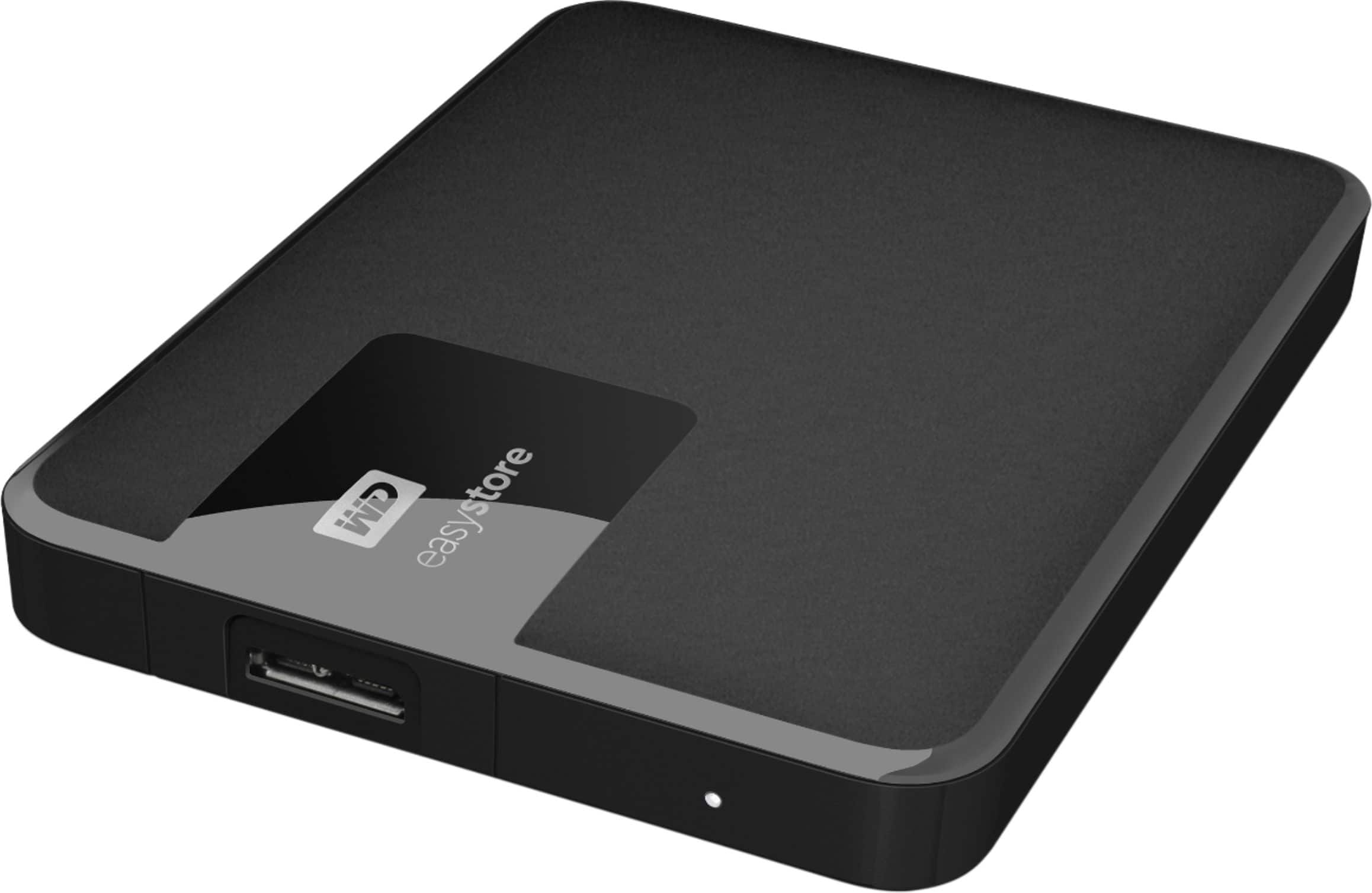
    • Answer Hi BasedGodP​​​​​​​, Please be informed that the WD Easystore drive is a plug 'n' play device tested and designed for Windows and Mac computers for seamless operation. However, the drive works well with the gaming console. Moreover, for PS4 and PS5, you can consider the WD Gaming Drive. Please refer to the link mentioned below to know more about the WD Gaming Drive. http://products.wdc.com/library/AAG/ENG/4078-705139.pdf -Need Help? Please see our "'Contact Us" page for information
      Answered by Western Digital Team

  • QuestionIs this compatible with ps5?

    Asked by Joey.

    • Answer NO

      Answered by Davegonzo

  • QuestionHi, is this product compatible with a Macbook air laptop and if so do I need to purchase any other accessories with it?

    Asked by Dlatrice.

    • Answer Hi Dlatrice, Please be informed that the WD Easystore external portable drive comes preformatted in NTFS format for Windows OS​​​​​​​. However, you can reformat the drive with macOS supported HFS+J file system by using the mentioned link: "Reformatting Required for Mac OS Compatibility" https://support-en.wd.com/app/answers/detail/a_id/3879 For more compatibility information please contact your host device support. -Need Help? Please see our "'Contact Us" page for information.

      Answered by Western Digital Team

  • Questionhow much current does this device draw under load? will my 2011 Imac usb 2 port operate this drive?

    Asked by Dtmole.

    • Answer Hi Dtmole, Please be informed that the easystore portable drive is a high capacity option in a compact, lightweight device. The easystore portable drive is both USB 3.0 ready and USB 2.0 compatible, and built with the trusted quality and reliability that WD is known for.. To know more about the drive please refer to the link: http://products.wdc.com/library/AAG/ENG/4078-705145.pdf -Need Help? Please see our "'Contact Us" page for information.

      Answered by Western Digital Team

  • QuestionIs this compatible with a Mediasonic/Homeworkx DVR? For some reason it does not recognize it, but the Best Buy sales person picked out the WD easystore/2TB for me? Do you have to configure it first? If so, how I have an HP laptop with windows

    Asked by Sasa.

    • Answer Hi Sasa, Please be informed that the WD Easystore drive is a plug and play external portable drive tested and designed for Windows and Mac computer/laptop for seamless operation. The drive comes pre formatted into NTFS file format for Windows OS. To know more about the drive please refer to the link: http://products.wdc.com/library/AAG/ENG/4078-705145.pdf -Need Help? Please see our "'Contact Us" page for information.

      Answered by Western Digital Team

  • QuestionCan this hard drive be partitioned? I'd like to place 3 partitions on the drive, each used to place a clone of my internal hard drive, giving a chance to have 3 cloned drives for backup.

    Asked by Russ.

    • Answer Hi Russ, Please be informed that in order to assist It would be helpful to have a little bit more information. Please get in touch with our customer service team to elaborate the issue. Need Help? Please see our "'Contact Us" page for information.

      Answered by Western Digital Team

  • QuestionWILL THIS WORK ON A DISH RECIEVER(WALLY)

    Asked by Anonymous.

    • Answer Hi, Please be informed that the WD Easystore drive is a plug and play external portable drive tested and designed only for Windows and Mac computers for seamless operation. To know more about the drive please refer to the link: http://products.wdc.com/library/AAG/ENG/4078-705145.pdf -Need Help? Please see our "'Contact Us" page for information.

      Answered by Western Digital Team

  • QuestionPlayStation 5 compatibility

    Asked by Jay.

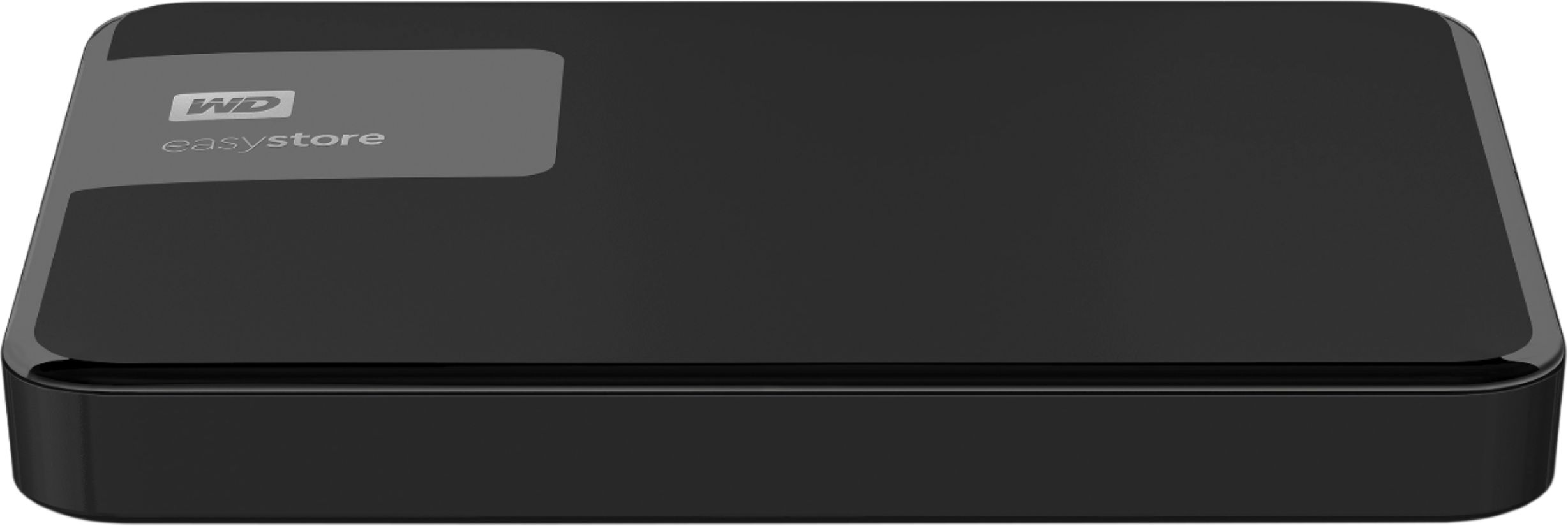
    • Answer Hi Jay​​​​​​​, Please be informed that the WD Easystore drive is a plug and play external portable device tested and designed for Windows and Mac computers for seamless operation. Moreover, for PS4 and PS5, you can consider the WD Gaming Drive. Please refer to the link mentioned to know more about the WD Gaming Drive and its compatibility. http://products.wdc.com/library/AAG/ENG/4078-705139.pdf -Need Help? Please see our "'Contact Us" page for information
      Answered by Western Digital Team

  • QuestionWould this be able to store PowerPoint's and videos from a MacBook Air 2017?

    Asked by Anonymous.

    • Answer Hi, Please be informed that the WD Easystore external portable drive comes preformatted in NTFS format for Windows OS​​​​​​​, However, you can reformat the drive with macOS supported HFS+J file system by using the mentioned link: "Reformatting Required for Mac OS Compatibility" https://support-en.wd.com/app/answers/detail/a_id/3879 -Need Help? Please see our "'Contact Us" page for information.

      Answered by Western Digital Team