Main Content

Questions & Answers

$149.99
Save $35
The comparable value is $184.99
Deal ends tomorrow
Page Showing 301-320 of 493 questions
  • QuestionDoes it come with a USB cable?

    Asked by Shio.

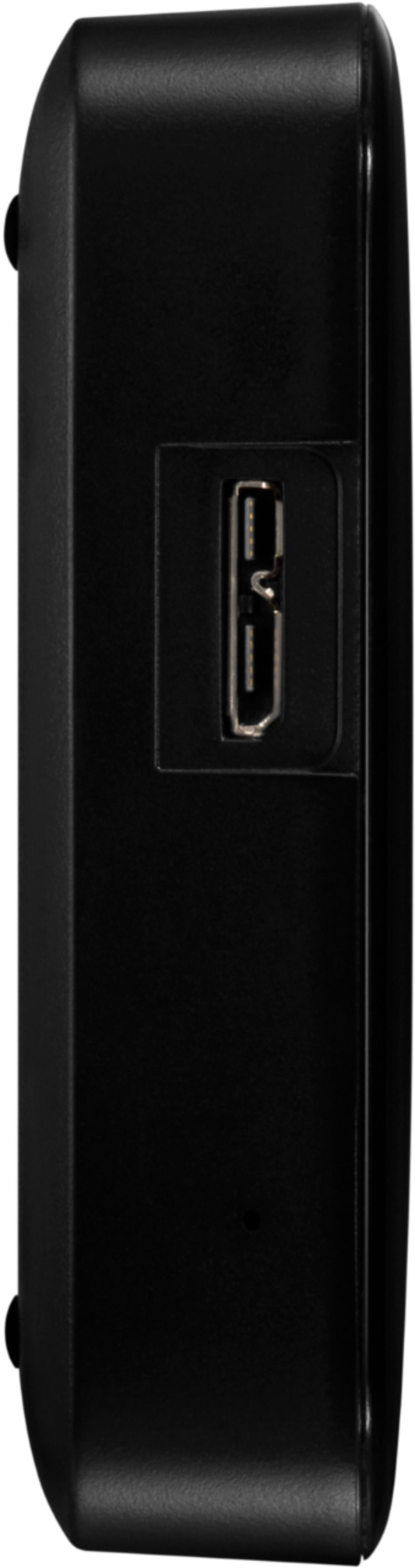
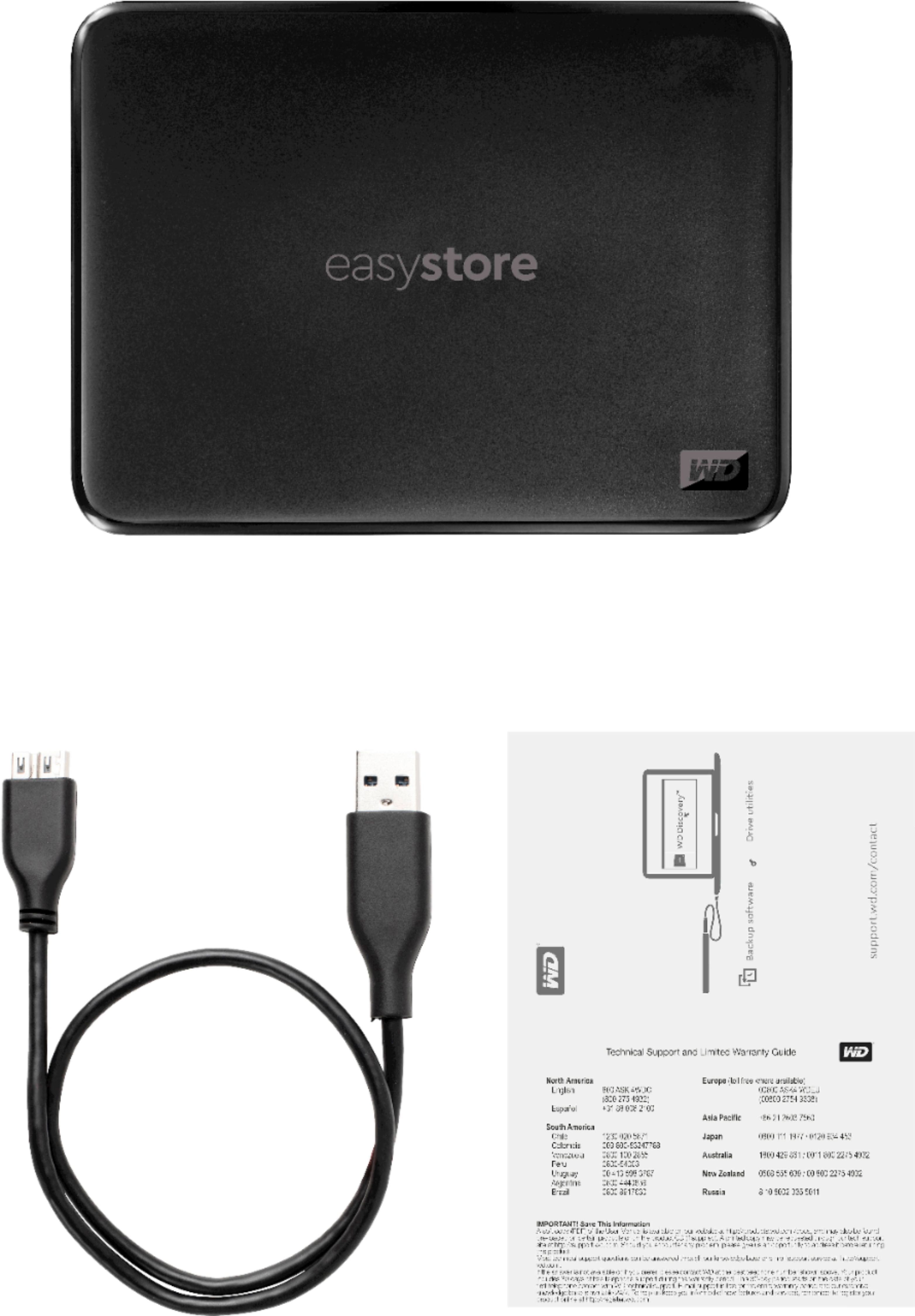
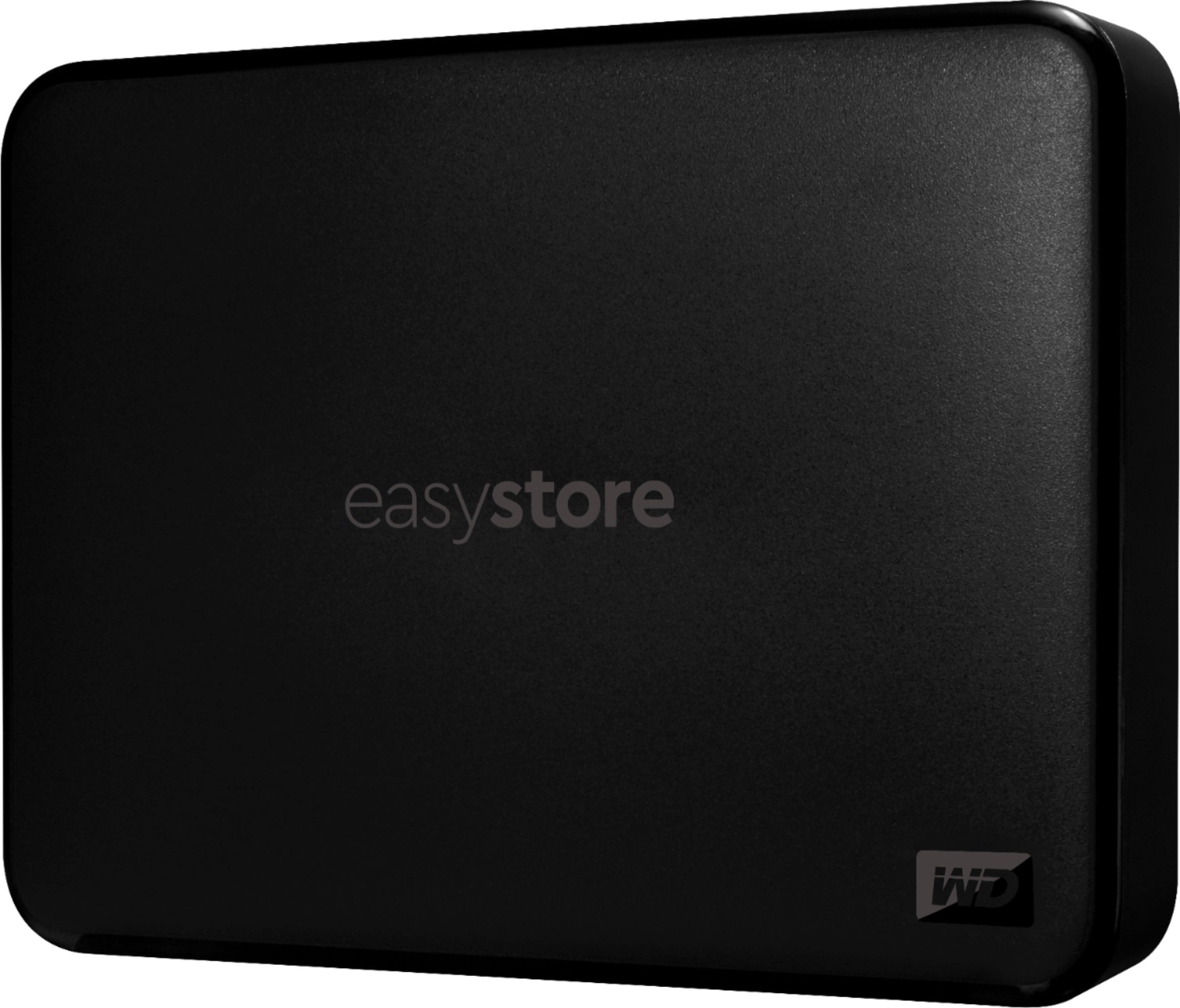
    • Answer Hi Shio, Please be informed that the WD Easystore drive is a plug and play device. The Drive comes with a USB 3.0 cable​​​​​​​ and uses a USB 3.0 Type-A Interface. For more info about the drive refer the below link- http://products.wdc.com/library/AAG/ENG/4078-705145.pdf Need Help? Please see our "'Contact Us" page for information.

      Answered by Western Digital Team

  • QuestionYes. Can I use this on my LG TV and receive the full capacity of the 5TB? Or will I have it partitioned only for 3TB as the TV's can only up to 3TBs?

    Asked by Anonymous.

    • Answer I ran into a similar issue with my Samsung tv while back though it may not be the same issue. The Samsung tv requires an MBR Drive partition which is limited to 2TB so probably supports a GPT partition to get past that limit. That said, not sure why they have a 3TB limit. FAT32 file system maxes out at 8TB with max file size of 4GB but tv can easily span files if needed. NTFS file system tops out at 256GB and EXFAT goes beyond that. I had to contact Samsung customer support several times to get the right answers to get mine working so wound up using my 1TB Easystore for that purpose and repartitioning and formatting the drive to get things working. I would suggest buying one or two of the 3TB drives instead. If you buy the larger drive then likely not able to use the extra space unless there is a software upgrade for your tv that removes this limitation. I have heard that not all televisions will work with hard drives. You need to check your owners manual to see if your tv can support using a hard drive. You may need to use an SSD type which Best buy also sells. Just remember that 3TB is enough space to store hundreds of full length movies and guessing about near 800 of them. You might have to contact LG support for the answers if the manual is no help. These drives are great so you can use it to back up your laptops and your digital music collection if you can't get it to work. Good luck.

      Answered by BassClef

  • QuestionWill this work on ps5

    Asked by Rpm442.

    • Answer It will not - bought one and had to return it. It can't be formatted.

      Answered by KTnova

  • QuestionHow you power this HD ?

    Asked by nick.

    • Answer Nick... All you do is plug this WD digital drive into your computer USB port. It transfers data via the USB cable AND it uses the low voltage current in the computers USB port to power this device. Since there are no moving parts it needs very little current.

      Answered by cooldude

  • QuestionIs using this solely for the purpose of "videos" mean I have a problem?

    Asked by Mike.

    • Answer Mike, No. You do not have a problem. You can easily copy videos to this WD device (these "drives" are fast particularly with USB 2 and 3 ports). And it works with the old school USB 1 port too. Videos take up a lot of space so this device is perfect. And this device comes formatted and ready to go for Windows computers.

      Answered by cooldude

  • Question1. is it password protected or protectable? 2. Is it SSD?

    Asked by TxBuck.

    • Answer Hi TxBuck, Please be informed that the WD Easystore drive is not an SSD rather it is a plug and play External Portable Hard Drive. To know more about the drive refer the link below- http://products.wdc.com/library/AAG/ENG/4078-705145.pdf  Need Help? Please see our "'Contact Us" page for information.​​​​​​​

      Answered by Western Digital Team

  • Questionis it a good choice to use wd-easystore 5tb external hard drive to hold music files downloaded from a music streaming source tidal instead of using laptops memory or hard drive

    Asked by Anonymous.

    • Answer Hi​​​​​​​, Please be informed that the WD Easystore drive is a plug and play device tested and designed only for Windows and Mac computers for seamless operation. ​​​​​​​Need Help? Please see our "'Contact Us" page for information.

      Answered by Western Digital Team

  • QuestionThis one can work with laptop macAir 2012?

    Asked by C51901.

    • Answer Works well with any computer. You just have to know how to set up. Watch you tube videos for setup.

      Answered by Joanrn

  • QuestionIs this compatible with both PS4 and PS5? If so, would you lose your data by going from PS4 to PS5 by having to reformat?

    Asked by JuanM.

    • Answer should be fine going from ps4 to ps5 but if you reformat you will loose any data on it

      Answered by Tony

  • QuestionCan this be used to rip CDs and store music as a master storage location? Also video CDs?

    Asked by Musicman.

    • Answer Hi Musicman, Please be informed that the WD Easystore drive is a plug and play external device which is tested and designed for Windows and Mac computers. You can keep any file or folder in the drive. To know more about the drive refer to the link: http://products.wdc.com/library/AAG/ENG/4078-705145.pdf -Need Help? Please see our "'Contact Us" page for information.

      Answered by Western Digital Team

  • QuestionAny password protection option for this WD Easystore 5TB external HHD?

    Asked by CC.

    • Answer Hi CC, Please be informed that the WD Easystore drive is a plug and play device tested and designed for Windows and Mac computers for seamless operation. However, you can refer to the mentioned link for more information about the password protection: https://support-en.wd.com/app/answers/detail/a_id/4817 -Need Help? Please see our "'Contact Us" page for information.

      Answered by Western Digital Team

  • Questiondoes the Easystore 5 tera byte USB 3.0 portable external hard drive come with the proper USB 3.0 connecting cable?

    Asked by Anonymous.

    • Answer Hi, Please be informed that the WD Easystore drive is a plug and play device. The Drive uses USB 3.0 Type-A Interface. For more info about the drive refer the below link- http://products.wdc.com/library/AAG/ENG/4078-705145.pdf Need Help? Please see our "'Contact Us" page for information.

      Answered by Western Digital Team

  • Questionwhich is the best choice for storing music files, WD-My Passport 5 terabyte external portable hard drive or the WD- Easystore 5 terabyte portable external hard drive?

    Asked by Anonymous.

    • Answer Hi, Thank you for showing your interest in WD external portable drives. Both drives are designed and tested on Windows and macOS computers. For the features and more information please refer to the links: Easystore Portable - http://products.wdc.com/library/AAG/ENG/4078-705145.pdf & My Passport Portable - http://products.wdc.com/library/AAG/ENG/4078-705155.pdf. -Need Help? Please see our "'Contact Us" page for information.

      Answered by Western Digital Team

  • Questionhow do I know if I am getting a windows configured easystore 5 terabyte hard drive and not one configured for mac?

    Asked by Anonymous.

    • Answer Hi, Please be informed that the WD Easystore drive is a plug and play device tested and designed for Windows and Mac computers for seamless operation. The drive comes preformatted with NTFS format which support windows computers. To know more about the drive refer to the link- http://products.wdc.com/library/AAG/ENG/4078-705145.pdf -Need Help? Please see our "'Contact Us" page for information.

      Answered by Western Digital Team

  • Questioncan I use easy store 5 terabyte to store my music library so I do not use up space on my laptop?

    Asked by Anonymous.

    • Answer Hi, Please be informed that the WD Easystore drive is a plug and play device tested and designed for Windows and Mac computers for seamless operation. However, you can keep any files and folders in the drive. To know more about the drive refer to the link- http://products.wdc.com/library/AAG/ENG/4078-705145.pdf -Need Help? Please see our "'Contact Us" page for information.

      Answered by Western Digital Team

  • QuestionIs it compatible with older versions of windows usb 2.0

    Asked by Lca.

    • Answer yes, you can even use a micro usb cable on it by plugging it in to the larger connector, the smaller connector makes it usb 3 (usb 3 cable uses both connectors)

      Answered by ds05

  • QuestionI bought this to watch movies on my tv but my samsung nor my dvd player sees the WD 5tb hard drive. What is the fix to watch the movies on a TV instead of a pc?

    Asked by JustMe.

    • Answer Check how the drive is formatted. Sometimes devices like the ones you mentioned only read FAT32 formatted disks.

      Answered by RoyB

  • Questionwhat is difference of 5TB external hard drive one $161.99 and one at $104.99

    Asked by lbo.

    • Answer Hi lbo, Thank you for showing interest in WD Easystore Drive. Unfortunately, without the product models numbers or links we are unable to provide any information. However, you can go to the product page and compare the mentioned features. -Need Help? Please see our "'Contact Us" page for information
      Answered by Western Digital Team

  • QuestionIs it possible to transfer apps from my 256 gb internal ssd to this hdd?

    Asked by Otter.

    • Answer Hi Otter, Please know WD My Easystore preformatted for Windows computer and tested only with macOS and Windows OS. You can use it to keep your data or computer backups. For more information you can refer to the link mentioned below. http://products.wdc.com/library/UM/ENG/4779-705168.pdf Need Help? Please see our "'Contact Us" page for information.

      Answered by Western Digital Team

  • Questionhow can i copy a file from another hard drive and not create a duplicate on the easy store if file has it has data in it already

    Asked by Anonymous.

    • Answer Hi, Thank you for showing your interest in WD Easystore hard drive. You can connect both the drives with the computer and copy/move the files or folders. It will prompt with some options if you will already have any file with the same name in the drive. For more information on how to copy or move the file please refer to the link: https://support-en.wd.com/app/answers/detail/a_id/18911 -Need Help? Please see our "'Contact Us" page for information.

      Answered by Western Digital Team