

Black Friday is hereShop new DoorbustersShop now

Main Content

Questions & Answers

Page Showing 1-20 of 47 questions
  • QuestionWhat is the storage capacity of this hard drive?

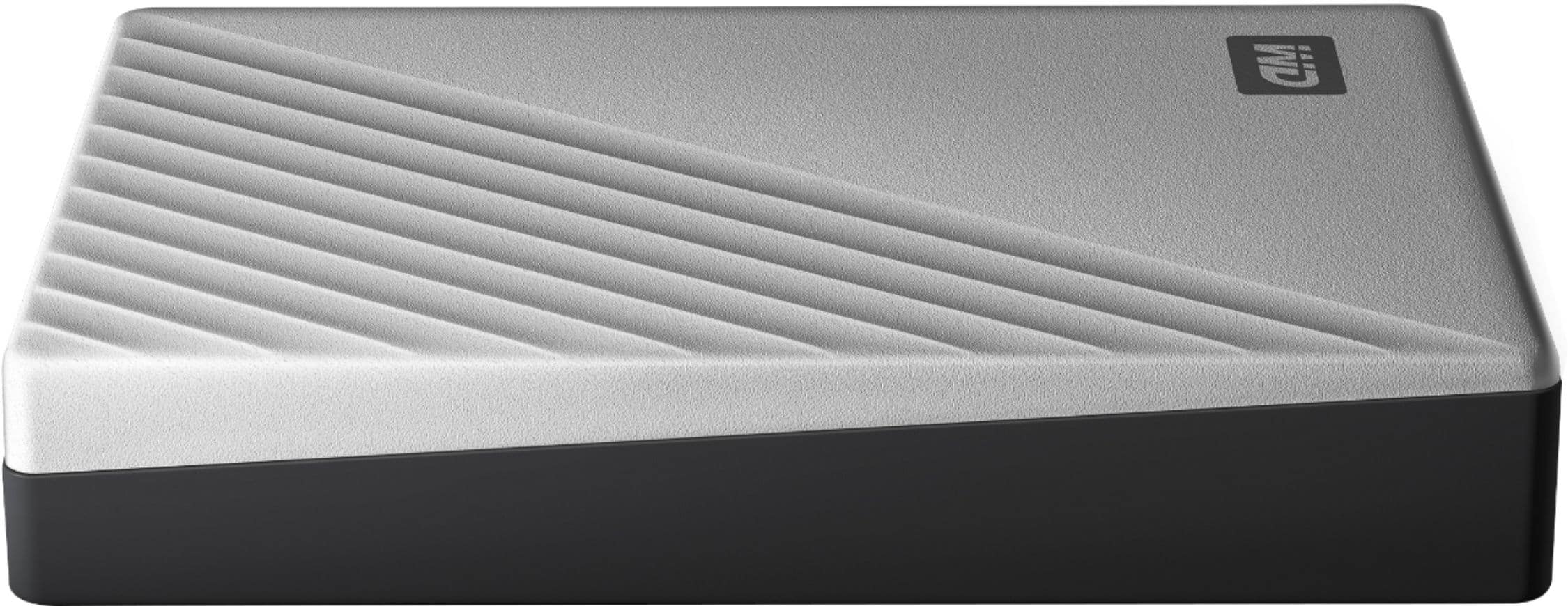
    • Answer This hard drive has a storage capacity of 4TB, providing ample space for your files.
    This question and answer was generated by AI based on customer and product data.
  • QuestionWhat type of encryption does this hard drive use for security?

    • Answer It uses 256-bit AES hardware encryption with password protection to help keep your data secure.
    This question and answer was generated by AI based on customer and product data.
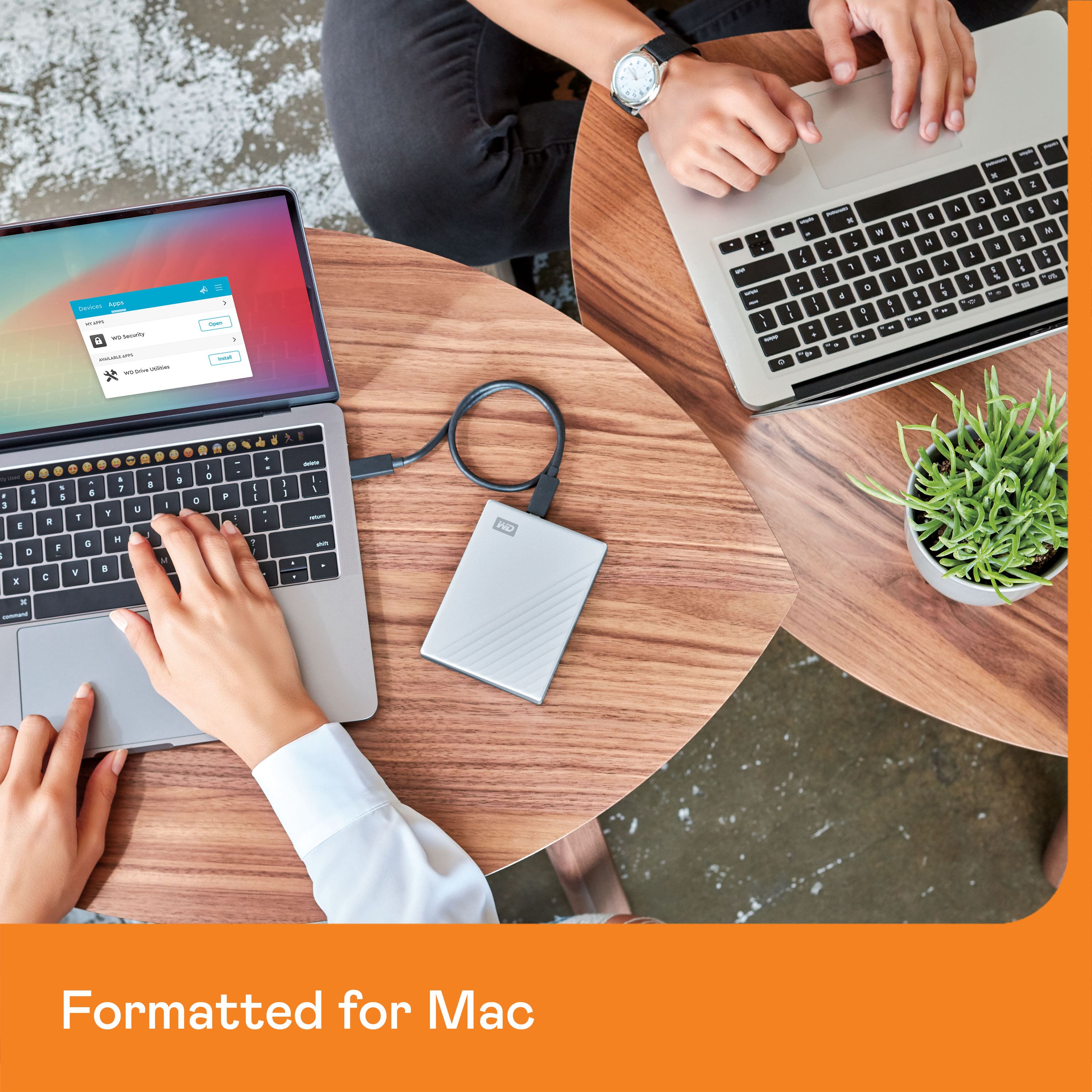
  • QuestionIs this hard drive compatible with both Mac and PC?

    • Answer Yes, this hard drive is compatible with both Mac and PC, offering flexible installation options.
    This question and answer was generated by AI based on customer and product data.
  • QuestionHow does this hard drive connect to devices?

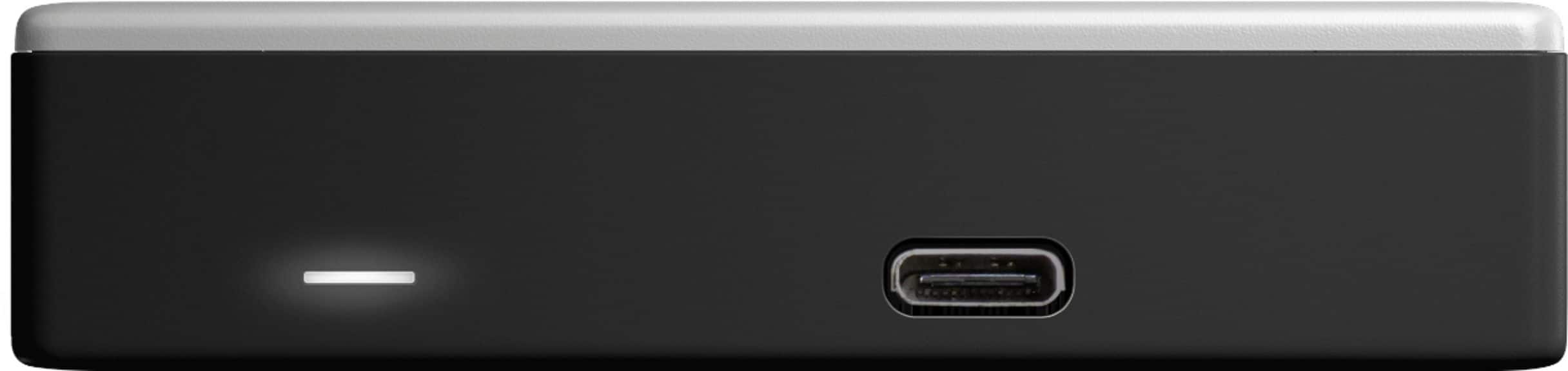
    • Answer It uses a USB 3.0 interface for easy connection to devices and is also backward compatible with USB 2.0.
    This question and answer was generated by AI based on customer and product data.
  • QuestionDoes this hard drive come with any cloud storage?

    • Answer Yes, it comes with a one-year free trial of 500GB WD 2Go cloud storage, available only at Best Buy.
    This question and answer was generated by AI based on customer and product data.
  • QuestionDoes this hard drive come with backup software?

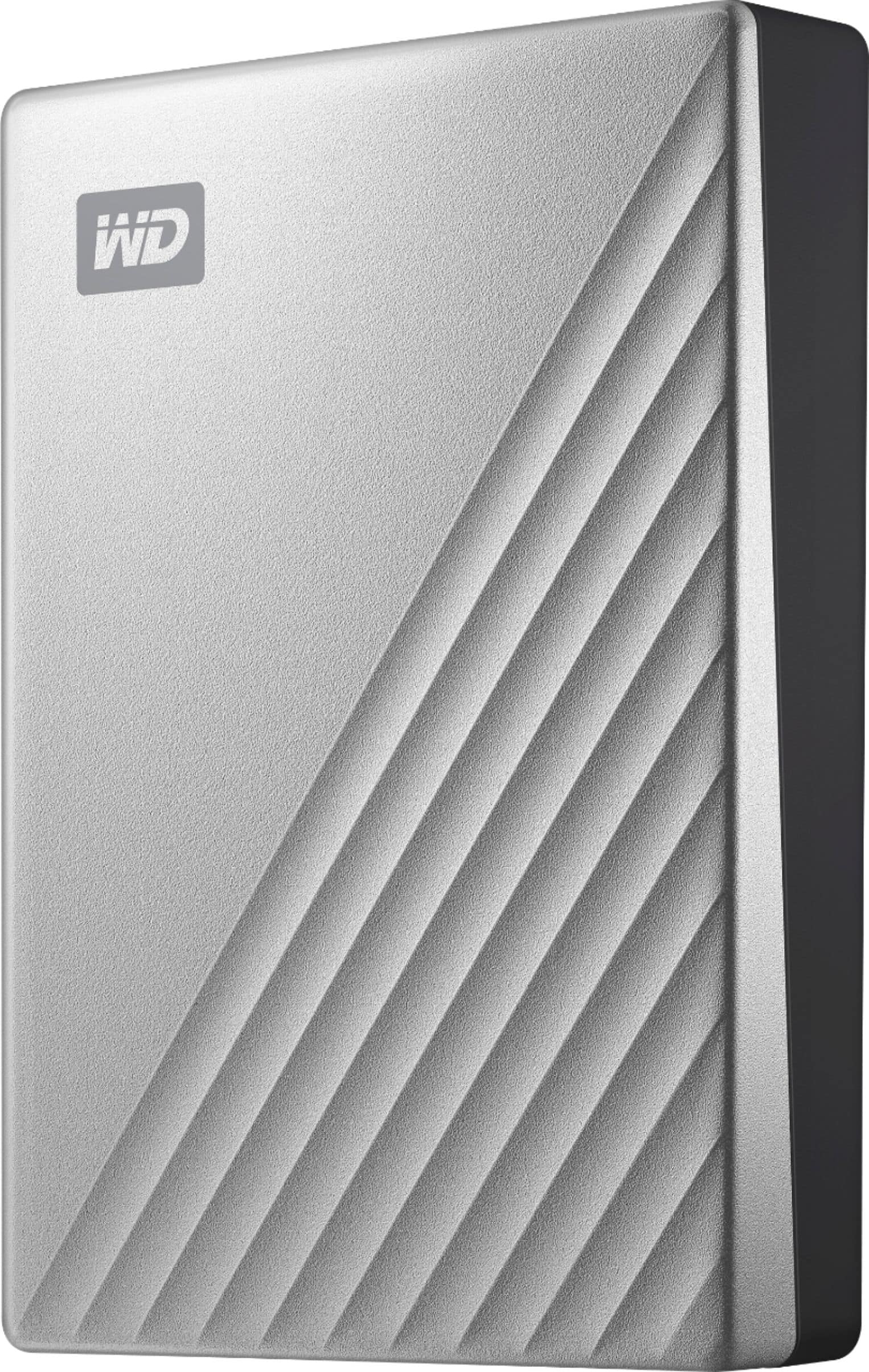
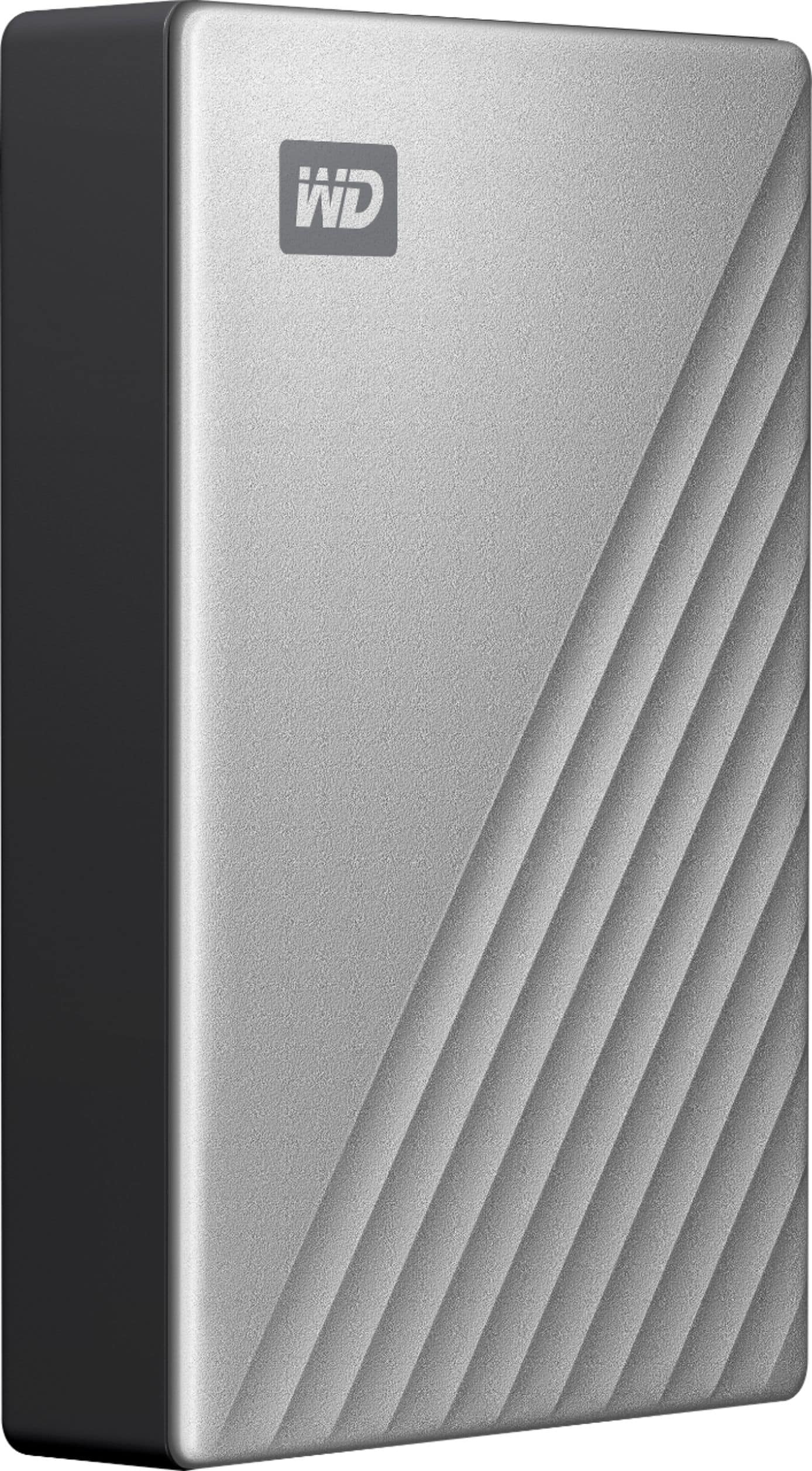
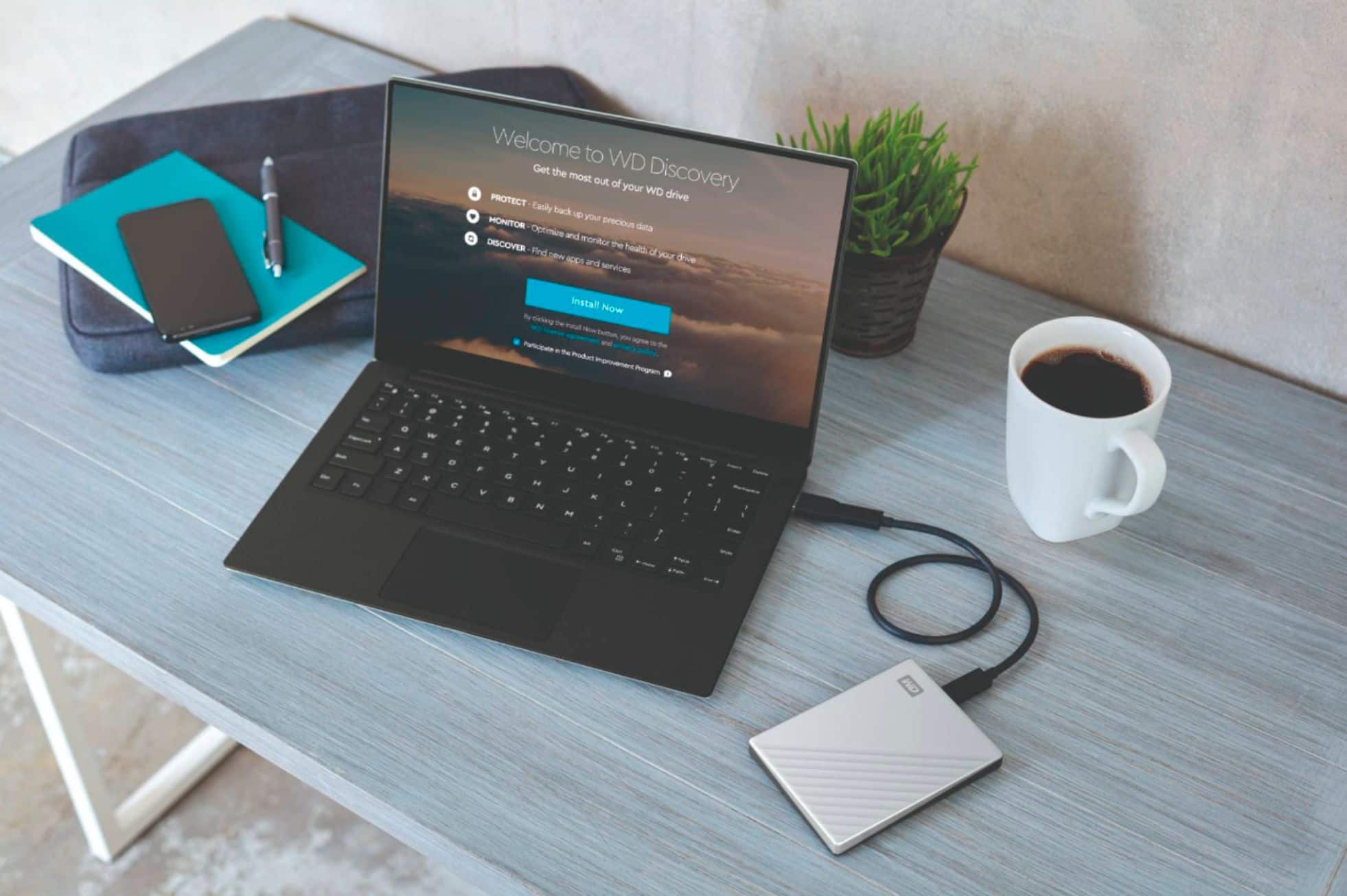
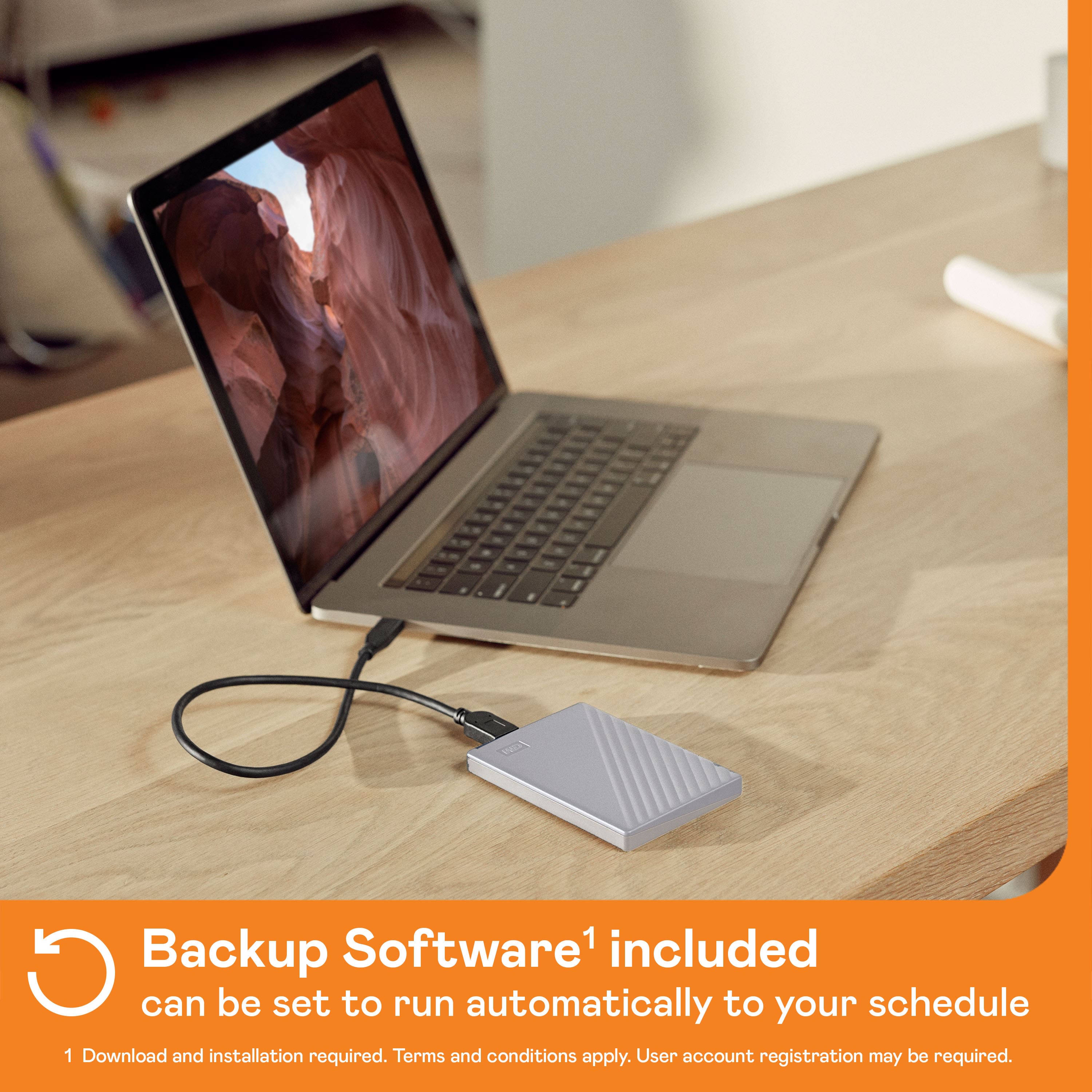
    • Answer Yes, the My Passport Ultra for Mac drive comes equipped with WD Backup software to help ensure that your data is backed up.
    This question and answer was generated by AI based on customer and product data.
  • QuestionCan i use with windows 10? Will i have to format it? I know it says for mac but i want usb type c to usb 3.0 cable.

    Asked by timm.

    • Answer Best Buy also has the same drive formatted for Windows that comes with both USB type c and USB 3.0 connectors.

      Answered by Chuck

  • QuestionIs this compatible to an old Macbook pro mid 2012? MacOs10.8?

    Asked by Kristine.

    • Answer It should work just fine. It comes with an adapter for a USB port. Just be sure to line the adapter up correctly. Good luck.

      Answered by Spartan1985

  • QuestionWhen backing up the computer, does it store that update in a separate file or does it only retain one back-up copy and overwrites previous ones?

    Asked by NumberBackups.

    • Answer It will keep all the back ups until it is full, then it will overwrite the oldest files with the newest ones.

      Answered by Hilander7

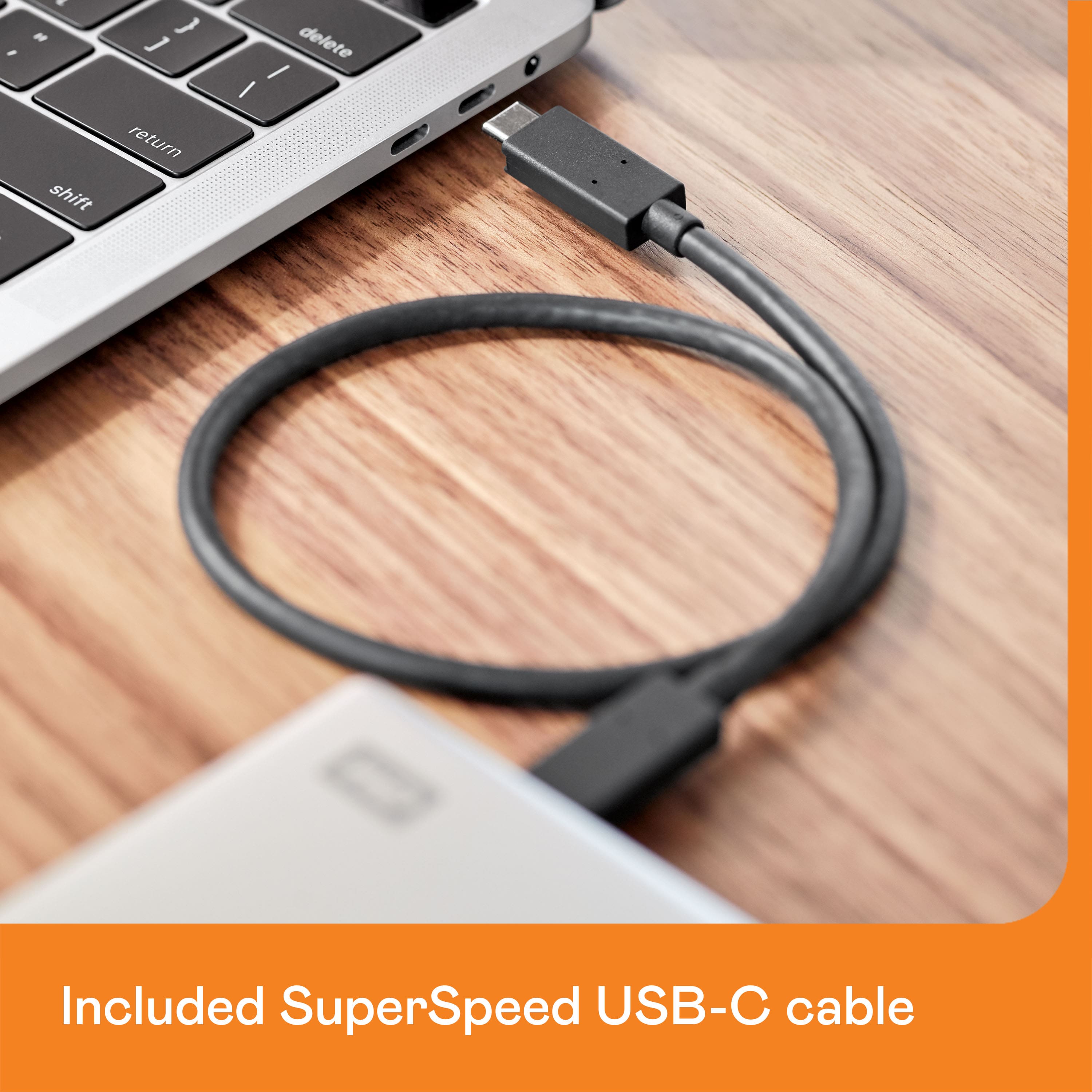
  • QuestionLost cord. What should I order to replace it? Thanks-

    Asked by Barb.

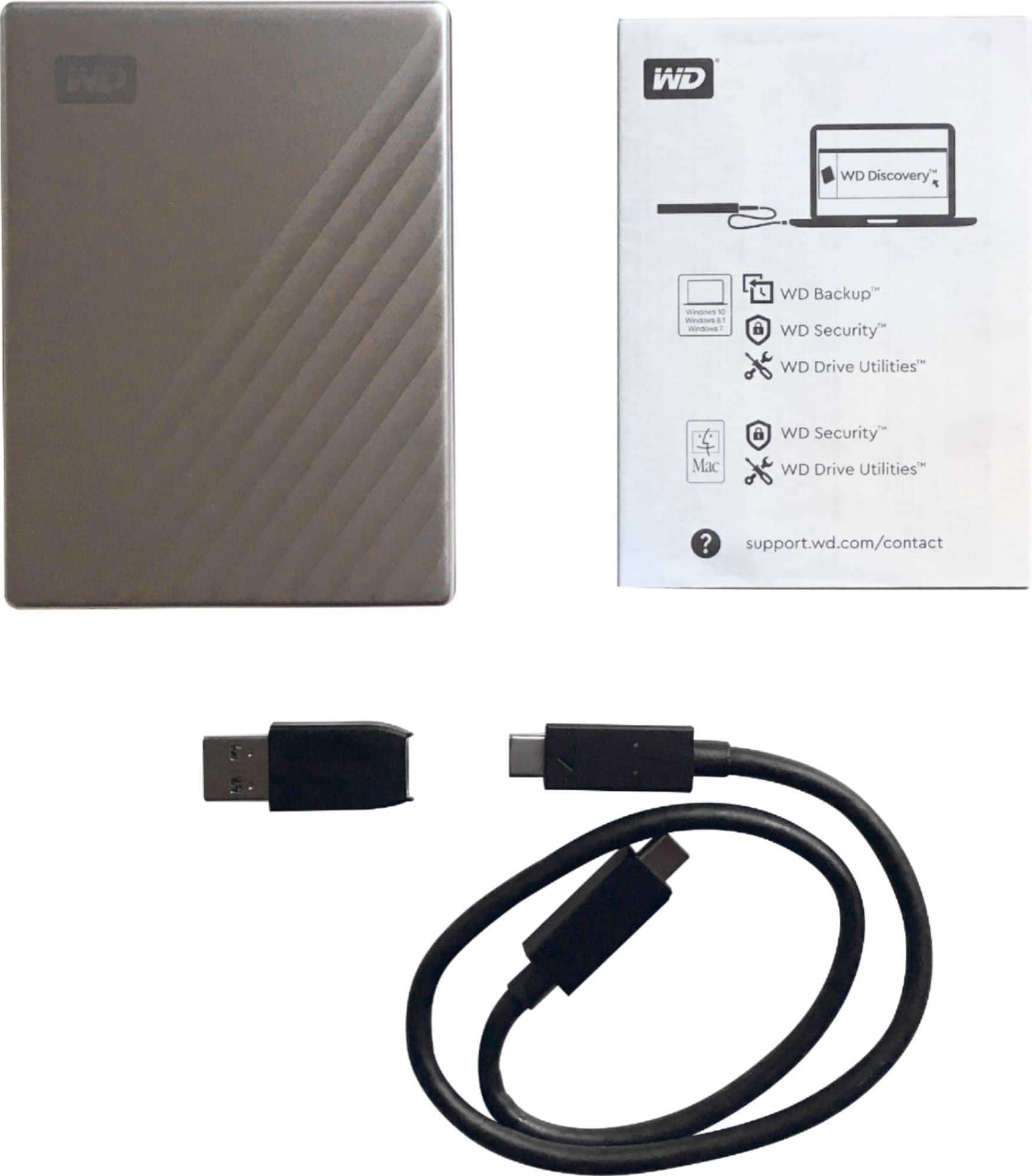
    • Answer Hi Barb, Please be informed that the WD My Passport Ultra for Mac drive is a plug 'n' play external device and it’s formatted for macOS and Time Machine compatibility right out of the box. We have also mentioned mentioned the USB Cord specification : WDSC012RNW (USB-C to USB-C with USB 3.1 Type-A Adapter) -Need Help? Please see our "'Contact Us" page for information.

      Answered by Western Digital Team

  • QuestionWill this drive work with an iMac running OS 11.1 (Big Sur) or higher?

    Asked by Macc.

    • Answer Hi Macc, Please be informed that the WD My Passport Ultra for Mac drive is a plug 'n' play external device and it’s formatted for macOS and Time Machine compatibility right out of the box. It works with updated macOS. To know more about the drive refer to the link: http://products.wdc.com/library/AAG/ENG/4078-705134.pdf -Need Help? Please see our "'Contact Us" page for information.

      Answered by Western Digital Team

  • QuestionRecently purchased Windows 11 Home edition system is not showing this external drive whereas system says "driver is working fine". Don't know how to format or get right driver.. please share the link. I want this drive to work with both win & mac systems

    Asked by rkakran.

    • Answer Hello Rkakran, Please know, ideally the drive is designed for macOS computers and it is ready out of box with HFS+ format for macOS. However, you can reformat the drive in NTFS to use with Windows or in exFAT for both Windows and macOS. Please be informed that reformatting is a data destructive process. Please backup the data from the drive before reformatting it. "Steps to Format a Drive for Use on Windows and macOS Using exFat": https://support-en.wd.com/app/answers/detailweb/a_id/20821 -Need Help? Please see our "'Contact Us" page for information.

      Answered by Western Digital Team

  • QuestionDoes this work with Mojave 10.14.6 or higher (Catalina)?

    Asked by DDRVA.

    • Answer Yes, it does work fine with the latest Apple MacOS software.

      Answered by WarrenHI

  • QuestionHOW MANY SONGS CAN I FIT ON THIS 4TB? I HAVE OVER 1000 MUSIC CD'S

    Asked by CEELOS.

    • Answer Uncompressed CD audio is roughly 10 MB/min. There's 4,000 GB on this drive, or 4 Million MB at 10 MB per minute. That's 400,000 minutes of audio. If you have a typical song of 4 minutes, that's 100,000 songs. --or-- A CD's max capacity is about 700 MB. Most commercially released music CDs are about 40 - 45 minutes +/- which would be 450 MB - or 45 minutes To round it out at 50 min per CD or 12+ songs per disc. that's about 8,000+ CD's you could store on a 4 TB drive. --or-- If you have all home made CDs and you stuffed everyone to capacity - 700 MB each, that would be 70 songs per CD, or 70 minutes per CD, or about 5700 writable CD's that are completely full to capacity

      Answered by Howdydooit

  • QuestionCan this be used to backup multiple computers, or do I need a separate drive for each machine? I have several MacBooks I want to backup.

    Asked by Tony.

    • Answer Hi Tony, Please know My Passport Ultra for Mac store the backup in different folders for every computer. So, you can use one passport ultra for mac to backup multiple computer. But, we recommend you to contact apple support once because the macOS uses time machine to backup the data and it is an application from Apple. For more information on drive, refer to the link: https://products.wdc.com/library/AAG/ENG/4078-705134.pdf -Need Help? Please see our "'Contact Us" page for information

      Answered by Western Digital Team

  • QuestionDoes this work with iMac computer

    Asked by Ade.

    • Answer Yes works very well I have 2 one for my iMac and the other for my mac pro I use this for my DJ System

      Answered by osorio

  • QuestionCan this be used to backup multiple PC computers, or do I need a separate drive for each machine? I have 2 PCs I want to backup.

    Asked by DWW.

    • Answer Hi, We'd like to inform you that My Passport for Mac can be used to back up multiple PCs, provided it is formatted to a compatible file system like exFAT. However, keep in mind that backups from different PCs will share the available storage space. If you have further questions, kindly open a support ticket at https://support-en.wd.com/app/askweb.

      Answered by Western Digital Team

  • QuestionIs this compatible with iPad Pro for backup?

    Asked by Stomper.

    • Answer Hi, Please be informed that the WD My Passport Ultra for Mac drive is a plug 'n' play device tested and designed for Windows and Mac computers. We have not tested the drive on mobile devices or an iPad. We recommend you to use the computer to move the data from the phone to the drive. Refer to the link in order to know more about the drive: http://products.wdc.com/library/AAG/ENG/4078-705134.pdf

      Answered by Western Digital Team

  • QuestionCan you directly connect to your router for automatic backups?

    Asked by Anonymous.

    • Answer Hello, Please be informed that the WD My Passport Ultra for Mac drive is a plug 'n' play device that has been tested and designed for Windows and Mac computers. It is a plug and play drive, you can simply copy and paste data onto the drive and vice versa. You can use Acronis True Image for Western Digital Software to configure automatic backups. Please see the mentioned link: https://support-in.wd.com/app/answers/detailweb/a_id/30022/. -Need help? Please see our "'Contact Us'" page for details.

      Answered by Western Digital Team

  • QuestionCan you save pictures on this from your iPhone?

    Asked by Movies.

    • Answer Don’t know, but I don’t know why not. Alternatively, sync your iPhone photos with your iPad or iMac and save it from your computer.

      Answered by TravelingSue