A:AnswerYes you can definitely do this! Your new subscription does not activate upon purchase. It activates upon putting the new serial code into your account settings. Hope that helps!
A:AnswerHi it could be either or both. Can you take your laptop to a different location on a different wifi and check if it runs faster. If the same speed you need to remove some photos or videos or music.
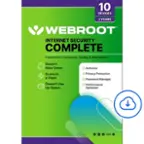
A:AnswerNever thought about this aspect of it. I've read about it's capability to scramble your activity to potentially harmful malware/spyware/ransomware/phishing and a whole lot of new and ever evolving attempts of harmful cyber/tech predators/criminals. You can also join webroot online community on their website where you can have quick answers to your questions.
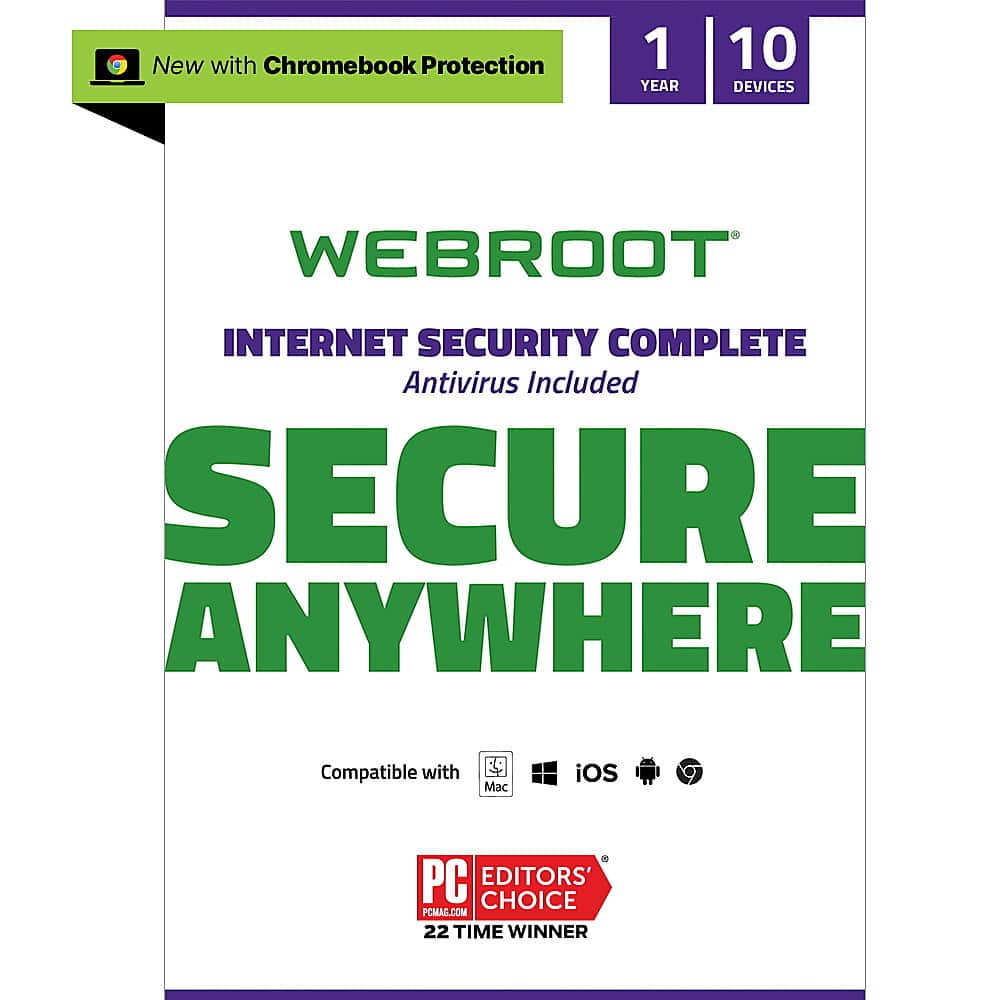
A:AnswerI've used this software over 15 years a and it sure does work. Scans your device quietly in the background while you're using your device on a default schedule every few or every hour. You don't have to do anything but enjoy t the peace of mind well knowing your online activity is being protected.
A:AnswerI just installed the app on my phone and from what I can tell on my phone, WebRoot on the phone is currently a web browser. It did say something about using with Safari, but I haven’t looked that closely at it.