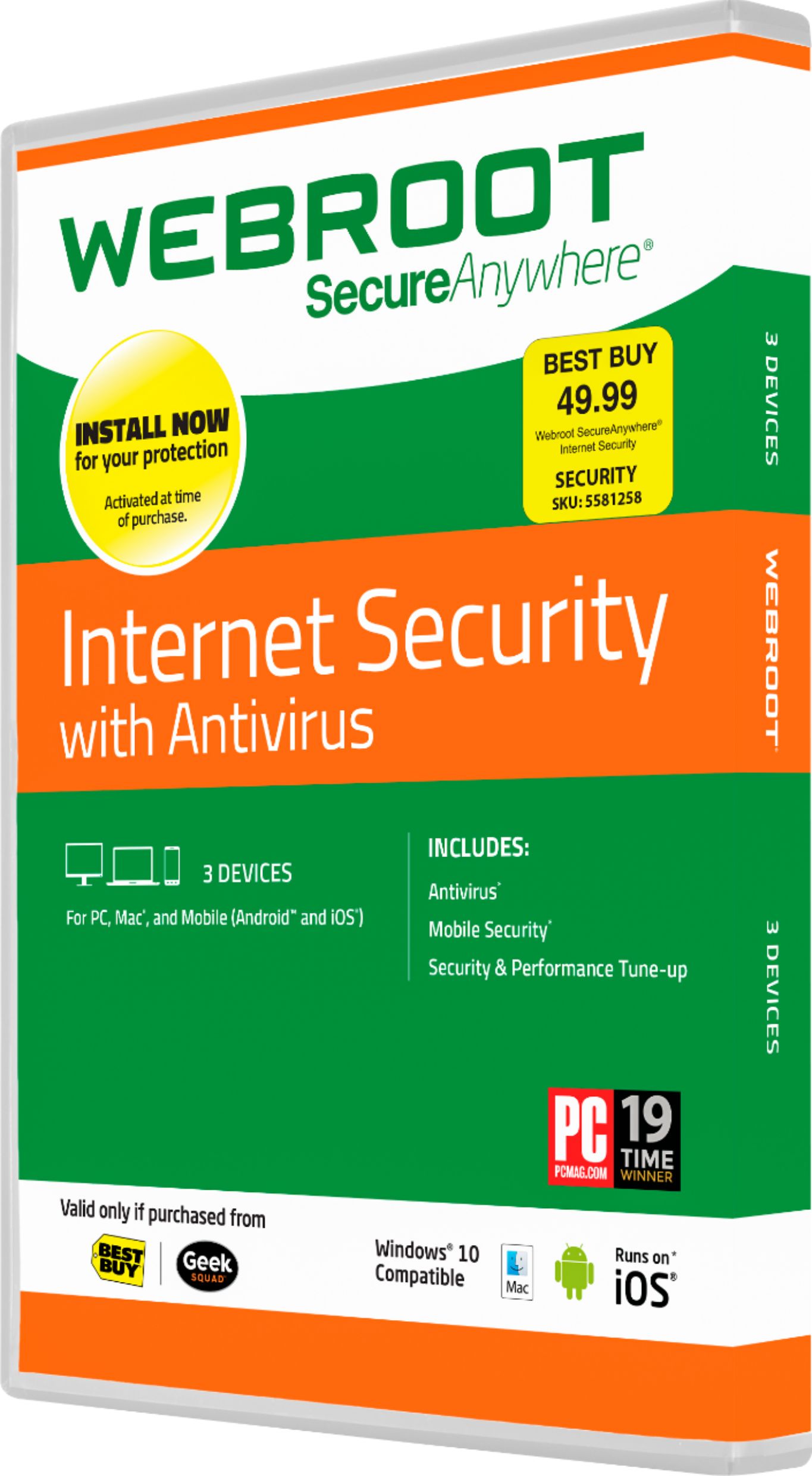
A:AnswerI hate Norton, I always uninstall it the moment I get my laptop running. It is notorious for slowing the computer down. If i do not remove Norton it usually becomes glitchy, almost like they each are fighting over who will guard my computer. You can do so but only if you wish to have a slower speed.
A:AnswerIn addition to what you have requested, I received an additional one year Geek Squad Warranty. Total cost was $200.26, tax included. Not a bad deal, especially the shape my laptop was in.
A:AnswerPC: https://community.webroot.com/t5/Webroot-SecureAnywhere-Complete/Installing-Webroot-SecureAnywhere-on-a-PC/ta-p/5572
Mac: https://community.webroot.com/t5/Webroot-SecureAnywhere-Antivirus/Mac-How-to-Install-SecureAnywhere/ta-p/34720
If you'd prefer, you could also submit a support ticket and our Support Team will be happy to assist you through the process.
Support: https://www.webrootanywhere.com/servicewelcome.asp
A:AnswerYes, you can simply uninstall Webroot SecureAnywhere before switching your OS or you can setup an online account with the link below and manually deactivate it before reinstalling onto your Windows 7 OS.
Webroot Installer (PC): http://anywhere.webrootcloudav.com/zerol/wsainstall.exe
Mike R
Webroot Community Team