Presidents’ Day SaleEnds February 16. Limited quantities. No rainchecks.Shop now

Main Content

Questions & Answers

Page Showing 1-10 of 10 questions
  • QuestionI saw where this unit has motion detection, but does it not have motion tracking? I didn't see it mentioned... just wanted to be sure.

    Asked by Otis.

    • Answer Hi there! The Wyze Bulb Cam includes motion detection—it alerts you when it spots movement—but it does not have motion tracking like the Pan cameras (Cam Pan v1/v2/v3). You can't have it automatically follow or pan toward moving objects; it’s a fixed-angle camera that stays in place after detection. If you have other questions, concerns, or would like to speak more about our products please reach out to our Wizards team (https://wyzelabs.zendesk.com/hc/en-us) so we may help. Thank you and have a great day!

      Answered by Wyze Labs

  • QuestionIs the light and camera one unit? If one is not working, can each part-light or camera be replace? Or does the whole unit needs replacing?

    Asked by Daziee.

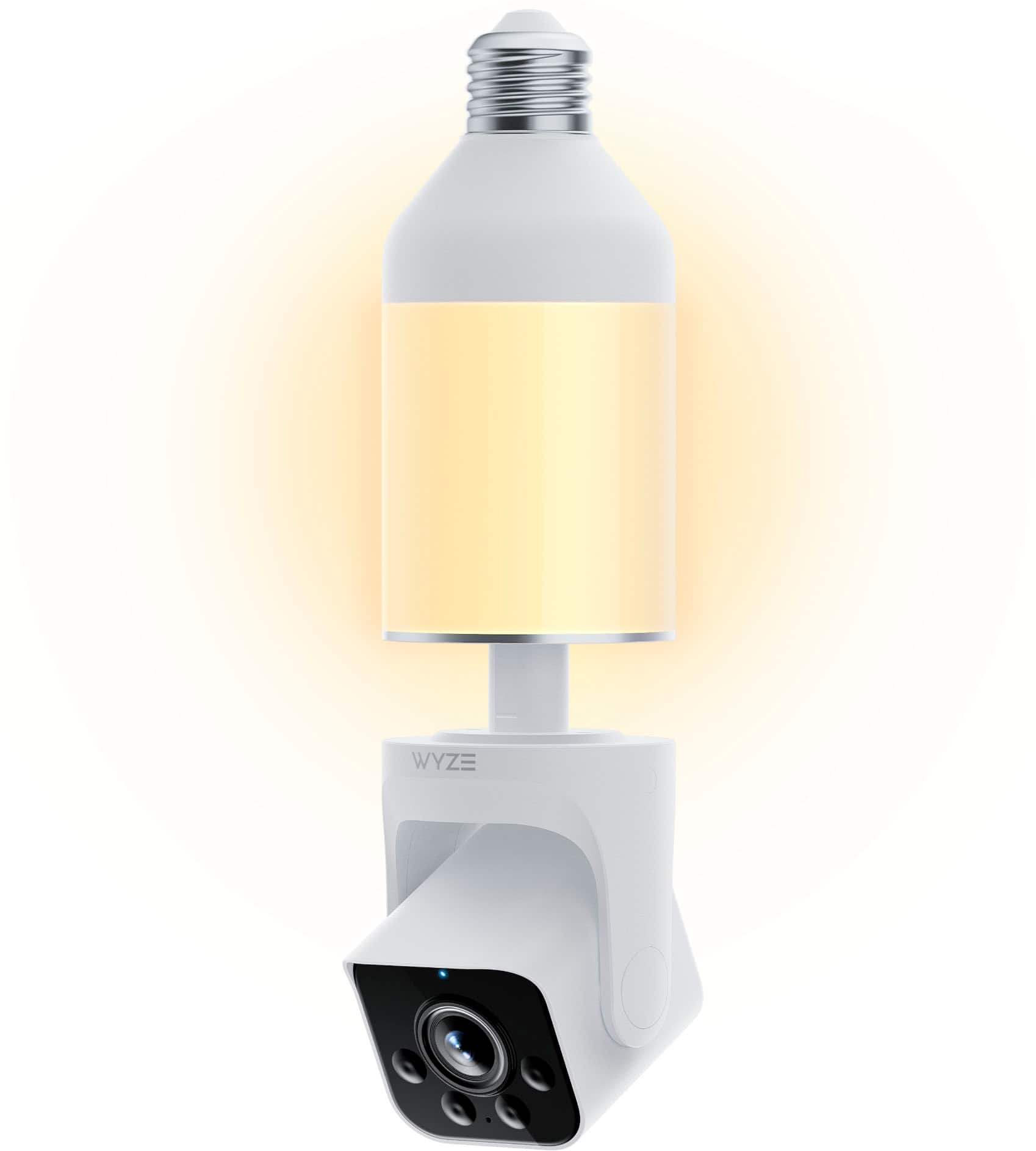
    • Answer Hi there! The Wyze Bulb Cam is an all-in-one unit that combines a lightbulb and a camera. If either the light or the camera stops working, the entire unit would need to be replaced, as the light and camera are not separate, replaceable components.

      Answered by Wyze Labs

  • QuestionWhere do I find the directions on the Internet of how to use my Wise lightbulb camera outside? How do I sync it to my iPhone?

    Asked by Rick.

    • Answer There was a small instruction booklet that came with the packing. Besides, the installation is self intuitive. https://support.wyze.com/hc/en-us/sections/37461611275803-Wyze-Bulb-Cam-Getting-Started As far as the iPhone "sync". Just download the Wyze App and follow the steps to add a device. Here is a link to all you need to know https://support.wyze.com/hc/en-us/sections/360006398952-Wyze-App-Getting-Started

      Answered by HariM

  • QuestionIs a subscription required

    Asked by Anonymous.

    • Answer No — a subscription is not required to use the Wyze Bulb Cam. You can view live stream and get basic features without a subscription. A subscription (like Cam Plus) is optional and adds benefits such as cloud event video storage, person detection clips, and other enhanced detection features.

      Answered by Wyze Labs

  • QuestionWill this bulb camera work on an outside recessed light fixture?

    Asked by Grandma54.

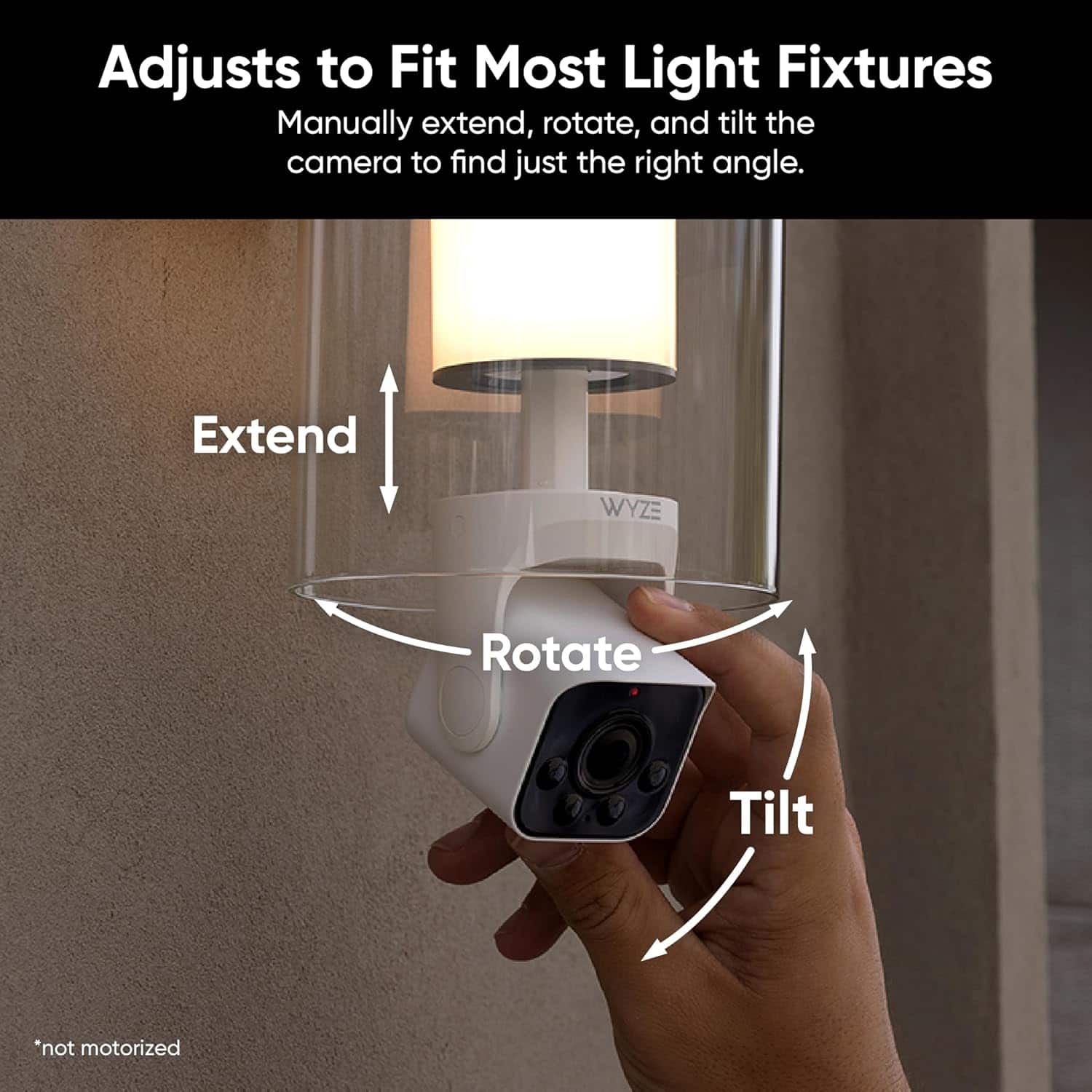
    • Answer It should work in any E26 base outlet for standard bulbs. However, I suggest not using a fixture which has a motion activated outlet. It confuses the bulb cam. Of course, one needs to measure the dimensions of the recess so the bulb cam mecahanically fils.

      Answered by HariM

  • QuestionWhat size microsd can’t this unit handle

    Asked by Storage.

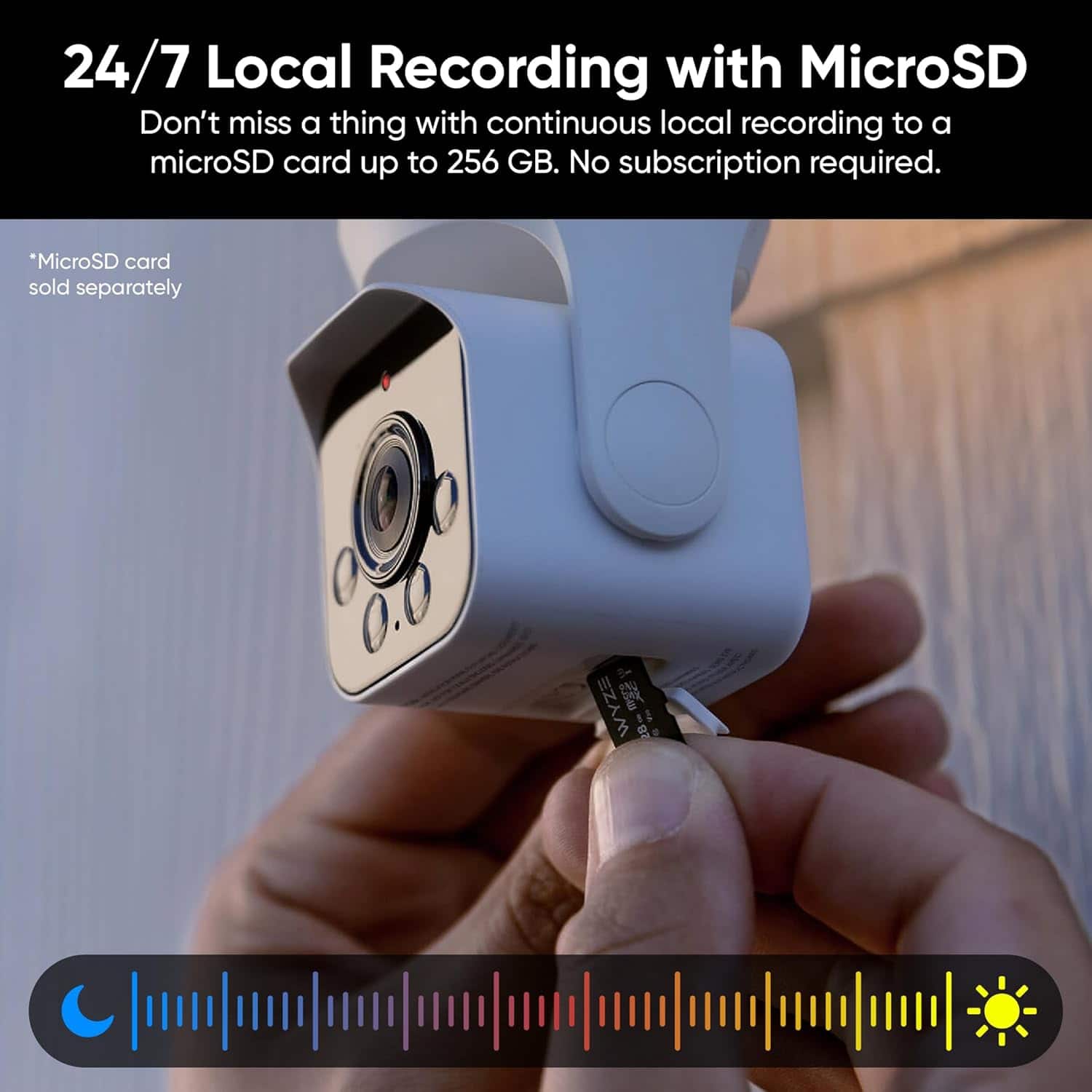
    • Answer Hi there! The Wyze Bulb Cam supports microSD cards for local storage with the following specifications: up to 32GB in FAT32 format and up to 256GB in exFAT format. MicroSD cards that don’t meet these specifications may not be compatible with the camera. If you have any additional questions, concerns, or feedback, our Wizards team is ready to assist you at https://wyzelabs.zendesk.com/hc/en-us. Thank you for reaching out, and have an excellent day!
      Answered by Wyze Labs

  • QuestionHow long is the lightbulb expected to last? Besides outside temperatures, what would cause the lightbulb and camera to become dysfunctional?

    Asked by elizh00.

    • Answer Hi! The Wyze Bulb Cam has an expected lifespan of about 25,000 hours (around 2.5–3 years of continuous use). Besides extreme temperatures, factors that can cause it to fail include: Poor ventilation or enclosed fixtures (overheating) Moisture or water exposure Power surges or unstable voltage Continuous heavy use (camera streaming, night vision) Firmware or connectivity issues Proper installation and environment can help extend its lifespan.

      Answered by Wyze Labs

  • QuestionI have an 8 bulb string of lights on one circuit. Is it possible to use one Bulb Cam with seven compatible Wyze bulbs on this one circuit?

    Asked by KJ.

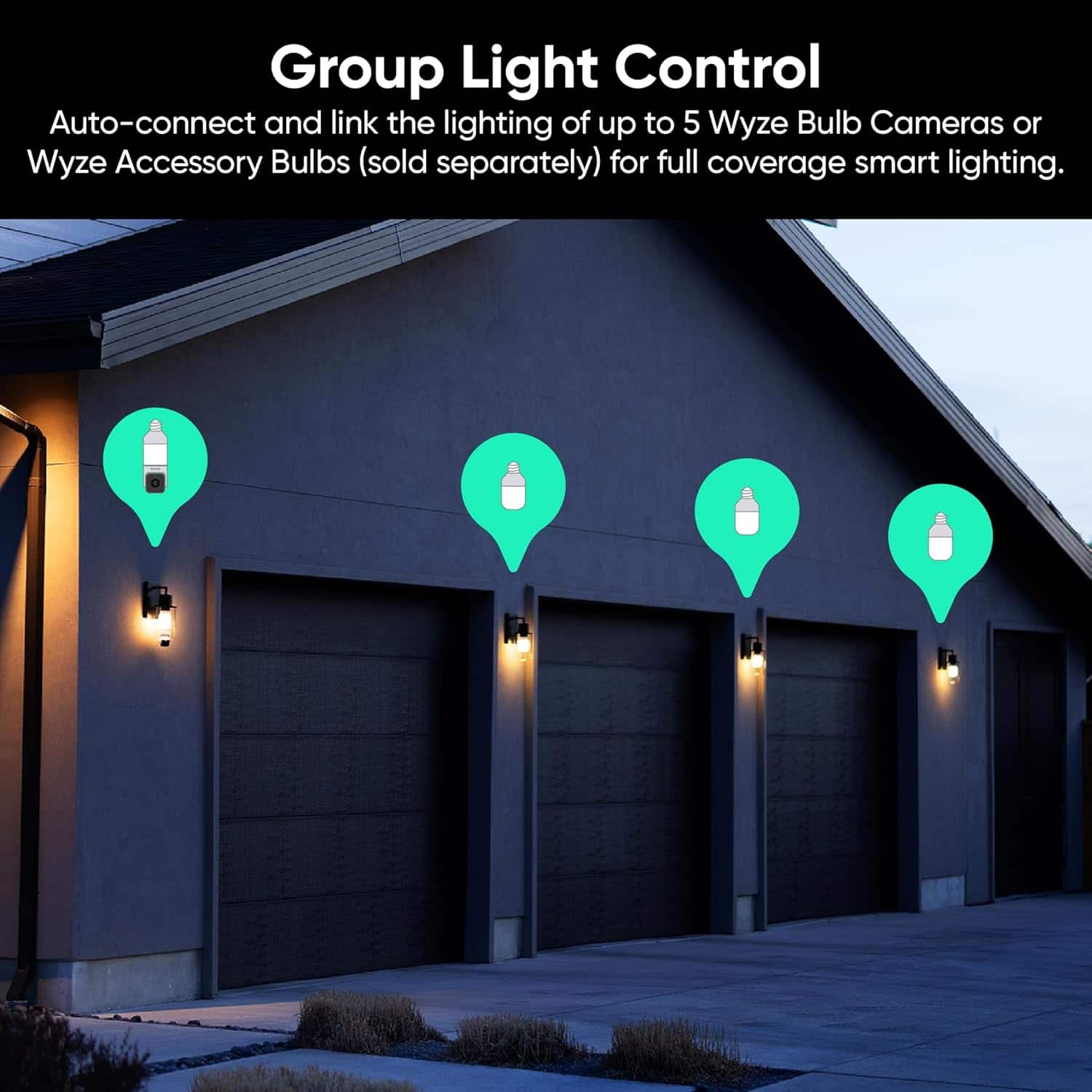
    • Answer Hi there! No, you cannot use one Wyze Bulb Cam with seven compatible bulbs on a single 8-bulb circuit. A single Wyze Bulb Cam can only link with a maximum of five accessory bulbs. If you have other questions, concerns, or would like to speak more about our products please reach out to our Wizards team (https://wyzelabs.zendesk.com/hc/en-us) so we may help. Thank you and have a great day!

      Answered by Wyze Labs

  • QuestionWhat is the wattage on the bulb? Brightness?

    Asked by Anonymous.

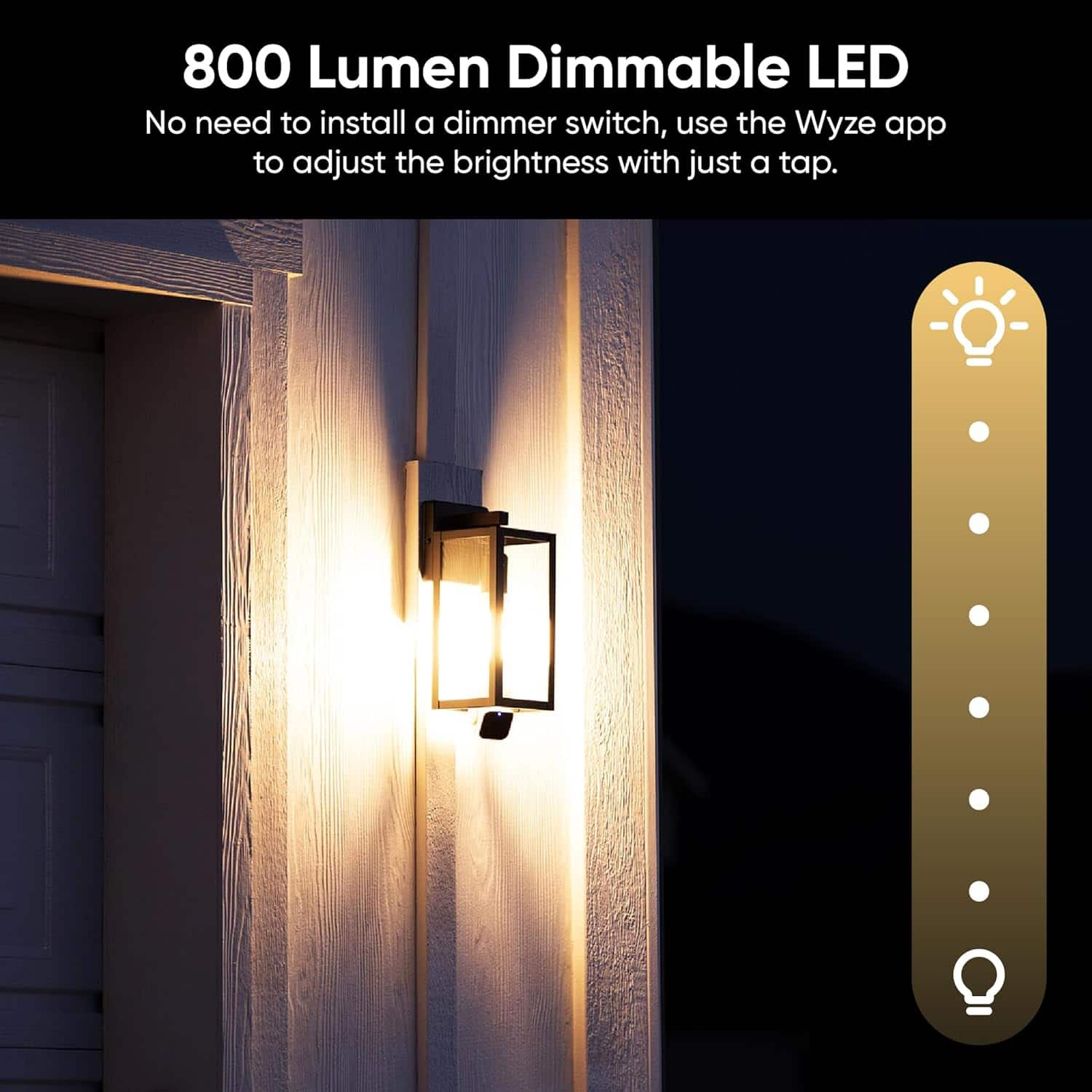
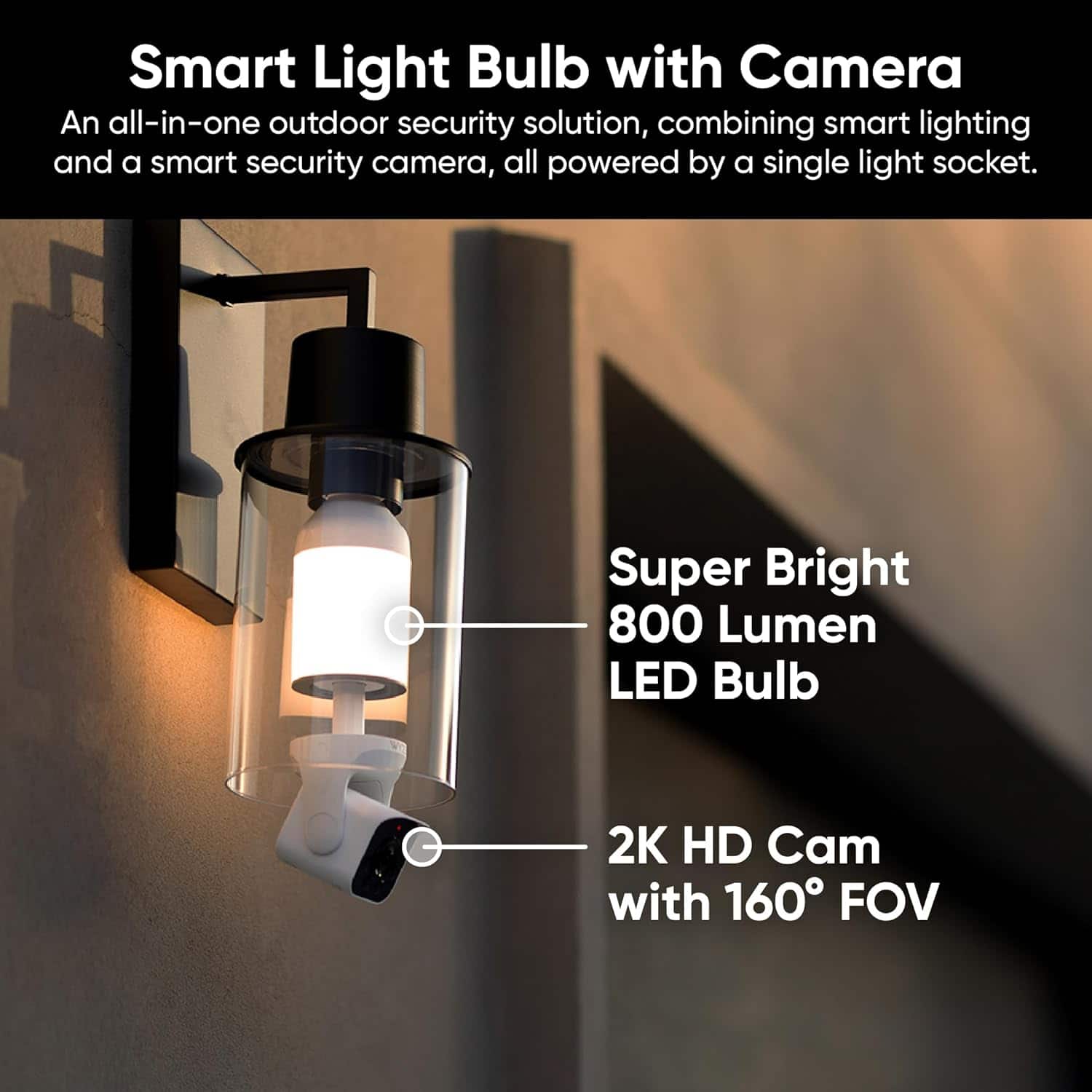
    • Answer Hi there! The Wyze Bulb Cam has a wattage of 15 watts and provides up to 800 lumens of brightness, with adjustable brightness settings and different modes like Ambient Light for a constant low glow or high brightness upon motion detection. If you have other questions, concerns, or would like to speak more about our products please reach out to our Wizards team (https://wyzelabs.zendesk.com/hc/en-us) so we may help. Thank you and have a great day!

      Answered by Wyze Labs

  • QuestionDoes the bulb stay on all the time since I assume the light switch has to stay on?

    Asked by JF.

    • Answer When the light turns on can be defined ni the Wyze App.

      Answered by HariM