Customer Ratings & Reviews
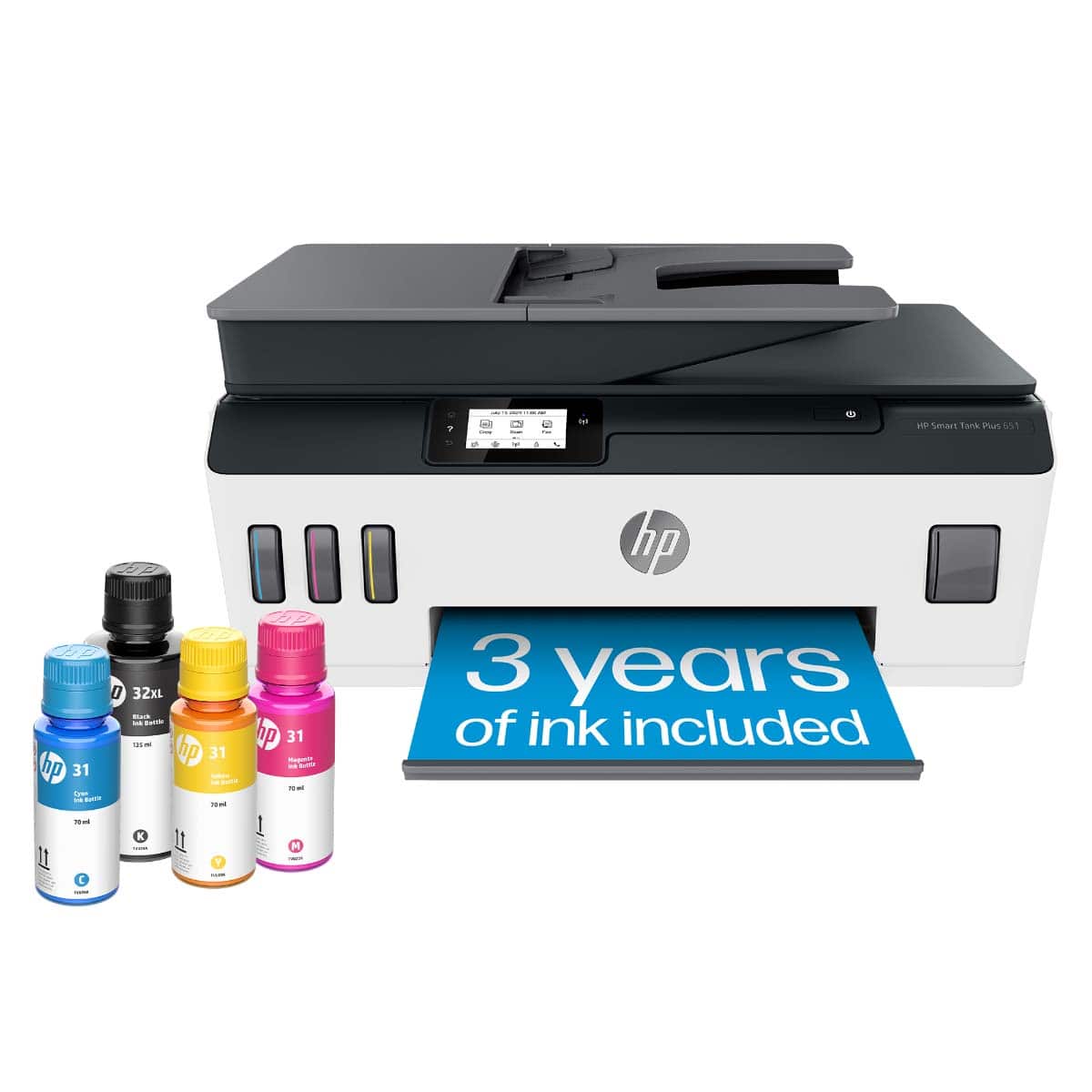
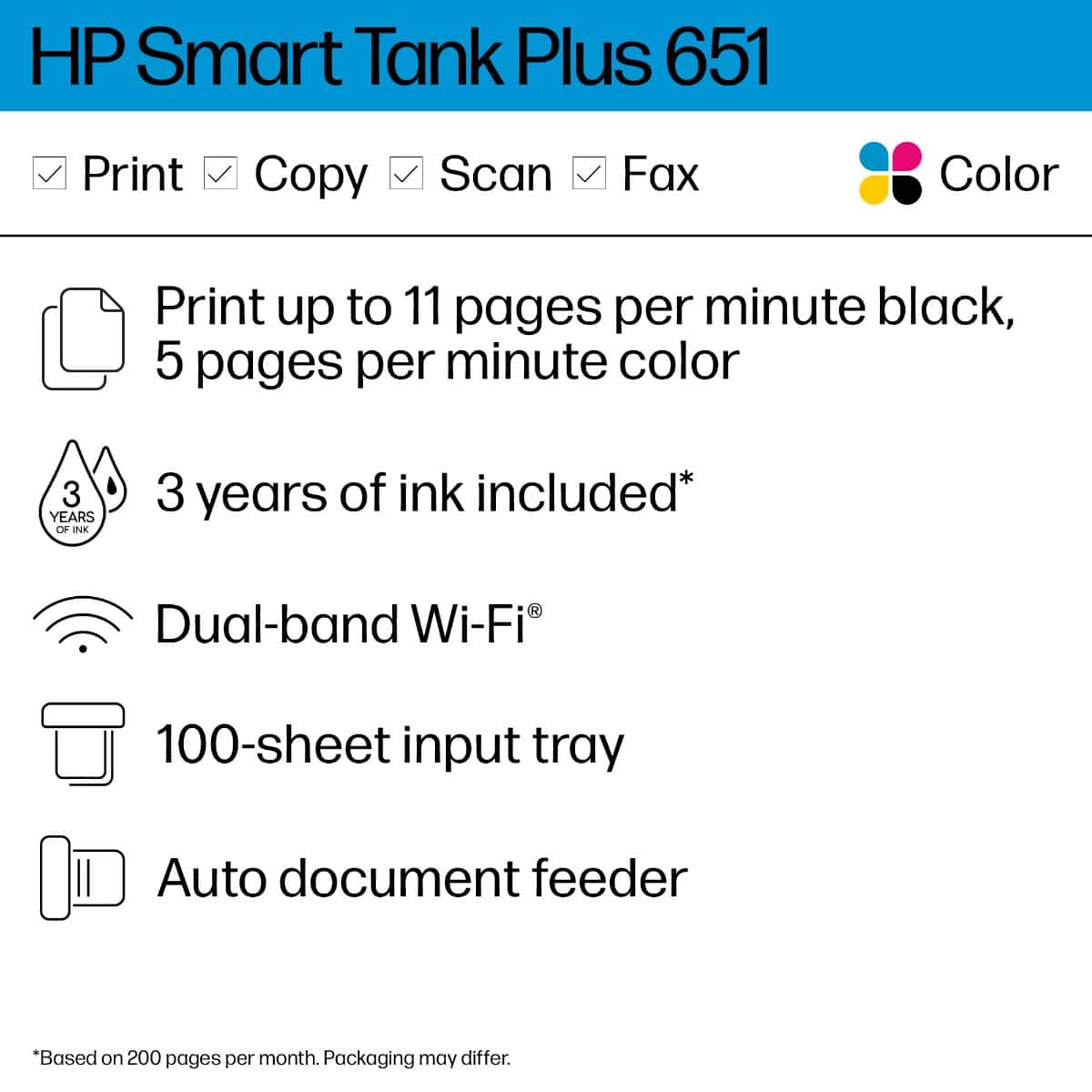

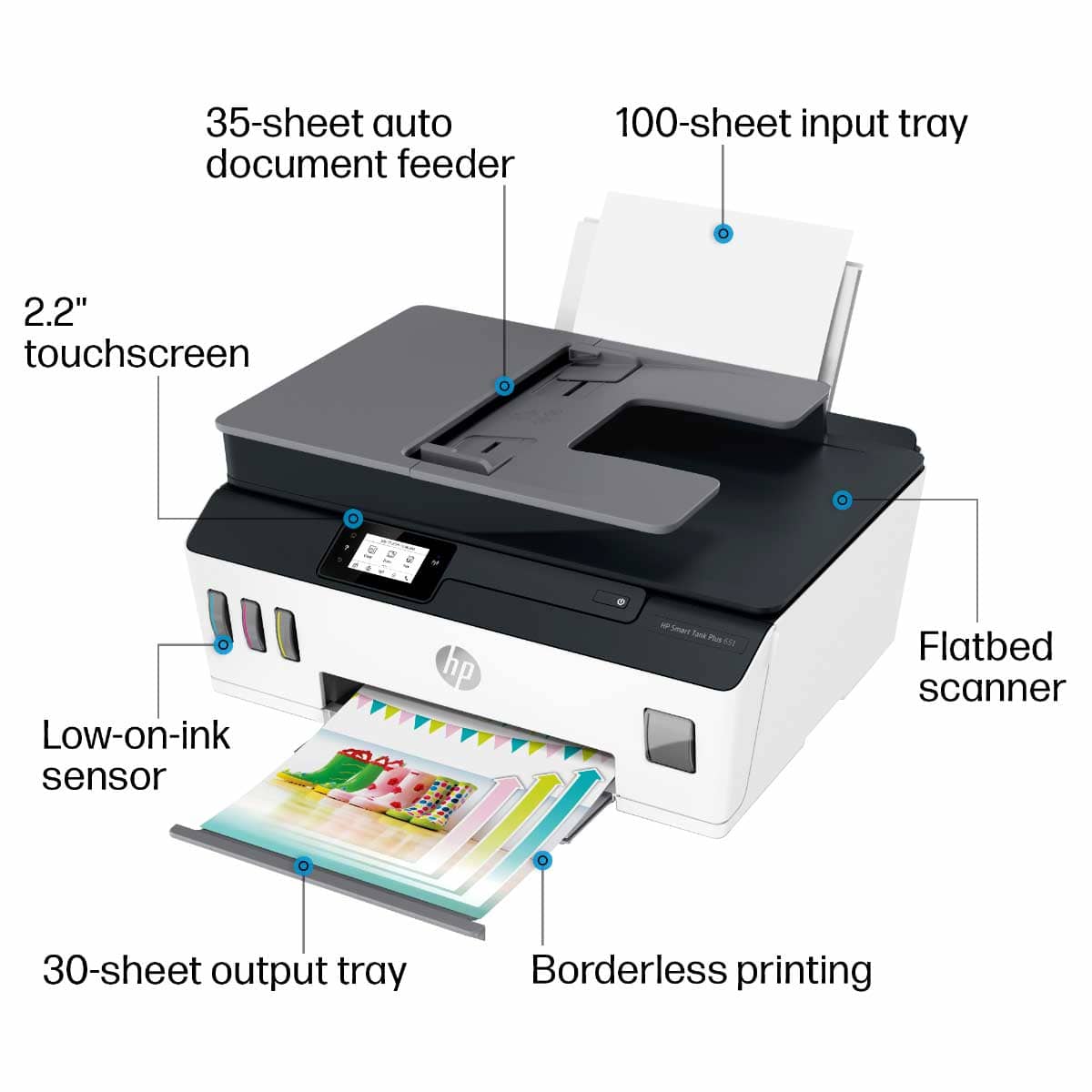
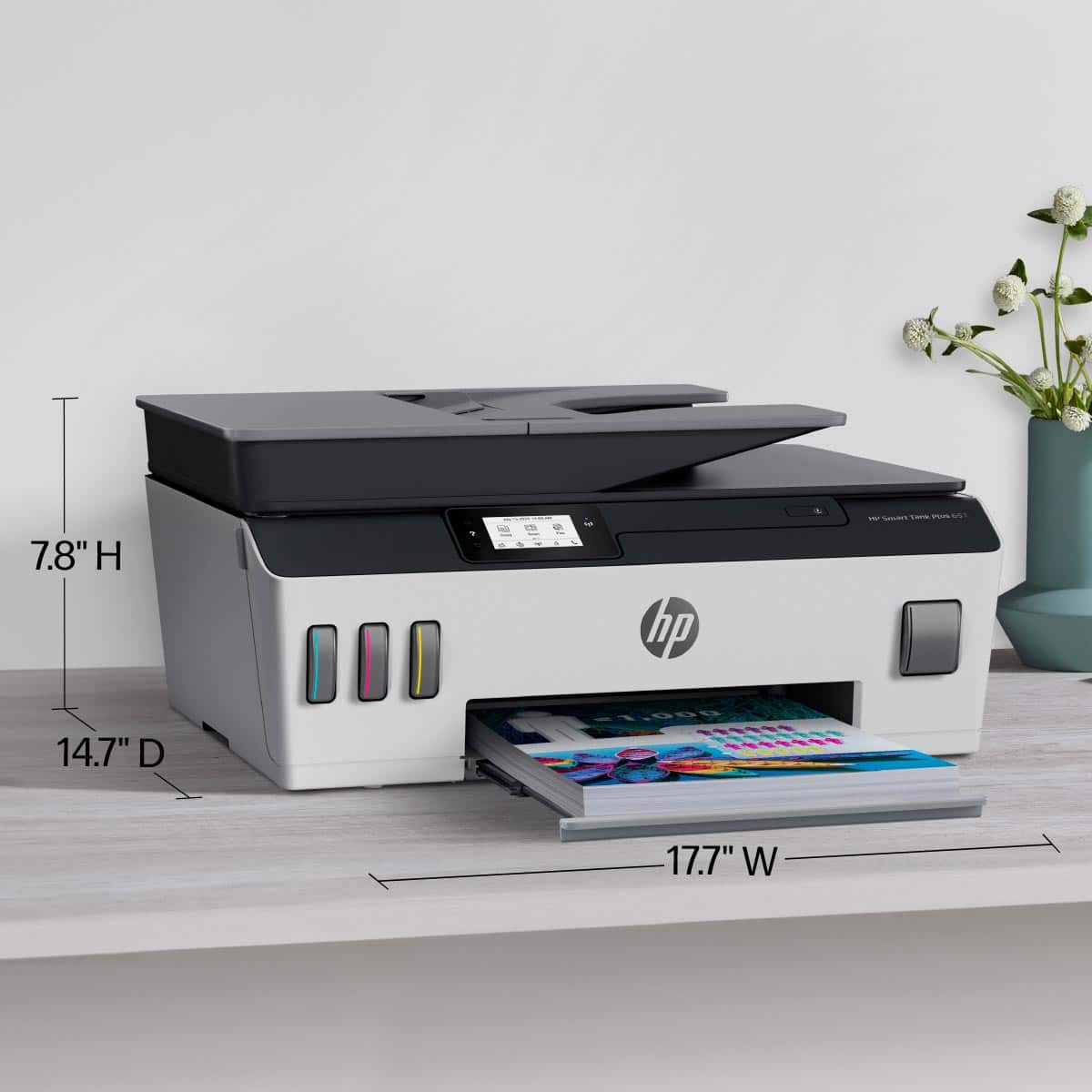
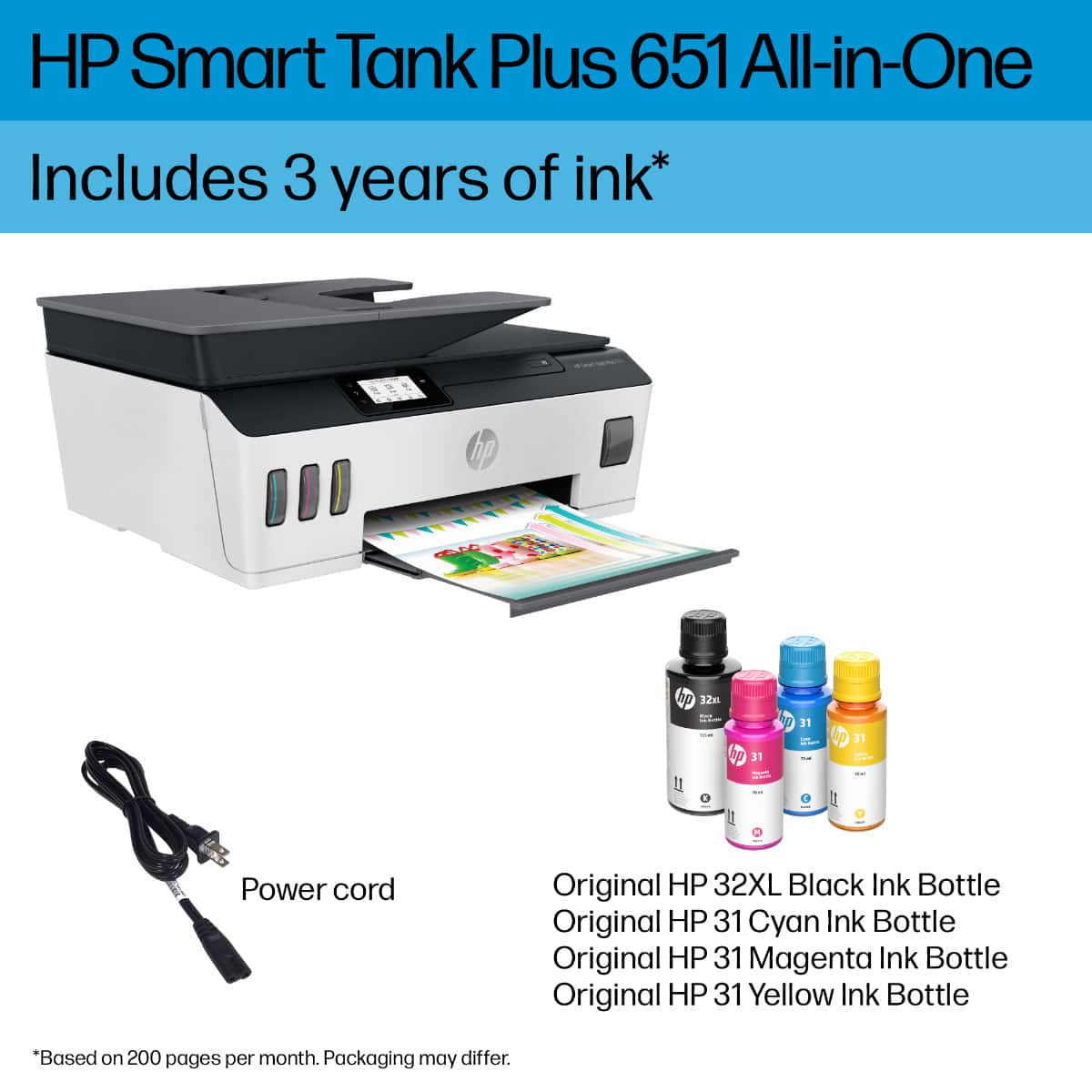


- Model:
- SMART TANK 651/7XV38A#B1H
- SKU:
- 6390495
Rating by feature
- Value
Rating 4.2 out of 5 stars
- Quality
Rating 4.3 out of 5 stars
- Ease of Use
Rating 4.2 out of 5 stars
Customers are saying
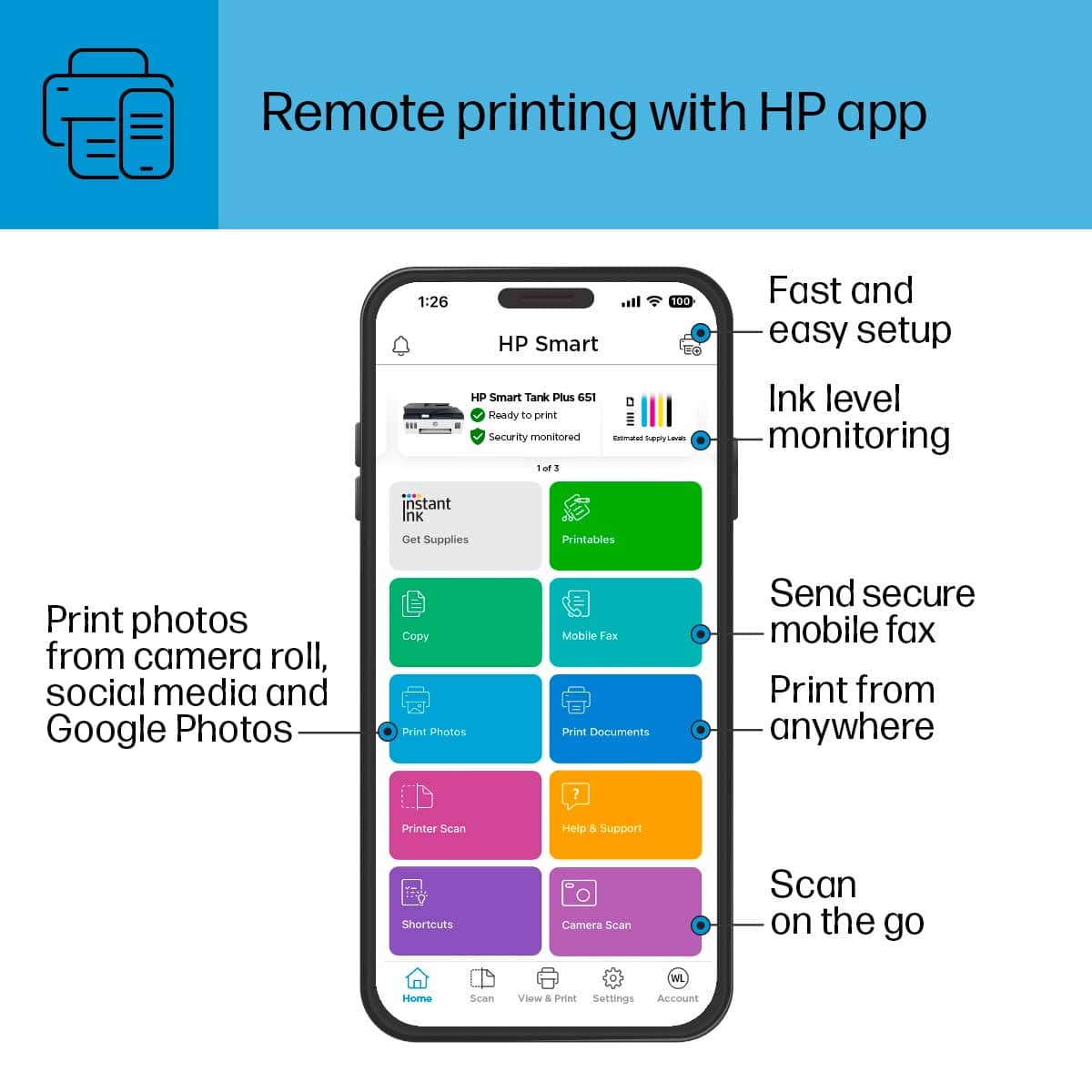
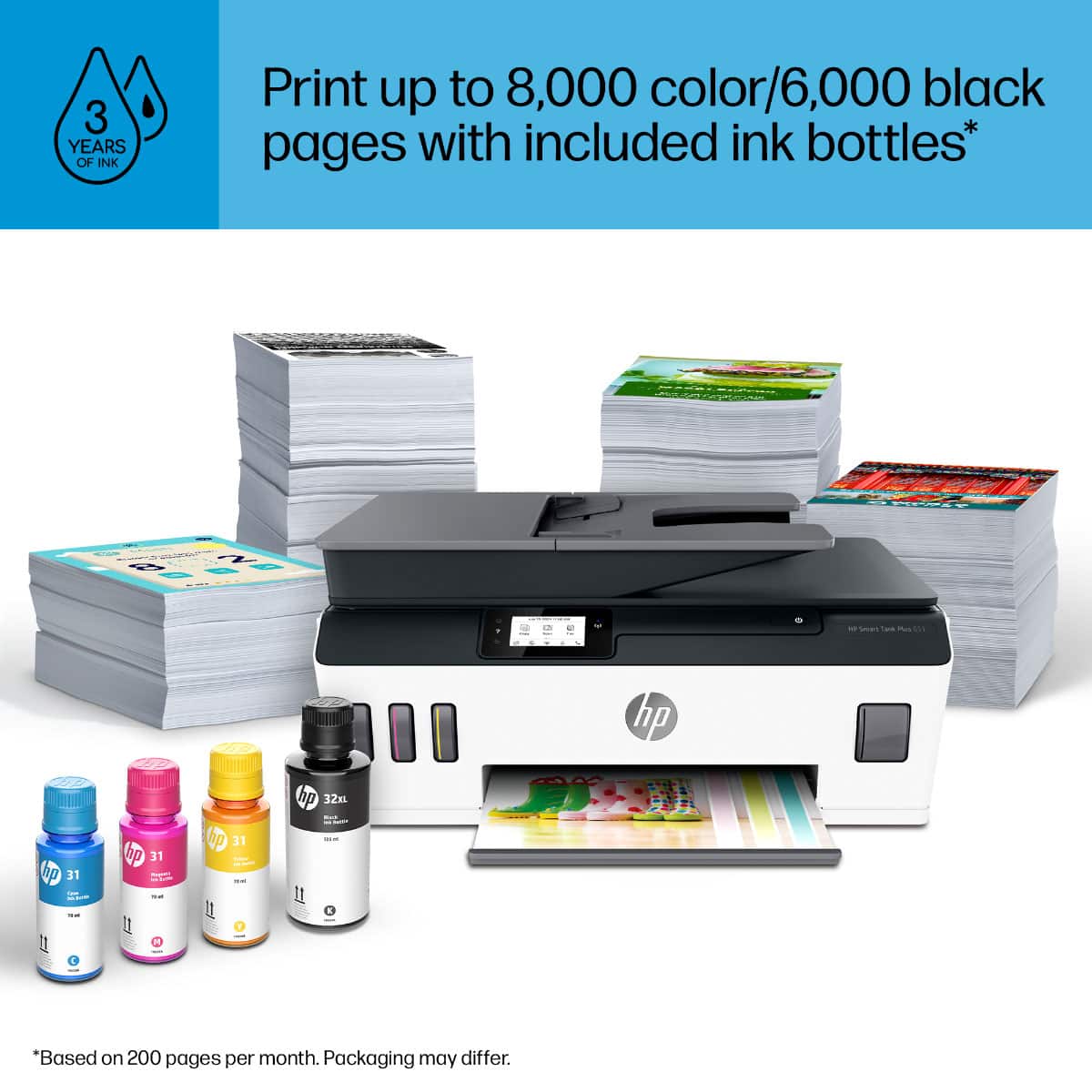
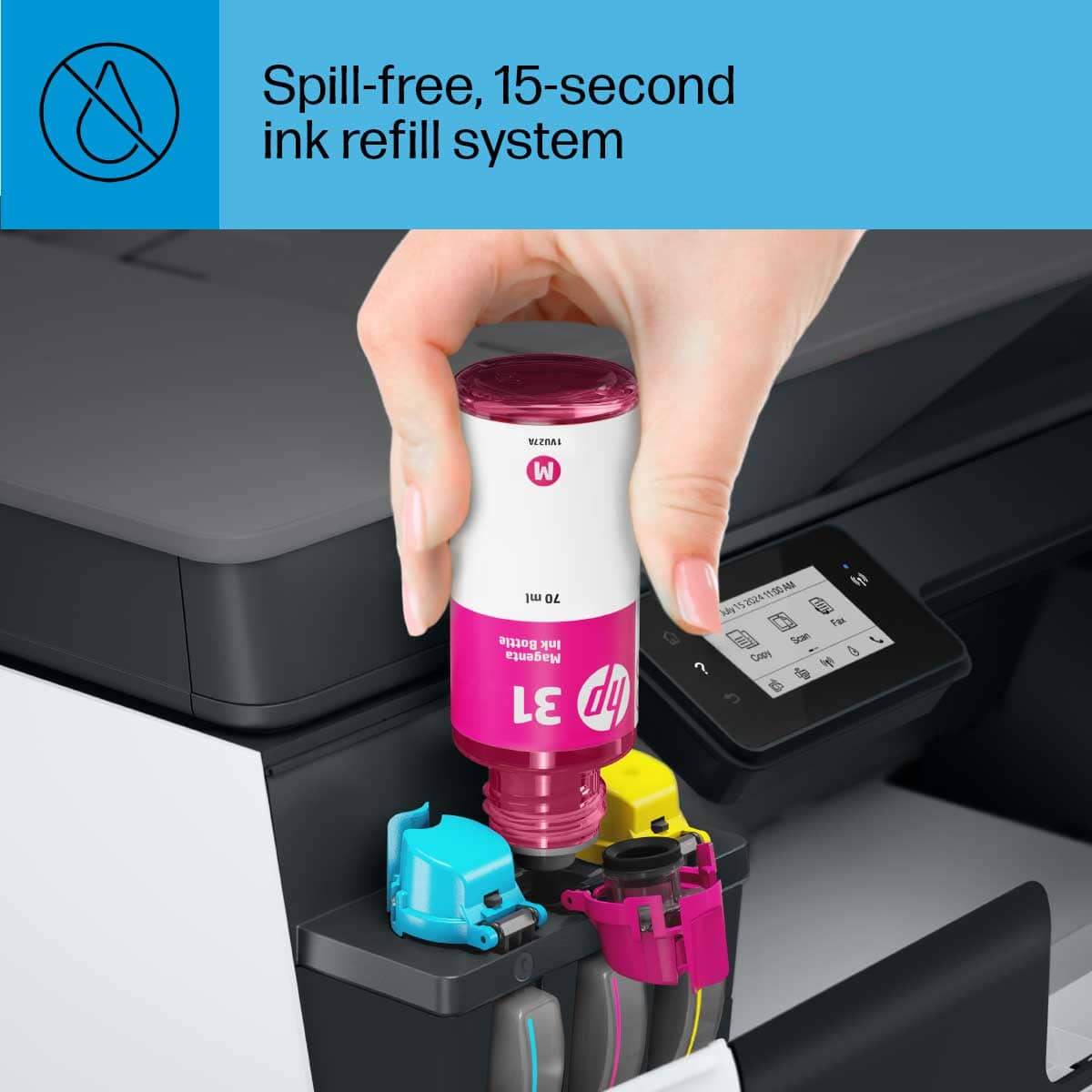
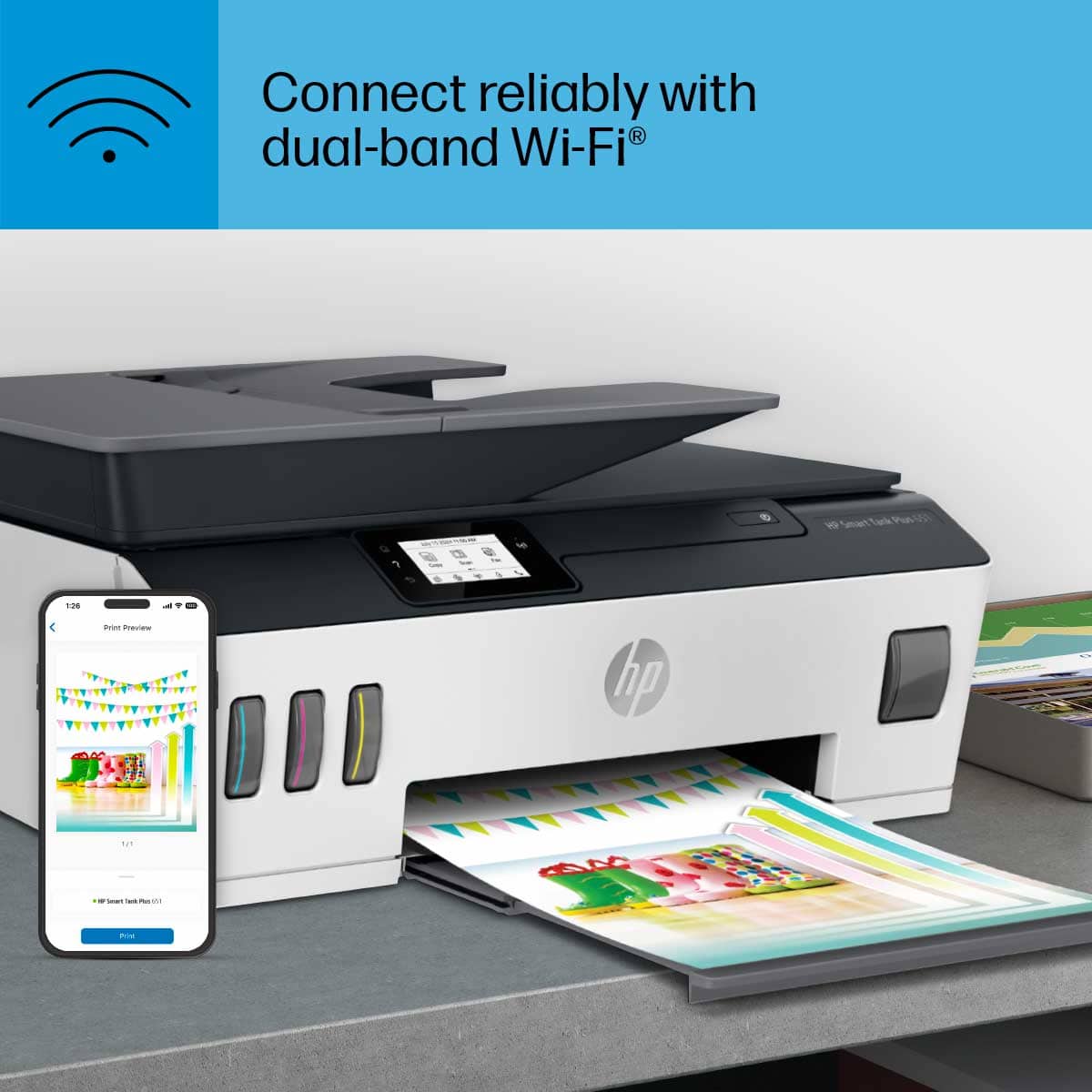
Customers highly value the Smart Tank Plus 651 printer for its excellent print quality and ease of use. Many appreciate its overall performance, finding both the printer and scanner to work well, and they also note the simple setup process. While the printer is praised for these features, some users have experienced connectivity issues, and a few consider the price to be a drawback.
This summary was generated by AI based on customer reviews.
I definitely want my money back
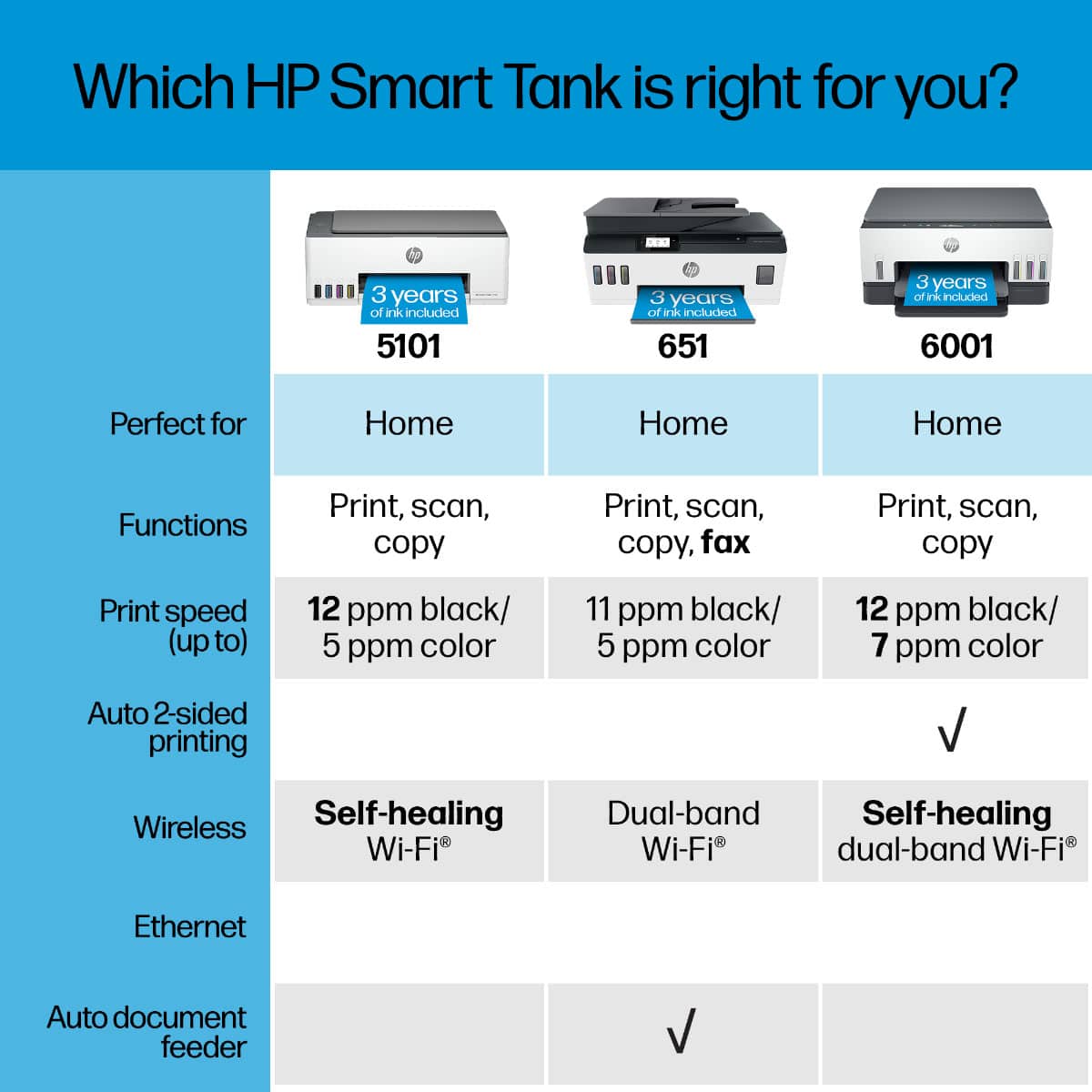
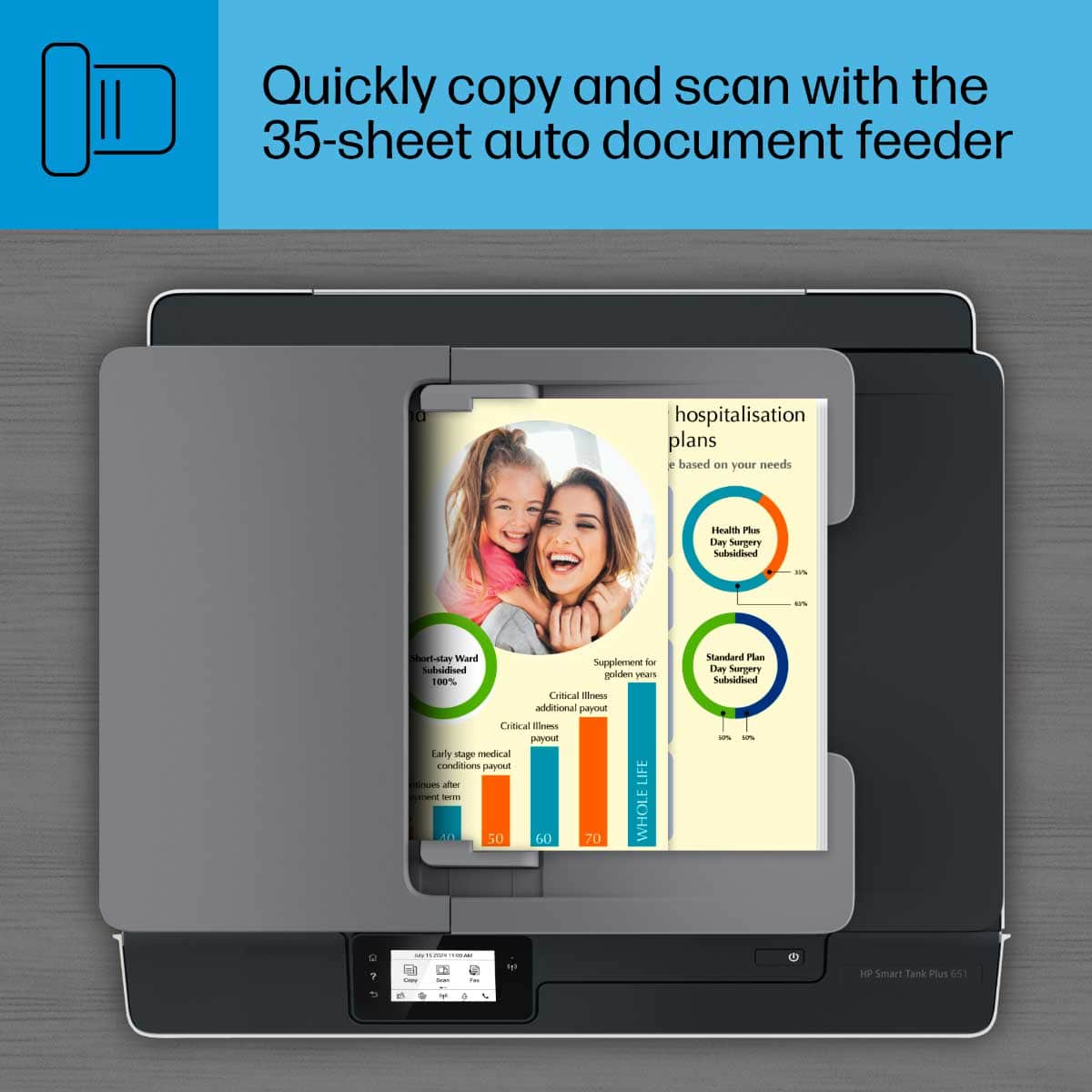
Posted .This reviewer received promo considerations or sweepstakes entry for writing a review.Can't get it to copy. Just says "copying" for hours. Then if I hit cancel, I have to turn it off so it won't say "cancelling" forever. And no 2-sided printing?!
No, I would not recommend this to a friendBrand response from HP Team
Posted .Hi there.
I’m sorry to hear that your printer’s copy function has not worked like it should. Your review is short, but your frustration is clear – and understandable – so I’ll offer some resources and information that I hope will help.
First, I recommend that you follow this guide to resolving copy problems; it covers copiers that stop working as well as copy-quality issues:
- support.hp.com/us-en/document/c05337009
If the problem persists, I recommend that you contact us directly at +1 800-474-6836 so we can guide you through the proper troubleshooting. (Please note that because of restrictions on personal movement and workplace attendance associated with the COVID-19 pandemic, wait times for agents are longer than normal. Thanks in advance for your understanding.) To expedite the process, I recommend gathering the following information before the call:
- Model number
- Serial number
- Your location
- Case number (from any previous contact with HP support)
I'll also mention that HP printers have a one-year warranty from their purchase date that covers hardware as well as ink supplies, so if it comes to that, you might consider making use of it. You can verify the warranty using the following link: support.hp.com/us-en/checkwarranty
Keith
HP Care
hp.com/support
Not a good printer
Posted .This reviewer received promo considerations or sweepstakes entry for writing a review.The printer worked fine in the beginning. Eventually, the print quality started to decline. I would get random print errors with no solutions on how to fix it. There would be errors with the printheads and I couldn't find replacements anywhere. Not worth the money.
No, I would not recommend this to a friendWorst buy ever
Posted .This reviewer received promo considerations or sweepstakes entry for writing a review.Worst product hp ever made. It does not print properly and hp did not help with the issue.
No, I would not recommend this to a friendDon't waste your money or time.
Posted .This reviewer received promo considerations or sweepstakes entry for writing a review.This printer is an absolute waste of money. Mine is a lemon. It needs to be rebooted every time I use it. It buffers on almost every operation. Only 25% of the time does it recognize my computer. It confirms documents are loaded and then does not print or scan.
No, I would not recommend this to a friendBrand response from HP Team
Posted .Hi there.
I’m sorry that your printer has performed so poorly for you. It’s no surprise that you’re exasperated, considering the device needs resetting so frequently, is rarely recognized by your computer and does not print or scan documents that are properly loaded and seen by the printer. I want to help you resolve this situation, so I’ll direct you to some resources I hope will accomplish that goal.
First, I recommend you visit a page on our support site that has diagnostic tools for various issues, including printer-offline and wireless connectivity difficulties, which I suspect might be behind the need to reboot so often and your computer not recognizing the device. On the same page you’ll find a general-purpose tool called the HP Print and Scan Doctor. If you use Windows, the tool will help identify and guide you through solutions to a wide range of common printing and scanning issues. With that tool you might gain some insight on why print and scan jobs do not initiate when they should. You can find that page here:
- support.hp.com/us-en/topic/diagnostics
If you need further assistance, I suggest that you contact us directly at +1 800-474-6836 so we can help you assess the situation and determine the best course of action. (Please note that because of restrictions on personal movement and workplace attendance associated with the COVID-19 pandemic, wait times for agents are longer than normal. Thanks in advance for your understanding.) To expedite the process, I recommend gathering the following information before the call:
- Model number
- Serial number
- Your location
- Case number (from any previous contact with HP support)
I'll also mention that HP printers have a one-year warranty from their purchase date that covers hardware as well as ink supplies, so if it comes to that, you might consider making use of it. You can verify the warranty using the following link:
- support.hp.com/us-en/checkwarranty
Keith
HP Care
hp.com/support
worst
Posted .This reviewer received promo considerations or sweepstakes entry for writing a review.worst product not working at all tried to go to the store and did not get help
No, I would not recommend this to a friend














