Customer Ratings & Reviews




- Model:
- 914-000051
- |
- SKU:
- 6452837
Customer reviews
Rating 4.5 out of 5 stars with 1801 reviews
(1,801 customer reviews)Rating by feature
- Value4.5
Rating 4.5 out of 5 stars
- Quality4.6
Rating 4.6 out of 5 stars
- Ease of Use4.5
Rating 4.5 out of 5 stars
Customers are saying
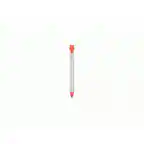
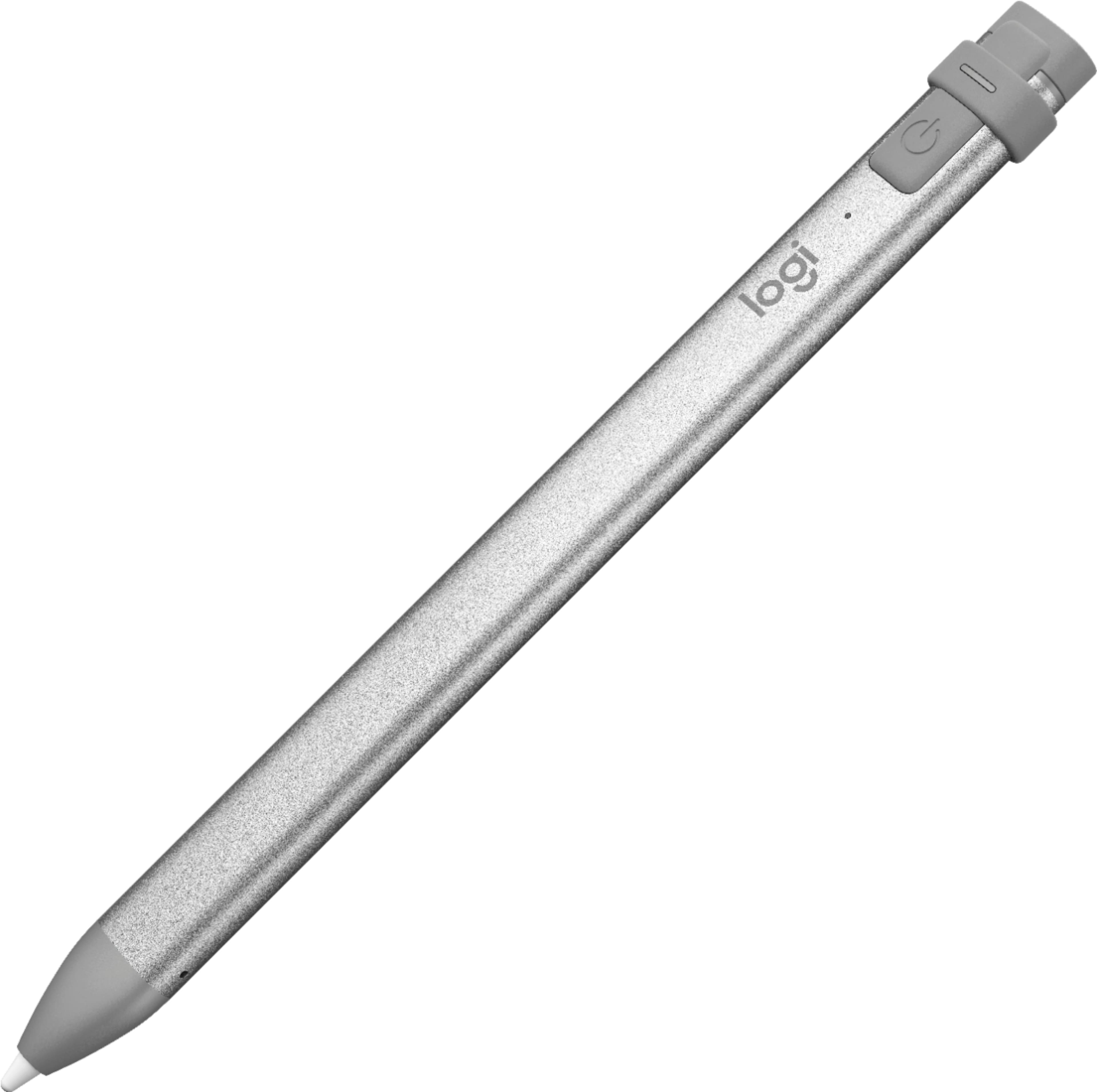
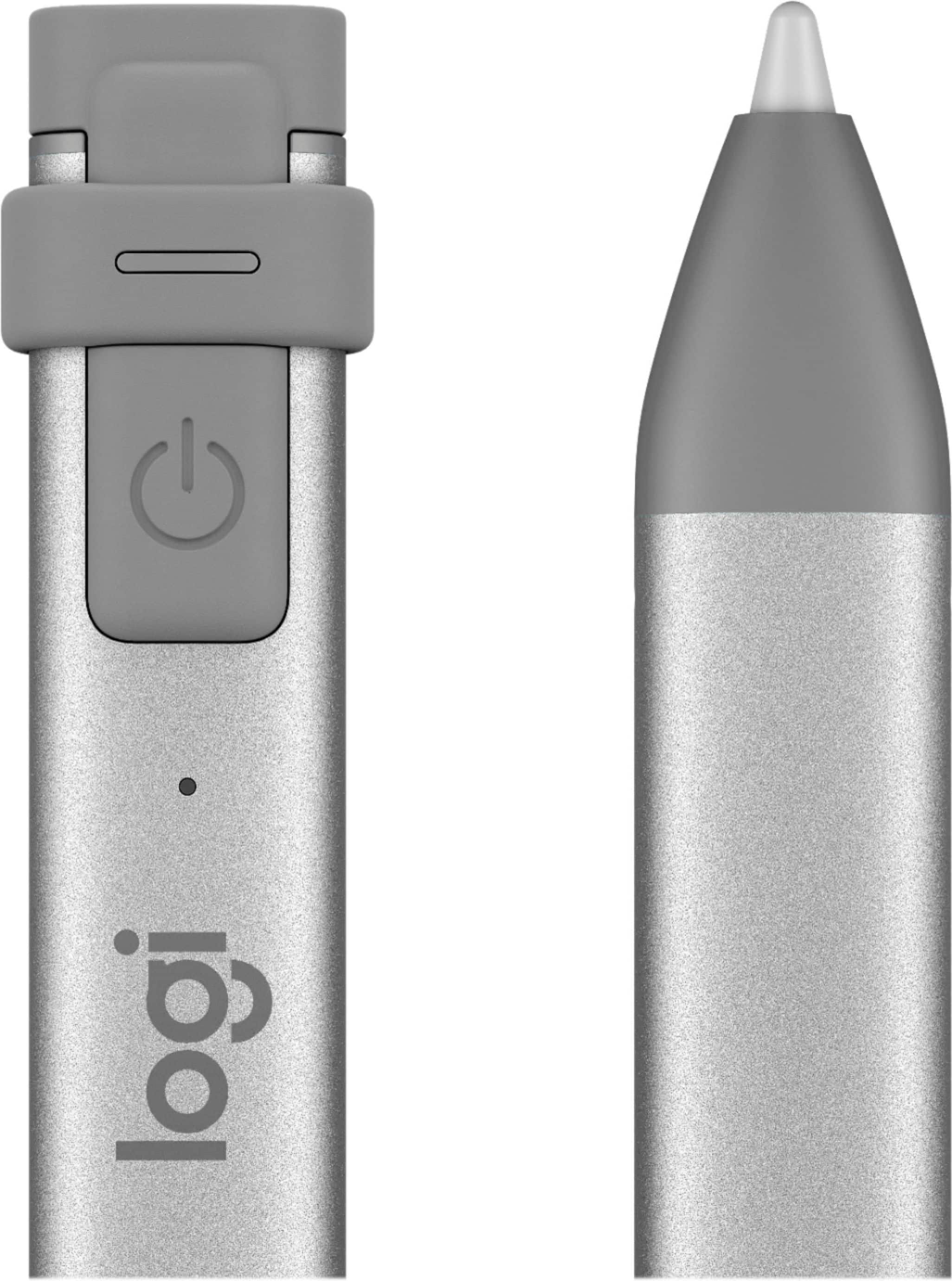
Customers commend the Crayon Digital Pencil for its ease of use, affordable price, and reliable performance, making it a great value for iPad users. Many appreciate its compatibility with various iPad models and find the battery life satisfactory. However, some users find the pencil's shape awkward, and a few note the limited pressure sensitivity. Additionally, a small number of users wish it had a magnetic attachment feature.
This summary was generated by AI based on customer reviews.
Rated 5 out of 5 stars
Logitech Crayon
||Posted . Owned for 3 weeks when reviewed.This reviewer received promo considerations or sweepstakes entry for writing a review.Great product. Works perfectly with IPAD mini. definitely a must when taking quick notes or marking up PDF's.
I would recommend this to a friendRated 5 out of 5 stars
Elegato Family
||Posted . Owned for 1 week when reviewed.This reviewer received promo considerations or sweepstakes entry for writing a review.Almost better than a apple pen for kids but make sure you have the right generation iPad for it.
I would recommend this to a friendRated 5 out of 5 stars
crayon for ipad
||Posted . Owned for 3 weeks when reviewed.This reviewer received promo considerations or sweepstakes entry for writing a review.my grddaughter loves his crayon ???Me I love the stylis :) keeping it because I know Geek squad & Utube will help me :)
This review is from Logitech - Crayon Digital Pencil for All Apple iPads (2018 releases and later) - Orange
No, I would not recommend this to a friendRated 4 out of 5 stars
Great digital pencil for iPad 7th Gen...
||Posted .This reviewer received promo considerations or sweepstakes entry for writing a review.My child uses this for school. So far, it works well. I just wish it wasn't so costly. The Apple pencil is $30 more.
This review is from Logitech - Crayon Digital Pencil for All Apple iPads (2018 releases and later) - Orange
I would recommend this to a friendRated 5 out of 5 stars
Good bargain
||Posted . Owned for 6 months when reviewed.This reviewer received promo considerations or sweepstakes entry for writing a review.Great alternative to the expensive apple pencil, The only thing missing is the magnetic ability
I would recommend this to a friendRated 5 out of 5 stars
Replacement works great
||Posted . Owned for more than 2 years when reviewed.This reviewer received promo considerations or sweepstakes entry for writing a review.Rechargeable and works great. Had to replace one that dog chewed up.
This review is from Logitech - Crayon Digital Pencil for All Apple iPads (2018 releases and later) - Orange
I would recommend this to a friendRated 5 out of 5 stars
Apples alternative
||Posted . Owned for 1 month when reviewed.This reviewer received promo considerations or sweepstakes entry for writing a review.Couldn’t justify the price on apples original pencil... especially when buying it for the young ones.... they work great on the iPads
This review is from Logitech - Crayon Digital Pencil for All Apple iPads (2018 releases and later) - Orange
I would recommend this to a friendRated 3 out of 5 stars
good pencil
||Posted . Owned for 3 months when reviewed.This reviewer received promo considerations or sweepstakes entry for writing a review.better than the apple pencil, feels better in hand too, battery does not last as long.
This review is from Logitech - Crayon Digital Pencil for All Apple iPads (2018 releases and later) - Orange
I would recommend this to a friendRated 5 out of 5 stars
Excellent product
||Posted . Owned for 1 month when reviewed.This reviewer received promo considerations or sweepstakes entry for writing a review.This is an excellent product. Got this with the new iPad mini and works very well. As described. Lightweight
This review is from Logitech - Crayon Digital Pencil for All Apple iPads (2018 releases and later) - Orange
I would recommend this to a friendRated 5 out of 5 stars
Only works for certain products
||Posted . Owned for 7 months when reviewed.This reviewer received promo considerations or sweepstakes entry for writing a review.This pencil only works for certain iPad models. Need to research before buying. It is not working for certain iPad models
This review is from Logitech - Crayon Digital Pencil for All Apple iPads (2018 releases and later) - Orange
No, I would not recommend this to a friendRated 2 out of 5 stars
Great Idea Doesn't Work as Advertised
||Posted . Owned for 1 month when reviewed.This reviewer received promo considerations or sweepstakes entry for writing a review.My wife & I acquired new iPad 7th generations and purchased 2 Logitech Crayons from Best Buy. They're advertised as an alternative to the Apple Pencil. The Pencil is pressure sensitive so the harder you press on it the broader the line. Logitech replaced that process with "tilt". When you tilt the Crayon, the line is supposed to become broader. It doesn't work on either iPad. I have been email communicating with Logitech for the past month. They keep telling me make sure the iPadOS has been updated to the latest version, the Crayon has the latest firmware, to uninstall any Apple Pencils (there are none installed), & potentially turn off Bluetooth. I have a Logitech Slim Folio on the iPad. Why would I turn off Bluetooth? Then the keyboard on my Slim Folio wouldn't work. I've used Logitech products for over 30 years. This is the 1st product that hasn't worked as advertised. If they come up with a solution, I'll be very happy. If they can't, I've wasted $140.00 on a 2 devices that don't work as I'm past the return period at Best Buy.
This review is from Logitech - Crayon Digital Pencil for All Apple iPads (2018 releases and later) - Orange
No, I would not recommend this to a friendBrand response from Logitech
Posted .Hi nicksr1125, thank you for your feedback! You are correct, Logitech Crayon does not support pressure sensitivity. For all resources on Logitech Crayon, please refer to: https://support.logi.com/hc/en-us/articles/360024157634 - Will, Logitech.
Rated 5 out of 5 stars
Definitely a must
||Posted .This reviewer received promo considerations or sweepstakes entry for writing a review.I bought this after careful research. I was wanting an Apple Pencil but couldn’t see spending that amount. Saw this and bought it. Love it!
This review is from Logitech - Crayon Digital Pencil for All Apple iPads (2018 releases and later) - Orange
I would recommend this to a friendRated 4 out of 5 stars
Great
||Posted . Owned for 1 month when reviewed.This reviewer received promo considerations or sweepstakes entry for writing a review.Feels funny when using but maybe because I was used to the Apple Pencil. It works just the same great price
This review is from Logitech - Crayon Digital Pencil for All Apple iPads (2018 releases and later) - Orange
I would recommend this to a friendRated 5 out of 5 stars
required for school, does the trick
||Posted . Owned for 3 weeks when reviewed.This reviewer received promo considerations or sweepstakes entry for writing a review.it does what it's intended to do but i wonder whether a less expensive model might not have also served the purpose
This review is from Logitech - Crayon Digital Pencil for All Apple iPads (2018 releases and later) - Orange
I would recommend this to a friendRated 5 out of 5 stars
Logitech Crayon
||Posted . Owned for 3 weeks when reviewed.This reviewer received promo considerations or sweepstakes entry for writing a review.Very useful stylus for my iPad Air 4th Generation.
This review is from Logitech - Crayon Digital Pencil for All Apple iPads (2018 releases and later) - Orange
I would recommend this to a friendRated 5 out of 5 stars
Logitech Crayon
||Posted . Owned for 1 month when reviewed.This reviewer received promo considerations or sweepstakes entry for writing a review.Works great with my older iPad, giving me accurate sketching ability.
I would recommend this to a friendRated 5 out of 5 stars
Great stylist.
||Posted . Owned for 1 week when reviewed.This reviewer received promo considerations or sweepstakes entry for writing a review.Good stylist. Would highly Recommend to anyone looking for a more affordable Alternative to the Apple Pencil.
This review is from Logitech - Crayon Digital Pencil for All Apple iPads (2018 releases and later) - Orange
I would recommend this to a friendRated 5 out of 5 stars
Cool accessory
||Posted . Owned for 1 month when reviewed.This reviewer received promo considerations or sweepstakes entry for writing a review.Nice little accessory for the newer I Pads. I prefer to take notes by hand during meetings and this will really come in handy.
This review is from Logitech - Crayon Digital Pencil for All Apple iPads (2018 releases and later) - Orange
I would recommend this to a friendRated 5 out of 5 stars
Great quality
||Posted . Owned for 3 weeks when reviewed.This reviewer received promo considerations or sweepstakes entry for writing a review.There’s no point in buying an Apple Pencil that’s more money when this one works perfectly. Love taking notes on it for school!
This review is from Logitech - Crayon Digital Pencil for All Apple iPads (2018 releases and later) - Orange
I would recommend this to a friendRated 3 out of 5 stars
Mixed opinion
||Posted . Owned for 3 weeks when reviewed.This reviewer received promo considerations or sweepstakes entry for writing a review.I really had higher expectations for the crayon. My package arrived opened, so I can only assume it was used. I couldn't return it due to Covid, and now the return window is closed. The battery life is nowhere near what I expected it to be based on reviews. If we're lucky it might last a whole hour. I suppose next time I'll just spring for the Apple pencil.
This review is from Logitech - Crayon Digital Pencil for All Apple iPads (2018 releases and later) - Orange
I would recommend this to a friend