Customer Ratings & Reviews

.](https://pisces.bbystatic.com/image2/BestBuy_US/images/products/b5569c02-8627-4a03-9957-b063abecb45b.jpg)
. 1 Most features require a Internet connection to the printer, as well as an Internet- and/or email-enabled device. For a list of Epson Connect enabled printers and compatible devices and apps, visit [www.epson.com/connect](http://www.epson.com/connect).](https://pisces.bbystatic.com/image2/BestBuy_US/images/products/f1212168-027b-4ffa-9155-e0532bbc2ece.jpg)

- Model:
- C11CJ63201
- SKU:
- 6470009
Rating by feature
- Value
Rating 4.5 out of 5 stars
- Quality
Rating 4.5 out of 5 stars
- Ease of Use
Rating 4.5 out of 5 stars
Customers are saying
Customers find value in the EcoTank ET-2850's print quality and ease of use. Many appreciate its overall performance, easy setup, and compact size. However, some customers have reported occasional paper jams and connectivity issues. A few have also noted that the printer can be quite noisy.
This summary was generated by AI based on customer reviews.
Not for old eyes!
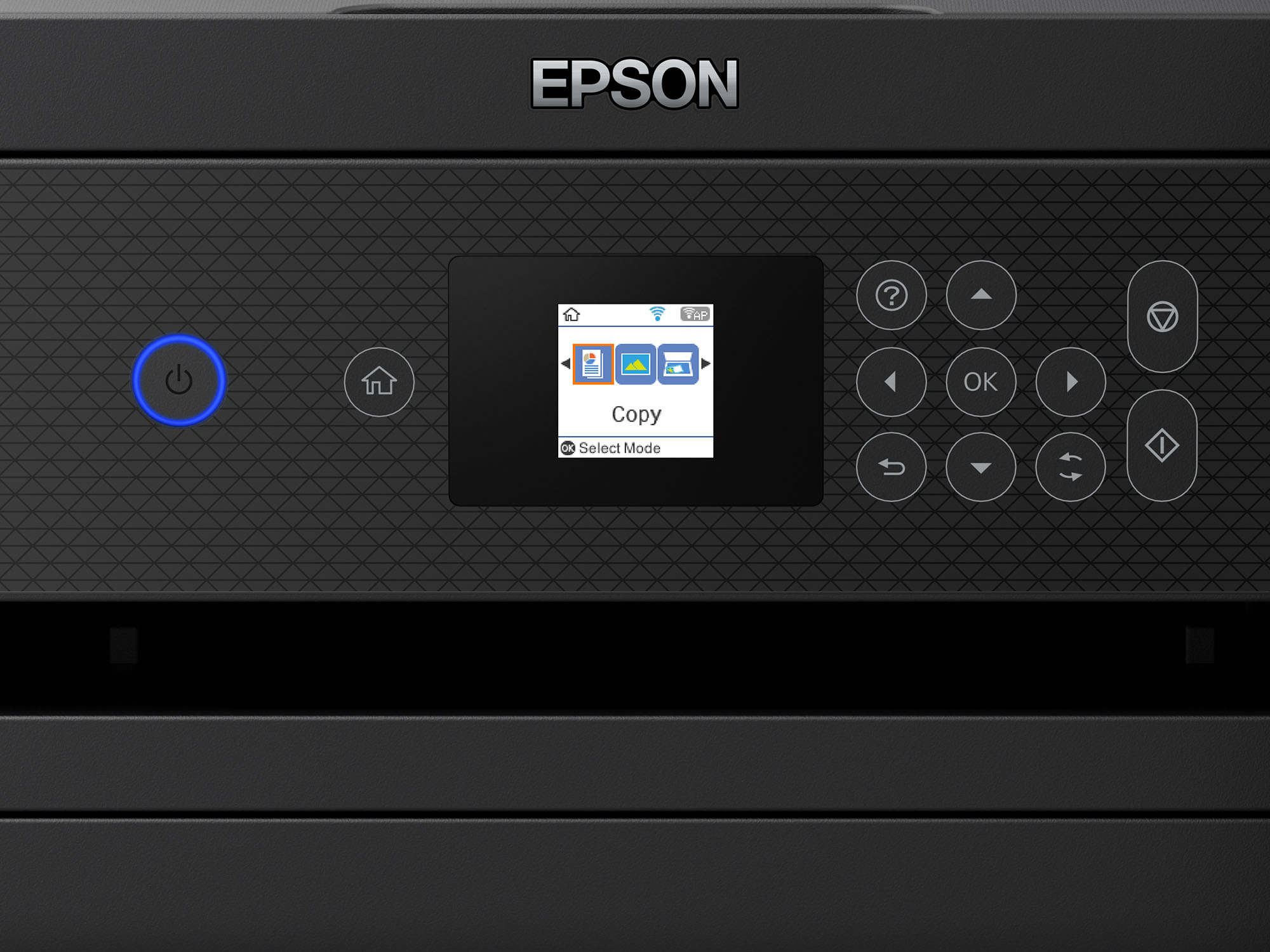
||Posted . Owned for 1 month when reviewed.This reviewer received promo considerations or sweepstakes entry for writing a review.Attempted to link this to my new iMac. We couldn’t get the app to work. The small control screen was hard to read and work, Had to return it to Best Buy in exchange for a different manufacturer’s non-Ecotank model with a larger screen.
No, I would not recommend this to a friendBrand response from Epson
Posted .Hello Oops, we apologize for your disappointing experience with the ET-2850 printer. Epson considers all feedback to improve the performance and quality of our products. If we can help you with anything else, you can reach our support team at (562) 276-4382 between 7 am - 4 pm (PT), Monday - Friday. Sincerely, Sam - The Epson Team.

Terrible print quality and muted colors
||Posted . Owned for 5 months when reviewed.This reviewer received promo considerations or sweepstakes entry for writing a review.Would give this printer a zero if I could. Terrible print quality and muted colors I quickly returned this printer
No, I would not recommend this to a friendSlowest Printer Ever
||Posted . Owned for 3 weeks when reviewed.This reviewer received promo considerations or sweepstakes entry for writing a review.Slowest printer I’ve ever owned. Printers 20 years ago are faster than this one. It’s terrible.
No, I would not recommend this to a friendET 2850
||Posted .This reviewer received promo considerations or sweepstakes entry for writing a review.IRETURNED THIS AS THEY WERE ABLE TO REPAIR MY ECO TANK 4550
I would recommend this to a friendAvoid like the plague
||Posted . Owned for more than 2 years when reviewed.This reviewer received promo considerations or sweepstakes entry for writing a review.Print quality is horrible. The ink runs out pretty fast even with basic use. Avoid.
No, I would not recommend this to a friendBrand response from Epson
Posted .Hi AirRick, you can find product information, including FAQs and recommended settings on how to optimize ink usage, in the product User’s Guide at www.epson.com/support/Printers/All-In-Ones/ET-Series/Epson-ET-2850/s/SPT_C11CJ63202#questions. If you continue to experience this issue, our Epson Support Team would be happy to help you and can be reached at (562) 276-4382; Hours: Monday – Friday, 7 a.m. to 4 p.m. (PT). Sincerely, Alissa A. – The Epson Team.
- Pros mentioned:Print quality, Size

Good printer
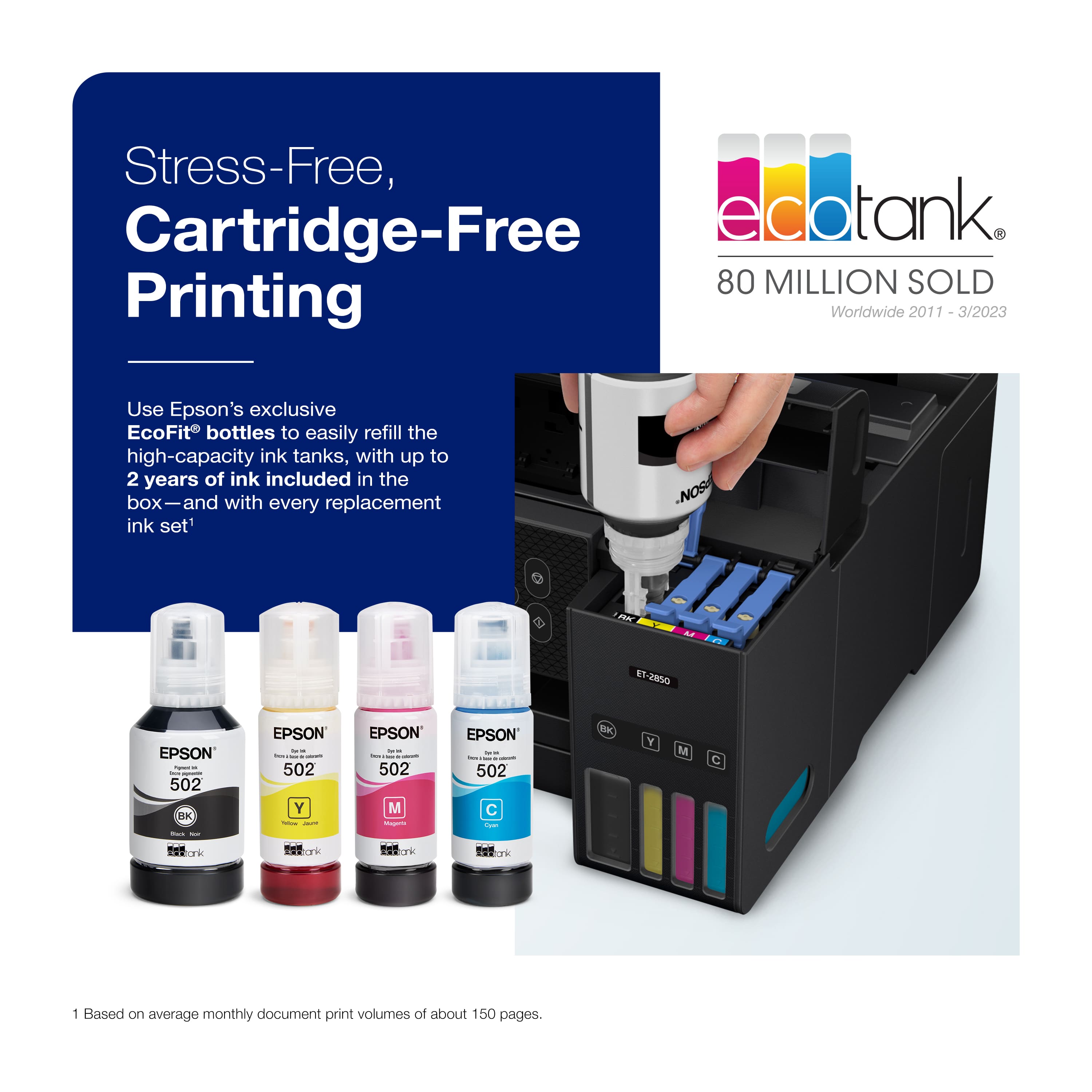
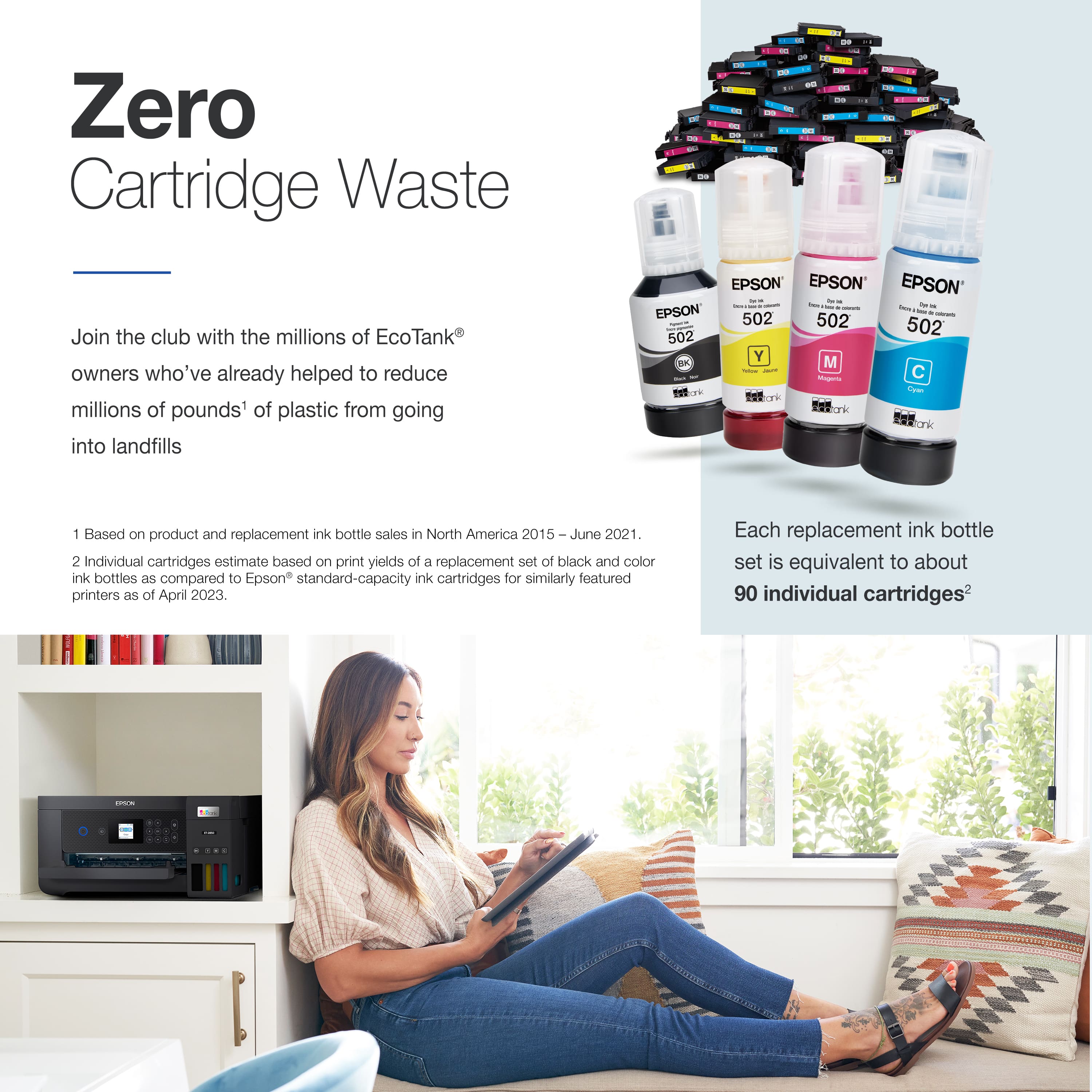
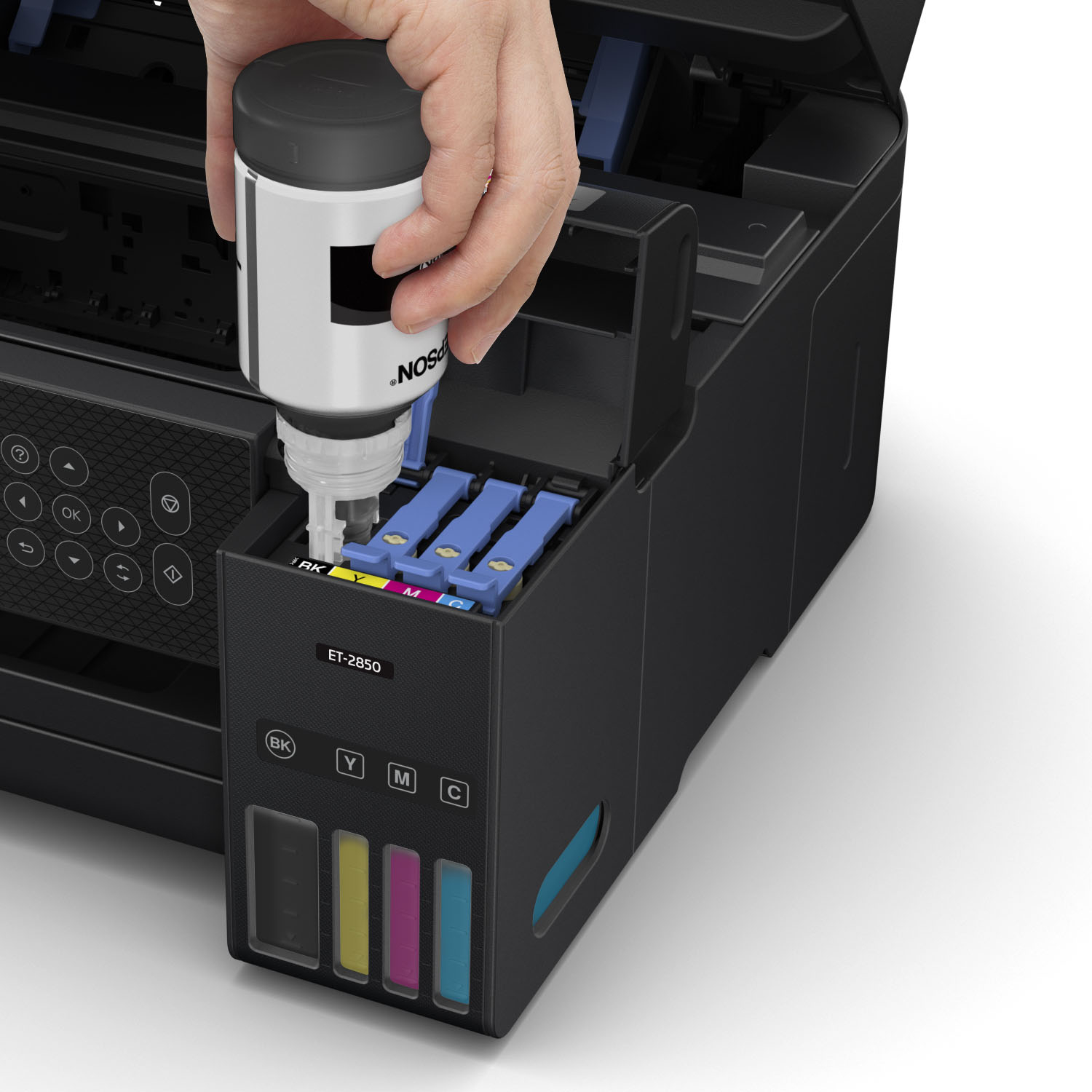
|Posted .This reviewer received promo considerations or sweepstakes entry for writing a review.The biggest problem with printers are the ink refills and how they can cost so much, with the Epson Ecotank ET-2850 they managed to solve that problem. This Printer is an all in one inkjet, it can scan, copy, do photo prints, 2-sided prints and it comes with a 2 year supply of ink (you read that right, 2 years). This printer even comes with the software installed on a CD, something you never see anymore, and much appreciated. Setting up the printer is very easy, you have 3 options, you can use your computer, you can use your phone or tablet with the Epson Smart Panel app, or you can use the printer itself viewing the small LCD display. Once everything is set up, you can either use the epson app to print documents, or photos, or you wirelessly print from any device that has internet connection. I first wanted to see how well the printer works with photos, so I loaded some glossy photo paper and used the app to print some test photos. The app automatically applies an auto enhance, no matter how well the photo looks – whenever you print. This resulted in my photos being way to bright and oversaturate. So, I went in and turned off the options. The results weren’t all that better to be honest. I found that this machine prints photos where the colors are either way too bright, or way too dull. Needless to say, I wasn’t impressed with the quality of photos. I tried printing regular document and and graphics on plain paper and the printer was able to do a fantastic job. I like the ability that this lets you load 100 pages at once, and it also does 2-sided printing as well. The documents came out very clear and in no time at all. The printer is also very compact, so it doesn’t take up that much space on your desk. The best part about the printer is the ink, and how much ink can be stored in the tank at once (2 years worth). The refills of the ink are inexpensive as well. Overall, I think the Epson Ecotank is a great printer that saves a ton on ink. It eliminates the need for cartridges and just uses ink bottles to refill the tanks. The printer is fast too, it can print in no time and the print quality is fantastic. My only complaint is the photo quality prints, those can come of very dull and over saturated. Other than that, this is a great printer and I would definitely recommend it to anyone looking for a new printer.
I would recommend this to a friend Won’t connect to my pc
||Posted . Owned for 3 weeks when reviewed.This reviewer received promo considerations or sweepstakes entry for writing a review.I would give zero but not an option. Printer cost to much to not connect to my laptop. I’ve been trying for a month to connect to this wireless so called printer. Taking it back.
No, I would not recommend this to a friendBrand response from Epson
Posted .Hello Donna, we're sorry to hear about the Wi-Fi connection issue with the Epson ET-2850 printer. Your EcoTank printer is backed by a 1-year Limited Warranty and includes free lifetime tech support. If you continue to have problems with your printer, our Epson Support Team would be happy to help you and can be reached at (562) 276-4382; Hours: Monday - Friday, 7 am - 4 pm PT. Additionally, Epson provides helpful information, including device drivers and self-help tools, on the product support website at https://epson.com/Support/Printers/All-In-Ones/ET-Series/Epson-ET-2850/s/SPT_C11CJ63202#questions.
Sincerely, Sam - The Epson Team
Worst printer ever
||Posted . Owned for 1.5 years when reviewed.This reviewer received promo considerations or sweepstakes entry for writing a review.This is probbaly the worst printer ever, would not recommend it to anyone. The WiFi keeps getting disconnected it has been an expensive printer and useless. Do not buy
No, I would not recommend this to a friendBrand response from Epson
Posted .Hello Marvin, we apologize for the disappointing experience you’ve encountered with your Epson printer's wireless connection. Your EcoTank ET-2850 includes free technical support for the life of your product. Please call and let our Epson Support Team assist. Our support number is (562) 276-4382. Our support hours of operation are Monday – Friday, 7 a.m. to 4 p.m. (PT). We’re here to help. Sincerely, Dylan – The Epson Team.
Terrible
||Posted . Owned for 7 months when reviewed.This reviewer received promo considerations or sweepstakes entry for writing a review.poor quality. printing paper gets jammed every time, does not connect to wifi router in same room disappointed
No, I would not recommend this to a friend- Pros mentioned:Ease of use, Print quality, SizeCons mentioned:Paper jam
An OK printer.
Posted .This reviewer received promo considerations or sweepstakes entry for writing a review.Purchased this printer for home use. Set up is very easy. The small printer footprint makes it unobtrusive in the home office. Print quality is good. The one negative so far is the paper feed mechanism holds too little paper and is balky resulting in paper jams that are bothersome to clear.
I would recommend this to a friend Would not recommend
||Posted . Owned for 3 weeks when reviewed.This reviewer received promo considerations or sweepstakes entry for writing a review.Really bad faded print quality. Would not reccomend
No, I would not recommend this to a friendNot good quality pictures
||Posted . Owned for 5 months when reviewed.This reviewer received promo considerations or sweepstakes entry for writing a review.Does not print good quality pictures. Do not recommend for pictures or stickers.
No, I would not recommend this to a friendBad product
||Posted . Owned for 1 month when reviewed.This reviewer received promo considerations or sweepstakes entry for writing a review.It lasted two weeks and the techs at Epson said it was unrepairable.
No, I would not recommend this to a friendWorst printer ever!!!
||Posted . Owned for 4 months when reviewed.This reviewer received promo considerations or sweepstakes entry for writing a review.The color printing is horrible. Do not buy this printer!
No, I would not recommend this to a friendBrand response from Epson
Posted .Hello SandraR, we apologize for your disappointing experience with the ET-2850 printer. Epson considers all feedback to improve the performance and quality of our products. Epson also provides helpful information on FAQs and self-help tools on the product support web page at https://epson.com/Support/Printers/All-In-Ones/ET-Series/Epson-ET-2850/s/SPT_C11CJ63202#questions. Additionally, your printer includes a 1-year Limited Warranty plus free lifetime technical support. Please contact our support team directly at (562) 276-4382 between 7 am - 4 pm (PT), Monday - Friday, if you need further assistance.
Sincerely, Sam - The Epson Team
Okay and it works
||Posted . Owned for 4 months when reviewed.This reviewer received promo considerations or sweepstakes entry for writing a review.Product works but not for the price. Recommended if really needed
I would recommend this to a friendBrand response from Epson
Posted .Hi FilbrahamC, thank you for reviewing your new Epson ET-2850 wireless printer. We appreciate your business, and hope you have a wonderful day! Cheers, Alissa A. – The Epson Team.
Mrs.Ward
||Posted .This reviewer received promo considerations or sweepstakes entry for writing a review.Printer constanly had to be realigned and the printhead had to be cleaned after a few copies were printed.
No, I would not recommend this to a friendBrand response from Epson
Posted .Epson provides useful information at https://epson.com/Support/Printers/All-In-Ones/WorkForce-Series/Epson-WorkForce-WF-2850/s/SPT_C11CG31201#questions that can help you clear nozzle clogs. Your Epson WorkForce-WF-2850 includes free technical support for the life of your product. Our Advanced Epson Support Team may be able to provide additional assistance and can be reached at 1 (562) 276-4382 between 7 am - 4 pm (PT), Monday - Friday if you need assistance.
Sincerely, Tony - The Epson Team
10 thumbs down.
||Posted . Owned for 1 month when reviewed.This reviewer received promo considerations or sweepstakes entry for writing a review.Never worked.. right out of the box.. printed nothing but streaks. Horrible interface for interaction.
No, I would not recommend this to a friendBrand response from Epson
Posted .Hello CB61, we apologize for your disappointing experience with the ET-2850 printer. Epson considers all feedback to improve the performance and quality of our products. Epson also provides helpful information on FAQs and self-help tools on the product support web page at https://epson.com/Support/Printers/All-In-Ones/ET-Series/Epson-ET-2850/s/SPT_C11CJ63202#questions. Additionally, your printer includes a 1-year Limited Warranty, plus free lifetime technical suppoPlease get in touch with our support team directly at (562) 276-4382 between 7 am - 4 pm (PT), Monday - Friday, if you need further assistance
ce. Sincerely, Sam - The Epson Team
Quality Sucks
||Posted . Owned for 2 weeks when reviewed.This reviewer received promo considerations or sweepstakes entry for writing a review.I think the printing quality is horrible! Printing was dual and especially the red.
No, I would not recommend this to a friendBrand response from Epson
Posted .Dear Vero, we appreciate your business, and would like to hear about the issue(s) you are experiencing with your Epson EcoTank ET-2850. You may contact Epson Support at (562) 276-4382; Hours: Monday – Friday, 7am – 4pm PT. Regards, Tony – The Epson Team.
Mays landing
||Posted . Owned for 1 month when reviewed.This reviewer received promo considerations or sweepstakes entry for writing a review.Geek Squad did make work. Return it to store. Will be looking for new printer.
No, I would not recommend this to a friendBrand response from Epson
Posted .Hello Powerkit, we appreciate your feedback on the ET-2850 printer. Epson considers all feedback to improve the performance and quality of our products. Epson also provides helpful information on FAQs and self-help tools on the product support web page at https://epson.com/Support/Printers/All-In-Ones/ET-Series/Epson-ET-2850/s/SPT_C11CJ63202#questions. Your printer also includes a 1-year Limited Warranty plus free lifetime technical support. Please get in touch with our support team directly at (562) 276-4382 between 7 am - 4 pm (PT), Monday - Friday, if you need further assistance.
Sincerely, Sam - The Epson Team
No happy with my purchase
||Posted . Owned for 3 weeks when reviewed.This reviewer received promo considerations or sweepstakes entry for writing a review.Printing quality sucks. I will be returning it back to the store.
No, I would not recommend this to a friendBrand response from Epson
Posted .Hi Johanna, we are sorry to hear that you are experiencing issues with your printer. Your EcoTank ET-2850 includes free technical support for the life of your product. Our Epson Support Team would be happy to help and can be reached at (562) 276-4382; Hours: Monday – Friday, 7 a.m. – 4 p.m. PT. Sincerely, Dylan – The Epson Team.