Customer Ratings & Reviews
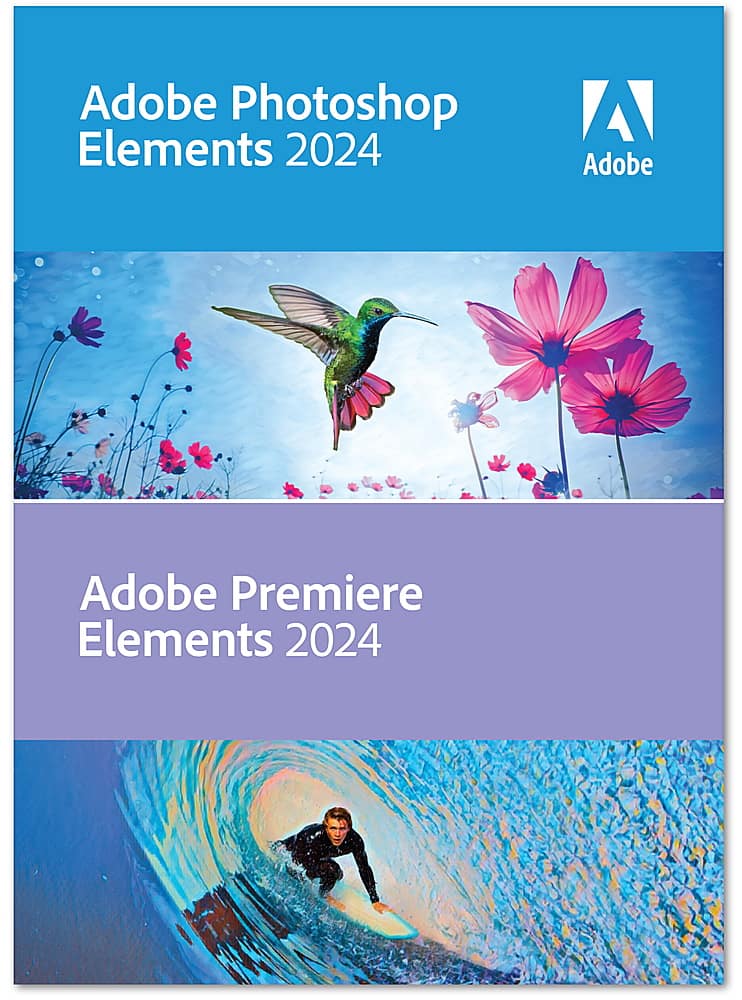






- Model:
- ADO951800F234
- SKU:
- 6554542
to a friend
Customers are saying
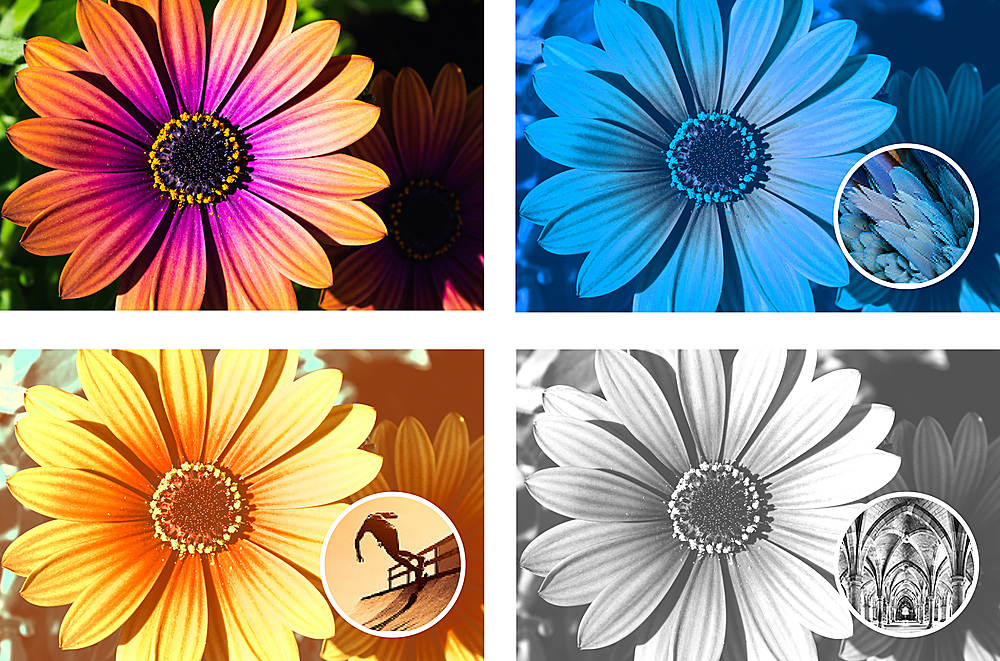
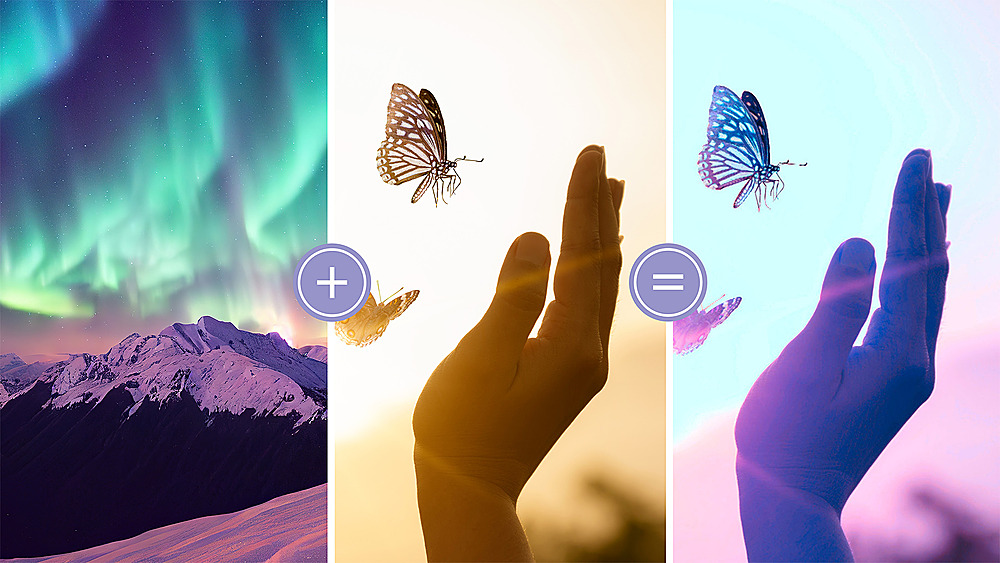
Customers are enthusiastic about the ease of use and the AI features, praising the well-organized tools and automated editing options that speed up workflow. Many appreciate the addition of video editing capabilities and the improved object removal tools. However, some users experienced difficulties with the installation process and redemption codes.
This summary was generated by AI based on customer reviews.

Great Bundle & Cost Savings
|Posted .This reviewer received promo considerations or sweepstakes entry for writing a review.This is a great bundle and cost savings. Not needing a subscription helps give amateurs access to these awesome products. I mostly use these products for content creation which also adds to the benefit of them coming in a bundle. I've used the full up versions of Photoshop and Premiere and prior versions of Elements. I think both of these Elements come with all the features that most people need. I wish the user interfaces were a little more aesthetic but they get the job done. A great feature to the GUIs is being able to select between simple to advanced views to help grow with you and your abilities. I also like that they come with a dark mode. With Photoshop, I was able to effortlessly load up my old CS6 files with all their layers. I normally just edit product photos and make title cards for YouTube videos. These actions were still easy to do with this new version. I loaded up some family photos to try out some of the editing tool. The teeth whitening was awesome. You could easily select people's teeth with just a click and adjust the brightness. The background and people selecting tools were ok. They didn't cleanly outline the people but it at least gave you a starting point. I tried to use it for product selection too but when adjusting the sensitivity of the tool it either selected too much noise around the product or cut out pieces of it. It was just easier to do that editing manually. The heal tool easily cleaned up wrinkles and blemishes. I didn't have much luck with the “closed eyes” feature. It takes a sample of open eyes from another picture and uses them on top of the closed eyes. It just came out looking very computer generated and not natural. Not sure if I just need more experience with it but it's a cool concept. I've used Premiere a lot for editing videos together, adding text, and voice overs. There was no issues converting my 2023 projects to 2024. It seemed like the rendering process was way faster in 2024. There are a lot of features and tools for transitions and transformations. There's a little bit of a learning curve but it's not too bad. It seems pretty powerful with features but my need isn't very complex. I would recommend these products for all skill levels.
I would recommend this to a friend- Pros mentioned:Object removal
Worthy upgrades from a few year old versio
|Posted .This reviewer received promo considerations or sweepstakes entry for writing a review.There are many professional reviews which you can read online, I am a fairly basic user who from time to time needs some photos and videos fixed and like to do it myself. I can tell you that in summary this is perfect for my use case, it is also optimized well as it runs like quickly enough on my aging PC. (10 years old CPU, fairly new GPU and 32 GBs of RAM with SSD). I upgraded from 2019. Few extra points which I liked, I have been using it for some time now, I have explored the Elements mainly (photo editor) and I am very pleasantly surprised. I had some photos with unwanted objects and persons ruining an otherwise perfect to print image. It is very hard to get an image at a place like Universal studios without anyone else in the shot. Using the remove object option, I was able to get rid of them. There were ways to do it in previous versions but I felt the selection is much less frustrating with this version (I have not used last couple of versions). I was also able to rebuild the parts correctly, which were broken because of the object removal. I am very satisfied as I know it will come in handy a lot of time. A lot of the options from past remains same and I feel a few are removed but considering I never used them, I am not complaining. My video editor requirements are very basic, which is to take band videos and edit them at both ends. The last version did it fine and so does this version. I did try to explore the highlight reels but am yet to reach the finalize video.
I would recommend this to a friend - Pros mentioned:Ease of use, Video editing
Great for photo and video editing.
|Posted .This reviewer received promo considerations or sweepstakes entry for writing a review.Great product. I love using Adobe. I feel it is simple, and yet complexed. Simple enough to start out and use and do basic things. But if you want to take full advantage then it can get complexed. Easy to use to crop a large portion of your picture with and then use more tools to fine tune the picture and crop out the smaller areas, whiten your teeth and then can brighten picture, or whatever you want. with elements, you add video editing as well. This is great to capture highlights with, and edit your videos and add intros and things. I wished it had more for using webcam and to capture screen or games. I think they can do a lot to add a way that I can use a webcam and have a virtual green screen. As well as a picture in picture were I can capture my screen or game, and then have a webcam in that. This allows you to record from your webcam but very, very, very limited what you can do and if I do change things it seems to freeze my webcam and I have to re click to open the webcam. But this is small. Main use is after I have recorded a video or 2 or 3, then I use this to add those together, take out parts that are not needed, etc. Overall, if you do a lot of video or photo editing, this is well worth the price to get.
I would recommend this to a friend - Pros mentioned:Ease of use, Video editing
Simple to use
|Posted .This reviewer received promo considerations or sweepstakes entry for writing a review.I had been looking for a photoshop for pictures and videos, I have tried several different platforms and Apps to take my older pictures and videos and not only have them digitally saved but to clear them up a little. The problem I was having is most of those others were so time consuming and hard to edit. Adobe is the solution! I did not receive a disk to install I chose the email option and it is so simple to install, I installed in on our desktop PC and w/ in minutes it was downloaded and I was editing pictures. I love how easy and simply it is, I upload or drag and drop the photo and begin to lighten up the dark photos, remove red-eye. I have cropped out people and buildings, there is just so much that you can do w/ this program. I am making a video of my grandson, who is 3 years old and I love how simple it is to go from a picture, crop it, fix it, lighten/darken it, etc. and then the next frame insert a video. The cost for this product is very comparable to others on the market, the difference being, and trust me I’ve tried several is the ease of use w/ Adobe Photoshop Premiere Elements 2024. I HIGHLY recommend this product.
I would recommend this to a friend - Pros mentioned:Ease of use
A really cool way to edit photos!
|Posted .This reviewer received promo considerations or sweepstakes entry for writing a review.In the past I've gotten Adobe products and had some trouble figuring them out. The new Adobe Photoshop Elements and Adobe Premier Elements, are both really welcome tools to help with photo editing, although I think Adobe would be wise to reconsider the somewhat confusing nomenclature of their products. Confusing is maybe perhaps too strong of a word but with the products names so closely it is easy to mix the two products up. As a more traditional artist, ie someone who dabbles in the arts such as acrylics, oils, and that sort of media, I have not really transferred that sort of ability into the software world. Having used Adobe products before, I have found that they are very powerful, but can be somewhat difficult to figure out how to use properly. I can safely say that these products are definitely easier for those of us who have struggled with other types of editing software. It's as simple as loading a photo and then applying various filters, effects, etc to make your photo look better. There's a lot of power here though, if one takes the time to really delve into the options at your disposal. All in all both products are very good photo editing, giving you about a million ways to change up your photo to enhance it, or make it look terrible (which is why you have an undo button!). If you're like me and want to find new ways to make your photos stand out, but may be afraid of complicated sofware, I would recommend this suite for getting started!
I would recommend this to a friend - Pros mentioned:Ease of use
Good Package for Intermediate Photo/Video Editing
|Posted .This reviewer received promo considerations or sweepstakes entry for writing a review.I'm not a professional photo or video editor by any stretch of the imagination, but I appreciate a level of control that some of the basic editing tools on Windows and mobile don't offer. Photoshop Elements and Premiere Elements both offer a lot of fun effects and editing tools that are pretty easy to use for the most part, though they didn't always turn out exactly how I wanted to and there's a lot to learn. I think someone who's already familiar with Adobe products could navigate these applications a lot better, but then again those people are probably already working in the higher-tier products from Adobe anyway. Still, I think if you're interesting in creating fun and interesting photos and videos on your PC a lot of really cool and interesting creations are possible with both of these applications. They cover the basics very well at least from basic crops and trims. Some of the object removal and moving tools leave weird artifacts that I wasn't a huge fan of, but for clearly defined areas and objects they work well enough. The text and video title effects are neat though. Overall, I think these are good entry points for somebody wanting to get into photo and video editing. There's a lot of great functionality buried underneath the sometimes overly simplified Guided edits, but it does a good job of introducing you to all the tools and preparing you to make more advanced/comprehensive edits.
I would recommend this to a friend - Pros mentioned:Video editing
Fine Even For Beginners!
|Posted .This reviewer received promo considerations or sweepstakes entry for writing a review.Whenever a new version of anything comes out, there are always newly added features and improvements, Photoshop Elements being no exception. Many options have been simplified, such as adding text, making photo reels, color matching, sky/background swapping, and one-click edits. Premiere Elements adds easy photo enhancement, Adobe Sensei AI editing, new templates, streamlined organization of photos and videos, and app/mobile access. These two products bundled together make for the ultimate editing package! As a self-proclaimed dingus when it comes to Photoshop, I enjoy the guided edits feature as I learn the program. I also love Pet Perfection, a one-stop edit which targets reflective eyes, blurry movements, and general sharpness. My absolute favorite feature is that there is no monthly subscription needed! This is a one time buy and has already saved me quite a bit of cash. Elements is meant to be for those who are just beginning their journey into photo and video editing and has been incredibly helpful to me so far.
I would recommend this to a friend - Pros mentioned:Ease of use
Unleash Unlimited Creativity
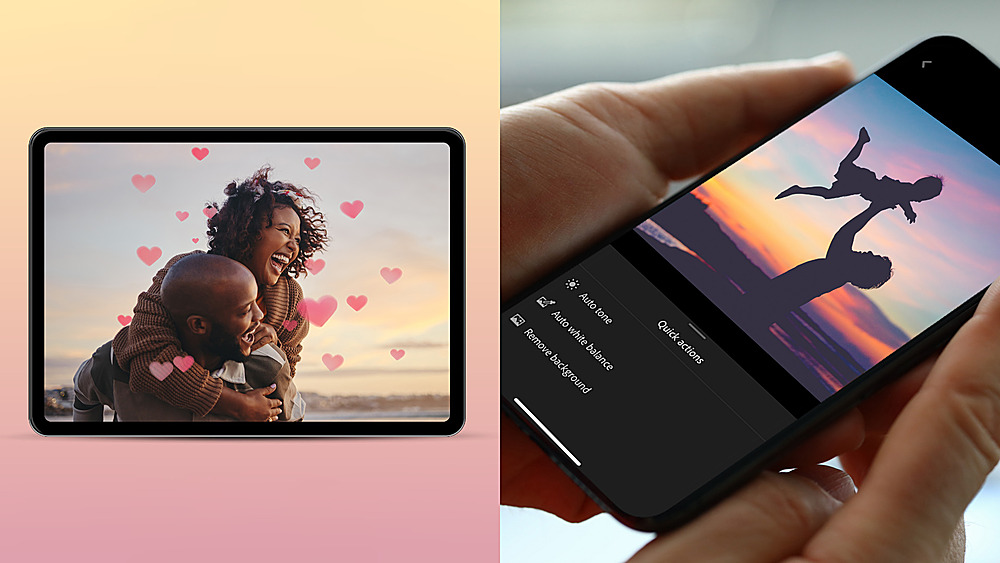
|Posted .This reviewer received promo considerations or sweepstakes entry for writing a review.Of all the adobe suite Photoshop and Premiere are the two that I use the most. I am not a professional but I do have YouTube content and to support that I am always shooting new video and editing graphic artwork for my very small business. One question I get frequently is when should I upgrade and for me this is simple; I do so every year. For all the features, this bundle is very reasonably priced and keeping up to date relieves the issue of learning curve with less frequent upgrades. For the person that is just starting out and wondering if this is the right move I can assure you it is. These applications are powerful and interface perfectly with other adobe products you may also purchase to complete your tool set. This year I really appreciate the clean interface which gives you the choice between light and dark modes. This along with many new features make this a great choice for video and photo editing. Both offer 3 levels of entry for a project; Quick, Guided, and Advanced. In quick mode you hardly need to do anything to output a finished project fast and easy. Advanced mode gives you very specific tools to manipulate your project down to the finest detail of image and video quality. Photoshop: There are too many features to cover here but two I have found very useful are the photo real and AI Edits. The photo real feature essentially creates several shots, each with its own text, effects and graphics. You can then save as a MP4 or GIF for easy sharing. Quick actions such as AI Edits help you quickly remove artifacts, smooth Skin and more. Premier: Again too much to cover them all but two features I have used a lot so far are Highlight Reel and Audio Effects. With the Highlight Reel feature it is easy to grab some key clips and create a compelling highlight reel to help draw people into the main feature. As for Audio Effects the DE Hummer is super useful if your audio is contaminated by background hum. In the past I needed 3rd party software to do this, now it is included. All in all if your are a current or new user this combo is powerful, intuitive and easy to use.
I would recommend this to a friend - Pros mentioned:Ease of use
The Leader in Photo Imaging
|Posted .This reviewer received promo considerations or sweepstakes entry for writing a review.We've been into personal PC's since their introduction in the 80's, but even prior to that, my wife has been the personal photographer for both families and friends. Her images, enlarged, grace the walls of many homes. She just has that "camera eye" that I can't even begin to duplicate. While she always wants the latest phone with the best digital qualities, she still totes her Nikon to events knowing that she will be asked to share her pics. And it's not long after we got our first pc that it was loaded with whatever the latest and greatest photo imaging programs. We've tried many contenders, which she invariably rejects, and always returns to Photoshop as her go-to program. Upon installation, which went smoothly, the first choice she made was the switch to dark mode. I noticed with our OLED tv, she had switched to "filmaker" mode due to eye strain from the brightness, so dark mode was a natural. Since we have 2 new grandkids, there are thousands of images we have stored to begin with. Her home base is in the "before and after" side by side mode. From there you can quickly adjust the lighting, exposure, color, balance and compare the effects. Importantly, the user interface is familiar and intuitive, it's not like a new version of Windows where you have to relearn how to use a computer. Features like background replacement are available for photos that are either too bland, too busy, or contain an unwanted photobomb. The included modes of Quick, Guided, or Advanced mode allow you to choose your level of sophistication. Since we have familiarity with Adobe products, the usual choice is quick; however if you're having difficulty switch to guided, and, of course advanced for the expert - which we're not! We will be taking advantage of the guided much more as we delve into Premiere, as we also have quite the collection of video files which we would like to convert into highlight reels as the children progress in age. Photoshop has been documenting our family for decades now, we're happy that the "new" version comes across as an old friend - he just has some new tricks!
I would recommend this to a friend - Pros mentioned:Ease of use
Solid video and photo editing for Windows machines
|Posted .This reviewer received promo considerations or sweepstakes entry for writing a review.Adobe Photoshop Elements 2024 & Premiere Elements 2024 are a good way to dip your toes into photo and video editing without breaking the bank, facing subscription charges, using something free with a high learning curve, or using something free with tons of missing features. The Elements programs, as always, are build on the same technology as the professional programs, but with fewer features and more guides on how to do things. For beginners, they're great. For more seasoned users, you may run into the limits these programs have when compared to their professional counterparts. One thing I'm glad was included in Premiere Elements was GPU acceleration, and not just for Team Green video cards. As tested with an all-AMD laptop (Ryzen 5800H, Radeon 6700M), an all-Intel desktop (i5-12600k, Arc A750), and an older Intel desktop (i7-6700, GeForce 1050TI), video editing and processing was much smoother while being able to offload things to the discrete GPU. While these tasks are also alright on modern AMD and Intel processors (Ryzen 5625u and Core i7-1360p), they're slower when your system lacks an encoder (like with a Ryzen 3600 and with a Radeon RX6400). Photoshop Elements can also take advantage of your graphics processor for anything from image compositing to rendering filters nearly instantly. Compatibility with JPG, HEIC, and even RAW format photos means you can take pictures with nearly any camera or phone and it'll be viewable here. You're also able to install - AND RUN - the Elements package on multiple PCs at the same time. Terrific if you have a batch job of photos to apply filters to. This is a win in and of itself because many consumer and prosumer-level photo and video editing apps don't allow for this. I can't really think of any negatives with this package. All in all, this is a solid package for photo and video editing. Photoshop Elements 2024 and Premiere Elements 2024 is the perfect way to dip your toes into the world of Adobe creative apps.
I would recommend this to a friend Still the gold standard photo editor!
|Posted .This reviewer received promo considerations or sweepstakes entry for writing a review.The Adobe - Photoshop Elements 2024 & Premiere Elements 2024 bundle is a great way to save and get two good programs at the same time. Adobe Photoshop is the benchmark standard when it comes to photo editing. There are a lot of copy cat clones, but Photoshop is the O-G. Elements is a video editing software by Adobe that is powerful and relatively simple to use. Both programs launch from a simple single home page, and each has built in tutorials and guides to help you on your way if you want the help. There are a few different settings from beginner to advanced, and a bunch of easy buttons to click if you want to let Adobe make the decisions for you as far as what you would like to do. I did like some of the quick fix buttons like simple background editing of my photographs to remove unwanted distractions, but it was hit or miss if Adobe picked the correct line to edit along, and most of the time the background then had a blurry spot so it was easy to see it was edited. I'd like to see that feature improved a bit because it's very useful. Elements was a hit and miss program for me as I'm used to using another video editor, and elements was slightly confusing, while at the same time it kind of seemed more geared towards beginners, but that might be because I haven't really dug into the advanced setting though. One thing I really didn't like is that Elements locks up/freezes can't be minimized etc when it's rendering a video, so once I clicked render I had to use task manager to get back to my desktop to let Adobe run in the background. I also had some pretty serious problems with my install, and when I researched online I found that many people had the exact same problems that I had had, and none of them were showing and solutions to their issues. I ended up uninstalling both programs, and reinstalling them one at a time to get them to start working correctly.
I would recommend this to a friendA Sweet Suite for photo and video editing
|Posted .This reviewer received promo considerations or sweepstakes entry for writing a review.I have been using Adobe Photoshop Elements and Premiere Elements for years as an easy to use graphic / photographic editing suite. I have used these applications on both Windows and Macintosh based systems for easy and fast edits on computers that would have strained to run the professional versions. I look at these applications as being great for fast and accurate editing. Some of the highlights of “The Elements 2024 photo & video editing bundle’s” recent release includes the following. The ability to add text to your images in cool, creative ways. For example, you can apply stylized text to your photographs by using the Add Text Guided Edit tool. With it you can customize text placement, font style (colors, patterns, etc.). The ability to match colors with a single click is a feature that can enhance, simplify, and speed up editing. Automatically matching the color and tone of any photo or video with Color Match is very easy to do and can add a lot to both still or video imagery. You can choose a preset or use your own photograph or video clip. You can create attention grabbing Photo Reel clips, that are customized with text, graphics, etc. These can be saved as MP4s or GIFs for easy sharing on the web. There are many more new and improved cool features to explore. Enjoy!
I would recommend this to a friendA lot of power for not much money
|Posted .This reviewer received promo considerations or sweepstakes entry for writing a review.I appreciate that they are making advances in the software year on year. That being said, is what they've added worth upgrading? I think that highly depends on your use-case. In my personal set-up, I typically use Elements for video editing to create simple videos for YouTube. This isn't really an upgrade over the past several years that would generally be worth it for me. However, what they have added could be quite powerful if you're looking to put together some stylized, high-quality videos. You can color match different sections of video, so think like the Matrix movies where everything was green-tinted in the Matrix and blue in the real world. Here, you can more easily do that. Similarly with audio, you can add all manner of effects that I've generally only seen on guitar pedals, but you can also reduce hum and white noise in your audio to better focus on the speech in the clip in case your microphone wasn't quite up to snuff. If you want a compilation video of a recent vacation, this is also supposed to help by using AI to generate a nice summary video of all of your video and photos, but I haven't done any travel to get materials for testing such functionality. Overall, if you're just putting together simple videos, this may be more power than you need. If you're getting interested in video editing, or have large sets of videos to create summary footage of, this may be a great way to go.
I would recommend this to a friend- Cons mentioned:Installation
Adobe and Best Buy Join Forces to Inconvenience Us
Posted .This reviewer received promo considerations or sweepstakes entry for writing a review.I bought this Adobe software at the end of November, 2023 and didn’t try to install it until mid January 2024. No software CD was included in the software box, only a piece of cardboard with a web address and a code.When I tried to install the software using the Adobe web address and code I received the message the the software code was not valid. I looked on the website for a phone number to call for help but couldn’t find one. I then tried to use the chat option on the website and was confronted with AI chatbot that couldn’t understand the simple problem of not being able to install the software. The AI chatbot repeatedly misunderstood my questions and offered help on things tat had nothing to do with software installation. I repeatedly asked to talk to a real person and had my request ignored time and time again. Somehow I finally got the AI chatbot to put me on a help callback list. When Adobe called I was speaking with a someone in India who was very difficult to understand, she finally passed my call on to another customer care worker and he was Indian as well, not as difficult to understand but still difficult. I have nothing against employing customer care people from other countries but they should be be able to communicate well in English. The second person told me that the problem with software installation of software purchased from Best Buy was well known and that he would help me with it. He said the problem was on Best Buys end and that they had failed to register the software that they were selling. If it was a well known problem why wasn’t that addressed by the AI chatbot? I wasted 15 to 20 minutes on chat and another 30 minutes struggling with conversations with customer service. I’m disappointed with both Best Buy and Adobe. Neither company seems concerned with their customers service. I’ll never buy software from Best Buy again and I wish that I could find a better alternative to Adobe software.
No, I would not recommend this to a friend Confusing Business
Posted .This reviewer received promo considerations or sweepstakes entry for writing a review.I ordered a digital copy of Adobie Element. The copy of the software nor the installation code was ever sent to me. I'm fresh out of $90.00. Buyer be aware.
I would recommend this to a friendIt's ok
Posted .This reviewer received promo considerations or sweepstakes entry for writing a review.Was not best buys fault but had to call adobe to get it activated. Totally crazy.
No, I would not recommend this to a friend