Customer Ratings & Reviews
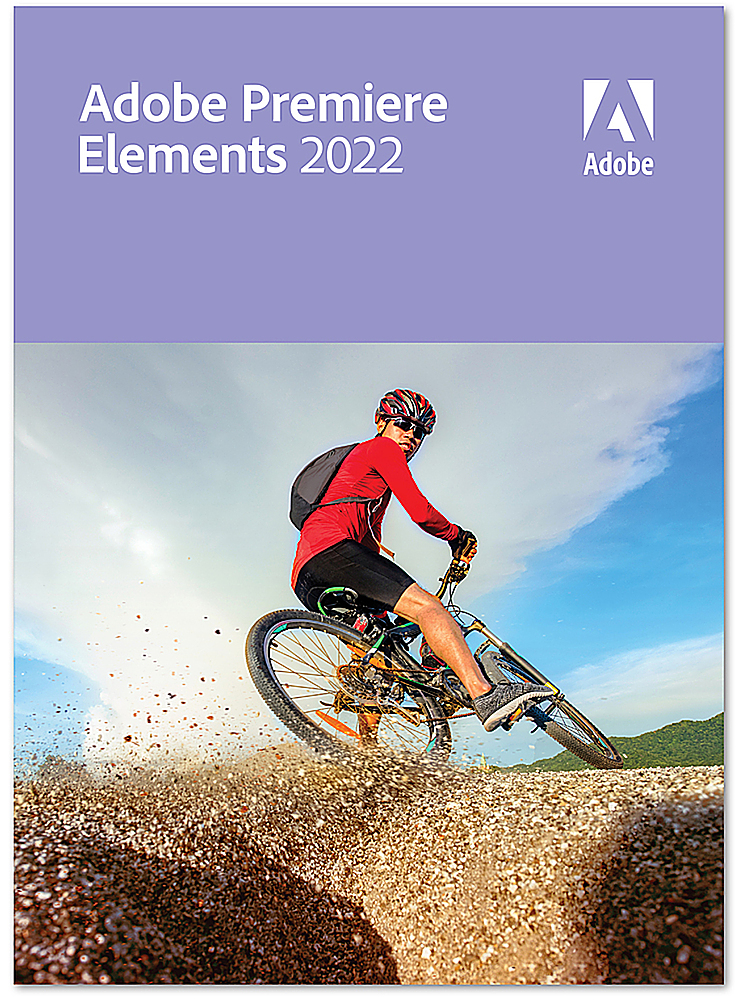







- Model:
- ADO951800V539
- SKU:
- 6475055
to a friend
Customers are saying
Customers are impressed with Premiere Elements 2022's ease of use and intuitive interface, making video editing a straightforward process. Many appreciate the software's ability to adjust videos for different platforms and its helpful features for enhancing shadows and highlights. The positive feedback also highlights the software's speed and performance.
This summary was generated by AI based on customer reviews.
- Pros mentioned:Ease of use, Video editing

Taylor made for taylor making
|Posted .This reviewer received promo considerations or sweepstakes entry for writing a review.I have always owned Photoshop this will be my first copy of Premiere Elements. I haven't had a time to truly dig into it because there's so much. But at a glance I've edited a few videos and a few pictures and the response I've gotten from friends and family has been wow. I'm often asked what studio I took it to or who did I have to do it for me and I tell them no I got Adobe Premiere Elements. I cannot wait to dive into this more. I know I'm doing work and touching things up and creating memories but I feel like I'm doing so much more than that at least of all it does not feel like work. Highly recommend it
I would recommend this to a friend - Pros mentioned:Performance, Video editing
Best video editing software yet
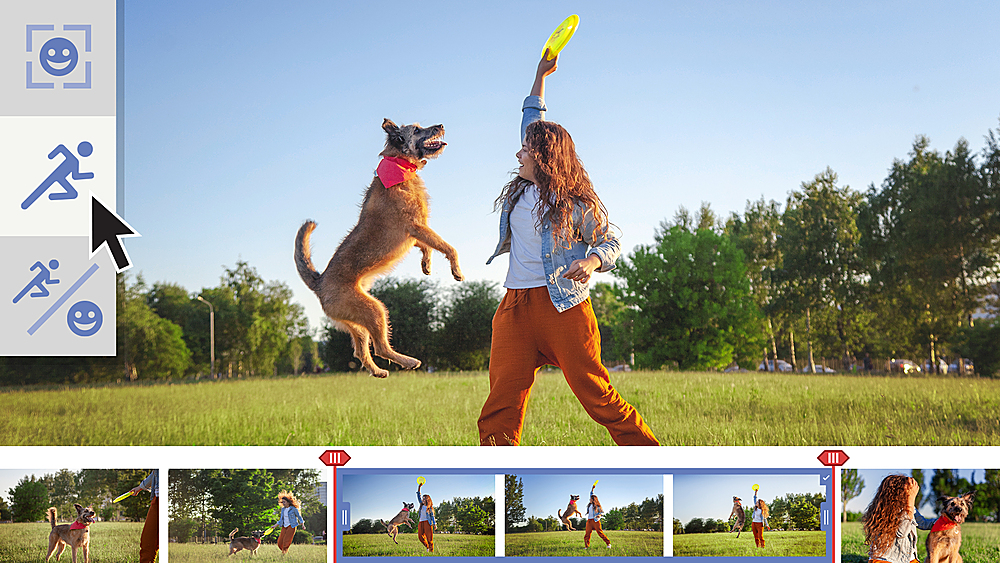
|Posted .This reviewer received promo considerations or sweepstakes entry for writing a review.I have used every version of Adobe Premiere Elements since 2015 and most features have seemed minor and not useful for just merging family movies for archiving. This has a new guided shadow/highlight feature that allows Lightroom quality editing of the video footage with a easy to use slider system. Very welcomed. I also like the ability to convert the videos to social media formats like Tik Tok, instagram, etc. it adjusts based on the platforms aspect ratio. Performance is fast and I like that it puts the imported media in a separate working folder.
I would recommend this to a friend - Pros mentioned:Ease of use
Good video editor with extras
|Posted .This reviewer received promo considerations or sweepstakes entry for writing a review.Premiere Elements 2022 is more than just a video editor, it's a whole creative suite of programs for making video postcards, slide shows, telling stories and of course video editing. I like the easy beginners learning prompts that guided me through learning where all the features could be found and have small examples of what each feature does etc The layout is very easy to use, and I like that I could right click and select from a menu for many of the editing features. It was also nice to batch edit multiple files together instead of each one at a time. One feature that would've been nice to have though is auto save. I spent several hours editing a video only to have the program freeze up when I was trying to save and export it. After waiting 10 minutes to see if the program would recover I finally closed it out and restarted it, expecting my project to be saved at the last edit point, only to find out that it wasn't saved at all anywhere and I had to completely redo the entire video a second time. This time I learned from my mistake, and I saved it manually each time I made a change. Unfortunately the program froze up again when I went to share it as a final file. I closed out of the program, reopened it, and this time my saved file loaded right up from my last save, and I was able to finally export the final video the 3rd time I tried it. So, because of that little issue, and also that the final conversion is also very slow... it took an hour and 20 minutes to render a 42 minute video at 1080p and it took 50 minutes to render a 26 minute video, also at 1080p, I can't give this program 5 stars. As far as if I recommend it or not would depend on if you've already got experience with a video editor or not. If you've never used one before this would be a great place to start. It's easy to learn, and has a strong feature set. But if you've already got experience with a video editor that you like, I'd say give this a try with their free trial and see how you like it. It does have some useful photo editing tools, and other features besides just the video editor as well.
I would recommend this to a friend - Pros mentioned:Ease of use
Excellent as always
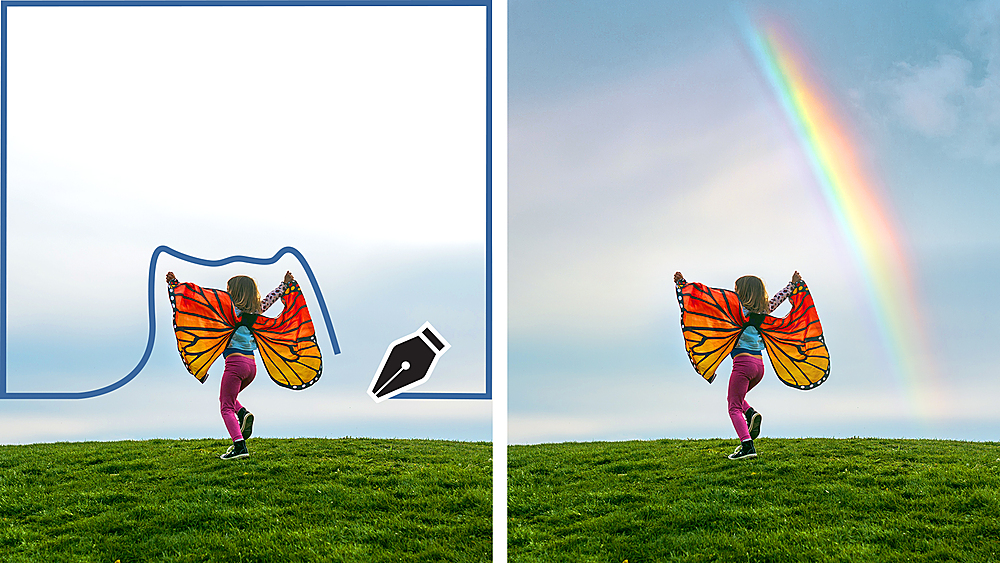
|Posted .This reviewer received promo considerations or sweepstakes entry for writing a review.I've tried other software for photos but nothing compares to Adobe. I own a goat farm and am a needle crafter. Being able to quickly edit and improve the color,remove unwanted items, and improve the lighting makes me happy! Good digital photography also needs more than good photographic skills. The best part about this software is that it is user friendly. You can start with some autocorrect features and progress to full-scale professional results.
I would recommend this to a friend - Pros mentioned:Ease of use
Fun, fast, and well-integrated
|Posted .This reviewer received promo considerations or sweepstakes entry for writing a review.Review for Adobe - Premiere Elements 2022 for Mac [Digital] I’ve been using Adobe video editing tools (Premiere Pro, Media Encoder, and Photoshop) for more than 20 years. I have a pretty high end Mac Pro setup with a ton of storage and memory to edit video from two camera shoots. But I was eager to try the new Premiere Elements on my Mac Pro laptop without all of the baggage just to create quick and slick videos. I have to say, it did not disappoint! It’s still nicely integrated with Photoshop, which makes adding pics and graphics easy. If your footage is less than stellar for some reason, you can adjust it quickly with the Shadow and Highlights feature. Having three editing paths (Quick, Guided or Expert) is brilliant for new as well as experienced editors. Quick and Guided helps you along, whereas Expert is similar to using the standard version of Premiere I’m used to. It seems like a great learning curve path for up-and-coming editors. Finally, most of my work doesn’t require exporting to Social Media, but on occasion I need to, so I’m looking forward to the integration built into Elements to make this easier.
I would recommend this to a friend - Pros mentioned:Shadows and highlights
Cutting Edge Useful New Features
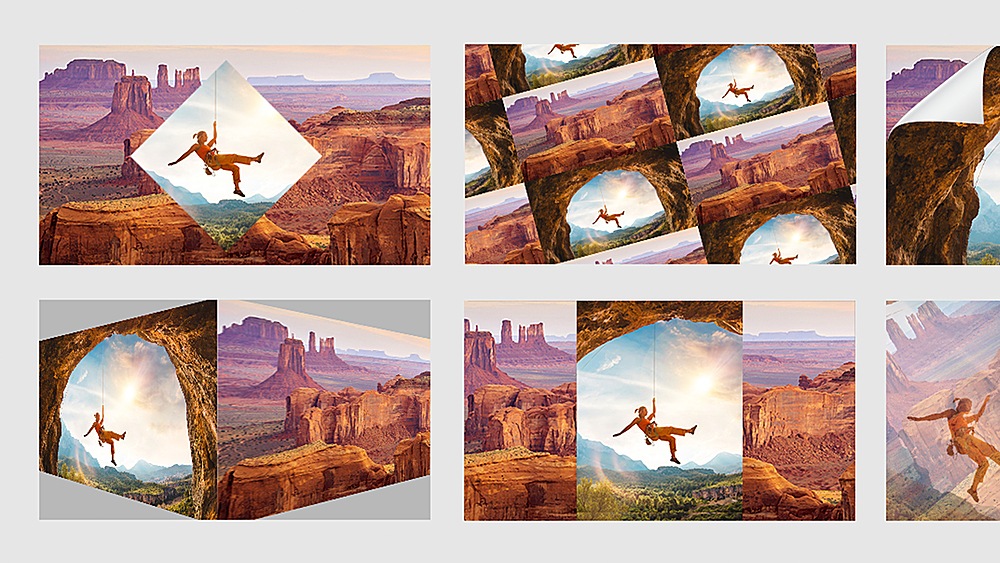
|Posted .This reviewer received promo considerations or sweepstakes entry for writing a review.If you are new to video editing you might as well jump in with both feet and have the gold standard at your fingertips. As with the previous version there are 3 modes Quick, Guided and Expert. The most beginner, beginner will have success right away and the seasoned pro will not feel like their wings have been tied. For you who have experience with this product I always recommend having the latest version to help keep up with features and make your upgrades more incremental. There are many great features but the Moving Overlays, and adjusting shadows and highlights are really fantastic and alone are worth the upgrade price. With moving overlays you can animate dark clouds moving above your clip to add life and extra drauma for example. Shadows and highlights makes these adjustments nearly effortless.. Great work as always Adobe!
I would recommend this to a friend - Pros mentioned:Ease of use, Video editing
Good option for non subscribers
|Posted .This reviewer received promo considerations or sweepstakes entry for writing a review.Has many of features from pro version of Adobe Premiere, without the monthly fee. Good if you do not need everything included in Adobe Creative Cloud (ACC). It includes simpler to use walk thrus if you are a non expert.
I would recommend this to a friend - Pros mentioned:Ease of use
Great for starter use of Premier
|Posted .This reviewer received promo considerations or sweepstakes entry for writing a review.The new Adobe Premier Elements is a great low cost way to enter the Adobe ecosystem. Having utilized the big brother subscription plan you can tell there’s been some items removed but it’s mainly been replaced by items that help streamline functionality. The quick edits that are included with the software provide a no-muss dive into what the software can do and I feel like they represent a great springboard to figure out your own future desired edits. It’s also nice that it has the quick tab to let you gently dip your toe into editing and then you can advance to expert to open up more options and intricate settings.
I would recommend this to a friend Still good software, about the same as previously
|Posted .This reviewer received promo considerations or sweepstakes entry for writing a review.I've updated my video editing software from Premiere Elements 15 to the 2022 software. Ultimately, I don't think there is much of a difference. One main difference that I've noticed is that 15 has started to get very finicky as to what video files it will accept. The standard is .mp4, but it has often started rejecting these files from my camera. There is free software to change the format which gets around this issue. In 2022, there doesn't seem to be that finicky issue, as I've had no issues bringing in video files. This is certainly simpler. I don't see a lot of actual functionality changes between the two softwares, however. I was able to do everything I needed in the Quick editing mode in 15, but the Quick mode in 2022 is far less functional. I mean extremely basic things like trimming off the start or end of a clip cannot be done in the Quick mode in 2022, but rather you have to be in the Expert mode to even make a cut. All of the functionality still appears to be there. I'm not seeing much of anything new, despite the years between the software. Options are moved around, but you can still find them fairly easily. If you need video editing software, this is good and works well. If you already have version 15 or later, I wouldn't feel the need to get this latest version.
I would recommend this to a friend- Pros mentioned:Ease of use
A good starter tool for basic video work
|Posted .This reviewer received promo considerations or sweepstakes entry for writing a review.I just need basic tools to merge and edit videos, and maybe even add some quick titles, overlays and transitions. Premiere Elements provided exactly what I needed without too much overhead. Rendering was quick enough and I really liked the helpful tools to get me where I needed. This is a pretty good set of video editing tools for the non pro like me.
I would recommend this to a friend Powerful photo and video editor
|Posted .This reviewer received promo considerations or sweepstakes entry for writing a review.This can do a lot of cool stuff. Made a great slideshow from pictures and added music for a family gathering. I had not used Elements before so there was a pretty steep learning curve. There was not helpful tutorials to help you acclimate to the software. (There are some videos just didn’t find them particularly helpful).
I would recommend this to a friendWorks Well But Steep Learning Curve
|Posted .This reviewer received promo considerations or sweepstakes entry for writing a review.Title pretty much sums it up. It does what it does quite well, but the learning curve can offer some frustrations. That said, end of the day I would recommend it to a friend.
I would recommend this to a friend