Customer Ratings & Reviews
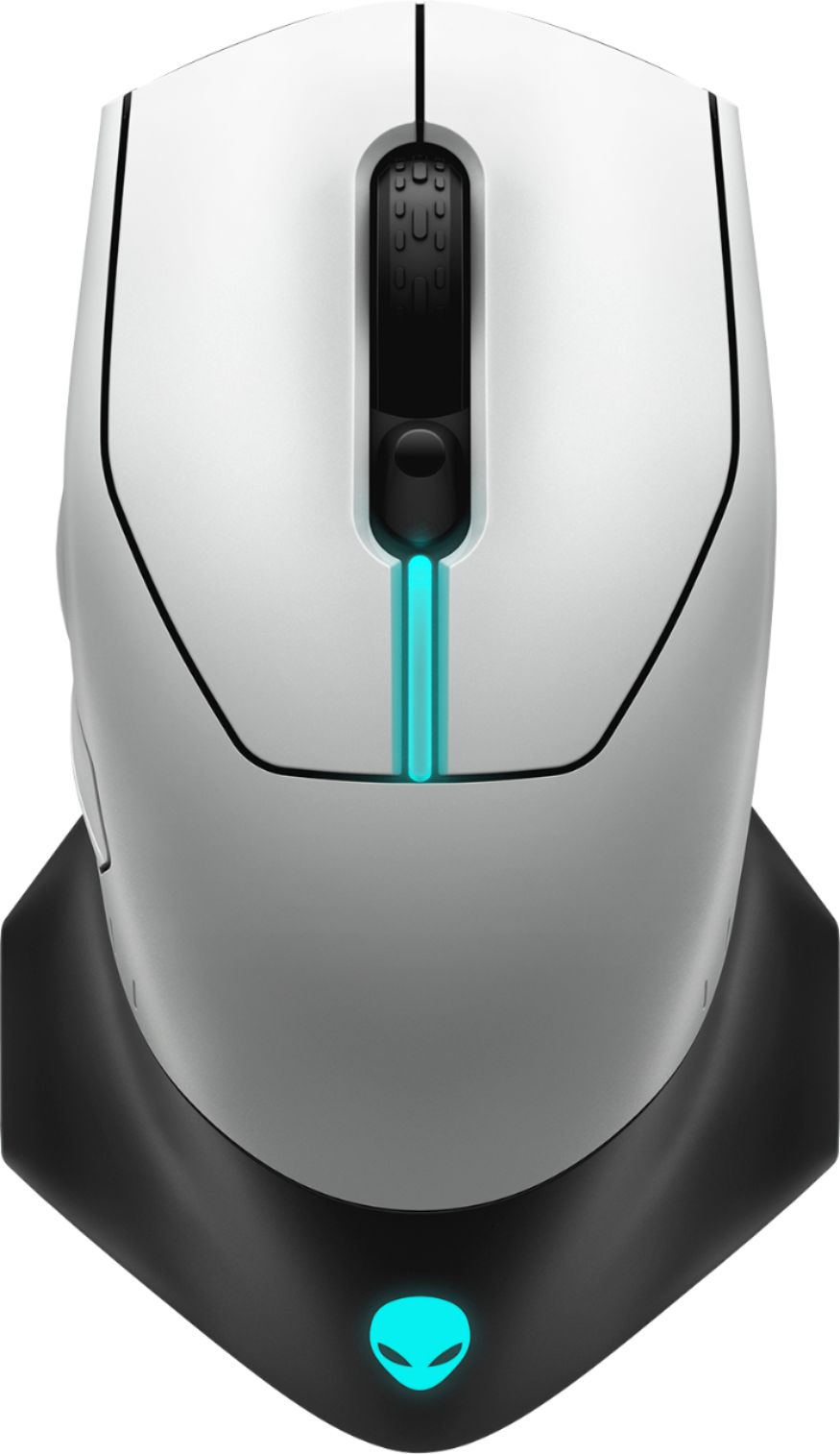

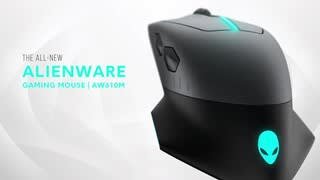

- Model:
- AW610M-L
- SKU:
- 6382729
Rating by feature
- Value
Rating 4.5 out of 5 stars
- Quality
Rating 4.7 out of 5 stars
- Ease of Use
Rating 4.7 out of 5 stars
Customers are saying
Customers are positive about the AW610M-D gaming mouse's long battery life, vibrant RGB lighting, comfortable design, and wireless functionality. Many appreciate its high-quality build and customizable DPI settings, while some find the weight and size to be ideal. However, customers are negative about the stiff scroll wheel and some software issues. A few users reported problems with the scroll wheel's functionality and responsiveness.
This summary was generated by AI based on customer reviews.
- Pros mentioned:Battery life, Rgb lighting
A Gaming Mouse That's Out of This World
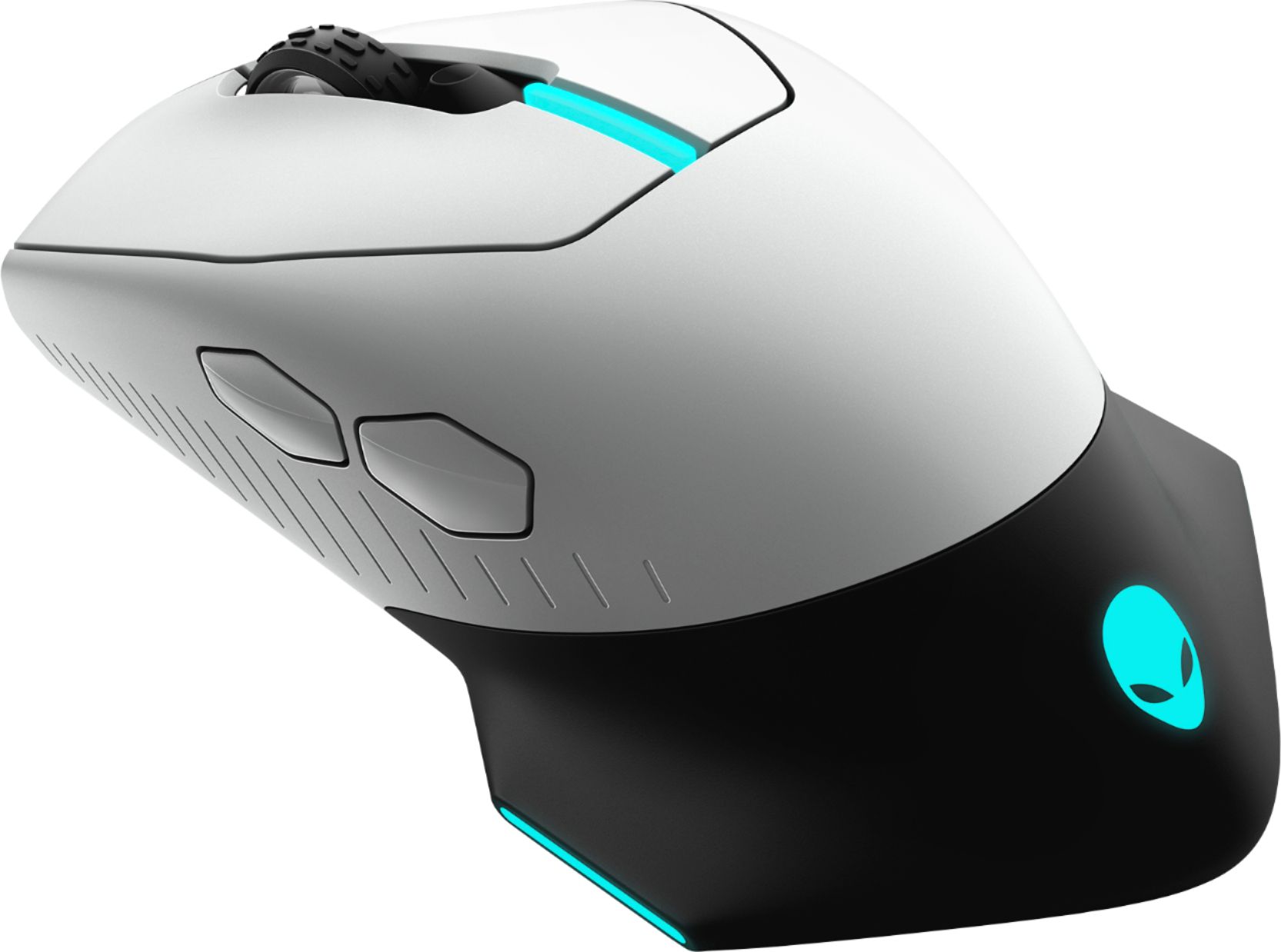
||Posted . Owned for 1 week when reviewed.This reviewer received promo considerations or sweepstakes entry for writing a review.I recently had the pleasure of trying out the Alienware - AW610M-L gaming mouse, and I must say, it exceeded all my expectations. From its high-performing polling rate to its customizable features, this mouse truly stands out in the gaming market. One of the standout features of the AW610M-L is its high-performing polling rate of 1000hz, which ensures minimal input lag and provides a smooth and responsive gaming experience. Whether you choose to use it wired or wirelessly, this mouse maintains stable connectivity and never fails to impress. Another impressive aspect of the AW610M-L is its exceptional battery life. With up to 350 hours of usage in a single charge, this mouse is perfect for those long gaming sessions where you don't want to worry about constantly recharging your peripherals. This longevity adds to the overall convenience and value of this mouse. The AW610M-L also comes equipped with the latest generation custom Alienware native 16,000 DPI sensor, allowing for precise tracking and enhanced accuracy. Whether you're playing FPS games or engaging in fast-paced action, this mouse ensures you never miss a beat. Customization options are where the AW610M-L truly shines. The custom adjustable scroll wheel with a wide toggle setting between 12 and 24 steps per scroll wheel revolution allows you to fine-tune your scrolling preferences to your liking. Additionally, the pre-loaded tension on the main mouse buttons provides a controlled and tactile click feel, sure to satisfy even the most discerning gamers. The seven fully programmable mouse buttons, which can be personalized via the Alienware Command Center, allow you to tailor your gaming experience to your needs. This level of customization truly adds another dimension to your gameplay, making the AW610M-L a versatile option for gamers of all genres. Let's not forget the customizable 16.8m AlienFX RGB lighting, which adds a touch of flair to your gaming setup. The lighting can be adjusted to match your style or even synchronize with other Alienware devices, creating a visually cohesive gaming aesthetic. Lastly, the AW610M-L boasts a signature Alienware ergonomic design, ensuring a comfortable grip even during extended gaming sessions. The mouse fits perfectly in hand and its sleek and stylish design further adds to its appeal. In conclusion, the Alienware - AW610M-L gaming mouse is a powerhouse for gamers who demand precision, performance, and customization. With its high-performing polling rate, impressive battery life, customizable features, and ergonomic design, this mouse is truly out of this world. Whether you're a casual gamer or a professional, the AW610M-L delivers a top-notch gaming experience that is hard to match.
I would recommend this to a friend - Pros mentioned:Comfort, DesignCons mentioned:Software
Great Mouse!
||Posted . Owned for 1 week when reviewed.This reviewer received promo considerations or sweepstakes entry for writing a review.This mouse definitely complements the Lunar Light Legend design language. It goes great with Alienware's current lineup. Omron switches feel great. The mouse is also very comfortable to use. It also has a low profile receiver. At first this mouse was a nightmare to use. But after all of the Alienware Command Center updates, I haven't had any issues.
I would recommend this to a friend - Pros mentioned:Battery life
Premium Mouse
||Posted . Owned for 1 week when reviewed.This reviewer received promo considerations or sweepstakes entry for writing a review.Bought this mouse to go along with my alienware laptop must say im not disappointed whats so ever its the best mouse ive ever own im used to $20-$40 spending on one . Its been a week so far and it hasn't ran out of battery rgb lights have been at about 20% brightness though if that makes a difference.
I would recommend this to a friend - Pros mentioned:Design
Great Mouse for Big Hands
||Posted . Owned for 3 weeks when reviewed.This reviewer received promo considerations or sweepstakes entry for writing a review.I have very large hand, so I was looking for a mouse that was comfortable even if I had large hands. The mouse's ergonomics are great and provide just that. Works really well for work and games.
I would recommend this to a friend - Pros mentioned:Design
Can’t beat the quality and performance
||Posted . Owned for 1 month when reviewed.This reviewer received promo considerations or sweepstakes entry for writing a review.Love the deign and how the mouse floats in the hand while gaming. The overall performance for price is great. Highly recommend for all my Alienware users.
I would recommend this to a friend - Pros mentioned:Battery life, Design
Great wireless mouse
||Posted . Owned for 1 year when reviewed.This reviewer received promo considerations or sweepstakes entry for writing a review.Love the size and response of this mouse. Battery lasts a couple of days working 8-5. The design is very clean.
I would recommend this to a friend - Pros mentioned:Battery life
Great mouse!
||Posted . Owned for 1 week when reviewed.This reviewer received promo considerations or sweepstakes entry for writing a review.Ive bought 2 of these because they're great. Battery last a long time.
I would recommend this to a friend - Pros mentioned:Comfort
Worth it...but not at the same time
||Posted . Owned for 2 months when reviewed.This reviewer received promo considerations or sweepstakes entry for writing a review.I really enjoy this mouse! It’s really comfortable since I have very large hands and the thickness of it really makes it perfect for gaming! However, the software is having a bit of an issue where it would show a notification that my mouse has zero battery life, when in actuality, there’s still 80%. I also noticed that during some idling sessions, when I use it again the curser would idle sway on its own or be really delayed. It never happened before so I don’t know how I feel about that. Overall, it’s a great mouse! I paid 70-80 USD with the sale that was going on at the time but for $100, it would say it’s not an insanely expensive mouse, but it could be a bit cheaper to compete with some of the other brands. Overall, it’s a great product and I’m looking forward to future Alienware mices!
I would recommend this to a friend - Pros mentioned:Battery life, Rgb lighting
Best Mouse in the Game
||Posted . Owned for 1 month when reviewed.This reviewer received promo considerations or sweepstakes entry for writing a review.Long-lasting battery. Good RGB effects through the software (took a while to get software to work, outdated PC issue most likely). Comes with everything needed. Glad I invested in this mouse, rather than settling with a cheaper/wired mouse. FYI: White is actually a bit grey-ish white but doesn’t bother me for the quality of mouse I now have.
I would recommend this to a friend - Pros mentioned:Battery life
Mouse
||Posted . Owned for 1 week when reviewed.This reviewer received promo considerations or sweepstakes entry for writing a review.Easy to use like the settings like the color and battery life
I would recommend this to a friend Great Mouse
||Posted . Owned for 1 week when reviewed.This reviewer received promo considerations or sweepstakes entry for writing a review.Pretty awesome mouse for the price, adjustable dpi with the software, definitely recommend if you’re gaming or just want a high quality mouse
I would recommend this to a friend- Pros mentioned:Rgb lighting
mouse
||Posted . Owned for 1 week when reviewed.This reviewer received promo considerations or sweepstakes entry for writing a review.This allienware mouse is perfect. I like the lights
I would recommend this to a friend Great mouse for graphic designers
||Posted . Owned for 1 week when reviewed.This reviewer received promo considerations or sweepstakes entry for writing a review.As a graphic designer im extremely hppy with this puece of wear from alienware, my first one, 100% reccomended
I would recommend this to a friend- Pros mentioned:Comfort, Rgb lighting
Love this Mouse
||Posted . Owned for 2 weeks when reviewed.This reviewer received promo considerations or sweepstakes entry for writing a review.It's very comfortable to use, colorful, and worked right out of the box. It goes with my Alienware system perfectly, so I was happy.
I would recommend this to a friend - Pros mentioned:Rgb lighting
Good quality wireless mouse but a tad pricy.
||Posted .This reviewer received promo considerations or sweepstakes entry for writing a review.The shape of the mouse is a bit wacky and the only reason I gave it 4 stars is because there’s no place to put my ring finger (personally I’m just kinda picky) but it’s very good for my thumb to rest on and the control center is actually kind of helpful. Color syncing is also great and looks good. Wirelessly it has a usb dongle that works just like my wired mouse and has no delay whatsoever, so no worries about any delay are necessary.
I would recommend this to a friend - Pros mentioned:Battery life, WirelessCons mentioned:Scroll wheel

Precise Gamer Mouse
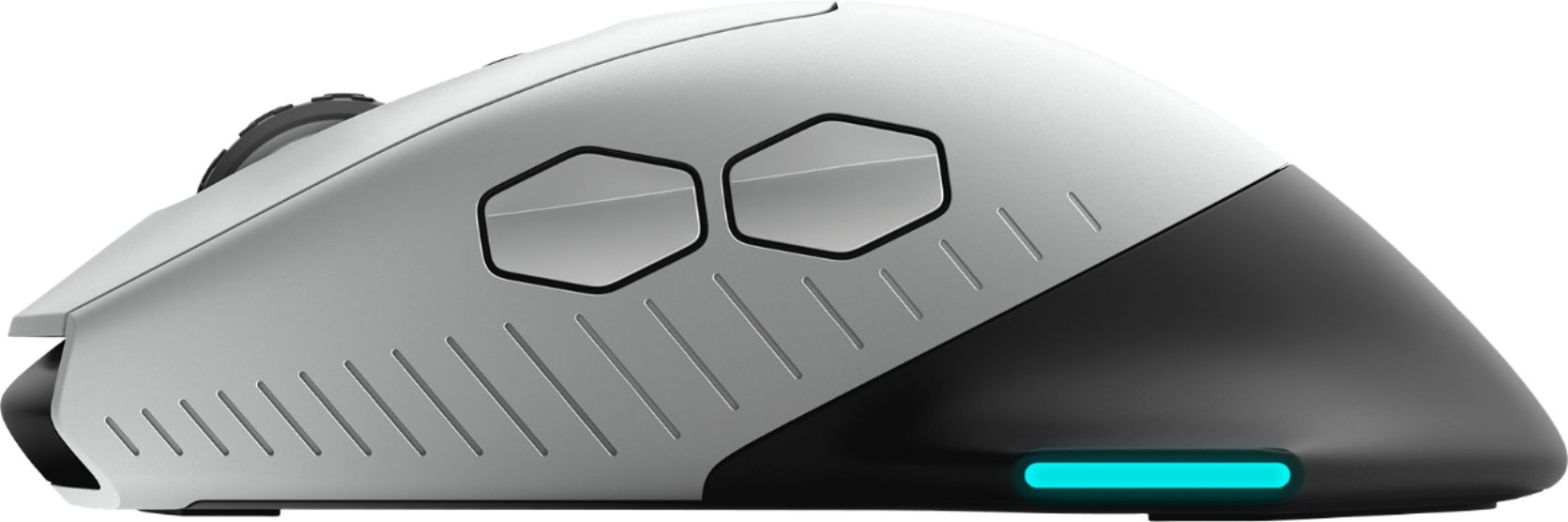
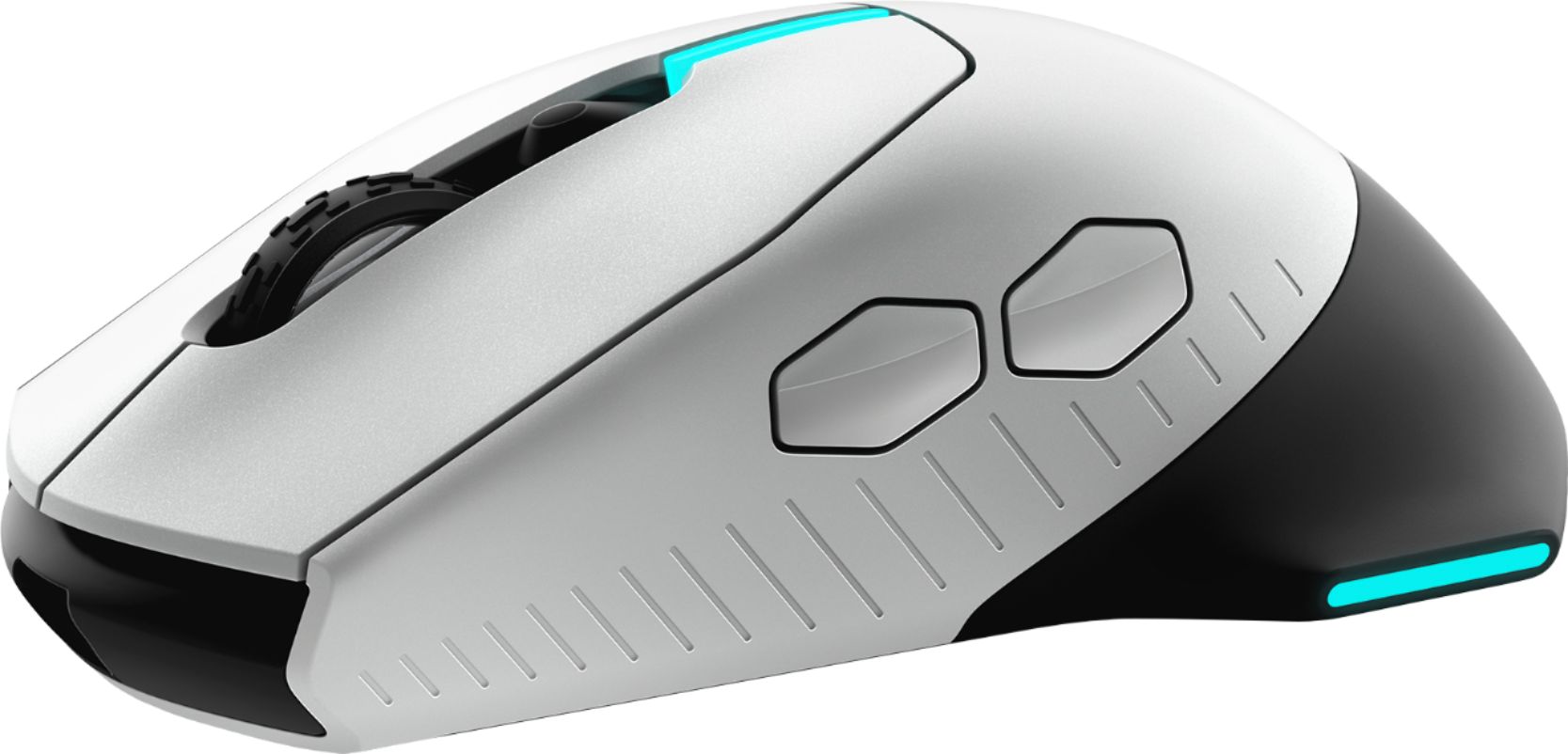
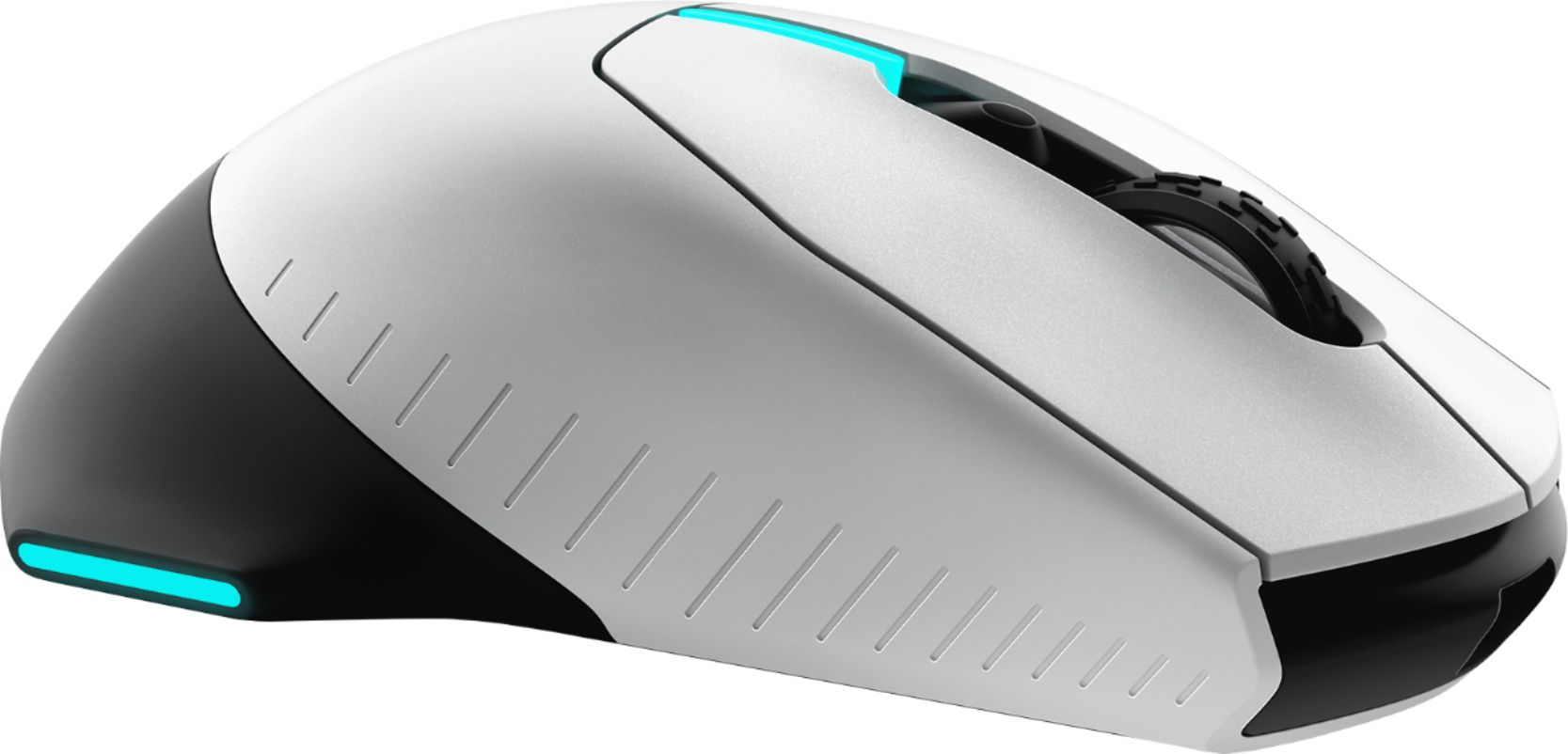
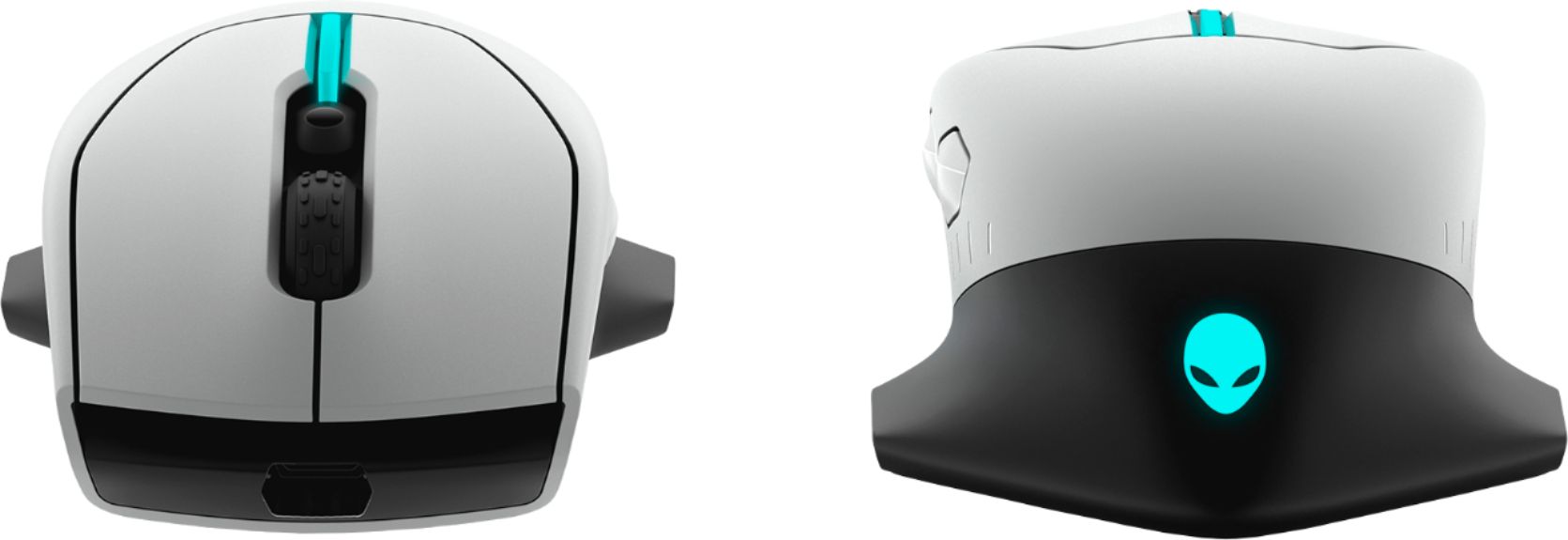
|Posted .This reviewer received promo considerations or sweepstakes entry for writing a review.The choice to be able to choose wired or wireless is excellent. Battery life is very long and there seems to be no difference in performance using it wireless. An interesting caveat is you can use it wireless with the receiving dongle plugged into the cord using an included adapter. That way, if the battery would go low, you can quickly remove the adapter and plug the cord right into the mouse without having to reach behind your computer to make changes with the cord and the receiving dongle. The included cord is covered with fabric to make it super smooth, really flexible, and nice looking. I had no trouble getting the mini usb cable plugged into the deep recess of the mouse. It actually fits tight and is well protected with the design. The available color changes made possible by the software will have you trying so many choices that you will soon become overwhelmed with the possibilities (a good thing). The software also allows you to set up Macros, several user settings for DPI, and to calibrate your mouse. The mouse has 5 presets for DPI settings that can be cycled through using the button below the scroll wheel. The factory defaults are, 800, 1800, 3500, 9000 and 16,000. The maximum DPI setting of 16,000 is nice if you have a 4k monitor to navigate across but for HD resolution monitors its too sensitive to use for daily tasks. If you play games that require quick movements you would benefit from the 16,000 DPI setting. Cycling through 5 presets is probably not something you are going to do while gaming. As you cycle through the presets the color of the top stripe changes to tell you which preset you are on but if you are focused on the game you are not going to be looking at your mouse. It would be nice if you could reduce the presets to 2 or 3. This would make it easier to quickly switch to the preset you want. You can set one of the buttons to the "Sniper Mode" macro which will drop your DPI to the lowest preset you have configured. The scroll wheel is adjustable from 24 to 12 stops using the switch on the bottom of the mouse. 24 stops is nice for scrolling through long documents or web pages but if you use the scroll wheel to cycle through your weapons in games, it's too easy to overshoot your selection. Switching the wheel to 12 stops gives you better control while switching between weapons. The mouse feels good in your hand and the controls are well placed and responsive. One detail I noticed, was with your little finger on the side. The rear shelf provides good support for your thumb but it isn't long enough to fully support your little finger. This leads to pinky drag while using the mouse. The sides of the mouse aren't concave and don't have any grippy rubber that could help keep your pinky from dragging. I would like to see the "shelf" go more forward on the right side. Maybe not a problem for everyone, but something I noticed. Outside of a couple of small changes I would like to see addressed, it's a great mouse that I would recommend to a friend.
I would recommend this to a friend - Pros mentioned:Rgb lighting
Very nice gaming mouse.
||Posted . Owned for 3 weeks when reviewed.This reviewer received promo considerations or sweepstakes entry for writing a review.Really nice mouse! Customizable pull rate and scroll clicks. Tracks very accurately on my matt. Like the argbs on the sides and top to add some flare to it. Also like the thick wide base at the back that supports your fingers against the mouse as you flick it around.
I would recommend this to a friend - Pros mentioned:Comfort, Rgb lighting, Wireless
Aesthetic Mouse With Excellent Features!
|Posted .This reviewer received promo considerations or sweepstakes entry for writing a review.I recently started getting into the world of gaming. Gaming mouses have some of the most aesthetic features a mouse can have. I was bewildered by the amount of gaming mouses there are and the different price points. I wanted something not over the top but something that will last me a long time. Alienware mouses have just that. This one in particular has a very clean/professional look. The various customization settings are a plus as well. You can change the scroll speed, DPI, RGB lights, and much more. Comfort wise, this mouse is suitable for your hand, as the wing curves in the back feel really natural and comfy to hold. There is also the option to choose between wired or wireless, which is very important if you're mouse is low battery and needs some juice. The only problem I had was with setting the mouse up and trying to figure out what all the buttons and switches were for.This is my first gaming mouse and there were no instructions included in the box nor in the paperwork given. Though, after a few minutes, I figured it out and got the mouse to work, I still was uncertain about what the buttons and switches did so I did my research. I found the manual online to which I will link here and hopefully help those of you that need it! https://www.dell.com/support/article/us/en/19/sln318286/dell-alienware-610m-gaming-mouse-usage-and-troubleshooting-guide?lang=en#Setting_up_your_mouse Overall, I recommend this mouse to everyone. This mouse is aesthetically beautiful and comfortable.
I would recommend this to a friend - Pros mentioned:Rgb lighting
Worth it
||Posted . Owned for 1 week when reviewed.This reviewer received promo considerations or sweepstakes entry for writing a review.Love this mouse and it goes perfect with my Alienware setup. Worth the purchase price.
I would recommend this to a friend - Pros mentioned:Battery life, Comfort, Design
Wonderful Mouse - Great for Gaming
|Posted .This reviewer received promo considerations or sweepstakes entry for writing a review.I have never owned a mouse designed specifically for gaming so this was a new experience. I'm very pleased with the AW610M from Alienware and it was worth the wait. The mouse matches my Alienware tower PC although I would still have been interested if I did not have the color-matched computer. It is possible to synchronize the color effects on both the mouse and the tower if you have the Alienware Command Center installed. I opted to have them both fade in out with red lights, like a "Red Alert" on a submarine. The mouse itself is very comfortable and I particularly like the fins that hang off the back. They provide lots of support for my wrist which is usually the first place I notice aching after a long-ish gaming session. The mouse is wide enough not to feel cramp from gripping for long periods but still moves quickly enough to use for gaming. I liked that I have the choice of using it wired or wireless. I have not noticed any speed issues running it on my preferred setup of wireless. I use the included dongle and just plugged it in the front of my tower but Dell recommends using the included extension cable and USB adapter to get a better connection. The mouse has a built-in rechargeable battery and you can recharge it with the included USB cable that connects to a recessed port in the front of the mouse. There is a button behind the scroll wheel that switches between the various DPI options and also lights up to show when the battery needs recharging. You can also see in the Command Center app which lists the percentage of power left in the mouse settings. You can customize up to seven buttons to specific games if you open up the Alienware Command Center and take the time to configure the mouse there. It is possible to tie these to specific games so it switches settings and colors on the computer and/or mouse (if set) when the game starts up. The mouse has a button underneath for setting scroll speed as well as the aforementioned button to switch between the various DPI modes for mouse tracking resolution. As you click through, the button's colors change so that blue is 800 dpi, green (default) is 1600, yellow is 3500, orange is 9000 and red is 16,000 dpi. This is nice to be able to do on the fly, rather than hunt through software settings. It also makes it more convenient to adjust sensitivity from game to game. The rechargeable battery supposedly lasts up to 350 hours which is impressive. I have yet to push it that much but so far, it appears to be economical with power consumed. The mouse is very tactile and I find it ergonomic as well. It feels good to use for gaming and I have no complaints on the comfort level. All in all, this is an impressive input device and certainly one I enjoy using on a daily basis. It makes for an attractive and highly functional gaming mouse and I look forward to customizing it as I add more games to my library.
I would recommend this to a friend