Customer Ratings & Reviews
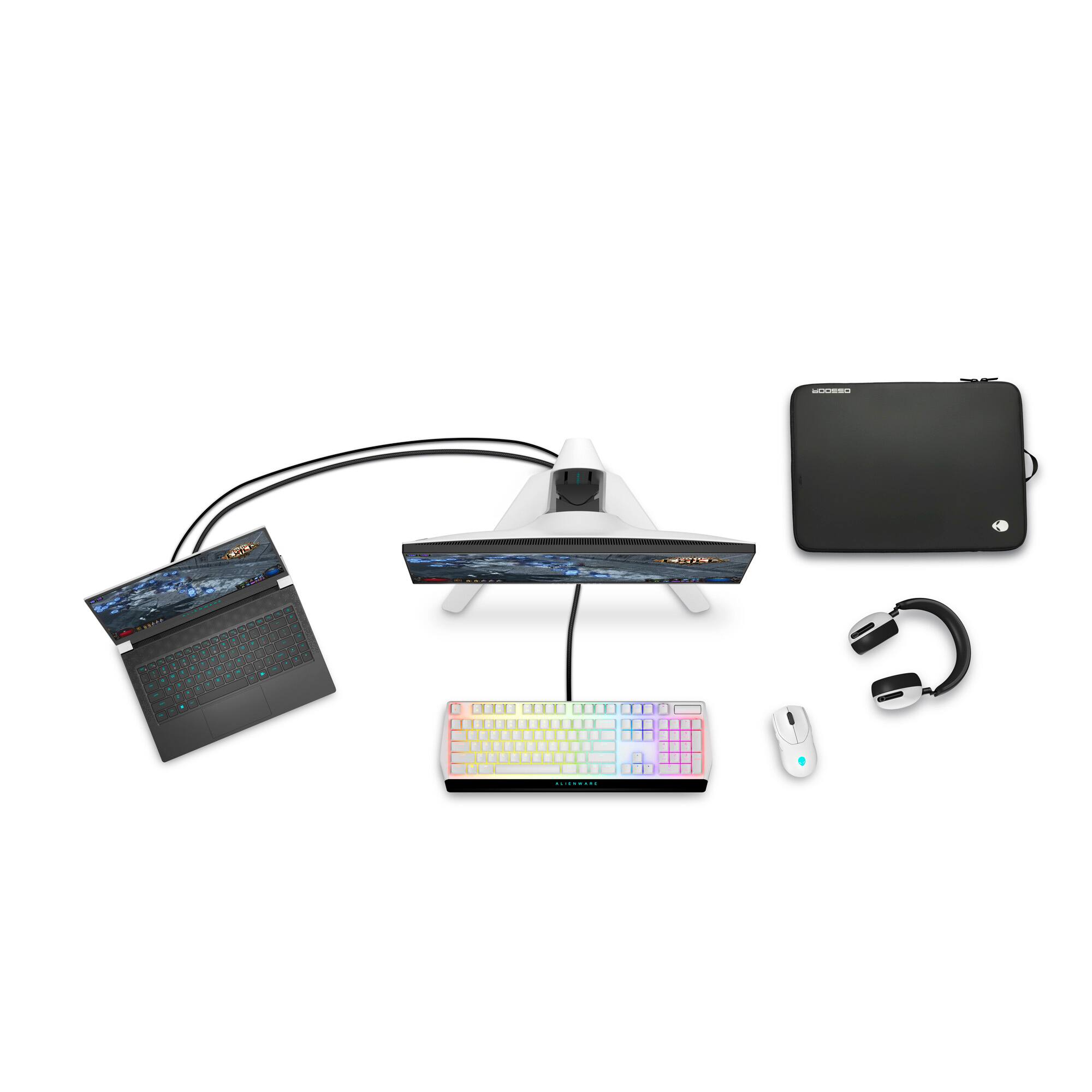

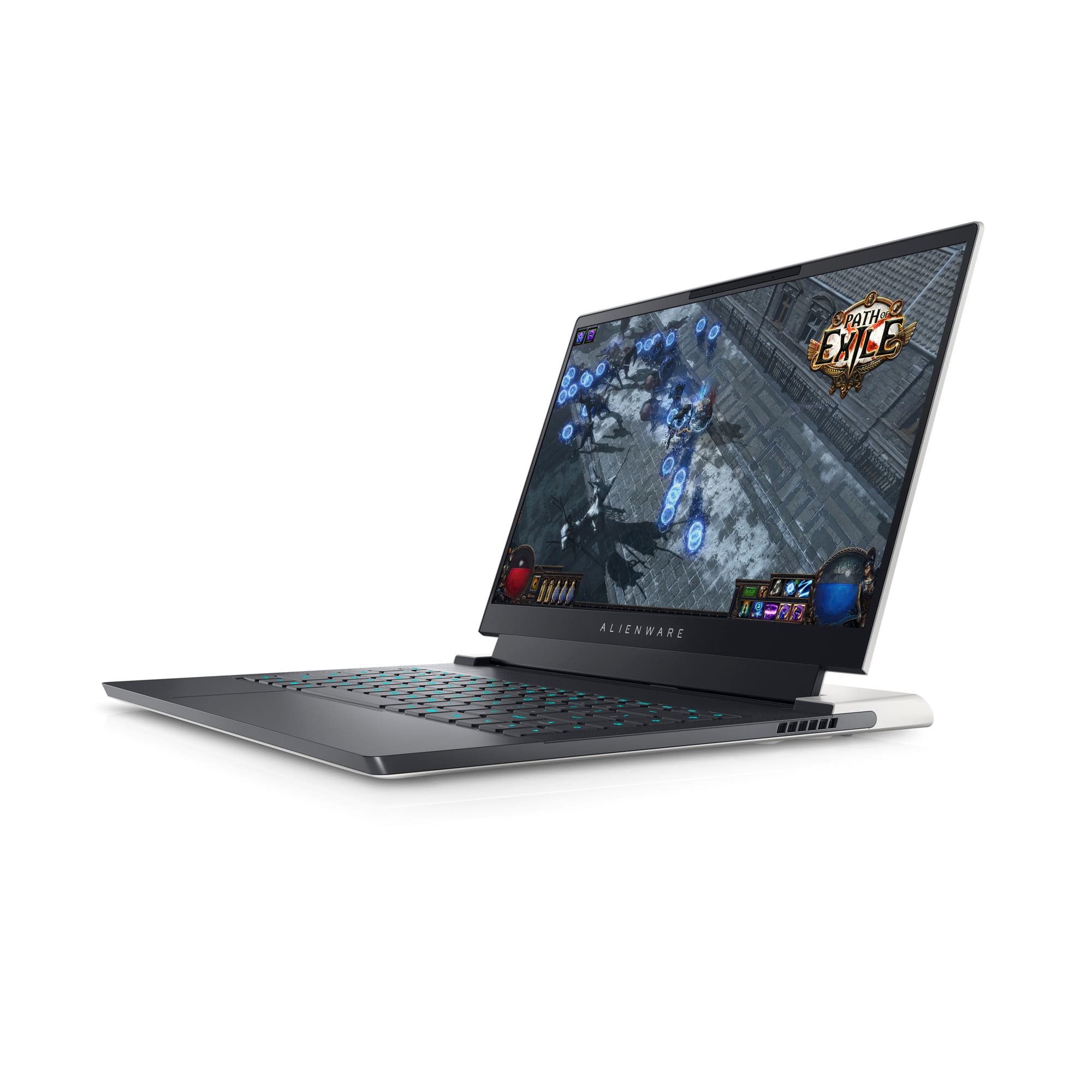
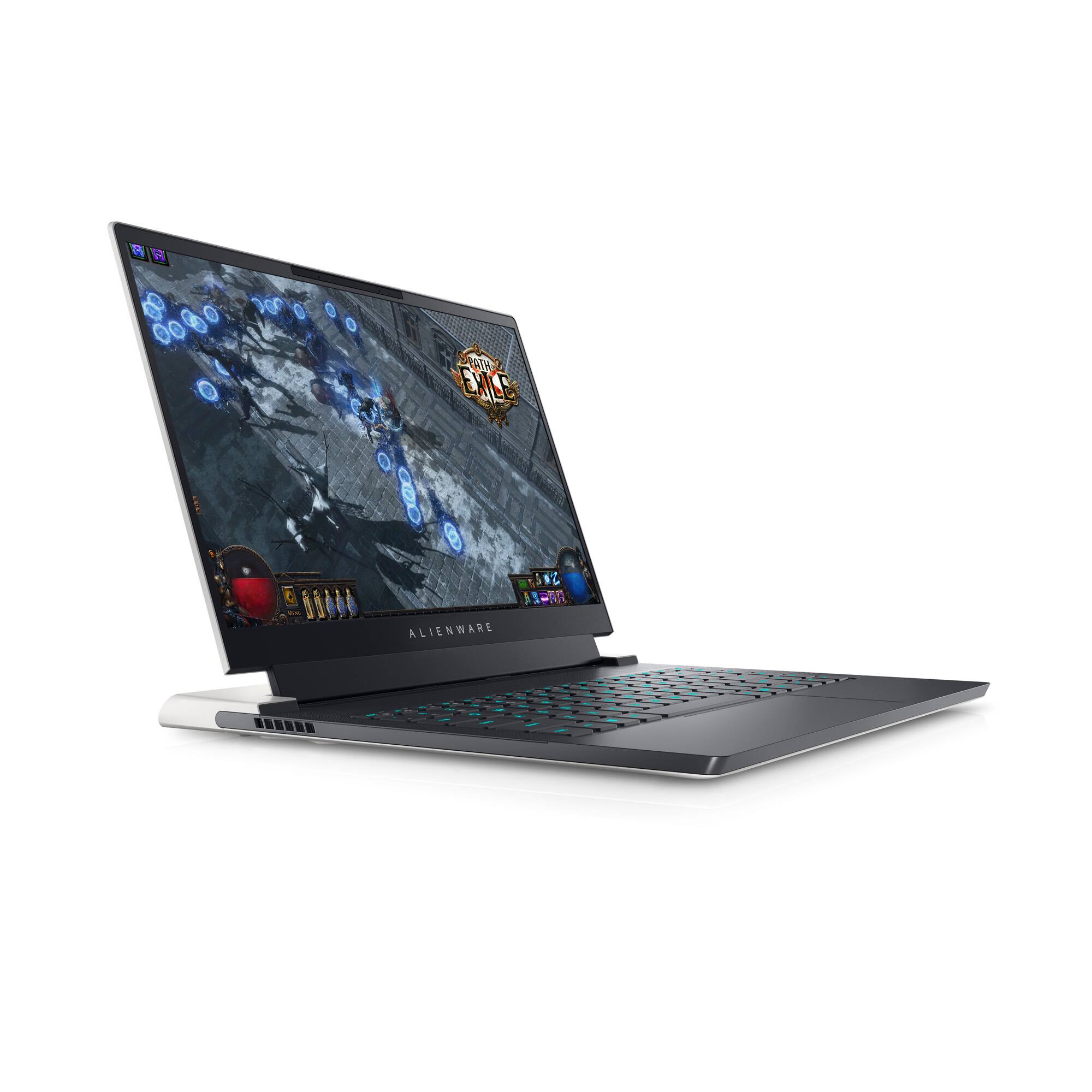
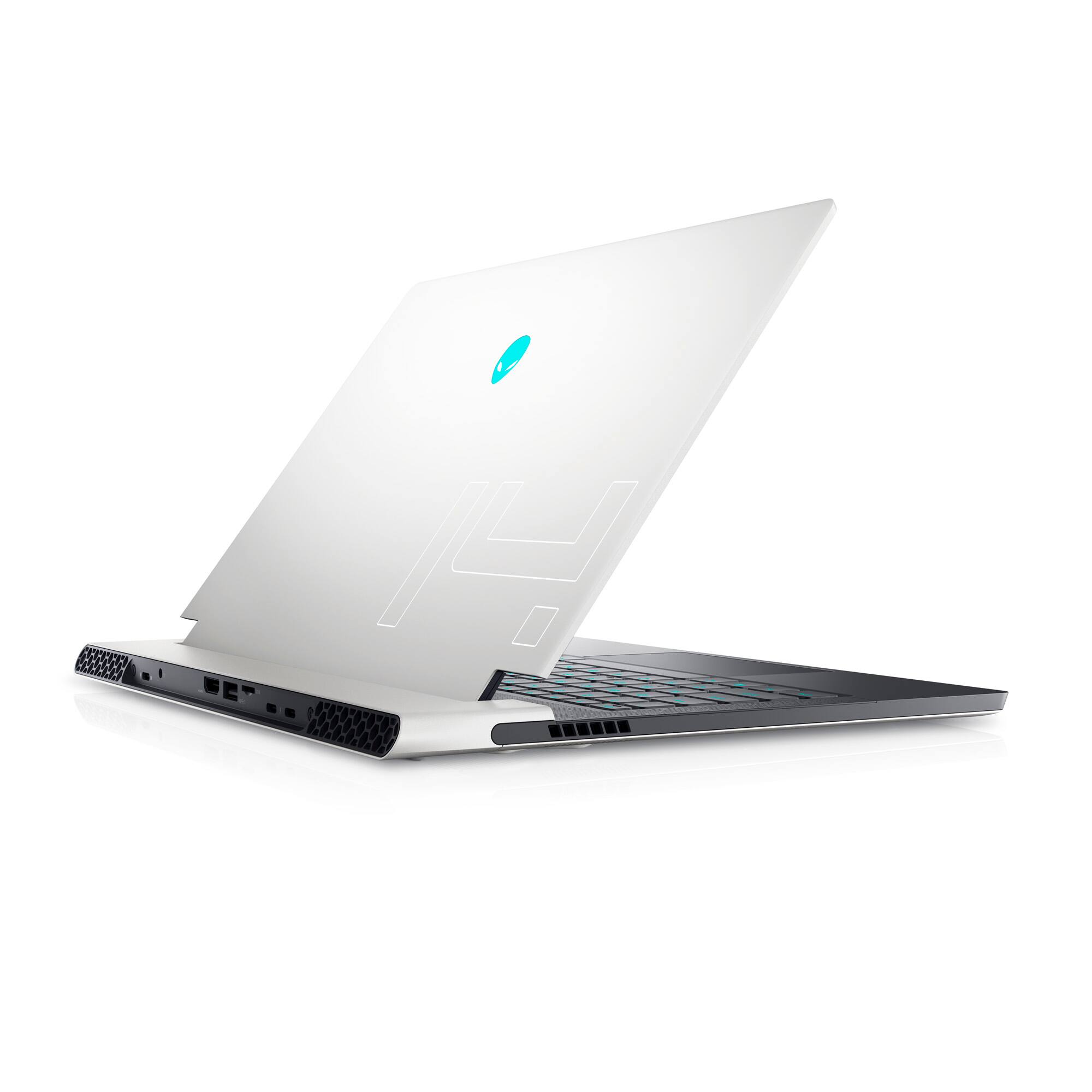





- Model:
- AWX14R1-7679WHT-PUS
- SKU:
- 6502624
Rating by feature
- Battery Life
Rating 3.9 out of 5 stars
- Speed
Rating 4.7 out of 5 stars
- Display
Rating 4.7 out of 5 stars
Customers are saying
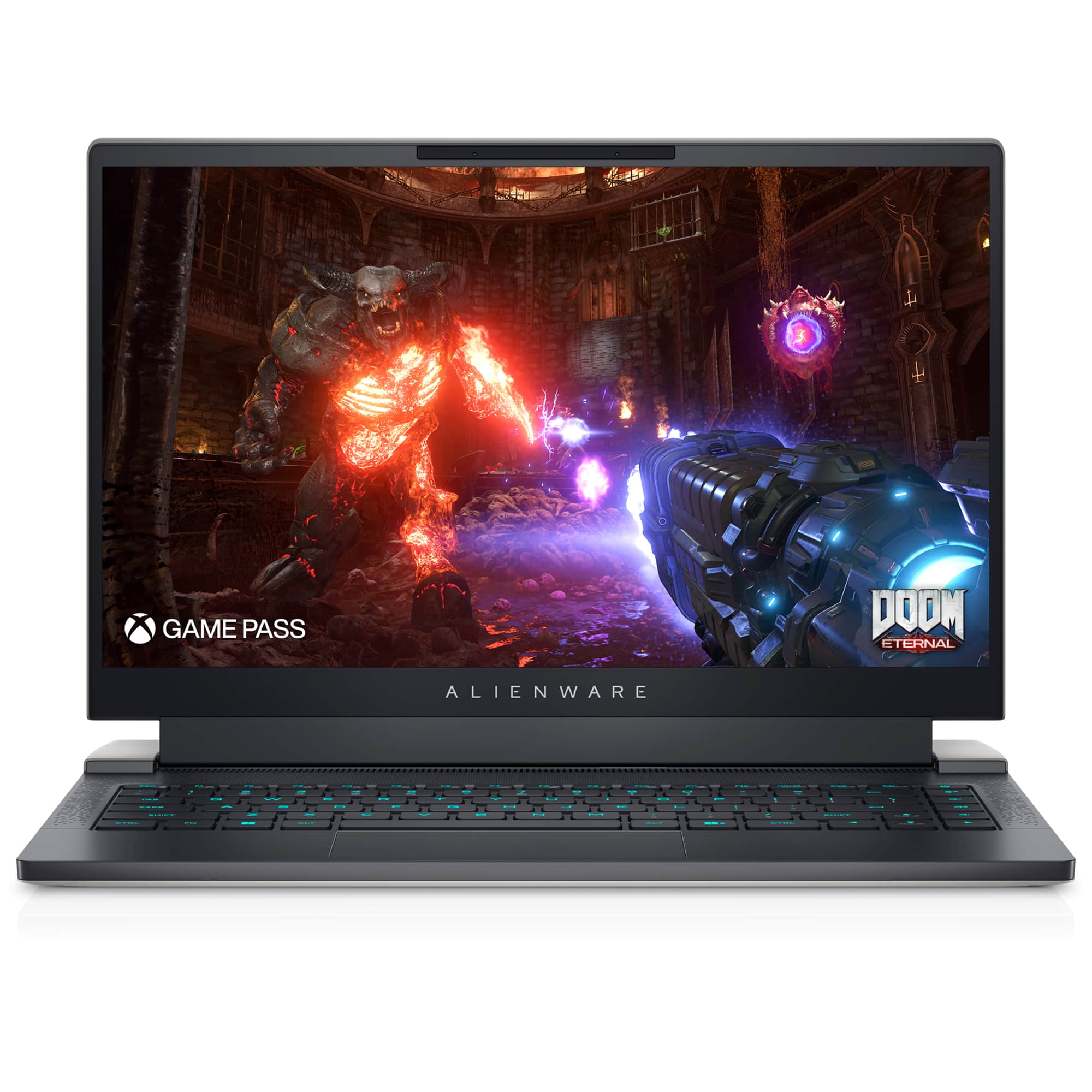
Customers love the x14 R1's performance, build quality, and compact size, frequently praising its portability and comfortable keyboard. However, some users express concerns regarding battery life, fan noise, and the device's tendency to get warm. The small SSD storage capacity and high price point are also mentioned as drawbacks. Overall, the positive feedback on performance and design is balanced by negative comments about certain aspects of the user experience.
This summary was generated by AI based on customer reviews.
- Pros mentioned:Size
Good for Designers
||Posted . Owned for 4 months when reviewed.This reviewer received promo considerations or sweepstakes entry for writing a review.useful one for small for designers and graphic users, i gifted to my brother in law and he is enjoying
I would recommend this to a friend A little buggy, A lotta fun
||Posted . Owned for 8 months when reviewed.This reviewer received promo considerations or sweepstakes entry for writing a review.Great gaming laptop with high quality components. I enjoy being able to do just about anything with this form-factor, but there are a few quirks one should be mindful of. After setup I discovered an issue with sleep mode. It causes the laptop to BSOD in the middle of the night with all fans running at max speed. A few posts on reddit led me to believe it's a windows issue. So, I disabled sleep and now have the laptop going into hibernation mode instead. It's a little annoying because I can't quickly start the laptop anymore. Next, my touchpad disables itself in the systems settings menu randomly. It's usually on start up and doesn't happen 100% of the time. If I'm not using my mouse it's a pain to navigate to the setting to toggle it back on. I'm hoping nothing else pops up but just be mindful that you might experience your own software issues with this device. It is Dell + Windows after all.....
No, I would not recommend this to a friendBrand response from YourDellTeam
Posted .Hello Jayteebae,
We want to thank you for taking the time to leave us your review. We sincerely apologize for the blue screen issues you are experiencing with your Alienware x14 gaming laptop. Your feedback about discrepancies in our products and services helps us improve with future developments. Below I have provided troubleshooting instructions with the full article that can help resolve this issue.
Here are the steps to help resolve your issue:
1. At the desktop, click the Search the web and Windows box and type "problem reports".
2. Select View all problem reports viewing a list of errors that have occurred on your computer and possible solutions for them, such as updating drivers, flashing your system BIOS, or checking for updates to the software.
3. Under the Source column, look for Windows and under Summary, look for Shut down unexpectedly.
4. Right-click the line item and select Check for a solution.
We'd also suggest checking to make sure that your software and drivers are up to date on Dell's Product Page here: https://dell.to/3xcCmaM
You can read the full article on solving PC blue screen issues here: http://dell.to/2u98Cct
If you still experience any issues after you have finished troubleshooting your laptop using the steps above, please reach out to us at: https://bit.ly/DellSupportTeam.
We look forward to making this right for you!
If you continue to experience issues, please reach out to Dell Support directly by using the toll-free number or chat link provided below.
Chat or call: https://bit.ly/DellSupportTeam
Phone number to Dell: 1-800-624-9896
Best,
Summer@Dell
Nice but maybe could be nicer
||Posted . Owned for 4 months when reviewed.This reviewer received promo considerations or sweepstakes entry for writing a review.Nice computer, for some reason when I first turn it on and it boots up , you can see it’s connected to Wi-Fi but it acts like it’s not connected and it takes awhile to open the web page I try to goto. It’s my first Alienware laptop and I don’t know if it’s as good as what I was expecting. I only use it for a secondary laptop so maybe I have overlooked something.
I would recommend this to a friend- Pros mentioned:Performance
Good gaming / work computer
||Posted . Owned for 3 weeks when reviewed.This reviewer received promo considerations or sweepstakes entry for writing a review.Amazing computer for the deal that i got it for i am very please with the graphics of it and the performance.
I would recommend this to a friend - Pros mentioned:Speed
the very beat
||Posted . Owned for 4 months when reviewed.This reviewer received promo considerations or sweepstakes entry for writing a review.best gaming laptop for first users its very fast and have no issues
I would recommend this to a friend Good deal!
||Posted . Owned for 1 month when reviewed.This reviewer received promo considerations or sweepstakes entry for writing a review.Very good deal, it is lighter than the old one I am using right nonw.
I would recommend this to a friendGood
||Posted . Owned for 1 month when reviewed.This reviewer received promo considerations or sweepstakes entry for writing a review.Does the job good buy,............. Somehow they didnt price march for Dell July sale offers
I would recommend this to a friend- Pros mentioned:Speed
Alienware
||Posted . Owned for 5 months when reviewed.This reviewer received promo considerations or sweepstakes entry for writing a review.Its beautiful, very thin, strong and powerful, fast, what else can i say .. love it
I would recommend this to a friend - Pros mentioned:Speed
Gaming laptop
||Posted . Owned for 3 weeks when reviewed.This reviewer received promo considerations or sweepstakes entry for writing a review.Alien laptop was my first time trying a gaming laptop and the speed and clarity are impressive!
I would recommend this to a friend - Pros mentioned:Portability
Great value in a slim package
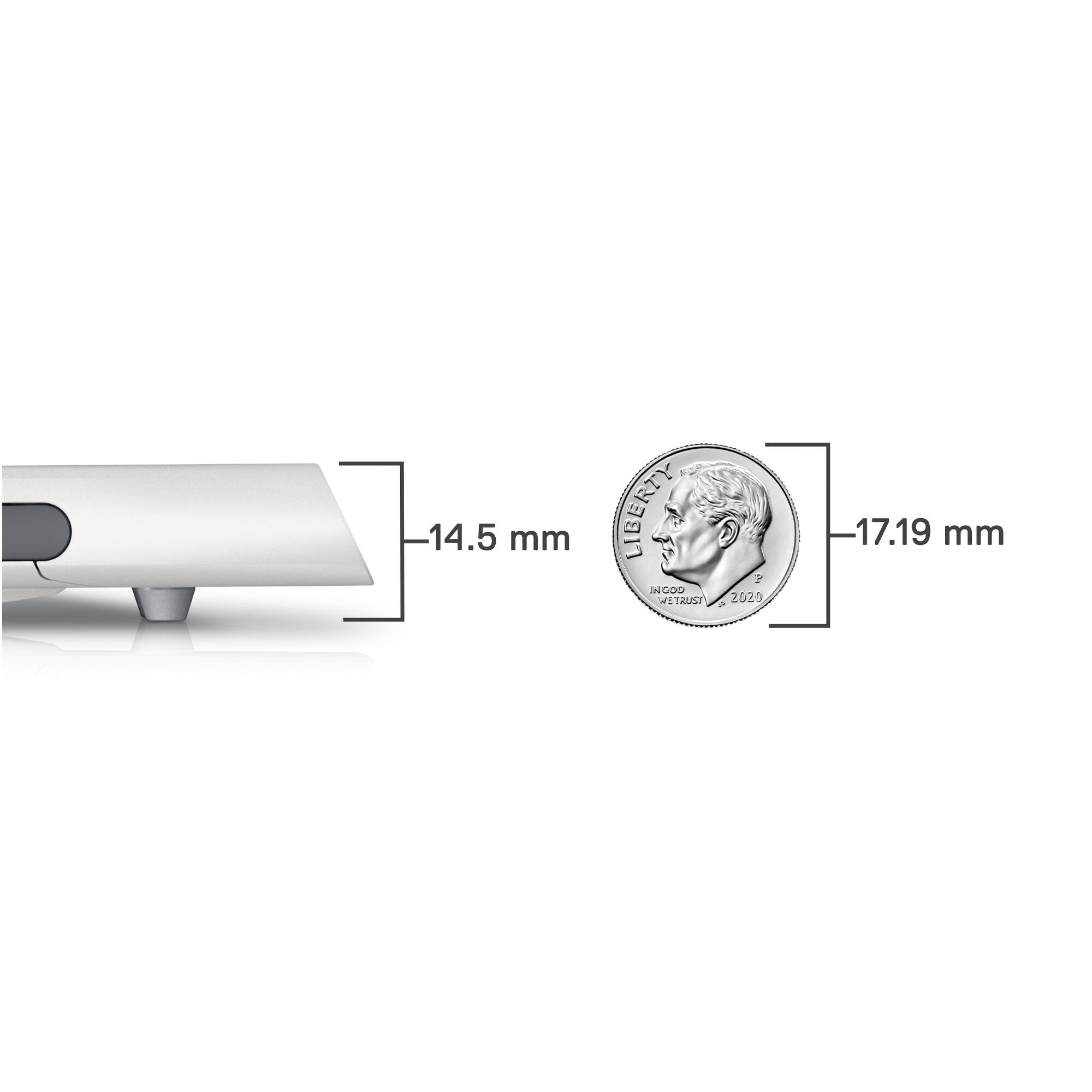
||Posted . Owned for 2 weeks when reviewed.This reviewer received promo considerations or sweepstakes entry for writing a review.Just love the form factor and how slim it is, super portable wothout compromising power
I would recommend this to a friend - Pros mentioned:Performance
Great gaming laptop
||Posted . Owned for 3 weeks when reviewed.This reviewer received promo considerations or sweepstakes entry for writing a review.Solid for pretty much anything you'd want to do. Works great and solid price for performance.
I would recommend this to a friend - Pros mentioned:Performance
Compact laptop that will definitely not disappoint
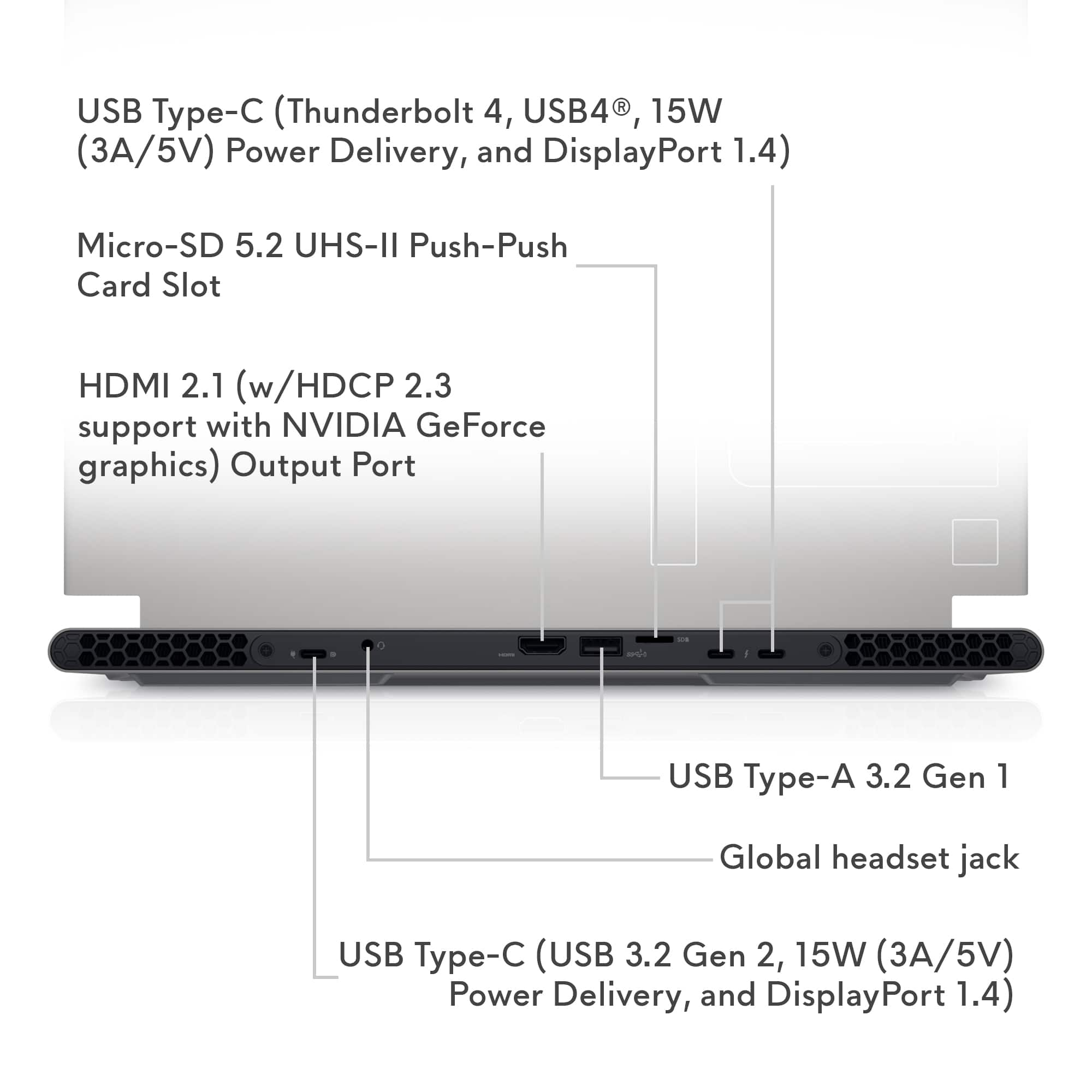
||Posted . Owned for 1 month when reviewed.This reviewer received promo considerations or sweepstakes entry for writing a review.Awesome compact computer. I use it mostly for CAD applications, but some gaming as well. No performance issues whatsoever. It keeps up with pretty big assembly CAD files which most computers struggle with. Decent battery life and premium casing feel. It did have an awkward keyboard/hand placement feel at first (palm rest area short compared to other laptops), but once you get used to it, it becomes natural. Will totally recommend for anyone needing a compact yet powerful computer. I do wish it had upgrade capabilities for memory. It does have integrated memory, so pick your RAM needs wisely. 16GB is plenty for most gaming and other computing needs. Screen is small, but you are getting a small form factor laptop, so there is no way around that. It is bright and does its job as expected. Micro SD card slot is a plus, and I do like the fact that all cables plug in from behind the laptop, leaving a clean area for you to work with. I mostly use Bluetooth headphones, so I did not mind having the 3.5mm jack on the back (I personally never use). Also like the new compact charger module, they used to be big and bulky (not travel friendly).
I would recommend this to a friend - Pros mentioned:Performance
Okay okay :)
||Posted . Owned for 2 months when reviewed.This reviewer received promo considerations or sweepstakes entry for writing a review.Good deal for this gaming laptop. Alienware always provides top notch performance. Good for high end gaming as well as high end work like editing or developing. But the system crash quite often and requires rebooting. So just keeping saving your games or work. @alienware is it a usual issue
No, I would not recommend this to a friendBrand response from YourDellTeam
Posted .Hey Rituraj,
We appreciate you taking the time to leave us your review. We sincerely apologize for the crashing issues that you are experiencing with your Alienware x14 gaming laptop . It's important for us to hear about inconsistencies in our products for consideration of future development. Below I have provided troubleshooting instructions with the full article that can help resolve this issue.
Here are the steps to help resolve your crashing issue:
1. At the desktop, click the Search the web and Windows box and type "problem reports".
2. Select View all problem reports viewing a list of errors that have occurred on your computer and possible solutions for them, such as updating drivers, flashing your system BIOS, or checking for updates to the software.
3. Under the Source column, look for Windows and under Summary, look for Shut down unexpectedly.
4. Right-click the line item and select Check for a solution.
We'd also suggest checking to make sure that your software and drivers are up to date on Dell's Product Page here: https://dell.to/3khR75H
You can read the full article on solving PC crashing issues here: http://dell.to/2u98Cct
If you still experience any issues after you have finished troubleshooting your device using the steps above, please reach out to us at: https://bit.ly/DellSupportTeam.
We recommend that you contact Dell directly with the information below if you need further assistance.
Chat or call: https://bit.ly/DellSupportTeam
Phone number to Dell: 1-800-624-9896.
Best,
Summer@Dell
- Cons mentioned:Battery life
Good thin gaming laptop
||Posted . Owned for 4 months when reviewed.This reviewer received promo considerations or sweepstakes entry for writing a review.Good computer for the value. Wish ram was upgradable. The 3060 is powerful enough to play at 1080p with medium to high settings. Taking a star off for battery life. As a laptop, this has probably one of the worst battery run time. Even in battery saver mode, expect 2 hours of battery life.
I would recommend this to a friendBrand response from YourDellTeam
Posted .Greetings JonathanD,
Thank you for taking the time to leave a review. We apologize for the battery performance issues you are experiencing with your Alienware X14 gaming laptop. It's important for us to hear about inconsistencies in our products for consideration of future development. Below I have provided steps with the full articles that can help you improve the battery performance of your laptop.
Here are the steps to help improve the battery performance of your laptop:
1. On the notification area of the taskbar, right-click the Battery icon.
2. On the options list, click Power Options.
3. Select a power plan on the battery meter, such as Power Saver or Balanced. Windows 10 has a built-in 'Battery Saver' mode that can be activated to extend your system's battery life. The Battery Saver mode will monitor and limit background activity and other features such as push notifications. You do have the option to enable or disable this mode within settings or within advanced Battery Saver settings, you can customize the mode to best suit your needs.
a) Click on the Action Center icon in the taskbar and select the tile for Battery Saver.
b) If running Cortana, type Battery Saver into the search box and select from the results.
Within the Battery Saver settings page, you will be able to turn on and off the feature and customize the feature to best meet your needs.
c) Turn the Battery Saver On or Off.
d) Additional settings are available via the Battery use and Battery saver settings links.
e) Battery use shows further info on apps and their power usage.
f) Battery Saver Settings screen allows you to customize further the Battery Saver feature.
How to Improve the Performance of a Dell Laptop Battery: http://dell.to/2vfXWf4
If you still experience any issues after you have finished troubleshooting your laptop using the steps above, please reach out to us at: https://bit.ly/DellSupportTeam
We recommend that you contact Dell directly with the information below if you need further assistance.
Chat or call: https://bit.ly/DellSupportTeam
Phone number to Dell: 1-800-624-9896.
Best,
Summer@Dell
- Pros mentioned:Performance
100%
||Posted . Owned for 4 months when reviewed.This reviewer received promo considerations or sweepstakes entry for writing a review.Best laptop I ever had it! Awesome graphics and Fast performance!
I would recommend this to a friend - Pros mentioned:Performance
Great buy!
||Posted . Owned for 2 weeks when reviewed.This reviewer received promo considerations or sweepstakes entry for writing a review.Awsome laptop my 10 year old loved it. He enjoys playing on it and well hopefully is good for school as well.
I would recommend this to a friend - Pros mentioned:Performance
Nice glow keys and settings.
||Posted . Owned for 8 months when reviewed.This reviewer received promo considerations or sweepstakes entry for writing a review.My daughter uses it for college work and gaming. She loves it.
I would recommend this to a friend - Pros mentioned:Performance
Powerful laptop with high performance
||Posted . Owned for 2 months when reviewed.This reviewer received promo considerations or sweepstakes entry for writing a review.Good laptop n powerful one . Performance is very good
I would recommend this to a friend Best laptop
||Posted . Owned for more than 2 years when reviewed.This reviewer received promo considerations or sweepstakes entry for writing a review.Good pc for engineering students, we did not see any problems
I would recommend this to a friend- Cons mentioned:Fan noise
Good looking machine
||Posted . Owned for 3 weeks when reviewed.This reviewer received promo considerations or sweepstakes entry for writing a review.Good looking..sleek for an Alienware.. fan noise is a little high
I would recommend this to a friend