Customer Ratings & Reviews
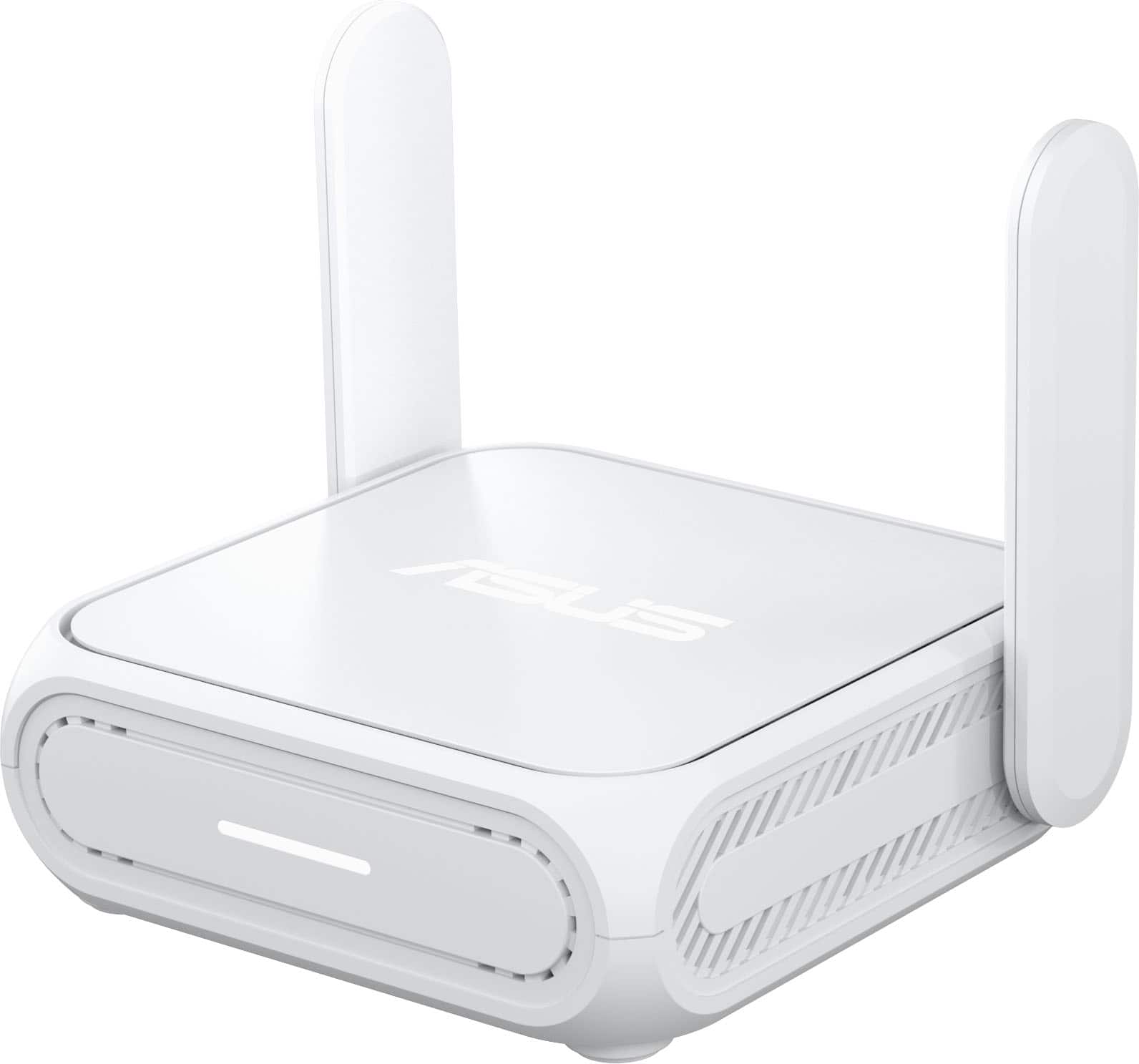

- Model:
- RT-BE58 Go
- SKU:
- 12160043
Rating by feature
- Setup
Rating 4.2 out of 5 stars
- Range
Rating 4.2 out of 5 stars
- Signal Strength
Rating 4.3 out of 5 stars

Small but mighty
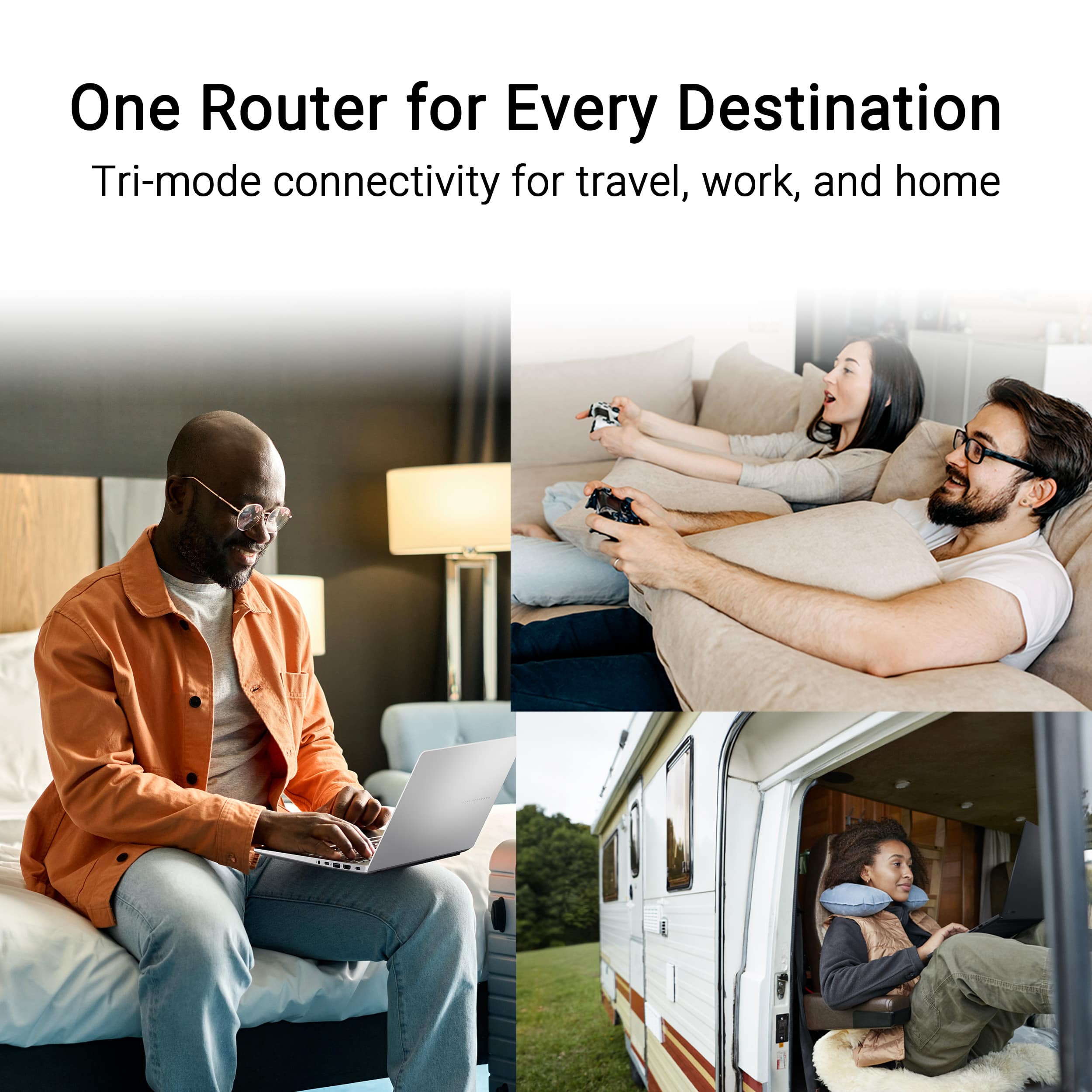
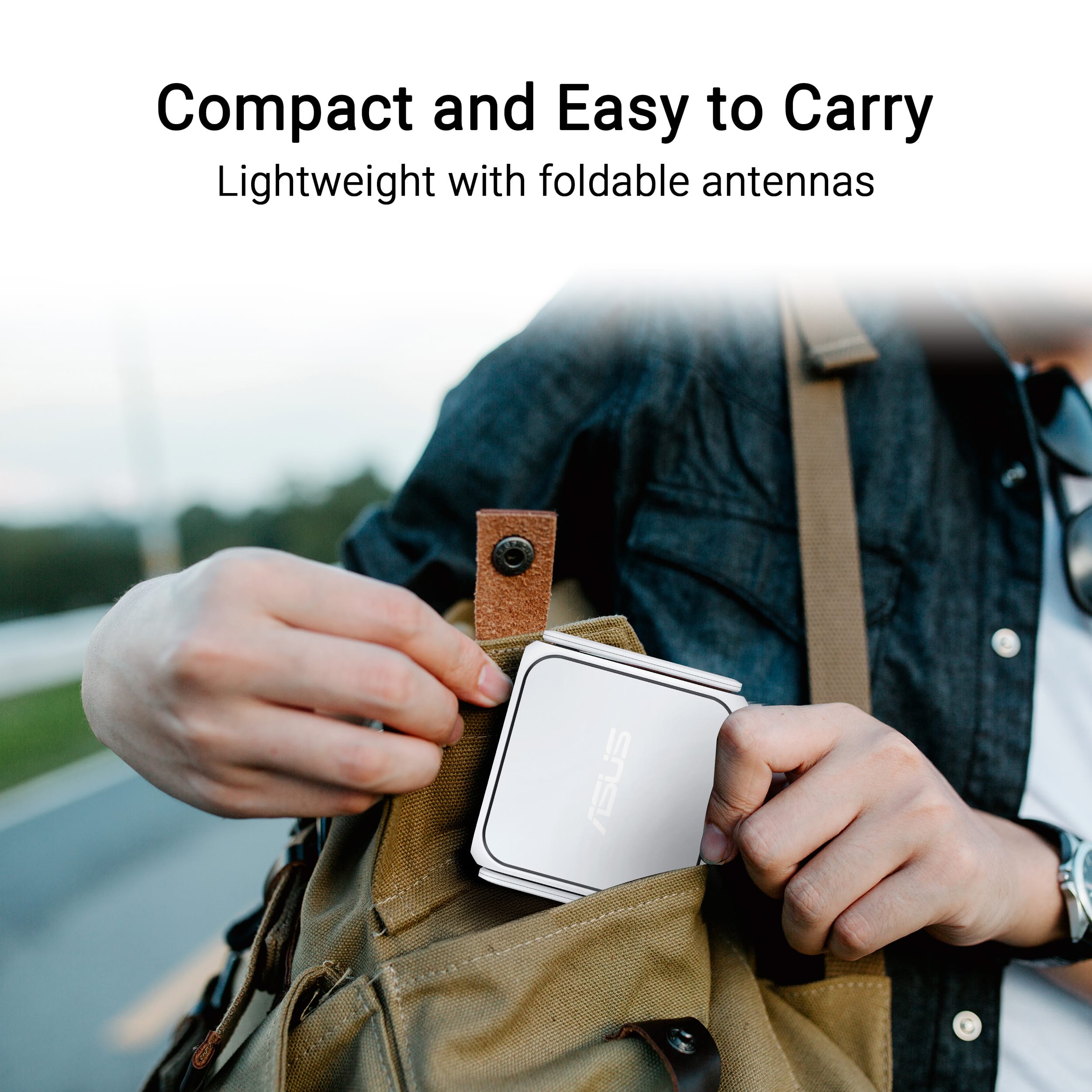
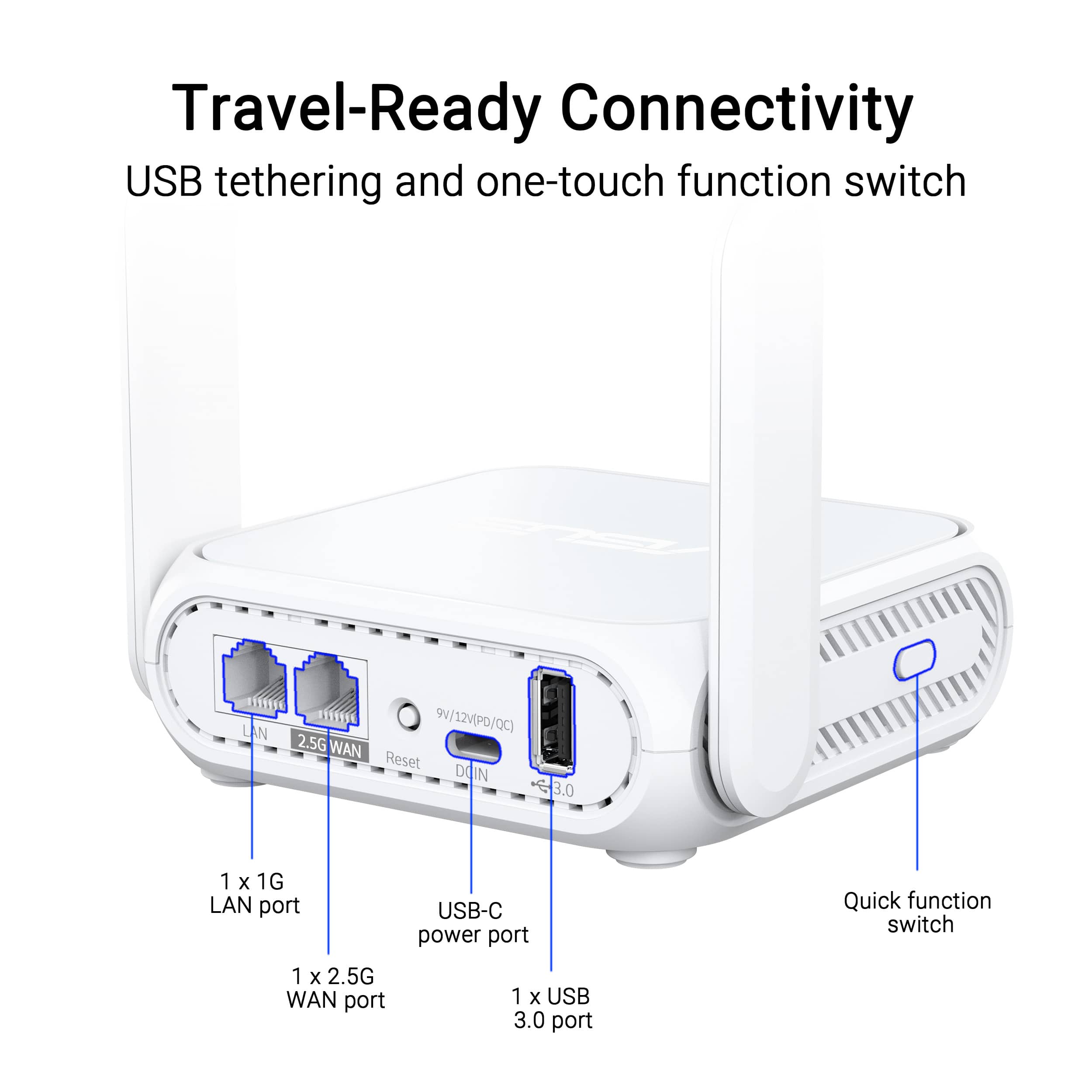
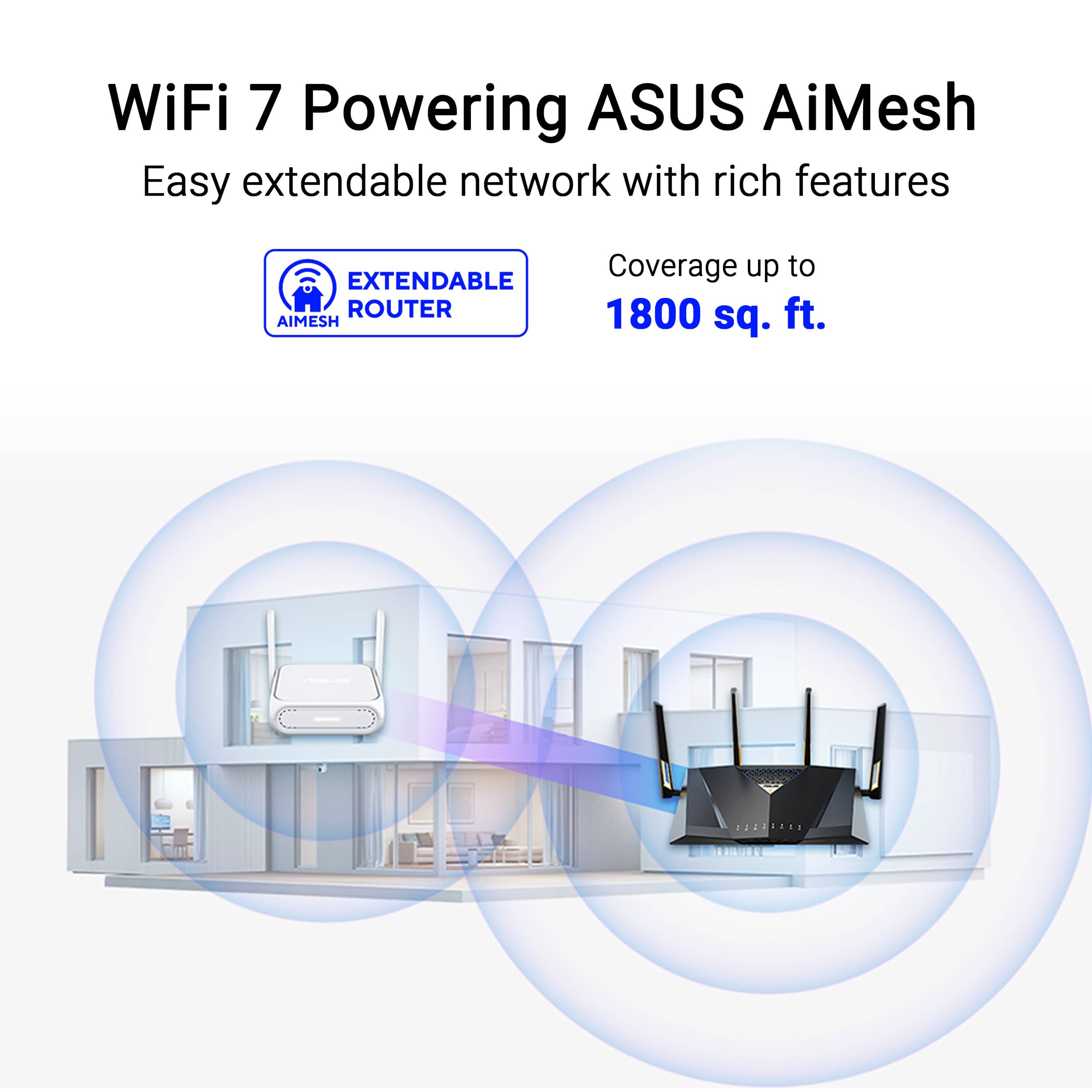
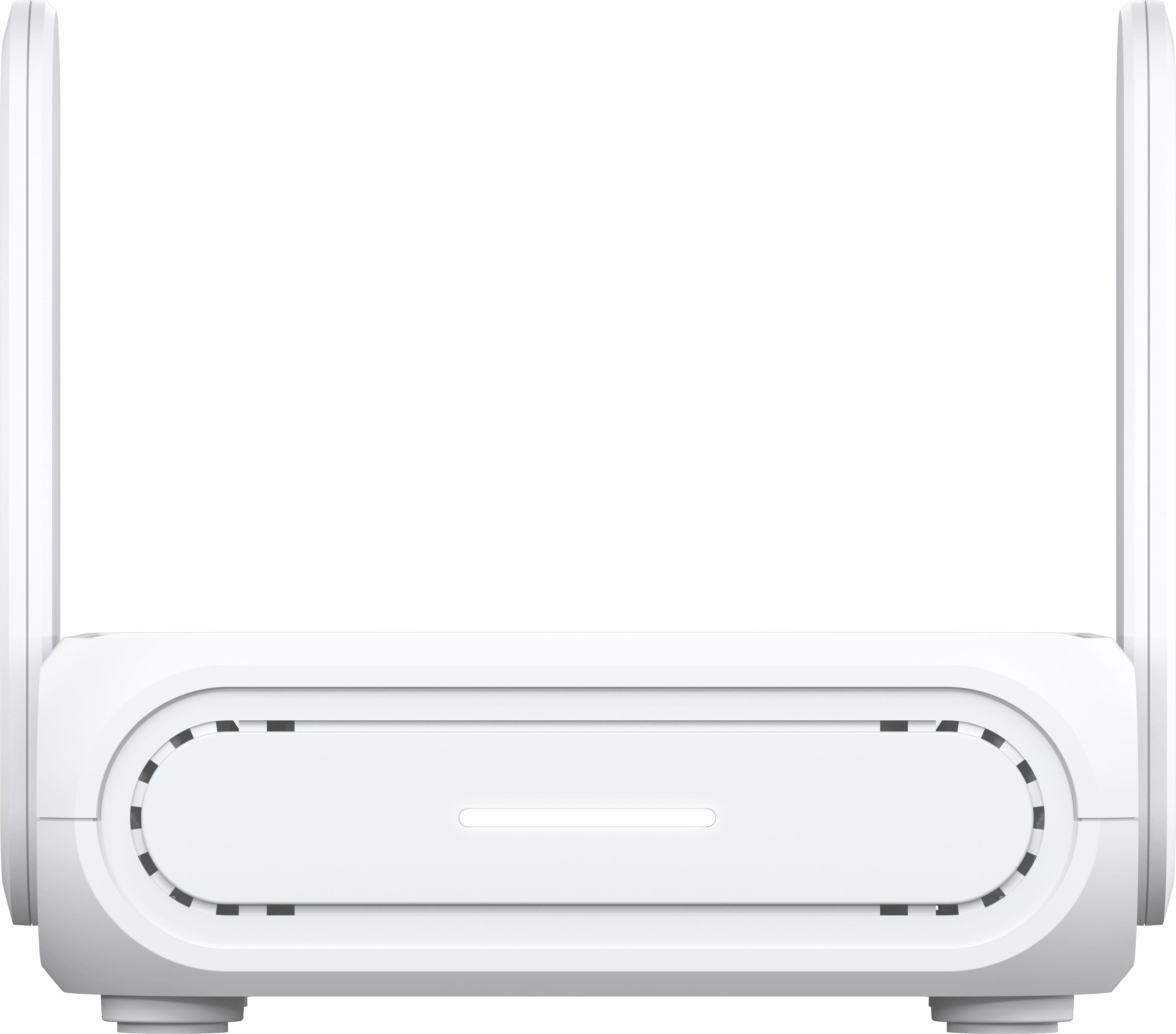
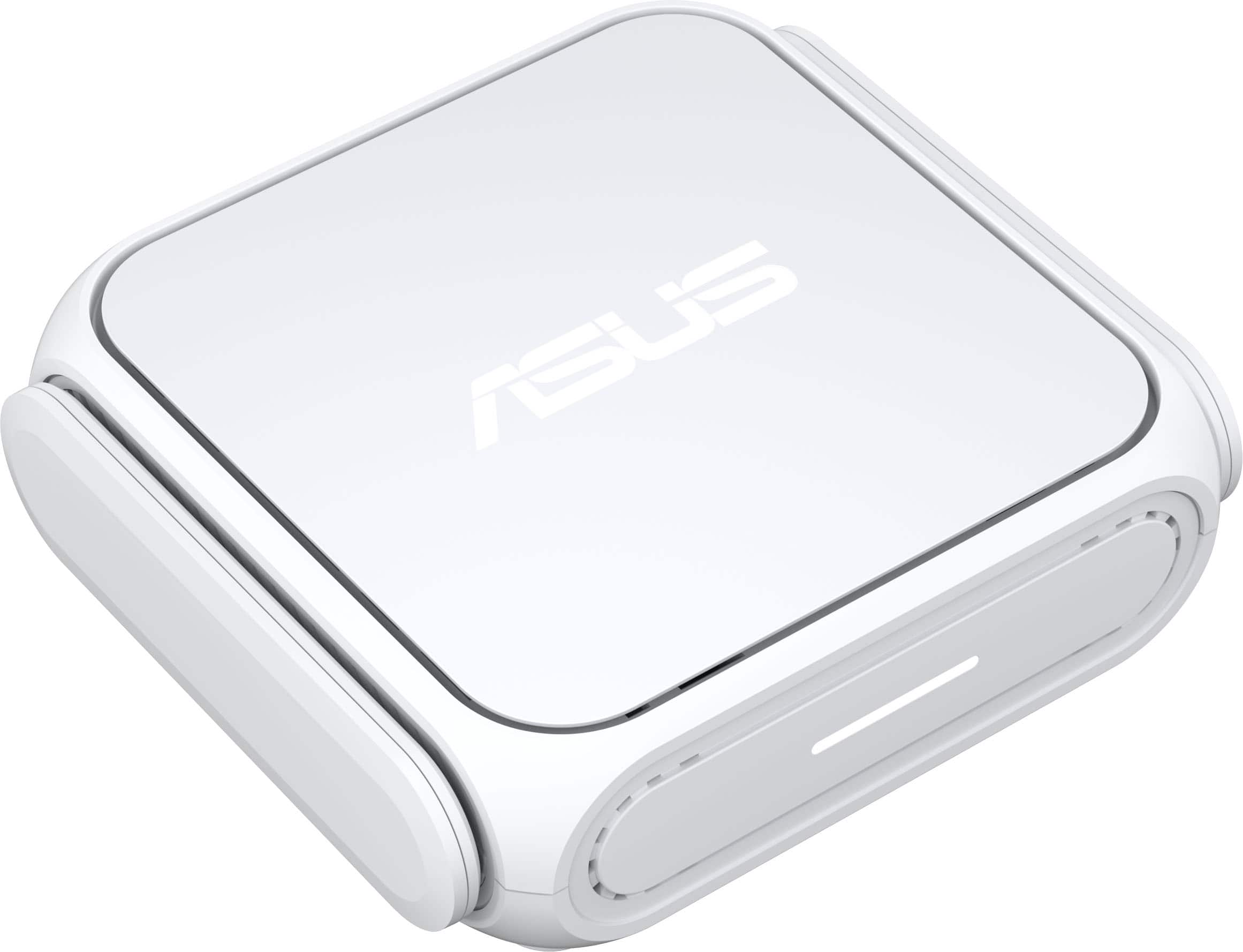
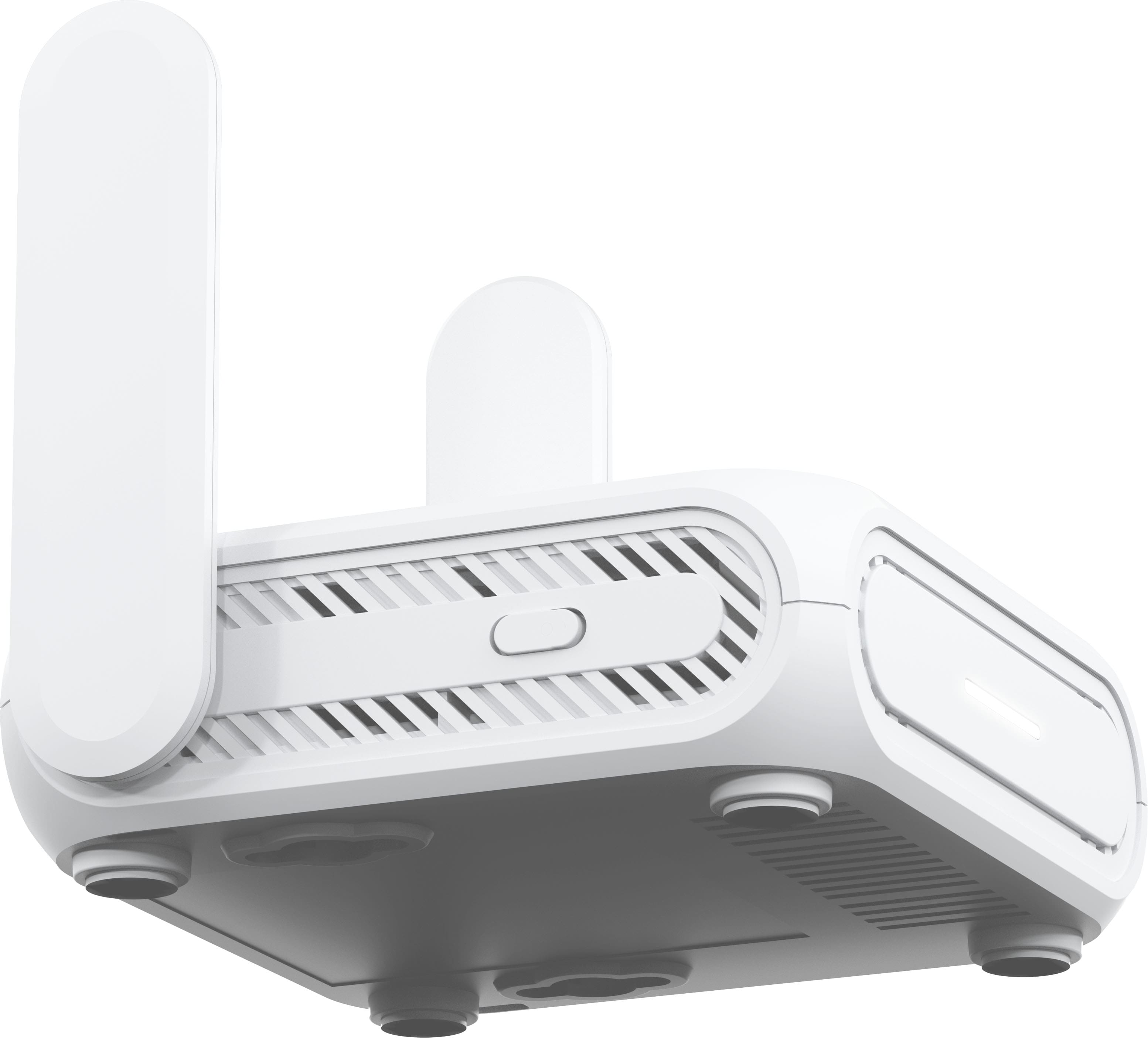
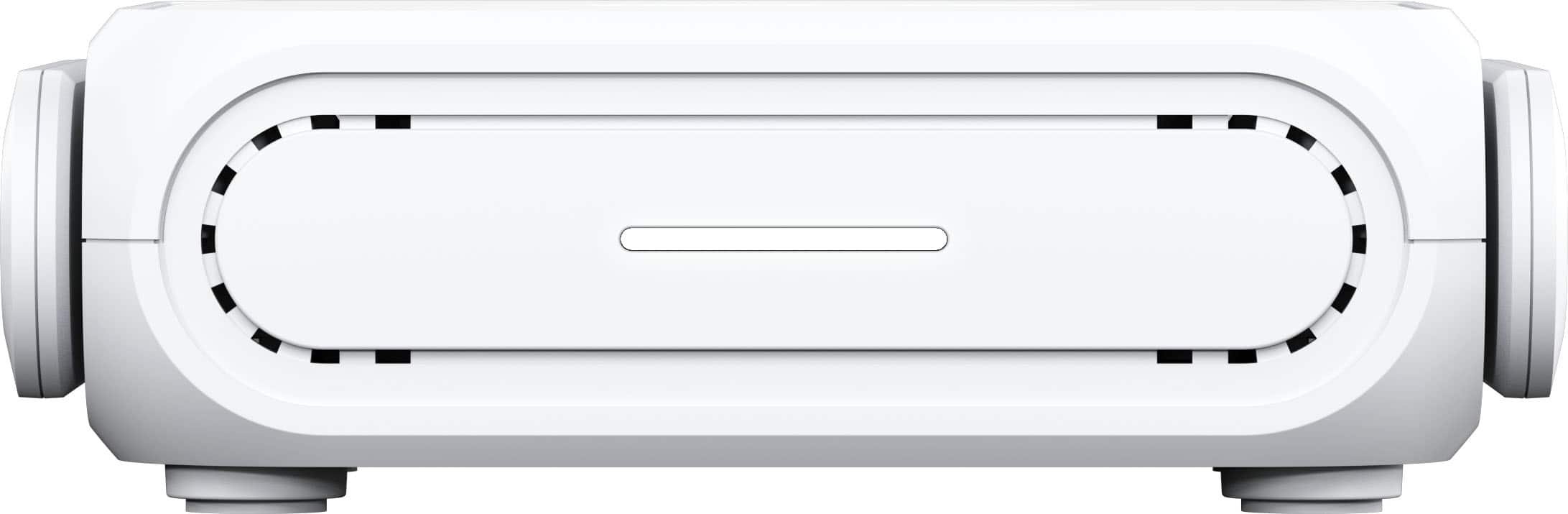
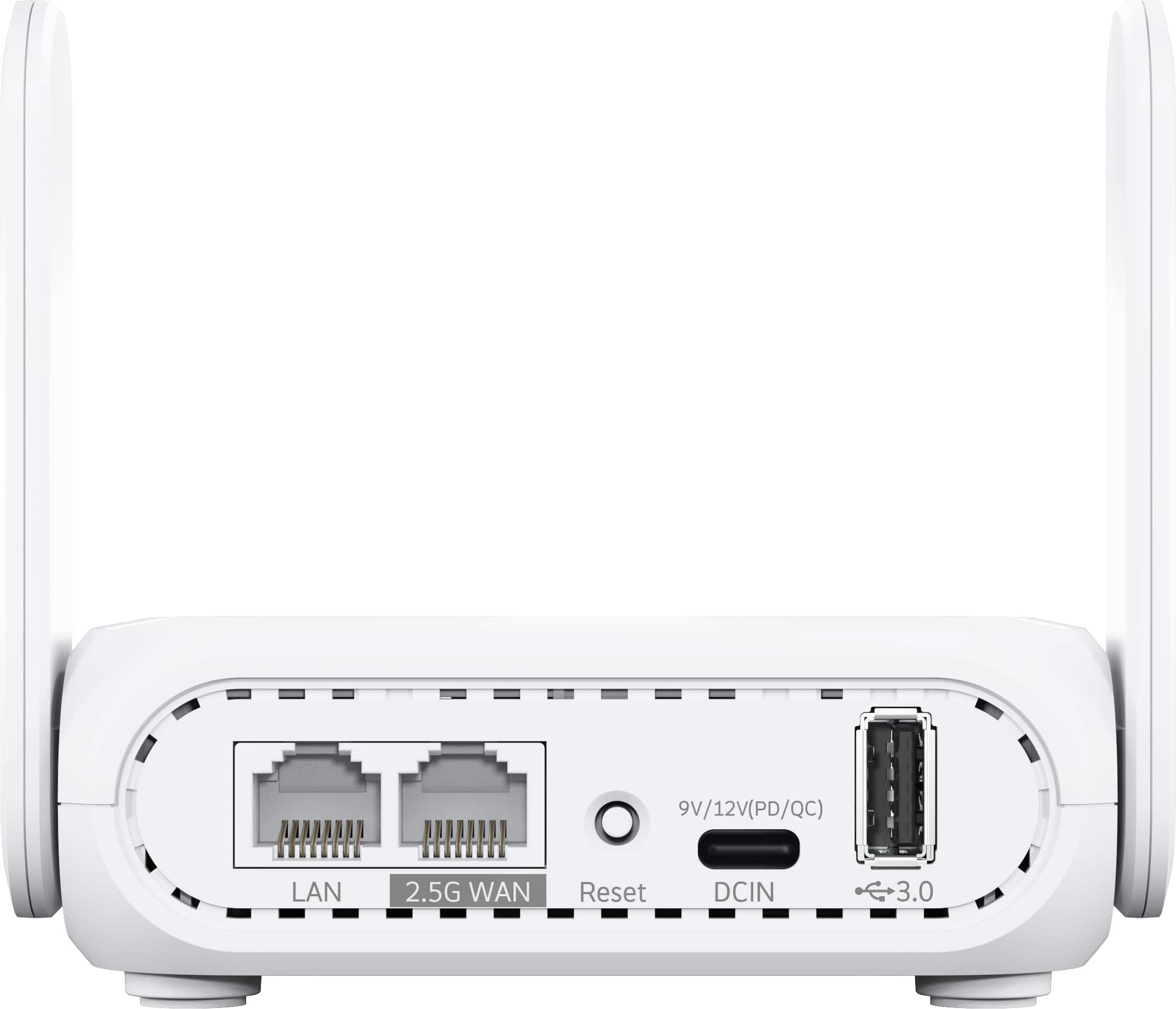
|Posted .This reviewer received promo considerations or sweepstakes entry for writing a review.The ASUS - RT-BE58 Go Dual-Band Wi-Fi 7 Travel Router is a very small router compared to today’s standard routers or Mesh systems. It is about the size of a classic 4-port network switch with the antennas sticking up. Don’t let its size fool you, this is a full-featured router that includes most of the features of its bigger Asus router siblings running the AsusWRT software and Quad-core 2.0GHz, 256MB Flash, 1GB RAM. Starting with its Dual-band Wi-Fi 7 speeds of up to 3600 Mbps with Multi-Link Operation (MLO) and advanced VPN connectivity built-in, this little router can be your main router in a small apartment or your hotel room while on the go. It can work as the main router or a satellite/range extender using the AIMesh technology. As a travel router, it comes with USB-C charging that supports the universal Power Delivery standard. You can use any USB-C charger that delivers 18W or more to power it, making it convenient to use on the go and use its USB-A port to charge another device connected to it. It supports multiple options as its WAN (input). The 2.5Gbps WAN port if you have access to an ethernet broadband connection. The USB-A port to tether it to your phone mobile hotspot feature. Or it can connect to a Wi-Fi (hotel) network, and NAT to other devices via its 1Gbps LAN port or provide a private Wi-Fi network via the WISP protocol. There are plenty of other advanced security and network features, one worth mentioning is dual-WAN setup, main broadband connection and simultaneous USB-tethering as a backup connection if your main ISP goes down. Overall, this little Asus travel router will come in handy on my next business trip, it will certainly provide a more secure connection than putting my laptop directly on the hotel network.
I would recommend this to a friendFunctional, but slow reboots mar performance
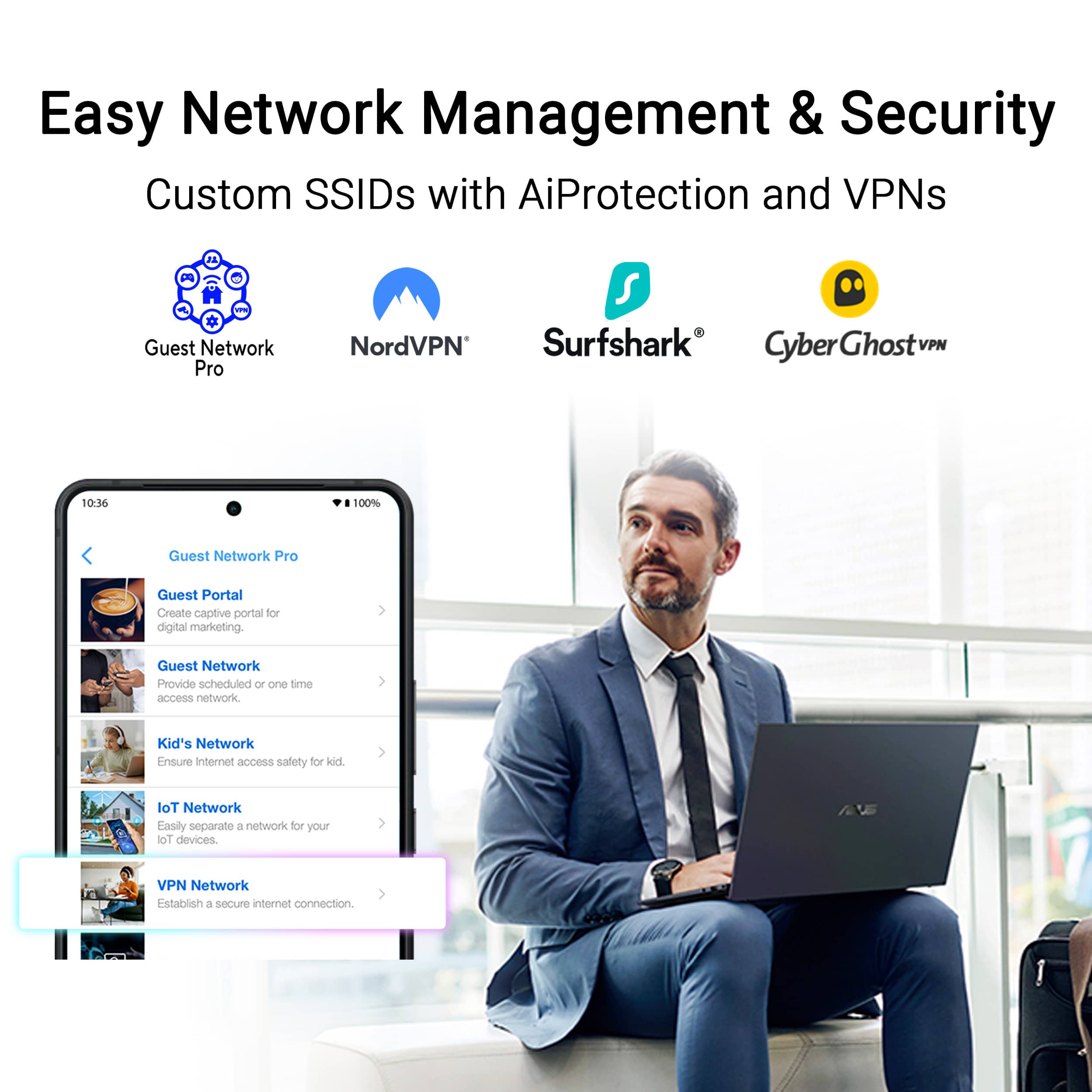
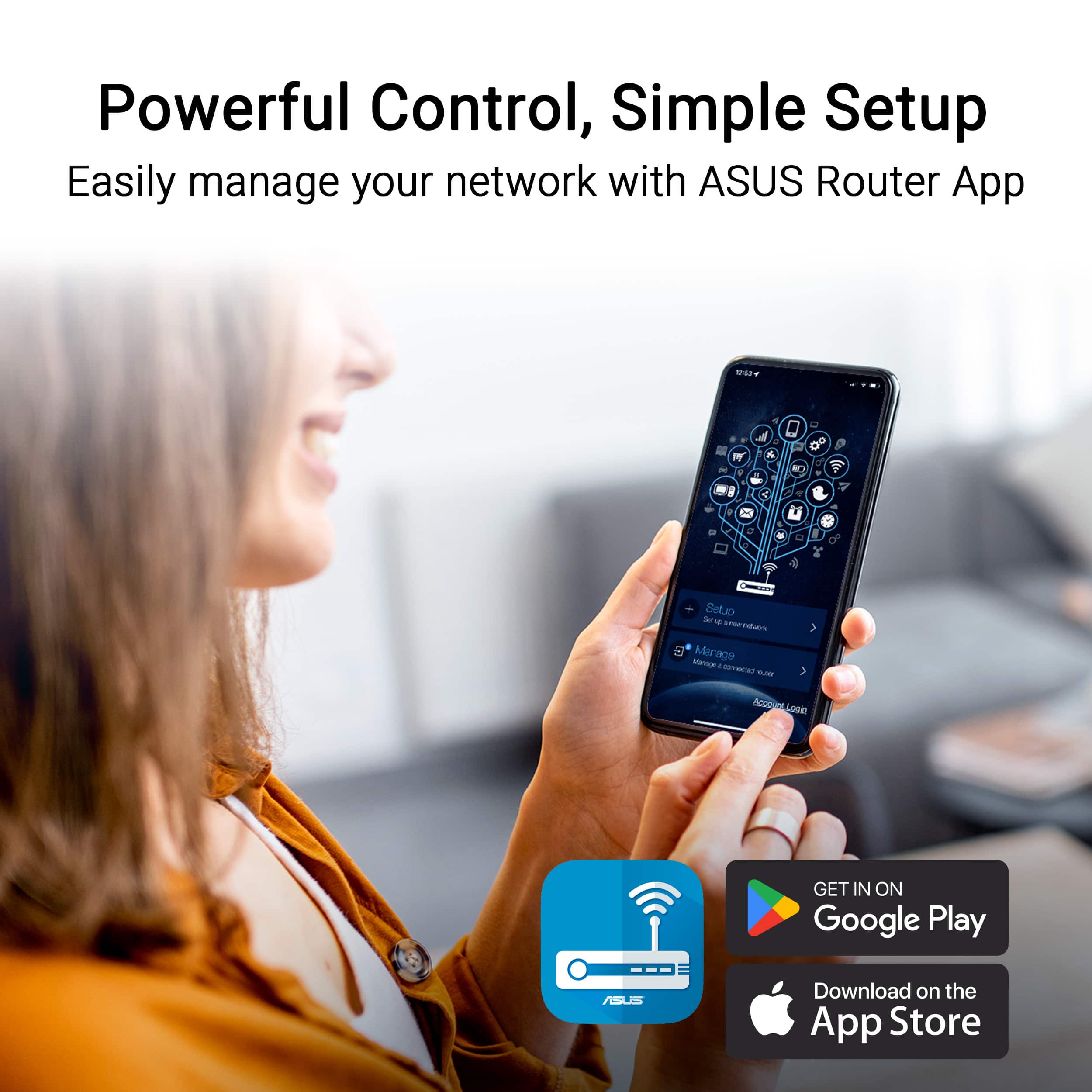
|Posted .This reviewer received promo considerations or sweepstakes entry for writing a review.Travel routers can be useful if you have a lot of devices you travel with. This may include a family, each with their own two or three devices, needing to connect to a hotel's Wi-Fi. It could also be a work group that needs to share some files locally.The key is to connect each device to the router in advance. This way, when you get to your destination, you have to only configure the router, and all other devices are also connected to the internet. The biggest drawback to this approach is the router does not have a built-in battery. You therefore first have to find a place to plug it in. It only draws about 4 watts, so it can easily be powered by any phone charger or battery pack. The router can be configured to always use a VPN. If you have a subscription to something like Nord, you can use that, but only at the country level. Unlike routers from TP-Link, you can't choose which state in the US you'd like to connect through. Asus also provides options to use OpenVPN along with several other commercial providers. Using the VPN ensures your internet traffic is secure, even when you are connecting through a public network. Keep in mind, however, that VPNs do not play nicely with captive portal network connections. When using this router in WISP mode, it's easier to configure using a laptop or web browser instead of the phone app. When you use a laptop and your hotel has a captive portal requiring you to sign in, the router will simply pop up the login page in a separate window and allow you to continue with the configuration. The few times I tried this with my phone app, it locked up. I had to restart the app, and wasn't always able to get to the captive portal login page. Once I was connected to the public hotspot, all of my devices had full access. I checked the speed prior to connecting through the router and after connecting through the router. The speeds were the same. The router adds no appreciable overhead. Unfortunately, it also can't speed up a slow hotel connection. Be sure to turn the VPN off before attempting to connect to your hotel wifi's captive portal. As long as you do that, this travel router will definitely save you time. This will also help if your hotel has a device limitation, and you have more devices to connect. Overall, I was very pleased with the ease of use this router has to offer. The biggest downside is the initial boot time, and the time it takes to reboot whenever you configure the router to use a new captive portal. You won't have this issue if you use this in router mode, but there are fewer locations where you can get access to wired internet on the go. With a few UI tweaks, this router could be exceptional. Instead, it is merely adequate.
No, I would not recommend this to a friendBrand response from ASUS Answers
Posted .Dear Dan0Sterling,
Thank you for sharing your experience with the ASUS RT-BE58 Go router. We’re pleased to hear you found it useful for connecting multiple devices while traveling and appreciated its VPN configuration options for secure browsing. We sincerely apologize, however, for the limitations you encountered, such as the absence of a built-in battery and the restrictions with VPN location selection compared to other brands.
Your feedback is very valuable, and we will ensure it is passed along to our product team for further review.
We stand behind our products and continuously strive to improve our products and processes to achieve customer service excellence. If you require any further assistance, please email us at [email protected] and include the case number "N2602031709-0001" as a reference. We will do our best to resolve your case quickly. Your feedback is very important to us, and it enables us to improve our support channels. Thank you for choosing ASUS.
Best Regards,
Chantae
ASUS Customer Loyalty US Support