Customer Ratings & Reviews
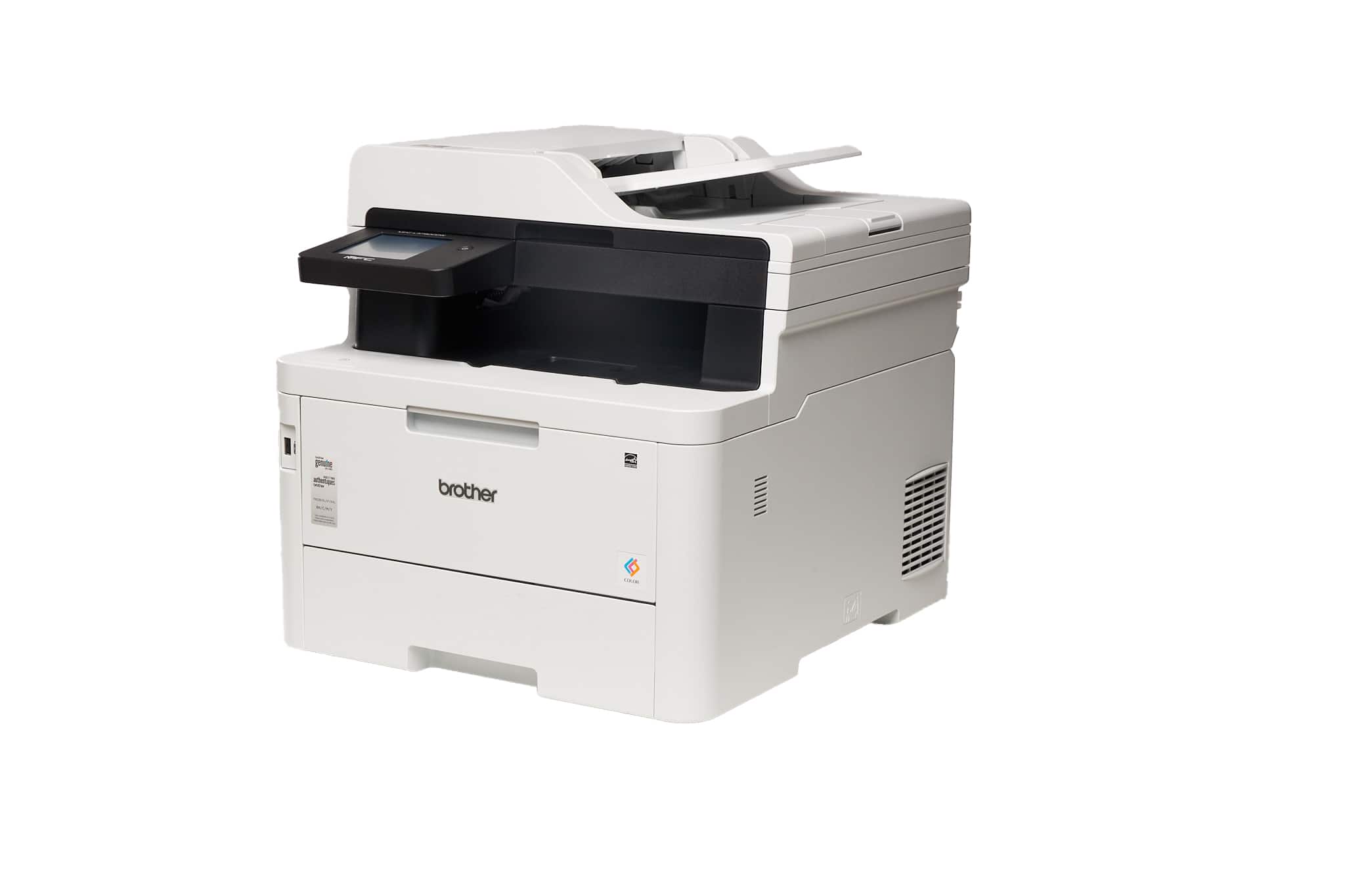
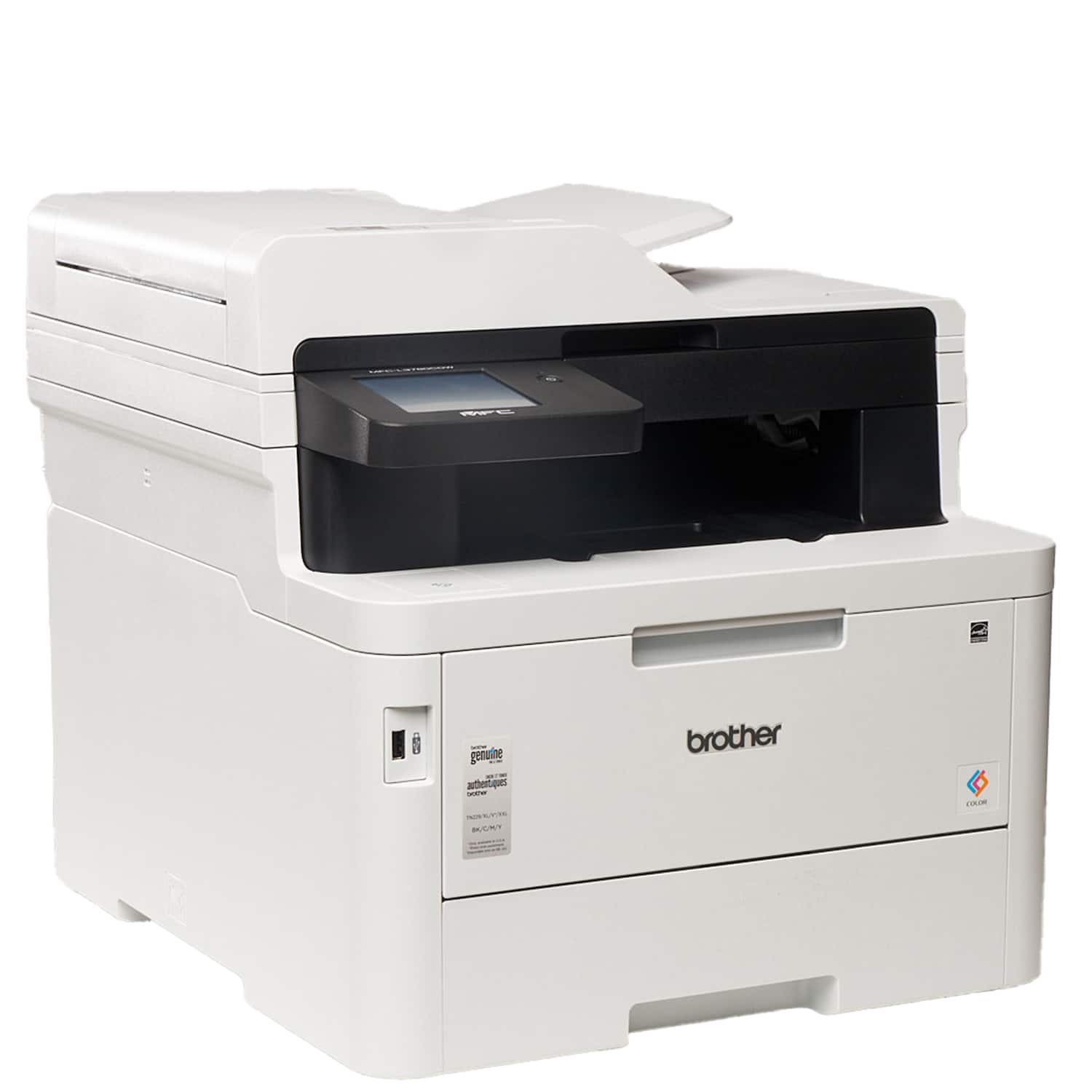
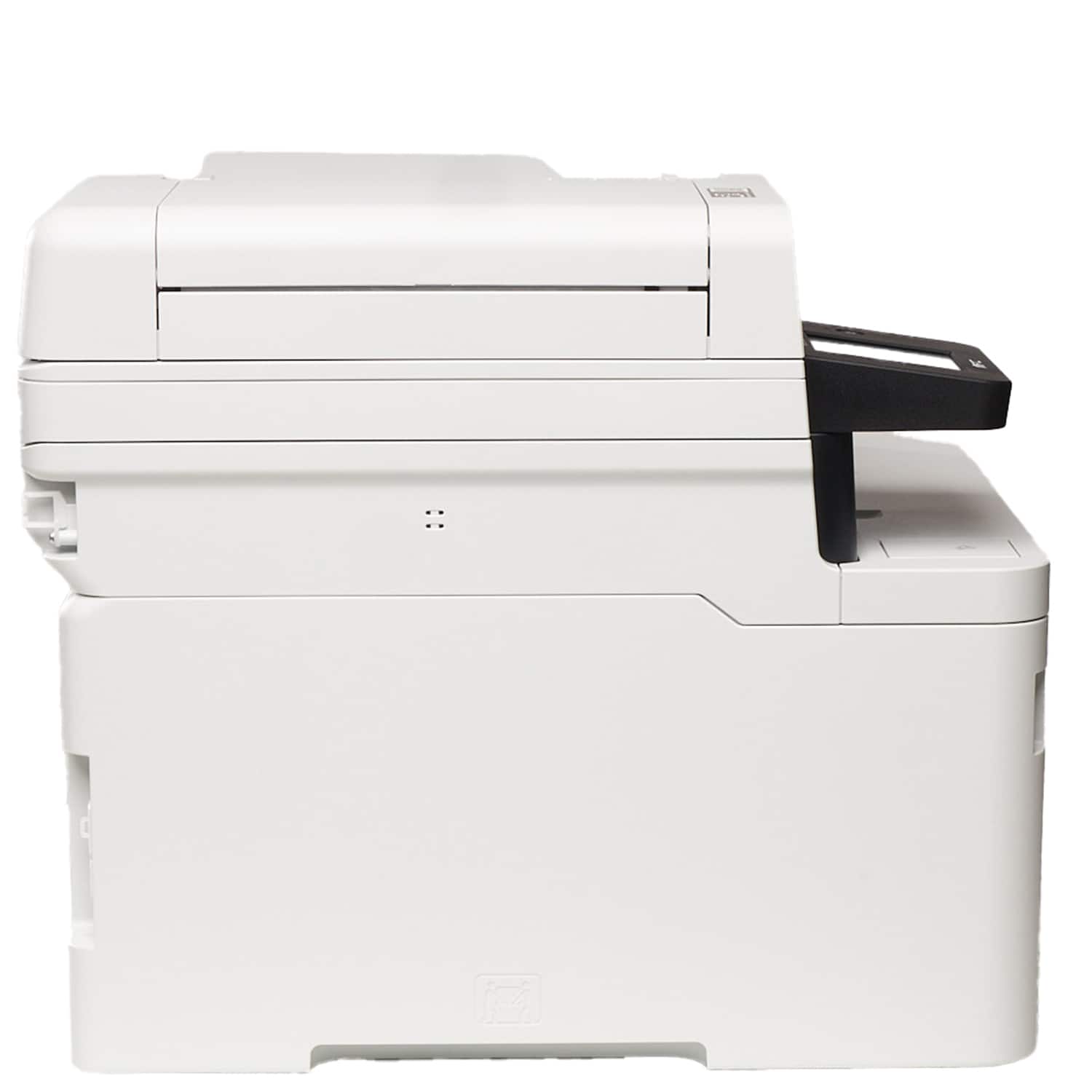
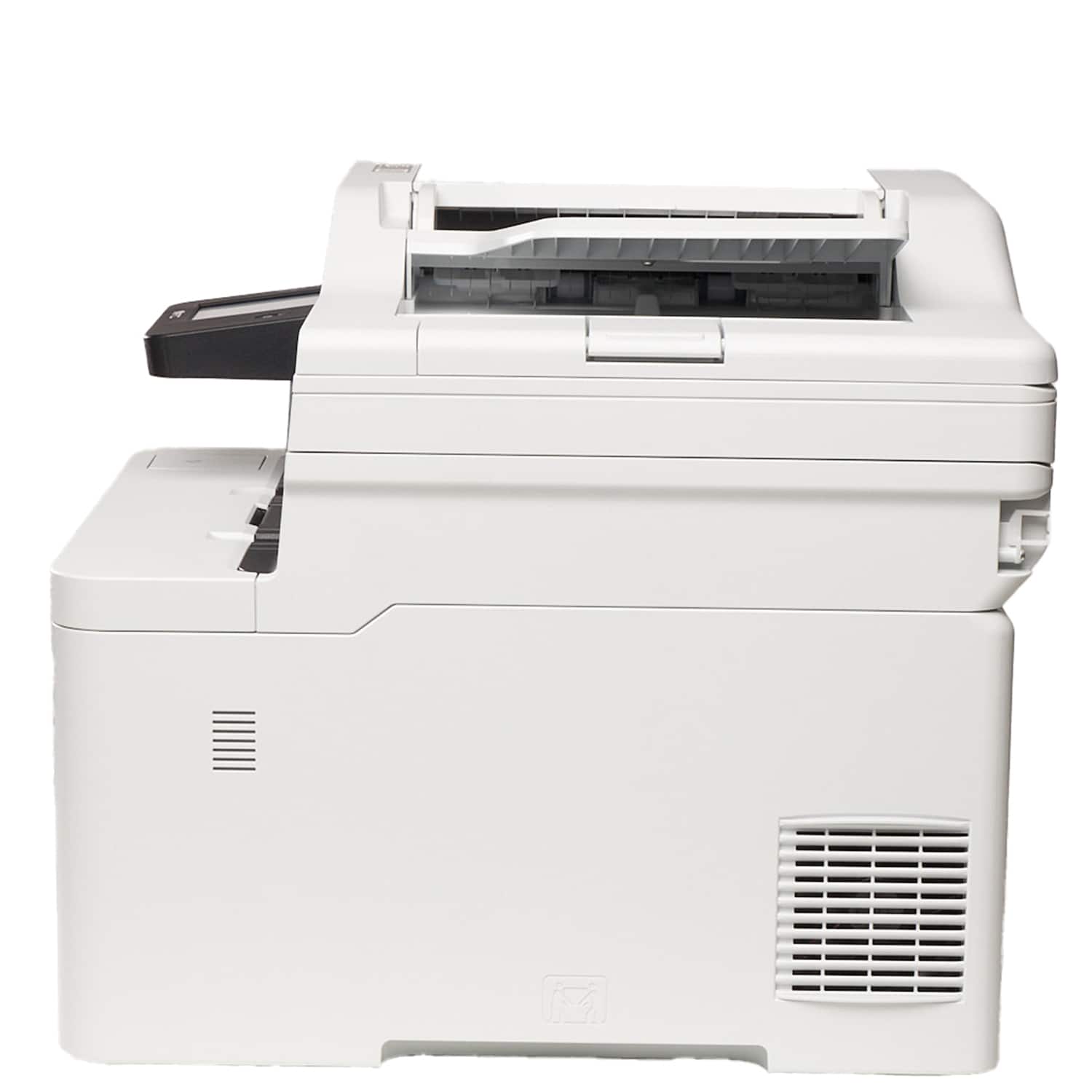
- Model:
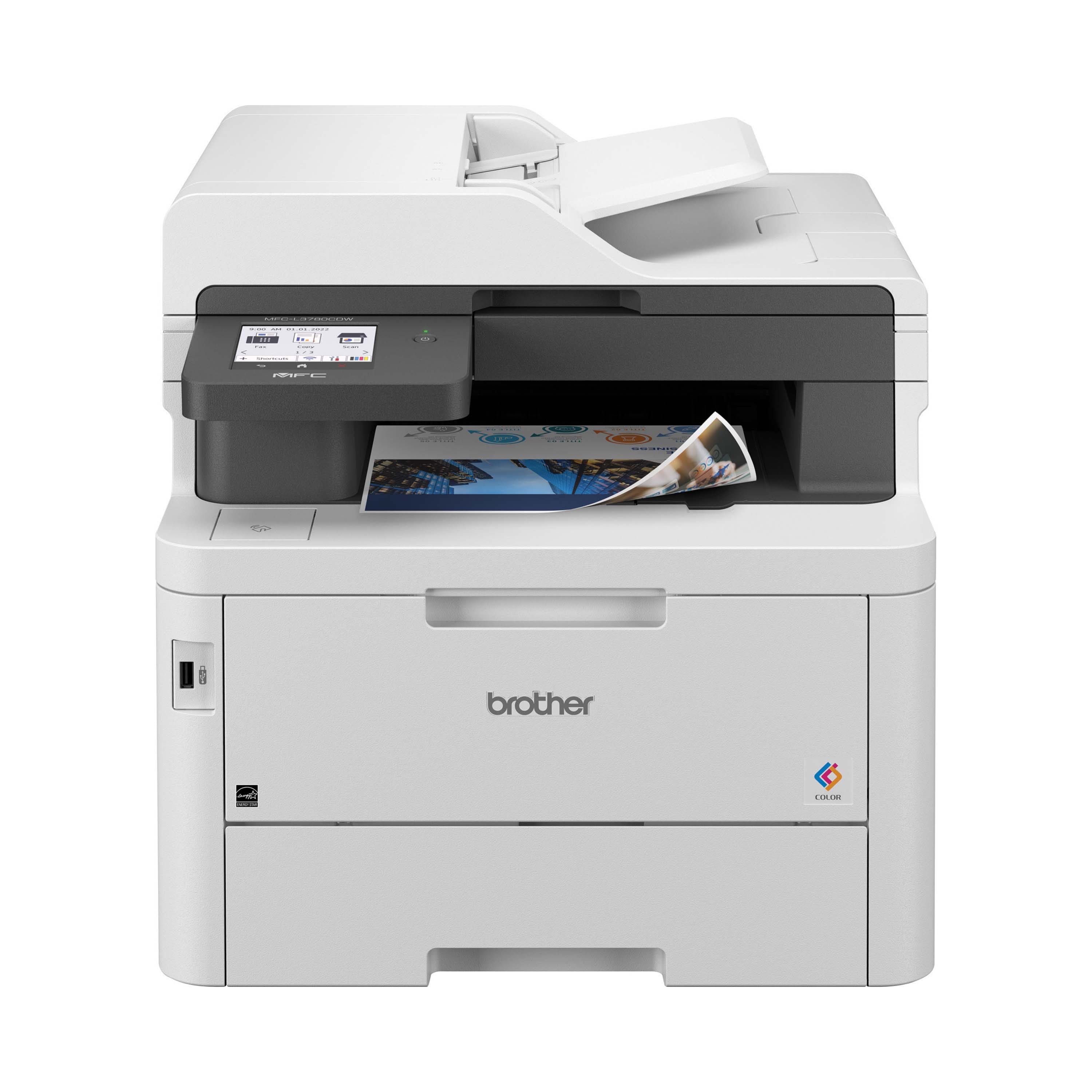
- MFC-L3780CDW
- SKU:
- 6560840
Rating by feature
- Value
Rating 4.4 out of 5 stars
- Quality
Rating 4.6 out of 5 stars
- Ease of Use
Rating 4.6 out of 5 stars
Customers are saying
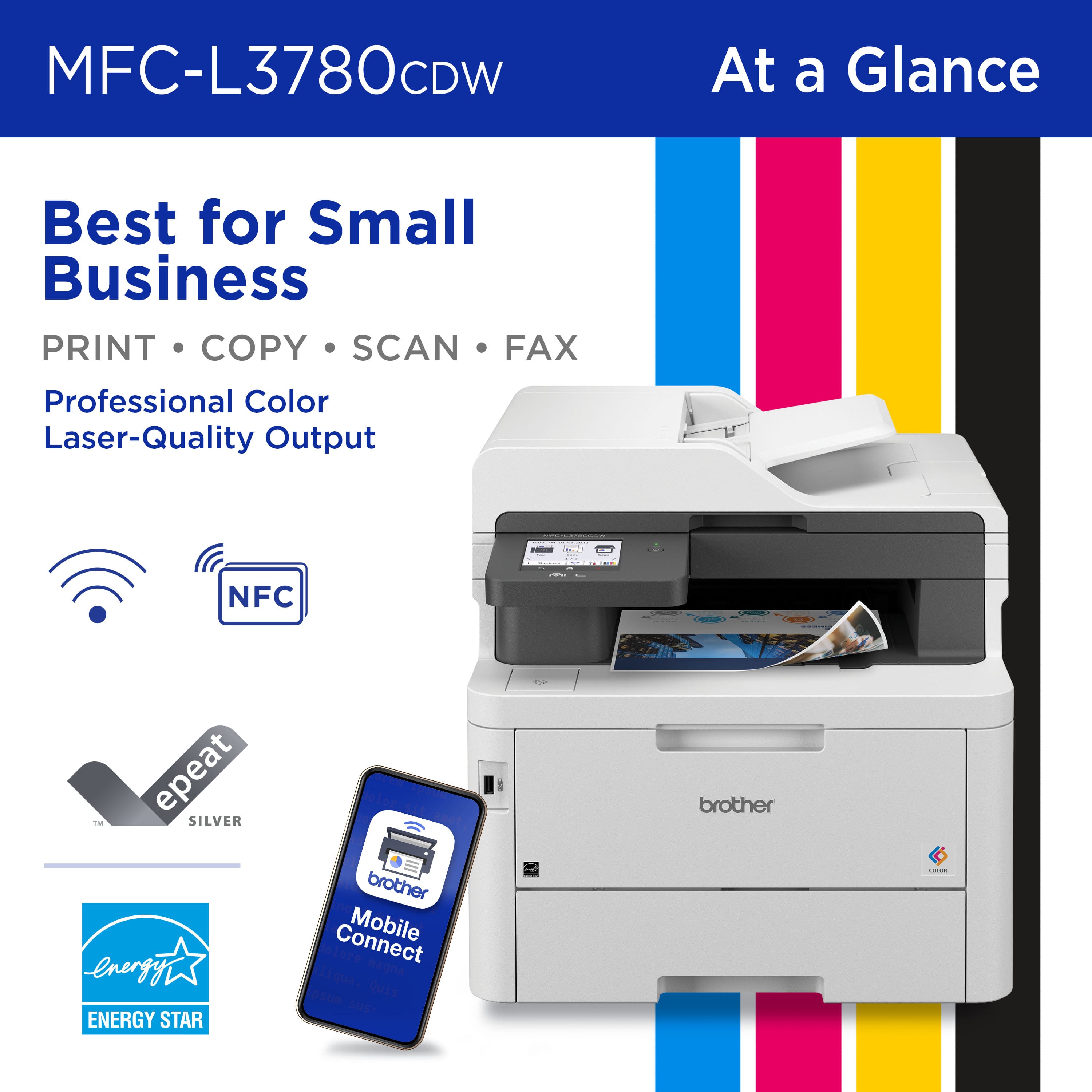
Customers commend the MFC-L3780CDW for its excellent print quality, reliable performance, and smooth setup. Users appreciate its ease of use, great connectivity, quiet operation, and speed. The only notable drawback mentioned by some customers is its weight.
This summary was generated by AI based on customer reviews.
Poor investment, expensive, doesn't work.
||Posted .This reviewer received promo considerations or sweepstakes entry for writing a review.Horrible printer, terrible customer service from Brother.
No, I would not recommend this to a friendBrand response from Brother
Posted .I’m sorry to hear your experience with the Brother MFC-L3780CDW was a bit difficult. If you’ll give us another chance, we’d like to make things right. Please contact us directly at:
https://www.brother-usa.com/support
INK SUCKER PRINTER
||Posted .This reviewer received promo considerations or sweepstakes entry for writing a review.This printer only uses Brother ink and has cost me over 300 a month in printer in absolutely a waste of money.
No, I would not recommend this to a friendBrand response from Brother
Posted .Please be advised, Brother does not block the use of third-party toner cartridges in our machines. Using non-Brother drum units and toners may cause print quality issues. Genuine Brother drum units and toners are designed to work at pre-set temperatures that are matched exactly to each of our individual toner formulations. We recommend using genuine Brother supplies for optimal performance and print quality.
We would love to hear from you with more details to be able to better assist you. Our Brother Customer Support Team is available to assist you direct: www.brother-usa.com/brother-support/MFCL3780CDW
paper gets heated as it prints
||Posted . Owned for 1 month when reviewed.This reviewer received promo considerations or sweepstakes entry for writing a review.The paper gets heated as it prints and is then curved and does not lay flat.
No, I would not recommend this to a friendBrand response from Brother
Posted .We understand you are experiencing issues with your Brother MFCL3780CDW not printing properly. We'd like to help. Please contact the Brother USA support team at: https://www.brother-usa.com/support
Returned
||Posted . Owned for 2 months when reviewed.This reviewer received promo considerations or sweepstakes entry for writing a review.I felt that scanning needed exrtra steps for saving scans in the location where i wanted to have them so retured it and purchased an Epson scanner.
No, I would not recommend this to a friendFrustrated
||Posted . Owned for 3 weeks when reviewed.This reviewer received promo considerations or sweepstakes entry for writing a review.You keep changing the model numbers and this is supposed to be better than the one I had but it is not for the price. Then we tried to buy another one and now they are out of stock
I would recommend this to a friend- Pros mentioned:Print quality, Setup

Great multi-purpose network printer!
|Posted .This reviewer received promo considerations or sweepstakes entry for writing a review.The Brother - MFC-L3780CDW Wireless Color All-in-One Digital Printer is a great color laser printer for your small business or home office with many powerful and useful tools available. Printing is fairly fast regardless of whether you are printing in color or black and white. When printing two sided it does seem a little slow, but not overly so. The scanner is super fast and is extremely high quality and is easy to use. Setup is easy, once you unbox and unpack this large printer, with easy to follow instructions and a mobile app available for printer management. I was a little unimpressed with how little paper the printer seems to hold, out of a standard ream of paper, it only held somewhere around a quarter of the paper in the pack. This seems a bit lacking for something that is meant to be used in a small business or home office. Otherwise, I am overall impressed with this printer and I would recommend it to anyone looking for an all in one color laser printer. I will mention a few issues and caveats below, but they are not deal breaking in my opinion just minor annoyances more than anything. Software for Mac only worked after installing the full software package from the product support page, or the Brother iPrint&Scan software from the app store. You then have to select your machine and then go to machine scan settings and setup a folder for scans to go by default. This will then allow you to scan from the printer and save it onto your Mac. Otherwise, you can use the scanner app built into Mac to scan from the Mac itself, either way works it just depends if you are using this in an office with multiple computers or if you are just using it connected to one computer. One of the biggest complaints I have is how the installed software constantly tries to collect your information and makes it difficult to turn off data collection. Every screen and pop-up defaults to collecting your information and makes it unclear or difficult to see if you've turned off data collection. Besides this I am also not very impressed with the software, it seems very old and clunky to setup and use, and while there are powerful features and tools available for this printer, getting to those options and selecting them can be very difficult and not very intuitive.
I would recommend this to a friend - Pros mentioned:Print qualityCons mentioned:Weight
Awesome printer for home and office
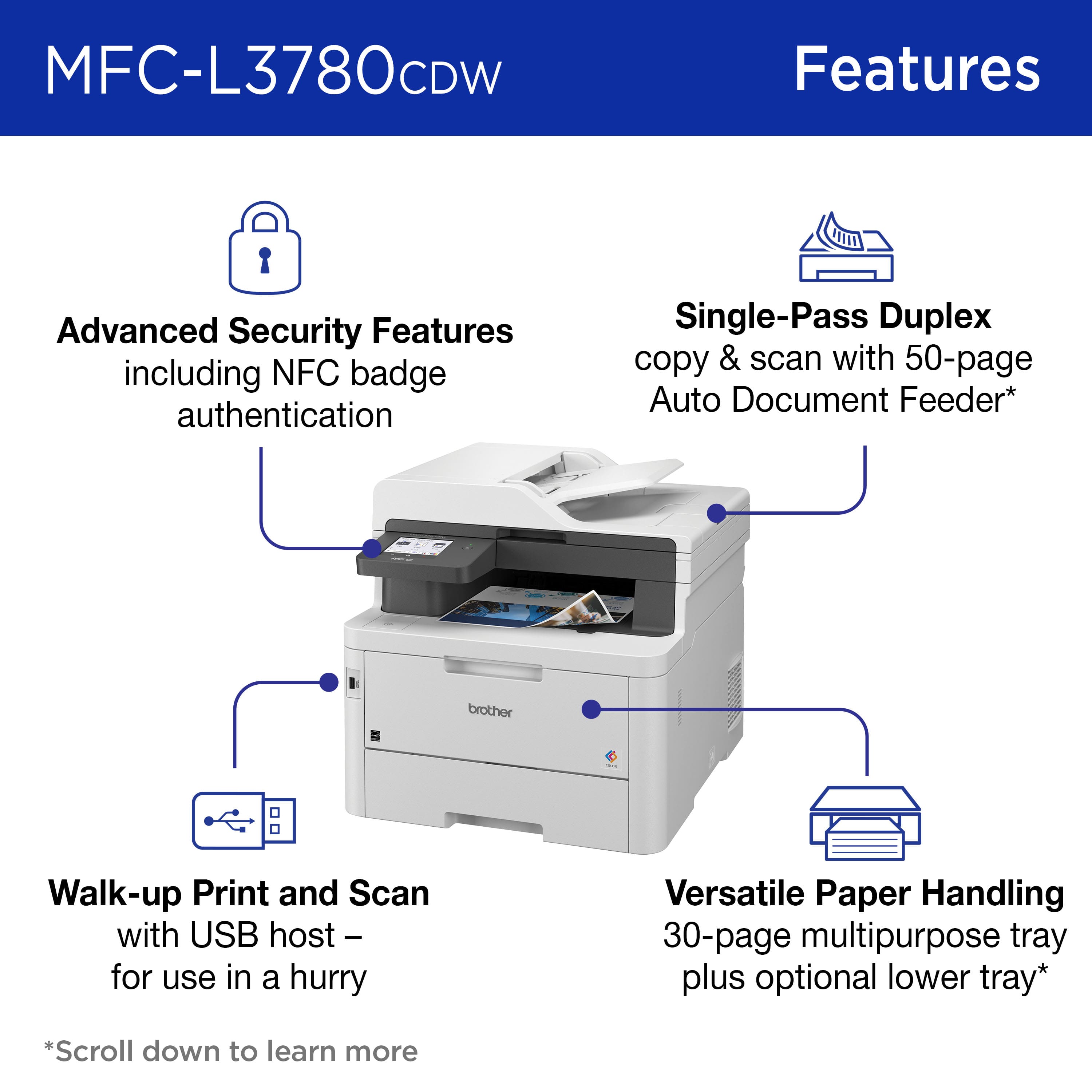
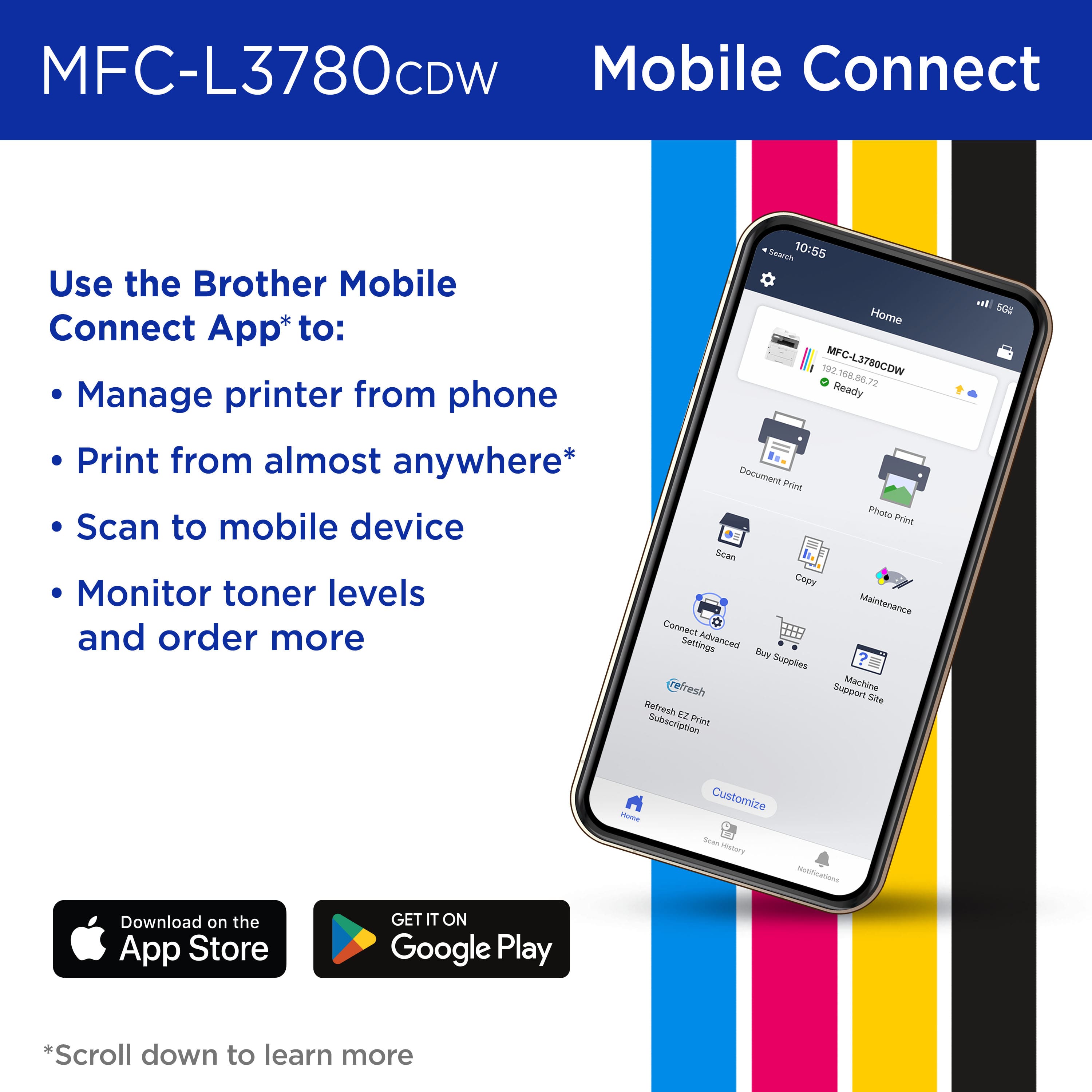
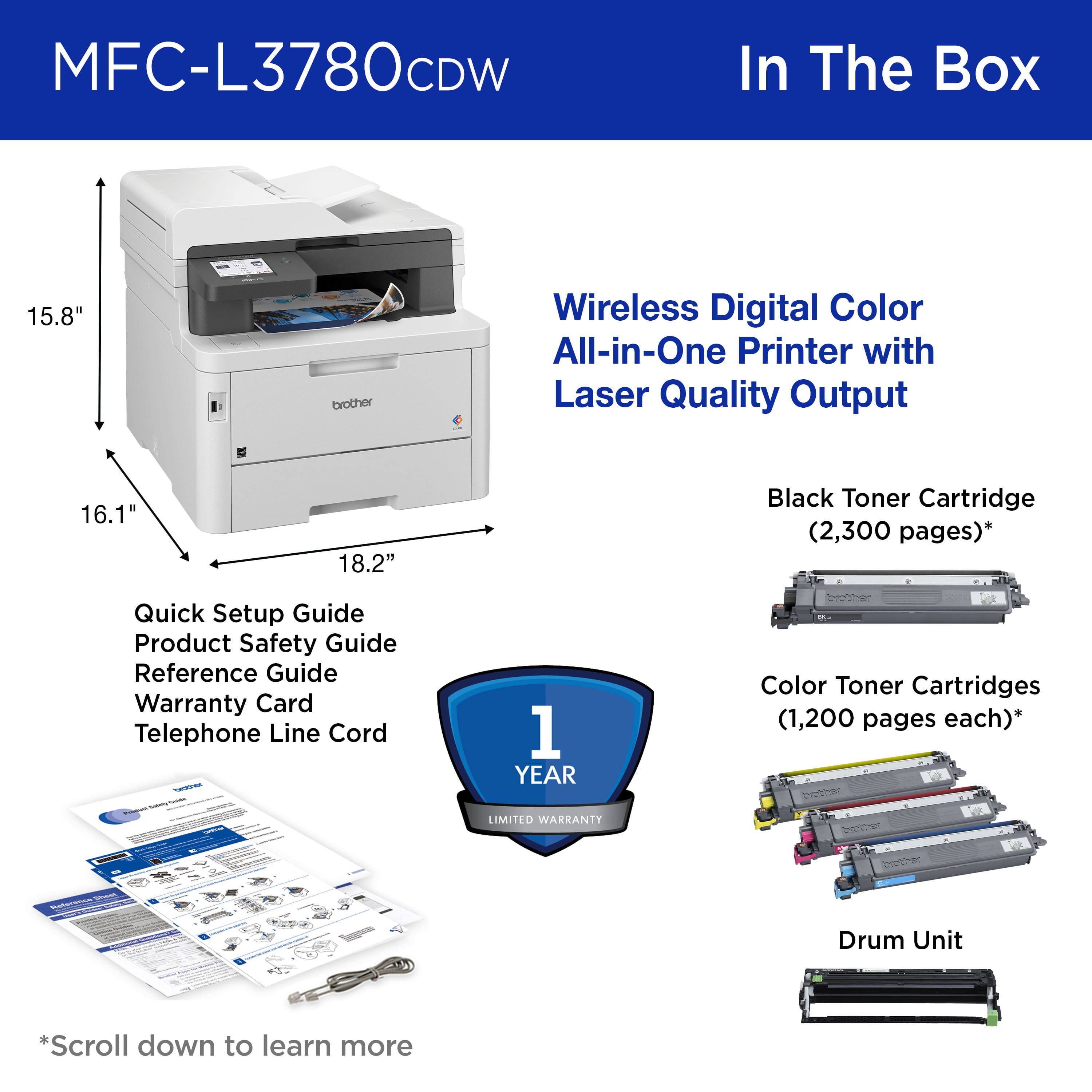
|Posted .This reviewer received promo considerations or sweepstakes entry for writing a review.First Impression: The first thing I noticed with this printer was how heavy it is. This printer is heavier than another MFC I have that is larger with multiple trays. The plastic body feels sturdy, and all panels and hinged parts feel strong and sturdy. Setup: Setup on this printer has quite a few steps. It takes longer than other printers I have set up. You start with the Mobile Connect app. With it you can connect to the printer multiple ways. The app didn’t find this printer, so I joined the printer to my network manually, and then connected. You use the app to set up the printer, update the firmware, register the printer with Brother, send invites to other mobile devices to add the printer to them, and to print from a mobile device. One nice thing about this app is that it doesn’t require you to have the app and an internet connection for the printer to print. Technical Specifications: • All in One Copier, printer, fax. • Wired and wireless networking. • Up to 4000 prints a month. • 31 pages a minute. • Automatic Document Feeder that holds 50 pages. • LCD Touchscreen. • Automatic two-side printing. • 250-sheet capacity paper tray. • 30-sheet capacity multi-purpose tray. • Copier resolution = 600 x 600. • Scanner resolution = 19,200 x 19,200 • Weight = 48 lbs. Performance: I tested this printer from my Android Samsung S22 Ultra and my Windows 10 machine. I started with my two cell phones because this is the biggest hassle I have with my current printer. Sometimes it goes to sleep, and the app won’t wake it up. Sometimes I can’t even manually wake it up. I must shut it down and start it back up. In all the testing I did with two cell phones, the MFC-L3780cdw always woke up. When I got a picture, PDF, Word document, or anything else I wanted to print from my phone, I selected the share icon, selected Brother Mobile Connect, and the app opened right up. Within seconds, the item to print was in a preview, and was ready to be printed. The app and printer worked perfectly every time. Next was scanning. On my phone, I created a Scan to Network profile with the app. I created a Scan folder on my NAS and put the path into the profile. I added the username and password and saved the profile. It gives you a chance to test the connection, so I tested it, and it connected just fine. Then I scanned a document, and it went directly to the Scans folder. For my Laptop, I went to the System > Bluetooth & Devices > Printers and Scanners. I clicked on the Add Device button, and it installed the printer. I installed the Windows Scan app and scanning from this printer to the Scans folder worked beautifully. The copier function works just like any copier. I left all of the options as default, and it works beautifully. There are various quality settings, contrast, density, and color settings available in the Copy Options, but the default looked great. Quality: The quality of the prints is amazing. This is a small business printer, not a photo printer. Yet when printing photographs on plain paper, the quality was outstanding. The colors were perfect, and the detail was very clear. PDFs came out crisp, at least as good as the original, but in one case, the print looked better than the original. I figured the function of this printer would be great, as I have used Brother printers both personally and professionally for 10 years now. Never did I guess the quality of the prints and scans would be as good as they are. Conclusion: This is an amazing printer. I have reviewed quite a few printers, but I have never reviewed one that I was so happy with. The printer is feature rich, the quality of the prints and scans is above most, and all the functions are easy to configure with the app. And unlike some of the printer apps, this app is easy to use, responsive, and doesn’t require a constant internet connection to be able to print. I currently have a multi-function printer. It does all the things this printer does, has 3 printer trays, and prints in both 8.5 x 11 and 11 x 17. I am removing that printer and putting it up for sale, and it is being replaced with my Brother MFC-L3780cdw. I highly recommend this printer.
I would recommend this to a friend - Pros mentioned:Connectivity, Print quality
Perfect Work from Home Printing Solution
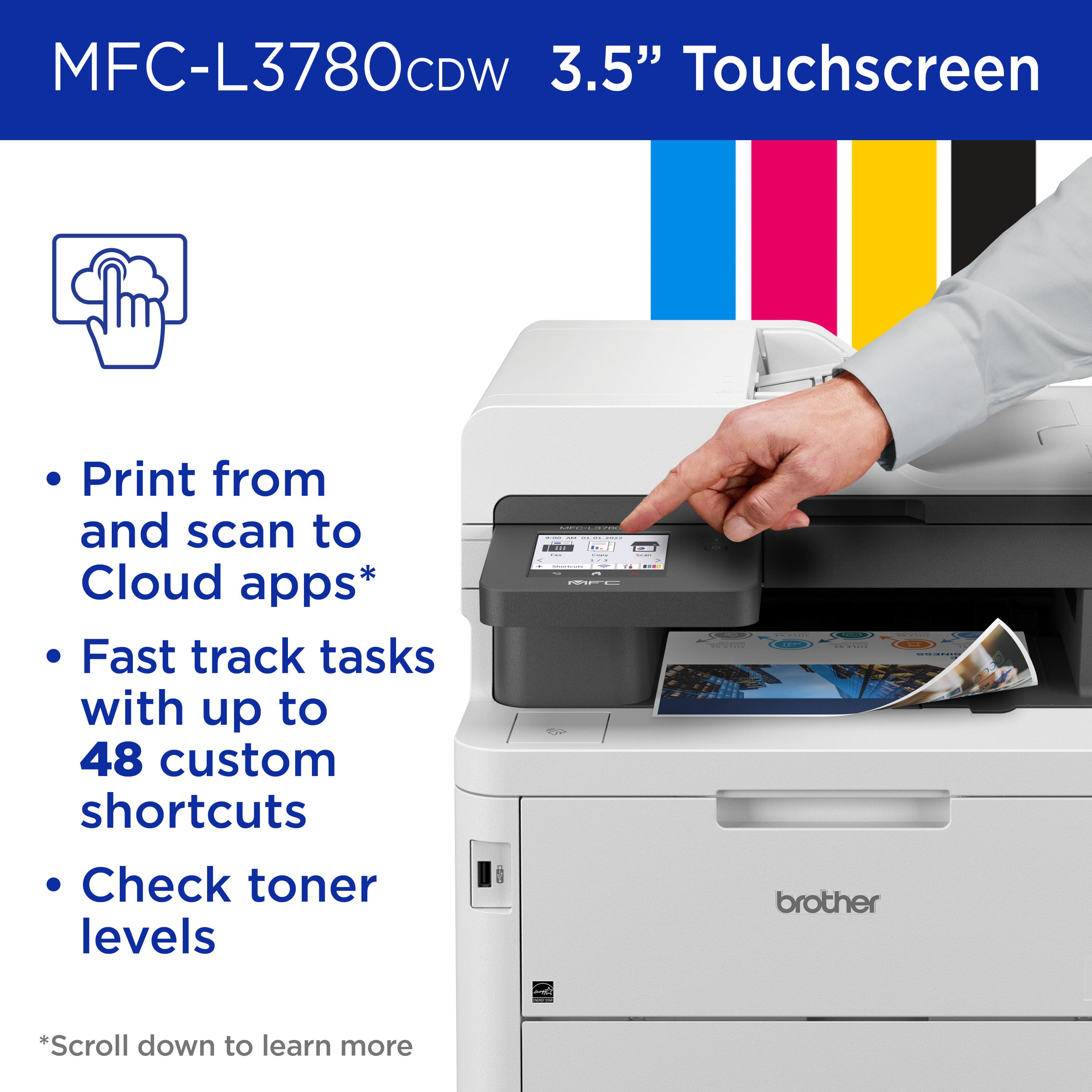
|Posted .This reviewer received promo considerations or sweepstakes entry for writing a review.Incorporating the Brother MFC-L3780CDW into my home office setup has significantly streamlined my workflow, bringing professional efficiency right to my doorstep. This compact all-in-one printer, remarkably efficient with its print, copy, scan, and fax functions, eliminates the need for multiple devices cluttering my space. What stands out most is its rapid printing capability, delivering up to 31 pages per minute. This speed, combined with laser-quality color printing, brings a level of professionalism to my documents that is essential. The 3.5” touchscreen is not just a feature but a game-changer. Its intuitive navigation simplifies complex tasks, and having the ability to create up to 48 custom shortcuts is invaluable. The direct access for print-from and scan-to functions for Cloud-based apps like Google Drive and Dropbox has saved me an immeasurable amount of time. Efficiency doesn’t stop there. The single-pass duplex, 50-sheet Auto Document Feeder, and an extra 30-sheet multipurpose tray have made handling large jobs a breeze, from multi-page documents to envelopes and labels. The printer's connectivity also exceeds expectations, offering flexibility through dual-band wireless, Wi-Fi Direct, and Gigabit Ethernet. It ensures a seamless printing experience from virtually any device in my home. Lastly, the use of Brother Genuine Toner insures the quality and consistency of prints. The Refresh EZ Print Subscription is a convenient bonus, ensuring I don’t run low on supplies while also offering substantial cost savings. The initial 4-month free trial was also a pleasant introduction to this service. In conclusion, the Brother MFC-L3780CDW is an indispensable asset for any small business or home office, packing high-end features into a compact, user-friendly design. It supports and enhances productivity, meeting all the demands one might have from a professional setup.
I would recommend this to a friend - Pros mentioned:Connectivity, Print quality
Quality All-In-One Printer with advanced features!
|Posted .This reviewer received promo considerations or sweepstakes entry for writing a review.I've long been a fan of Brother printers. Once you start having a few offices, it's best to pick a brand and stick with it - as we've done with Brother printers. The new Brother MFC-L3780 is hot off the press and is loaded with new features for your office or business. For starters, since security is on everyone's mind these days, I really like the addition of the integrated Near Field Communication (NFC) reader. If your business uses badges for your employees for normal building security and room access, those same badges can be used to secure the printer. It can also integrate with Active Directory if your business uses that and has several reports and logs to monitor usage. Setup was incredibly easy - as I'm using WiFi connectivity. Printing documents and photos produces high quality results that I'm impressed with - and am replacing an ink-jet printer with this one so I'm excited for the higher quality images! Copying is a breeze with the 50 sheet auto-feeder. Duplex copying and scanning is a super time saver and also produces better results! If you've never had a duplex printer (prints, scans, copies from both sides) it is a game changer. Lastly, aside from all the great print, copy and scan features - there is a plethora of connectivity options. Starting with the Brother Mobile Connect app, you can setup, print, scan, copy and manage your printer from anywhere. Super convenient for quick printing from your mobile device. You can also receive notifications from the printer about supplies and service! Popular apps like Box, Dropbox, OneNote, Sharepoint Online, Google apps etc are all part of the connectivity plan and there to make your life easier. Overall - if you're looking for a new color laser printer and like the above features - this ones for you!
I would recommend this to a friend - Pros mentioned:Print qualityCons mentioned:Size
Just like the Office
|Posted .This reviewer received promo considerations or sweepstakes entry for writing a review.The Brother MFC-L3780CDW Wireless Digital Laser Color All-In-One Printer has been a great addition to my work and personal life. The print jobs are done so much faster just like those printers at work. It looks very professional, and you can print fax scan all in one, so it takes over several machines. But not only that the print quality is great even in color. Love the fact that it is a laser printer so when you don't use it for a while you don't have to worry about buying ink because it dried out. The set up is very simple but you may have to use different methods to get it set up I had to look for it manually because the regular wireless connection gave me issues but once i figured out the way it was very simple and had 5 devices connected for wireless printing with in 15 minutes. The touch screen is very good and receives commands very fast and accurately. It may be a little heavy and bulky, so it is recommended you have enough space where you want to set it up. The paper tray capacity is more than enough to get the job done. So i highly recommend this printer if you are in the market for one.
I would recommend this to a friend - Pros mentioned:Print qualityCons mentioned:Weight
GREAT WIRELESS COLOR LASER ALL-IN-ONE
|Posted .This reviewer received promo considerations or sweepstakes entry for writing a review.I am really impressed with the Brother MFC-L3780CDW Wireless Color All-in-One Laser printer. I typically don't like "wireless" printers because of WiFi speed and performance, but this printer seemed to work exceptionally well and the speed of printing multiple pages was quite amazing. I believe it was rated for 30ppm and it clearly could do that. I don't fax much anymore so I didn't test this capability, but I'm sure it would work as advertised. Scanning was easy and produced high quality digital files. Print quality with the color laser was all that I would expect from laser-quality technology, plus the color printing speed was equal to that of the black. The quite heavy laser and its box were a bit of a challenge bringing it inside our home. However, Brother had a excellent, super heavy weight "bag" that the MFC printer was in that it was super easy to remove the printer from the box. I even saved the bag because it will make it easier for us to move the printer to it's permanent location within our home, after I remove the existing printer that's currectly occupying the space. The printer was well-packaged with "specialty tape" holding the various components in place during shipping. I would highly recommend this BROTHER MFC color laser to anyone, but have a buddy help with the moving of the printer because it's probably one of the heaviest MFC's I've ever used!
I would recommend this to a friend - Pros mentioned:Connectivity, Print quality
Brother MFC-L3780CDW Wireless Color All-in-One
|Posted .This reviewer received promo considerations or sweepstakes entry for writing a review.I received the Brother MFC-L3780CDW Wireless Color All-in-One Digital Printer with Laser Quality Output and it comes with a 4 Month Refresh Subscription Trial Included. This printer is a good color laser printer for home or small offices. It seems to have an outstanding build quality, and its input tray can hold a large amount of paper, making it a great choice for big print jobs. It prints fast and won't take up too much of your time. Has a full-feature scanner, high yield, and fast printing speed. It uses toner, so you don't need to worry about printheads clogging the way you do with ink. It holds 250 pages in its input tray and another 30 in its multi-purpose tray, so you shouldn't have to refill the trays often. The cartridges are also easy to access by lifting up the entire top of the printer and then pulling out them out. The Brother MFC-L37780CDW has a good display, easy to read and it's touch-sensitive. This printer has an automatic document feeder, making it easy to scan multiple pages in a row. It can also automatically scan two-sided documents in a single pass, the scanner's lid has hinges that can extend to accommodate thicker documents or books. The Brother MFC-L3780CDW has great connectivity. It supports wireless printing from mobile devices for Apple devices and for Android devices.
I would recommend this to a friend - Pros mentioned:Print quality
Great design, fast scanner, fast + quality prints
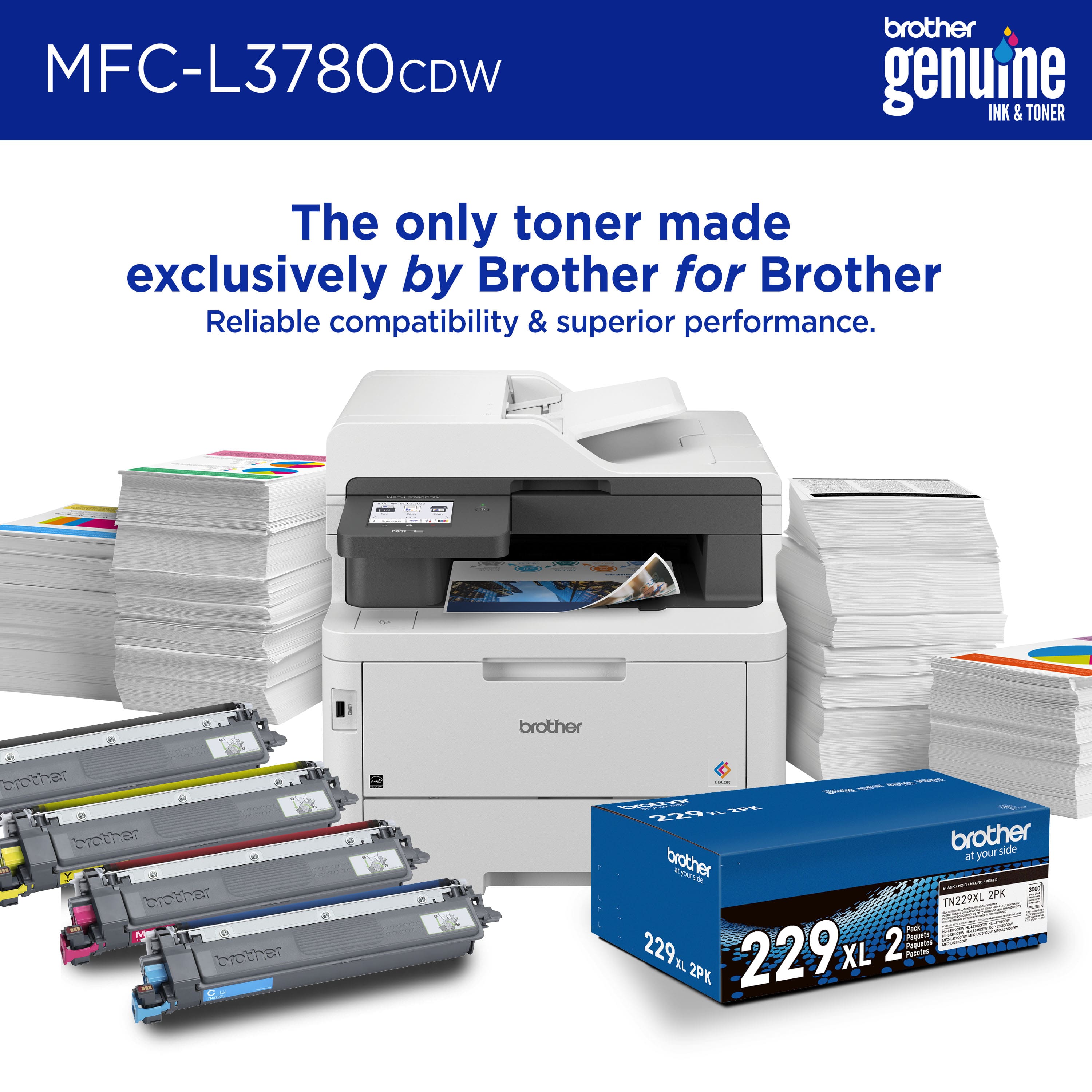
|Posted .This reviewer received promo considerations or sweepstakes entry for writing a review.This LED all-in-one printer offers a strong combination of performance, quality, and functionality in a footprint small enough to be suitable for home office use. The unit is very well constructed, thoughtfully designed, and very fast. There’s bright, easy-to-read color LCD touch display on the front which is large enough to provide a legible and user-friendly interface. Pros: - Quality construction - Excellent paper handling - Printing is FAST and high quality for documents, presentations, and charts - Scanner is fast and can scan two sided pages in a single pass - Judicious choice of toner purchases can make printing quite affordable - Generally reliable operation Cons: - Not great for photos and some horizontal shading artifacts are visible in some cases. - Some software glitches / network disconnects - On some paper types, mild roller impressions are visible in the output paper - Subscription plans can be affordable, but if you pick the wrong one costs can add up quickly Paper Handling Paper handling is above average for a device of this size, featuring a 250 sheet main paper tray and a separate 30 page multi-purpose tray. This second tray is very useful for printing envelopes, glossy paper, or labels without having to change the paper in the main tray. Letter, Legal, and A4 size are all supported. Paper output is to a dedicated tray beneath the scanner and prints come out facing down. This is great for privacy, and a big improvement over manually extended a paper output trays that takes up more office space and can be fragile. Although I’ve experienced no paper jams in the week I’ve been using the printer, the rollers do sometimes leave an impression on the paper. This is generally not noticeable, but might be an issue with certain kinds of glossy papers. Printing Brother claims up to 31 pages per minute and in my experience this seems reasonable. Output is extremely fast, even for graphically intensive pages. The LED print system (like a laser but without the moving components) provides sharp, high quality prints that look extremely professional. Colors are generally vibrant and well reproduced for a device of this class. PowerPoint decks, brochures, reports, and charts all print very well, but photos can be hit and miss. I noticed some mild horizontal banding in shaded areas, including on photos. This is usually not noticeable, but in large images and large shaded areas it is definitely visible. In general, I would suggest sticking to an inkjet for the best quality photos, but in other respects the print quality from this unit is unlikely to disappoint. It can produce serviceable photos for brochures if needed – just not the best. I did run into some issues with colors going out of alignment creating some ghosting artifacts. This was easily remedied with the fully automatic “color correction” menu option, but it is a bit of a concern to have this issue arise in just one week of light printing. Scanning The scanner is excellent for business purposes. There is a 50 sheet automatic document feeder and scans are fast and reliable. It can also scan both sides of a document in a single pass, a great feature in this class of device. Scanning photos from the flat bed produces serviceable but not stellar results. Perfectly fine for most general use, including scanning pictures for inclusion in brochures and documents. Software and Reliability Brother provides a full software suite and I suggest installing this vs. trying to use drivers built in to the operating system. The Brother software generally works well, although I did have some issues with network disconnects and some extended waits while the driver “connected” to the printer. In one case, the driver automatically ran a network troubleshooting tool which somewhat amazingly was actually able to remedy the issue. The ”scan to computer” function has worked every time I’ve tried it, and has happily allowed me to select from multiple destination computers on the network so long as they had the software installed. Many other printers I’ve tried have been unable to do this reliably, so this is a win for Brother. The scanning software provides a handy notification when the operation is complete, making it easy to locate the newly scanned document. I did have some issues with the printer not showing up as an option in Chrome / Edge, but those appear resolved after re-installing the drivers. Overall I think the software is reasonably stable, but could use some more work. Hopefully it will continue to improve over the next few months as this device is still quite new. Subscriptions and Operating Costs Brother offers a “Refresh” subscription program which at the time of this review costs between $0.13 / page and $0.07 / page depending on the volume you sign up for each month. Unused pages roll over up to a maximum of 2x your monthly subscription amount. The plan also extends the warranty. This service could prove cost effective if you print a lot of pages with color and extensive graphics. However, for black and white and text printing, it could become expensive. Fortunately, Brother has taken the high road, eschewed the DRM trend, and allows you to use any toner cartridges compatible with their 229 series. Even genuine Brother toner can be purchased for prices which imply costs as low as $0.02 / page for black and white prints. Third party manufacturers offer options which are even less expensive, albeit with uncertain reliability. As a result, this printer can make high quality LED printing affordable in a home environment. Summary I’m happy with this unit. I wish it had better photo quality, but for 99.5% of the things we print as a family and for work, this offers a solid combination of speed, quality, and features.
I would recommend this to a friend - Pros mentioned:Print quality
A capable, quiet and high-quality color laser
|Posted .This reviewer received promo considerations or sweepstakes entry for writing a review.The MFC-L3780 is very well constructed, and feels like it has the build quality of many higher-priced office machines out there. The setup was easy, as it came fully-assembled and had easy-to-remove shipping inserts and tapes. Brother is marketing this machine as a premium device with high-yield for Small Office/Home Office use cases. It seems to live up to this, though time will tell how toner cartridges yield and print quality hold up. I was able to do some significant printing of some school projects on the device that included multiple font, graphics, and clipart, as well as photos for a school project due around the same time as this printer arrived. For output on standard stock laser paper, the system performed well. It printed quietly and quickly and image quality was excellent. One of my concerns was with the installation process. I was impressed when, out of the box, I was able to fully set up the unit on my home WiFi without connecting it to a PC or Mac. The touchscreen on the front of the unit made selecting and authenticating to my WiFi network easy, and upon connection the system recognized a pending firmware update and proceeded to install it without significant input from me. Once I got up and running with the basics standalone, I was able to perform driver setups and installations on both Mac and PC endpoints. It was a normal software installation on Windows 11, but on my Mac it was immediately detected under a somewhat generic-seeming driver, but when I installed the Brother utilities from Brother's website for this model, the software seemed just as generic. The print and scan utility included by Brother is very simplified and leaves much to be desired if this is also going to be used as more than a document printer in your all-in-one scenario. The scanner purports to support high resolution scanning, but the software lacks the controls you’d want for photographic scanning or archival scanning, where deinterlacing and other tools are helpful but not very effective in this software. The printer has been working quietly and reliably for a few weeks now, and will likely become a long-term fixture in my home office, but will have to continue to partner with my AIO photo inkjet printer for imaging needs, both input and output.
I would recommend this to a friend - Pros mentioned:Print quality
A fast & capable all-in-one printer for all uses
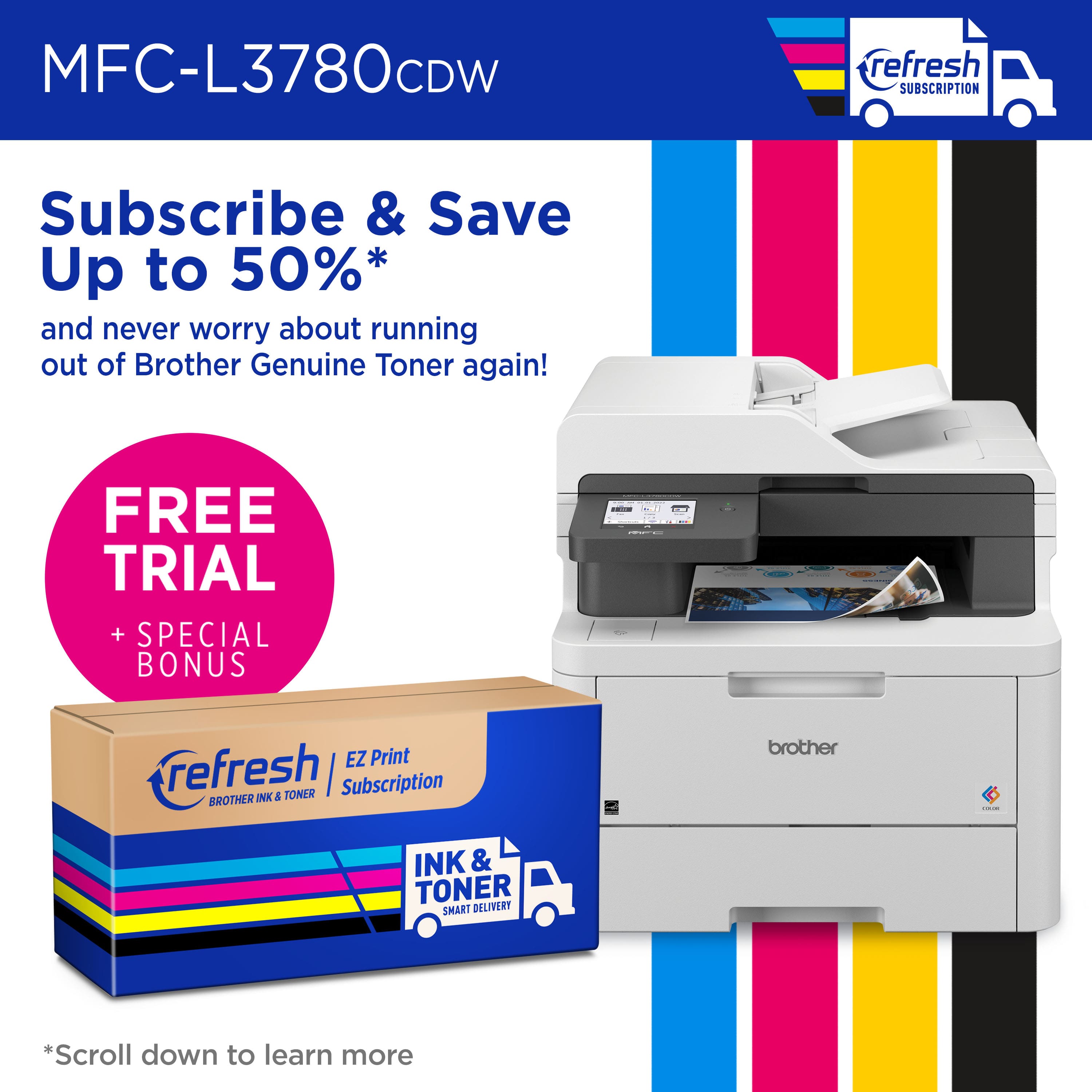
|Posted .This reviewer received promo considerations or sweepstakes entry for writing a review.Verdict: The Brother MFC-L3780CDW is a capable full-duplex print/copy/scan all-in-one machine that is ideal for a home office or small business. Toner refills are pricey, but the monthly subscription option offers an interesting alternative. Initial impressions. It’s a fairly big machine and a bit heavy, as one would expect; I struggled a bit to get it out of the box. Before turning on the machine, make sure to remove the tape that holds the various parts of the printer secure, remove the toner covers, and remove other labels and instructions. The touch screen is bright and colorful. Instructions are easy to follow. Setup. It has been a very long time since we have owned a Brother printer. In fact, the last one left a terrible impression on us because the setup was so tedious, essentially leading us to avoid the brand for the last 10 years. This setup was the complete opposite… easy and straight-forward! You can connect to WiFi through the control panel or through the Mobile Connect app. I used the app because I wanted to have the added functionality of the app from the start. Either method you choose, the instructions are straight-forward and easy to follow. I did not encounter any issues. I installed the “Full Software Package” on my computer from the Brother website, giving me full functionality from my laptop as well. The app is simple and easy to use… it’s really refreshing actually, Brother didn’t try to overcomplicate it. It’s easy to setup, customize, and use. The app adds a lot to the positive experience of using this printer. Performance. Printing is fast and duplex capable, at about 31 pages per minute. Color printing is decent actually, especially for day-to-day office needs, but I wouldn’t use it for photo printing. Scanning is fast and reliable, delivering duplex scanning from the feed tray. Scanning produces adequate quality; no issues. It is also possible to scan to an email, which is very convenient. The app allows printing remotely, and scanning from the machine to a smart phone. Toner. While this printer comes with a starter toner set, replacing all toner cartridges is quite expensive. This should be considered when calculating your printing needs. Brother offers a monthly subscription model that breaks up the cost of toner to small monthly fees based on usage. The printer comes with a free four-month trial, providing an immediate saving once you initiate the free trial. After the trial, you can change or cancel your plan anytime. Things I like: - I love the Brother Mobile Connect app; adds functionality and convenience - Fast printing! 31 pages per minute - Fast scanning too! - NFC capability (not useful for us, but a nice feature for some small businesses) - Connect through WiFi from a computer or smartphone, or print from a USB - Print from, and scan to, a smart phone!! First time I have ever done that! - All-in-One printer. You don’t need anything else to copy, print, or scan - Duplex color laser printing, copying, and scanning! Wow! Things I don’t like: - Expensive toner refills… Is this on purpose to push the subscription model? Overall, this is a great printer. I recommend this Brother all-in-one machine to anyone who wants a strong and versatile performer.
I would recommend this to a friend - Pros mentioned:Print quality
Efficiency and Excellence
|Posted .This reviewer received promo considerations or sweepstakes entry for writing a review.Greetings, business professionals! Today, I present my review of the Brother MFC L3780cdw, a wireless color all-in-one digital printer designed to meet the demands of modern office environments. Let's dissect its key aspects: Ease of Setup: Setting up the Brother MFC L3780cdw was a relatively straightforward process. Clear instructions and an intuitive interface on the built-in touchscreen made the initial configuration hassle-free. However, it may require a bit of technical know-how to fully optimize its settings for business use. Mobile App Integration: The mobile app compatibility for both iOS and Android is a notable feature. The Brother iPrint&Scan app allows for convenient mobile printing and scanning, enhancing productivity. It does the job efficiently, though a more polished and feature-rich app would elevate the user experience. Print Quality: When it comes to business documents and promotional materials like flyers, the Brother MFC L3780cdw shines. The laser-quality output boasts crisp text and vivid graphics, which is essential for creating a professional impression. However, it may not meet the stringent requirements of graphic designers or photographers seeking photo-realistic prints. Maintenance: Maintenance is a mixed bag. The printer's design makes it relatively easy to replace toner cartridges, reducing downtime. On the downside, the paper tray's capacity leaves something to be desired, requiring frequent refills in busy office settings. Additionally, the occasional firmware updates can be a minor inconvenience. Cost Over Time: While the initial purchase cost is reasonable, long-term expenses primarily revolve around toner replacements. The cost per page is competitive, but it's essential to factor in these ongoing expenses when budgeting for the printer. Energy efficiency is a plus, contributing to cost savings over time. In conclusion, the Brother MFC L3780cdw is a solid choice for small to medium-sized businesses. Its ease of setup and mobile app integration make it suitable for a modern work environment. It excels in producing professional-quality business documents and marketing materials. However, potential buyers should be aware of its limitations, particularly when it comes to graphic-intensive tasks. When managed carefully, the cost of ownership remains reasonable. This printer is a reliable workhorse for the business world, with room for minor improvements.
I would recommend this to a friend - Pros mentioned:Print quality
Nice Small Office Printer
|Posted .This reviewer received promo considerations or sweepstakes entry for writing a review.Having a small real estate office, printing is still an importanlt part of doing business, even in an ever-increasing digital world. The Brother - MFC-L3780CDW Wireless Color All-in-One Digital Printer Is a great choice if you have the need. First impressions... The unit is larger than expected..mThis is not a statement of either good or bad, just an observation. The box it came in was also large but thankfully it had "handles" that made moving it easier. Set-up was as to be expected. From opening the box to set up and operational was probably 15 to 20 minutes. Once set-up was complete and the paper loaded, I ran severaltest prints. I printed a past contract for the purchasse of one of my properties. It printed quickly and the print was sharp and crisp. I next printed some invites to my dad's 80th birthday that had a color picture of hom and mom. Again, the printing was relatively quick and the color images were crisp and relatively close to natural color. End of the day, for a small business, this is a great choice and a real value. I would reccoment to a friend.
I would recommend this to a friend - Pros mentioned:Print quality
A new monster printer for your office!
|Posted .This reviewer received promo considerations or sweepstakes entry for writing a review.The Brother 3780 printer is a must have for any business. It is meant for small business', but is really versatile in any setting. The printer comes well packed, and out of the box you can tell there is a great level of quality in the printer, as you would expect with Brother products all together. Set up is pretty easy, and you will need to download the Brother mobile connect app to utilize all of its features. After setting up on your network and installing the print drivers on your devices, you can start printing, scanning, copying or faxing. All of that controllable by the 3.5" touchscreen, which is very acurate and responsive. The touchscreen menus are easy to navigate and manage printer tasks. You can also set up printing with Alexa, and use other services like Apple Air print as well. The paper tray is easy to pull out and fill. It holds half a ream of paper which is enough to cover the whole day of printing for me which is nice. Printing itself is amazing. The laser quality printing and super speed mean my customers get to spend less time standing around waiting for invoices or receipts to print, and get clear, crisp printing every time. The double sided printing is awesome and is some of the quickest I have ever seen. This printer can handle up to 30 pages a minute. The quick scan copying works flawlessly and can handle up to 50 pages at a time. The scan quality is really great considering how fast it scans the documents. It has worked really great any time I need to copy outside invoices into my pc or duplicate customer order sheets that need to be picked from multiple areas. It really cuts down on time over all. One nice touch is the enhanced NFC security protocol to protect your wirless transmissions. Having that extra protection gives peace of mind from sensitive documents being intercepted by prying eyes. I have really enjoyed using this printer and it has been a major upgrade for my business. One nice things is it comes with a 4 month refresh subscription trial which is a pretty cool service and saves you up to 50 percent on cartriges. . Overall, this is an excellent printer and is well worth the investment for your small business. It does come with faxing features as well as scan and print from usb features as well that I have not yet needed to utilize.
I would recommend this to a friend - Pros mentioned:Print quality
Perfect workhorse for a home office/small business
|Posted .This reviewer received promo considerations or sweepstakes entry for writing a review.This is the second Brother color laser printer that I have and this one is better than my HL-L3270CDW series printer. This one is a true All-in-One and is great for mobile device users as well. This one adds the Refresh Subscription option which I use with other brands that I own. The subscription service has a bunch of different plan options to fit your needs. If you print anywhere from 25 to 1,500 pages per month, there is a plan for you. I signed up for the moderate plan that includes 200 pages per month which costs $20/month for color printing and allows you to roll over up to 400 unused pages for up to two months. The ink will be mailed to you automatically which helps avoid having to go to the store for ink. The plan also extends the warranty up to an additional year if I remember correctly, as long as you are enrolled in the service. The app is where this really shines. I work from home a couple of days per week and use both a laptop and a tablet for working. With the app, you can print and scan documents using the app. You can also check the ink status and update your Refresh Subscription service. When you scan a document you can save it directly to your mobile device. Within the app, you can select paper size, color/mono, double sided and even which pages to print. This app is fully functionable and an awesome addition to a great printer. You can also use a thumb drive and print directly from that as well. I have a thumb drive that is USB-C on one end and USB-A on the other. It works with my tablet and laptop and you can select the folder and file directly from the color touchscreen on the printer. I found the printing to be very fast and clean with no smearing or wet ink after its done. This works great for work and our home based small business as well. I cant really say enough about this machine and I would definitely recommend it.
I would recommend this to a friend - Pros mentioned:Print quality
Good Laser Color Printer
|Posted .This reviewer received promo considerations or sweepstakes entry for writing a review.Brother - MFC-L3780CDW Wireless Color All-in-One Laser Printer is a solid printer. I use it at home for work (teacher) and personal. I;m not sure how long the included toner will last, but I've printed a lot so far and it doesn't seem to be running out. Here are some stats that I tested and recorded. It printed my 30 black and white single sided copies in 1:17. The first page was printed at 17 seconds. It printed my 15 black and white double-sided copies in 2:45. The first page was printed at 17 seconds. It printed my 15 Black and white, tiniest amount of color copies in 2:45. First page in 25 seconds. I have printed in full color but forgot to time it at the time of this review. The color quality of the laser printer compared to the inkjet of another brand that I own is rather underwhelming. I was going to get rid of the inkjet, but I will keep it. If I only had one printer, this would still get the job done. I might play around with some settings or research and see how I can get a better quality color print. It's just that the lines don't seem crisp. I purchased high quality laser paper intentionally, but that didn't seem to do the trick. There is a Brother app you can download to your phone. I have printed using the app. If you download a document to your iphone and print through the app, you have access to all the printing features that you do on your laptop. I haven't had it long enough to have an opinion on the ink delivery system since I haven't had a delivery yet, although I enrolled in the free 4 month trial. In summary, the Brother - MFC-L3780CDW Wireless Color All-in-One Laser Printer prints quickly, gets the job done, and I would recommend it to others.
I would recommend this to a friend