Customer Ratings & Reviews
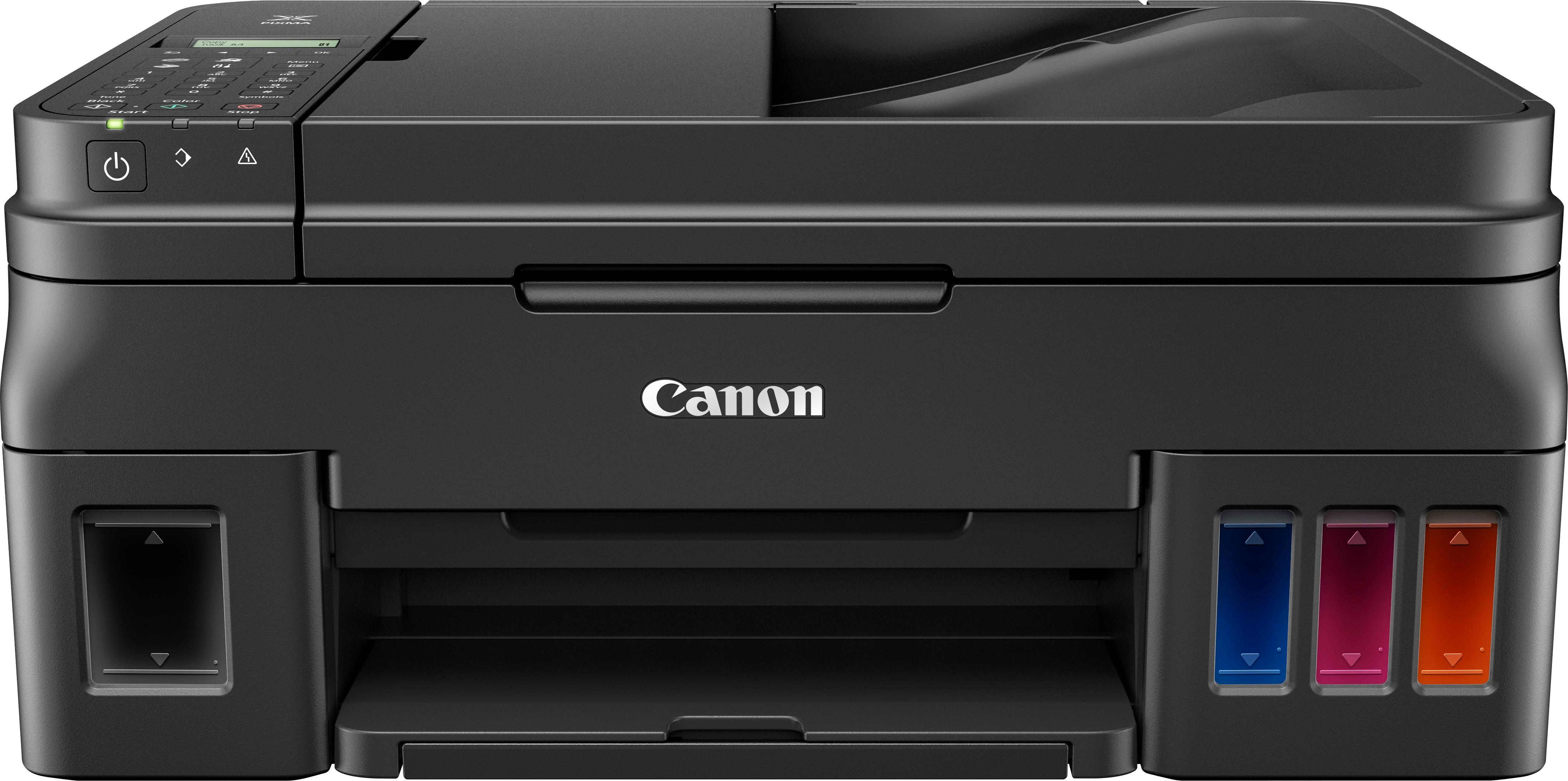


- Model:
- 1515C002
- |
- SKU:
- 5872301
Customer reviews
Rating 4 out of 5 stars with 46 reviews
(46 customer reviews)to a friend
Customers are saying
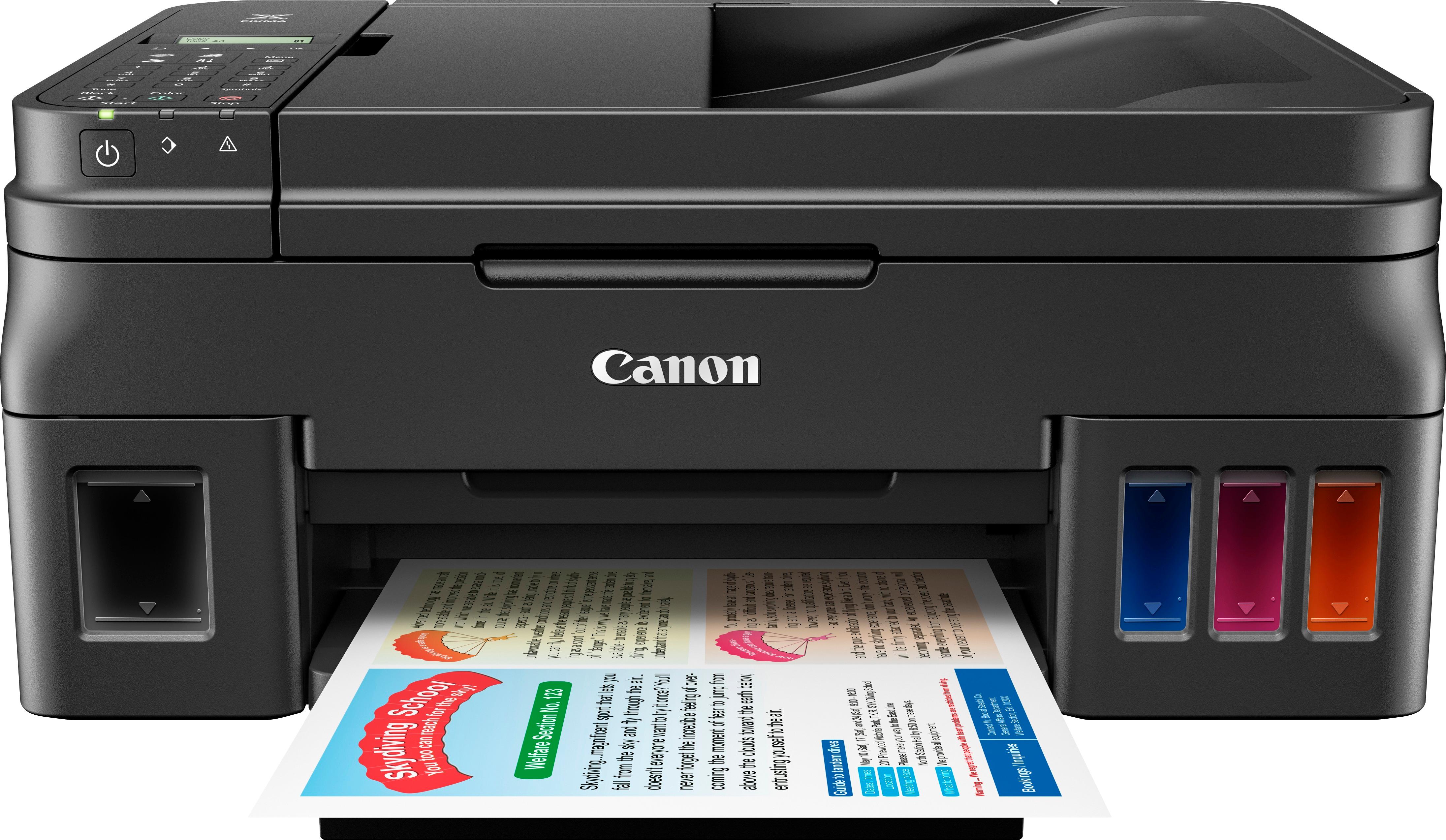
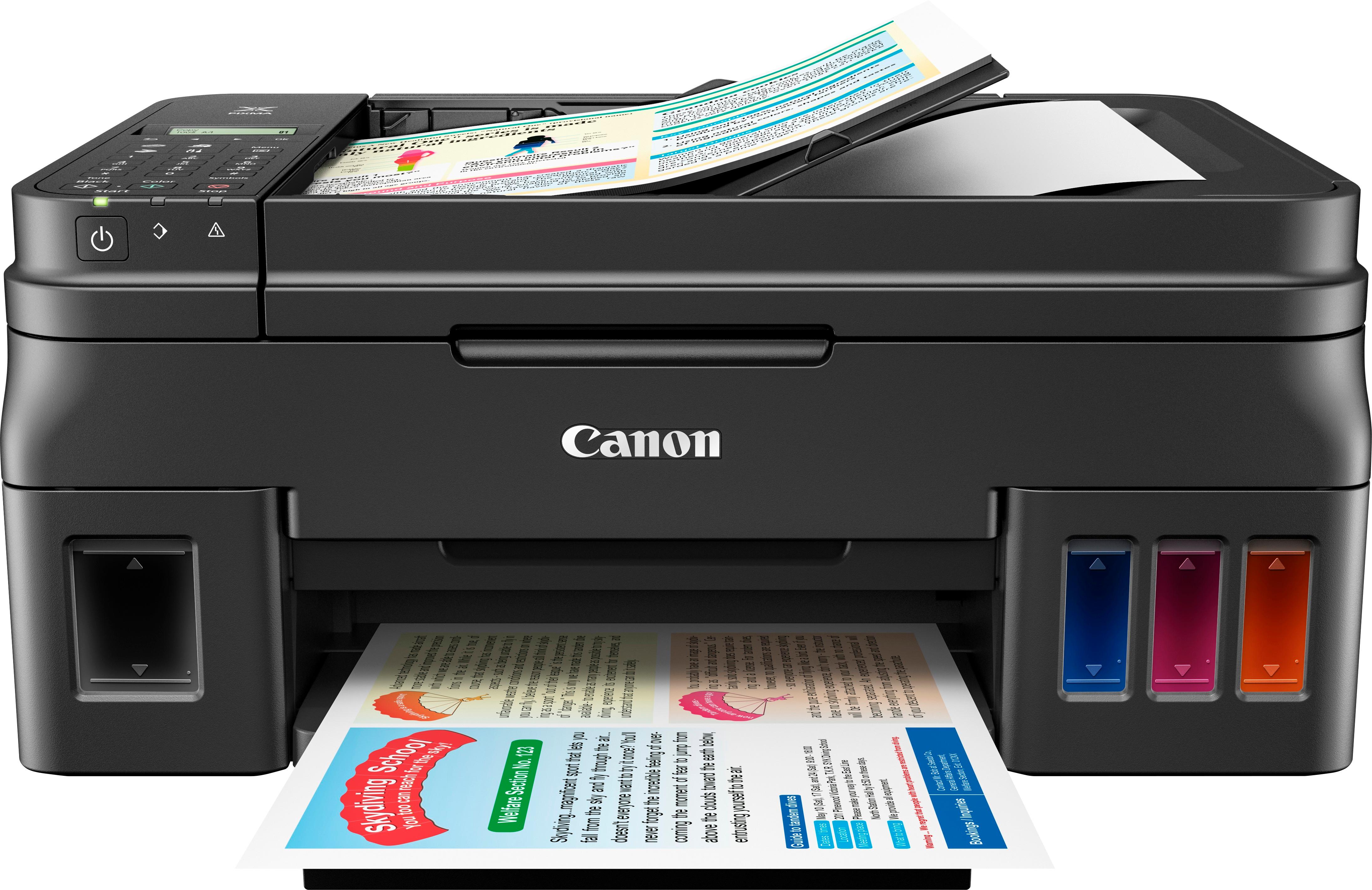
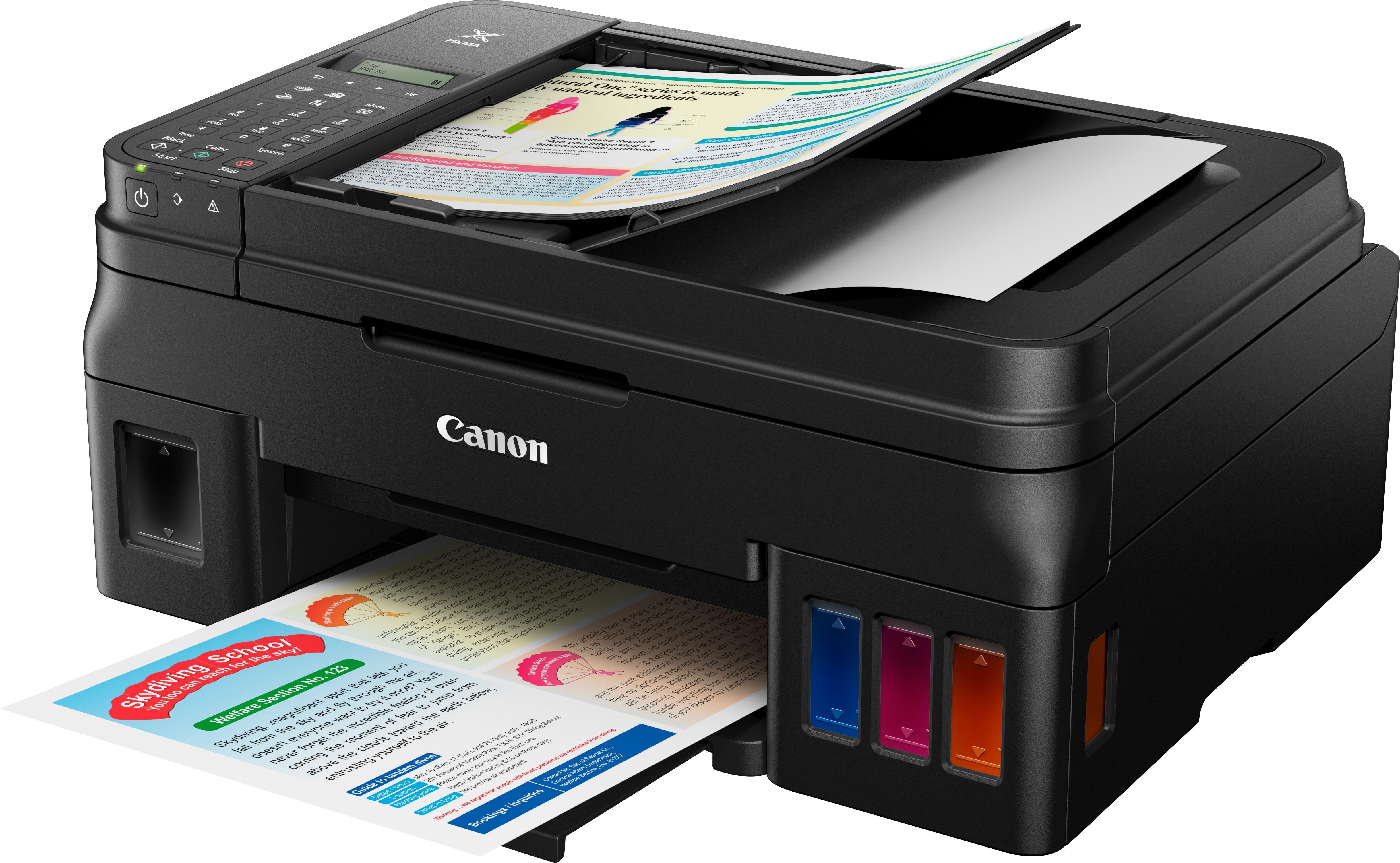
Customers are satisfied with the print quality and ease of use of the PIXMA G4200 Wireless All-In-One Printer. The wireless functionality is also a plus for users with multiple devices. However, some customers have reported issues with the printer's reliability.
This summary was generated by AI based on customer reviews.
- Pros mentioned:Ease of use, Print quality, Wireless
Rated 5 out of 5 stars
Easy Setup!
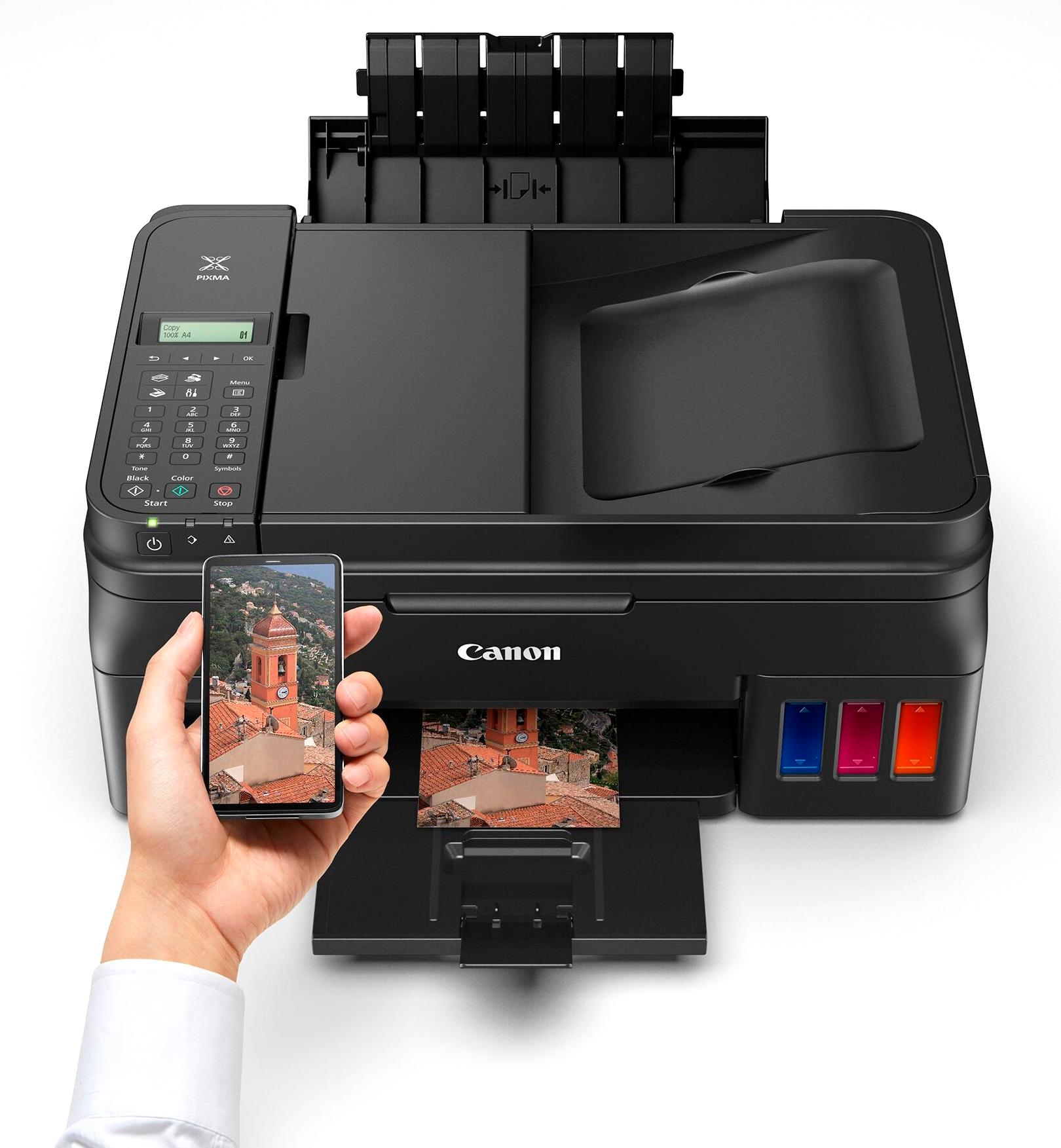
||Posted .This reviewer received promo considerations or sweepstakes entry for writing a review.I bought this printer today for a business. I setup the printer and loaded the ink which was really easy to do. The print heads that look like cartridges are easy to install and keyed so you can't put them in the wrong slots. The wireless function does require a computer or a smartphone to set it up. Setting it up through the tiny screen should be possible, but it isn't. I think this decision was made because it would be a pain to scroll through every menu item one row at a time. For the setup I chose to use my smartphone. I downloaded the Canon PRINT application, found my canon printer, and connected it to my network. Done! It was much faster than when I've had printers in the past and had to manually press the numbers to get the right text character or use the tiny touch screen that most of the time doesn't put the right character in and you want to snap off the screen. I don't know why a lot of other reviewers were having difficulty. Maybe they didn't read the small easy to follow direction manual? Or maybe they just ignored the screen on the printer that told them to read the getting started manual which had software names, QRL's to the right software, URL's to the software, an included CD, or are too lazy to read. Yes, setting up wireless was different than some competitors, but in my opinion it was for the better! When setting this printer up for the first time be aware it will be LOUD! This is due to the ink being pumped into the print heads for the first time. It is about as loud as a conversation, so make sure nobody is on the phone around you. Unless you don't like them of course! For more advanced settings when working with this printer, the admin password is by default your Serial number. On this printer it is in the lower back section of the printer. Pro Tip: Take a picture with your smartphone of it. There is also a quiet print feature which keeps the printer quiet while printing. Perfect for where I set the machine up. Some other features are secure print which requires an encryption key generated from the printer and it also features cloud printing from providers such as Google Print. I downloaded the PC software off Canon's website which I must say is nice. The installer is a small file about 16 megs, it then downloads the software you choose to use. It does not force you to register or try to pollute your computer full of bloatware like some competitors do. I had a pleasant driver install for a printer for once! When doing test pages, the print quality was pretty good and also plenty fast. This is even on the quiet print mode. Needless to say I'll be buying another one for home. There is no Ethernet NIC on this printer. You will need to either use USB or wifi connection. You can print securely over wifi if you setup the secure print software. Be aware of this before you purchase if you require a hard Ethernet connection.
I would recommend this to a friend - Pros mentioned:Print quality
Rated 4 out of 5 stars
Slow but reliable adn intelligent printer
||Posted .This reviewer received promo considerations or sweepstakes entry for writing a review.After a series of printers that simply would not work well with Windows 10, the Canon Pixma has restored our confidence in printers. It isn't fast, and it does not automatically duplex (it does walk you through manual duplexing, which isn't too bad), but the scanner is great, the print quality is fine, and the large ink vats are economical. We're glad we bought it.
I would recommend this to a friend - Pros mentioned:Print quality
Rated 5 out of 5 stars
Simple...Works
||Posted .This reviewer received promo considerations or sweepstakes entry for writing a review.In my limited experience with printers, I know this one thing----it's the ink that matters. Cheaper printers will cost you more in ink over time; and depending on your needs this can be very expensive. I bought this for it's inking features and will need more time to fully comment on this feature as well. But as of now, the way it is setup and the idea that is presented in it's selling points it looks like it will be great.. Overall, this printer is very easy to setup and install. The amount of features (apps especially) may seem overwhelming but easy to figure out as it is used more and more. It's ability to connect with every device, and automatically scan documents to my cloud based service is nice. Printing quality is very good. I have not done printed color photos on Photo quality paper to fully comment on this feature.
I would recommend this to a friend Rated 5 out of 5 stars
Great printer
||Posted .This reviewer received promo considerations or sweepstakes entry for writing a review.I really like this printer, it was not to hard to set up. USB to my router, with hardwired computer and a Wi-Fi laptop accessing it. Sharing the printer is working great. I am not having much success at getting our I Phones to work with the printer, but that is not really needed, just might be nice to have. Really like the Ink Tanks. They will be a great cost savings over the HP ink cartridges I was buying way to often. Instructions could be better.
I would recommend this to a friend- Pros mentioned:Print quality
Rated 2 out of 5 stars
Print quality is GOOD - - - but FRUSTRATING to use
||Posted .This reviewer received promo considerations or sweepstakes entry for writing a review.I purchased the Canon G4200 for a couple reasons: 1.) I was interested to try a new "ink tank" style printer 2.) Generally positive reviews have been submitted for this specific printer After 4 months with the printer, I can say that the print quality is excellent. Any fears that I might have had about the ink storage method, quickly melted away. Unfortunately, this printer is difficult to use. The teeny tiny info screen is a throwback to my first Casio digital watch from over 35 years ago. The screen is so small and dark, it is almost unusable. I have had significant connectivity issues as well. For unclear reasons, it will disconnect itself from my network - - - only to return when I completely delete it and go through the entire (painful) re-installation process. Finally, the clunky Canon software requires far too many awkward steps in order to scan a simple document to PDF format. Of these features, the screen in my mind is the deal-breaker. Wish I had considered this more seriously. Like a good son, I help my mother with her electronics. She needed a new printer and today I passed over the Canon devices and purchased another brand for her. Just couldn't make her aging eyes suffer with the poor info screen.
No, I would not recommend this to a friend - Pros mentioned:Print quality
Rated 5 out of 5 stars
Great product.
||Posted .This reviewer received promo considerations or sweepstakes entry for writing a review.This is a great printer. However, the WiFi function did not work, had to call technical support, which is difficult to get to. However the person I talked to was very friendly in helping me trouble shoot the problem. It would be helpful to provide a hard copy of instructions with the product. It was difficult to set up. I do like the printing function of the prints and the quality is execlent.
I would recommend this to a friend - Pros mentioned:Print quality
Rated 4 out of 5 stars
Good but not great
||Posted .This reviewer received promo considerations or sweepstakes entry for writing a review.This printer does a great job on text. It is nice not having to buy ink cartridges all the time. Wi-Fi connection works well. My printer and router are in my office downstairs. My wife's office is upstairs. No problems connecting to the printer. Photo printing is just so-so. My previous Canon printer was great on photos. If you mostly print text, this is a very good printer. If you plan to print lots of photos, look for something better.
I would recommend this to a friend - Pros mentioned:Ease of use
Rated 5 out of 5 stars
Highly recommend
||Posted .This reviewer received promo considerations or sweepstakes entry for writing a review.Easy to use printer, now I can print with confidence and not worrying about ink running out.
I would recommend this to a friend - Pros mentioned:Ease of use, Print quality
Rated 5 out of 5 stars
Great upgrade
||Posted .This reviewer received promo considerations or sweepstakes entry for writing a review.This printer is relatively fast and easy to use, and images are of very good quality. I haven’t had it long enough to comment on the longevity of the ink, but I like using the bottles and so far the ink is lasting. I was able to buy this printer on sale, so it seems a good value for the price I paid.
I would recommend this to a friend - Pros mentioned:Print quality
Rated 4 out of 5 stars
Mega Ink
||Posted .This reviewer received promo considerations or sweepstakes entry for writing a review.This is a great printer! You purchase bottles of ink that are reasonably priced and last a really long time. The printer works great but it is pretty slow. It is not a cheap printer so expected it to be faster than it is. My old Canon was about 5 years old and an ink guzzler so am very happy not have to buy ink so often. I don't use color very often so speed doesn't really matter to me.
I would recommend this to a friend - Pros mentioned:Print quality
Rated 4 out of 5 stars
where have you been my whole life
||Posted .This reviewer received promo considerations or sweepstakes entry for writing a review.I have gone thru every laser printer from every manufacturer, and they either cost a fortune in ink, or they break way too easy. Decided to go inkjet with the tank, and wow, I have now had this for over a month and have hardly used any ink. It works every time, with little to no effort. only bad thing is no light up menu and it certainly could be bigger to make it easier to read.
I would recommend this to a friend Rated 5 out of 5 stars
Cannon Printer G4200 great printer
||Posted .This reviewer received promo considerations or sweepstakes entry for writing a review.This Cannon printer will serve nicely for our grand-son's. This will support their school for time to come.The volume on the ink cartridges should do great.
I would recommend this to a friend- Pros mentioned:Print quality
Rated 5 out of 5 stars
Fantastic Deal!
||Posted .This reviewer received promo considerations or sweepstakes entry for writing a review.Nice printer and scanner. By the time, and it will be a long time, that you use the ink that's included, the printer will have paid for itself. The cartridges for other printers with as much ink as comes with the printer would cost more than this printer. After that, you buy new bottles of ink, and then you'll be printing for about one cent worth of ink per page. The scanner works great, too. I found it easier to use the built in WIndows 10 scanning software than the Canon software. Just go into Devices & Printers, and right click on the icon for this printer, and then click on scan.
I would recommend this to a friend - Pros mentioned:Print quality
Rated 3 out of 5 stars
Best Feature is Large Ink Tanks - Cheaper to use.
||Posted .This reviewer received promo considerations or sweepstakes entry for writing a review.The only two good things about this printer are the large ink tanks (much cheaper) and Canon's customer support. The menu on the printer is very hard to read. I had a terrible time getting it PDF documents. I kept getting an error message saying the printer wasn't connected to the Mac with either a USB cable or wifi and it was. Canon's software is loaded with unnecessary programs and the manual is impossible to use. Canon's customer support was great in helping me sort out various issues. Print quality is satisfactory.
I would recommend this to a friend - Pros mentioned:Ease of use, Print quality
Rated 5 out of 5 stars
Great printer
||Posted .This reviewer received promo considerations or sweepstakes entry for writing a review.Easy set up. Been printing several pages each day for the past month. Good quality prints even for photos. I k will be cheap compared to my old HP printer.
I would recommend this to a friend Rated 4 out of 5 stars
Great until it worked
||Posted . Owned for 5 months when reviewed.This reviewer received promo considerations or sweepstakes entry for writing a review.Not sure if I didn't use it enough, but it clogged completely. Thankfully I had the extended best buy warranty and was able to exchange it. But it worked great until it didn't
No, I would not recommend this to a friend- Pros mentioned:Print quality
Rated 5 out of 5 stars
Love it
||Posted .This reviewer received promo considerations or sweepstakes entry for writing a review.was able to set it up easily, both the ink and the wireless prints with regular paper and cardstock great, also used it for scanning some documents - it is slightly slow, but I'm using it for home and not for business printed out a few photos, and those came out nice the program that comes with the printer, canon - is fine to use - nothing exceptional, but so far was able to tweak and use as I want it I know I'm using my printer more knowing that the refill ink is relatively cheap, which is what I wanted!
I would recommend this to a friend Rated 5 out of 5 stars
Excellent machine
||Posted .This reviewer received promo considerations or sweepstakes entry for writing a review.If you need a printer I really recommend everybody to take this one
I would recommend this to a friend- Pros mentioned:Print quality
Rated 5 out of 5 stars
Great printer, easy ink refill
||Posted .This reviewer received promo considerations or sweepstakes entry for writing a review.My old HP stopped working since Windows 10 upgrade, so I decided to upgrade to one with more economical ink options. I was worried that refilling the ink would be messy and not worth the cost savings, I was relieved I didn't spill a drop filling the tanks and am confident the refillable tanks were the way to go.
I would recommend this to a friend - Pros mentioned:Print quality
Rated 3 out of 5 stars
Ink saver but technologically behind
||Posted .This reviewer received promo considerations or sweepstakes entry for writing a review.This printer is fine for my needs and I love that it is very easy on the ink. However, I find it cumbersome technologically and non-intuitive. Sometimes quirky as well.
I would recommend this to a friend



















