Customer Ratings & Reviews
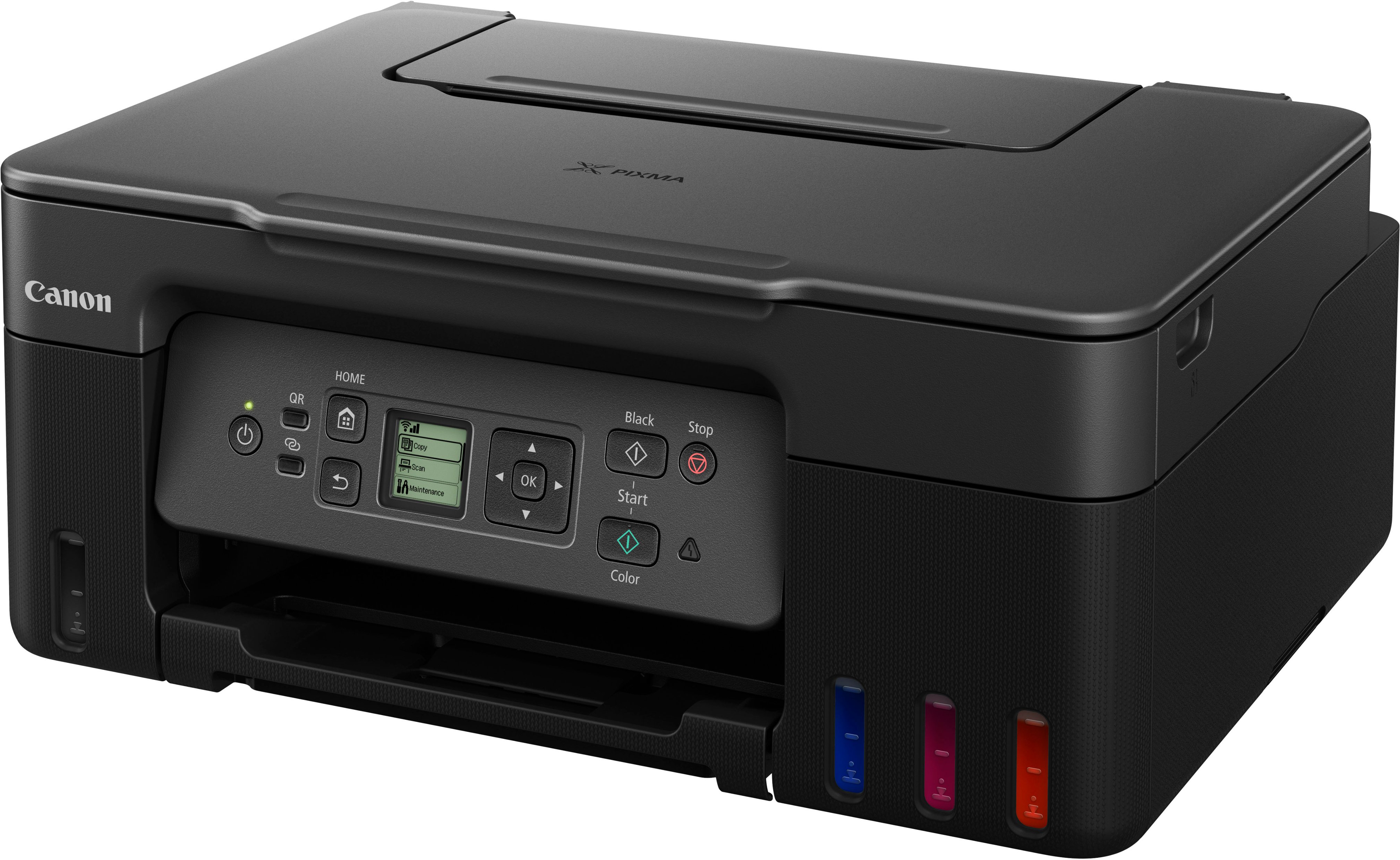
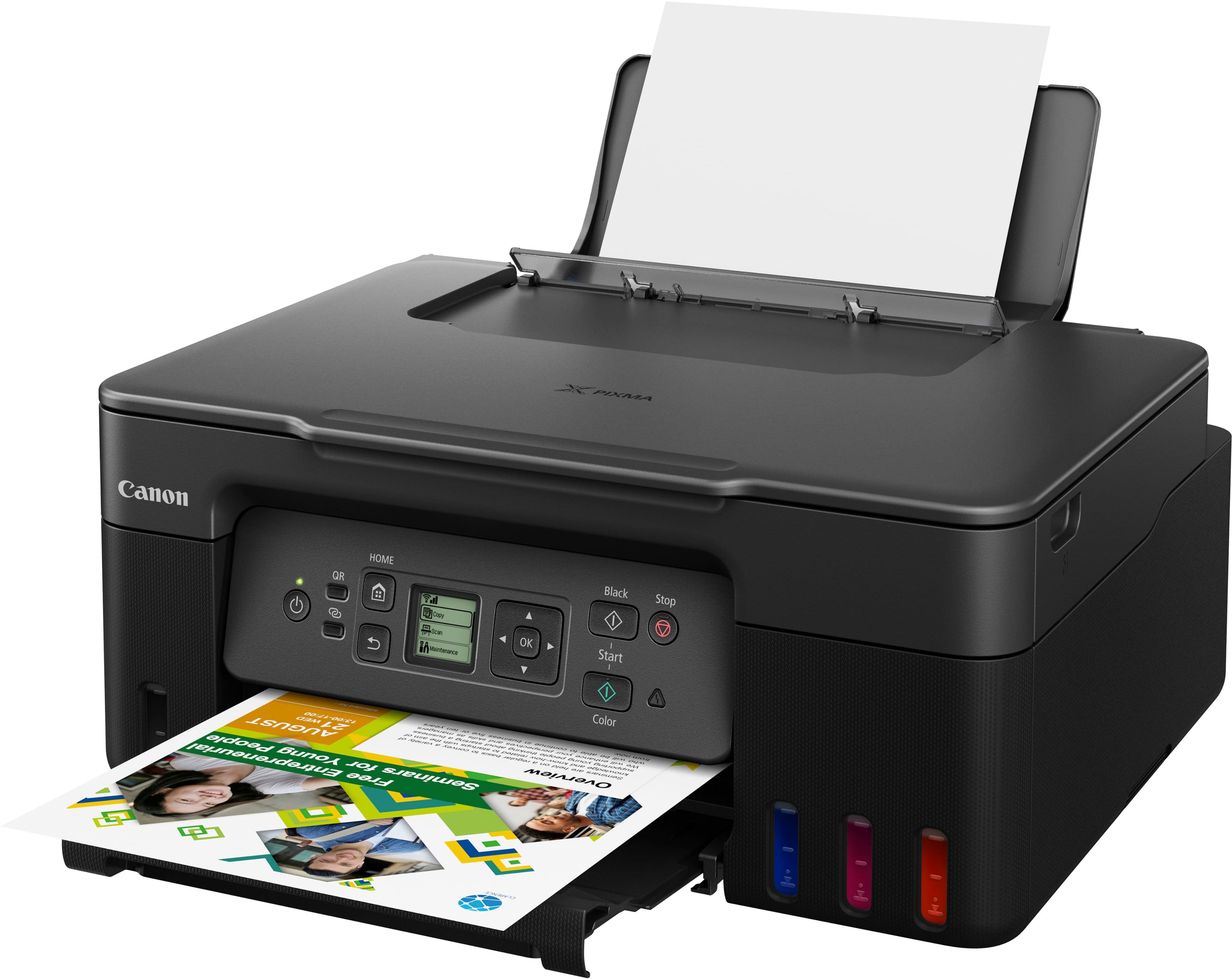
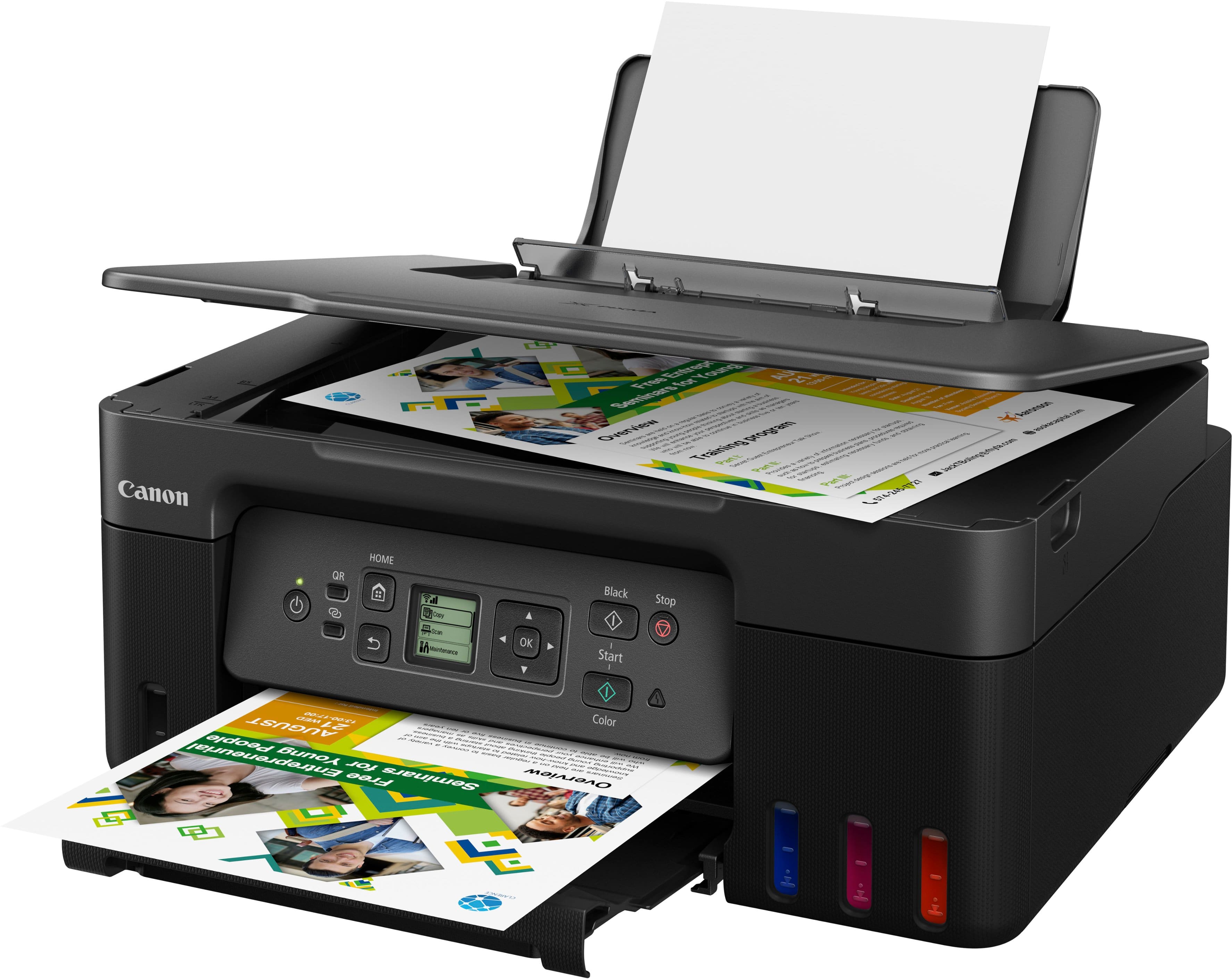
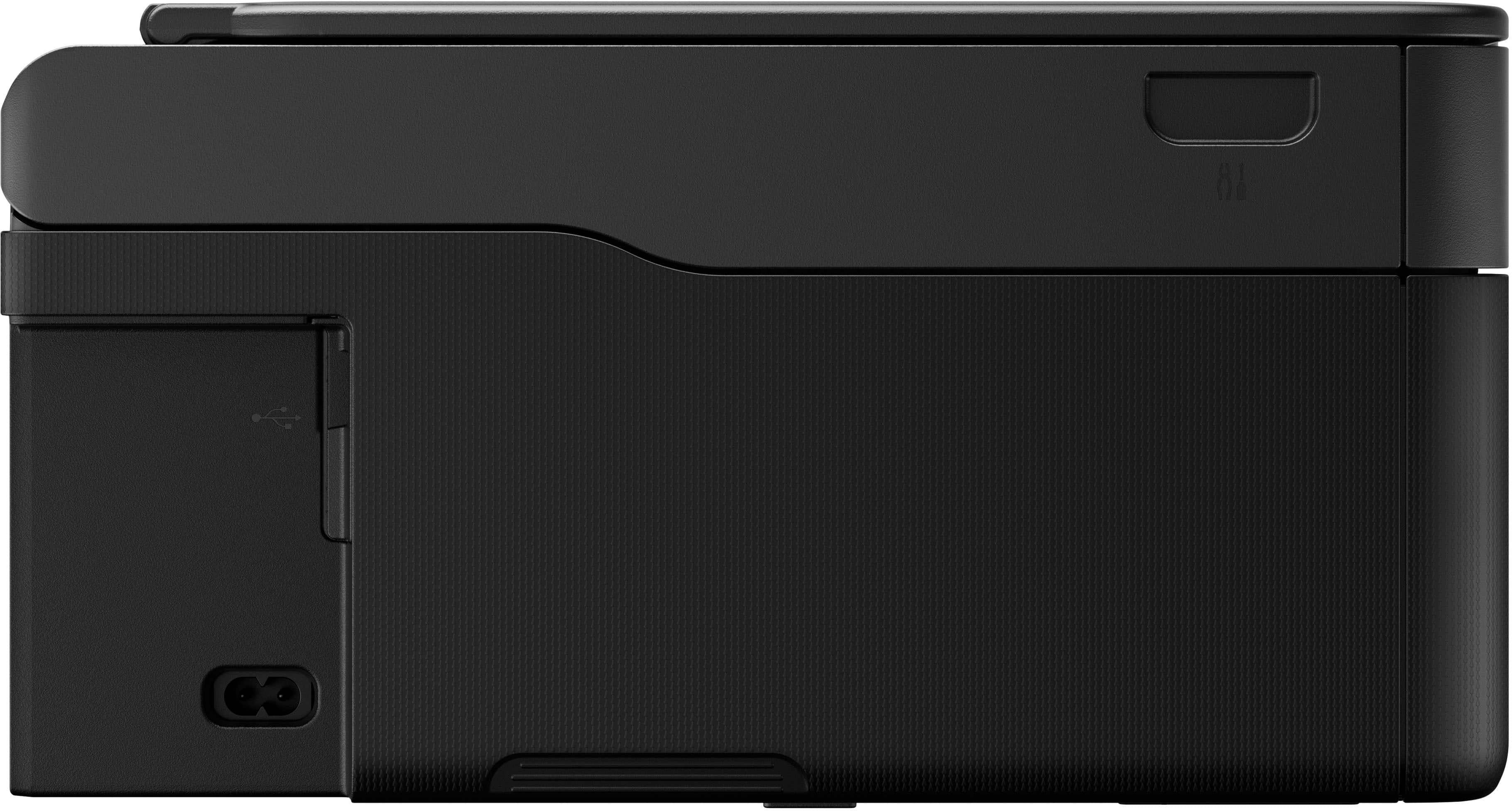

- Model:
- 5805C002
- |
- SKU:
- 12225020
Customer reviews
Rating 4.4 out of 5 stars with 392 reviews
(392 customer reviews)Rating by feature
- Value4.5
Rating 4.5 out of 5 stars
- Quality4.4
Rating 4.4 out of 5 stars
- Ease of Use4.4
Rating 4.4 out of 5 stars
Rated 4 out of 5 stars
It's solid.
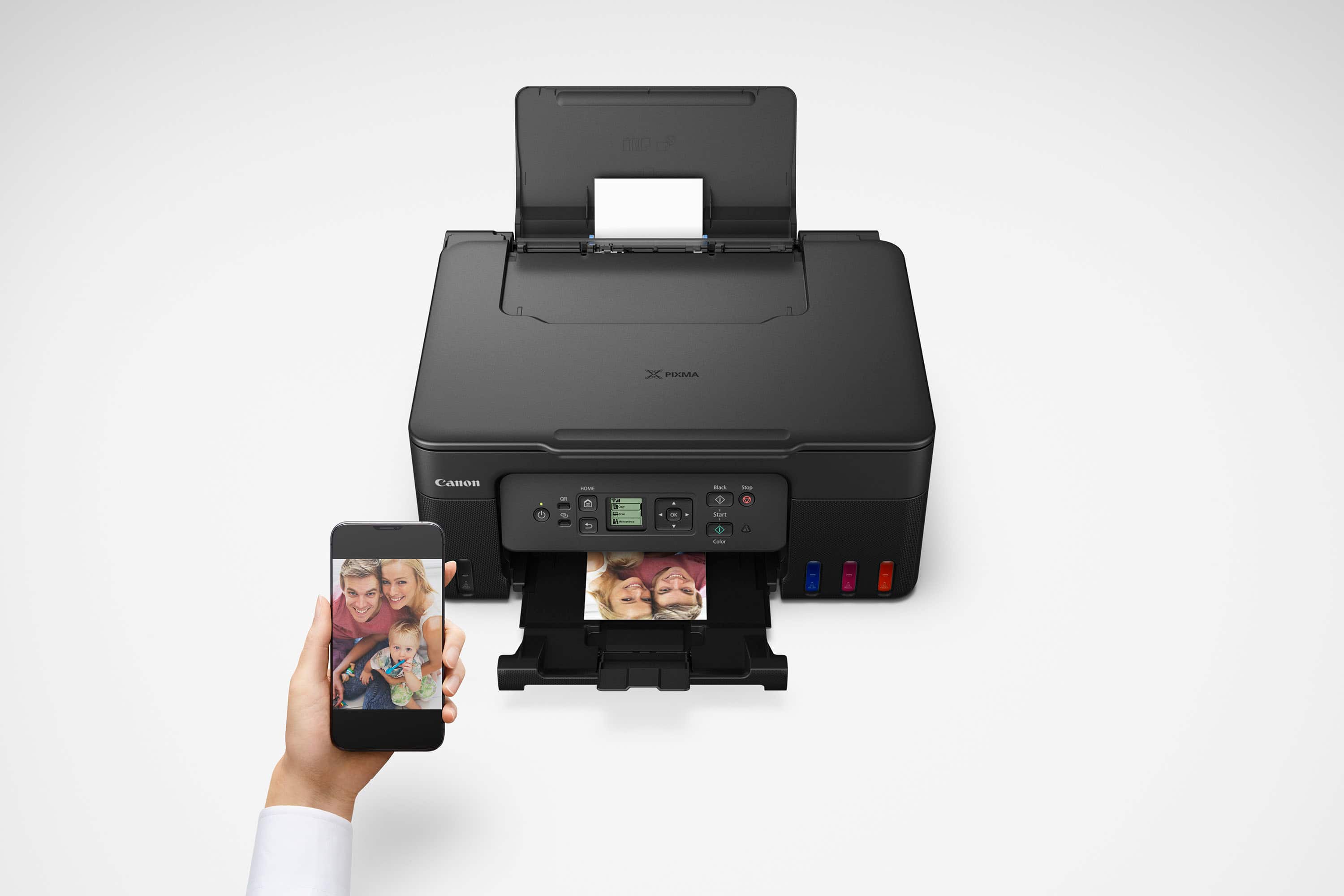
||Posted . Owned for 1 month when reviewed.This reviewer received promo considerations or sweepstakes entry for writing a review.This is a solid printer. Good on Best Buy because it was delivered undamaged and on time. The quantity with which this can print for each bottle of ink is thousands of pages, so this is a great pick for students, this is coming from a nursing student. A nursing student who prints an obscene amount of skills sheets and assessments by the way. Heads up, you'll find the best instructions to set up this printer and everything on youtube. Oh and this is pretty good at printing pictures, put on the border setting-trust me on that. It's good for printing pictures on a budget, but I mainly use it to print out documents. Overall, I don't regret my purchase:)
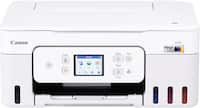
This review is from Canon - PIXMA Megatank G3270 Wireless All-In-One Supertank Inkjet Printer - Black
I would recommend this to a friend- Pros mentioned:Connectivity, Overall performance, Setup
Rated 5 out of 5 stars
Canon Printer
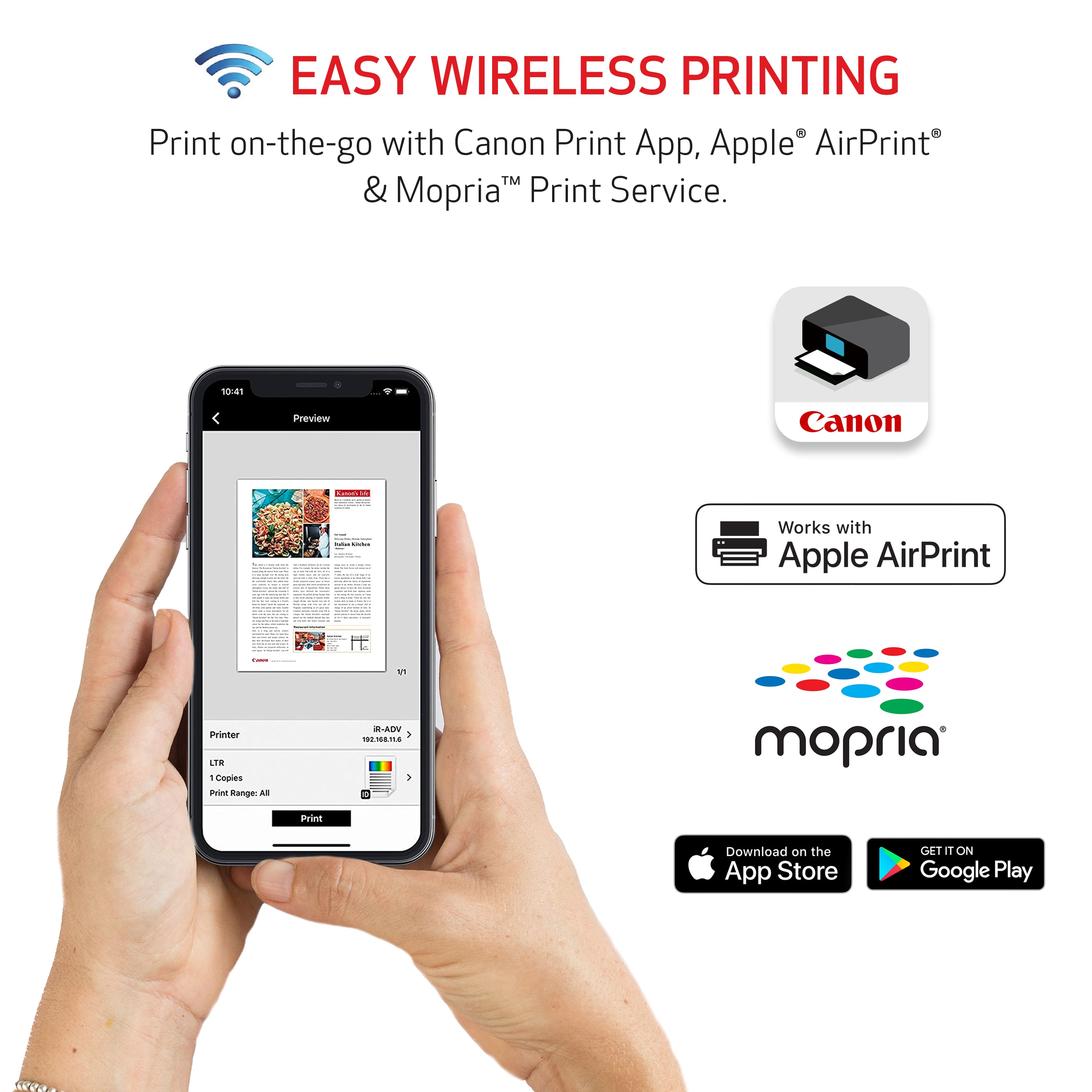
||Posted . Owned for 3 weeks when reviewed.This reviewer received promo considerations or sweepstakes entry for writing a review.The canon printer was easy to set up. It prints from any device with the canon app. Works and prints very well.
This review is from Canon - PIXMA Megatank G3270 Wireless All-In-One Supertank Inkjet Printer - Black
I would recommend this to a friend - Pros mentioned:Connectivity, Overall performance, Setup
Rated 5 out of 5 stars
Great printer
||Posted .This reviewer received promo considerations or sweepstakes entry for writing a review.The printer was easy to setup and works great. Connected to network automatically.
This review is from Canon - PIXMA Megatank G3270 Wireless All-In-One Supertank Inkjet Printer - White
I would recommend this to a friend - Pros mentioned:Ease of use, Print quality
Rated 5 out of 5 stars
BEST PRINTER EVER
||Posted .This reviewer received promo considerations or sweepstakes entry for writing a review.BEST PRINTER I HAVE EVER OWENED DOES EVERYTHING THAT ADVERTISED GREAT COLORS AND EASY TO USE
This review is from Canon - PIXMA Megatank G3270 Wireless All-In-One Supertank Inkjet Printer - Black
I would recommend this to a friend - Pros mentioned:Ease of use, Print quality
Rated 5 out of 5 stars
great printer!
||Posted .This reviewer received promo considerations or sweepstakes entry for writing a review.great printer;easy to use and love the ink well idea instead of cartridges for ink
This review is from Canon - PIXMA Megatank G3270 Wireless All-In-One Supertank Inkjet Printer - Black
I would recommend this to a friend - Pros mentioned:Print quality
Rated 4 out of 5 stars
Great replacement
||Posted .This reviewer received promo considerations or sweepstakes entry for writing a review.I have had this printer a couple of weeks now and have been very pleased. It is a replacement for an HP inkjet that is expensive to fill and has periodic issues. The Canon was easy to fill and I look forward to less expensive ink restocking. I have used it for copying and printing. It handled card stock well. I don’t need high quality printing so can’t make judgement call on that topic. I shorted one star because of a little confusion on set up. It seemed like I need to download a Canon app. As it turned out I just needed to link it to my home network. Have not used the app.
This review is from Canon - PIXMA Megatank G3270 Wireless All-In-One Supertank Inkjet Printer - Black
I would recommend this to a friend - Pros mentioned:Ease of use, Print quality
Rated 4 out of 5 stars
Good basic printer
||Posted . Owned for 1 month when reviewed.This reviewer received promo considerations or sweepstakes entry for writing a review.Setup was relatively easy and printer operates as expected. Print quality is satisfactory.
This review is from Canon - PIXMA Megatank G3270 Wireless All-In-One Supertank Inkjet Printer - Black
I would recommend this to a friend - Pros mentioned:Overall performance, Print quality
Rated 4 out of 5 stars
Excellent for Home projects!
||Posted . Owned for 2 weeks when reviewed.This reviewer received promo considerations or sweepstakes entry for writing a review.Very useful printer, speed is acceptable for home use and the ink supply goes a long way.
This review is from Canon - PIXMA Megatank G3270 Wireless All-In-One Supertank Inkjet Printer - Black
I would recommend this to a friend - Pros mentioned:Print quality
Rated 4 out of 5 stars
Good printer
||Posted .This reviewer received promo considerations or sweepstakes entry for writing a review.I have had some issues with connection on it. You need to download an app for mobile connections, it says you can use a QR code but that didn't work. It prints on multiple types of paper cleanly and scans, putting in the ink was easy.
This review is from Canon - PIXMA Megatank G3270 Wireless All-In-One Supertank Inkjet Printer - Black
I would recommend this to a friend - Pros mentioned:Print quality
Rated 4 out of 5 stars
Excellent Printer
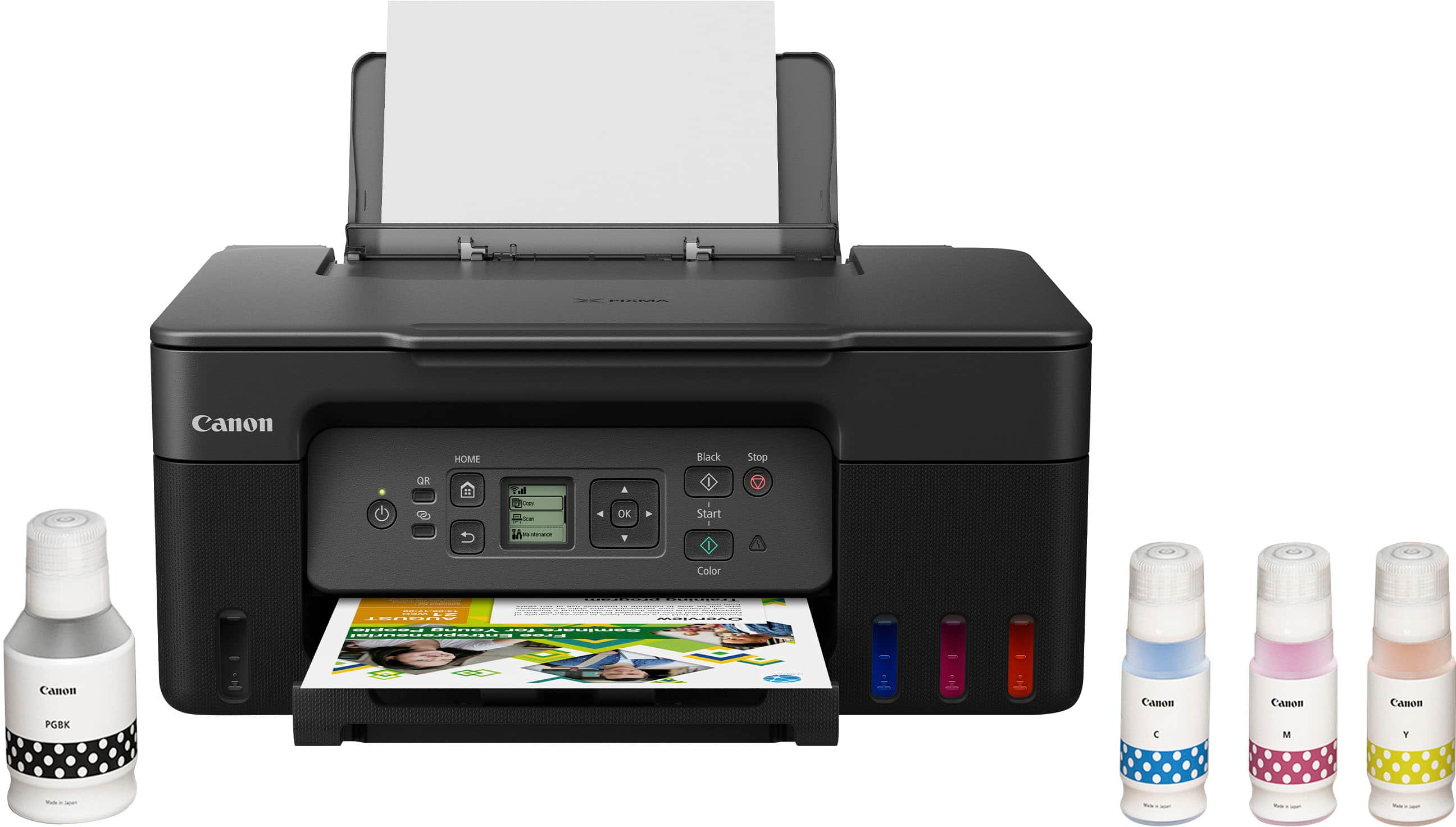
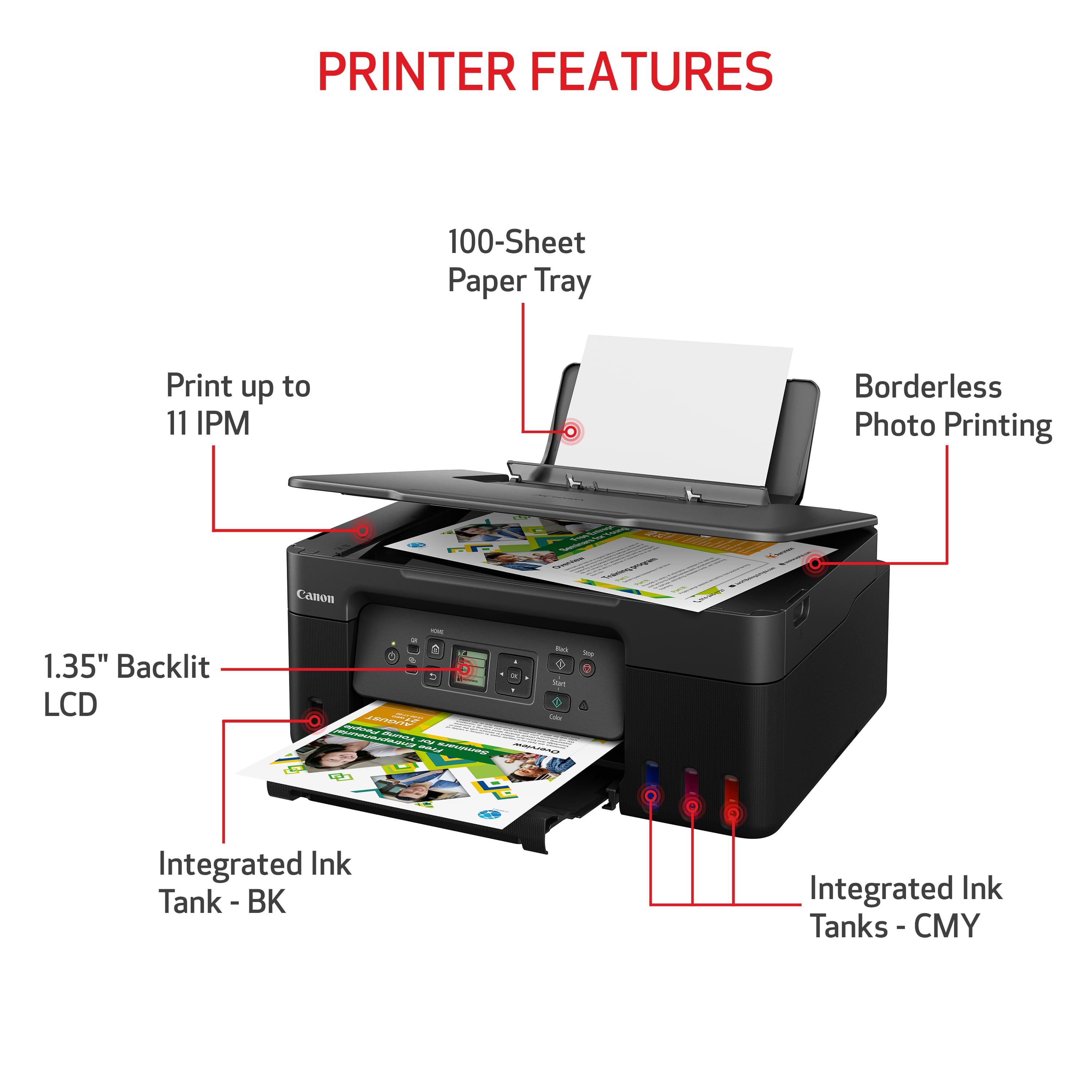
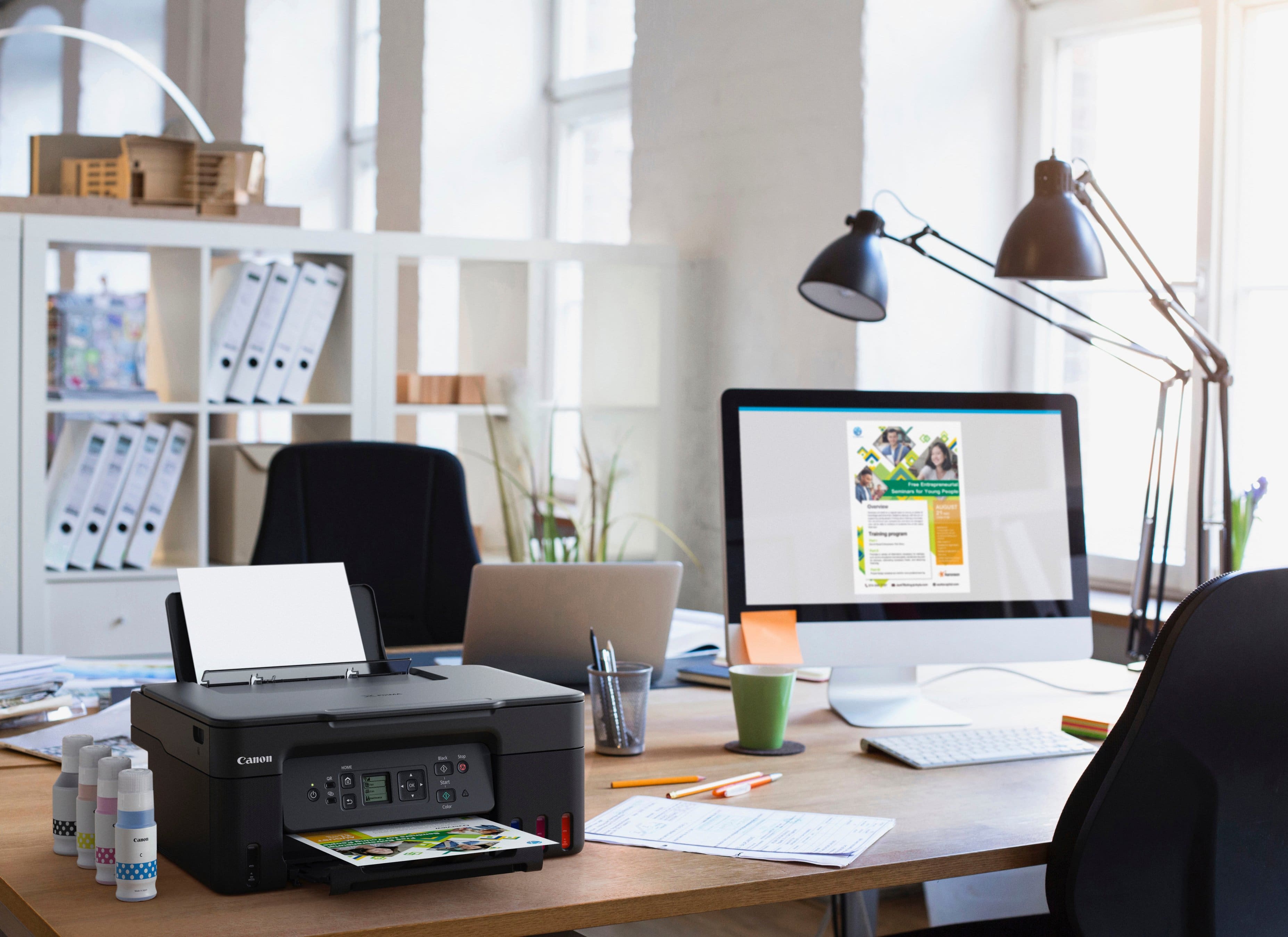
||Posted . Owned for 3 weeks when reviewed.This reviewer received promo considerations or sweepstakes entry for writing a review.This G3270 replaces a G6020 that quit black printing when I refilled all inks. This review compares G3270 to G6020. The G3270 cost less. But lacks FAX ability, which I had never used with the 6020. The backlit 1" square screen should be an improvement over the larger LCD. But the display text is too tiny. The 6020 display angle could be adjusted up and down. But that didn't help much. The 3270 can't be adjusted. It might help if it could be adjusted left and right. I have the printer on a large desk, to the left of the large monitor. I sit in front of the monitor. So I'm looking sideways at the printer display. Actually, I lean way over to see the display. If I had a shelf above the monitor, the printer would be closer and in line with my eyesight. Even then it would be a strain to easily see the text. Fortunately, the printer has been trouble-free so I haven't needed the display. I haven't timed the printer. For me it is fast enough. The print quality is very good. It is difficult to determine which is the original when I make a copy. Speed and quality, to me, seem the same with this 3270 and the 6020. Ink refill use the same system. I really like the large capacity tanks. I'll never go back to a printer with cartridges. So far, I've only had one paper jam. And it was easy to fix. This is the first printer I've owned that has been top rear loading. The prior ones required loading into front cassette(s). After using this 3270 I much prefer the top rear loading. I can just glance at the printer and determine how much paper is left. Also the cassette system was more prone to paper jams. And more difficult to retrieve the jammed paper. For long documents, this 3270 top/rear loading makes reloading very easy without interrupting printing.
This review is from Canon - PIXMA Megatank G3270 Wireless All-In-One Supertank Inkjet Printer - Black
I would recommend this to a friend - Pros mentioned:Print quality
Rated 4 out of 5 stars
Canon PIXMA Megatank G3270 Printer
||Posted . Owned for 2 months when reviewed.This reviewer received promo considerations or sweepstakes entry for writing a review.I would have preferred to have set up instructions included with purchase but YouTube tutorial helped me through it. I have not used a lot but had no issues with printing I have done. Purchased the Supertank Printer hoping for less issues with ink cartridges.
This review is from Canon - PIXMA Megatank G3270 Wireless All-In-One Supertank Inkjet Printer - Black
I would recommend this to a friend - Pros mentioned:Connectivity
Rated 5 out of 5 stars
First "Tank" inkjet is a great buy.
||Posted .This reviewer received promo considerations or sweepstakes entry for writing a review.I first bought Canon in the early 2000s & have never been disappointed. I got an All in one in the early 2010s and after two...I needed a new printer. I decided the G3270 as my new choice. Being my first tank printer, it does have a few new cautionary points (Keep printer level, etc) I am satisfied. It is also the first Wi-Fi only printer, but it was easy to connect up.
This review is from Canon - PIXMA Megatank G3270 Wireless All-In-One Supertank Inkjet Printer - Black
I would recommend this to a friend - Pros mentioned:Ease of use, Print quality
Rated 4 out of 5 stars
My first printer and i love it
||Posted . Owned for 2 weeks when reviewed.This reviewer received promo considerations or sweepstakes entry for writing a review.This is my first time owning a printer and i can say it is easy to use and prints quality on paper. I also tried it with my wedding invitations and came out perfectly.
This review is from Canon - PIXMA Megatank G3270 Wireless All-In-One Supertank Inkjet Printer - Black
I would recommend this to a friend - Pros mentioned:Print quality
Rated 5 out of 5 stars
Recommend Cannon’s 3270
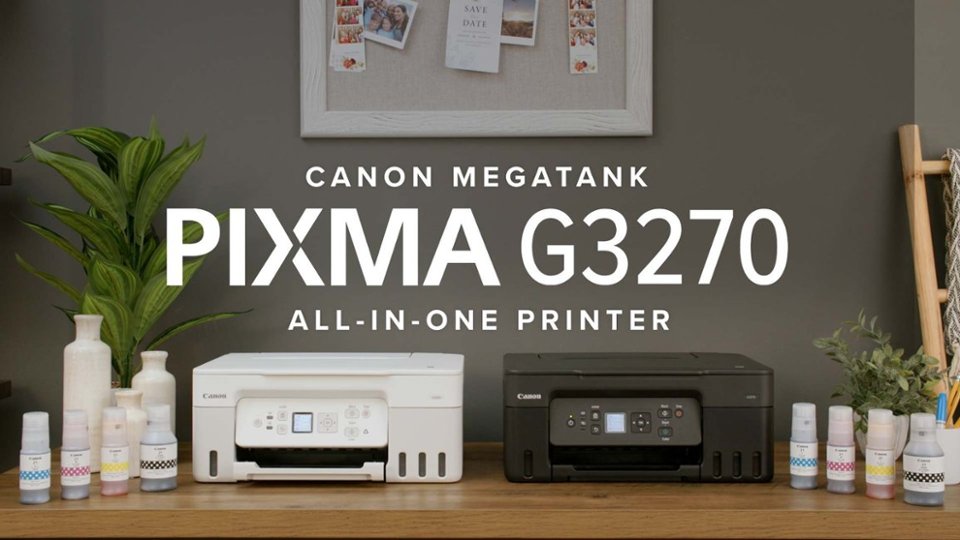
Posted .This reviewer received promo considerations or sweepstakes entry for writing a review.I’m very happy with this printer. Yes the screen is small, but it you set up using the Canon site or app, it’s very easy. Glad to be free of ink cartridges. Print quality is excellent so far, though I have yet to print photos. If the printer is on, I can command print from anywhere in my house - from my laptop, my iPad, or my phone. And it comes in white!
This review is from Canon - PIXMA Megatank G3270 Wireless All-In-One Supertank Inkjet Printer - White
I would recommend this to a friend - Pros mentioned:Ease of use, Print quality
Rated 5 out of 5 stars
Easy setup
||Posted .This reviewer received promo considerations or sweepstakes entry for writing a review.Easy setup nice quality, for daily needs of home office
This review is from Canon - PIXMA Megatank G3270 Wireless All-In-One Supertank Inkjet Printer - Black
I would recommend this to a friend - Pros mentioned:Connectivity, Print quality
Rated 5 out of 5 stars
Great for connectability.
||Posted . Owned for 2 weeks when reviewed.This reviewer received promo considerations or sweepstakes entry for writing a review.Best printer for connectabilty. Print quality is very good and the app works well.
This review is from Canon - PIXMA Megatank G3270 Wireless All-In-One Supertank Inkjet Printer - Black
I would recommend this to a friend - Pros mentioned:Print quality
Rated 5 out of 5 stars
Great printer
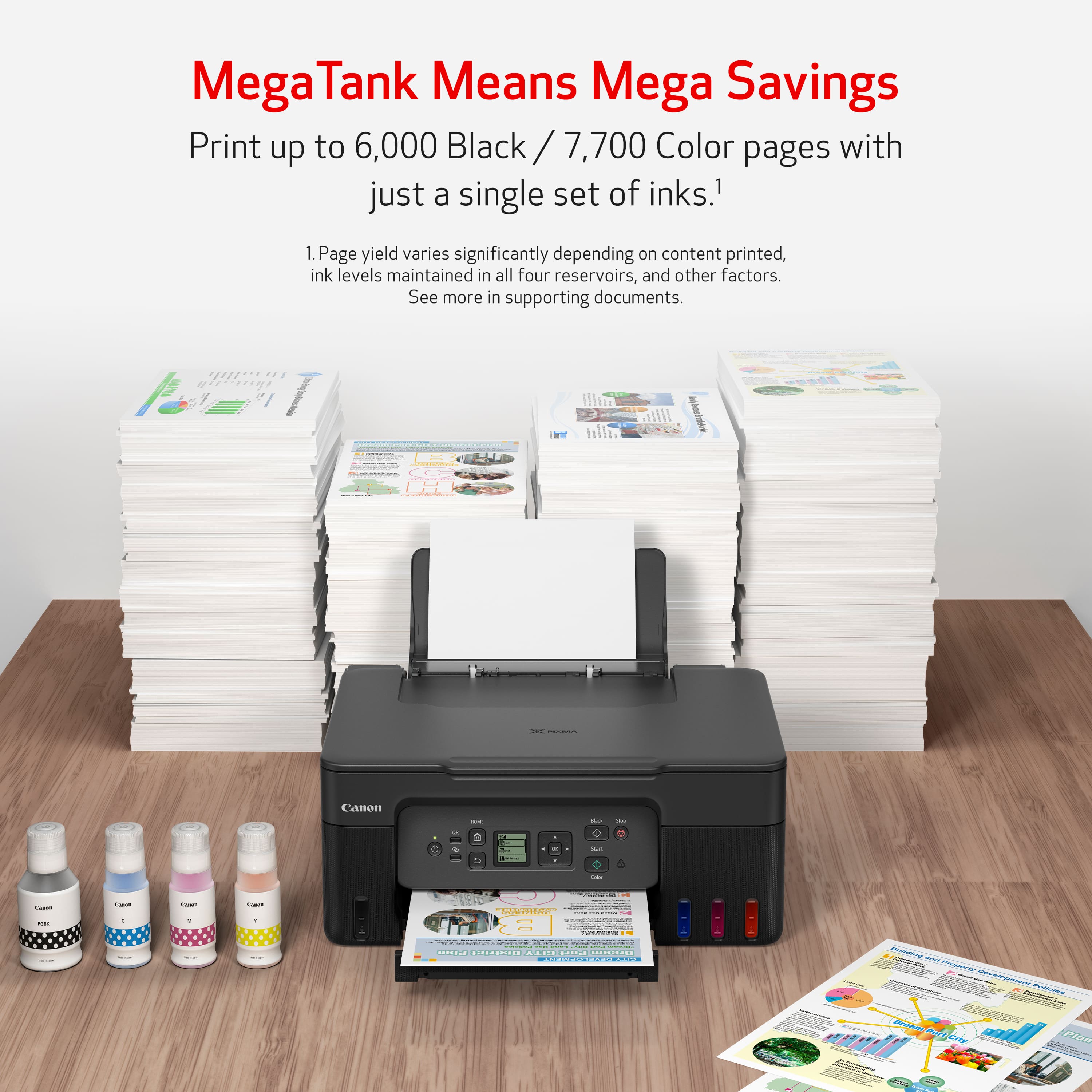
||Posted . Owned for 1 month when reviewed.This reviewer received promo considerations or sweepstakes entry for writing a review.Very economical. Printed out 53 pages of a manual and ink barely moved. Wish it had double sided but made the sacrifice since I missed the special lower prices.
This review is from Canon - PIXMA Megatank G3270 Wireless All-In-One Supertank Inkjet Printer - Black
I would recommend this to a friend - Pros mentioned:Print quality
Rated 5 out of 5 stars
Great for small business!
||Posted . Owned for 1 month when reviewed.This reviewer received promo considerations or sweepstakes entry for writing a review.This was exactly what I was looking for. I need a small business printer that works exactly for what we need. It prints quickly, looks great and has all of the ink included.
This review is from Canon - PIXMA Megatank G3270 Wireless All-In-One Supertank Inkjet Printer - Black
I would recommend this to a friend - Pros mentioned:Ease of use, Print quality
Rated 5 out of 5 stars
MegaTank is the way to go!
||Posted . Owned for 3 weeks when reviewed.This reviewer received promo considerations or sweepstakes entry for writing a review.I bought this printer to replace an older model Canon Pixma MegaTank. My previous model lasted 4 years. I do a lot of printing for children's classes and needed a printer that wouldn't run out of ink once a week. These tank printers are the way to go. I only purchased refill ink about once a year with my old one. Product is sturdy, easy to set up with wireless network and the print quality is excellent. I highly recommend this printer!
This review is from Canon - PIXMA Megatank G3270 Wireless All-In-One Supertank Inkjet Printer - Black
I would recommend this to a friend - Pros mentioned:Ease of use, Print quality
Rated 4 out of 5 stars
CANON -PIXMA MegaTank G3270 Wireless All-In-One
||Posted . Owned for 3 weeks when reviewed.This reviewer received promo considerations or sweepstakes entry for writing a review.I have not owned this printer long enough to give a 5 star rating. However, after my ancient Canon printer finally broke down, and a good deal of research, I finally opted for this model (with very helpful input from BEST BUY staff.). Love the fact that I am not spending a fortune on cartridges, the ease of operation, school, and quality of print (BLACK and WHITE and COLOR) is great! (Had GEEK SQUD install, and very glad I did.)
This review is from Canon - PIXMA Megatank G3270 Wireless All-In-One Supertank Inkjet Printer - White
I would recommend this to a friend
People also viewed
- $299.99$299.99The price was $323.00
- $179.99$179.99The price was $239.99
- $149.00$149.00The price was $215.00
- $229.99$229.99The price was $317.55
- $79.00$79.00The price was $140.00
- $115.99$115.99The price was $161.00
- $69.00$69.00The price was $107.00
- $149.99$149.99The price was $249.99
- $229.00$229.00The price was $323.00