Customer Ratings & Reviews
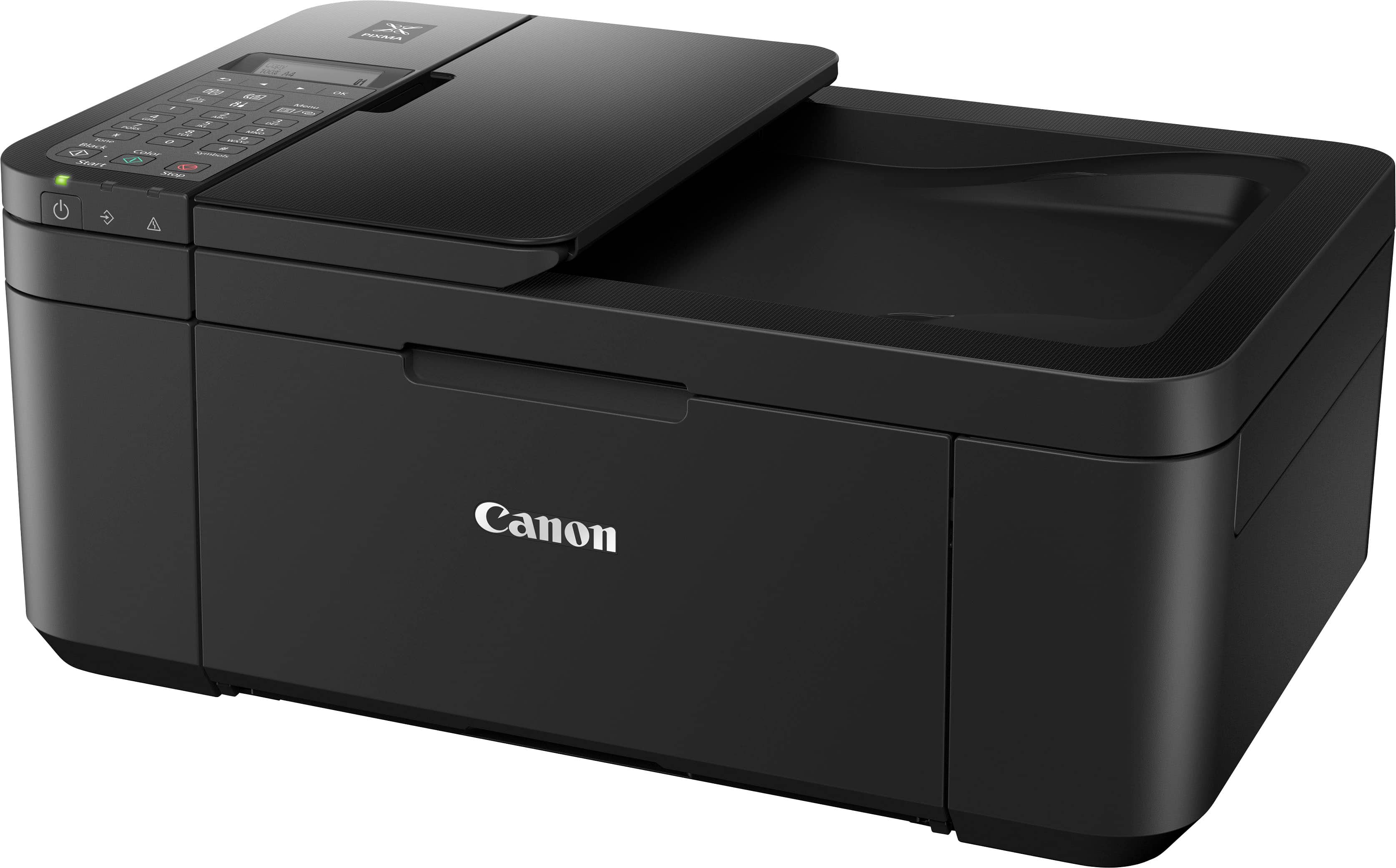
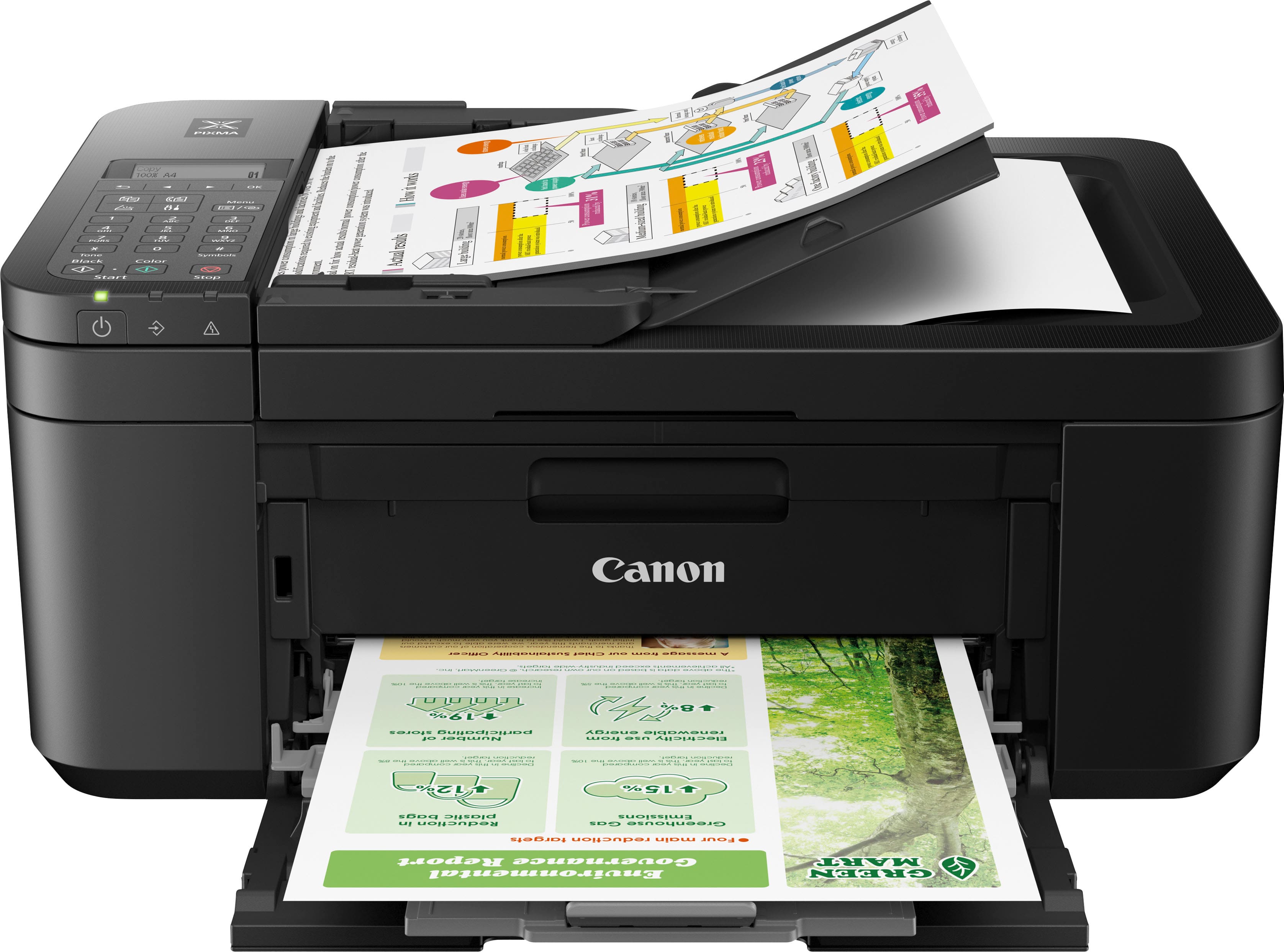

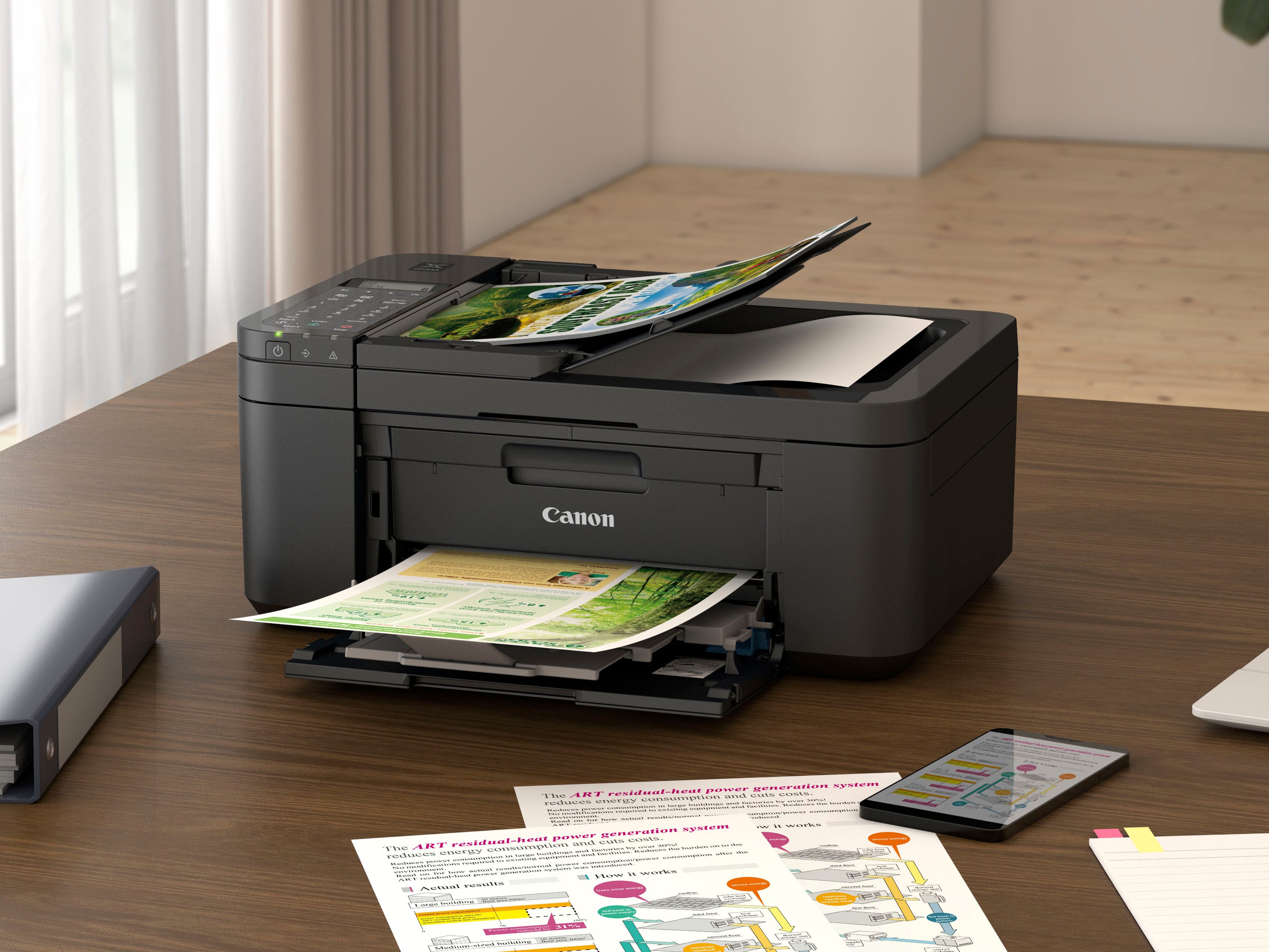

- Model:
- 5074C002
- |
- SKU:
- 12209800
Customer reviews
Rating 4.2 out of 5 stars with 3312 reviews
(3,312 customer reviews)Rating by feature
- Value4.4
Rating 4.4 out of 5 stars
- Quality4.2
Rating 4.2 out of 5 stars
- Ease of Use4.2
Rating 4.2 out of 5 stars
Rated 4 out of 5 stars
It's OK for an inexpensive occasional use printer
||Posted . Owned for 1 month when reviewed.This reviewer received promo considerations or sweepstakes entry for writing a review.Print quality is okay, but be advised that you get what you pay for. I needed a printer for occasional use. It was a disappointing step down from a Canon with separate ink cartridges, but my infrequent use couldn't justify the extra cost. This is as cheap as they come. As others have said, setup via the app was a bit frustrating, and I'm an IT professional by day. Canon has a full-service app, and a separate app that functions just as a driver interface on Android. After initial setup, installed just the driver app on my android. It allows the use of the built-in printing functions in Android and avoids the use of Canon's full Android app. Still, features were limited. No control over the print scale. By comparison, HP handles direct print from Android a bit better, or older models used to. To control print scale of an image (how big the image comes out on the page) you have to fake it out by choosing a smaller paper size. It's as if the default is to stretch to fit. There is no "100% scale" option. If I want to print a small image on a sheet of 8.5x11, I have to tell it that I have 4x5 or some other small paper loaded. If it is configured with 8.5x11, the image will stretch to fit. The specific example I'm referencing is printing an image, such as a shipping label or photograph. This is a ridiculous lack of functionality. I should be able to configure with 8.5x11 and set it to print the image true to size (no stretch to fit). Speaking of photos, you would not want to use this as a photo printer. It's just not good enough for that. Pros: inexpensive for an all-in-one with this many features, double-sided print capability, single cartridge convenience avoids the expensive print head failure that eventually happens on a higher-end Canon with separate tanks Cons: NOISY, somewhat slow if printing direct from phone (but that's a problem with all mobile printing), no image scale option, overall cheap plastic feel, more so than the average cheap printer.
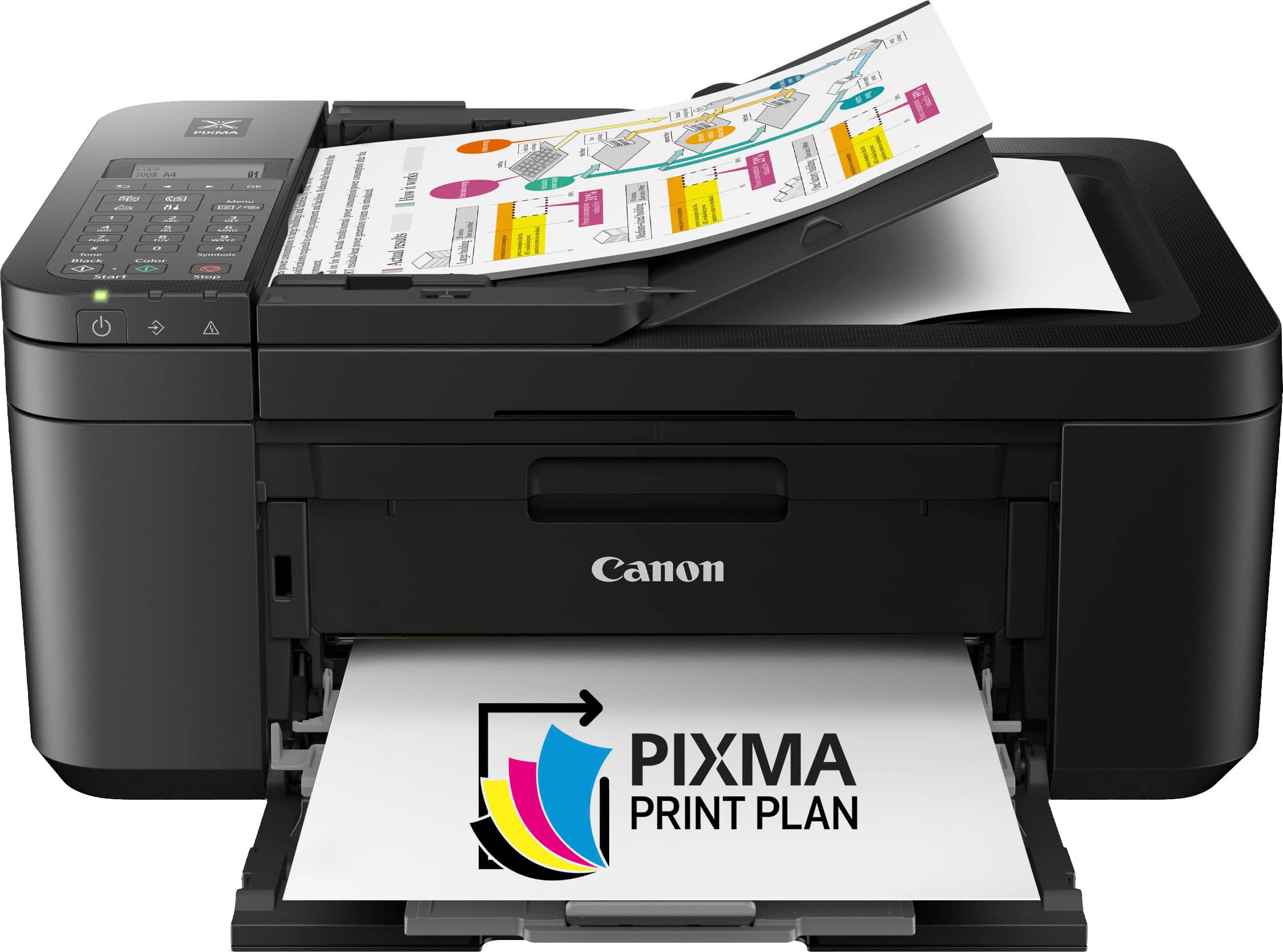
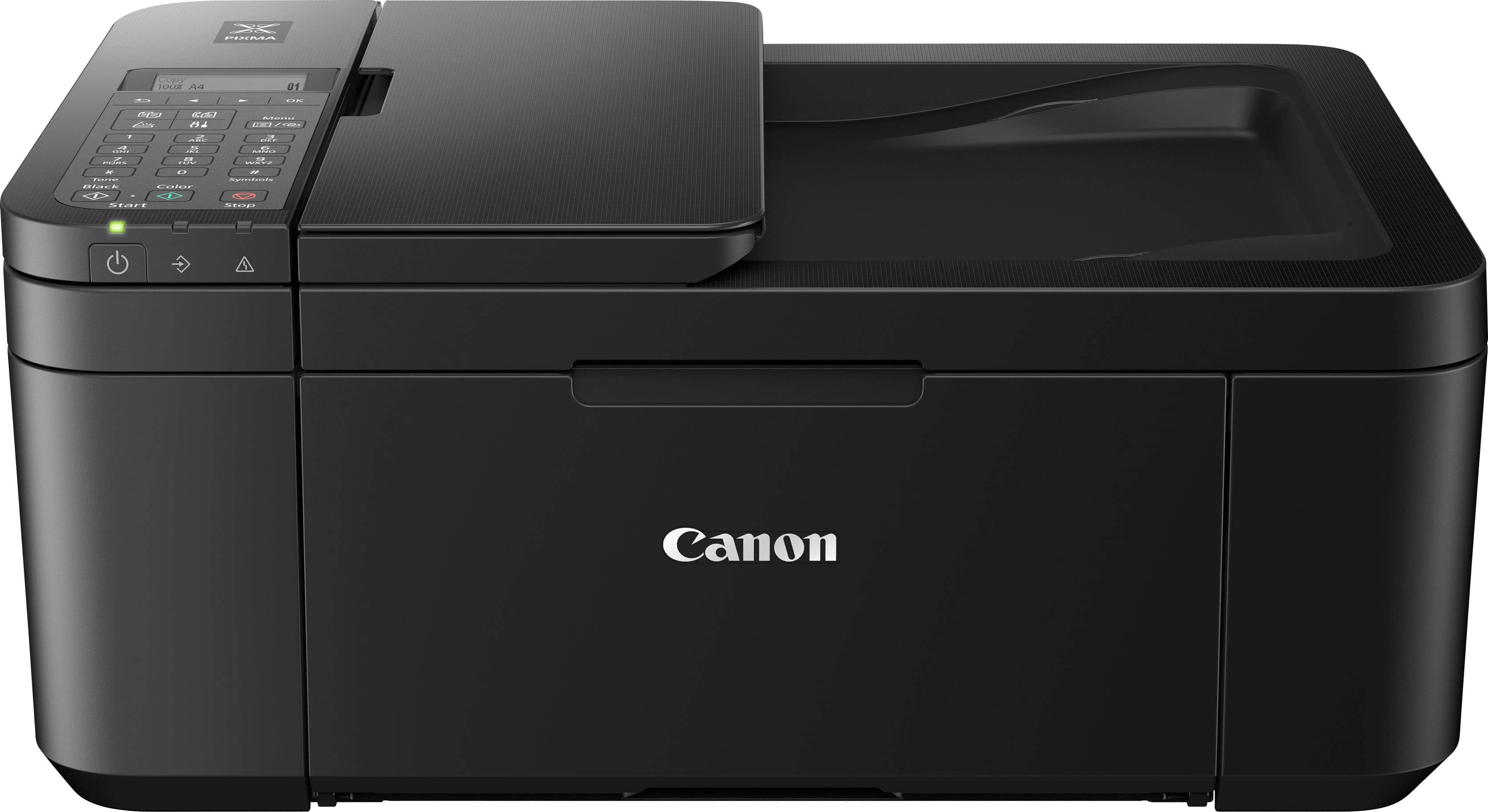
This review is from Canon - PIXMA TR4720 Wireless All-In-One Inkjet Printer - Black
I would recommend this to a friend- Pros mentioned:Overall performance
Rated 3 out of 5 stars
good printer, bad Cannon policies
||Posted .This reviewer received promo considerations or sweepstakes entry for writing a review.Printer was easy to set-up and works well. However when ink starts to get low Cannon stops it from printing until you order a new one from them. Then after you order it, it will print a few pages and then they will stop it from printing agian before the cartridge is empty.
This review is from Canon - PIXMA TR4720 Wireless All-In-One Inkjet Printer - White
No, I would not recommend this to a friend - Pros mentioned:Wireless
Rated 5 out of 5 stars
A great Home or SOHO printer - Easy to setup / use
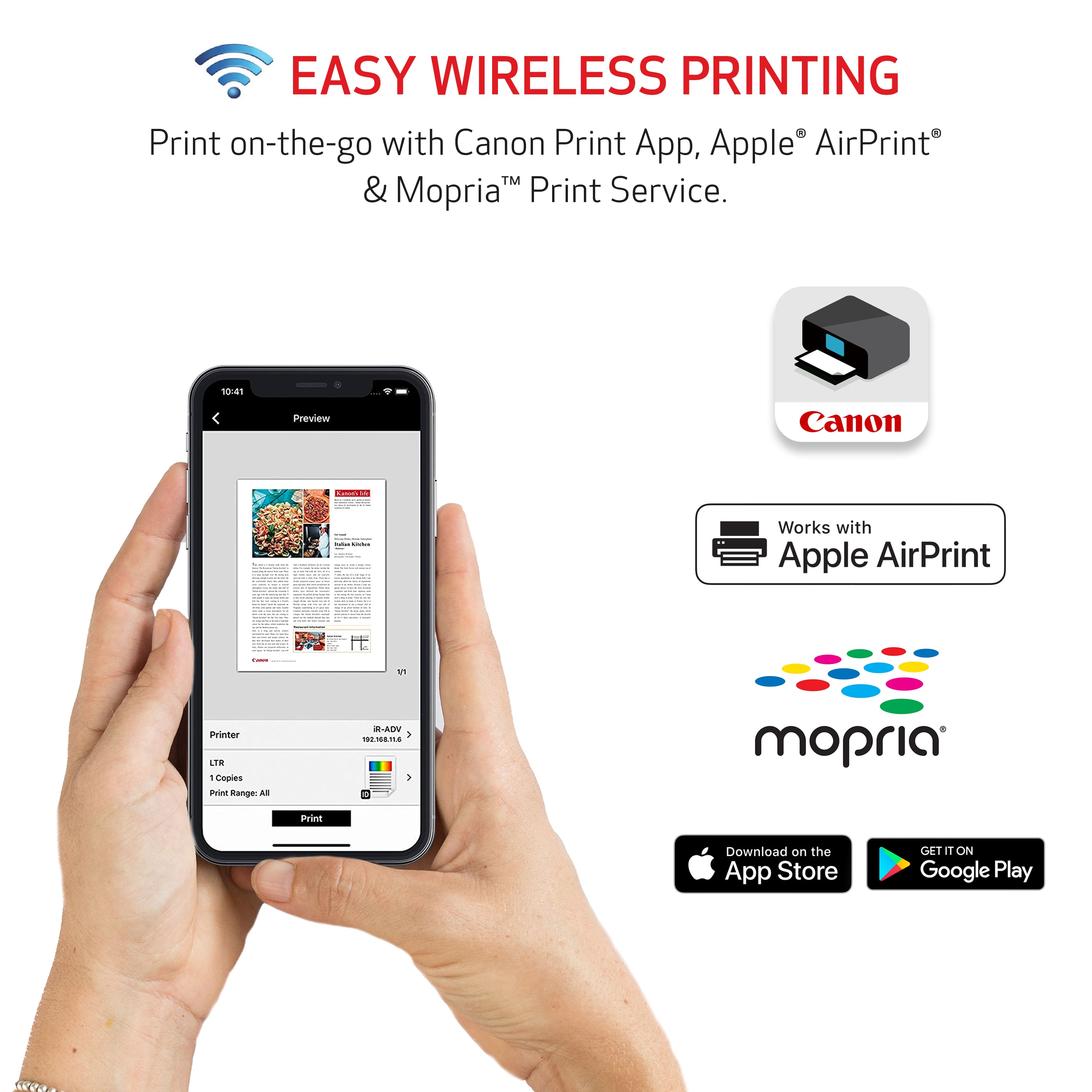
||Posted . Owned for 1 week when reviewed.This reviewer received promo considerations or sweepstakes entry for writing a review.My old canon PIXMA printer died after six years of service and I needed one to replace it. This unit was super simple to set up. I use the WPS method to connect it to my Wi-Fi and get it up and running. The first thing it does is a firmware update from canon and then, the set up is fairly simple. The best feature that is helpful with this printer is the capacity for you to be able to print from your Apple or android phone directly to it.
This review is from Canon - PIXMA TR4720 Wireless All-In-One Inkjet Printer - Black
I would recommend this to a friend - Pros mentioned:PriceCons mentioned:Paper tray
Rated 4 out of 5 stars
Pretty good
||Posted . Owned for 1 month when reviewed.This reviewer received promo considerations or sweepstakes entry for writing a review.Pretty good for an inexpensive printer. Just wish that the paper tray could close. set up instructions were not to clear. Had to go to the internet to find some answers.
This review is from Canon - PIXMA TR4720 Wireless All-In-One Inkjet Printer - Black
I would recommend this to a friend - Pros mentioned:Print quality
Rated 4 out of 5 stars
Canon Printer
||Posted .This reviewer received promo considerations or sweepstakes entry for writing a review.Good printer, with available double sided printing Prints clear and both B/W and color. Only two issues: 1. Did not come with a cable to connect with computer 2 Did not come with any instructions, which were available only on internet site.
This review is from Canon - PIXMA TR4720 Wireless All-In-One Inkjet Printer - Black
I would recommend this to a friend Rated 4 out of 5 stars
Canon Printer
||Posted . Owned for 2 weeks when reviewed.This reviewer received promo considerations or sweepstakes entry for writing a review.Overall, a very good buying experience, from the customer service representative, Muna (?) (Greenfield, WI), to the ease of set up videos issued by Canon via the "web". This unit was purchased to replace an HP printer that went "wacky" on me and would no longer recognize itself as a viable printer option! Anyway, this was the 2nd HP printer that "failed" to properly "perform?". Hence, I will NEVER purchase any HP products again. This Canon printer performs "like a charm". Could not be happier with this unit so far!
This review is from Canon - PIXMA TR4720 Wireless All-In-One Inkjet Printer - Black
I would recommend this to a friend- Pros mentioned:Ease of use, Print quality
Rated 5 out of 5 stars
A good deal
||Posted .This reviewer received promo considerations or sweepstakes entry for writing a review.Very nice printer. Easy to set up. Good quality prints.
This review is from Canon - PIXMA TR4720 Wireless All-In-One Inkjet Printer - Black
I would recommend this to a friend - Pros mentioned:Ease of use
Rated 5 out of 5 stars
Canon TR4720
||Posted . Owned for 1 month when reviewed.This reviewer received promo considerations or sweepstakes entry for writing a review.I have used many printers in my life never had a Canon before, my daughter suggested checking out a Canon so I looked compared and decided on the Canon TR4720. I found it was easy to hook up and even easier to use. If you ever have problems doing both sides or envelopes, this is the one for you. I use this in my home but really make copies + on many subjects. Thanks Canon for making a copier etc. that is really easy to use. Check it our.
This review is from Canon - PIXMA TR4720 Wireless All-In-One Inkjet Printer - Black
I would recommend this to a friend - Pros mentioned:Print quality
Rated 4 out of 5 stars
Good Printer
||Posted . Owned for 5 months when reviewed.This reviewer received promo considerations or sweepstakes entry for writing a review.The printer is good for the price, the print quality is also good. The only problem i don't like is the ink ran out very quickly, i even changed the setting and the ink still ran out pretty fast.
This review is from Canon - PIXMA TR4720 Wireless All-In-One Inkjet Printer - Black
I would recommend this to a friend - Pros mentioned:Overall performance
Rated 5 out of 5 stars
PRINTER
||Posted . Owned for 1.5 years when reviewed.This reviewer received promo considerations or sweepstakes entry for writing a review.Listen, I got it & noticed I didn’t really need it as much. But the quality, the features, overall performance is great!
This review is from Canon - PIXMA TR4720 Wireless All-In-One Inkjet Printer - Black
I would recommend this to a friend - Pros mentioned:Wireless
Rated 4 out of 5 stars
Great printer after difficult setup
||Posted . Owned for 1 week when reviewed.This reviewer received promo considerations or sweepstakes entry for writing a review.This printer is very good and easy to use after you get through the difficult task of setting it up. Works very well with your phone laptop or desktop. 4 stars only for the setup process being a headache!
This review is from Canon - PIXMA TR4720 Wireless All-In-One Inkjet Printer - Black
I would recommend this to a friend - Pros mentioned:Print quality
Rated 5 out of 5 stars
New Cannon printer
||Posted .This reviewer received promo considerations or sweepstakes entry for writing a review.Nice printer for the price. It was easier to set up than expected. The print quality is great. This printer only comes with demo cartridges, so, remember to buy new ones.
This review is from Canon - PIXMA TR4720 Wireless All-In-One Inkjet Printer - Black
I would recommend this to a friend Rated 4 out of 5 stars
Confusing
||Posted . Owned for 1 month when reviewed.This reviewer received promo considerations or sweepstakes entry for writing a review.Set up was a little confusing. I can’t scan from the feeder without it being crooked but can scan one page at a time OK. I’m having to use my phone app to scan, haven’t figured out how to from the machine itself. I don’t think I’d buy it again.
This review is from Canon - PIXMA TR4720 Wireless All-In-One Inkjet Printer - Black
No, I would not recommend this to a friend- Pros mentioned:Price, Print quality, Wireless
Rated 5 out of 5 stars
Quality Copier
||Posted . Owned for 2 weeks when reviewed.This reviewer received promo considerations or sweepstakes entry for writing a review.Awesome quality I like the fact that it’s a wireless scanner and copier and fax all 3 in one . It’s awesome can’t beat the price too!
This review is from Canon - PIXMA TR4720 Wireless All-In-One Inkjet Printer - Black
I would recommend this to a friend - Pros mentioned:Overall performance
Rated 4 out of 5 stars
For simple jobs it’s fine
||Posted .This reviewer received promo considerations or sweepstakes entry for writing a review.Solid printer for as much as we use it, which really isn’t that much. But it works!
This review is from Canon - PIXMA TR4720 Wireless All-In-One Inkjet Printer - Black
I would recommend this to a friend - Pros mentioned:Ease of use, Price, Wireless
Rated 5 out of 5 stars
Great all-in-one.
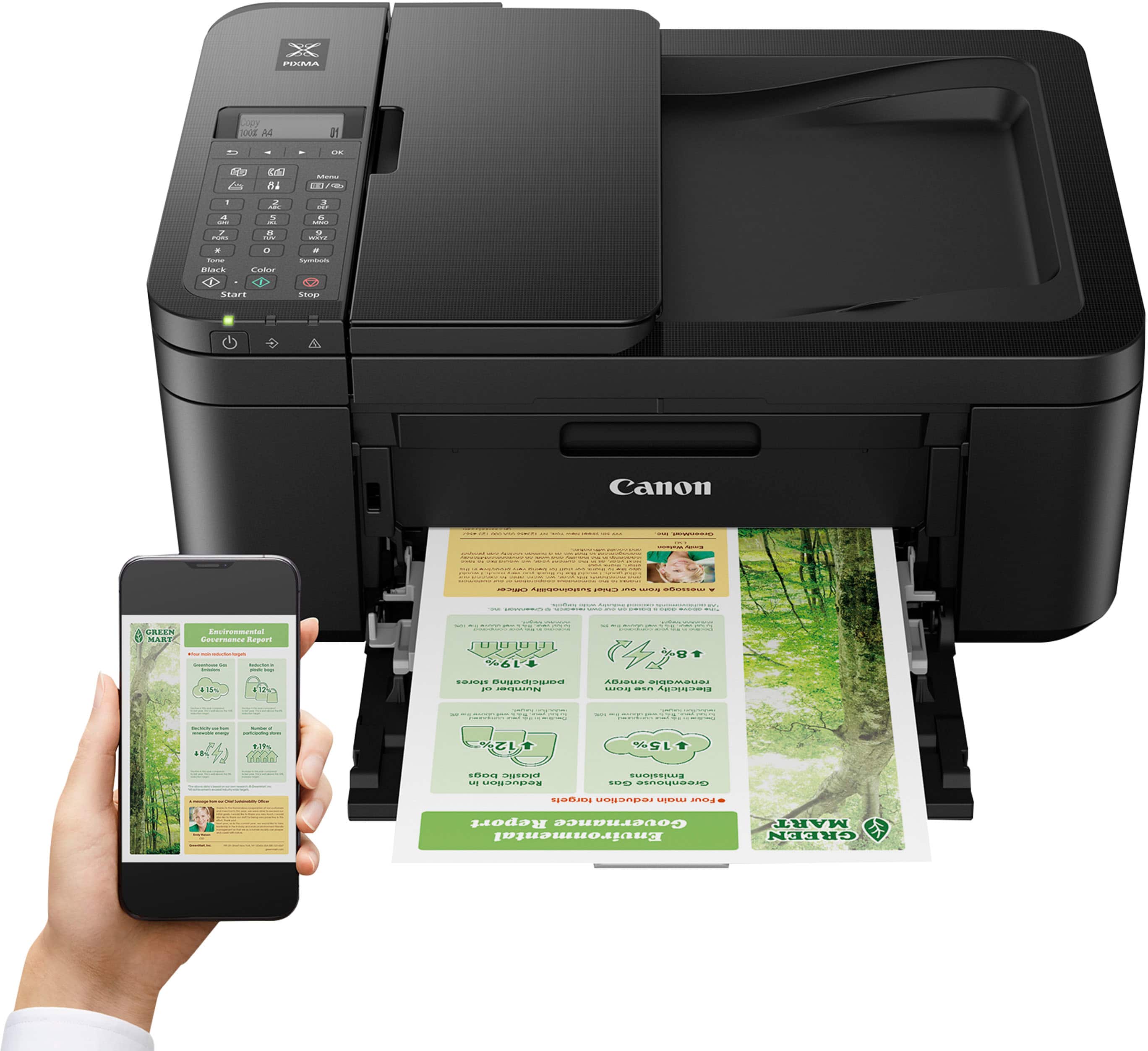
||Posted . Owned for 2 weeks when reviewed.This reviewer received promo considerations or sweepstakes entry for writing a review.Great printer at a great price. Easy to set up and connect to the internet and my phone
This review is from Canon - PIXMA TR4720 Wireless All-In-One Inkjet Printer - Black
I would recommend this to a friend - Pros mentioned:Print quality
Rated 4 out of 5 stars
Canon TR4720
||Posted . Owned for 3 weeks when reviewed.This reviewer received promo considerations or sweepstakes entry for writing a review.This printer uses a lot of ink. It is difficult to completely set the printer up because there are no manual instructions. You have to get instructions on your phone or the internet. Even after setting the printer up on the internet it still request to established Wi-Fi settings and enter a password. It does not recognized that it is already connected to the WI-Fi. Also, I have tried to connect my phone to print pictures but have not established that task as of yet. I was going to return this printer but it does print well, fax, and scan. Although, after faxing a report is printed only when the fax does not go thru. With all the frustrations, I gave this printer 4 stars because it is better than some All-in-One printers out there.
This review is from Canon - PIXMA TR4720 Wireless All-In-One Inkjet Printer - Black
I would recommend this to a friend - Pros mentioned:Price
Rated 3 out of 5 stars
Not bad just need time to learn how to use it
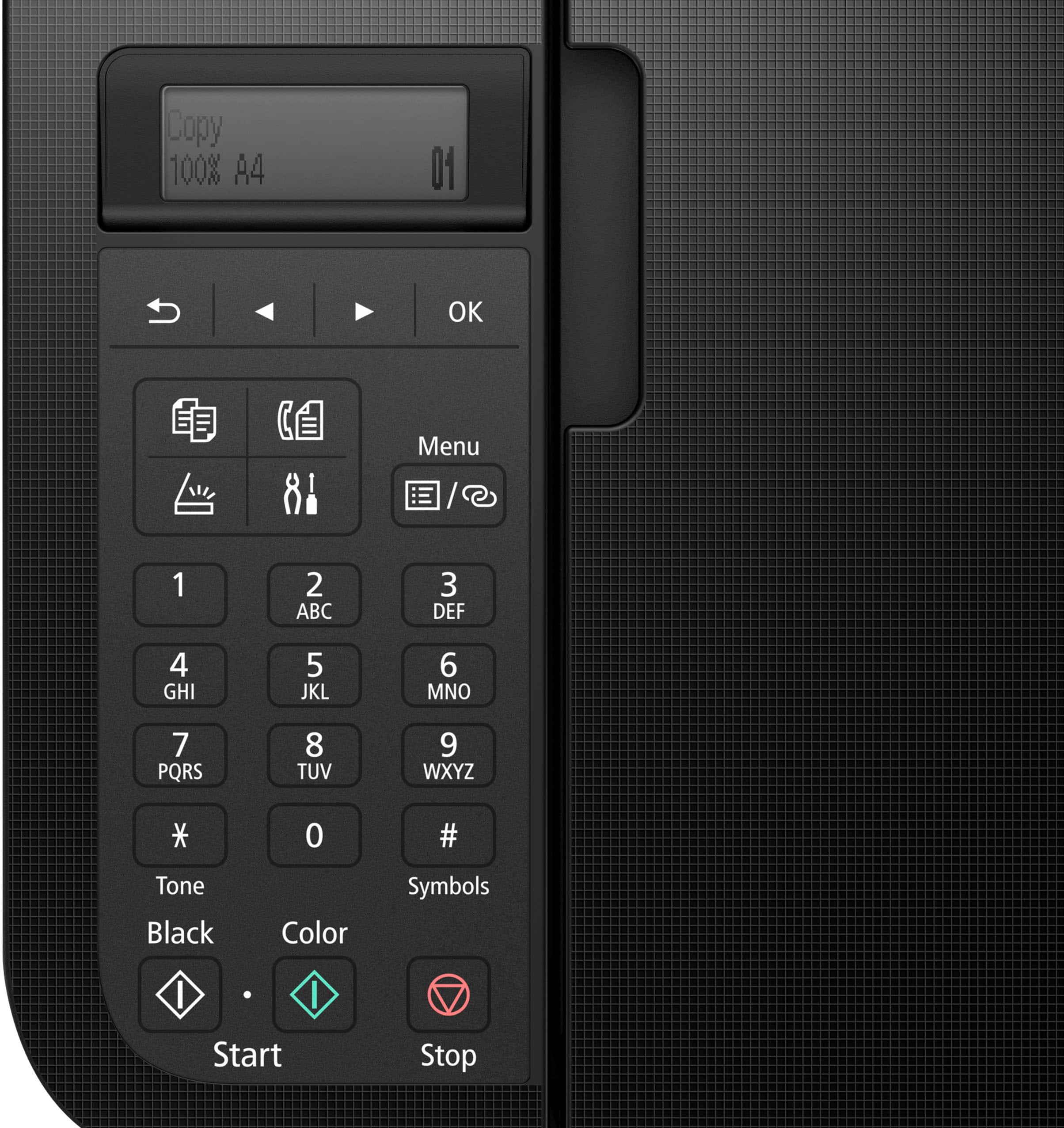
||Posted . Owned for 1 month when reviewed.This reviewer received promo considerations or sweepstakes entry for writing a review.Pros: 1. Okay value compared to the price 2. relatively easy to setup 3. support two-sided print Cons: 1. It is a pretty large printer like twice the size of my old printer 2. You have to make sure the print size is exactly the same as the paper you put there otherwise it would be error (and the error message is confusing, took me forever to figure out why it's not working 3. I still haven't figured out how to scan and copy. Now I need to scan > save to my phone > save to my computer > print. I thought there should be a easier way to do this like scan > just print?
This review is from Canon - PIXMA TR4720 Wireless All-In-One Inkjet Printer - Black
I would recommend this to a friend - Pros mentioned:Overall performance
Rated 4 out of 5 stars
It's a keeper for now.
||Posted .This reviewer received promo considerations or sweepstakes entry for writing a review.5 years ago I had a printer like this before. This was until it was showing squiggle lines. I did everything to troubleshoot it but it wasn't working. This new one is working fine. I don't use it every day so it will be a keeper, for now.
This review is from Canon - PIXMA TR4720 Wireless All-In-One Inkjet Printer - Black
I would recommend this to a friend - Pros mentioned:Ease of use, Overall performance, Wireless
Rated 5 out of 5 stars
Canonprinter
||Posted . Owned for 1 month when reviewed.This reviewer received promo considerations or sweepstakes entry for writing a review.Great printer for the price very easy to install. Can print from my computer or phone. Have another canon for over 10 years and still going strong
This review is from Canon - PIXMA TR4720 Wireless All-In-One Inkjet Printer - Black
I would recommend this to a friend