Customer Ratings & Reviews
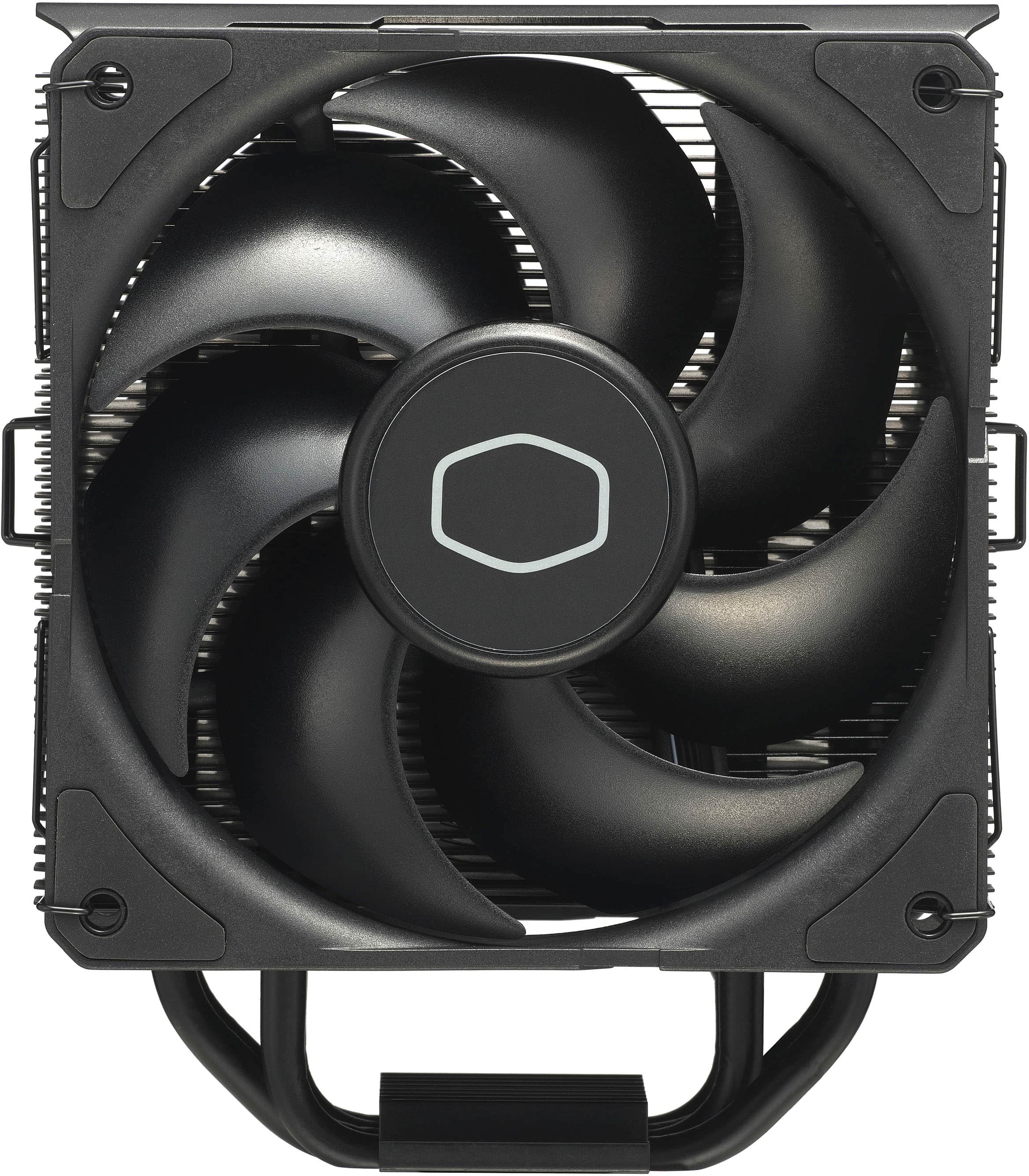
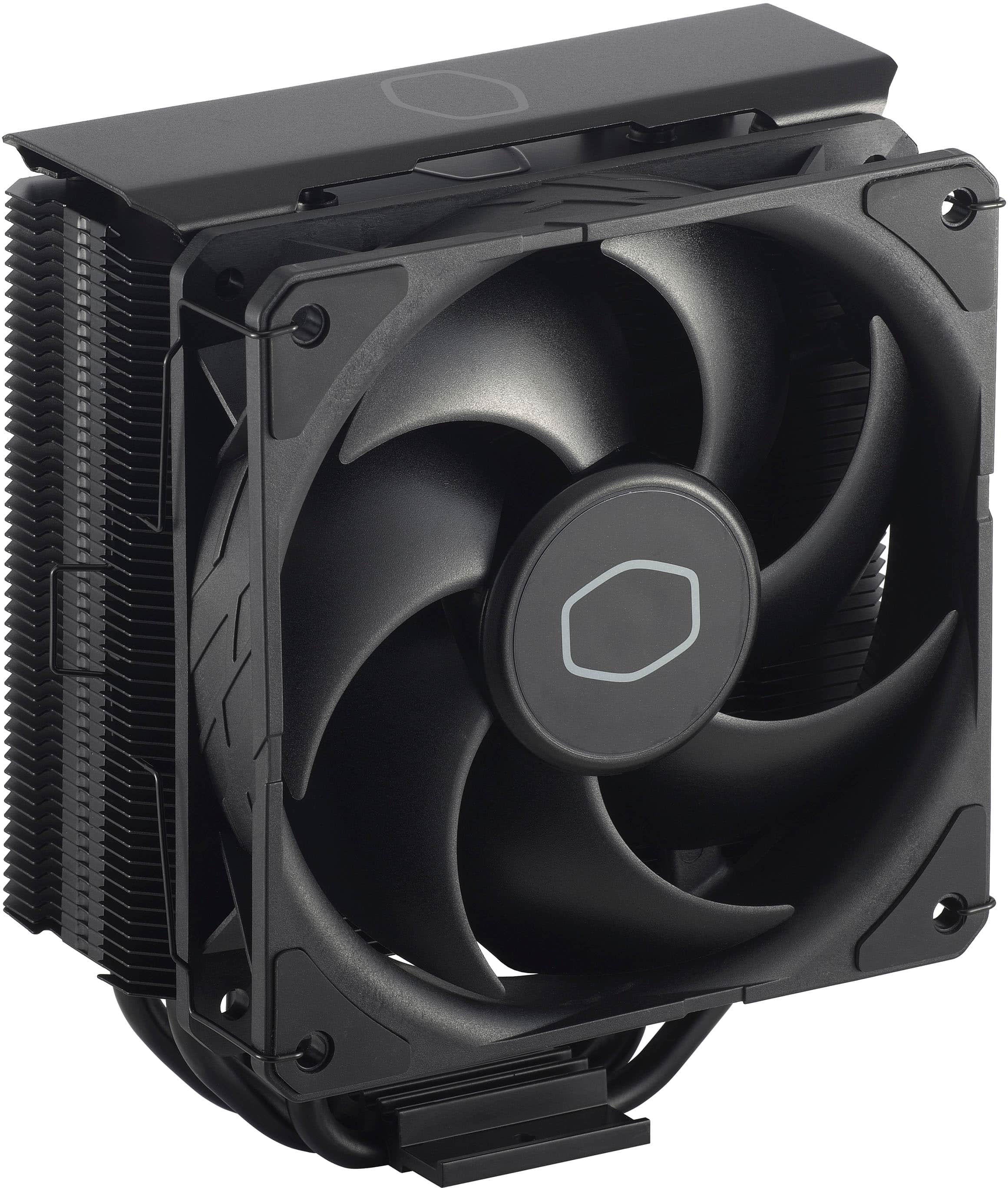
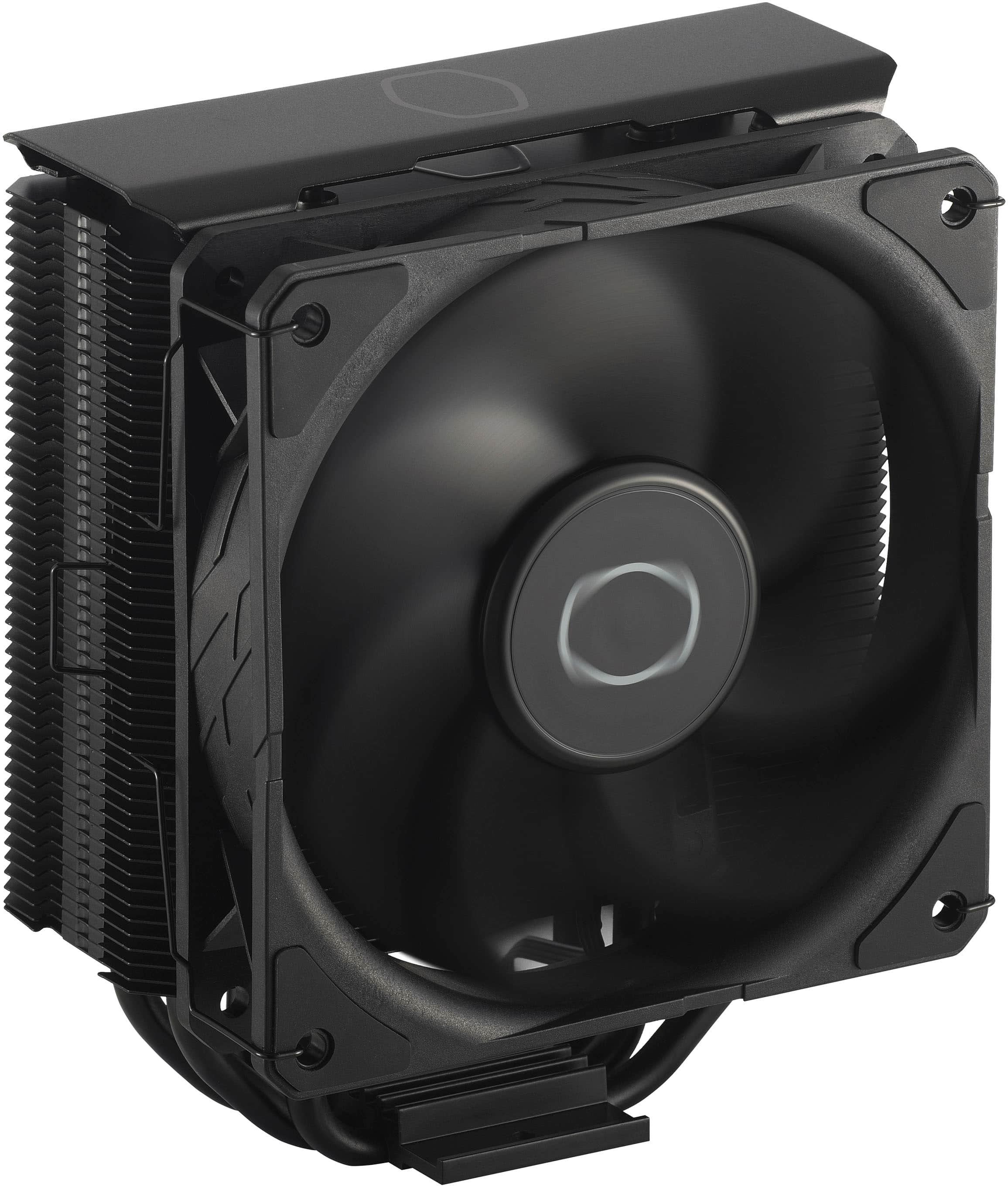
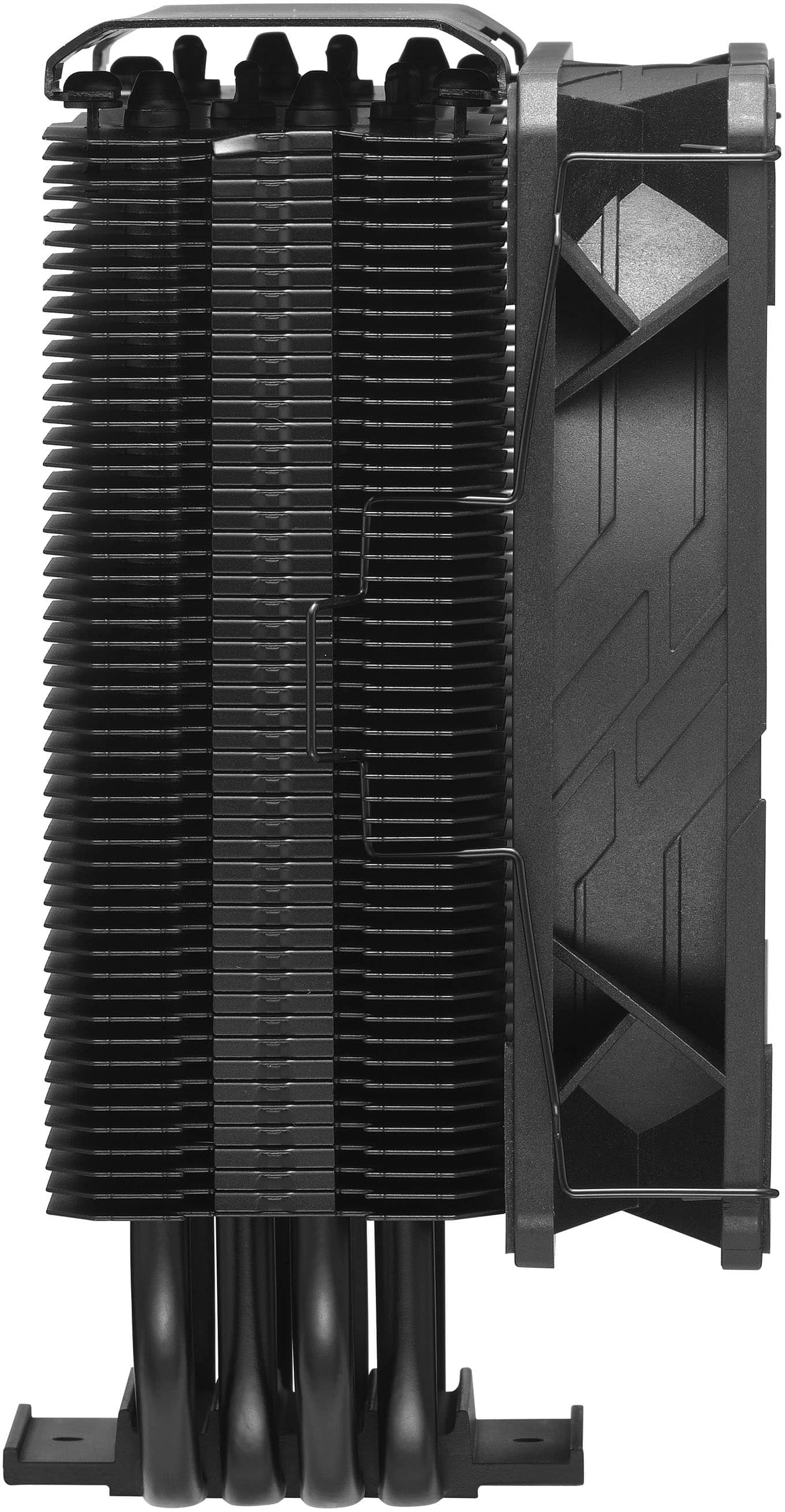
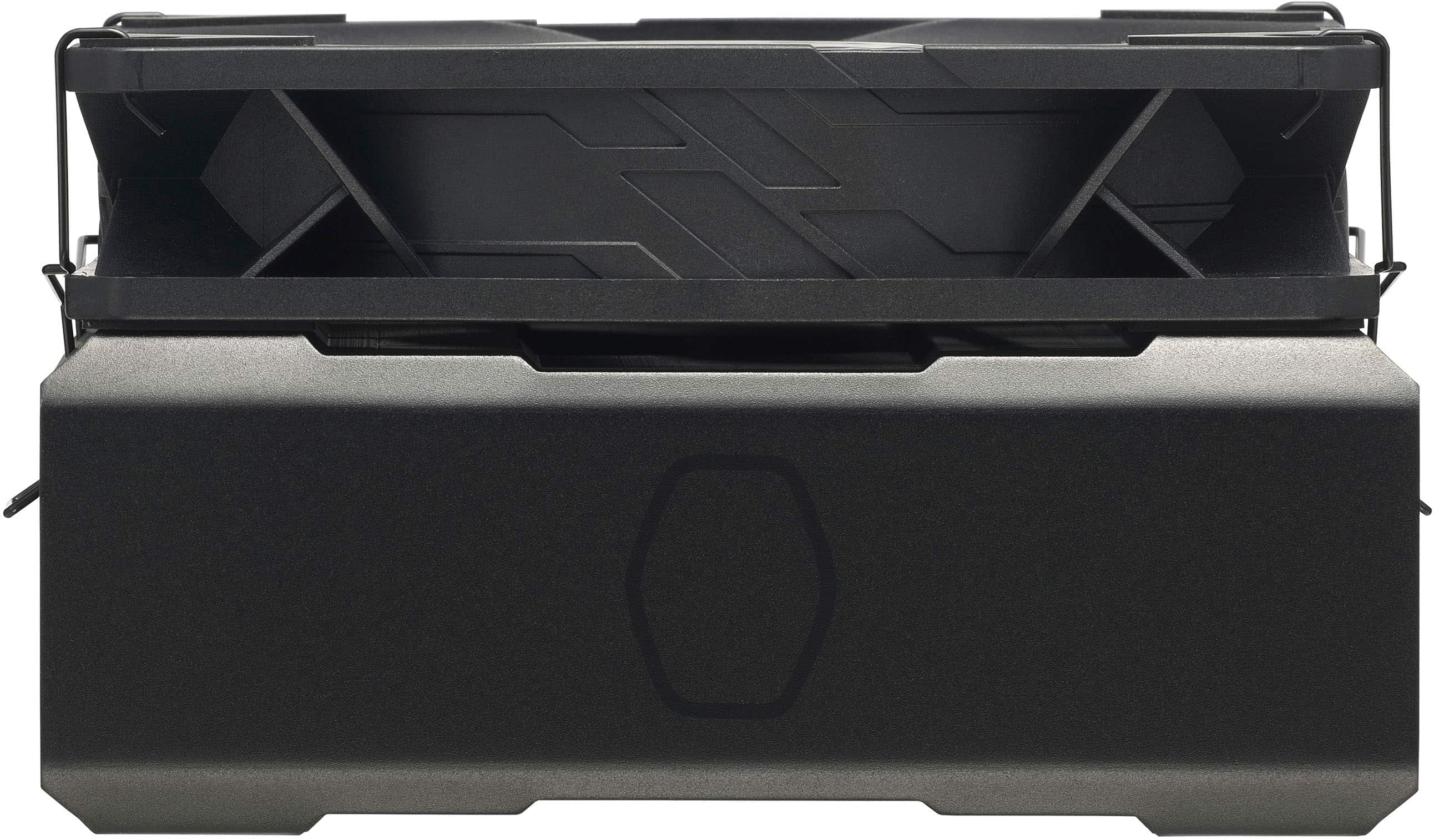
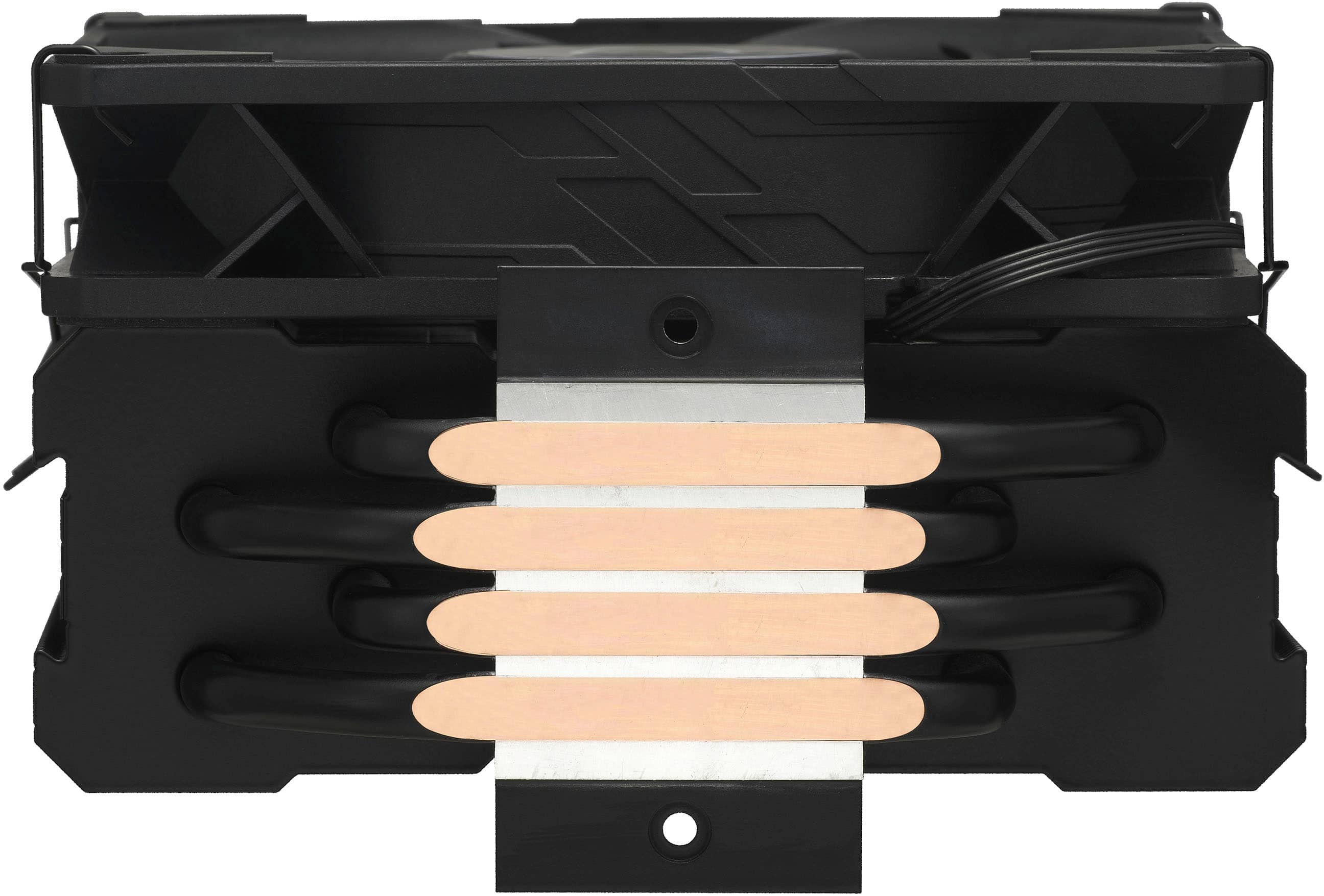

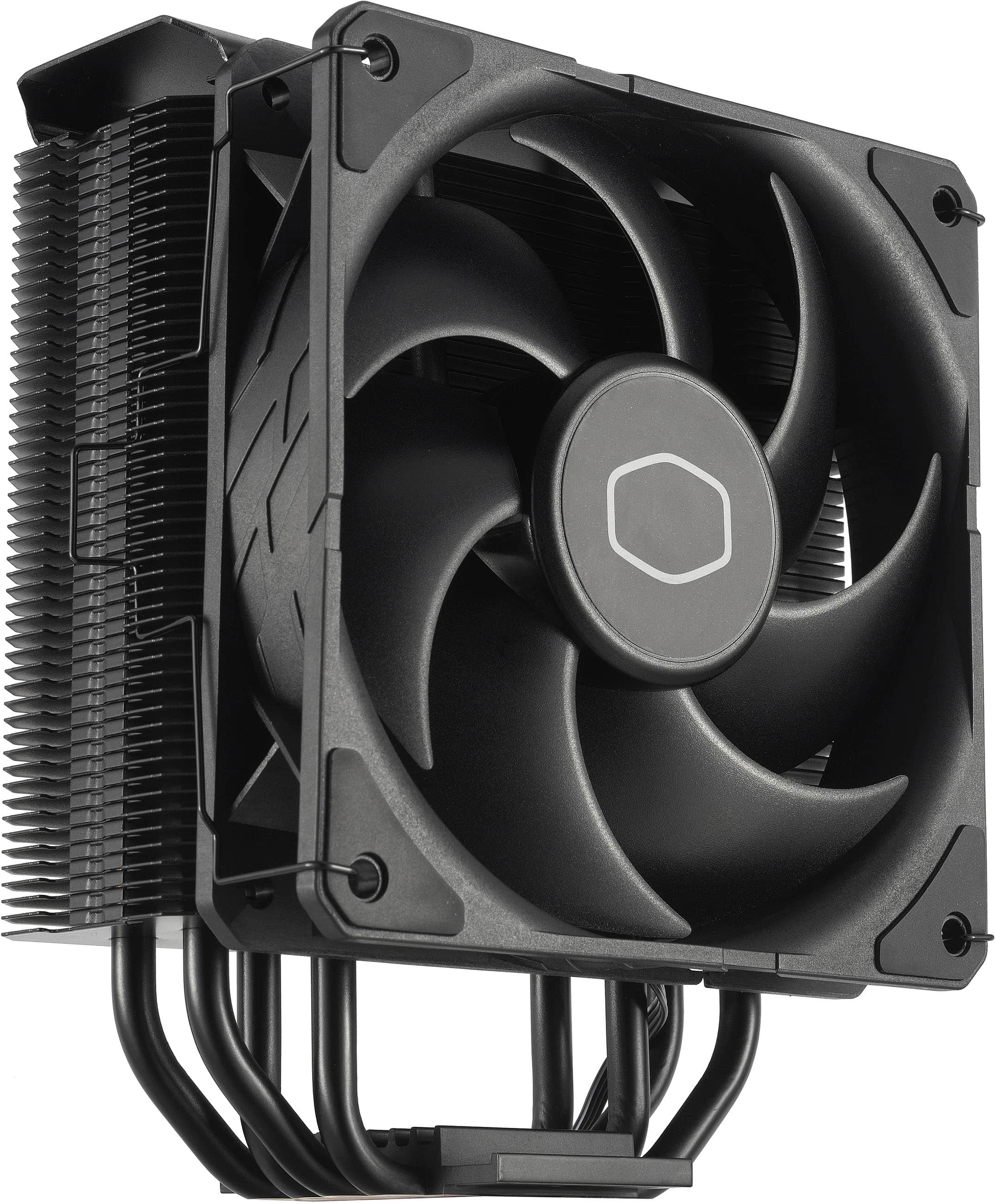
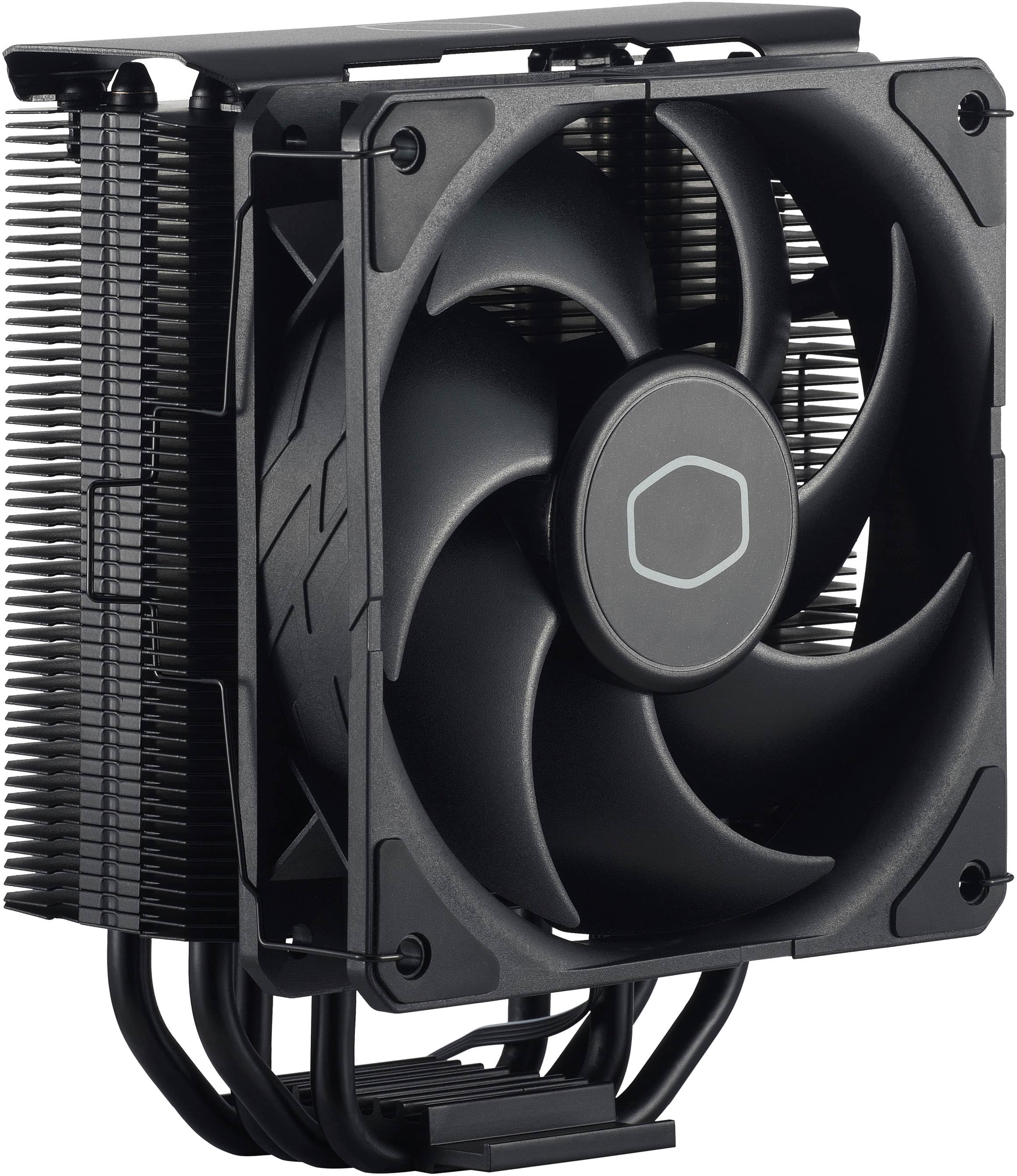
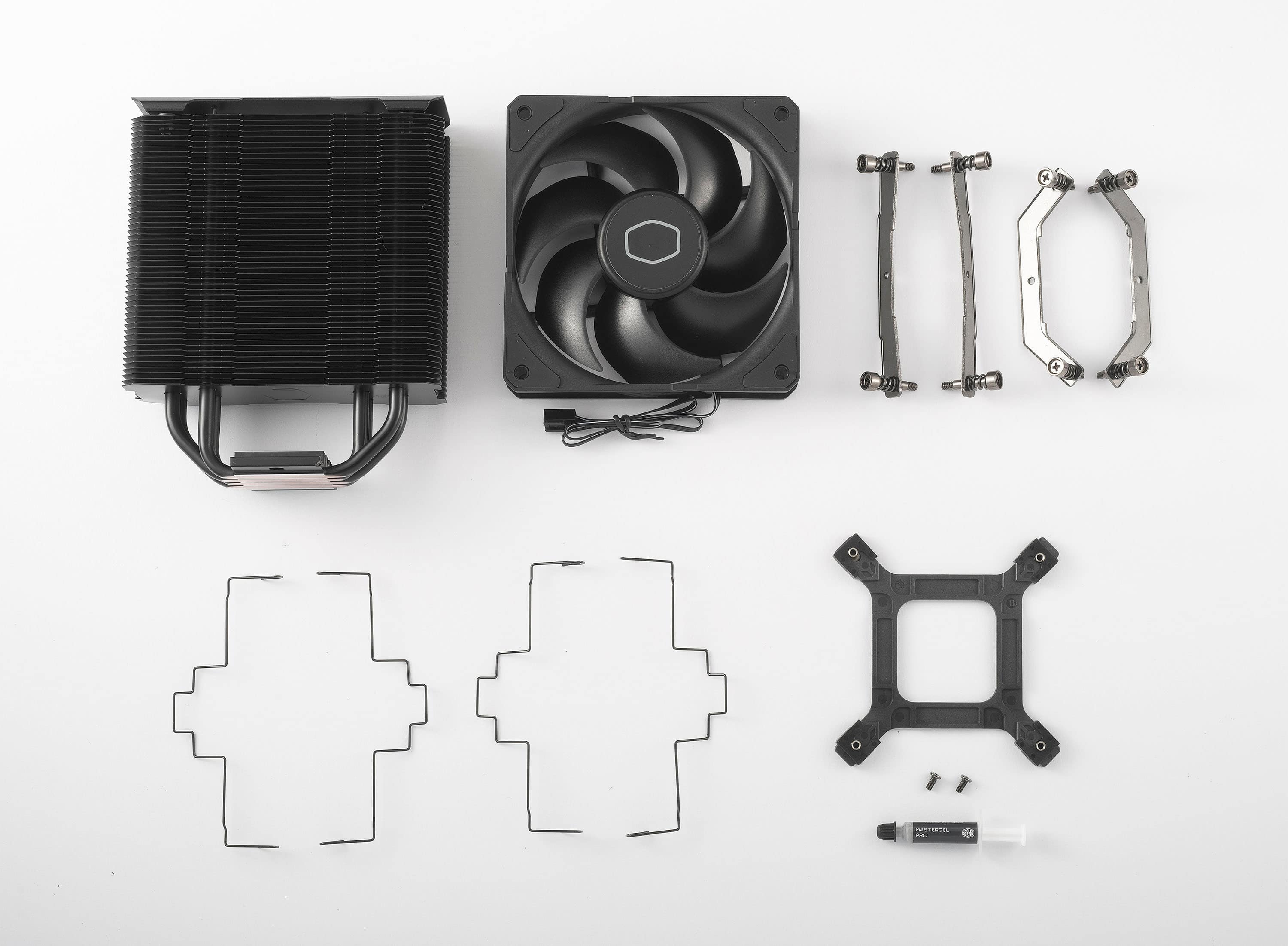
- Model:
- RR-S4KK-25SN-R1
- |
- SKU:
- 10229039
Customer reviews
Rating 4.7 out of 5 stars with 1050 reviews
(1,050 customer reviews)Rating by feature
- Value4.7
Rating 4.7 out of 5 stars
- Quality4.7
Rating 4.7 out of 5 stars
- Ease of Use4.5
Rating 4.5 out of 5 stars
Rated 2 out of 5 stars
Herculean task to install
||Posted .This reviewer received promo considerations or sweepstakes entry for writing a review.On the positive side, the instructions were pretty clear, and I was pretty amazed by how they engineered a product that can work for several different CPUs with a few parts. Unfortunately, neither of the two sets of brackets they include allow the screws reach my motherboard - without replacing my existing backplate with the one they provided. The screws on heat sink do not reach the motherboard screw-holes. If they did, the entire project would take me 10-20 minutes. Instead, this is at perhaps an hour long project if you know you’re doing and have all parts and solvents. That’s right, installation may require chemistry. For my Alienware X51 R2, I would have to disassemble the entire computer, remove the motherboard, then use solvents to dissolve the glue holding the existing backplate to the motherboard, before finally being able to attach the new backplate and then reassemble the entire thing and, finally, do what I wish I could have done from the start - install the new heat sink. Perhaps this is standard for most fans and computers and I’m being unfair. Clearly, this fan wasn’t designed for this low-profile computer, but I leave my side panel off anyway. I still don’t see why anyone would want to go through replacing their backplate, though. If those screws reached my backplate, I imagine I’d have left a five star review an hour or two ago.
This review is from Cooler Master - Hyper 212 120mm CPU Cooling Fan - Black Edition
No, I would not recommend this to a friendRated 5 out of 5 stars
Tried and true
||Posted . Owned for 3 weeks when reviewed.This reviewer received promo considerations or sweepstakes entry for writing a review.The Hyper 212 is nothing special, but it was great for my i7-10700k. Sound is very quiet and keeps my CPU at around 55 celsius under load. The all black edition pairs very well for a non-RGB build.
This review is from Cooler Master - Hyper 212 120mm CPU Cooling Fan - Black Edition
I would recommend this to a friendRated 4 out of 5 stars
Cooling
||Posted . Owned for 1 week when reviewed.This reviewer received promo considerations or sweepstakes entry for writing a review.It works but water cooling would be better, but for a budget build it’s worth
This review is from Cooler Master - Hyper 212 120mm CPU Cooling Fan - Black Edition
I would recommend this to a friendRated 5 out of 5 stars
Cool and quiet!
||Posted . Owned for 2 weeks when reviewed.This reviewer received promo considerations or sweepstakes entry for writing a review.Nice cooler and quiet fan. It's cooling an i7-8700. I'm not an overclocker so I can't say much about that. Computer is used mostly for CAD/CAM programming/simulation and light gaming. Great value for performance!
This review is from Cooler Master - Hyper 212 120mm CPU Cooling Fan - Black Edition
I would recommend this to a friendRated 5 out of 5 stars
Great CPU cooler!
||Posted . Owned for 3 weeks when reviewed.This reviewer received promo considerations or sweepstakes entry for writing a review.I installed this CPU fan for my Intel i9 9900K processor. It works perfectly for the CPU. The only setback is it's bulky size. I had to cut a recess hole in the side of the case.
This review is from Cooler Master - Hyper 212 120mm CPU Cooling Fan - Black Edition
I would recommend this to a friendRated 4 out of 5 stars
Sharp!
||Posted . Owned for 1 week when reviewed.This reviewer received promo considerations or sweepstakes entry for writing a review.Easy to install and works real well and looks good! It comes with thermal paste so don’t buy an extra tube!
This review is from Cooler Master - Hyper 212 120mm CPU Cooling Fan - Black Edition
I would recommend this to a friendRated 5 out of 5 stars
Works great for this for 20 bucks ha
||Posted . Owned for 1 year when reviewed.This reviewer received promo considerations or sweepstakes entry for writing a review.Works great for my little brothers sfx build, better than having stock cooler , (Ryzen 5 5600x )
This review is from Cooler Master - Hyper 212 120mm CPU Cooling Fan - Black Edition
I would recommend this to a friendRated 5 out of 5 stars
Very Pog cooler. FeelsGoodMan
||Posted . Owned for 1 week when reviewed.This reviewer received promo considerations or sweepstakes entry for writing a review.Keeps my i7 nice and cool. And a easy install. Quite big fan but it fit without too much stress.
This review is from Cooler Master - Hyper 212 120mm CPU Cooling Fan - Black Edition
I would recommend this to a friendRated 4 out of 5 stars
Great Cooler!
||Posted . Owned for 1 week when reviewed.This reviewer received promo considerations or sweepstakes entry for writing a review.Great cooler! Good product if you are liking to bring your CPU temperatures down. Bought when it was on sale for $40 but an extra $5 $10 is still worth it. To top it off, it’s super quiet compared to my previous AMD stock cooler.
This review is from Cooler Master - Hyper 212 120mm CPU Cooling Fan - Black Edition
I would recommend this to a friendRated 5 out of 5 stars
Keeps the brains cool
||Posted . Owned for 3 weeks when reviewed.This reviewer received promo considerations or sweepstakes entry for writing a review.Great product - huge heat sync, easy to attach & connect even for someone with big paws for hands.
This review is from Cooler Master - Hyper 212 120mm CPU Cooling Fan - Black Edition
I would recommend this to a friendRated 4 out of 5 stars
Loud noises
||Posted . Owned for 1 month when reviewed.This reviewer received promo considerations or sweepstakes entry for writing a review.Does the job it was intended to do. Replaced a stock cooler do to noise. This is much quieter.
This review is from Cooler Master - Hyper 212 120mm CPU Cooling Fan - Black Edition
I would recommend this to a friendRated 4 out of 5 stars
Good Performance, bad mounting system.
||Posted . Owned for less than 1 week when reviewed.This reviewer received promo considerations or sweepstakes entry for writing a review.This heatsink is more cool and quiet than the regular hyper 212 evo but its fan mounting system is extremely hard to use than the regular one.
This review is from Cooler Master - Hyper 212 120mm CPU Cooling Fan - Black Edition
I would recommend this to a friendRated 5 out of 5 stars
Best air cooler!
||Posted . Owned for 1 month when reviewed.This reviewer received promo considerations or sweepstakes entry for writing a review.I've used this cooler plenty of times. Put a second fan on and you have a cooler that is great for overclocking. I would go with this before something that is overpriced to include prebuilt water cooling that really isn't all that better.
This review is from Cooler Master - Hyper 212 120mm CPU Cooling Fan - Black Edition
I would recommend this to a friendRated 3 out of 5 stars
Good for non overclocked
||Posted . Owned for 6 months when reviewed.This reviewer received promo considerations or sweepstakes entry for writing a review.Good for budget builds looking for non overclocked builds
This review is from Cooler Master - Hyper 212 120mm CPU Cooling Fan - Black Edition
I would recommend this to a friendRated 5 out of 5 stars
Does the trick
||Posted . Owned for 1 month when reviewed.This reviewer received promo considerations or sweepstakes entry for writing a review.Have it on a r9 5950x living very comfortably on a Arous elite with a rtx 3080 64 patriot viper samsung ssds sitting in a graphite corsair with a evga 1k p supply
This review is from Cooler Master - Hyper 212 120mm CPU Cooling Fan - Black Edition
I would recommend this to a friendRated 5 out of 5 stars
Keeps my AMD Build cool
||Posted . Owned for 2 months when reviewed.This reviewer received promo considerations or sweepstakes entry for writing a review.My water cooler burned out, so i bought this to replace it. I would stay away for water cooler they tend to fail.
This review is from Cooler Master - Hyper 212 120mm CPU Cooling Fan - Black Edition
I would recommend this to a friendRated 5 out of 5 stars
CPU cooler
||Posted . Owned for 2 weeks when reviewed.This reviewer received promo considerations or sweepstakes entry for writing a review.I recently picked up the Cooler Master Hyper 212 Black Edition, and after finally getting it installed, I can honestly say it was worth every minute of effort. I’d heard the Hyper 212 was a classic, but now I understand why so many people swear by it. Let me start with the look of it: this thing is beautiful. The matte black finish, the clean lines, and that smooth top plate instantly made the inside of my case look way more professional. It doesn’t scream for attention, but it looks like quality hardware. Now, I’ll be real—the installation wasn’t quite as easy as I hoped. It wasn’t awful, but I definitely had a couple of moments where I had to stop, re-check the instructions, and fiddle with the mounting brackets a bit to get everything lined up just right. It wasn’t “plug-and-play,” but once I figured out the angles and got the screws threaded properly, everything clicked into place and felt secure. So yes, I struggled a little, but I still got it working without losing my mind. Once it was installed though? Completely different story. My CPU temps dropped instantly. Under load—gaming, multitasking, whatever—I’m getting way cooler and more stable temperatures than I ever had with my old cooler. And the fan is honestly whisper-quiet. Even when it ramps up, it’s super smooth and doesn’t add any annoying noise. What really gets me is the value. This cooler performs like something way more expensive. Great temps, silent operation, and a slick design all in one. The installation hiccup is honestly the only “meh” part of the entire experience, and even that wasn’t terrible—just something to take your time with. All in all, I’m super happy with it. If you’re thinking about upgrading and you don’t mind a little patience during installation, the Hyper 212 Black Edition is 100% worth it. It’s one of those upgrades that makes you wonder why you didn’t buy it sooner
This review is from Cooler Master - Hyper 212 120mm CPU Cooling Fan - Black Edition
I would recommend this to a friendRated 5 out of 5 stars
⭐ Awesome Cooler for the Price!
||Posted . Owned for 1 month when reviewed.This reviewer received promo considerations or sweepstakes entry for writing a review.I’m really impressed with the Cooler Master Hyper 212 Black Edition! It was easy to install, looks super clean in my case, and the cooling performance is way better than the stock cooler I had before. My CPU temps dropped noticeably, and the fan stays pretty quiet even when I’m gaming. For the price, this thing is a total win. Highly recommend it!
This review is from Cooler Master - Hyper 212 120mm CPU Cooling Fan - Black Edition
I would recommend this to a friendRated 5 out of 5 stars
GOAT Cooler
||Posted . Owned for 4 months when reviewed.This reviewer received promo considerations or sweepstakes entry for writing a review.This thing is huge, a little more complicated to put on than a stock fan, but the benefits are even bigger. Pros: - CPU temperature went 25 degrees lower average. System is ridiculously cold as well because of the air flow (see next pro). - Air flow is way easier to design with with a stand-up fan blowing from front to back - Optional second 120mm fan can be mounted with provided attachment - Cheap - Versatile, can be used for many chipsets, so if you ever make a new build you will most likely be able to use it again (see product description) Not really cons, but to keep in mind: - No preset thermal paste (tube included) - If your RAM has extra metal on top (heatsink), it might be tight/hard to fit/not fit (easy-breezy with low-profile Ballistix) - If it's an upgrade, you will have to remove your motherboard as there is a part to attach at the bottom. - Assembly requires some attention. The provided instructions have no words, just drawings, which can be confusing. Also, they mixed multiple chipset AMD/INTEL setup instructions so pay attention to the top left corner of each drawing. I recommend looking for a video instruction on YouTube with your chipset. The instructions weren't exactly in the same order as the paper's and felt more logical to me. Worked perfectly.
This review is from Cooler Master - Hyper 212 120mm CPU Cooling Fan - Black Edition
I would recommend this to a friendRated 5 out of 5 stars
Good and cheap cooler
||Posted . Owned for 4 months when reviewed.This reviewer received promo considerations or sweepstakes entry for writing a review.Overall the cooler has worked great. My temps have been right within range with it. The fan is pretty quiet and it was all fairly easy to install. It does come with some thermal paste that has worked fine as well, nothing fancy.
This review is from Cooler Master - Hyper 212 120mm CPU Cooling Fan - Black Edition
I would recommend this to a friend
People also viewed
- $99.99Your price for this item is $99.99
- $49.99Your price for this item is $49.99$73.49The comparable value for this item is $73.49
- $32.99Your price for this item is $32.99$34.99The comparable value for this item is $34.99
- $69.99Your price for this item is $69.99$79.99The comparable value for this item is $79.99
- $59.99Your price for this item is $59.99
- $50.46Your price for this item is $50.46
- $34.99Your price for this item is $34.99$45.91The comparable value for this item is $45.91
- $87.99Your price for this item is $87.99$129.99The comparable value for this item is $129.99
- $14.99Your price for this item is $14.99
- $129.99Your price for this item is $129.99
- $59.40Your price for this item is $59.40
- $119.99Your price for this item is $119.99$139.99The comparable value for this item is $139.99
- $59.99Your price for this item is $59.99
- $39.99Your price for this item is $39.99$52.99The comparable value for this item is $52.99
- $99.99Your price for this item is $99.99$119.99The comparable value for this item is $119.99
- $86.67Your price for this item is $86.67$89.99The comparable value for this item is $89.99
- $29.99Your price for this item is $29.99
- $19.99Your price for this item is $19.99
- $34.99Your price for this item is $34.99
- $16.99Your price for this item is $16.99