Customer Ratings & Reviews
- Model:
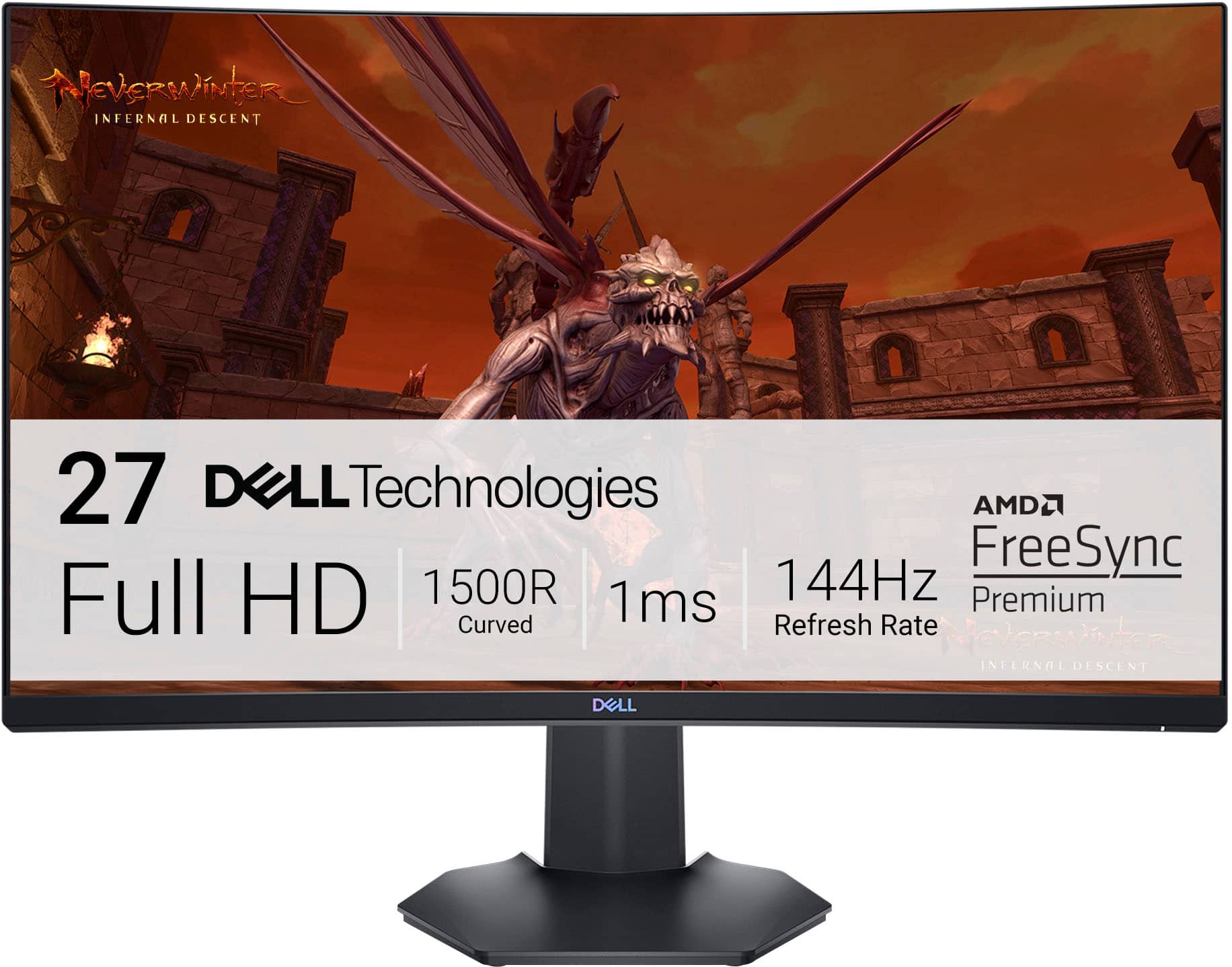
- S2721HGF
- SKU:
- 6425903
Rating by feature
- Display Quality
Rating 4.8 out of 5 stars
- Ease of Use
Rating 4.8 out of 5 stars
- Features
Rating 4.7 out of 5 stars
Customers are saying
Customers are delighted by the S2721HGF monitor's picture quality, curved screen, and high refresh rate, finding it ideal for gaming and easy to set up. Many appreciate the monitor's excellent value for the price. However, a common complaint is the lack of built-in speakers. Some users also noted minor issues with HDR performance and occasional ghosting.
This summary was generated by AI based on customer reviews.
Quality monitor
||Posted . Owned for 1 month when reviewed.This reviewer received promo considerations or sweepstakes entry for writing a review.really easy to set up and quality image I would recommend this monitor
I would recommend this to a friendMonitor
||Posted . Owned for less than 1 week when reviewed.This reviewer received promo considerations or sweepstakes entry for writing a review.Smooth and beautiful curved monitor. Great price and at discount
I would recommend this to a friendIt works
||Posted . Owned for 2 weeks when reviewed.This reviewer received promo considerations or sweepstakes entry for writing a review.Setting it up was weird. The stand to hold the monitor was unstable
I would recommend this to a friendGreat Monitor
||Posted . Owned for 1 month when reviewed.This reviewer received promo considerations or sweepstakes entry for writing a review.Awesome Monitors I have three of these. You can game and work on these. The colors are really good
I would recommend this to a friendDell 27 gaming monitor
||Posted . Owned for 3 months when reviewed.This reviewer received promo considerations or sweepstakes entry for writing a review.Really good panel and fast response time Screen a little dim and color is not really vibrant. Love the adjustable stand
I would recommend this to a friendGreat picture
||Posted . Owned for less than 1 week when reviewed.This reviewer received promo considerations or sweepstakes entry for writing a review.Great picture, response time, and value for the money
I would recommend this to a friendDecent monitor for a decent price
||Posted . Owned for 1 month when reviewed.This reviewer received promo considerations or sweepstakes entry for writing a review.It’s a good monitor for the price. The thin edges are nice if you want to set multiple up side-by-side. It’s 100x100 VESA mountable which is why I chose it over the Samsung at a similar price point
I would recommend this to a friendBrand response from YourDellTeam
Posted .Hello FightMilk,
Thank you for taking the time to leave us your review. We would like to thank you for purchasing your Dell S2721HGF 27 Gaming Monitor and we hope this product will serve you well.
We always strive to get better, and reviews like yours are helping develop products our customers love.
If you are experiencing any issues or have any concerns or questions, Please do not hesitate to get in touch with Dell using the information provided below so that we can help you resolve the issue to your satisfaction.
Chat or call: https://bit.ly/DellSupportTeam
Phone number to Dell: 1-800-624-9896
Best,
Minhaj@Dell
Screen is messed up.
||Posted . Owned for 3 weeks when reviewed.This reviewer received promo considerations or sweepstakes entry for writing a review.Unfortunately this arrived faulty. Packaging was completely damage free but the bottom 2” of screen malfunctioning. Horizontal lines and flickering.
No, I would not recommend this to a friendDell
||Posted . Owned for 3 weeks when reviewed.This reviewer received promo considerations or sweepstakes entry for writing a review.Bought 3,great monitors for my new setup!!!!!!!!!!
I would recommend this to a friendBought for ps5 gaming
||Posted . Owned for 3 weeks when reviewed.This reviewer received promo considerations or sweepstakes entry for writing a review.Pretty smooth on the ps5 no complaints simple funtions
I would recommend this to a friendCurve is in!
||Posted . Owned for 4 months when reviewed.This reviewer received promo considerations or sweepstakes entry for writing a review.Wow! Big difference using a curved screen. Never going back to flat. Planning to get another to replace other flat screen.
I would recommend this to a friend- Pros mentioned:Price
Great for work and gaming
||Posted . Owned for less than 1 week when reviewed.This reviewer received promo considerations or sweepstakes entry for writing a review.Great screen graphics. For work and ps5 works perfectly. Would recommend to anyone. Also for the price is áspeme.
I would recommend this to a friend Great buy
||Posted . Owned for 8 months when reviewed.This reviewer received promo considerations or sweepstakes entry for writing a review.Really good monitor, it runs everything very smoothly, playing video games to even watching movies.
I would recommend this to a friend
Solid budget gamer with 144Hz, FreeSync, and more
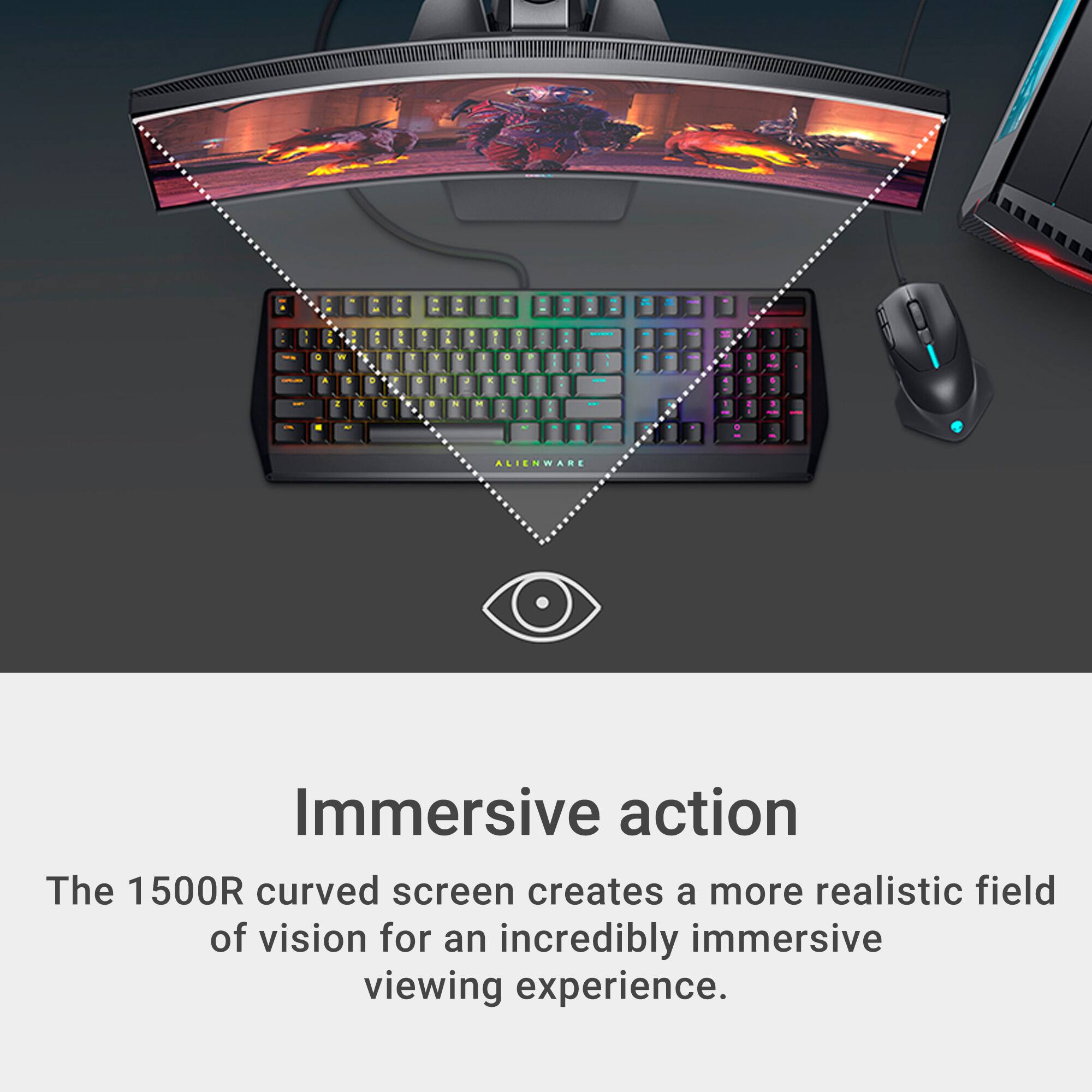
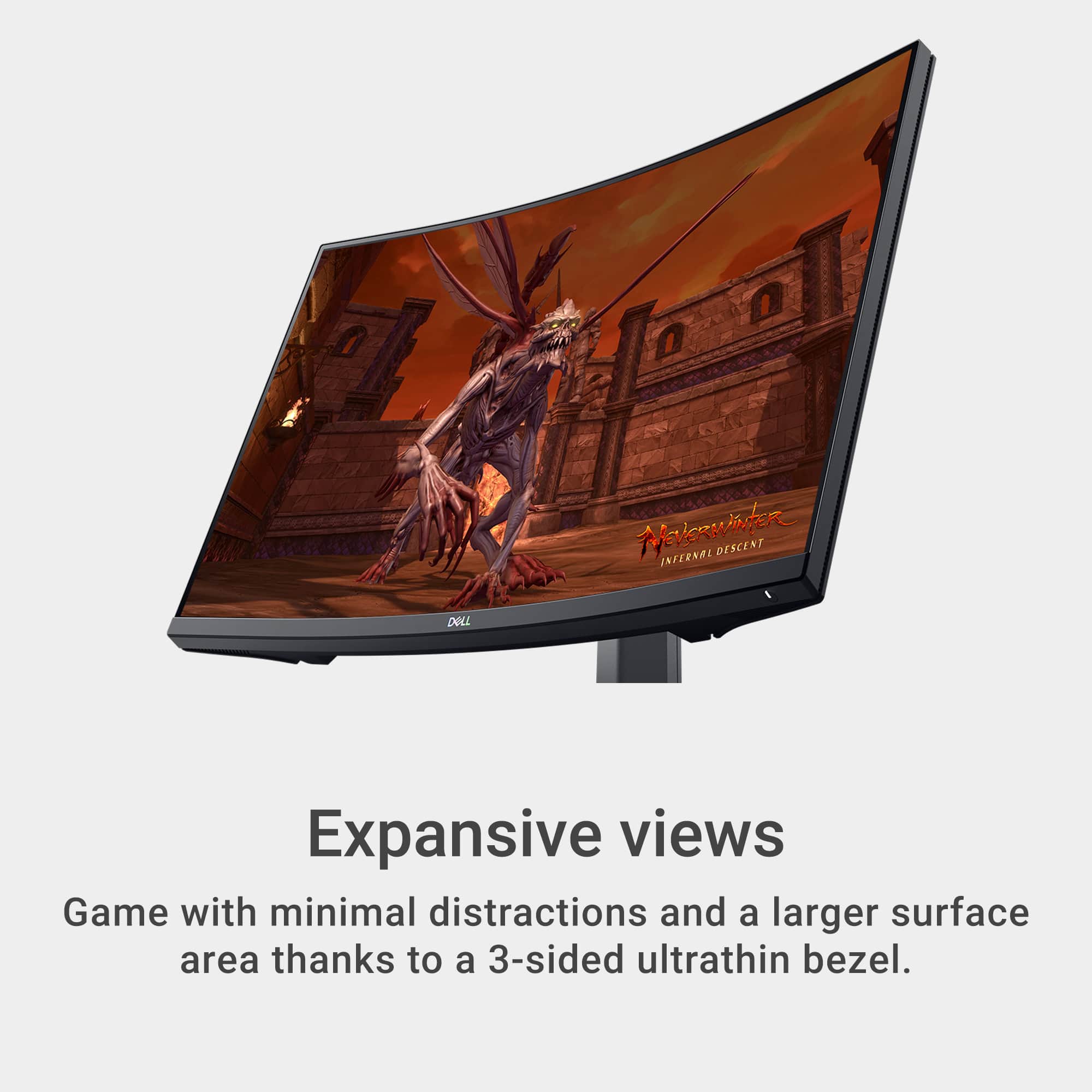
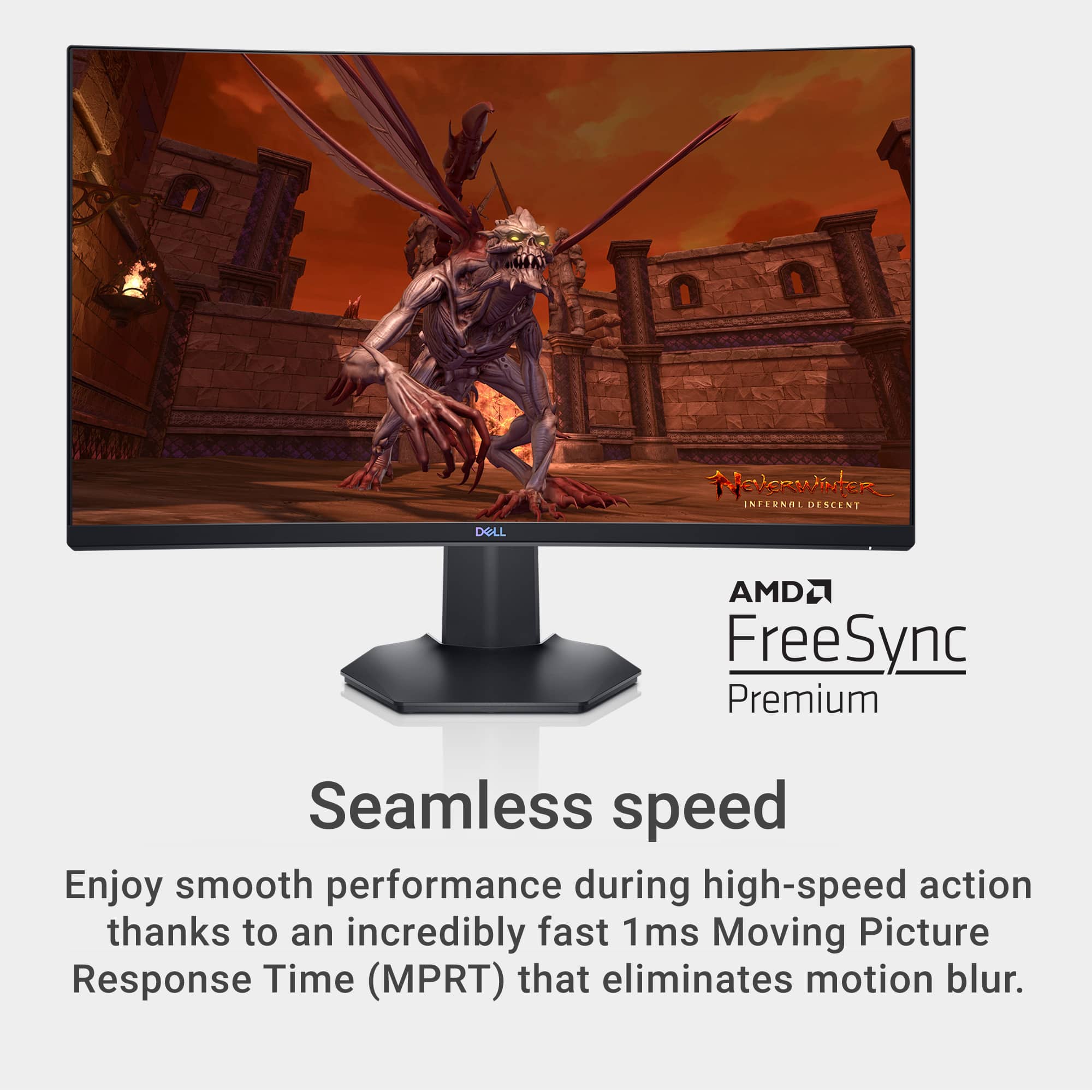
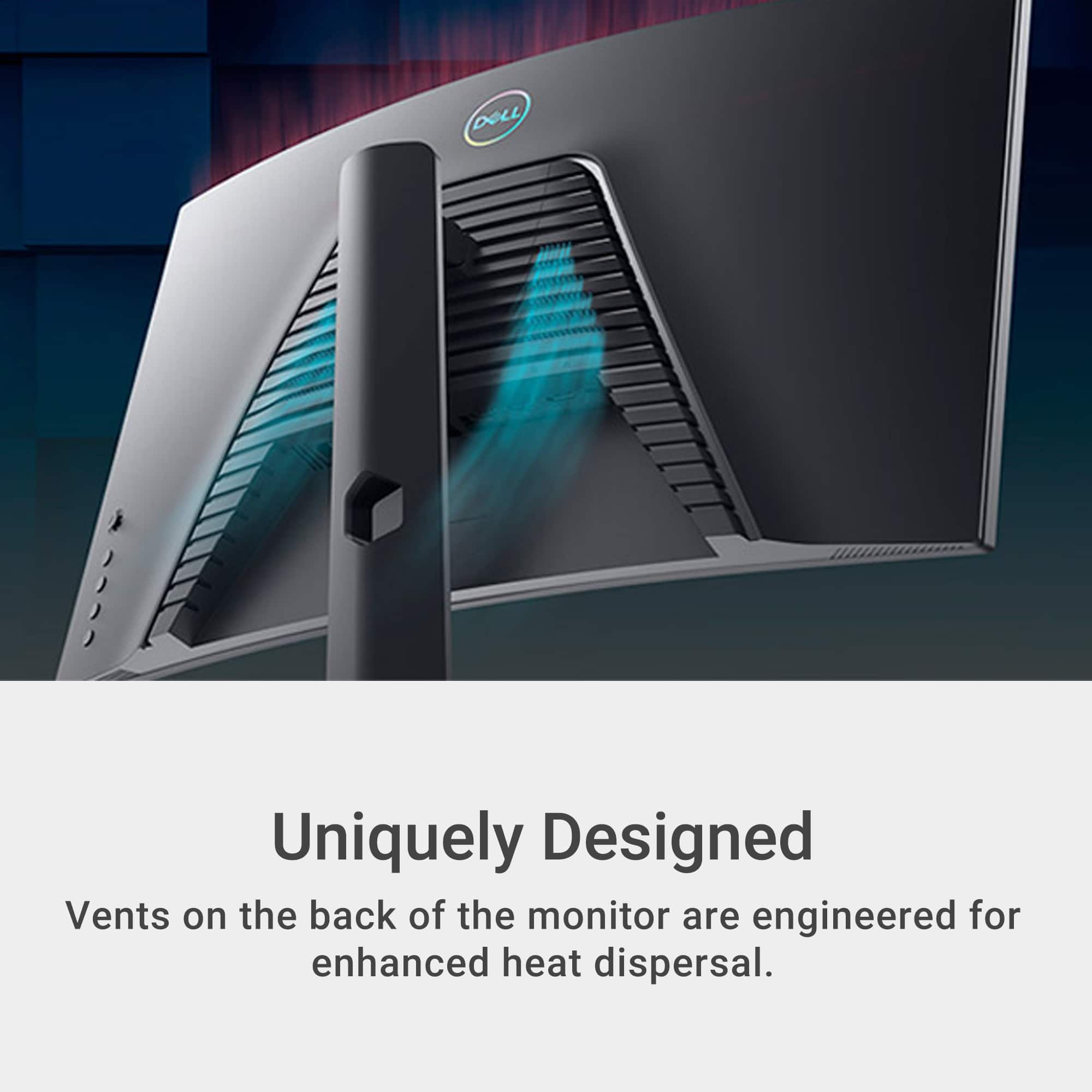
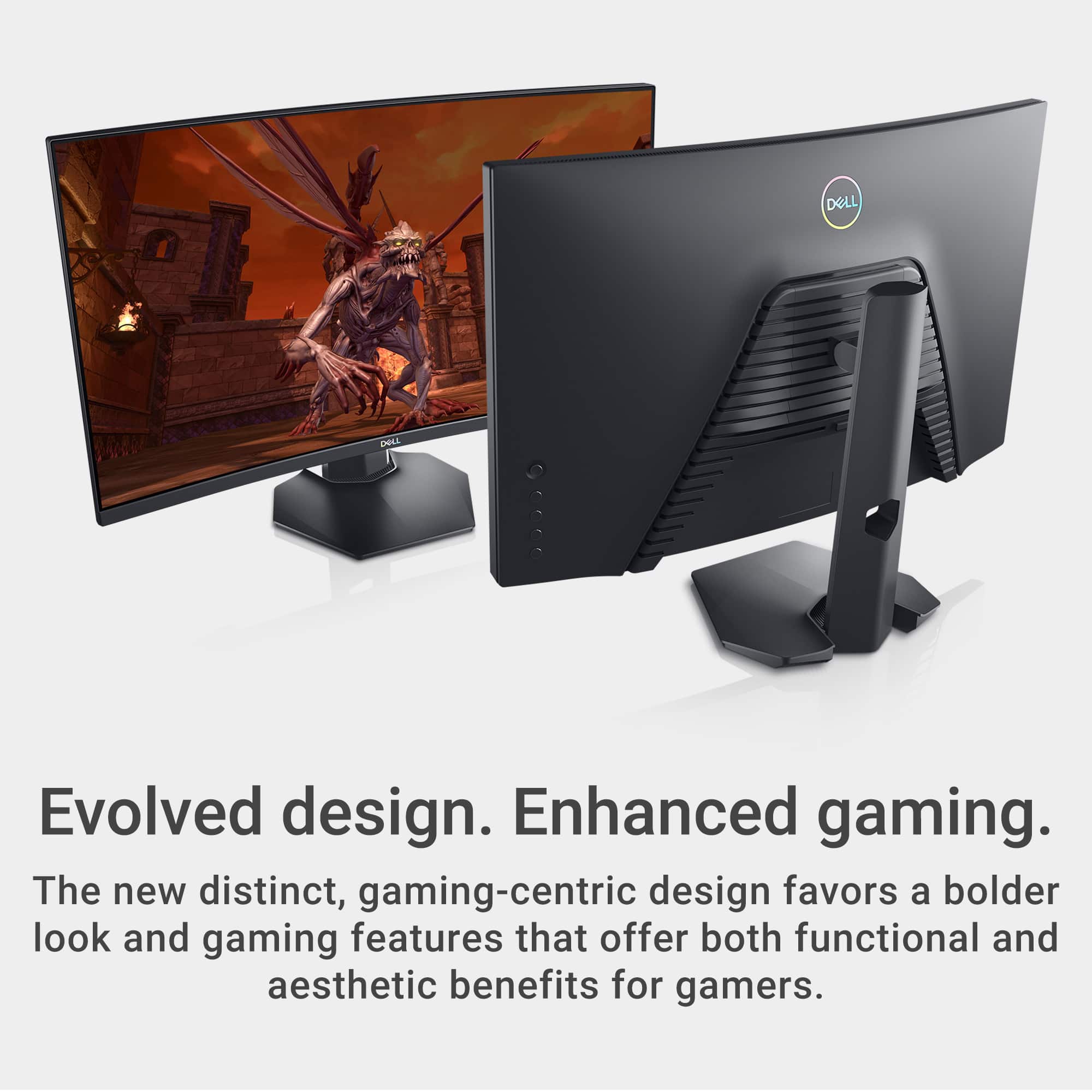
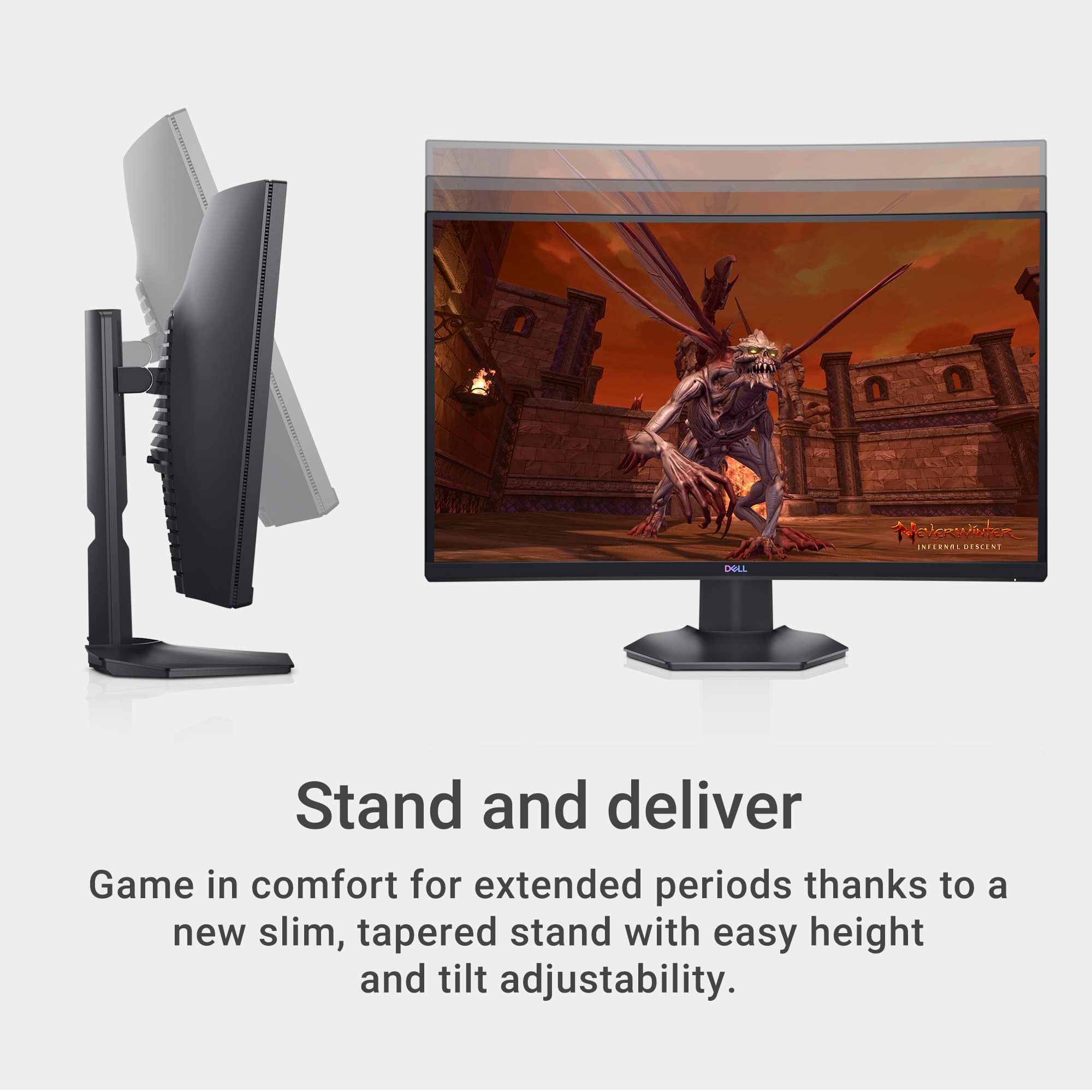
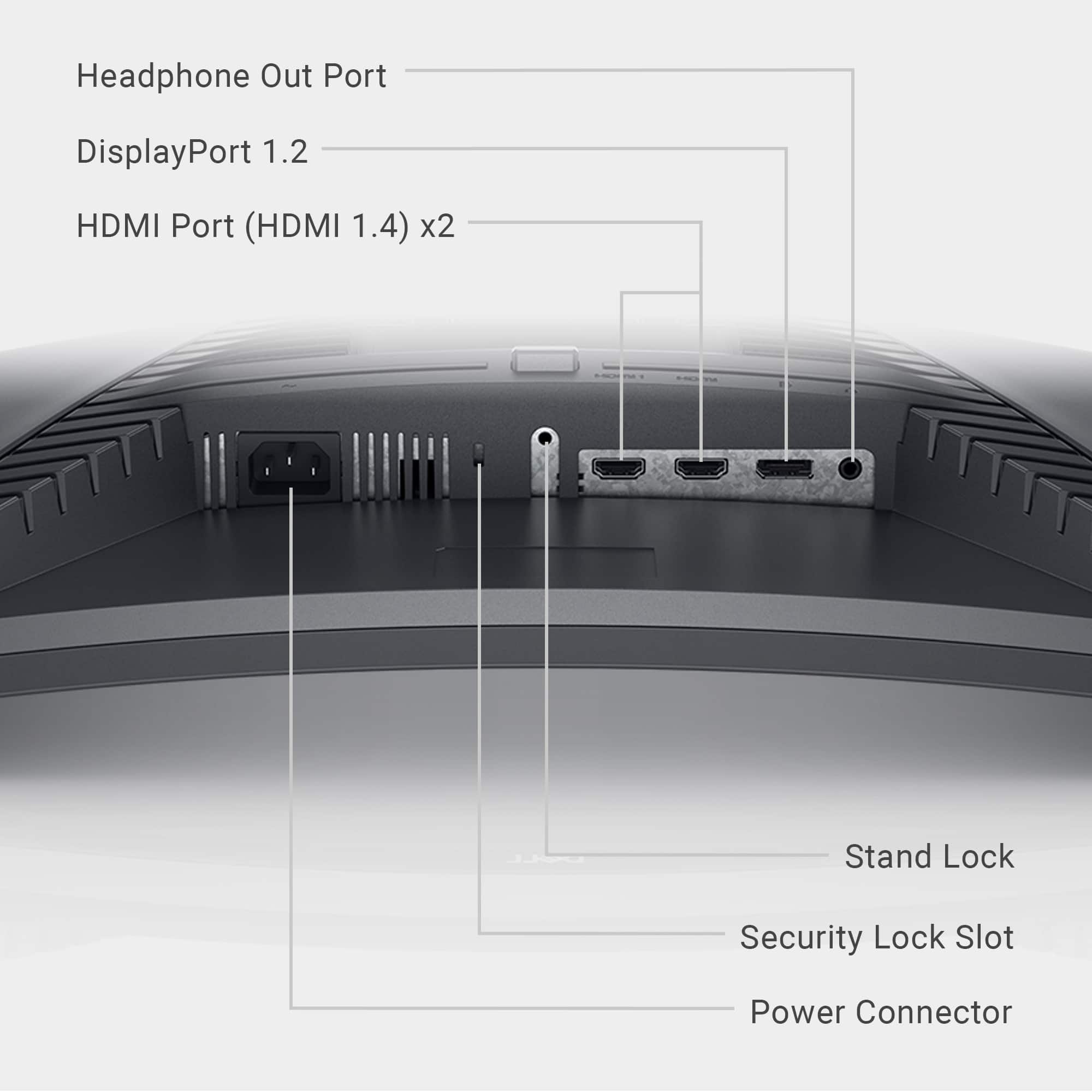
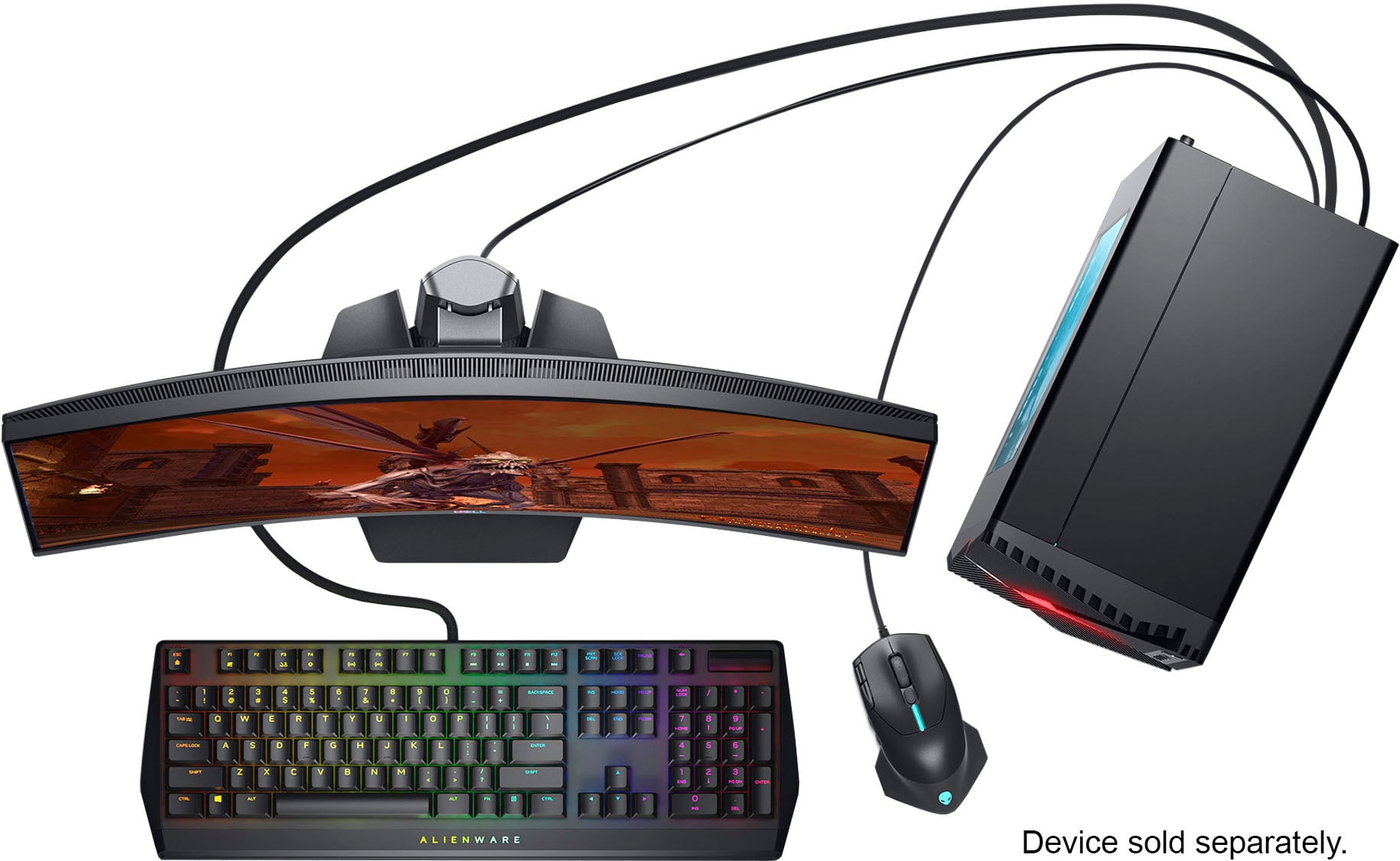
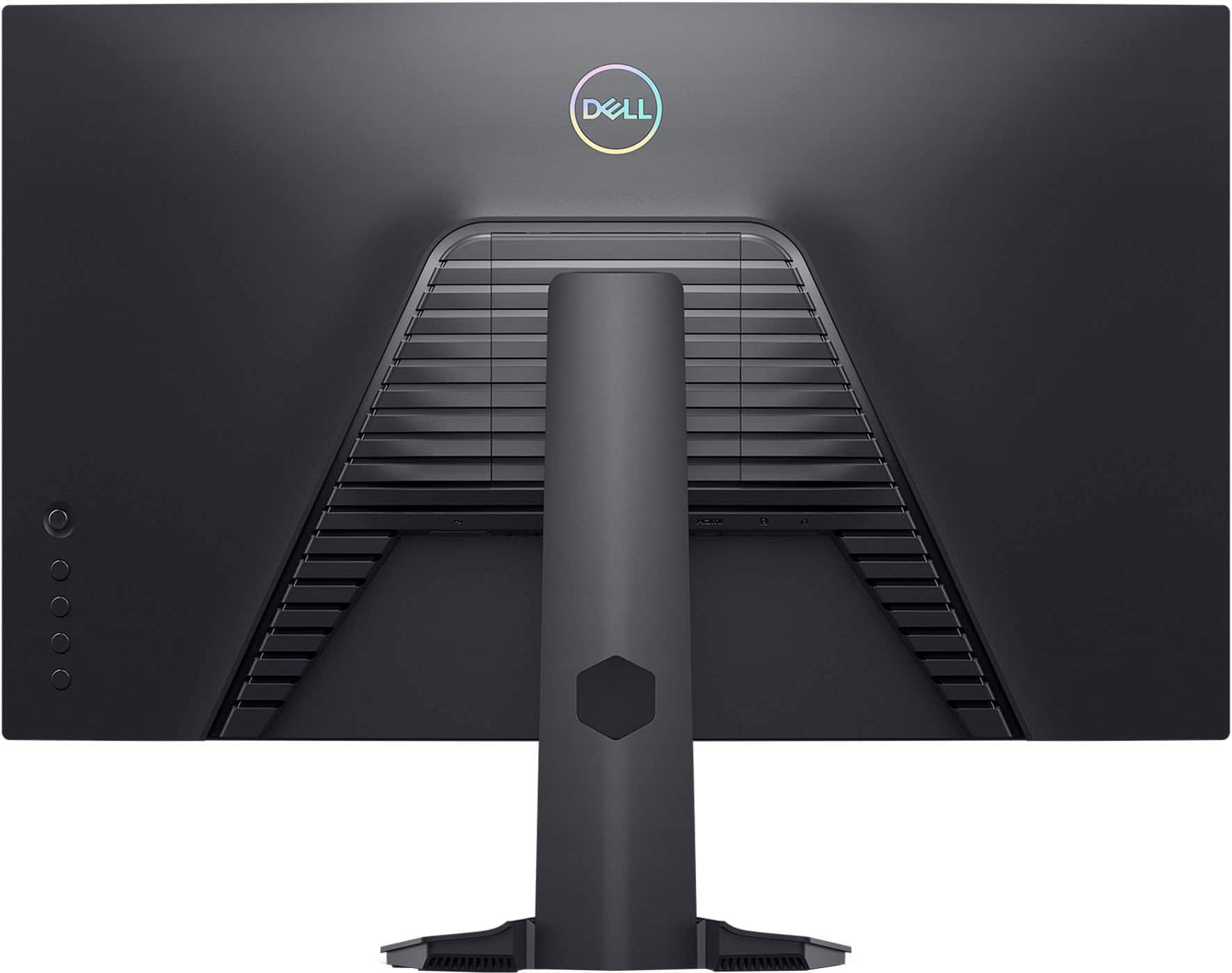
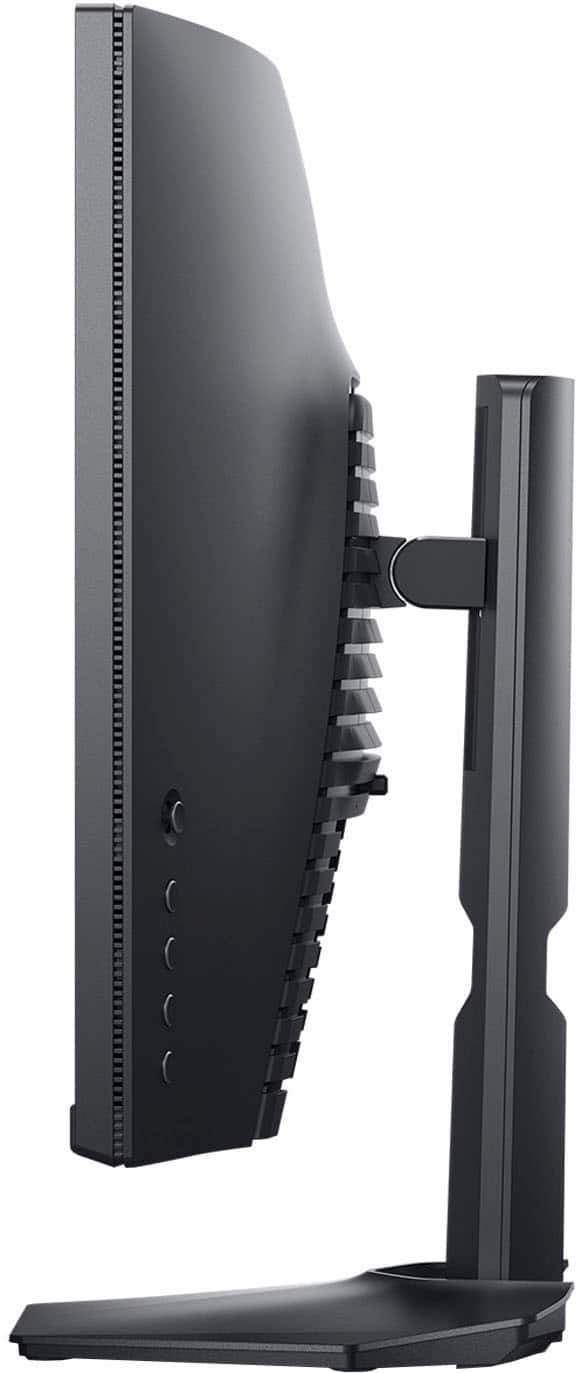
|Posted .This reviewer received promo considerations or sweepstakes entry for writing a review.The Dell S2721HGF is a 27” 1080p VA curved high variable refresh rate monitor offering MPRT support. There’s a lot packed into that sentence, but the essence of what sets the S2721 apart is that nervana of technologies and features and not much else. Dell has consistently put out monitors that cater to the gaming crowd with solid core feature sets, and the S2721 doesn’t sway from that lineage. Physically the monitor is wrapped in matte plastic. The back has a subtle design that makes me think of 80’s car window louvers. No RGB or lights other than the white on LED. It’s a subtle and handsome design. Obviously it’s curved at a 1500R (1.5M radius if you tried to make a circle). There are a plethora of buttons on the back, but all functions are controlled through a simple joystick/button. Bezels are thin at 7mm, and the stand offers a generous height adjustment (5”) and tilt (-5 to 21 degrees). As with most midrange and higher Dell monitors, the stand is excellent. VESA 100x100 is also available with screws preinstalled. Port selection is really good too, with DisplayPort, and dual HDMI. You could easily use a console or two and a PC with this monitor. Power is a standard AC cable, so no annoying power brick! So what sets the S2721HGF apart from Dell’s other offerings? Well, Dell’s curved monitor selection (other than ultrawides) is generally pretty sparse, making this a pretty unique offering. Curved monitors are more comfortable because the eye itself is curved. The image is less straining on our eyes, and as a result feels more immersive. There are downsides, mostly in image distortion and geometry that affect some professional work. The truth is, I’ve been using curved monitors for years now, and I have a hard time going back to a flat screen when the panel is larger than 24”. I was a skeptic, but having used a 32” 16:9 4K curved, as well as a few ultrawides, I’m convinced. The importance of a curve becomes less as the size decreases, but even on a 27” 16:9 panel it’s noticeable. But the curve is just one aspect of the monitor. Another selling feature that will attract a crowd is the 144Hz refresh rate. If you’re an aspiring gamer, or even a casual FPS player, then I’d recommend checking out why the pros go for high refresh rates. Arguments of perceived screens per second still exist, but there have been many tests proving that the higher the refresh rate, the lower the perceived lag from mouse to game, which results in better and more consistent playing. Again, I was a skeptic for a long time, having grown up on 60Hz monitors and playing relatively competitive shooters. While the brain adjusts and adapts to 60Hz, 120, 144, or 240Hz do make measurable differences. The 144Hz that this monitor supports is a great place to be, as anyone will tell you the night and day difference between a 60 and 120+ refresh rate with diminishing appreciation after 120Hz. So why is it 144Hz? Well, while 60Hz has been the norm for a long time on PCs, movies and cinematics run at 24 FPS. If your refresh rate is a multiple of 24 then you don’t get the judder associated with the mismatch of frames. Let’s keep breaking down the topics in that first sentence: What is MPRT? LCDs struggle with blur. Blur occurs on monitors due to the way our brains/eyes work vs how LCDs and OLEDs work. MPRT (Moving Picture Response Time) attempts to correct this visual phenomenon by strobing the backlight to reduce the perceived blur. This is enabled through the settings menu, specifically on the response time. So does it work? While the MPRT setting does make a very visible difference on the famous UFO test (google it), the results for me were mixed. First of all enabling MPRT does affect brightness output (on a monitor that’s already not that bright). Secondly, the perception at higher motions is that it feels like a ghost or trail image (different from ghosting from overdrive). I noticed this playing CS:GO, and honestly I preferred the extreme overdrive setting to MPRT. Your mileage may vary, as the science behind how MPRT works is interesting. However, this setting isn’t enabled by default, and it will disable VRR support (Freesync Premium), so I would suspect many purchasers of this monitor won’t enable it. Moving on to VRR (Variable Refresh Rate) support, the S2721 shines here with Freesync Premium support and being G-Sync compatible. If you haven’t had a variable refresh rate experience yet, this monitor does a great job and supports essentially every graphics card on the market. The G-Sync pendulum demo is a great testing tool for this (even on AMD cards) and even simulating 40-60 frames per second, the motion of the pendum was natural. Without VRR the frames being rendered by your graphics card won’t meet up perfectly with the monitor. You can fix this with VSync, but that causes its own issues. VRR fixes this by syncing the monitor to a multiple of the frame. This is especially important if you have games that can’t hold the native refresh rate of your monitor (144hz), as it maintains a consistent experience all the way down to the 40 FPS range (lower than that and you’ll probably start to notice the lower FPS more intensely). Through experimentation, the freesync range appears to be 55-144Hz, with frame doubling occurring below 55Hz. Given the tradeoff, I would choose VRR over MPRT any day. Overall, this is a great G-sync compatible monitor. Now, the VA referenced stands for Vertical Alignment, which is the LCD panel tech. TN is one of the oldest, and fastest tech, while IPS is renowned for colors, viewing angle and image quality. VA is the middle ground, offering some of the colors advantages, viewing angles, while also bringing superior contrast. VA’s do have downsides, including black smearing caused by a natural sluggishness between swapping between grays (this is where MPRT stood out for me, as it removes much of this). Overall, the contrast ratio mates well to gaming, and the screen uniformity is pretty good on this display. Unlike IPS panels, the VA might have a bit of glow in dark scenarios, but it doesn’t have bright spots around the edges. The curve doesn’t have any impact on the uniformity which is showing how mature the tech has become. So some other details about this monitor. The OSD (on screen display) is super helpful and awesome. The Game menu has lots of presets, including 3 fully customizable game modes which let you tweak color. There’s an Game Enhanced Mode with a timer, frame rate, and display alignment settings - of which Timer is about the only useful thing. You can turn on and off FreeSync. The MPRT is hidden under the response time, but there are 3 other overdrive settings: Fast, Super Fast, and Extreme. Obviously Extreme is the best because it’s extreme… also it appeared to have the least ghosting or inverse ghosting. Dark stabilizer lets you adjust the gamma to see better in dark scenes in a game (don’t use it). The other menus are pretty basic, but when you get to ‘Personalize’ you see one of Dell’s most famous features. They really like giving the user the ability to adjust settings quickly on the display by mapping buttons to whatever setting you want, and it's amazing. It’s a huge reason to get a Dell monitor, as if you want to adjust between presets, it’s simply a button push. Colors seem accurate enough for the VA panel, and the standard gamma seemed on point. I don’t have a colorimeter to calibrate the display, but considering this is for gaming, dialing in the settings that look the best to you is probably the right answer. The panel itself is 8-bit, but I observed no banding issues - that said it’s no 10bit panel. Again, out of the box, the image was pretty well tuned neutral so most will be happy without further tweaking. If you want to tweak, the built in Game color profiles added to the custom profile mean you get 4 fully customizable color profiles - not bad for a budget gamer. So what downsides are there? First and foremost 1080p FHD. 1080p is a fine resolution, but at 27” it starts to get a very coarse feeling. This is especially apparently in productivity where the VA panel’s subpixel arrangement does it no favors with text exacerbating the situation. If you do a lot of school or work this display is tolerable, but not ideal. VA panels do have response time issues, and while this is an excellent example, it’s no TN. Even with MPRT there are issues. Nothing that I personally notice in gaming, but some might. HDR is absent, but at this price point that’s actually fine and even preferred (as even expensive monitors don’t do HDR well yet). No USB hub or speakers, but at least there is audio passthrough via a 3.5mm jack (hook speakers to that and PC/Xbox/PS would all route audio when their input was selected). Alternatively Dell’s S2721DGF model sports IPS, 165Hz, and 1440p - which while costing more is a better investment for those going more multi-function. However if all you’re doing is gaming on this monitor, 1080p is a great sweet spot for PC and obviously consoles, as it’s easier to drive than 1440p. Plus this model is curved, and the D is not. At it’s given price, it’s a value. While there are other 1080p curved monitors, not many sport the high refresh rate, VRR support, customizability and general feature set. Most of those alternatives hit in the 23-24” range, and 27” is more comfortable for gaming in my opinion. Overall this is an amazing monitor for gaming on a budget.
I would recommend this to a friendExercise caution with this one
||Posted . Owned for 7 months when reviewed.This reviewer received promo considerations or sweepstakes entry for writing a review.I've had this monitor for about half a year and I don't really have anything positive to say about it. It worked fine for the first couple days but then the display started flickering and no matter what I did to fix the issue nothing worked. I tried multiple display port cables, HDMI cables, and even adjusted settings in my AMD software. I've stuck it out until today with this monitor but I will be returning it for an Asus monitor of similar specs. In the future I'll be more wary when it comes to buying anything with dell branding. I almost forgot to mention that I'm not the only one with the flickering issue, it seems to be a widespread defect with this model.
No, I would not recommend this to a friendBrand response from YourDellTeam
Posted .Hello SimonH,
Thank you for taking the time to leave a review of your Dell 27” Gaming Monitor. We are sorry to hear that you are experiencing an issue with your screen flickering. That is not the type of feedback we like to hear from our customers, or the type of product Dell intends to deliver. We have noted the details of your statement and will use them to improve current and future products. Below I have provided a troubleshooting link to help resolve your issue.
How to Resolve Monitor or Laptop Display Issues: https://bit.ly/3TsIbf1
If you need further assistance, please reach out to Dell Support directly by using the information provided below.
Chat or call: https://bit.ly/DellSupportTeam
Phone number to Dell: 1-800-624-9896
Best,
Summer@Dell
Bezel Peeling away from frame!
||Posted . Owned for 1.5 years when reviewed.This reviewer received promo considerations or sweepstakes entry for writing a review.Exactly 2 years to the day from buying this monitor and I walk up to see light bleeding out of the top. I guess it turns out the adhesive is failing and the screen is coming out of the frame. It has been a good working monitor until now and haven't tried warranty or anything, but be aware!
No, I would not recommend this to a friendBrand response from YourDellTeam
Posted .Hi KyleF,
We value your feedback and want to thank you for taking the time to leave a review of your Dell 27” gaming monitor. We are sorry to hear that you are experiencing an issue with your screen. That is not the type of feedback we like to hear from our customers, or the type of product Dell intends to deliver. We have noted the details of your statement and will use them to improve current and future products. Below I have provided a troubleshooting link to help resolve your issue.
Display Troubleshooting Link: https://rb.gy/v0reuk
If you continue to experience issues, please reach out to Dell Support directly by using the information provided below.
Chat or call: https://bit.ly/DellSupportTeam
Phone number to Dell: 1-800-624-9896
Best,
Summer@Dell
Great monitor and awesome stand!
||Posted . Owned for 3 weeks when reviewed.This reviewer received promo considerations or sweepstakes entry for writing a review.Great monitor and awesome stand but didn’t come with power cord. Dell customer service completely useless.
I would recommend this to a friendBrand response from YourDellTeam
Posted .Dear Sahara,
We value your feedback and want to thank you for taking the time to leave a review of your Dell 27” Gaming Monitor. We are sorry to hear that you did not receive a power cord with your device and that you did not have a good experience will our Dell Support team. That is not the type of feedback we like to hear from our customers, or the type of service Dell intends to deliver. We would love to help you, we recommend reaching out to our support team to speak with another representative at your convenience.
Should you need further assistance; we recommend that you contact Dell directly with the information below.
Chat or call: https://bit.ly/DellSupportTeam
Phone number to Dell: 1-800-624-9896.
Best,
Summer@Dell
My First Curved Monitor, Very Cool
|Posted .This reviewer received promo considerations or sweepstakes entry for writing a review.I've always thought curved TVs were gimmicks and a monitor was just as guilty. My opinion still holds for TVs, but I was wrong to think the same for gaming monitors. They weren't kidding when they advertised this monitor as an immersive experience and the curvature of the panel gives you that sense of being in the action. The fact is that you’ll be sitting pretty close to a monitor while gaming, and this fact alone makes considering a curved monitor like this a justification for ownership. The actual curvature of the monitor is not aggressive. The top and side bezels are very thin and add to the immersive effect, but the chin is a little on the big side. Gotta floss the logo, I guess. For the technicalities, the monitor supports 2xHDMI1.4 and a DP1.2, which is to be expected from a native 1920x1080p monitor. There are no extra USB ports and no built-in speakers. There is a 3.5mm headphone jack. This monitor is 144Hz and does not disappoint; the OS had no problems identifying it's higher refresh rate and Nvidia Control Panel allows for G-Sync. Higher frame rates seem to be the standard to look for in a monitor as you want to take advantage of all the frames your card can put out. I can’t speak to the FreeSync Premium/Premium Pro, but it supports those optimizations as well. You’ll have to turn on AMD FreeSync in the OSD settings to enable G-Sync. The On/Off button is situated on the right bottom side of the panel and all OSD controls are stacked vertically behind the right side of the panel. In the OSD menu, the Game menu allows preset modes (Standard, FPS, MOBA/RTS, Sports) as well as three customizable modes. These modes change the following: response time, gain, offset, hue, saturation and dark stabilizer. I’ve been flipping between Standard and FPS and overall like the Standard setting. All presets can be tweaked to your liking. For reference, My 1080p rig runs a GTX 1060 and with the S2721HGF, it breathes new life. I’m currently reliving my console days with Halo MCC and the 144Hz is very smooth with no noticeable frame judder. The VA panel has a 1ms MPRT (4ms GTG) but I think it’s more than sufficient for the casual gamer, like myself. Competitive folks probably go for the TN panels, but I digress…. For non-gaming use, the 27” is probably the limit for FHD viewing because text on the screen will start to look fuzzy with respect to the larger resolution monitors at the same size, but it isn’t a deal breaker to me. Movies in full screen mode are excellent and viewing angles remain excellent as well. But that curve?? It’s just for you, my friend. So have a seat front and center.
I would recommend this to a friendGet what you pay for.
||Posted . Owned for 4 months when reviewed.This reviewer received promo considerations or sweepstakes entry for writing a review.Amazing and definitely worth the upgrade. Can see the colors!!
I would recommend this to a friendSurprised
||Posted . Owned for less than 1 week when reviewed.This reviewer received promo considerations or sweepstakes entry for writing a review.I bought this item "Open Box Excellent". Returned it four days later due to two rather noticeable lines going horizontally across the bottom of the screen. The box was pretty tattered upon arrival and the actual monitor was pretty dusty. I'm very skeptical about buying open box items now. Very surprised Best Buy's open box products have declined since I last purchased one.
I would recommend this to a friend