Customer Ratings & Reviews
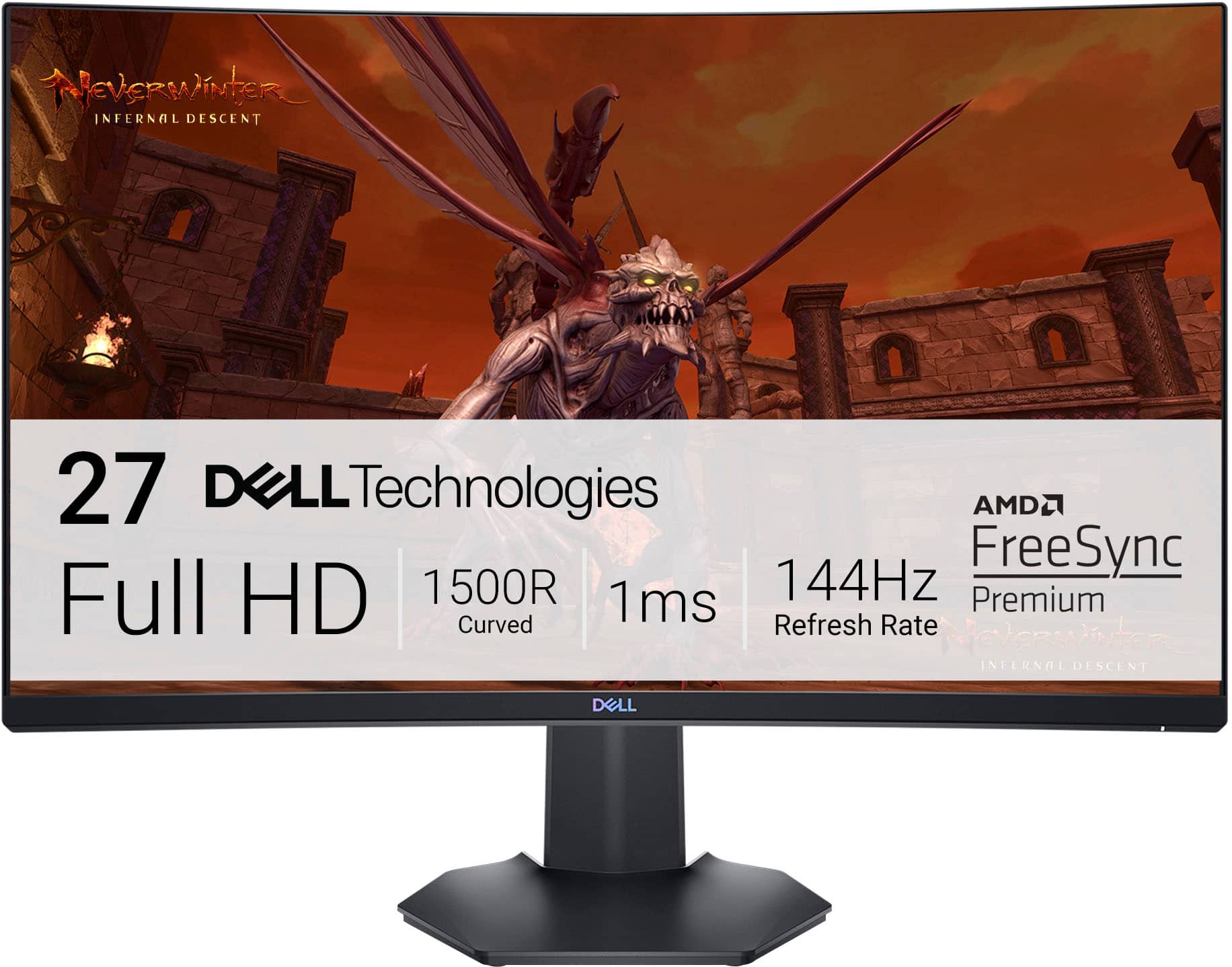
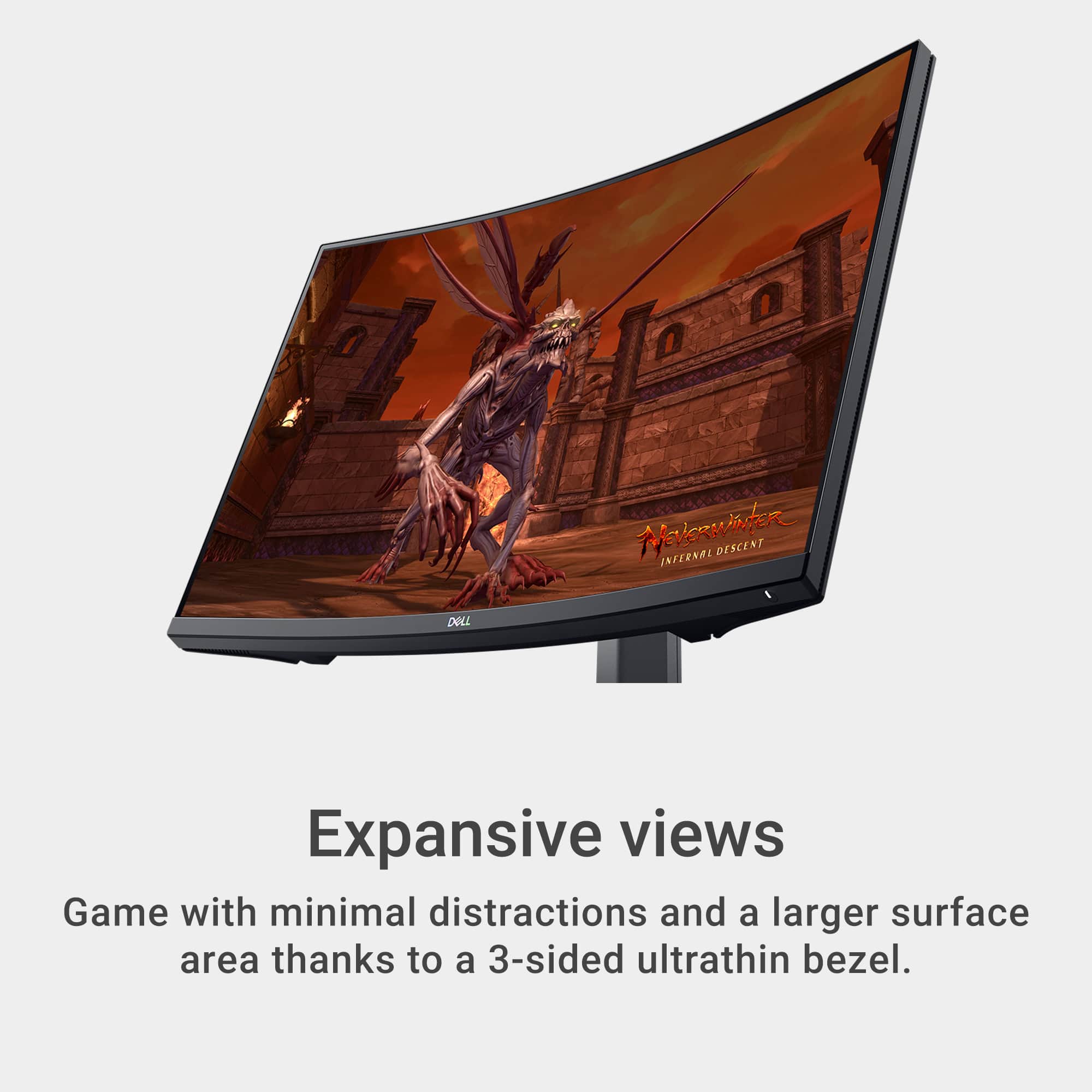
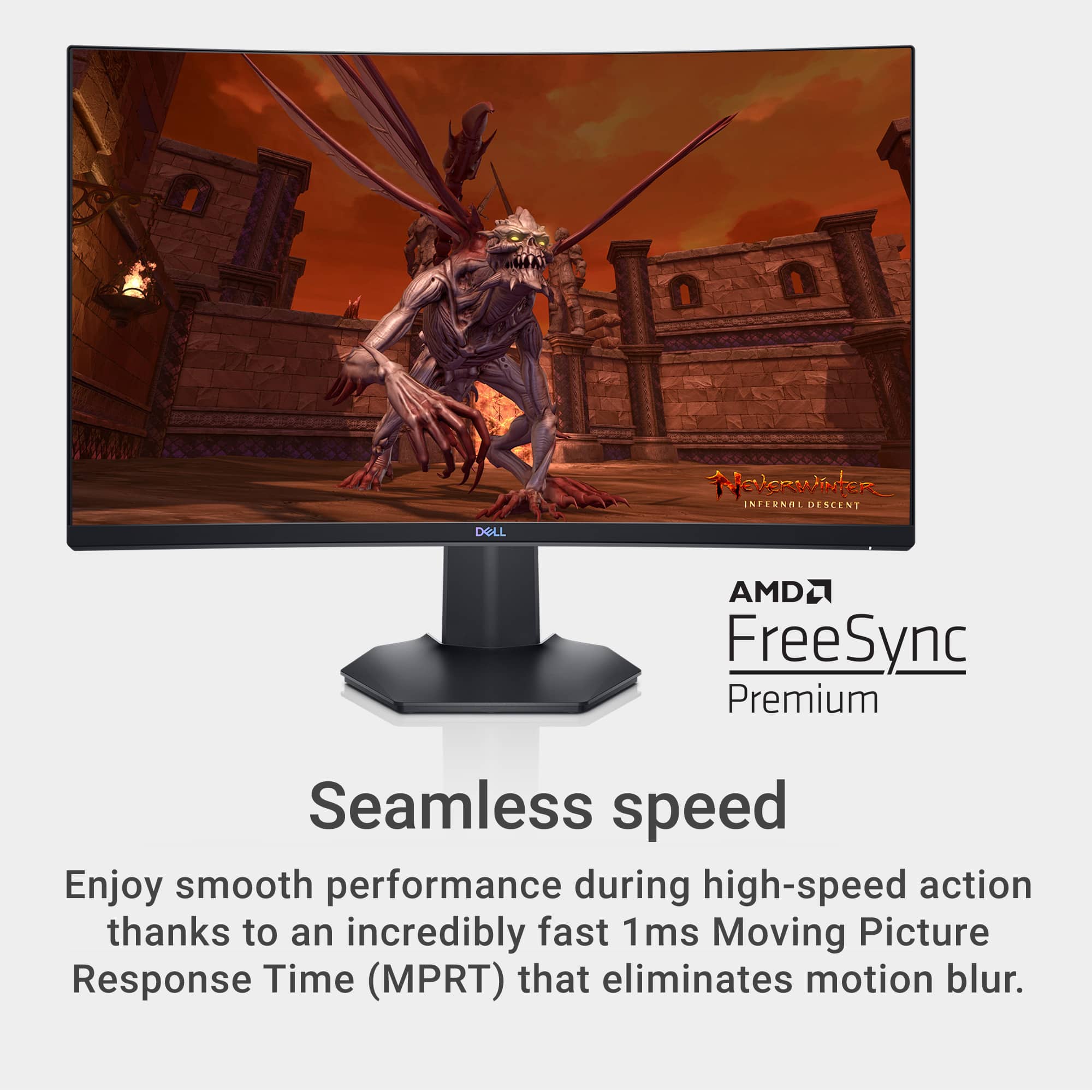
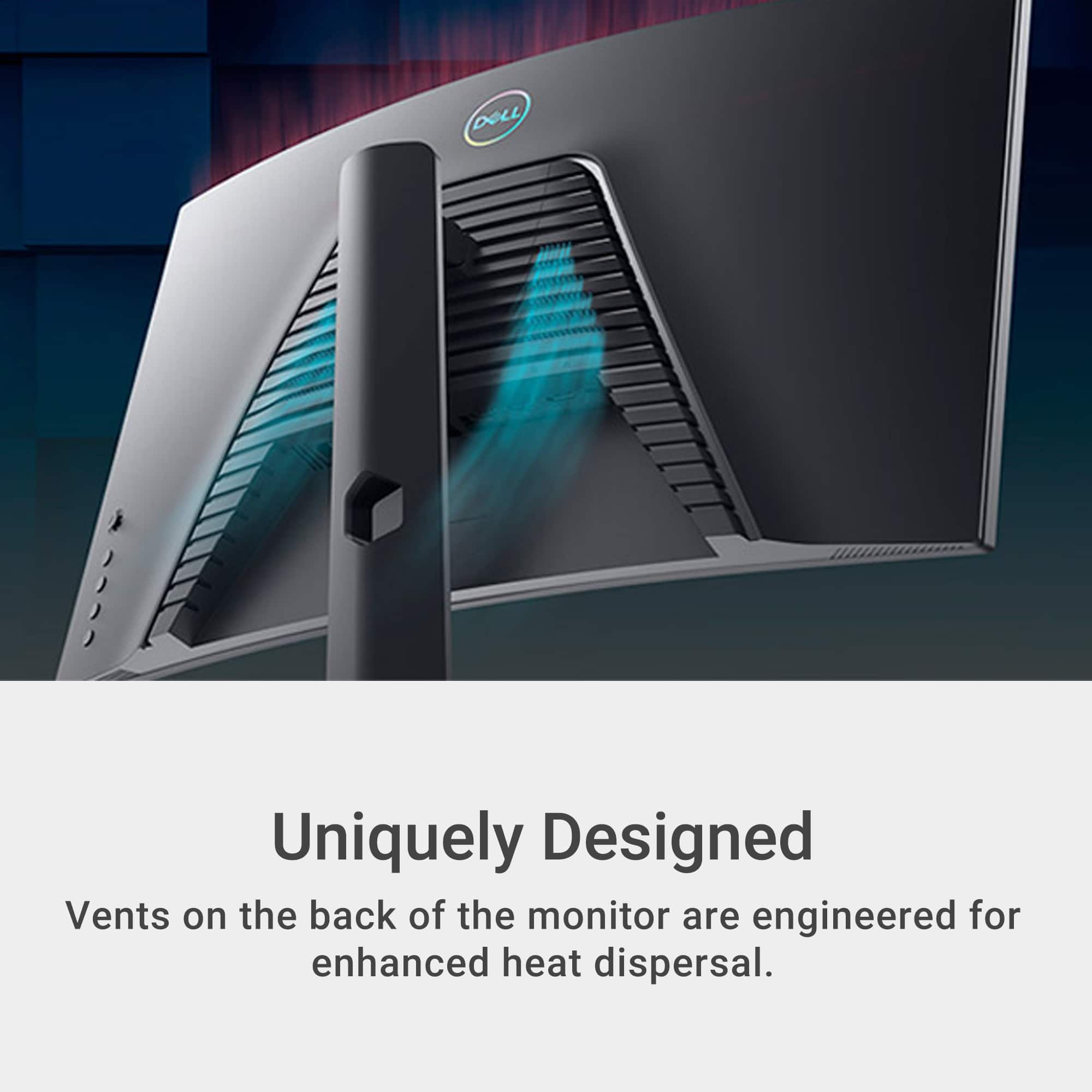

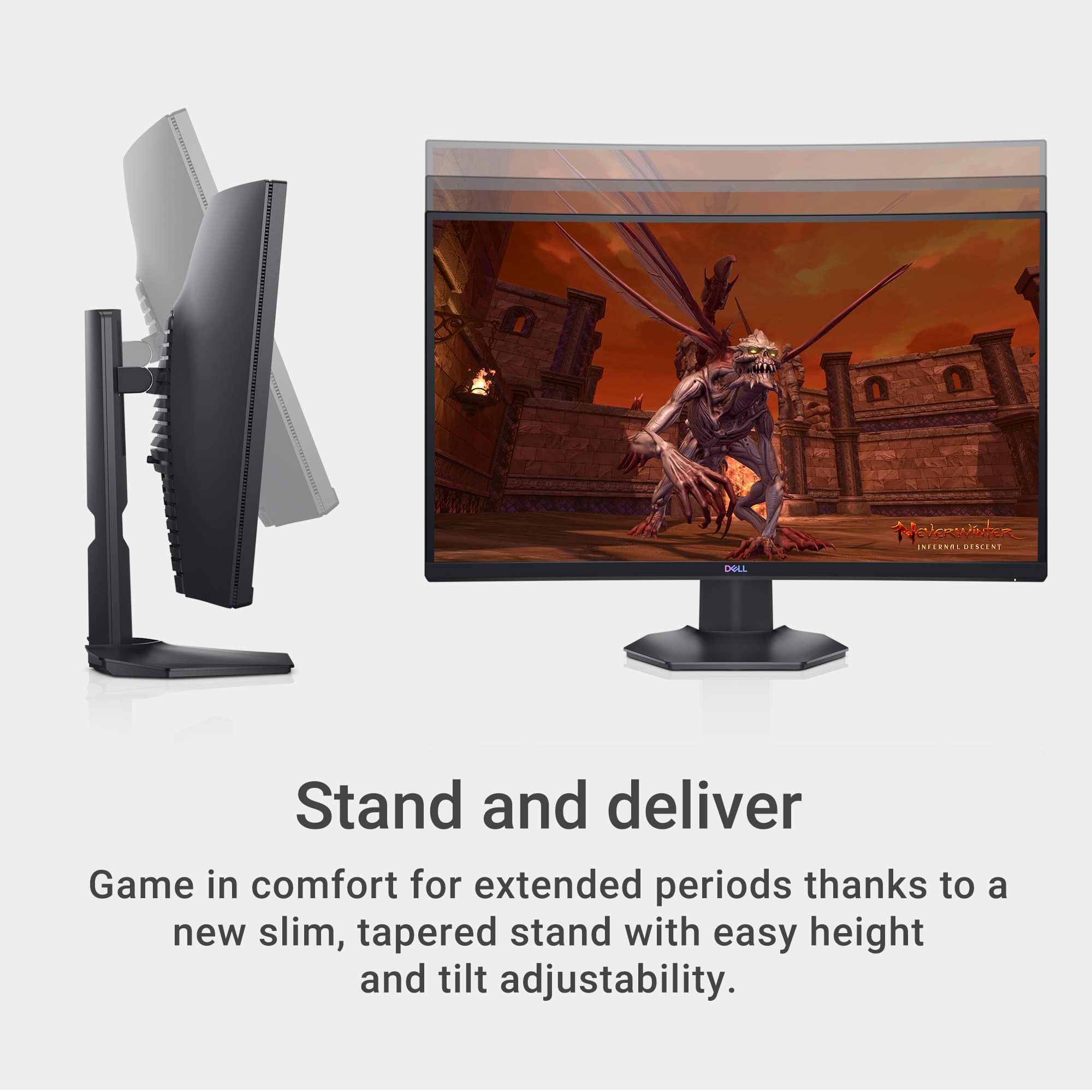
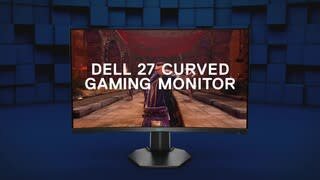
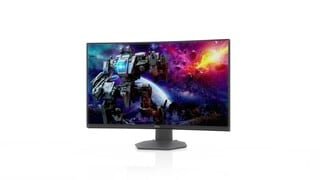
- Model:
- S2721HGF
- SKU:
- 6425903
Rating by feature
- Display Quality
Rating 4.8 out of 5 stars
- Ease of Use
Rating 4.8 out of 5 stars
- Features
Rating 4.7 out of 5 stars
Customers are saying
Customers are delighted by the S2721HGF monitor's picture quality, curved screen, and high refresh rate, finding it ideal for gaming and easy to set up. Many appreciate the monitor's excellent value for the price. However, a common complaint is the lack of built-in speakers. Some users also noted minor issues with HDR performance and occasional ghosting.
This summary was generated by AI based on customer reviews.
Great monitor
||Posted . Owned for 1 month when reviewed.This reviewer received promo considerations or sweepstakes entry for writing a review.Very pleased! This is a great size and has great graphics.
I would recommend this to a friendMissing power cord.
||Posted . Owned for 1 month when reviewed.This reviewer received promo considerations or sweepstakes entry for writing a review.I bought this for my son for Christmas. He was excited to set it up, but it was missing the power cord. Description says it’s included, but it was not. Very disappointing.
No, I would not recommend this to a friendScreen came cracked
||Posted . Owned for 3 weeks when reviewed.This reviewer received promo considerations or sweepstakes entry for writing a review.Only 3 stars because this monitor wasn't sold in stores and against my better judgment I ordered to be ship. Welp I should have listened to myself. The monitor came and the screen was cracked. Stars are for the excellent customer service when returning.
I would recommend this to a friendBrand response from YourDellTeam
Posted .nankatfog,
We're sorry to hear about the condition that your new monitor arrived in. We're glad that you were able to return your cracked monitor and that the process went smoothly. We hope that you will consider Dell again in the future and if you have questions about this monitor you can check our Product Support Page here: https://dell.to/33bpli7.
Best,
Bryan
1-800-624-9896
Good for gaming, not coding
||Posted . Owned for 3 weeks when reviewed.This reviewer received promo considerations or sweepstakes entry for writing a review.The colors and contrast are really good. I find the text to be blurry. I have tried to adjust all of the settings. Not a great monitor for coding, its good for gaming.
No, I would not recommend this to a friendBrand response from YourDellTeam
Posted .Hello Mark,
Thank you for taking the time to leave us your review. We apologize for the issues you have had with your Dell Monitor. I have provided a list of possible resolutions for the display issue. I have also given you a link to the full article should you need more information.
Resolutions
*Verify display or video issue on a known-good monitor
*Check for physical damage
*Run hardware diagnostics on the Dell monitor
*Reset the monitor to factory settings
*Verify display or video issue in Windows Safe Mode
*Update the video card (GPU) driver, monitor driver, chipset driver, and BIOS
*Download and install Microsoft Windows updates
*Change the video or display settings and adjust the brightness
*Touchscreen troubleshooting (touch-capable monitors only)
*Run a Video Stress Test using Dell SupportAssist
*Perform a Windows System Restore
*Restore your computer to factory defaults
How to troubleshoot display and video issues on Dell monitor: https://dell.to/2NqoNAb
After utilizing the troubleshooting options provided above, if the issue persists, please feel free to contact our support team here: https://bit.ly/DellSupportTeam.
If you require further assistance, you can contact Dell directly with the information below.
Chat or call: https://bit.ly/DellSupportTeam
Phone number to Dell 1-800-624-9896
Best,
Ashley@Dell
Curve monitor
||Posted . Owned for 3 weeks when reviewed.This reviewer received promo considerations or sweepstakes entry for writing a review.Can't hear on headset when i plug it in. It does not include speakers
No, I would not recommend this to a friendBrand response from YourDellTeam
Posted .Hi TewW,
We want to thank you for taking the time to leave a review of your Dell 27” gaming monitor. We are sorry to hear that you were not aware that your device did not have speakers. That is not the type of feedback we like to hear from our customers, or the type of product Dell intends to deliver. We have noted the details of your statement and will use them to improve current and future products.
If you continue to experience issues, please reach out to Dell Support directly by using the information provided below.
Chat or call: https://bit.ly/DellSupportTeam
Phone number to Dell: 1-800-624-9896
Best,
Summer@Dell
No sound
||Posted . Owned for 3 weeks when reviewed.This reviewer received promo considerations or sweepstakes entry for writing a review.Misleading says it has sound but does not have speakers built in on the monitor so there is no sound.
No, I would not recommend this to a friendBrand response from YourDellTeam
Posted .Hey Elijah,
Thank you for taking the time to leave a review of your Dell 27” gaming monitor. We are sorry to hear that you were unaware that this monitor did not have speakers. That is not the type of feedback we like to hear from our customers, or the type of product Dell intends to deliver. We have noted the details of your statement and will use them to improve current and future products.
If you continue to experience issues, please reach out to Dell Support directly by using the information provided below.
Chat or call: https://bit.ly/DellSupportTeam
Phone number to Dell: 1-800-624-9896
Best,
Summer@Dell
Nice monitor
||Posted . Owned for 1 year when reviewed.This reviewer received promo considerations or sweepstakes entry for writing a review.Ended up returning it as I found a separate monitor that fit my budget
I would recommend this to a friendBrand response from YourDellTeam
Posted .Hello JaysenR,
We would like to thank you for taking the time to leave us your review. We are sorry you have decided to return your Dell - S2721HGF 27 Gaming Monitor.
Furthermore, we always strive to get better and reviews like yours help us develop products our customers love.
Even if this particular product was not the right fit for you, we hope that you will consider Dell in the future when you make your next purchase.
If you need assistance or come across any other issues or concerns, please call, or chat with a Dell Support Representative at your earliest convenience.
Chat or call: https://bit.ly/DellSupportTeam
Phone number to Dell: 1-800-624-9896
Best,
Minhaj@Dell
Get Monitor
||Posted . Owned for 3 weeks when reviewed.This reviewer received promo considerations or sweepstakes entry for writing a review.Awesome monitor for gaming. Though if you’re looking for something with more fps I would recommend another monitor.
I would recommend this to a friendWill not power on
||Posted . Owned for 9 months when reviewed.This reviewer received promo considerations or sweepstakes entry for writing a review.I had this monitor for about 7 months, i game on it with my PS5. I rarely use it, i would say i play 3 times a week for an hour or 2. It normally turns on when my PS5 turns on but this time it didnt. I try to turn it on manually ans nothing. I even unplugged it for a few minutes and nothing. Good thing i have a credit card with Best buy, i will be scheduling my drop off next week. Smh
No, I would not recommend this to a friendNot completely worth it
||Posted . Owned for 1 week when reviewed.This reviewer received promo considerations or sweepstakes entry for writing a review.Finicky settings will take time to get used to Lower peak brightness than advertised in HDR mode Added image presets could detract from HDR experience
No, I would not recommend this to a friendBrand response from YourDellTeam
Posted .Dear JakeyGamePro,
Thank you for taking the time to leave a review of your Dell 27” Gaming Monitor. We are sorry to hear about the brightness of your device. That is not the type of feedback we like to hear from our customers, or the type of product Dell intends to deliver. We have noted the details of your statement and will use them to improve current and future products. Below I have provided the toll-free number and chat link for your convenience if you need further assistance.
Should you need further assistance; we recommend that you contact Dell directly with the information below.
Chat or call: https://bit.ly/DellSupportTeam
Phone number to Dell: 1-800-624-9896.
Best Regards,
Summer@Dell
Broken Pixel The Last Day of Warrant With NO HELP
||Posted . Owned for 2 months when reviewed.This reviewer received promo considerations or sweepstakes entry for writing a review.A dead pixel showed up on the day of the products warrant expired. I called best buy without worry as they have always helped me in the past and they told me that i have to contact Dell that I was too late and they could not help me. My family and I will shop elsewhere if this is how they operate.
No, I would not recommend this to a friendOrder
||Posted .This reviewer received promo considerations or sweepstakes entry for writing a review.It Was great but I order a monitor and a pc and they told me I’ll get them in 1-2 day and I haven’t gotten my pc for 3 weeks already
I would recommend this to a friendDON’T drop it or let it fall off desk!
||Posted . Owned for 3 weeks when reviewed.This reviewer received promo considerations or sweepstakes entry for writing a review.Great product but don’t count on your Advantage membership to cover it if it falls off a desk/table or gets dropped and the screen cracks!
I would recommend this to a friendBrand response from YourDellTeam
Posted .Hi There Tireman93,
Thank you for leaving a review of your Dell 27” Curved Gaming Monitor. We are sorry to hear that you dropped your device and the screen cracked. That is not the type of product Dell intends to deliver or the type of feedback we like to hear from our customers. We would love to help you. Please use the toll-free number or chat link below to reach a member of our support team at your convenience.
Should you need further assistance; we recommend that you contact Dell directly with the information below.
Chat or call: https://bit.ly/DellSupportTeam
Phone number to Dell: 1-800-624-9896.
Regards,
Summer@Dell
broken
Posted .This reviewer received promo considerations or sweepstakes entry for writing a review.they sold me a broken monitor. i was excited to get home and connect it to my ps5 but it came in horrible condition
I would recommend this to a friendBrand response from YourDellTeam
Posted .Dear Randall,
We value your feedback and want to thank you for taking the time to leave a review of your Dell 27” gaming monitor. We are sorry to hear that your device was broken upon receipt. That is not the type of product Dell intends to deliver or the type of feedback we like to hear from our customers. We have noted the details of your statement and will use them to improve current and future products.
We recommend that you contact Dell directly with the information below if you need further assistance.
Chat or call: https://bit.ly/DellSupportTeam
Phone number to Dell: 1-800-624-9896.
Best,
Summer@Dell
Audio not working
||Posted . Owned for 3 weeks when reviewed.This reviewer received promo considerations or sweepstakes entry for writing a review.The refresh rate is great on this monitor. But for some reason, I can’t get audio to come out of it. If I find out how I will change my review.
I would recommend this to a friendBrand response from YourDellTeam
Posted .Paul,
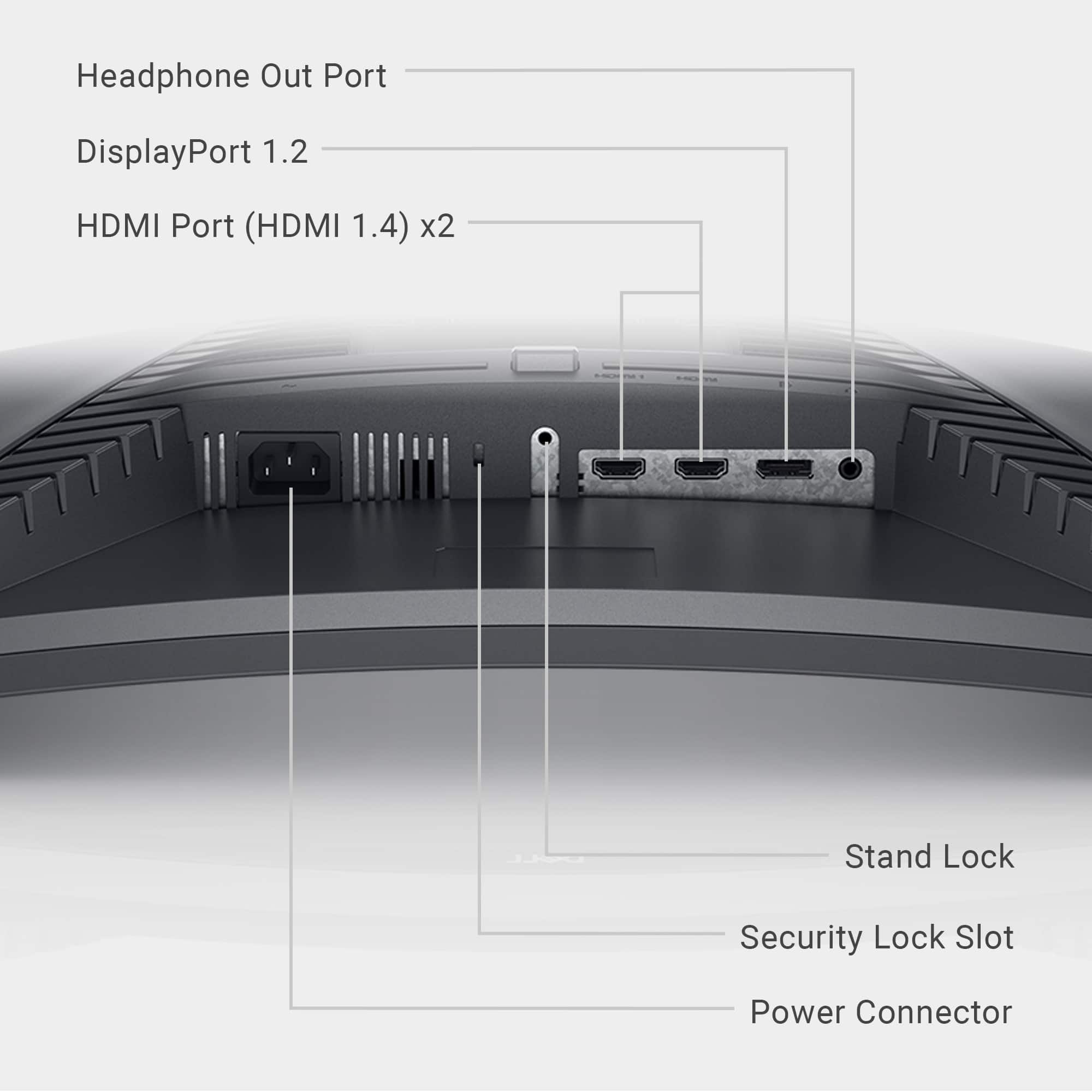
Thanks for your review and we're sorry to hear about the trouble that you're having with your monitor so far. Please note that based on the specifications for this monitor that there are no integrated speakers with this model. There is a headphone jack on the monitor that you can connect headphones or external speakers to if you would like to have sound from your monitor.
Here is a 27" monitor at Best Buy that does have integrated speakers if you are interested: http://bit.ly/2VEkyS0.
Best,
Bryan
1-800-624-9896
Ddeelll
||Posted . Owned for 3 months when reviewed.This reviewer received promo considerations or sweepstakes entry for writing a review.Dissapointed rhis nice Dell monitor had NO speakers. We returned.
No, I would not recommend this to a friendBrand response from YourDellTeam
Posted .Hey PpatriciaS,
We value your feedback and want to thank you for taking the time to leave a review of your Dell 27” gaming monitor. We are sorry to hear that you were unaware this device did not have speakers and decided to return it. That is not the type of feedback we like to hear from our customers, or the type of product Dell intends to deliver. We have noted the details of your statement and will use them to improve current and future products.
We recommend that you contact Dell directly with the information below if you need further assistance.
Chat or call: https://bit.ly/DellSupportTeam
Phone number to Dell: 1-800-624-9896.
Best,
Summer@Dell
No built-in speakers
||Posted . Owned for 3 weeks when reviewed.This reviewer received promo considerations or sweepstakes entry for writing a review.Best Buy sales in as not forthcoming with correct info to specific questions asked about specifications. Had to drive 60 miles to return and was not treated with respect by next salesperson. No speakers were a must for my use.
No, I would not recommend this to a friendBrand response from YourDellTeam
Posted .Hello JaneT,
We are sorry to hear that you have decided to return your Dell Gaming Monitor. We can assure you that Dell takes pride in manufacturing quality products. Even if this particular product was not the right fit for you, we hope that you will consider Dell in the future when you make your next purchase.
If you require further assistance, please reach out to Dell Support directly by using the toll-free number or chat link provided below.
Chat or call: https://bit.ly/DellSupportTeam
Phone number to Dell: 1-800-624-9896
Best,
Jay@Dell
You lost a loyal customer
||Posted . Owned for 6 months when reviewed.This reviewer received promo considerations or sweepstakes entry for writing a review.Do not purchase this item as it will stop working after 7 months and if you didn't pay extra for a warranty because you believed the product would last at least 12 months, you are out of luck. Disappointed in best buy and will stop being a customer after decades of loyalty.
No, I would not recommend this to a friendBrand response from YourDellTeam
Posted .Hello There MatthewR,
We value your feedback and want to thank you for taking the time to leave a review of your Dell 27” curved gaming monitor. We are sorry to hear that you are experiencing an issue with your device. That is not the type of feedback we like to hear from our customers, or the type of product Dell intends to deliver. We have noted the details of your statement and will escalate them for improvements on current and future products.
If you continue to experience issues, please reach out to Dell Support directly by using the information provided below.
Chat or call: https://bit.ly/DellSupportTeam
Phone number to Dell: 1-800-624-9896
Best,
Summer@Dell
Washed out colors on Series S
||Posted . Owned for less than 1 week when reviewed.This reviewer received promo considerations or sweepstakes entry for writing a review.Games felt great to play but no matter how i tinkered with the settings i was never able to get vibrant colors. Every game had a washed/dull look. If youre not interested in colors, then definitely a good buy for the price, but it was not for me.
No, I would not recommend this to a friendBrand response from YourDellTeam
Posted .Hey There David,
We value your feedback and want to thank you for taking the time to leave a review of your Dell 27” gaming monitor. We are sorry to hear that you are not completely satisfied with the color of your screen. That is not the type of feedback we like to hear from our customers, or the type of product Dell intends to deliver. We have noted the details of your statement and will escalate them to our quality team for improvements on current and future products.
If you continue to experience issues, please reach out to Dell Support directly by using the information provided below.
Chat or call: https://bit.ly/DellSupportTeam
Phone number to Dell: 1-800-624-9896
Best,
Summer@Dell
bad
||Posted .This reviewer received promo considerations or sweepstakes entry for writing a review.Bought this monitor at the Roanoke store on sale and g-sync flickering MAJOR flickering so i called dell they were rude said i needed a dell pc to operate this monitor and aslo there is a funny smell coming this monitor i have an rtx 2070 super
No, I would not recommend this to a friendBrand response from YourDellTeam
Posted .Hello,
Thank you for taking the time to your feedback and review. We are sorry to hear that your monitor started flickering and your experience with Dell Support. We would love to assist you as soon as possible. We have provided steps that can be used to run a Self-Test on the monitor to help diagnose the issue if needed in the future.
To run the monitor built-in self test (BIST):
1. Make sure that the monitor screen is clean (no dust particles on the surface of the screen).
2. Unplug the video cable(s) from the back of the Dell monitor and the PC. The Dell monitor should now enter self-test mode.
3. Press and hold Button 1 for 5 seconds. A gray screen should appear.
4. Carefully inspect the screen for abnormalities.
5. Press Button 1 on the front panel again. The color of the screen should now change to red.
6. Inspect the screen for any abnormalities.
7. Repeat Step 5 and Step 6 to inspect the screen in green, blue, black, white and text screens.
8. The test is complete when the white screen appears.
9. Press Button 1 to exit the built-in self test diagnostics.
10. This link can be used to help run further steps and provide more in-depth information: https://dell.to/3jTiTFm.
If you require further assistance after the recommended steps above, please contact Dell Support at your earliest convenience at 1-800-264-9896.
Best,
Wendy C.
https://bit.ly/DellSupportTeam.
Phone number to Dell: 1-800-264-9896.