Customer Ratings & Reviews
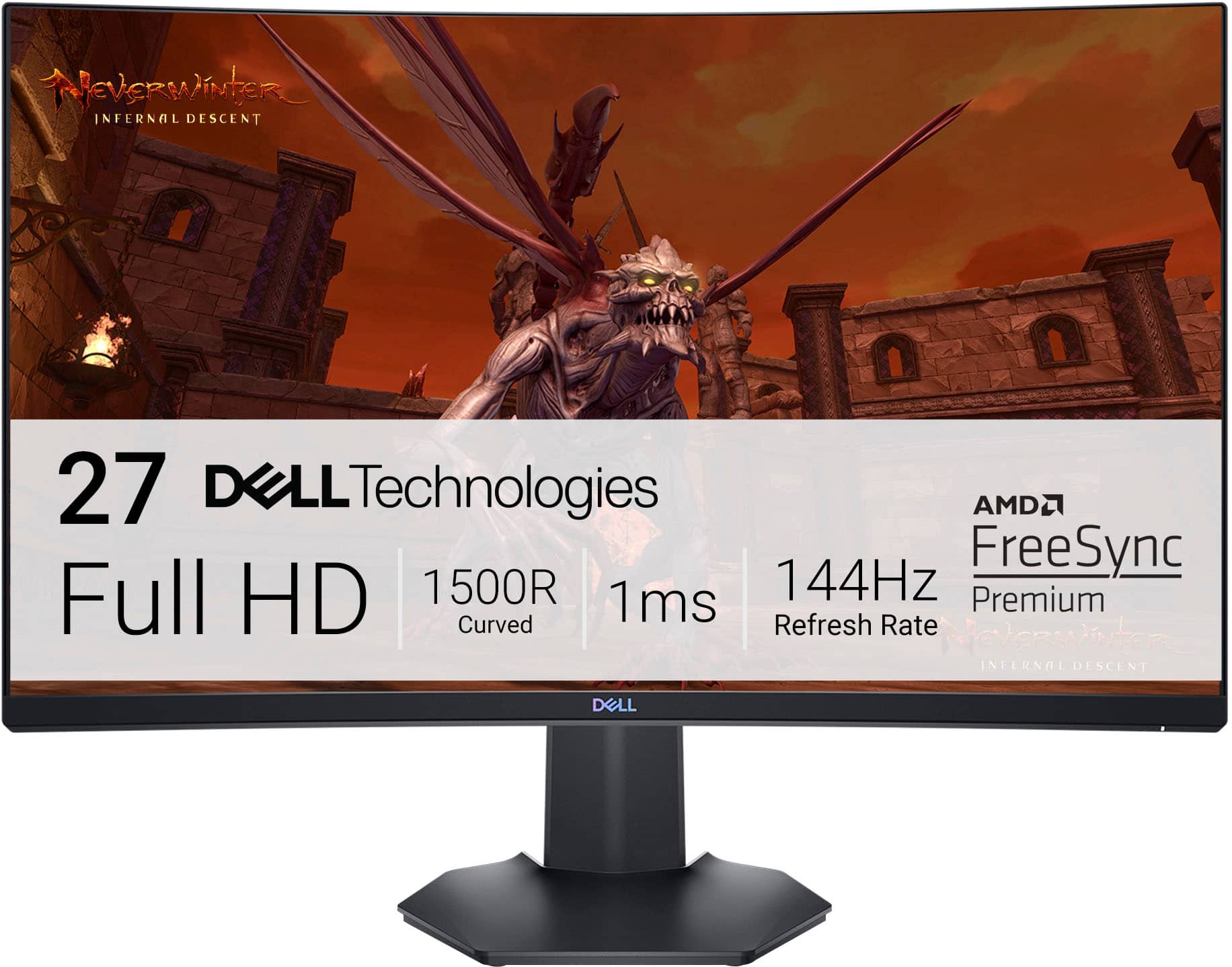
- Model:
- S2721HGF
- SKU:
- 6425903
Rating by feature
- Display Quality
Rating 4.8 out of 5 stars
- Ease of Use
Rating 4.8 out of 5 stars
- Features
Rating 4.7 out of 5 stars
Customers are saying
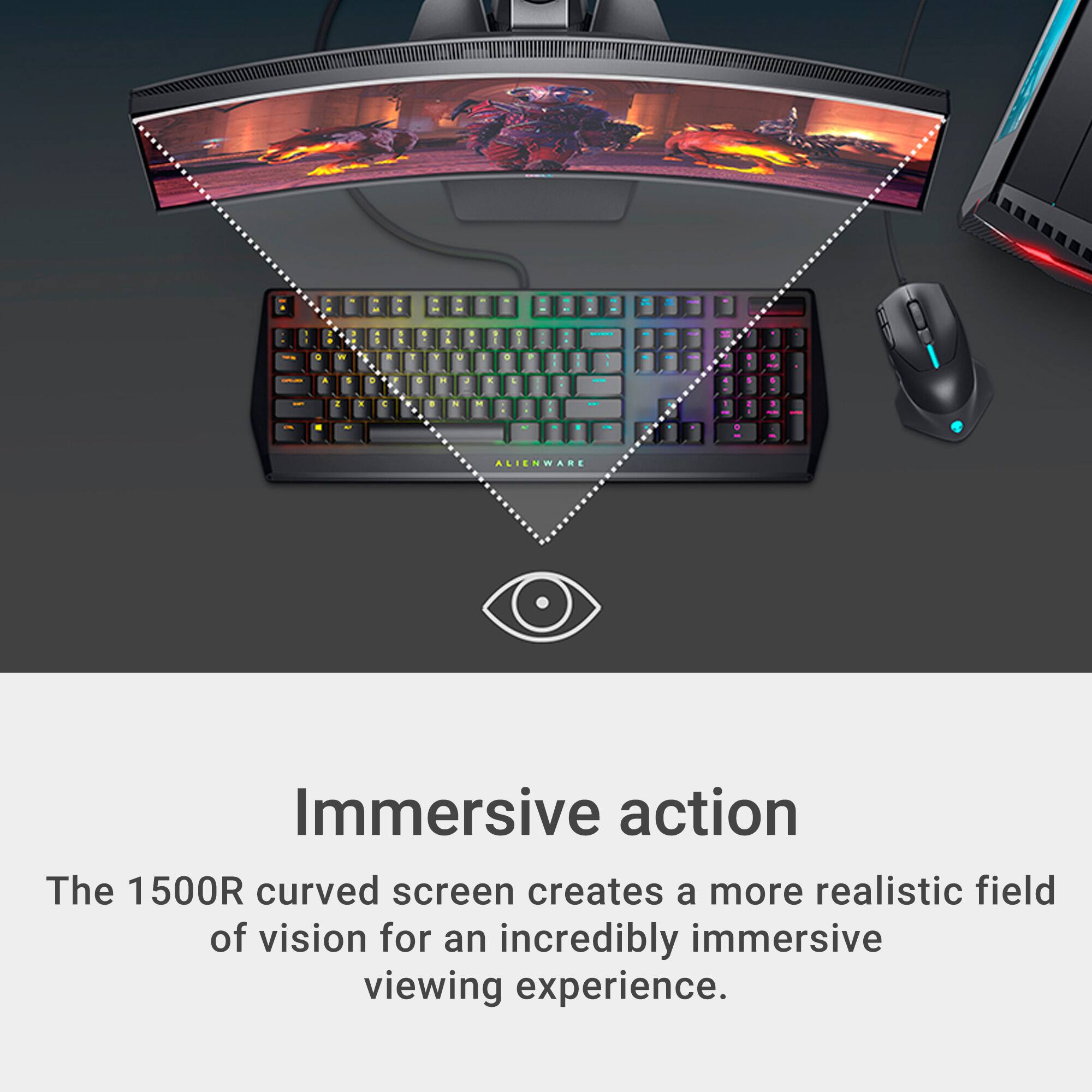
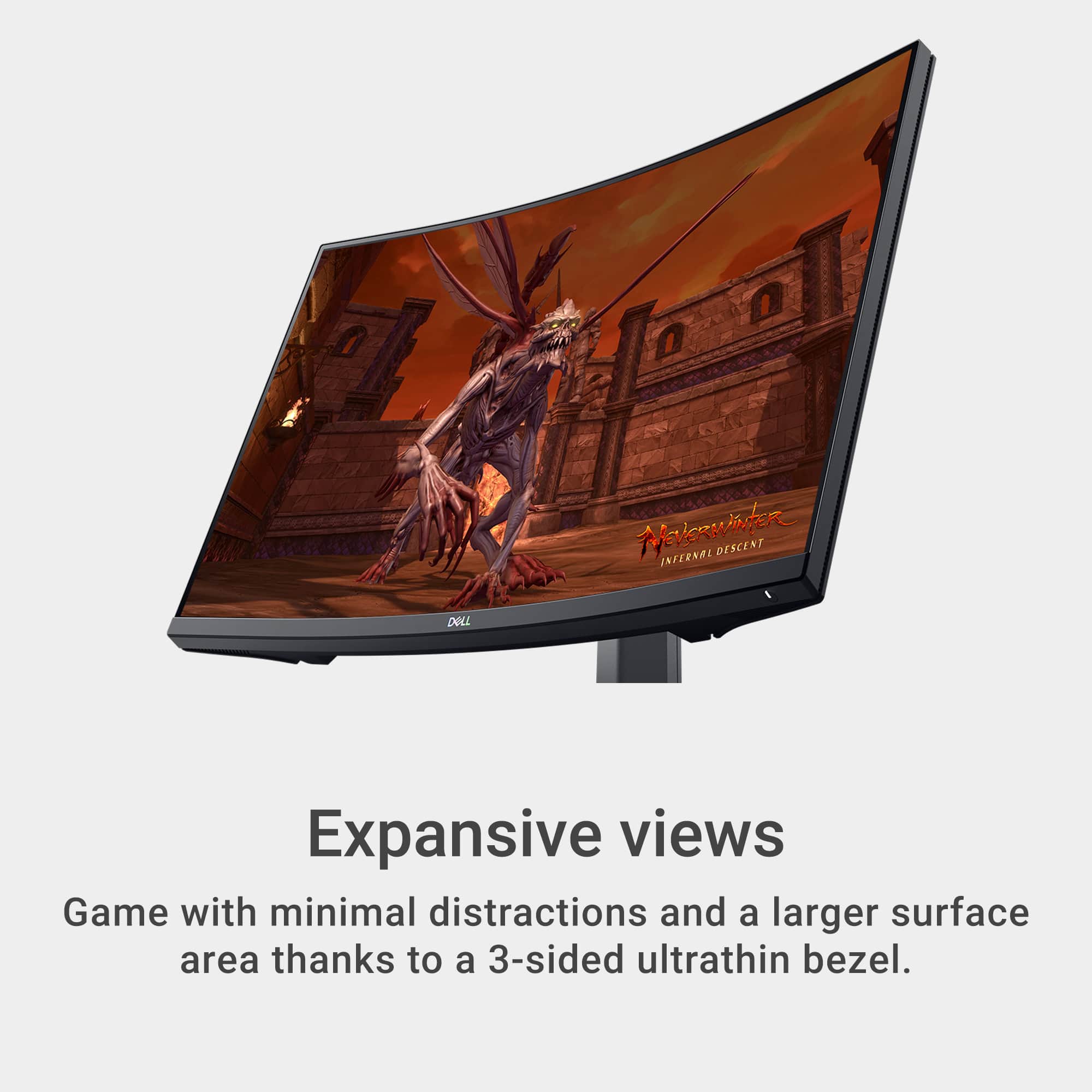
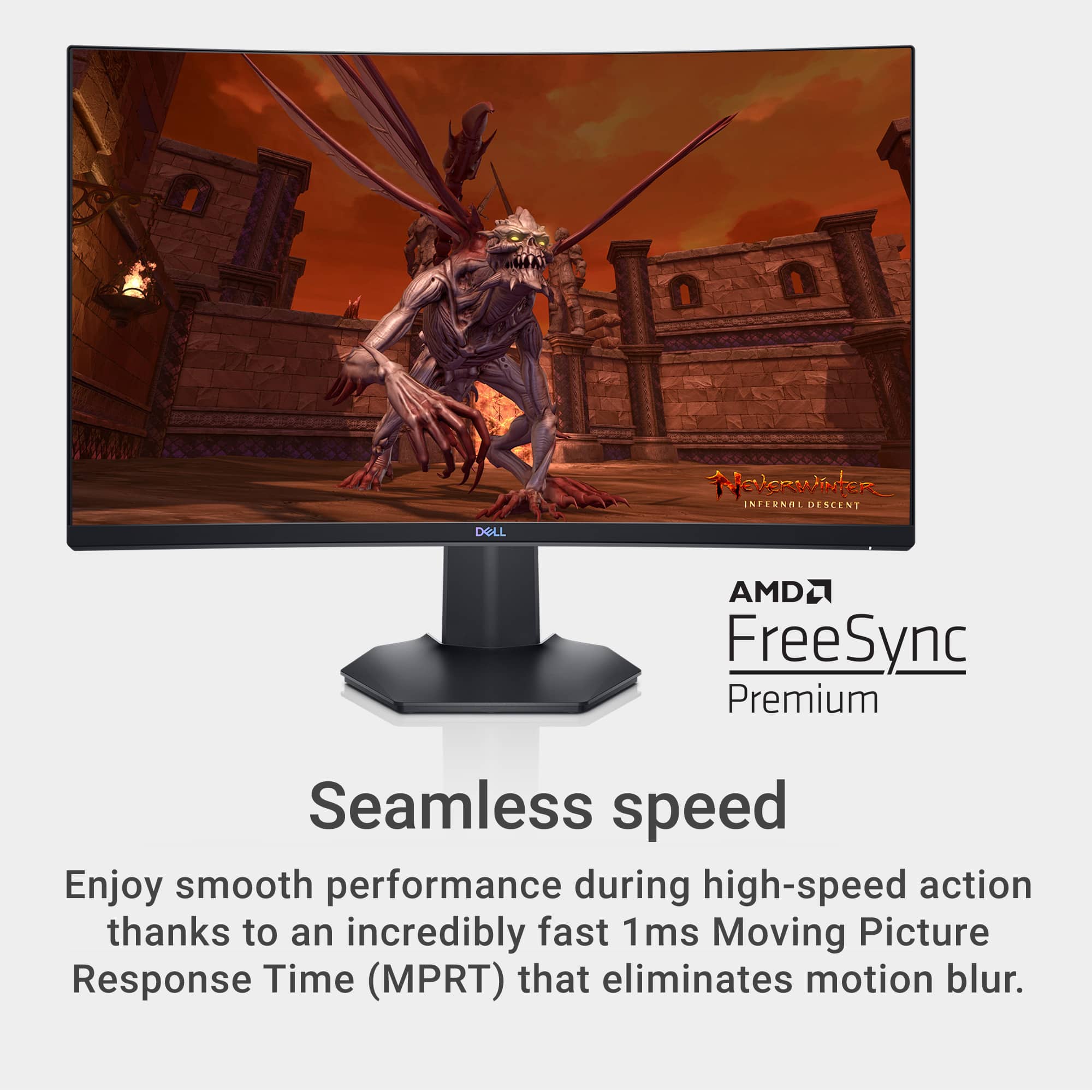
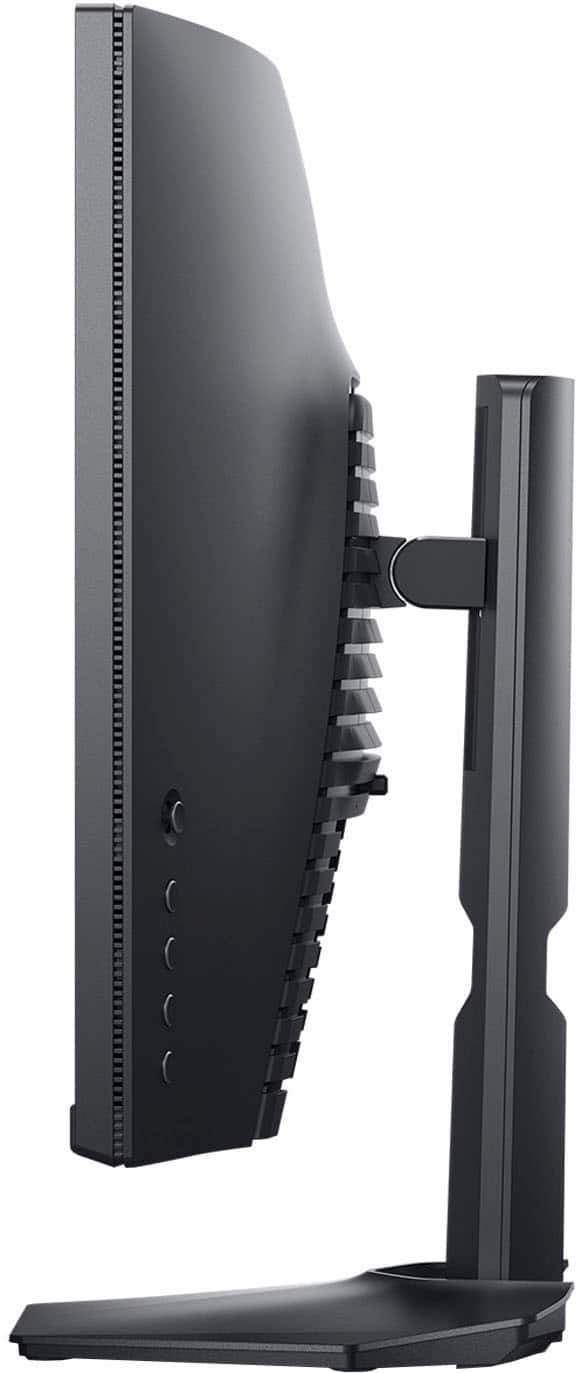
Customers are delighted by the S2721HGF monitor's picture quality, curved screen, and high refresh rate, finding it ideal for gaming and easy to set up. Many appreciate the monitor's excellent value for the price. However, a common complaint is the lack of built-in speakers. Some users also noted minor issues with HDR performance and occasional ghosting.
This summary was generated by AI based on customer reviews.
Okay, but not great.
||Posted . Owned for 3 weeks when reviewed.This reviewer received promo considerations or sweepstakes entry for writing a review.I don't love it. Sadly, it's not really good enough to take advantage of my RTX 3090 video card so I'm going to be returning it.
I would recommend this to a friendBrand response from YourDellTeam
Posted .Hello Sanose03,
We want to thank you for taking the time to leave us your valued feedback. We are sorry to hear you are not completely satisfied with your Dell Gaming Monitor and are considering returning it. We would like the chance to help resolve any issues you may be facing. The best way for us to help would be to contact our support team at your earliest convenience.
You can contact Dell directly with the information below.
Chat or call: https://bit.ly/DellSupportTeam
Phone number to Dell 1-800-624-9896
Best,
Ashley@Dell
This should be 1440p.
||Posted .This reviewer received promo considerations or sweepstakes entry for writing a review.This is a good quality monitor with a nice curved panel and great color right out of the box. Unfortunately, in my opinion, the resolution for this monitor should be 2560 x 1440 (or, 2K, QHD). As a result the pixels are stretched too far causing and letters and text to appear pixelated (in gaming and office use). I had to return this for a model with higher resolution.
No, I would not recommend this to a friendBrand response from YourDellTeam
Posted .Moragami,
We're sorry that the resolution on your monitor did not meet your needs. In the future we'd recommend that you read the troubleshooting tips on this page in order to improve the display: https://dell.to/2CLF6yC.
Best,
Bryan
1-800-624-9896

Horrible Smearing, Blurry Image
|Posted . Owned for less than 1 week when reviewed.This reviewer received promo considerations or sweepstakes entry for writing a review.Although it does have great contrast, the smearing and blurry image absolutely killed this one for me. Even my 2 year old monitors look better than this one I got today. I personally wouldn’t recommend this to anyone- the Acer Nitro XF243Y is leagues better.
No, I would not recommend this to a friendBrand response from YourDellTeam
Posted .Hi Lunade,
We appreciate you taking the time to leave a review. Feedback like yours helps us improve our current and future products and services. We're sorry to hear that you are not satisfied with the definition of your S-series monitor. For best performance, set the display resolution to 1920 x 1080 pixels by performing the following steps:
In Windows 11:
1. Right-click on the desktop and click Display Settings.
2. Click Advanced display settings.
3. Click the dropdown list of Resolution and select 1920 x 1080.
4. Click Apply.
If you do not see 1920 x 1080 as an option, you may need to update your graphics driver.
If you still experience any issues, please reach out to us at: https://bit.ly/DellSupportTeam
Chat or call: https://bit.ly/DellSupportTeam
Phone number to Dell: 1-800-624-9896
Best,
Jay@Dell
Good but fast to get dead pixles
||Posted . Owned for 4 months when reviewed.This reviewer received promo considerations or sweepstakes entry for writing a review.great looking monitor, except after a few months of owning already getting dead pixels in the screen.
I would recommend this to a friendBrand response from YourDellTeam
Posted .Hi Bithhit,
Thank you very much for your valued feedback. We are glad you like the design of your Dell 27” gaming monitor but we are sorry to hear that you are not 100% satisfied with it because you are experiencing dead pixels.
Your monitor has a built-in diagnostic tool that helps you determine if any screen abnormality you experience is an inherent problem with your monitor, or with your computer and video card.
To run the built-in diagnostics:
1. Ensure that the screen is clean (no dust particles on the surface of the screen).
2. Press and hold Up or Down or Left or Right direction for four seconds until a menu appears on the screen.
3. Using the joystick control, highlight the Diagnostics option and press the joystick button to start the diagnostics. A gray screen is displayed.
4. Observe if the screen has any defects or abnormalities.
5. Toggle the joystick once again until a red screen is displayed.
6. Observe if the screen has any defects or abnormalities.
7. Repeat steps 5 and 6 until the screen displays green, blue, black, and white colors. Note any abnormalities or defects.
The test is complete when a text screen is displayed. To exit, toggle the joystick control again. If you do not detect any screen abnormalities upon using the built-in diagnostic tool, the monitor is functioning properly. Check the video card and computer.
I have also included a link to the troubleshooting article below:
Dell Dead Pixel Guidelines: https://dell.to/3jC6xQC
If you're still experiencing issues, please reach out to our Support Team at 1-800-624-9896 for further assistance.
Best,
Katarina@Dell
Should you need further assistance, you can contact Dell directly with the information below.
Chat or call: https://bit.ly/DellSupportTeam
Phone number to Dell: 1-800-624-9896
Great Gaming Monitor
||Posted . Owned for less than 1 week when reviewed.This reviewer received promo considerations or sweepstakes entry for writing a review.Bought this as a gift and he loved it! Using it for games and school. It was on sale and had features I was looking for like height adjustment. Great purchase!
I would recommend this to a friend- Pros mentioned:Price
Ehhh dont do it.
||Posted . Owned for less than 1 week when reviewed.This reviewer received promo considerations or sweepstakes entry for writing a review.Looks good for the price. However its blurry while gaming. Dont do it.
No, I would not recommend this to a friendBrand response from YourDellTeam
Posted .Hello Eric,
Thank you for your feedback and review. We apologize for the issues you have come across with your display. We would love to help right away and have provided steps below that can help adjust your resolution through Windows 10.
Setting the resolution in Windows 10:
1. Close all open programs.
2. You can either right click Start, and then click Control Panel or click on start and type Control Panel and click the icon that appears.
3. In the Control Panel window, click System, and then click Display.
4. Select the monitor you want to change, if more than one is connected to your PC.
5. Click on the Resolution drop down box to see a list of recommended resolutions for that display.
6. Click on the one you want, to change the screen resolution, and then click Apply.
7. Click on keep changes if you want to keep the new settings. If not select revert.
- Note: If new settings do not work, Windows® will attempt to revert back to the original settings automatically.
8. Restart the computer to ensure that the changes stay in effect.
If you still come across issues with your display resolution, you can use this link for further steps and details: http://dell.to/3oitVT6.
Best regards,
Wendy C.
For further assistance, you can contact Dell directly with the information below Chat or Call:
https://bit.ly/DellSupportTeam.
Phone number to Dell: 1-800-264-9896.
ok
||Posted .This reviewer received promo considerations or sweepstakes entry for writing a review.It was an ok monitor but the was a better monitor that was on sale
No, I would not recommend this to a friendBrand response from YourDellTeam
Posted .Hello Boris,
Thank you very much for your review. We appreciate your kind words and are happy to know you're enjoying your Dell 27” gaming monitor. The contents of your review will be used to help improve current and future Dell products.
If you come across any questions or have concerns about this product, please don’t hesitate to contact Dell Support Team at the information provided below.
Best,
Katarina@Dell
Should you need further assistance, you can contact Dell directly with the information below.
Chat or call: https://bit.ly/DellSupportTeam
Phone number to Dell: 1-800-624-9896
Decent
||Posted .This reviewer received promo considerations or sweepstakes entry for writing a review.Few more dollars, and you can get yourself something better.
I would recommend this to a friendBrand response from YourDellTeam
Posted .Hello Joel,
We appreciate you taking the time to leave us your review. We are sorry to hear you are not completely satisfied with your Dell Monitor. We would like the opportunity to help troubleshoot any issues you may be facing. The best way for us to help would be to follow up with our support team at your earliest convenience.
You can contact Dell directly with the information below.
Chat or call: https://bit.ly/DellSupportTeam
Phone number to Dell 1-800-624-9896
Best,
Ashley@Dell
Solid Monitor!
||Posted . Owned for 1 month when reviewed.This reviewer received promo considerations or sweepstakes entry for writing a review.Pretty solid gaming monitor! There are better monitors out there but this is pretty much the best bang for your buck!
I would recommend this to a friendMonitor delivered with out a power cable
||Posted . Owned for 1 month when reviewed.This reviewer received promo considerations or sweepstakes entry for writing a review.I don’t care how good of a deal you get from Best Buy… order from somewhere else with actual customer service. Chat experts pawn you off on the 1-800 number so wasted a half hour my time, now on hold waiting for actual person. I know they are going to tell me I have to reorder a new monitor just to get the $6 cable that is supposed to be included and then I will have to return the original one. Thanks for nothing and thanks for the disappointing open on cmas morning.
No, I would not recommend this to a friendBrand response from YourDellTeam
Posted .Dear ShannonA,
We value your feedback and want to thank you for taking the time to leave a review of your Dell 27” gaming monitor. We are sorry to hear that you did not have a good customer service experience when making your purchase and made the decision to return it. That is not the type of feedback we like to hear from our customers, or the type of product Dell intends to deliver. We have noted the details of your statement and will use them to improve current and future prodcuts.
If you continue to experience issues, please reach out to Dell Support directly by using the information provided below.
Chat or call: https://bit.ly/DellSupportTeam
Phone number to Dell: 1-800-624-9896
Best,
Summer@Dell
unhappycamper
||Posted . Owned for less than 1 week when reviewed.This reviewer received promo considerations or sweepstakes entry for writing a review.For 250 plus dollars it isn't worth it. The graphics were grainy. I have a 27 inch RoG monitor and an Assus 24 in and they both put the dell pc to shame. I have returned it because it was very unsatisfying. It did have minimum lag and response time.
No, I would not recommend this to a friendBrand response from YourDellTeam
Posted .Hi CoDjunkie,
Thank you very much for your valuable feedback. We are sorry to hear that you were not happy with your Dell 27” LED curved gaming monitor because of its not-so-good graphics and that you have ultimately decided to return the system. We will share your comment with our quality team, so future improvements can be made. In the future, we would love the opportunity to help troubleshoot any problems you may be facing.
If you come across any questions about the Dell products, please don’t hesitate to contact Dell Support Team at the information provided below.
Best,
Katarina@Dell
Should you need further assistance, you can contact Dell directly with the information below.
Chat or call: https://bit.ly/DellSupportTeam
Phone number to Dell 1-800-624-9896
A good product
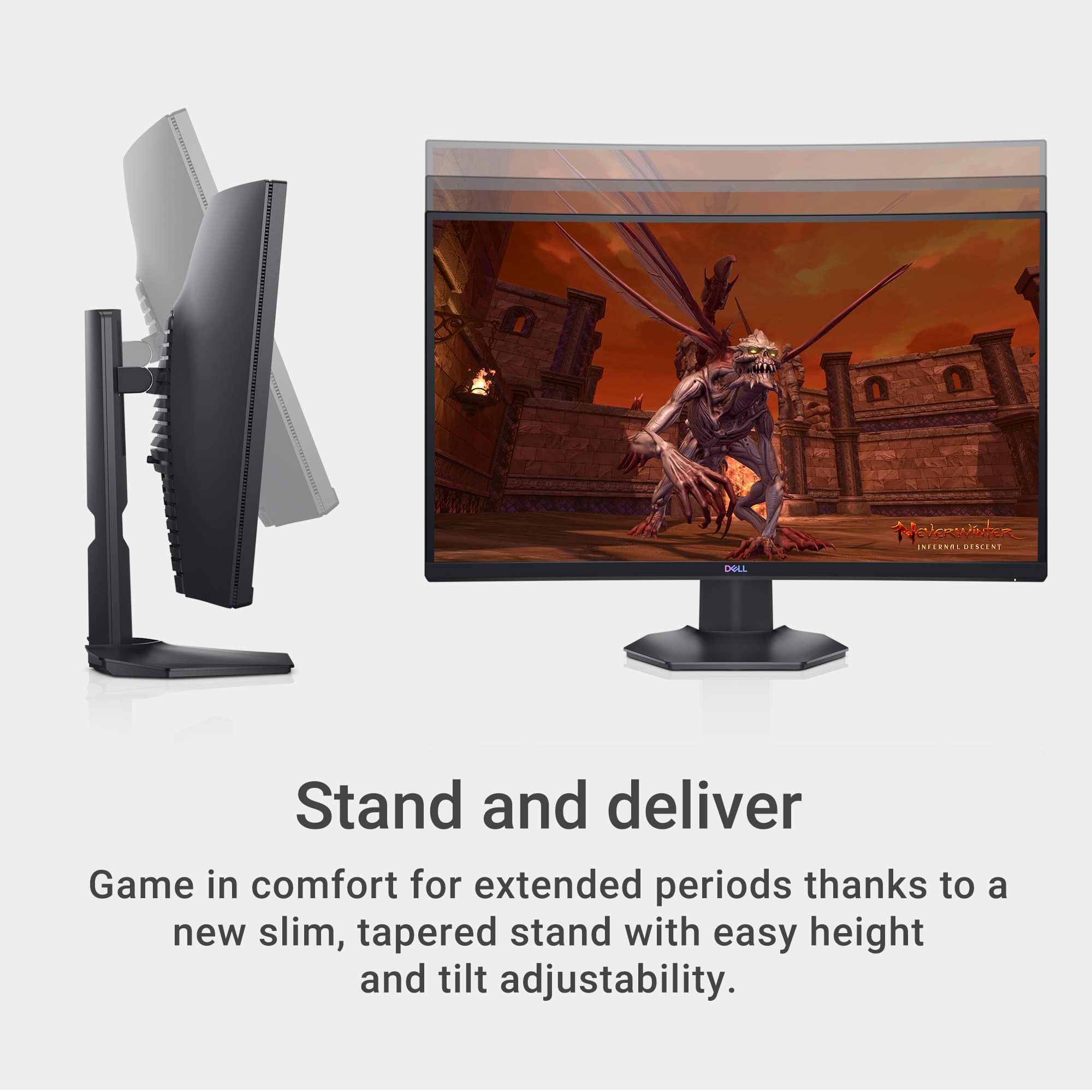
||Posted . Owned for 2 weeks when reviewed.This reviewer received promo considerations or sweepstakes entry for writing a review.The screen is well sized for me and the curve is nice, good fidelity and resolution on pc. It stands a few inches high with the stand, so you have space underneath the screen for things.
I would recommend this to a friendExcellent Monitor
||Posted . Owned for 1 month when reviewed.This reviewer received promo considerations or sweepstakes entry for writing a review.Excellent quality monitor. I use it for a home office and is just right for office use.
I would recommend this to a friendGreat First 1080p PC Gaming Monitor
||Posted . Owned for 1 week when reviewed.This reviewer received promo considerations or sweepstakes entry for writing a review.Bought this for my younger brother along with a pre-built pc. Awesome for budget gaming.
I would recommend this to a friendDon't waste your money!
||Posted .This reviewer received promo considerations or sweepstakes entry for writing a review.I had this monitor for about 2 weeks and it worked fine. That's why I gave it two stars. After two weeks the screen went randomly black while I was playing a game. This continued to happen so I returned it. Spend your money on a different monitor!
No, I would not recommend this to a friendTrash
||Posted . Owned for 4 months when reviewed.This reviewer received promo considerations or sweepstakes entry for writing a review.Stop turning on… didn’t buy a protection plan and going through dell for warranty is a pain.
No, I would not recommend this to a friendBrand response from YourDellTeam
Posted .Hello,
Thank you for sharing your review. We are sorry to hear that your gaming monitor won't turn on and your frustration with the warranty process. We will use your feedback to help with improvements. We have provided steps that can be used to run a Self-Test on the monitor to help diagnose the issue if needed in the future.
To run the monitor built-in self test (BIST):
1. Make sure that the monitor screen is clean (no dust particles on the surface of the screen).
2. Unplug the video cable(s) from the back of the Dell monitor and the PC. The Dell monitor should now enter self-test mode.
3. Press and hold Button 1 for 5 seconds. A gray screen should appear.
4. Carefully inspect the screen for abnormalities.
5. Press Button 1 on the front panel again. The color of the screen should now change to red.
6. Inspect the screen for any abnormalities.
7. Repeat Step 5 and Step 6 to inspect the screen in green, blue, black, white and text screens.
8. The test is complete when the white screen appears.
9. Press Button 1 to exit the built-in self test diagnostics.
If your monitor still has issues, this link can be used to help run further steps and provide more in-depth information: https://dell.to/3ydZV0W. If you come across any other questions, issues, or concerns with the Dell warranty, please use the information below to contact Dell Support directly via Chat or Call.
Best,
Wendy C.
https://bit.ly/DellSupportTeam.
Phone number to Dell: 1-800-264-9896.
Good monitor could use a couple more features
||Posted . Owned for 1 month when reviewed.This reviewer received promo considerations or sweepstakes entry for writing a review.Does a really good job with speed and visualization
I would recommend this to a friendCheck your open box monitors
||Posted . Owned for 8 months when reviewed.This reviewer received promo considerations or sweepstakes entry for writing a review.I got it open box and the screen was cracked outta the box, it's insane that best buy just either doesn't check their stuff or packs it carelessly
No, I would not recommend this to a friendNo speakers
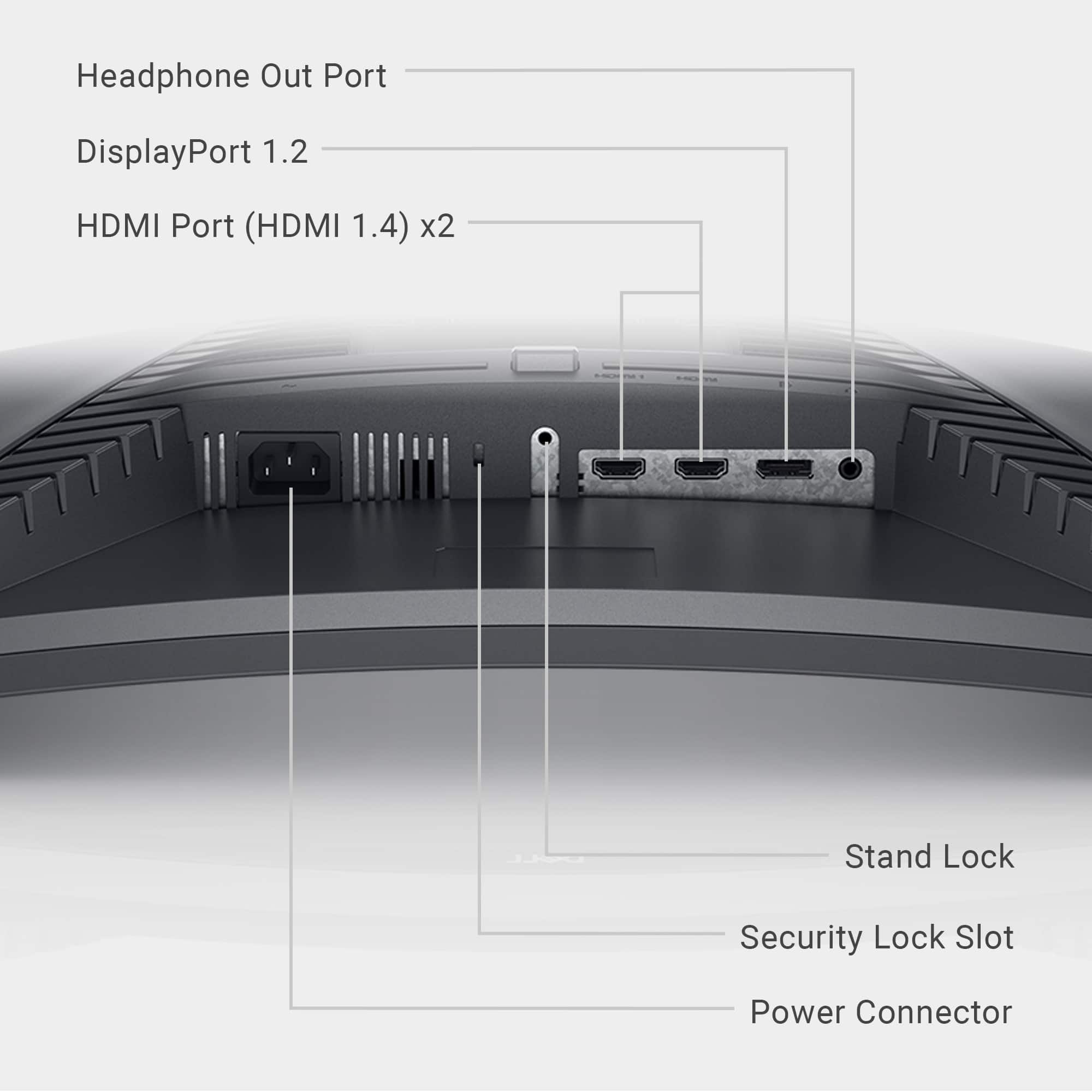
||Posted .This reviewer received promo considerations or sweepstakes entry for writing a review.Great image, but it doesn't have built in speakers. Not a problem if you already own a pair of speakers. I love this monitor.
I would recommend this to a friendpower
||Posted . Owned for less than 1 week when reviewed.This reviewer received promo considerations or sweepstakes entry for writing a review.i don't know how to turn it on. like i tried plugging it in different sockets
I would recommend this to a friendBrand response from YourDellTeam
Posted .Hi Ultra,
We value your feedback and want to thank you for taking the time to leave a review of your Dell 27” gaming monitor. We are sorry to hear that you are experiencing an issue with your device not powering on. That is not the type of feedback we like to hear from our customers, or the type of product Dell intends to deliver. Below I have provided a troubleshooting link to help resolve your issue. In the meantime, we have noted the details of your statement and will use them to improve current and future products.
How to resolve monitor issues: https://rb.gy/ko537n
If you continue to experience issues, please reach out to Dell Support directly by using the information provided below.
Chat or call: https://bit.ly/DellSupportTeam
Phone number to Dell: 1-800-624-9896
Best,
Summer@Dell