Customer Ratings & Reviews
- Model:
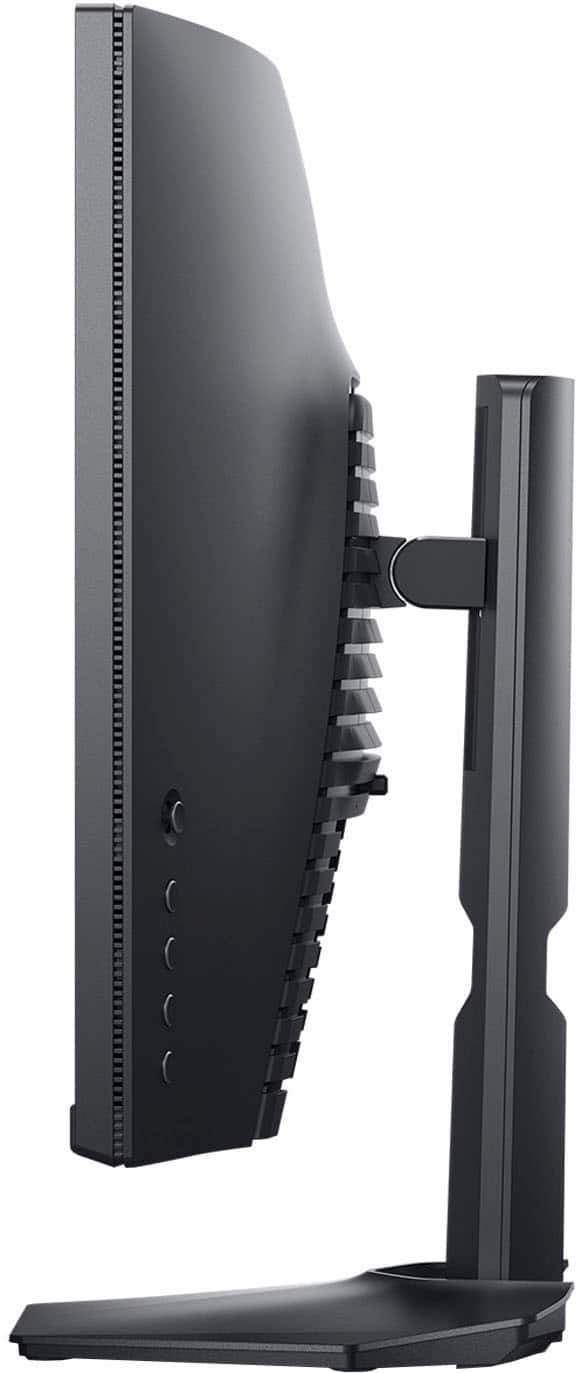
- S2721HGF
- SKU:
- 6425903
Rating by feature
- Display Quality
Rating 4.8 out of 5 stars
- Ease of Use
Rating 4.8 out of 5 stars
- Features
Rating 4.7 out of 5 stars
Customers are saying
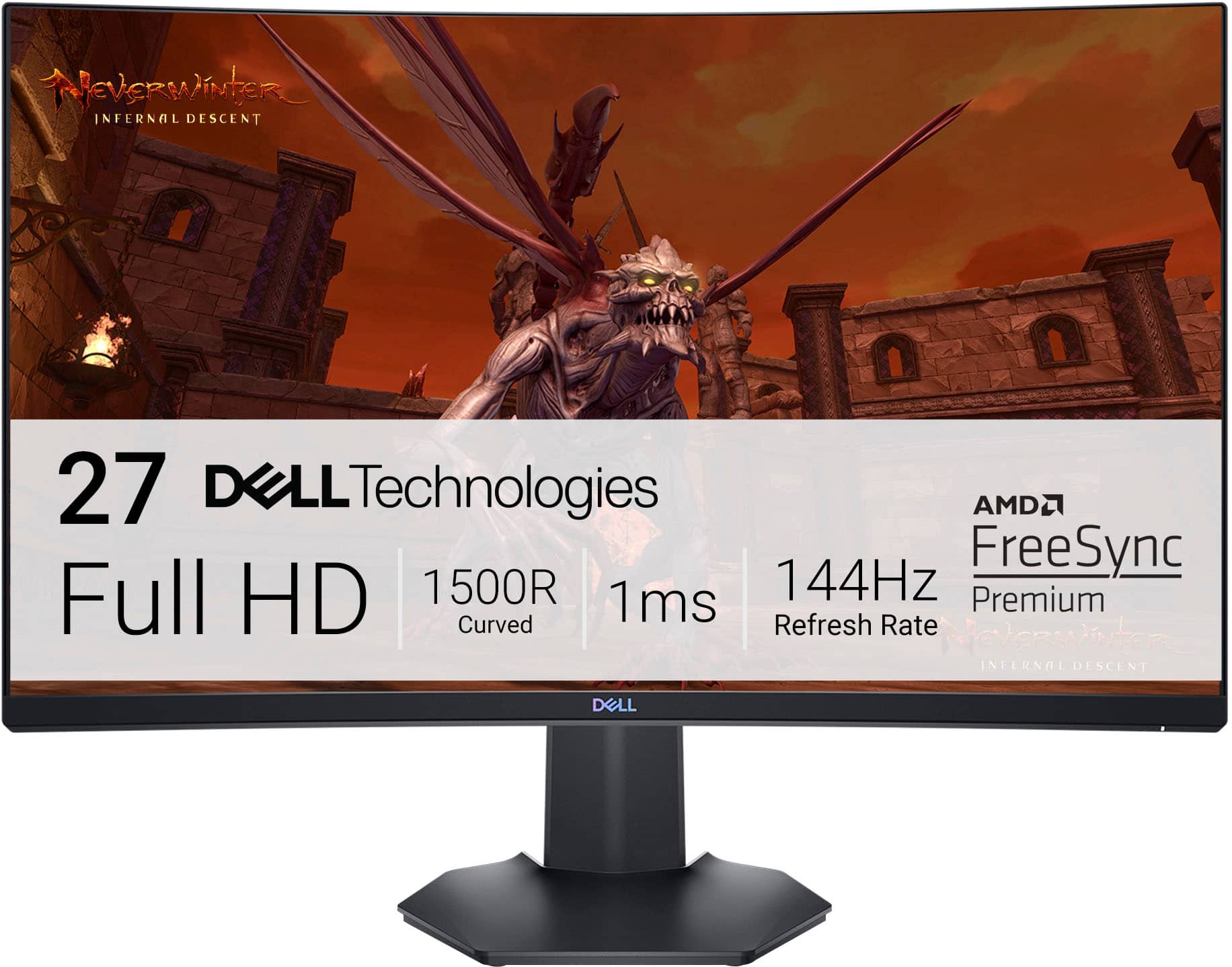
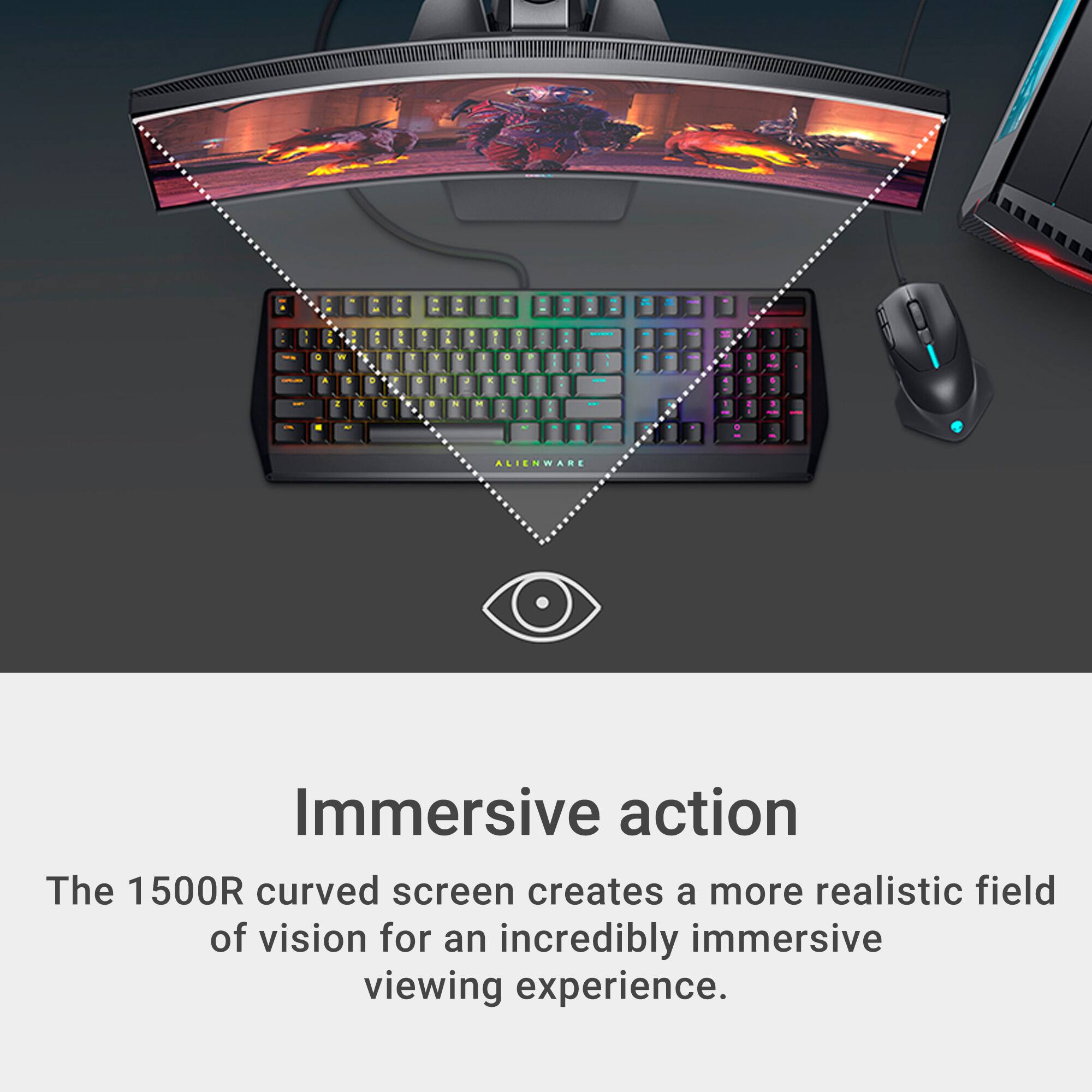
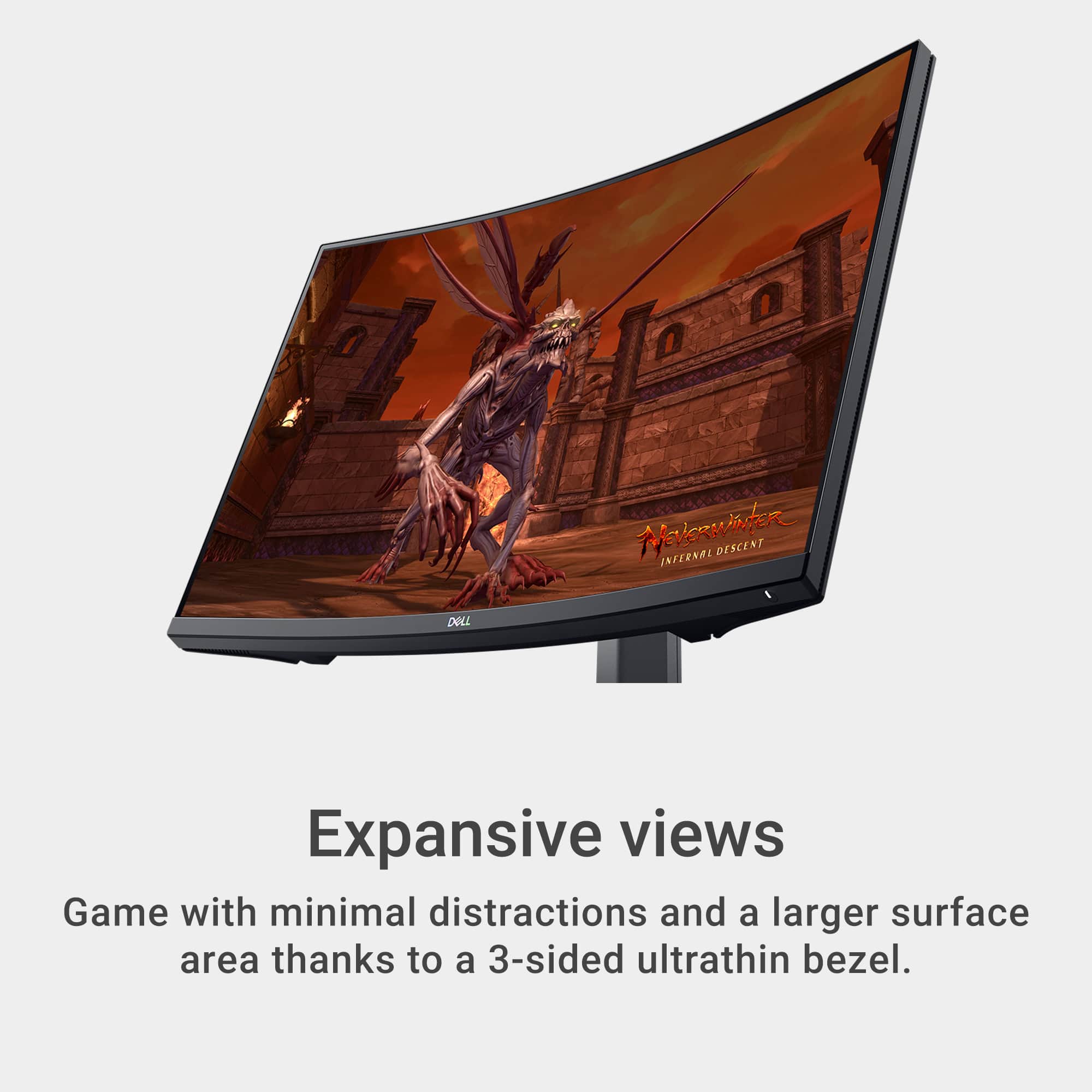
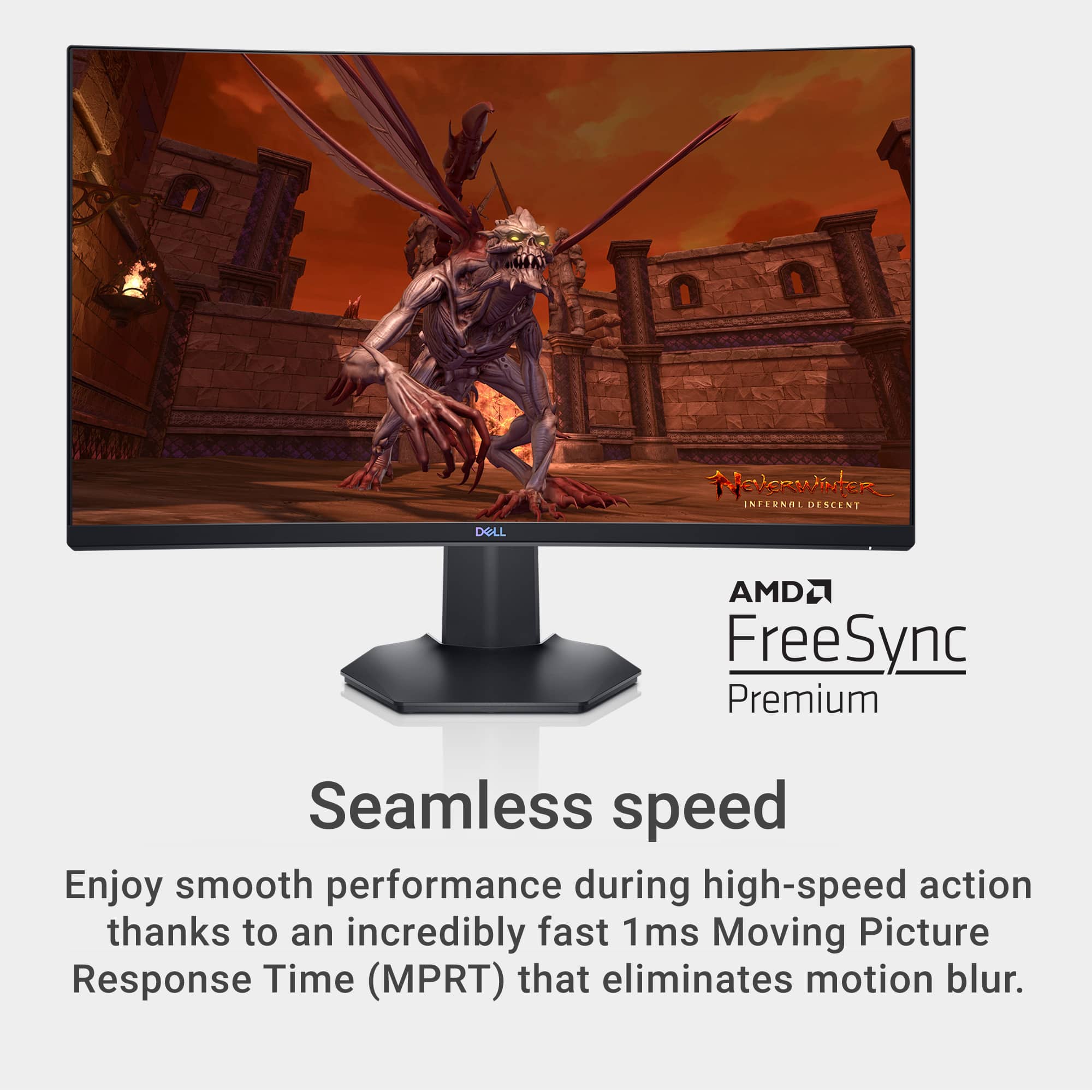
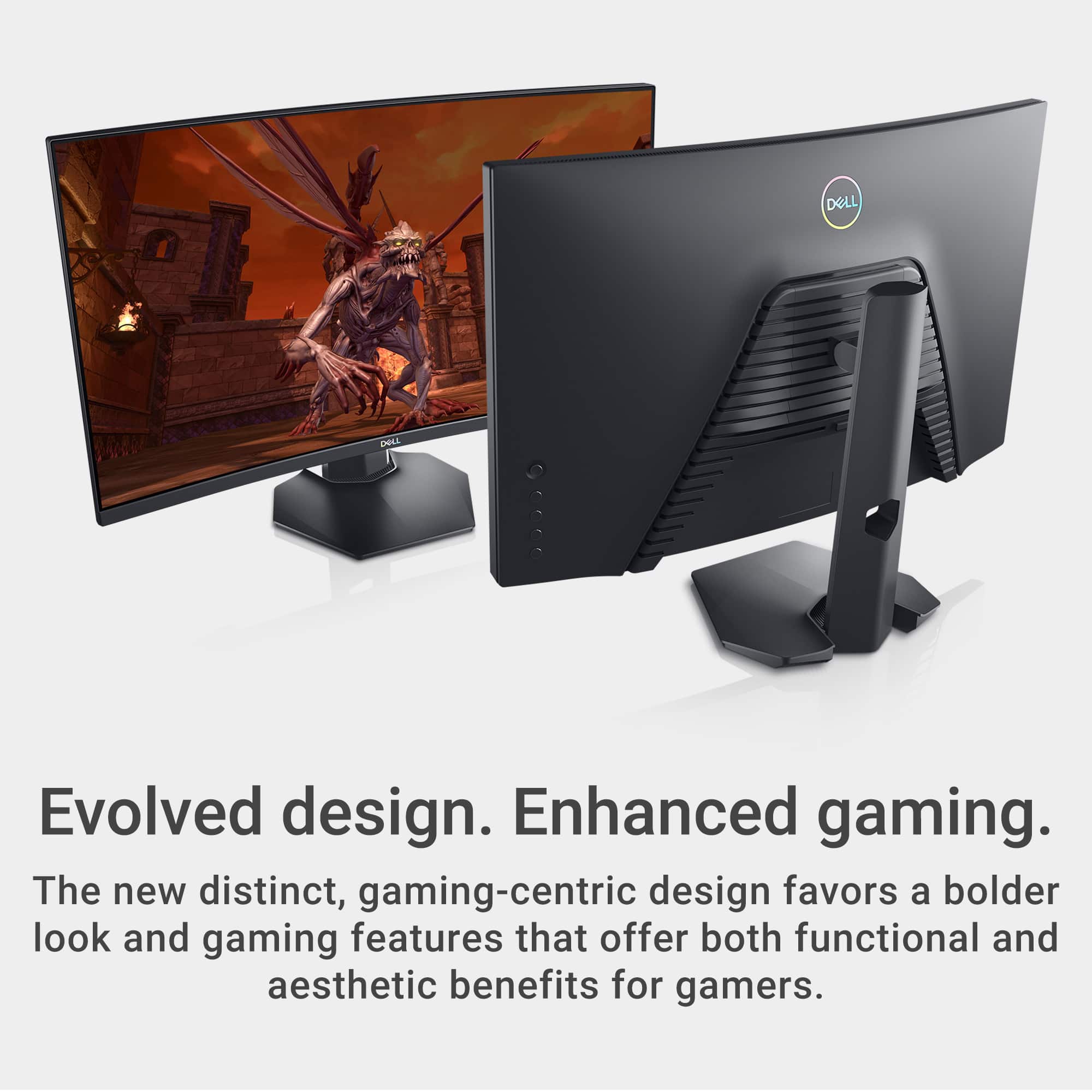
Customers are delighted by the S2721HGF monitor's picture quality, curved screen, and high refresh rate, finding it ideal for gaming and easy to set up. Many appreciate the monitor's excellent value for the price. However, a common complaint is the lack of built-in speakers. Some users also noted minor issues with HDR performance and occasional ghosting.
This summary was generated by AI based on customer reviews.
Dell monitor review
||Posted . Owned for less than 1 week when reviewed.This reviewer received promo considerations or sweepstakes entry for writing a review.There is no way to brighten the screen display. My old HP monitor was only 60Hz. This one is 144Hz. My old hp monitor has sharper display than this one.
No, I would not recommend this to a friendBrand response from YourDellTeam
Posted .Hello Andy,
Thank you for your input and review. We apologize for the trouble you have come across with your new laptop. We would love to help as promptly as possible. Windows can adjust the brightness of the display based on how much light is reaching the system's ambient light sensor. This feature is referred to as 'adaptive brightness' and it can be disabled in Windows. Here are some steps to adjust this feature:
1. In the Search box, type Settings.
2. Touch or click Settings (Modern application).
3. Touch or click System.
4. On the Display screen find the Adjust my screen brightness automatically option.
5. Touch or click the slider to toggle the option on or off.
6. Touch or click Apply.
7. Close the System window.
You can read the full article here: http://dell.to/2vjtPzg. If you still continue to have issues with adjusting your screen brightness, please use the information below to contact Dell Support at your earliest convenience.
Best,
Wendy C.
https://bit.ly/DellSupportTeam.
Phone number to Dell: 1-800-264-9896.
Nice monitor, BUT . . .
||Posted . Owned for 3 weeks when reviewed.This reviewer received promo considerations or sweepstakes entry for writing a review.It's a Dell Monitor and I have a Dell desktop and they are NOT compatible. Cost me another $40 to get it working.
I would recommend this to a friendBrand response from YourDellTeam
Posted .Hello xxxx,
We thank you for taking the time to leave us your review. We are sorry to hear that you had compatibility issues with your Dell 27" Curved Gaming Monitor. We will share your valuable feedback with our quality team so that improvements can be made to our current and future products and services. For further assistance, please take a moment to call or chat with a Dell Support Representative at your earliest convenience so that they can help address any concerns you may have: https://bit.ly/DellSupportTeam.
Best,
Danielle@Dell
Not bright enough had to exchange
||Posted . Owned for 3 months when reviewed.This reviewer received promo considerations or sweepstakes entry for writing a review.Looked weird and flat on even ultra settings returned
No, I would not recommend this to a friendBrand response from YourDellTeam
Posted .Hi There Aiden,
Thank you for taking the time to leave a review of your Dell 27” gaming monitor. We are sorry that you were not completely satisfied with your device and made the decision to return it. That is not the type of feedback we like to hear from our customers, or the type of product Dell intends to deliver. Feedback like yours helps us improve current and future products. If you come across any further questions or concerns we recommend reaching out to a member of our support team with the toll-free number or chat link below.
If you still experience any issues, please reach out to us at: https://bit.ly/DellSupportTeam
Chat or call: https://bit.ly/DellSupportTeam
Phone number to Dell: 1-800-624-9896
Best,
Summer@Dell

Reasonable price for a gaming monitor
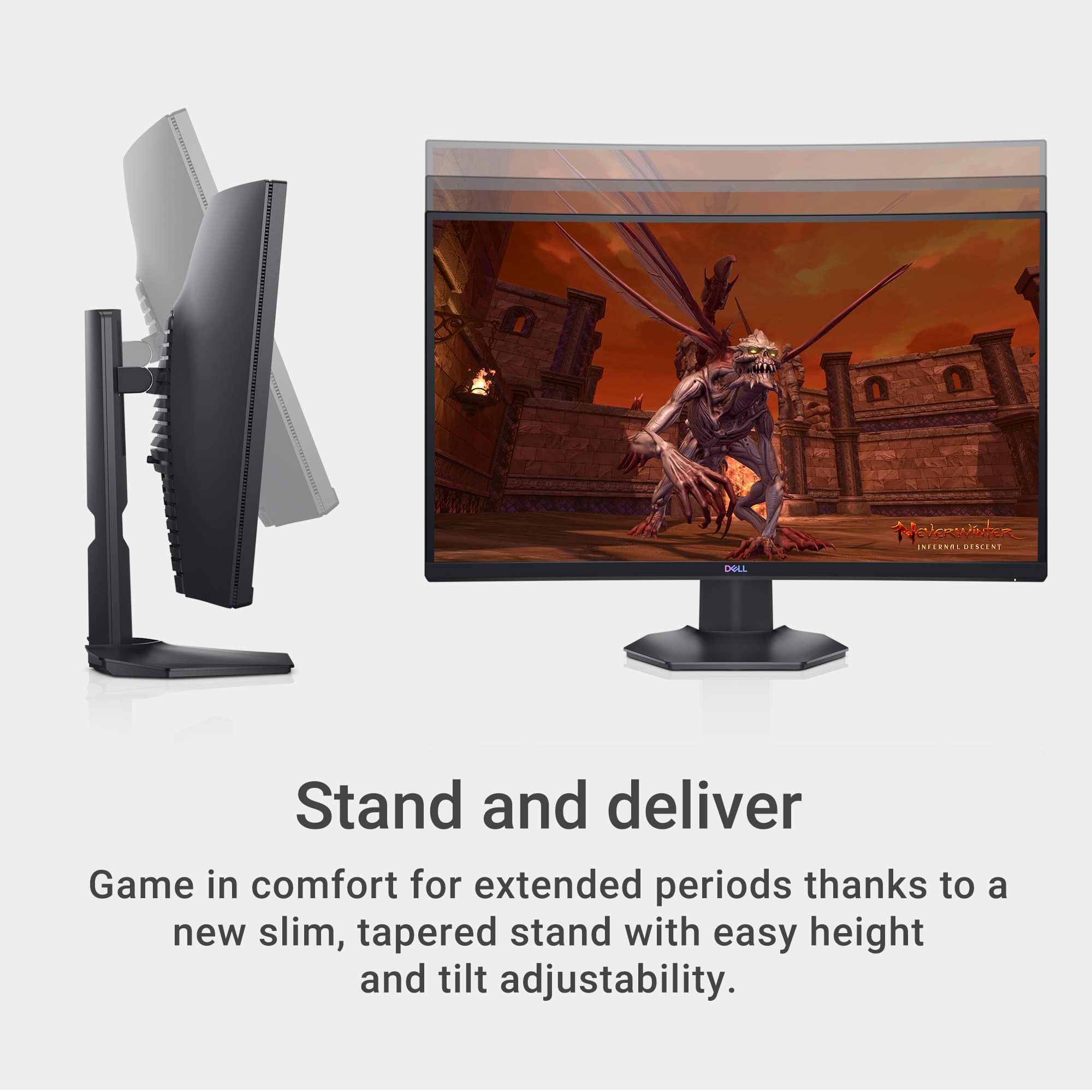
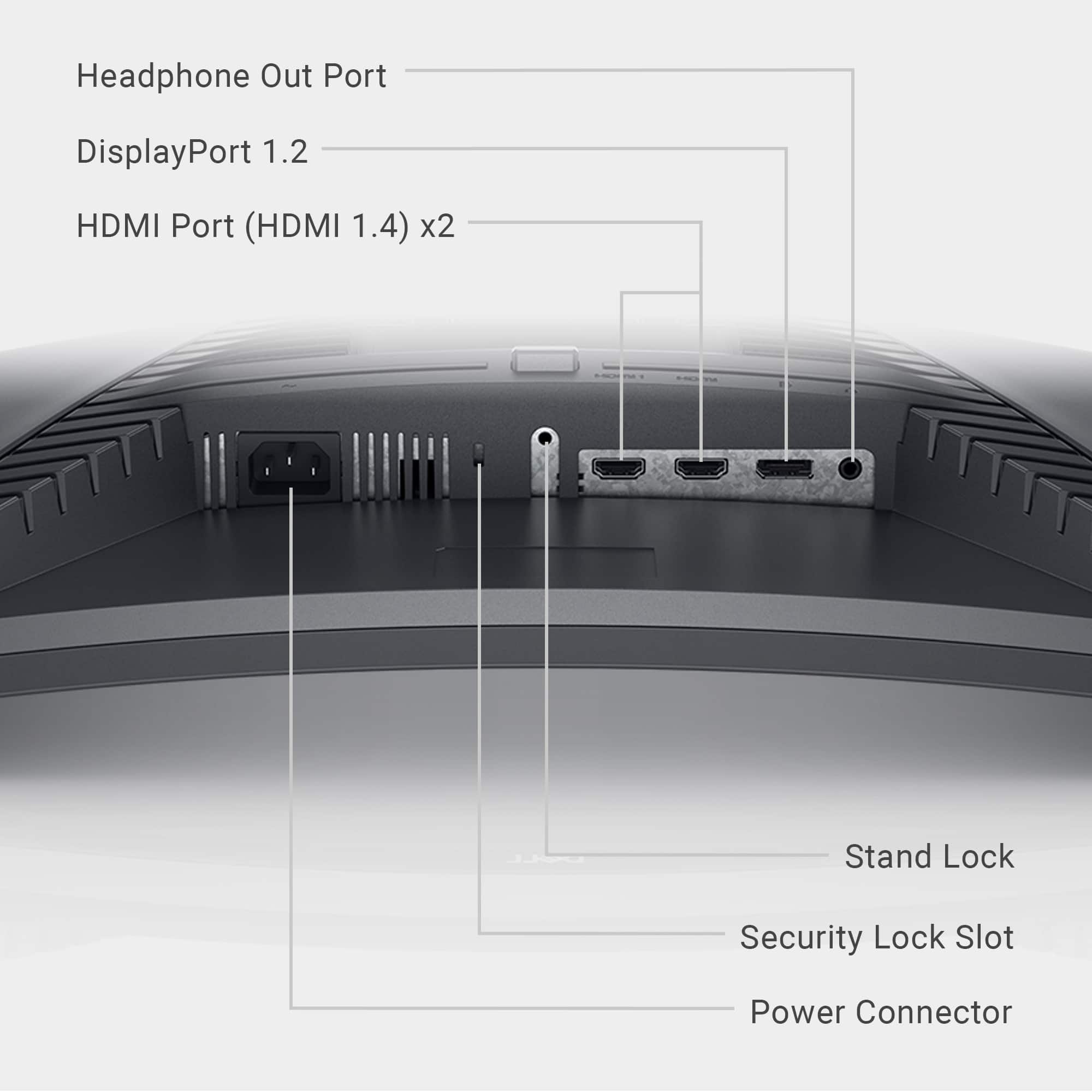
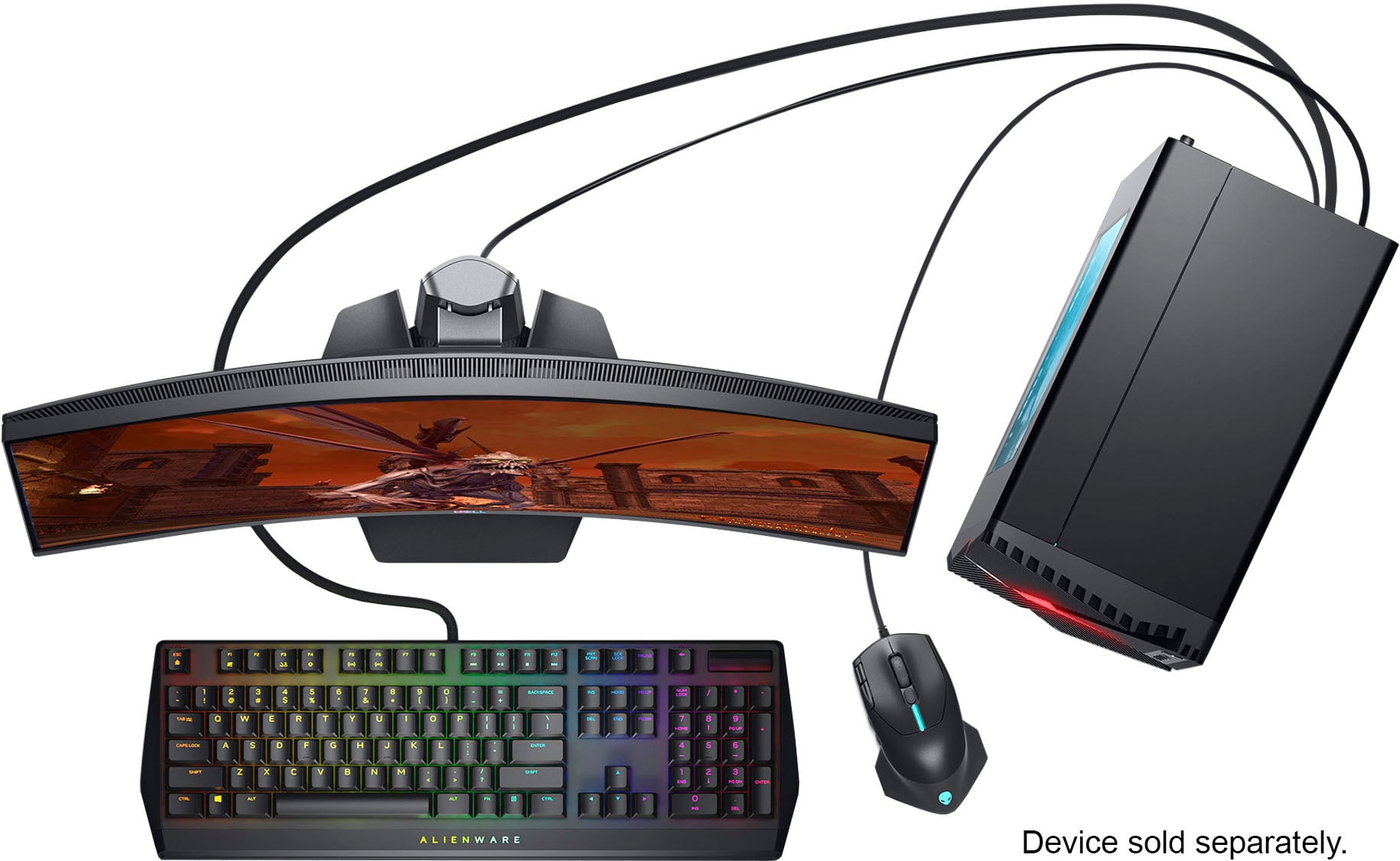
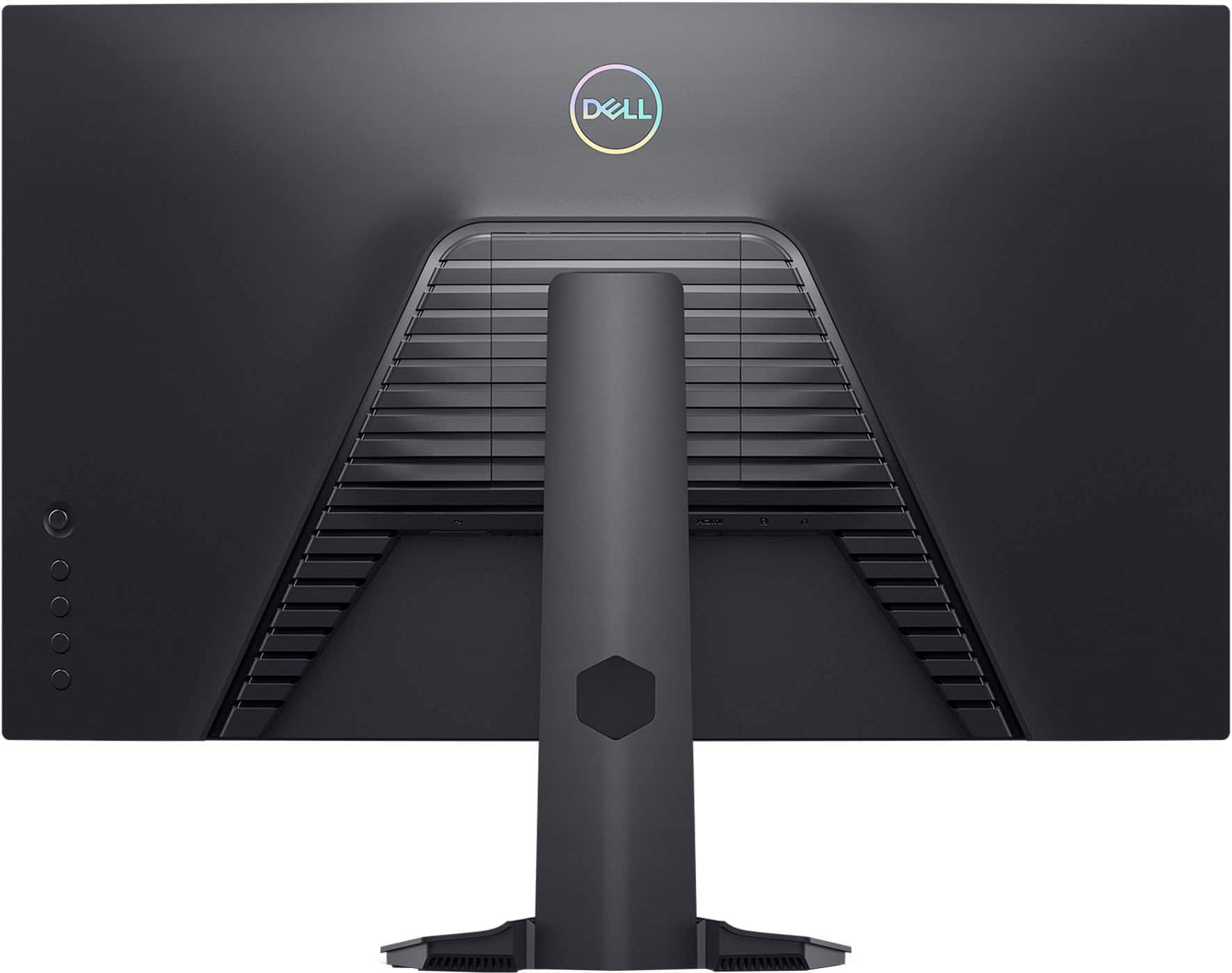
|Posted .This reviewer received promo considerations or sweepstakes entry for writing a review.This is a curved monitor made for games. With the right video card, it can display up to 144 megahertz. I connected mine to GTX1080 via HDMI cable (included), but I also can connect the monitor using a Display Port cable. The set up is easy – but the power button was not that easy to find at first. Once the power is on, it is eliminated, and you can more or less see from the front. There are many settings that you can do – but the default settings will work for most people. I tried to adjust the volume all the way up to 100 percent, and I couldn't hear anything. So you know, there are no speakers built in to this monitor. You have to connect your analog headphone to the back of the monitor, so it can be used as such. I suppose speakers will work, as well. Took me a while to figure this out because the monitored income with any manual whatsoever. There was this piece of paper that showed “quick set up”, but that was all. Here is the address to the manual https://downloads.dell.com/Manuals/all-products/esuprt_electronics_accessories/esuprt_electronics_accessories_monitors/dell-s2721hgf-monitor_User%27s-Guide_en-us.pdf And here is the address for the drivers (this is for Windows) https://www.dell.com/support/home/en-us/drivers/driversdetails?driverid=gvrdj https://www.dell.com/support/home/en-us/drivers/driversdetails?driverid=yc8vc and the Display Manager Usually a monitor this large is connected to a desktop, and I'm almost surprised that it didn't come with the CD with the drivers. I installed couple games – Bioshock II and Half Life 2. Both work perfectly well with no tearing at all. (I adjusted the setting accordingly for playing game.) There were no flickering, no dead spots, and the illumination (of a white screen) was very even. This would make a terrific television if connected to a Blu-ray player with the HDMI (but you will have to use a sound bar to hear anything.) There are two HDMI inputs, and they can be switched electronically with the control to the right side in the back of the monitor (that felt like a joystick.) I stood almost to the side of it and I still can't see the image clearly. I have never had a curved monitor/television before, and I thought the view would be narrow – but I was wrong. One of the settings display the frequency it is running on the left upper corner, and I couldn't figure out how to turn it off (until I changed the setting.) Summary: this is a very usable monitor for games, and for every day usage. The only con I could think of was that there were no speakers even the small ones, built-in, and the manual, which there wasn't one, did not even mention this. I felt like a fool when I was trying to set it up.
I would recommend this to a friendMAX resolution of 1080x1920...
||Posted . Owned for 3 weeks when reviewed.This reviewer received promo considerations or sweepstakes entry for writing a review.A 27" screen with a MAX resolution of 1080x1920... This product is an absolute joke and complete waste of everyone's time.
No, I would not recommend this to a friendFix
||Posted . Owned for 1 month when reviewed.This reviewer received promo considerations or sweepstakes entry for writing a review.Can't get the 24 Hz off computer screenit a little be anyone
I would recommend this to a friendBrand response from YourDellTeam
Posted .Dear BrettA,
Thank you for taking the time to leave a review of your Dell 27” Monitor. We are sorry to hear that you are experiencing an issue with your device. That is not the type of feedback we like to hear from our customers, or the type of product Dell intends to deliver. Below I have provided a troubleshooting link to help resolve your issue. After visiting the link if you require further assistance, we recommend you reaching out to a member of our support team with the toll-free number or chat link below.
How to Resolve Monitor Display Issues: https://dell.to/41XX0I6
We recommend that you contact Dell directly with the information below if you need further assistance.
Chat or call: https://bit.ly/DellSupportTeam
Phone number to Dell: 1-800-624-9896.
Best,
Summer@Dell
Broke with no explination
||Posted . Owned for 1 month when reviewed.This reviewer received promo considerations or sweepstakes entry for writing a review.Randomly distorted the half the screen in the middle of watching youtube with nothing touching or damaging the monitor in any way. Just had lines appear on half of my screen out of complete nowhere. Same thing happened to my wife's NEVER BUY THESE
No, I would not recommend this to a friendBrand response from YourDellTeam
Posted .Hi Gabriel,
Thank you very much for your valued feedback. We are sorry to hear about the issue with your Dell 27” LED curved gaming monitor because its screen is distorted and lines appeared on half of the screen.
Your monitor has a built-in diagnostic tool that helps you determine if any screen abnormality you experience is an inherent problem with your monitor, or with your computer and video card.
To run the built-in diagnostics:
1. Ensure that the screen is clean (no dust particles on the surface of the screen).
2. Press and hold Button 4 for about 4 seconds until a pop-menu appears.
3. Use Button 1 or Button 2 to select the diagnostic tool and use Button 3 to confirm. A gray test pattern appears at the beginning of the diagnostic program.
4. Carefully inspect the screen for abnormalities.
5. Press Button 1 again to change the test patterns.
6. Repeat steps 4 and 5 to inspect the display in red, green, blue, black, white, and text screens.
7. Press Button 1 to end the diagnostic program.
If you do not detect any screen abnormalities upon using the built-in diagnostic tool, the monitor is functioning properly. Check the video card and computer.
The full article on built-in diagnostics can be found below:
How to Run a Diagnostic Test on a Dell Monitor: https://dell.to/3CW8ctj
If the issues are still not resolved after applying the troubleshooting tips above, we recommend contacting the Dell Support Team at the information provided below for further guidance.
Best,
Katarina@Dell
Should you need further assistance, you can contact Dell directly with the information below.
Chat or call: https://bit.ly/DellSupportTeam
Phone number to Dell: 1-800-624-9896
2 of 5 failed within 6 months
||Posted . Owned for 6 months when reviewed.This reviewer received promo considerations or sweepstakes entry for writing a review.We bought 5 of these and 2 have failed within 6 month. Won't power on
No, I would not recommend this to a friendBrand response from YourDellTeam
Posted .Hello Penstation,
We would like to thank you for taking the time to provide us with your feedback. We apologize for the issues you have come across with your Dell 27” curved monitors because some of them stopped working.
Your monitors have a built-in diagnostic tool that helps you determine if any screen abnormality you experience is an inherent problem with your monitor, or with your computer and video card.
To run the built-in diagnostics:
1. Ensure that the screen is clean (no dust particles on the surface of the screen).
2. Press and hold Button 4 for about 4 seconds until a pop-menu appears.
3. Use Button 1 or Button 2 to select the diagnostic tool and use Button 3 to confirm. A gray test pattern appears at the beginning of the diagnostic program.
4. Carefully inspect the screen for abnormalities.
5. Press Button 1 again to change the test patterns.
6. Repeat steps 4 and 5 to inspect the display in red, green, blue, black, white, and text screens.
7. Press Button 1 to end the diagnostic program.
If you do not detect any screen abnormalities upon using the built-in diagnostic tool, the monitor is functioning properly. Check the video card and computer.
The full article on built-in diagnostics can be found below:
How to Run a Diagnostic Test on a Dell Monitor: https://dell.to/3CW8ctj
For your reference, I have also included a link to the troubleshooting article below:
How to Troubleshoot Display or Video Issues on Dell Monitors: https://dell.to/3zQYLvm
If the issues with the monitors are still not resolved after applying the troubleshooting tips above, we recommend contacting the Dell Support Team at the information provided below for further guidance.
Best,
Katarina@Dell
Should you need further assistance, you can contact Dell directly with the information below.
Chat or call: https://bit.ly/DellSupportTeam
Phone number to Dell: 1-800-624-9896
Monitor
||Posted . Owned for 3 weeks when reviewed.This reviewer received promo considerations or sweepstakes entry for writing a review.Does everything I need for a reasonable price! Love it
I would recommend this to a friendhorrible
||Posted . Owned for 5 months when reviewed.This reviewer received promo considerations or sweepstakes entry for writing a review.i don’t like the quality i return it i don’t recommend it
No, I would not recommend this to a friendMad
||Posted . Owned for 5 months when reviewed.This reviewer received promo considerations or sweepstakes entry for writing a review.Screen turns black whenever I play game, so I turn in my brand new one to receive a used but fixed screen which still doesn’t work when I game. Wasted $250
No, I would not recommend this to a friendBrand response from YourDellTeam
Posted .Hey There Lust,
We appreciate you taking the time to leave a review of your Dell 27” curved monitor. We are sorry to hear that you are experiencing an issue with your screen turning black. That is not the type of product Dell intends to deliver. Below I have provided a troubleshooting link to help resolve your issue.
Screen Troubleshooting Link: https://dell.to/3ewPsov
After visiting the link provided if you need further assistance below I have provided the toll-free number and chat link to our support team for your convenience.
We recommend that you contact Dell directly with the information below if you need further assistance.
Chat or call: https://bit.ly/DellSupportTeam
Phone number to Dell: 1-800-624-9896.
Regards,
Summer@Dell
Wasn't the best
||Posted . Owned for 1 month when reviewed.This reviewer received promo considerations or sweepstakes entry for writing a review.Issues with monitor working with PS5. Luckily I had a warranty.
No, I would not recommend this to a friendBrand response from YourDellTeam
Posted .Hello GreysonW,
We would like to thank you for taking the time to leave us your review. We are sorry to hear that you are not 100% satisfied with your Dell S2721HGF 27 Gaming Monitor.
Furthermore, we always strive to get better and reviews like yours help us develop products our customers love.
Your feedback with regard to the features and possibilities for upgrade will be shared with our quality team for consideration in future improvements.
If you are experiencing any issues or have any concerns or questions, please do not hesitate to get in touch with Dell using the information provided below so that we can help you resolve the issue to your satisfaction.
Chat or call: https://bit.ly/DellSupportTeam
Phone number to Dell: 1-800-624-9896
Best,
Minhaj@Dell
Blurry monitor
||Posted . Owned for 1 month when reviewed.This reviewer received promo considerations or sweepstakes entry for writing a review.Blurry, not a sharp picture at all. Very disappointed.
No, I would not recommend this to a friendBrand response from YourDellTeam
Posted .Hi James,
We appreciate you taking the time to leave a review. Feedback like yours helps us improve our current and future products and services. We're sorry to hear that you are not satisfied with the definition of your S-series monitor. For best performance, set the display resolution to 1920 x 1080 pixels by performing the following steps:
In Windows 11:
1. Right-click on the desktop and click Display Settings.
2. Click Advanced display settings.
3. Click the dropdown list of Resolution and select 1920 x 1080.
4. Click Apply.
If you do not see 1920 x 1080 as an option, you may need to update your graphics driver.
If you continue to experience issues, please reach out to our Support Team by using the information provided below.
Chat or call: https://bit.ly/DellSupportTeam
Phone number to Dell: 1-800-624-9896
Best,
Jay@Dell
Best Buy people are rude
||Posted . Owned for 3 weeks when reviewed.This reviewer received promo considerations or sweepstakes entry for writing a review.My package was stolen off my porch and they did nothing to help me resolve anything
No, I would not recommend this to a friendBrand response from YourDellTeam
Posted .Dear Valued Customer,
We value your feedback and want to thank you for taking the time to leave a review of your Dell 27” gaming monitor. We are sorry to hear that your package was taken off your porch upon delivery. That is not the type of feedback we like to hear from our customers. We have noted the details of your statement and will use them to improve current and future products.
If you still experience any issues, please reach out to us at: https://bit.ly/DellSupportTeam
Chat or call: https://bit.ly/DellSupportTeam
Phone number to Dell: 1-800-624-9896
Best,
Summer@Dell
Broke after a week
||Posted .This reviewer received promo considerations or sweepstakes entry for writing a review.This was great while it worked. Unfortunately went to use it one day and it was broken. Has a crack in the screen. I read that there are issues with this type of monitor.
No, I would not recommend this to a friendBrand response from YourDellTeam
Posted .Hi Jdisieovkejdod,
we want to thank you for your valued feedback. We apologize for the problems you have had with your Dell Monitor. This is certainly not what we like to hear from our loyal customers. We recommend contacting our support team at your earliest convenience for further guidance.
You can contact Dell directly with the information below.
Chat or call: https://bit.ly/DellSupportTeam
Phone number to Dell 1-800-624-9896
Best,
Ashley@Dell
No good
||Posted . Owned for 3 months when reviewed.This reviewer received promo considerations or sweepstakes entry for writing a review.No good Stop working after only 3 months garbage no good
No, I would not recommend this to a friendBrand response from YourDellTeam
Posted .Dear Tikitaka,
We value your feedback and want to thank you for taking the time to leave a review of your Dell 27” Curved Gaming Monitor. We are sorry to hear that your device is not working properly. That is not the type of feedback we like to hear from our customers, or the type of product Dell intends to deliver. We have noted the details of your statement and will use them to improve current and future products. Below I have provided the user’s manual for your device. On page 50 you can find troubleshooting steps for different issues. If this does not resolve the issue you are experiencing, we recommend using the toll-free number or chat link that I have provided below to reach a member of our Dell Support Team.
Dell S2721HGF User’s Manual: https://url.dell.com/9149d8
If you continue to experience issues, please reach out to Dell Support directly by using the information provided below.
Chat or call: https://bit.ly/DellSupportTeam
Phone number to Dell: 1-800-624-9896
Best,
Summer@Dell
Monitor
||Posted .This reviewer received promo considerations or sweepstakes entry for writing a review.open box and was only $40 less than original price of $250 and works up to a month after the return policy has ended
No, I would not recommend this to a frienddead pixels
||Posted . Owned for less than 1 week when reviewed.This reviewer received promo considerations or sweepstakes entry for writing a review.developed a dead pixel almost immediately out of the box
No, I would not recommend this to a friendBrand response from YourDellTeam
Posted .Hello Valued Customer,
Thank you for taking the time to leave a review of your Dell 27” monitor. We are sorry to hear that you are experiencing an issue with a dead pixel on your device. That is not the type of feedback we like to hear from our customers, or the type of product Dell intends to deliver. We have noted the details of your statement and will use them to improve current and future products. Below I have provided a troubleshooting link to help resolve your issue.
How to Troubleshoot Display or Video Issues on your Dell Monitor: https://dell.to/3HC1HNC
If you still experience any issues after you have finished troubleshooting your laptop using the steps above, please reach out to us at: https://bit.ly/DellSupportTeam.
Chat or call: https://bit.ly/DellSupportTeam
Phone number to Dell: 1-800-624-9896
Best,
Summer@Dell
WOW
||Posted .This reviewer received promo considerations or sweepstakes entry for writing a review.Got this a week ago for my new setup. Got it all mounted and everything just to find out best buy sold me one THAT DOESN'T EVEN WORK!!!! I'm beyond upset
No, I would not recommend this to a friendBrand response from YourDellTeam
Posted .Skadoosh,
We're sorry to hear that your monitor is not working for you. Please reach out to Dell's Technical Support Team to help setup your monitor properly: http://dell.to/2sH7Qlm.
Best,
Bryan
1-800-624-9896
Great Monitor
Posted .This reviewer received promo considerations or sweepstakes entry for writing a review.My first curved monitor and honestly it has been wonderful, to start things off i had been using a tv for a monitor for a long time so when i first set it up i was so confused why the sound wasn’t working, i sat there for an hour updating my sound driver and rolling it back and adjusting the quality and trying to reset my computer multiple times well this monitor does not have speakers built into it, which i guess i should have known because it’s a monitor not a tv, I instantly regretted not purchasing a second one a week later because everything looks so good on it, the stand is suuper easy to put on and everything is ready out of the box, i think the coolest thing about it is that there is a joystick like control for the settings which also confused me, but is a really awesome space saving feature, when i browse amazon and other online shopping platforms everything moves so fast i have to pause for my eyes to catch up this monitor is fast fast, great for FPS games and honestly i feel like i’ve gotten even better at getting headshots in games because of the minimal latency and the fact that this monitor has awesome clarity, i’d say if you’re looking for. relatively cheap monitor that has that fancy curve everyone is going for these days then you e found the right out but that’s my opinion, try it out if you want who am i to tell you what to do
I would recommend this to a friend