Customer Ratings & Reviews


- Model:
- S3225QS
- SKU:
- 12147985
Rating by feature
- Display Quality
Rating 4.7 out of 5 stars
- Ease of Use
Rating 4.7 out of 5 stars
- Features
Rating 4.6 out of 5 stars

I Expected Better but Maybe That's My Fault
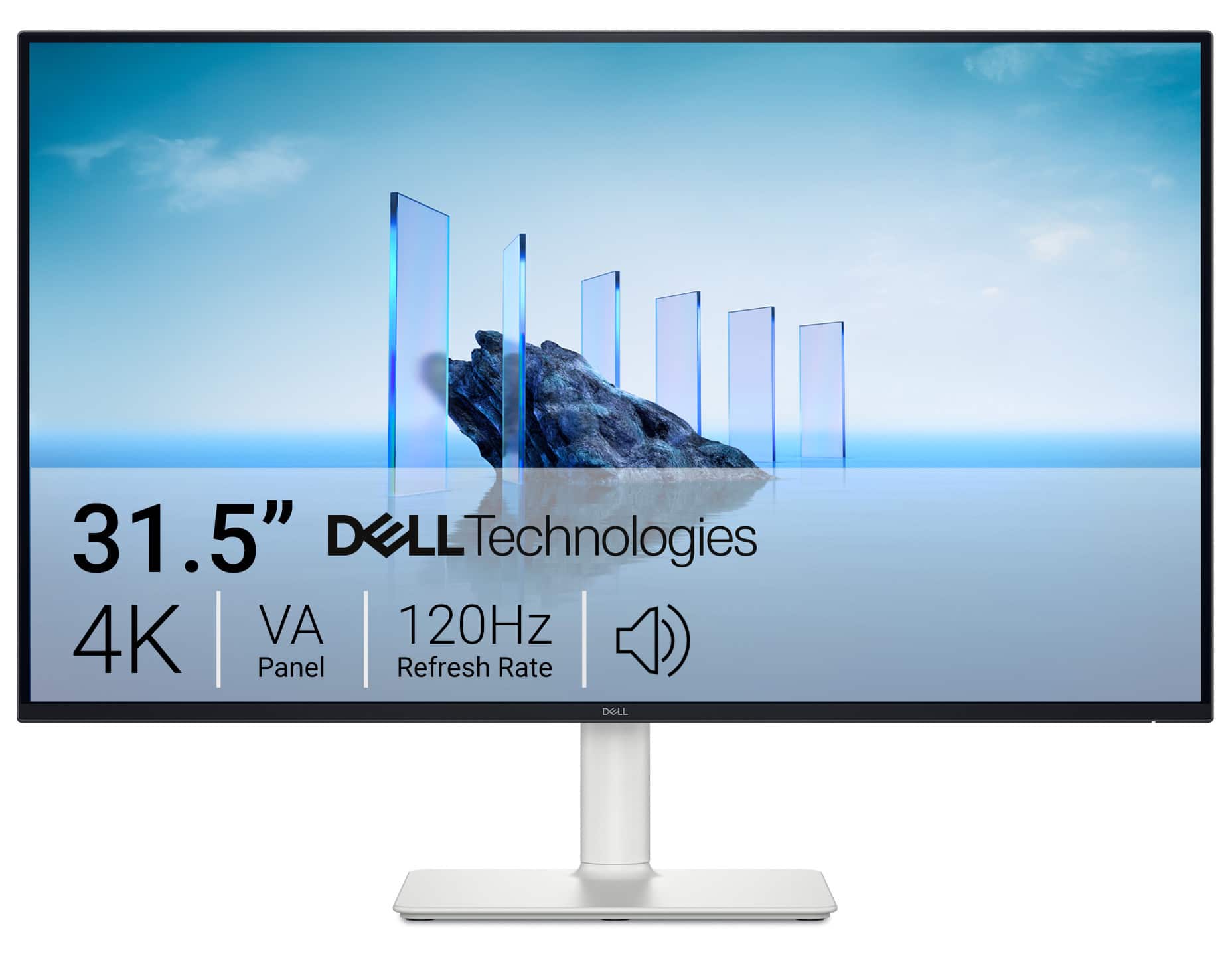
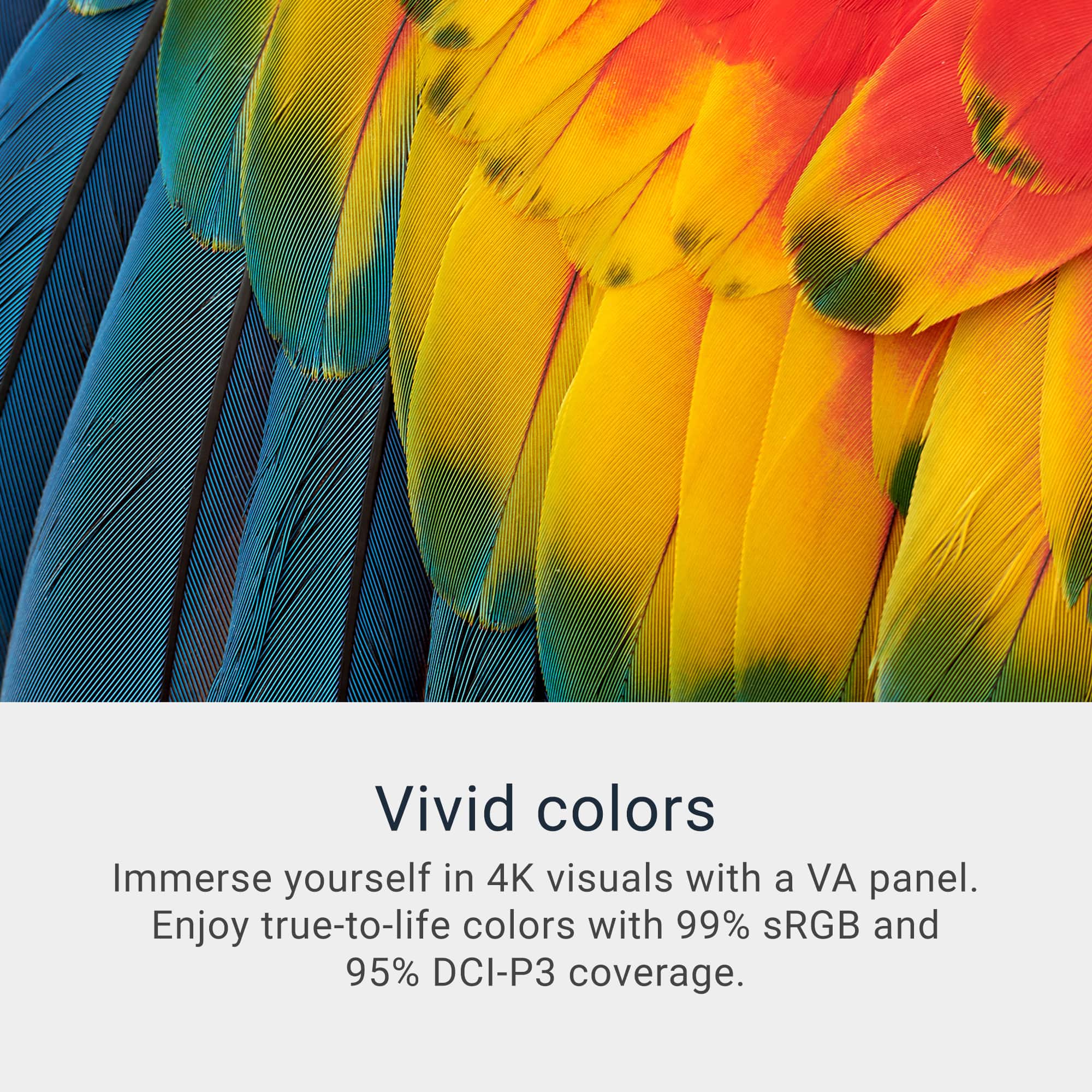
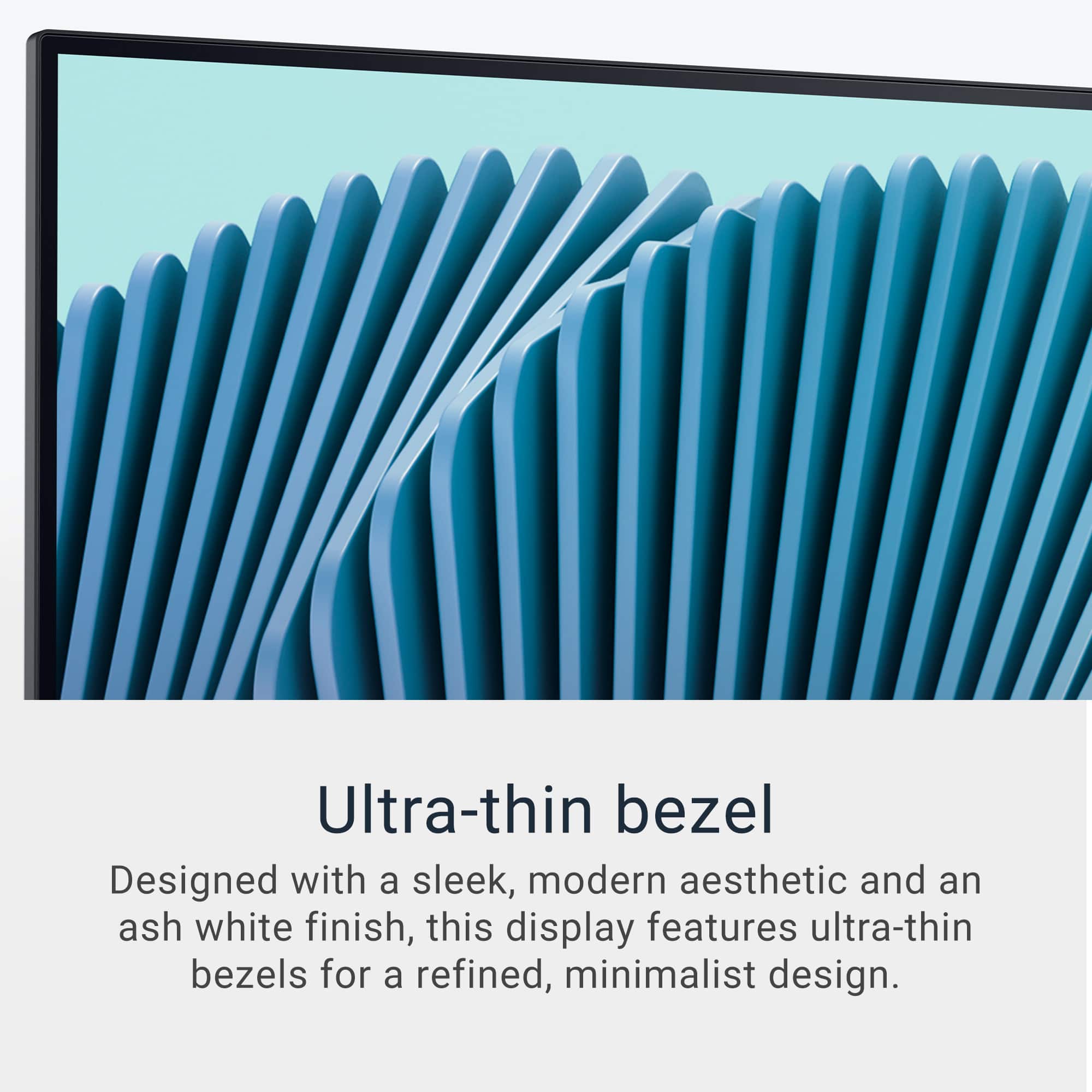
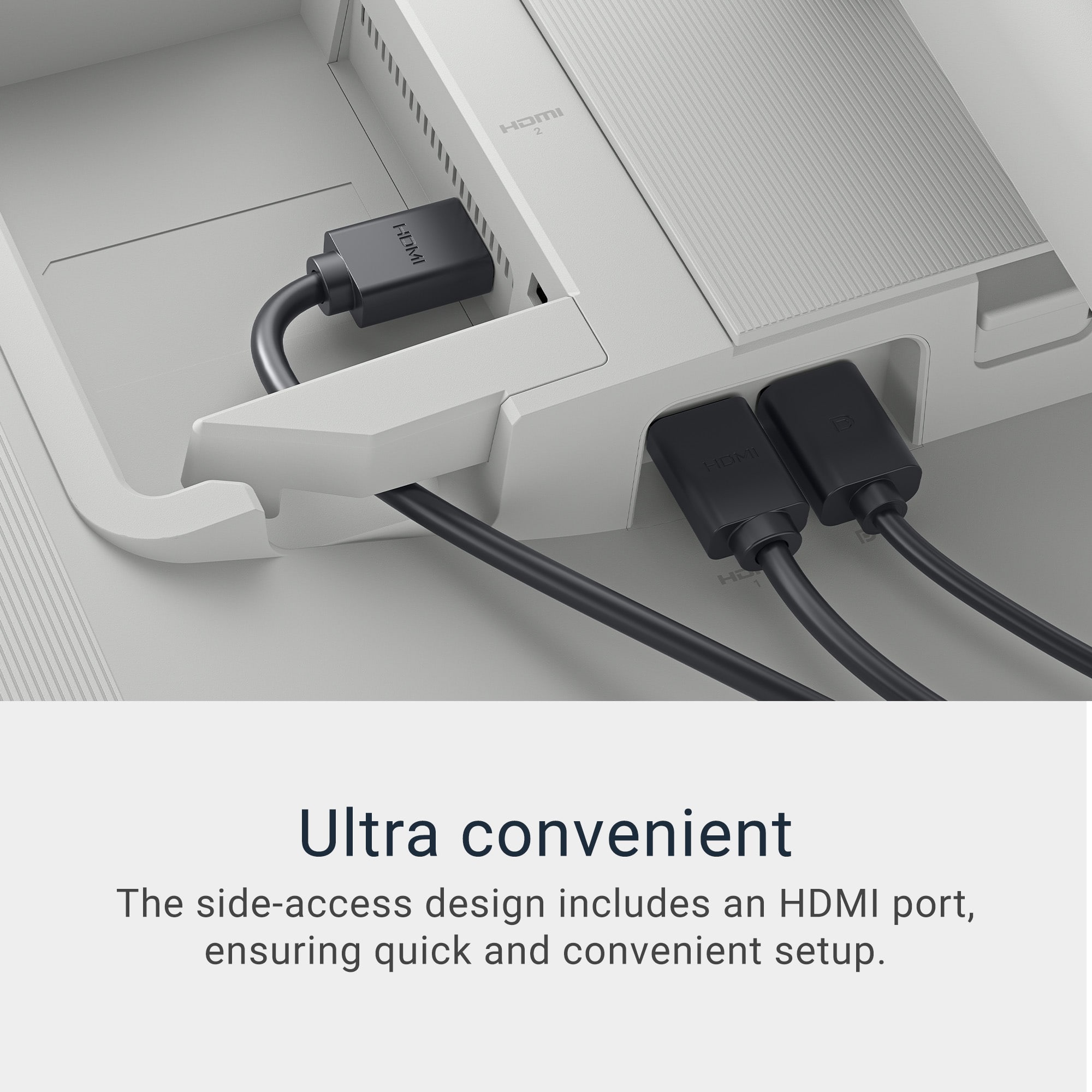
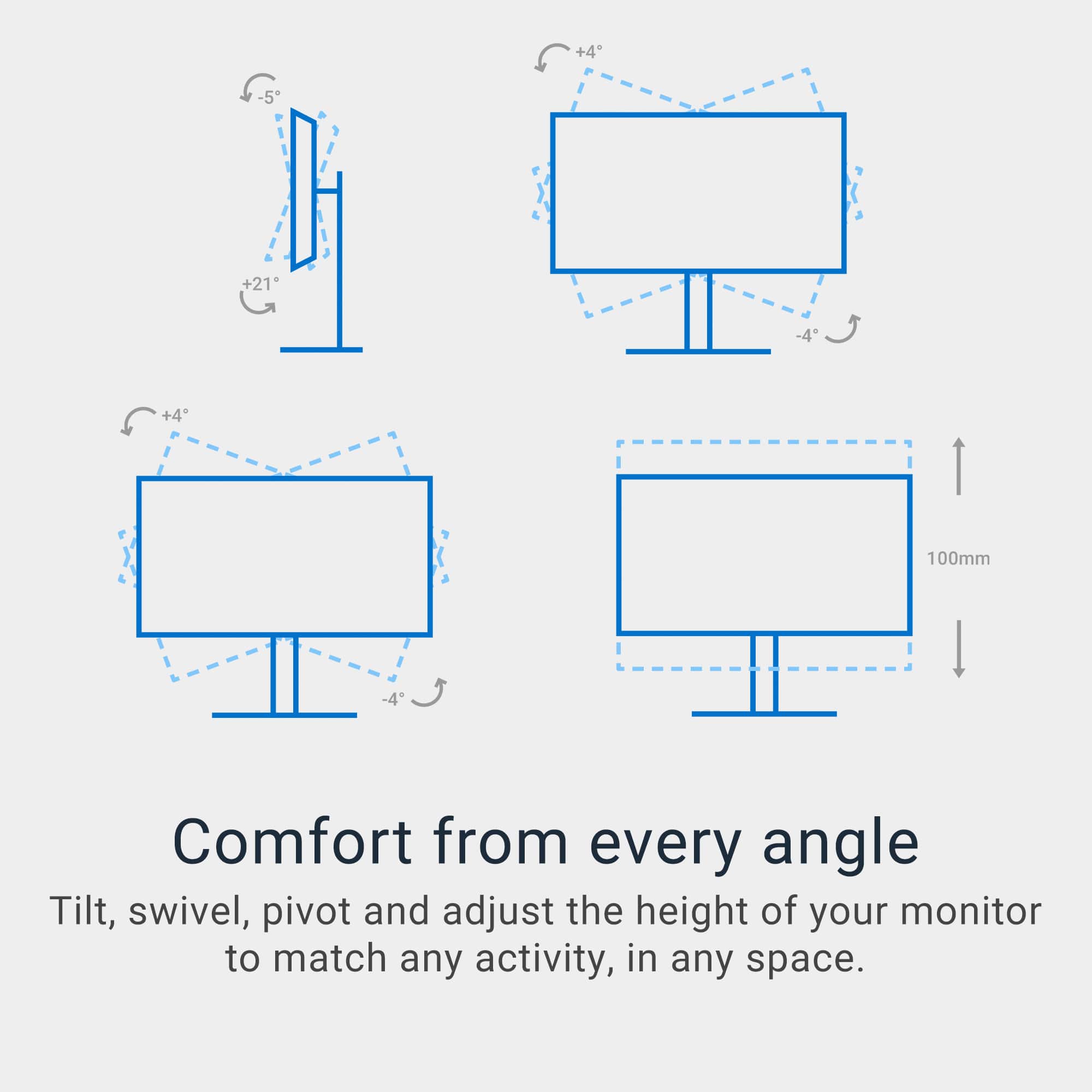
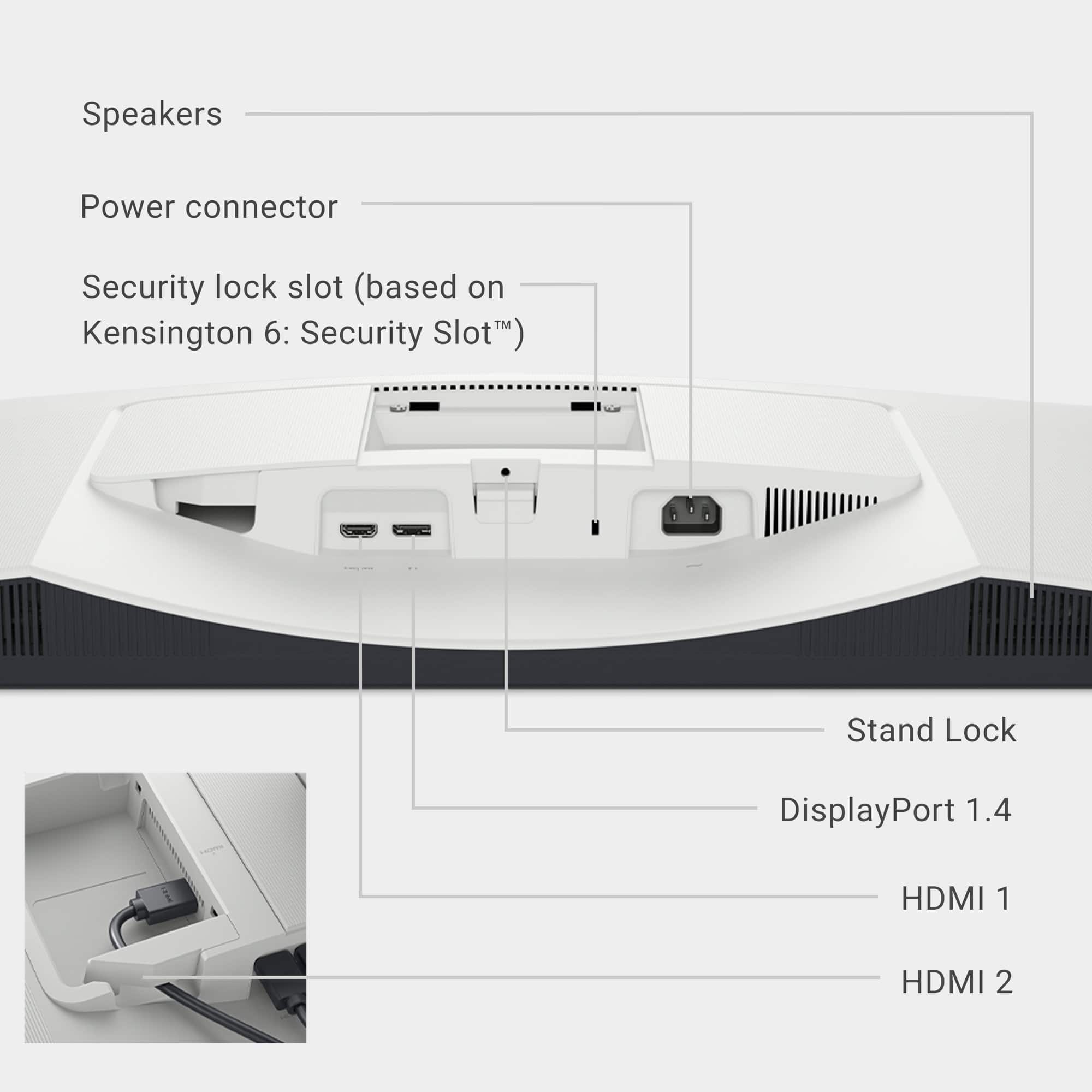
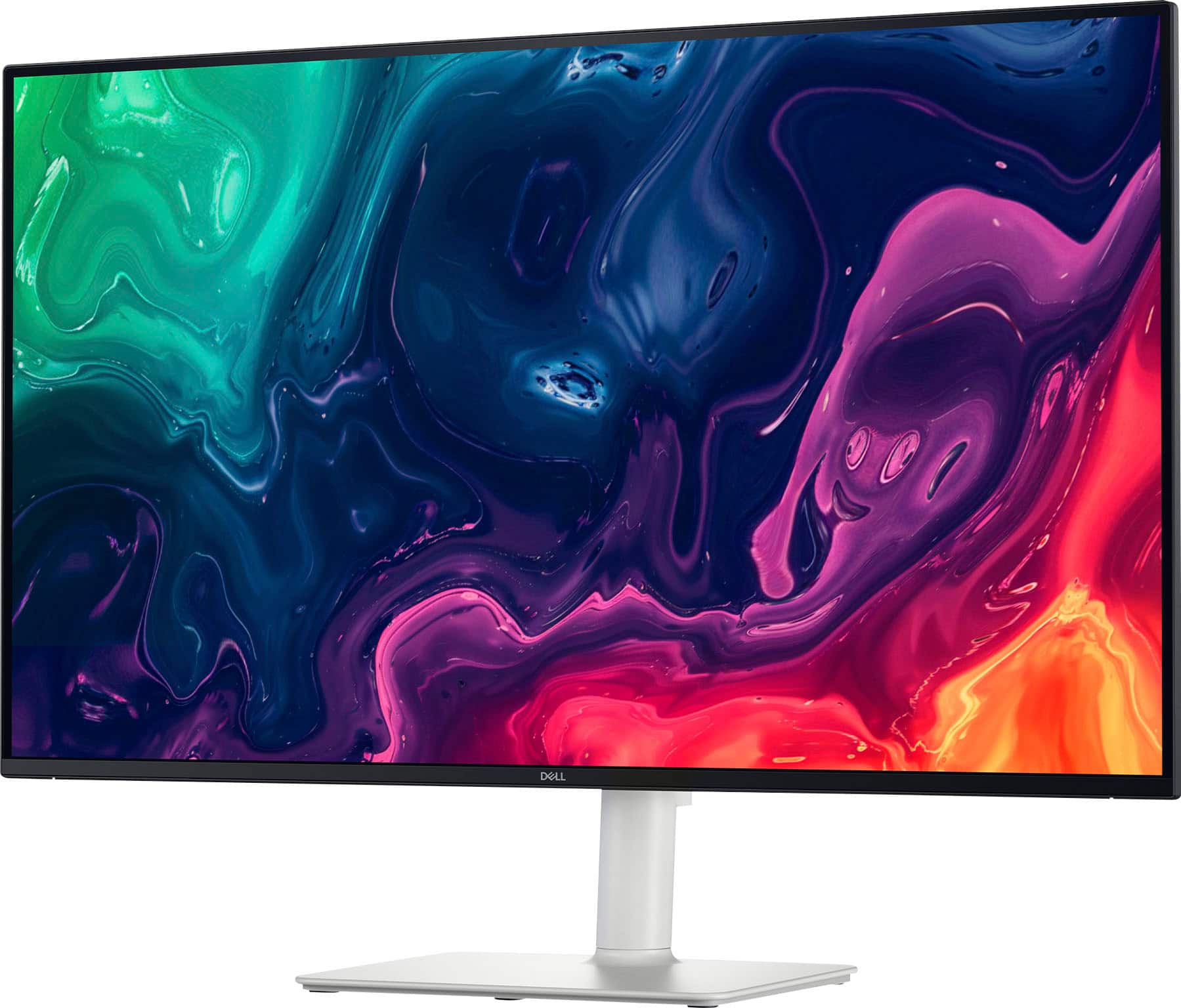
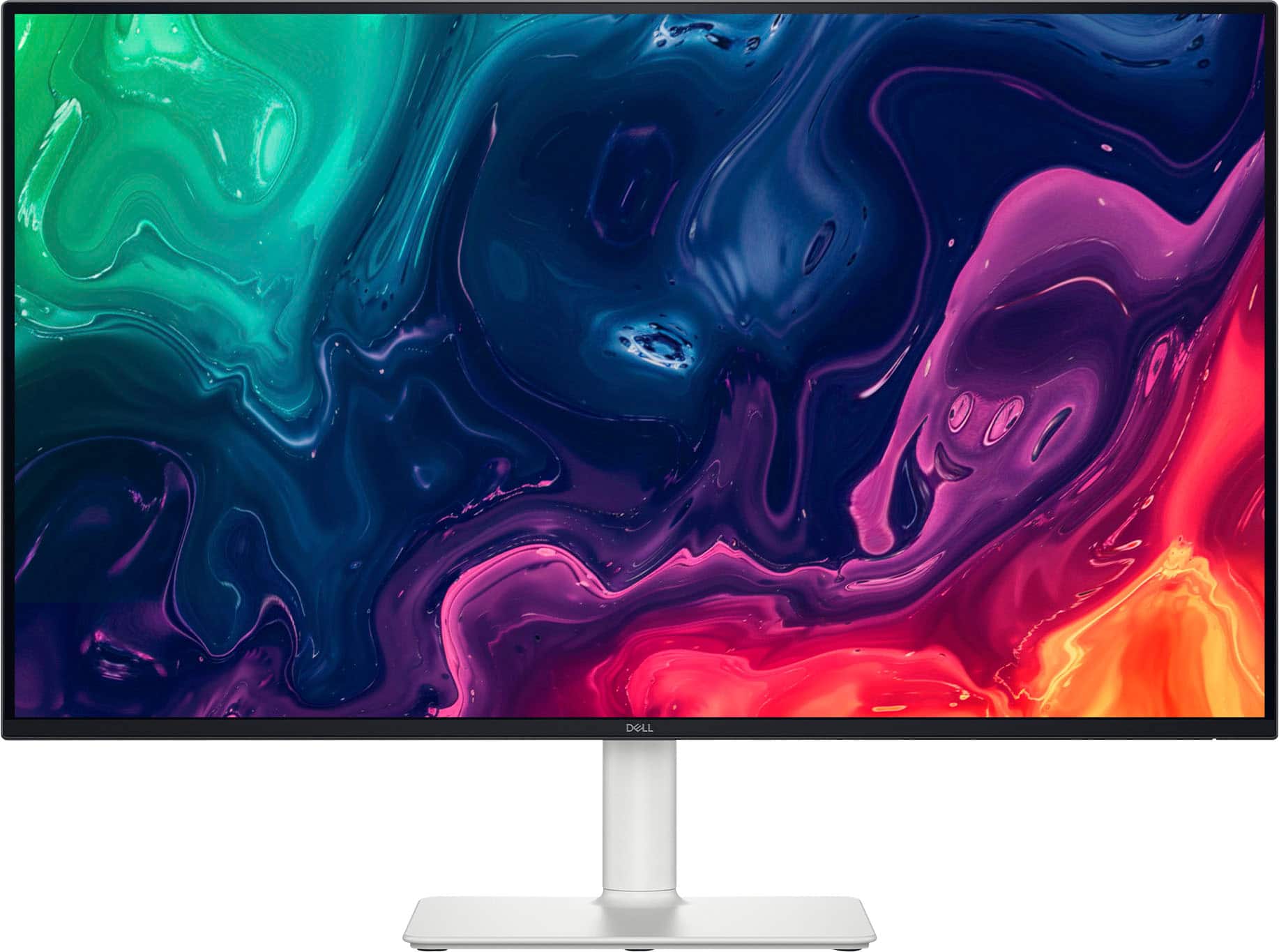
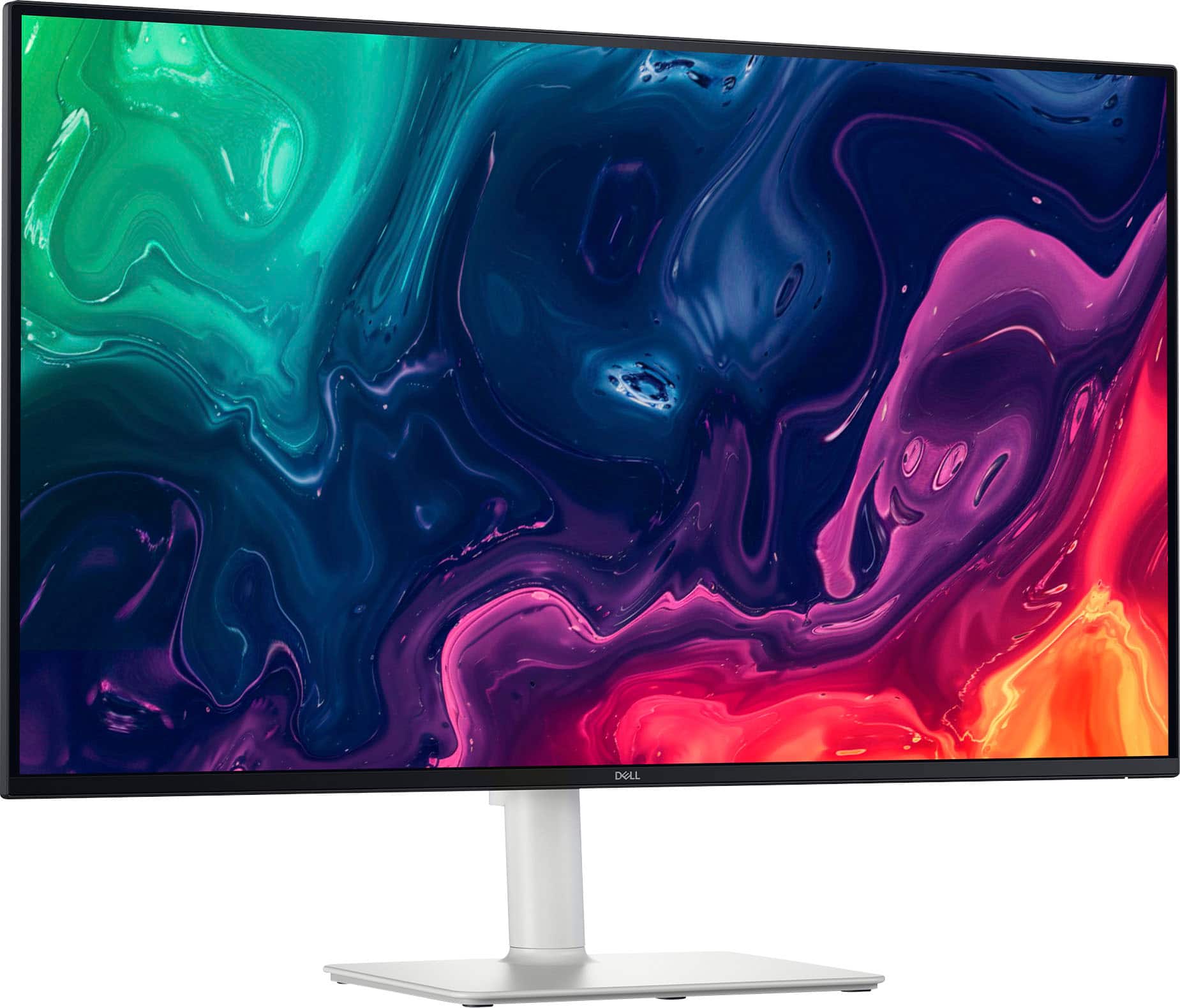
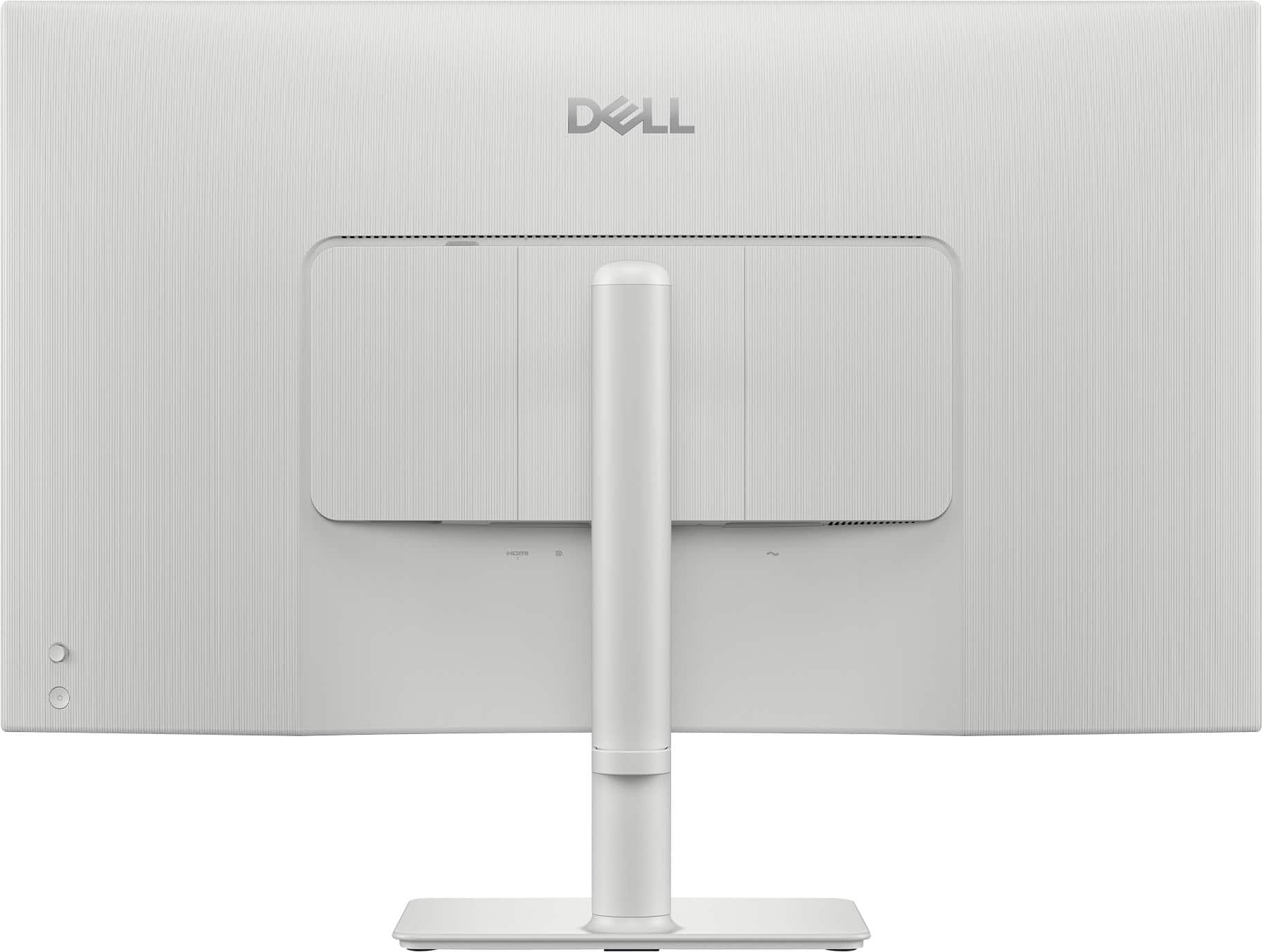
|Posted .This reviewer received promo considerations or sweepstakes entry for writing a review.The color of this monitor is white but that is just the total back and stand. The bezel is the typical glossy black. No white is on the front of the monitor. Although the color throws off the color scheme of all the black I have, the monitor still looks good (better than I thought). The monitor is huge, so if huge is what you want, this size (31/5") is great. The physical setup is super simple. Just snap that base into the back, stick in the power plug, stick in the HDMI cord, plug both in and get started. It is also VESA mountable (as it should be) to be able to attach it to a stand or to a wall mount (as opposed to using the stand). The stand is adjustable -- tilt, swivel, up and down (for height); although I wish it had more height. It comes with a cord clip that you can click onto the stand to maintain your cords, but it just popped right off for me. I didn't care. It might as well not be present at all, and I would not be affected. So, I don't use it. The monitor also has the following ports/connections: HDMI and Display Port on the bottom (so facing down); power cord also on the bottom (facing down). And a 2nd HDMI on the side (in the back but facing the side; if you are facing the front of the monitor, it is facing the right side). I loke that you have the option of using the HDMI either on the bottom or the side, however, I would probably prefer two on the bottom and then the extra would be an additional one on the side. Good, nonetheless. As far as the quality of the picture of this huge monitor, it is very lackluster. This is where I expected so much more and why I only gave it 2 stars. I didn't think it deserved an average rating. The colors were not vibrant at all, and the blacks were not black. Period. I watched some chill video (no action) and then I watched some video with action. For fast action, at first the picture stutters, then after some seconds, it finds itself. I don't wish to see any of the stutter. I went on the general web and it was what it was, but still the picture is not vibrant. I did some general productivity (office applications), and it was fine. I am into monitors (whether a tv, computer monitor, etc) that look visually great. My eyes can see differences in quality that the average person would not notice. Thus, while this huge monitor might be good for the average person, it is not for me. The visual quality just is not there. Monitor settings are on the bottom right and pretty easy to navigate, although I did not find that it made much of a difference in regard to improving the look of what is displayed. I was very disappointed. The nodule to move through the settings, as well as the power button are on the bottom right but on the back of the monitor (good placement). I won't forget the built-in speakers. I must say that the sound is impressive for a monitor; and at least that is something if your computer/laptop (or other main device) does not have speakers. However, they are nowhere near as good as laptop speakers. Maybe if you are using something other than a desktop that does not typically come with speakers and you do not want to buy speakers, then this monitor’s speakers will be useful. This statement is meant to be positive. I did not know what to expect from a monitor's built-in speakers, so I give them a plus. Overall, the monitor is for the visual (and the size) ... at least for me, and this monitor just did not make the mark on the visual quality side of things. Peace.
No, I would not recommend this to a friendEasy on the eyes with no glare
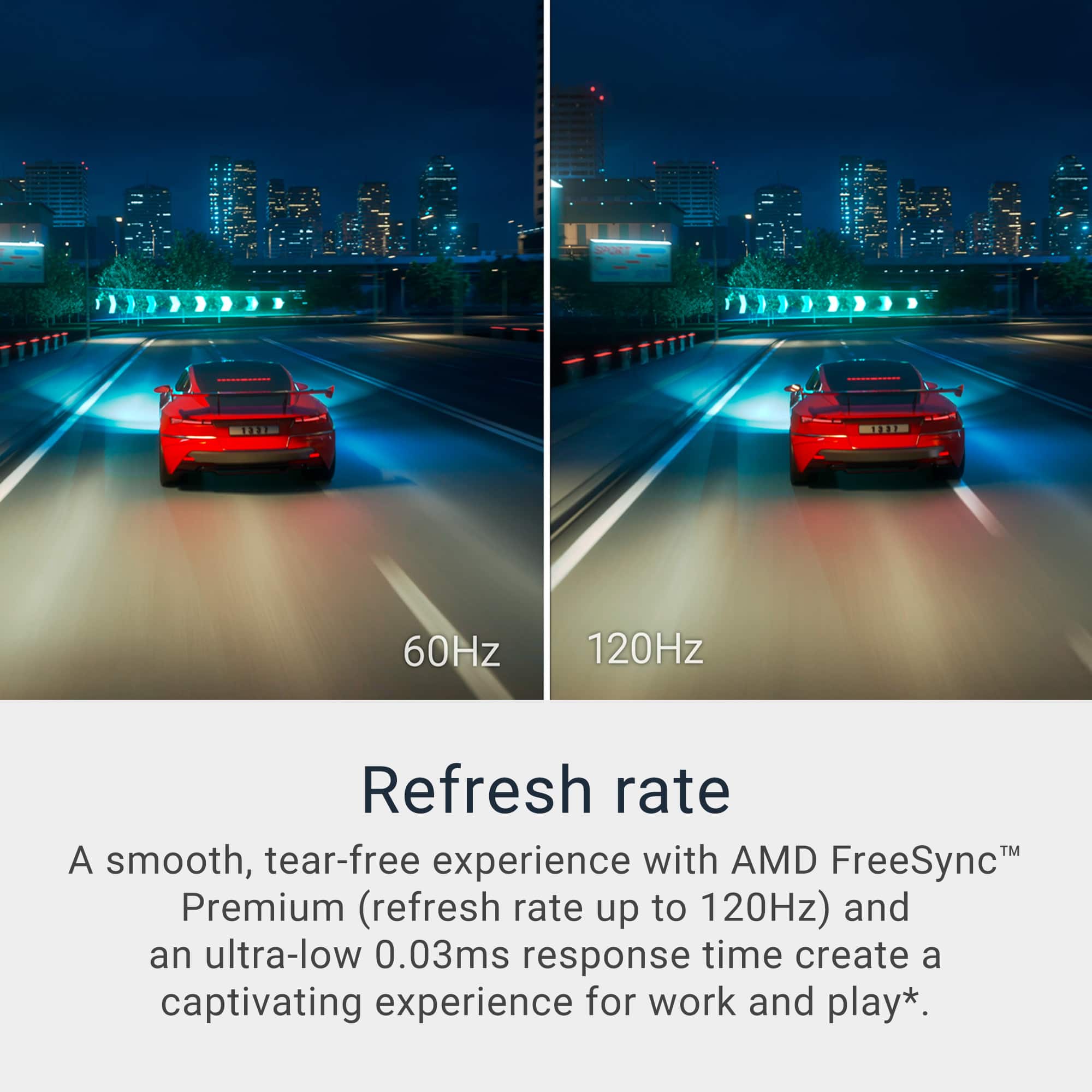
|Posted .This reviewer received promo considerations or sweepstakes entry for writing a review.While this is not OLED it does provide outstanding picture quality with no glare in a room with excess sun light. It is perfect for gaming and office work in this size monitors. It is slim with very simple, easy to use controls in the back. The speakers a loud enough to be comfortable without being distorted at high volume. So it can be a stand alone monitor with speakers. For better sound quality nothing beats over the ear headset though. The build quality is outstanding and easy to assemble in three easy steps. Unfortunately it does not come with USB ports as other Dell monitors do. The controls in the back are easy to reach and too large to take away from design. It also does come with an incorporated webcam which very few desktop monitors do. Refresh rate is excellent for gaming or video watching. Since it is not oled, the contrast tends to wash out when a well lit room so recommend having this beast in a low light room. The foot rest seems to be too small for such a large monitor though with the metal reinforced stand, it is plenty stable. It has al 1 HDMI and 1 DP input ports and auto decte t input feature to switch between them. It has become my favorite monitor.
I would recommend this to a friendGreat quality monitor with decent sound!
|Posted .This reviewer received promo considerations or sweepstakes entry for writing a review.This monitor was really easy to setup, right out of the box. Unboxing it, I found a high quality power cord and Ultra High Speed HDMI cable, a cable organizer and the monitor itself with stand. I plugged it into power, plugged in 2 HDMI devices and one DisplayPort device and I was good to go. The power button and menu button are conveniently located on the back right so it's easy to put things in front of the monitor and still turn it on and off and and access the menu options. It also looks really sharp with the black bezel on the front of the monitor with the white stand. The 4K 120 hz refresh rate picture quality really shines through too. The sound is also very decent for a monitor of its style, allowing you to plug in devices that don't support external speakers unless they're part of the monitor. The volume is also really easy to adjust using the menu button on the back right of the monitor. It also slides up and down easily and stays in place and also tilts to a decent angle. Overall, I highly recommend this monitor as it's easy to setup, works great, and has decent sound.
I would recommend this to a friend