Customer Ratings & Reviews
- Model:
- 10GBE9901
- SKU:
- 10731892
Rating by feature
- Value
Rating 4.5 out of 5 stars
- Quality
Rating 4.7 out of 5 stars
- Ease of Use
Rating 4.5 out of 5 stars
Excellent Performance and Easy Setup
||Posted . Owned for 5 months when reviewed.This reviewer received promo considerations or sweepstakes entry for writing a review.This device works exactly as advertised and exceeded my expectations. Setup was quick and straightforward, and the performance has been smooth and reliable with no noticeable lag or issues. The build quality feels solid, and it integrates seamlessly with my setup. I’ve been using it consistently and have had zero problems so far. Definitely a great value for the price and something I would confidently recommend to anyone looking for dependable performance.
I would recommend this to a friend
New Gen Consoles Ready
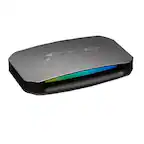
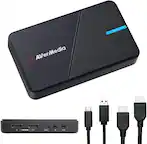
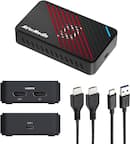
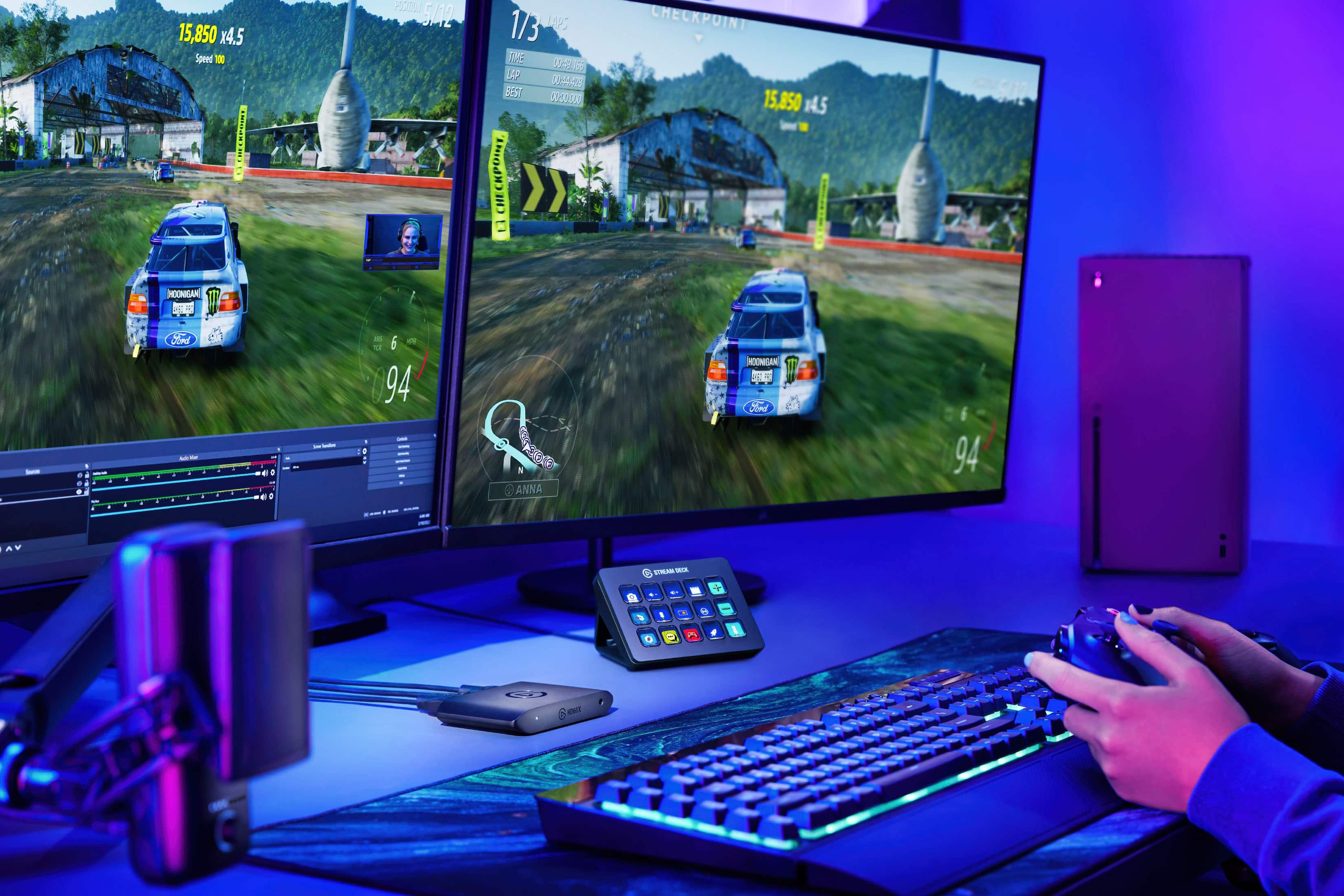
|Posted .This reviewer received promo considerations or sweepstakes entry for writing a review.--- SETUP --- The setup of the Corsair HD60X is very similar to previous Elgato capture cards. It includes one HDMI ultra high speed cable that supports HDMI 2.1. Connect that to your capture card, then that other end to your monitor/screen. Use your existing HDMI 2.1 cable from your console and connect it to HDMI in on the capture card. Then, the included USB-C cable will connect to your computer via a USB 3.0. --- FEATURES --- The key feature of this capture card is that you can capture 1440p 60 SDR, 1080P 60 HDR, or 4K30 HDR with a lag-free passthrough of up to 4K60 HDR. It also has a variable refresh rate (VRR) that can sync up with your monitor's refresh rate to prevent screen tearing. --- PERFORMANCE --- Before this HD60X card was available, for console gamers wanting to stream using an external card, they would have to sacrifice their gaming experience and were not able to take advantage of the new console capabilities like 4K60 gaming or 1080P 120. This new card fixes that issue. I downloaded the 4K utility provided by Elgato to be able to access the 4K capabilities. To test this, I used my Xbox Series X connected to a 2.1 capable monitor. Streaming and recording were outstanding, as I was able to provide a better viewing experience for my viewers. I set my console to play at 4K 60 HDR while I was streaming at 1080P 60. I also turned on the VRR which prevented screen tearing during my gameplay. --- EXPECTATIONS --- Though the Elgato comes with it’s own streaming software, I prefer using Streamlabs OBS. After a few changes to my streaming template, I had my new Elgato HD60 streaming through SLOBS in no time. I really enjoyed the customization options available within the software. If you plan on recording/streaming using a PS5, there is a 3.5mm port to which you can connect a chatlink pro to capture audio. --- VALUE --- If you are already a streamer that uses external capture cards and you have the newest generation of consoles (Xbox Series X/PS5), then this is the next logical upgrade and worth the investment. If you are wanting to start streaming, then this device is ready for the newest generation of consoles and will future proof you for this whole console generation. --- APPROVAL --- I highly recommend this product for streamers or gamers who want to record their gameplay without sacrificing 4K gaming at 60 FPS with HDR.
I would recommend this to a friendQuick simple capture, almost there
|Posted .This reviewer received promo considerations or sweepstakes entry for writing a review.With the newer gaming consoles being capable of higher resolutions and higher frame rates, it is nice to see a quick simple solution for capturing to a PC. Although this Corsair Elgato HD60X is more capable than previous USB versions, it is just a bit short of being completely there. This allows for 4K 60 fps HDR passthrough, which is great for taking advantage of current systems, but the Xbox Series X has 120 fps, Dolby Vision, Dolby Atmos and other high end capability that will not pass through. Considering that this is meant for streaming, you don’t need much more than 1080p60, which this does with ease, while still letting you play in 4K. But, sometimes you want to get a richer recording and you can do that with this to an extent. You can record in 2160p30 SDR with something like OBS. Their current beta version of the 4K Capture Utility will capture in 4K if the source does not attempt HDR, which it will then default back down to 1080p60. You can also record in higher frame rate at lower resolutions, but again, their own utility does not currently support that and you have to set it up through OBS. The nice thing is though, it simply recognized the capture device and worked without having to get special drivers or anything. It also works with devices that have variable refresh rates. For a USB device, I still find it pretty amazing that you can pass through a 4K source and still stream and record at 1080. It comes with the needed USB-C to USB-A and HDMI cables to simply plug and play. Plus, the ports are on the same side so you don’t end up with cables in all directions. There is also a 3.5 mm audio in on the front for those that need to split the voice chat from a controller, cable not included. Overall this is a needed improvement with current gen consoles. However, it still has its limits and won’t let you keep things maxed out for your enjoyment while still capturing for theirs. I don’t think there are many other options that are this capable unless you start using internal PC cards though. If you are fine with missing out on some graphic features while still getting a good recording, this is certainly a great option.
I would recommend this to a friendExcellent small and portable external capture card
|Posted .This reviewer received promo considerations or sweepstakes entry for writing a review.I got this as I'm intending on streaming in the near future. The HD60X is a nice and convenient device. It's small so it's easy enough to pack up and take with you for portability. The initial setup was quick and easy. The only hiccups I ran in to was utilizing the passthrough. My setup is where I have it going out from my PS5, to the HD60X then out to my Receiver and then out to the TV. Upon doing so and firing up my PS5 to play some Horizon Forbidden West, I was greeted with a No Signal error in the capture software and then on my TV I could see it wanting to put up an image, but then it would just do nothing. After some looking through their FAQ/Support page, I discovered the HDCP had to be disabled on the PS5. Once doing so, I was then able to get an image on the TV and then the Elgato 4k Capture Utlity was finally detecting the input. I played a good hour or two with the capture utility and it had no problems recording. I use a NAS to store all my data on and I was recording at 26Mbps at 1080p60 and using software encoding. My only real complaint is that I wish the 4k Capture Utility had dedicated buttons for Recording and Stopping a recording instead of it being the same button. For some reason the first recording didn't save, however the second one did. Not entirely sure why this was. It's really quirky as you can't really tell when it's saved the recording. That said, I wouldn't really suggest using it as your primary recording for streams, I'd let that work be done by your streaming software. So all in all, this is an excellent option for those who need a great quality external capture utility that either don't have the space internally for the PCI-E variant or don't have a Desktop PC and want to use it with a laptop. I certainly recommend this for anyone in either of these scenarios. I do have a free slot internally, but I will be using this in conjunction with a nVidia based laptop so I can capture my PC so I look forward to spending more time with it.
I would recommend this to a friendEasy to set up
||Posted .This reviewer received promo considerations or sweepstakes entry for writing a review.This capture card has excellent build quality and is very easy to set up. It works smoothly with consoles, delivers clear, lag-free capture, and the plug-and-play setup makes it perfect for beginners and experienced streamers alike
I would recommend this to a friendThe ultimate console streaming device is here.
|Posted .This reviewer received promo considerations or sweepstakes entry for writing a review.I had no idea that Corsair purchased the Elgato brand a few years ago. I've been using my Elgato HD60 S+ that I received as a Christmas gift when it first came out, and now I've been happily testing out this Elgato HD60 X! It's really a nice, but albeit not necessary upgrade if you already have an HD 60 series for your gaming consoles. I have tested this with my PS5, Xbox Series X, and Nintendo Switch OLED (used to stream with my PS4 and original 2017 Switch). Just like the other models, this has HDMI In and HDMI Out, but a USB 3.0/Type C connection this time around. Pass through is more for the viewer experience, but honestly 1080p is still sufficient for majority of people. 4K60 HDR10 or 1080p at 120fps is still a nice option to be able to stream at though. What I really like is an issue I would have in the past is screen tearing which would happen during some intense matches that I'd be streaming and recording, and it ruins the experience of that footage. With just a lot going on on screen, it happens. But when it can be prevented, it's great. So with variable refresh rates (vrr) there's less screen tear which is super nice. Overall this device covers every single gaming console you have. If you have an HD60 series besides this, you can just give away or sell it because the HD60 X is all you need. It's super super easy to use and just works as you'd want it to. This is the now the ultimate console streaming device.
I would recommend this to a friend10/10 Recommend!
||Posted .This reviewer received promo considerations or sweepstakes entry for writing a review.The Elgato HD60 X makes capturing gameplay super easy, giving you smooth 1080p60 recordings while you play in full 4K HDR with no lag. It’s a reliable, plug-and-play option that works great for anyone who wants clean, hassle-free footage for streams or videos.
I would recommend this to a friend5 stars
||Posted .This reviewer received promo considerations or sweepstakes entry for writing a review.The Elgato HD60 X is a total game-changer. Setup took minutes, and now I’m streaming in flawless 1080p60 with zero lag. The 4K60 passthrough keeps my gameplay crystal clear while my viewers get silky-smooth video. Works perfectly with my PC, PlayStation, and Switch. It’s reliable, easy, and just works every time. The best upgrade I’ve ever made to my setup!
I would recommend this to a friendGreat Capture Card!
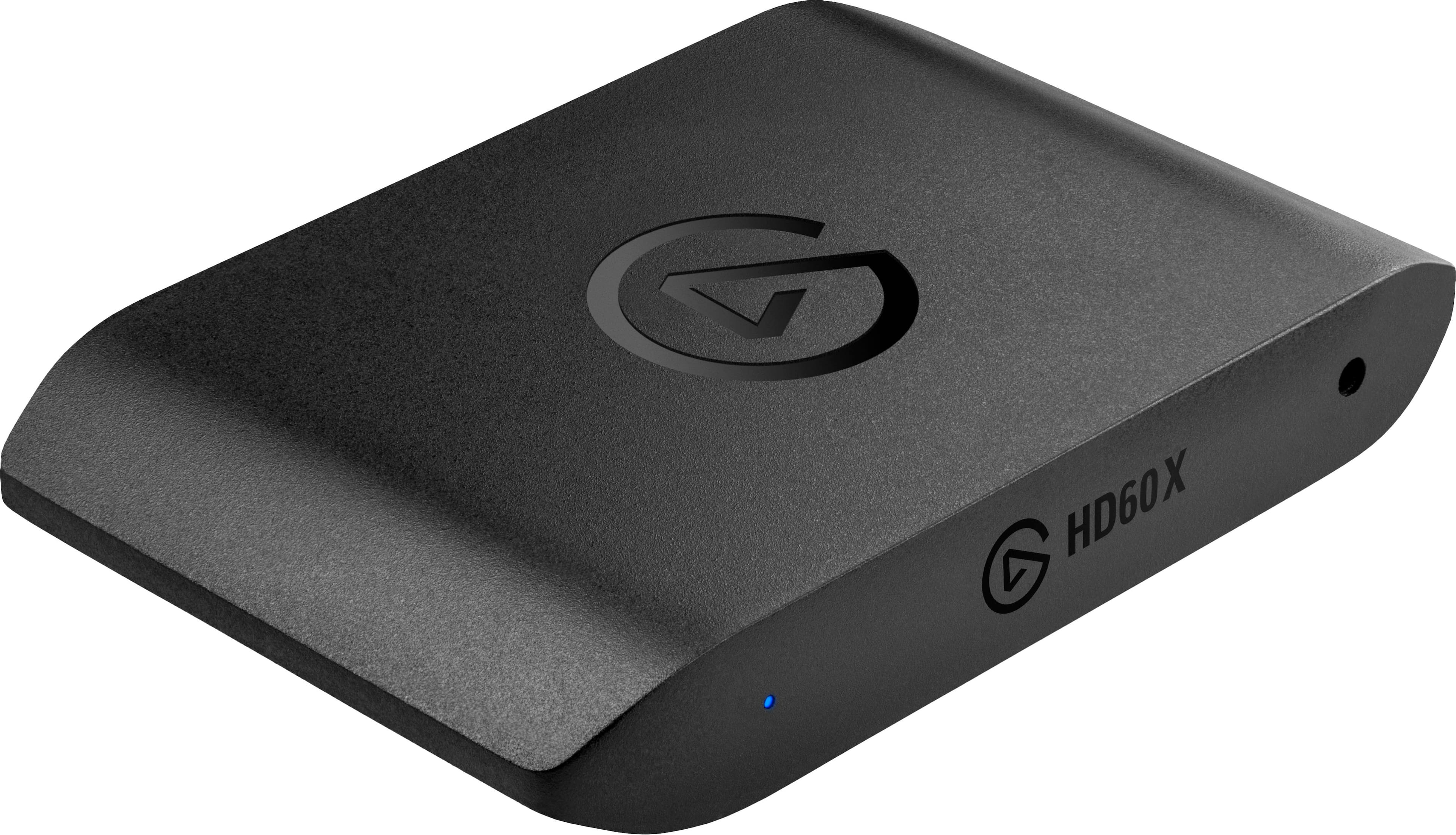
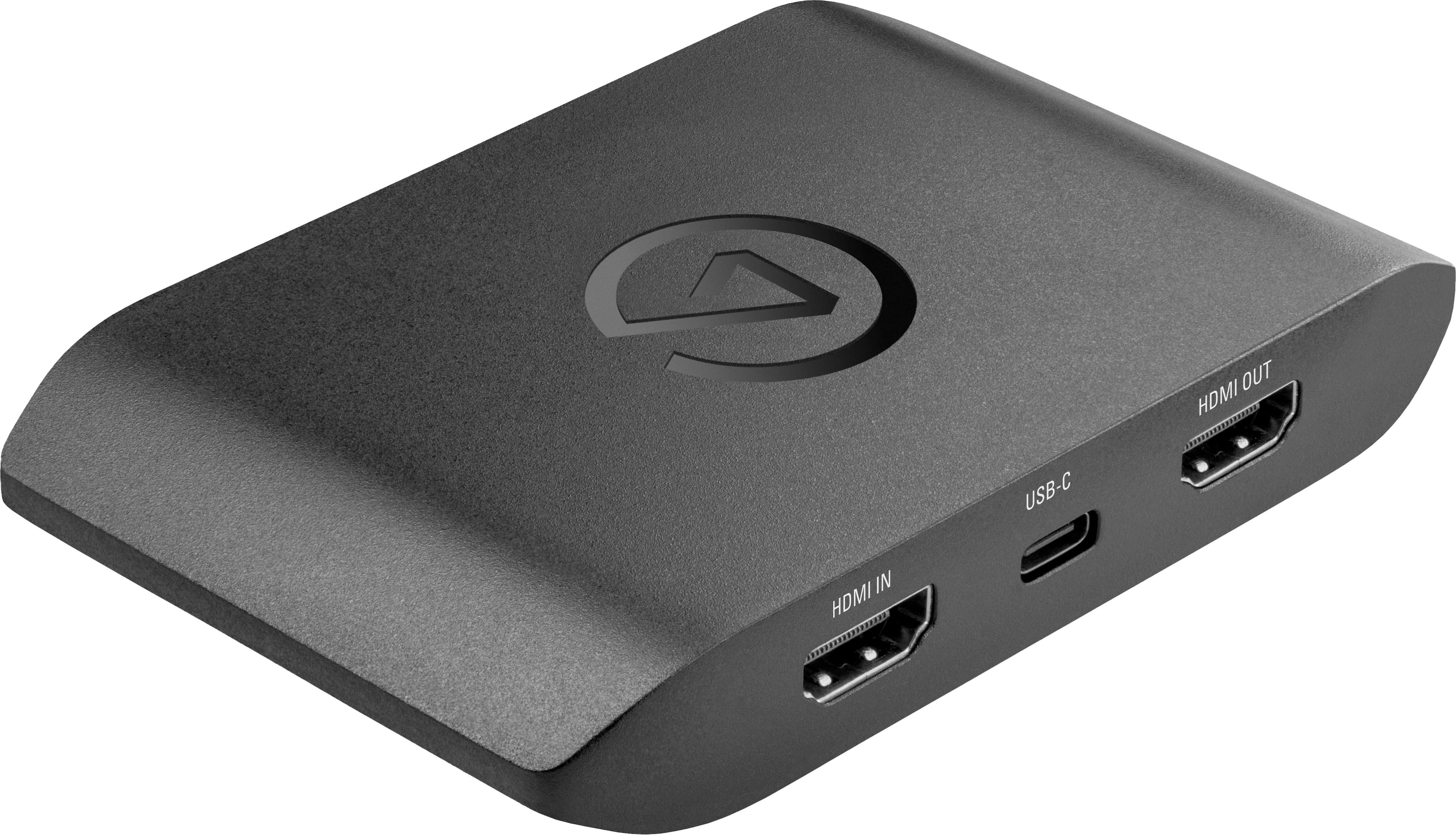
|Posted .This reviewer received promo considerations or sweepstakes entry for writing a review.The HD60X is a powerhouse in a tiny form factor. What sold be was the current gen upgrades it can handle and man, does it do a great job. I was mainly using it for my Xbox Series X and PS5 to get game footage for my friends. Build Quality is good. All plastic housing and super thin. Love how all the connections are in the back for easy cable management (HDMI In and Out and USB-C). Looks clean for a desktop setup or you can simply hide it. In the box comes the HD60X, HDMI cable and USB-c to A cable. Since the card can handle 4k passthrough, you do need to have it powered though at all times to use it. My 1st trials were on my Series X. You can see from the pics that I was playing on my 4K screen @ 2160p 60fps and it was capturing video quality at a buttery smooth 1080p 60fps. Playback was nearly perfect. Now I say nearly because while the Video capture was great, I was 50/50 on the audio. Sometime during playback it will be perfect then all of a sudden the sounds because muffled and robotic. Settings were fine and so were the cables so I could not diagnose the issue there. My 2nd trial was for my PS5 and I just simply could not get Elgato to recognize it. At 1st I thought it was me. I went in my PS5 settings and changed the output to 1080 to see if it would see it but to no avail. Maybe the cables? I switched out to 8 (yes 8) different 48Gbps cables to see if they were fine. All attempts could not get it to show. I know my cables work because going from Console to TV is fine but Console to HD60X and nada. Wasn't too big of an issue at the moment so hopefully something changes down the road. Mind you, the 1 star deduction is not because of the PS5 issue (I am blaming myself) but it is for the sound issues on a lot of my recordings. All in all it is a great card with tons of potential. I love the 4K passthrough and still records at a perfect 1080p 60 so I can play without hindering my personal preference settings. Another big hit again is the easy cable management design.
I would recommend this to a friendElgato HD60X will get the job done!
||Posted . Owned for 3 months when reviewed.This reviewer received promo considerations or sweepstakes entry for writing a review.My first Elgato product. I wanted a capture card that supported great quality for my stream. Simply to use, Just plug-and-play and add your source in OBS, and start your streaming journey. I use it for my PS5 Pro currently and I haven't had issues with it. Highly recommend for a beginner streamer!
I would recommend this to a friendEasy to setup, easy to use
||Posted . Owned for 2 weeks when reviewed.This reviewer received promo considerations or sweepstakes entry for writing a review.Very easy setup, very easy to use. I got this with the intention of streaming sometimes but I also wanted to use it to just play games through OBS preview instead of having to switch inputs on my monitors. With a minimal 2-3 frames of input delay. This works exactly as I had hoped. Great quality for the price.
I would recommend this to a friendPerfect for Streaming and Content Creation!
||Posted . Owned for 1 year when reviewed.This reviewer received promo considerations or sweepstakes entry for writing a review.The Elgato HD60 X has been awesome for my setup! It’s super easy to use, and the quality is amazing. I’m capturing gameplay from my PS5 and Xbox Series X with no lag, and the 1080p60 HDR10 looks incredible – super sharp and smooth. It’s also perfect for streaming; I can keep up with my games while getting pro-level quality for my viewers. Plus, it’s compact and easy to set up across different devices, so I’m all set whether I’m on PC or console. If you’re into streaming or just want to capture gameplay, this is the way to go.
I would recommend this to a friendExcellent Performance
||Posted .This reviewer received promo considerations or sweepstakes entry for writing a review.excellent capture card I upgraded from a previous model and this one is way better. I’ve had zero issues and I’m able to record for hours on end without any interruptions. I have a mid-high range PC and it’s able to handle the capture card with no issues at all. I honestly would recommend this capture card to anybody.
I would recommend this to a friendElgato Capture Card
||Posted . Owned for 2 months when reviewed.This reviewer received promo considerations or sweepstakes entry for writing a review.I needed something that would allowe me the option to capture my gameplay on my PS5. I purchased this capture card, followed the easy instructions that came in the box. Plugged in the power cable, the hdmi cable from PS5 to capture card, HDMI cable from capture card to monitor and the USB cable to my laptop. Opened the app and downloaded the driver from ElGato site. Very easy to follow and has been working like a charm for the last 2 months. It captures my gameplay, lets me record what I want to save and lets me stream to platform of my choosing.
I would recommend this to a friendAwesome quality.
||Posted . Owned for 2 months when reviewed.This reviewer received promo considerations or sweepstakes entry for writing a review.For it being an older model of the elgato capture cards it’s still a very good choice for a good all around good quality capture card. It’s very easy to set up and very straight forwards. The cables it comes with are very high quality with the braided cables. Overall a mast have if you’re into streaming and want an easy way to stream your console to your pc.
I would recommend this to a friendWorth it
||Posted . Owned for 2 weeks when reviewed.This reviewer received promo considerations or sweepstakes entry for writing a review.I recently got this capture card, and it has completely changed my streaming game. The setup was straightforward, and I was up and running in no time. The video quality is impressive, with smooth 1080p recording and minimal latency. I love that it supports both console and PC gaming, making it versatile for all my needs. The software that comes with it is user-friendly, allowing me to customize my settings easily. Overall, this capture card is a must-have for any serious gamer or streamer looking to take their content to the next level.
I would recommend this to a friendBetter elgato capture
||Posted . Owned for 11 months when reviewed.This reviewer received promo considerations or sweepstakes entry for writing a review.I've had a few variations of the elgato and honestly this one works the best, like it perfect, it gets great quality videos and goes come outside as blurry or distorted as the internal one.
I would recommend this to a friendElgato at it again
|Posted .This reviewer received promo considerations or sweepstakes entry for writing a review.Elgato has been in the game for a while, with consoles in their next generation it's nice to see an external capture device that can pass through the details the new consoles can output while capturing or streaming your gameplay. The Elgato HD60 X includes the game capture device, USB-C to A Cable, plus HDMI 2.0 Cable. The HDMI Input/Output and USB-C port are all on the rear of the device, which helps create a cleaner setup being able to easily route the cable, opposed to the older HD60 devices where the HDMI input and output are on opposite sides. Setup was easy enough, unboxed and plugged in the HD60 X with the cables included plus the cable from my console. Once I had the Elgato 4K Capture Utility installed the device was immediately recognized. I shared my stream on discord with a friend so I could make minor tweaks to make sure audio and video were clean. From my experience I have no complaints on this device, I need to take advantage of what this card has to offer, and I know elgato has reliable products and has been recommended by a few friends. I have mostly used to stream to friends in chat, which has helped when trying to explain areas to one another in Elden Ring. 4K 60 passthrough is nice, this is where most of the games I am playing are stable at, but being able to pass 1440/1080 120 is a great option also. There are quite a few capture options, out of habit I have still been using the console clip features, but will play more with the software to make it my ideal capture device since I can capture larger clips with their not being a time limit and the ability to point to a drive with large capacity for my captures. Elgato has made a name for themselves and I am glad to see them creating external options for anyone that may not have the option for a PCI capture card. With the price difference between the HD60 S+ and the HD60 X, I would push those between the two to get the HD60 X, if you don't have Next-Gen yet, you are future proofing yourself, and taking advantage of what the newest Elgato capture device has to offer!
I would recommend this to a friendGreat Product!
Posted .This reviewer received promo considerations or sweepstakes entry for writing a review.The Elgato works exactly as intended! I've had so much fun streaming games from my Nintendo Switch to my friends through my computer!
I would recommend this to a friendWorks great, if your hardware is up to the task
||Posted .This reviewer received promo considerations or sweepstakes entry for writing a review.I purchased this to record gameplay from my video game consoles, as well as a handheld gaming PC. I was intending to do my streaming from a secondary laptop with an i7 processor (but no dedicated video card). I had a few issues with sound over HDMI, since I was using an external monitor that did not have speakers. I tried everything including running the sound out of an audio jack on my console, then feeding it into the audio in on the HD60X, but that sounded full of static, even after installing an in-line filter. I searched online to find many people in my position. I did open a support ticket, and got really prompt responses, but ended up resolving the problem of audio through HDMI by just switching to a monitor that did have audio out. This still didn't solve my static issue. After hours of swapping cables, trying different sampling rates, and everything else I could think of, I was about to give up and return everything when I decided to try the HD60X with my gaming PC instead of the laptop. Everything worked fine, and I had zero issues. I guess my laptop wasn't powerful enough to capture everything from the HD60X, especially without a dedicated GPU. So, for my original use case, this is not an option, but it seems my original use case was flawed from the start. With good hardware, this device works fine. I just wish I could have used it like I was planning, but that's no real fault of the device. Capturing gameplay from my consoles into OBS works perfectly, and I can even play a game watching the feed in my OBS monitor without lag.
I would recommend this to a friend