Customer Ratings & Reviews


- Model:
- C11CF28201
- |
- SKU:
- 5732902
Customer reviews
Rating 4.4 out of 5 stars with 136 reviews
(136 customer reviews)to a friend
Customers are saying
Customers are impressed with the Expression Home XP-340 Small-in-One Wireless All-In-One Printer's print quality, ease of use, and compact size. Many appreciate its wireless functionality and straightforward setup process. Positive feedback also highlights the printer's affordability and quiet operation. The attractive design and effective scanner are additional features frequently praised by users.
This summary was generated by AI based on customer reviews.
Rated 5 out of 5 stars
Excellent Printer for my Niece
||Posted .This reviewer received promo considerations or sweepstakes entry for writing a review.I bought this for my niece to use with her computer, she called and said her color pictures look like true picture quality. She’s so happy with her printer.
I would recommend this to a friend- Pros mentioned:Ease of use, Print quality
Rated 5 out of 5 stars
easy and economical
||Posted .This reviewer received promo considerations or sweepstakes entry for writing a review.this epson was easy to setup and use. Print quality is great for my home needs
I would recommend this to a friend - Pros mentioned:Ease of use, Size
Rated 5 out of 5 stars
Small and easy to use
||Posted .This reviewer received promo considerations or sweepstakes entry for writing a review.It’s super compact and great for a small desk. Easy set up.
I would recommend this to a friend - Pros mentioned:Ease of use, Setup
Rated 5 out of 5 stars
super
||Posted .This reviewer received promo considerations or sweepstakes entry for writing a review.Printer is easy to use , setup very simple and qiuck
I would recommend this to a friend - Pros mentioned:Print quality
Rated 5 out of 5 stars
Good budget printer
||Posted .This reviewer received promo considerations or sweepstakes entry for writing a review.Good quality, good price, great for people on a budget.
I would recommend this to a friend - Pros mentioned:Ease of use, Size
Rated 5 out of 5 stars
Great
||Posted .This reviewer received promo considerations or sweepstakes entry for writing a review.This was easy to set up and use. Great in a small space.
I would recommend this to a friend - Pros mentioned:Print quality, Wireless
Rated 5 out of 5 stars
Perfect little printer
||Posted .This reviewer received promo considerations or sweepstakes entry for writing a review.Very compact, fast printing, superb quality. Wireless
I would recommend this to a friend - Pros mentioned:Size
Rated 5 out of 5 stars
VERY EASY TO SET UP AND USE WITH WIFI
||Posted .This reviewer received promo considerations or sweepstakes entry for writing a review.THIS WAS SO EASY TO SET UP AND USE WITH WIFI IT ONLY TOOK A FEW SIMPLY STEPS TO SET UP. THIS PRINTER HAS WORKED EVERYTIME I USE IT WITH A IPHONE AND IPAD AND A REGULAR COMPUTER ALL THREE WORK PERFECTLY WITH THE WIFI SET UP ITS JUST THE RIGHT SIZE DOESNT TAKE UP ALOT OF SPACE AND IT HOLDS ALOT OF PAPER.
I would recommend this to a friend Rated 3 out of 5 stars
The OK Printer
||Posted . Owned for more than 2 years when reviewed.This reviewer received promo considerations or sweepstakes entry for writing a review.the printer is ok for homes and normally cause issues in alignment. the ink are less expensive. the printer has a scanner whcih is good.
I would recommend this to a friend- Pros mentioned:Ease of use
Rated 5 out of 5 stars
Just what I needed
||Posted . Owned for 1.5 years when reviewed.This reviewer received promo considerations or sweepstakes entry for writing a review.This is a nice, compact printer and scanner. It wirelessly synced to my computer easily. It's easy to use, providing messages when there is a problem. I wish the ink was cheaper but all in all, a Good value!
I would recommend this to a friend Rated 5 out of 5 stars
Great Product
||Posted .This reviewer received promo considerations or sweepstakes entry for writing a review.Printer working great so far. Ink is a bit pricey.
I would recommend this to a friend- Pros mentioned:Ease of use
Rated 4 out of 5 stars
Good printer for home
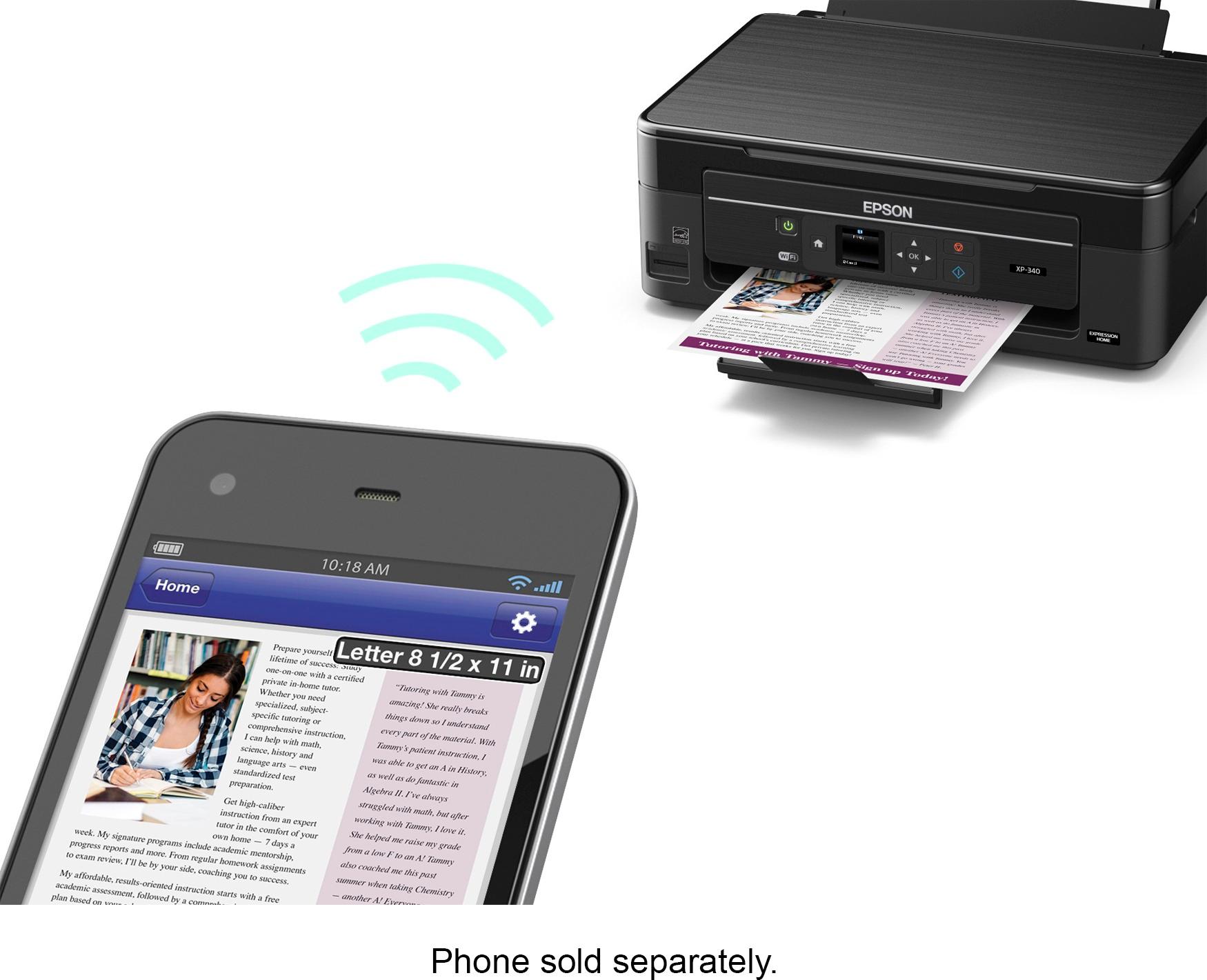
||Posted .This reviewer received promo considerations or sweepstakes entry for writing a review.This printer was a great purchase for the endless college papers and articles. It is easy to set up and prints straight from my phone or computer!
I would recommend this to a friend Rated 4 out of 5 stars
Good printer for the price
||Posted .This reviewer received promo considerations or sweepstakes entry for writing a review.Works just fine.My only small complaint is that it does not print back-to-back as a setting. You have to manually take the paper out and reinsert it into the printer to have it print on the back side.
I would recommend this to a friend- Pros mentioned:Size
Rated 4 out of 5 stars
Easy set up
||Posted .This reviewer received promo considerations or sweepstakes entry for writing a review.Easy to set up wifi, footprint not much smaller than my old printer but still takes up very little room.
I would recommend this to a friend - Pros mentioned:Setup
Rated 5 out of 5 stars
Excellent for price
||Posted .This reviewer received promo considerations or sweepstakes entry for writing a review.Pleasantly surprised...Easy set up and does everything it should do..Its not Laser printer fast but for the price..its fast enough...
I would recommend this to a friend - Pros mentioned:Ease of use
Rated 4 out of 5 stars
Nice
||Posted .This reviewer received promo considerations or sweepstakes entry for writing a review.My daughter needed s printer that connected to her iPhone. Great price and easy installation.
I would recommend this to a friend Rated 3 out of 5 stars
NO INK
||Posted .This reviewer received promo considerations or sweepstakes entry for writing a review.PRETTY UPSET INK DID NOT COME WITH PRINTER AS ADVERTISED. CALL CUSTOMER SERVICE AND THEY TOLD ME IT WAS NOT THEIR PROBLEM .
No, I would not recommend this to a friend- Pros mentioned:Ease of use, Print quality, Size
Rated 4 out of 5 stars
Epson XP-340 provides good value for the money
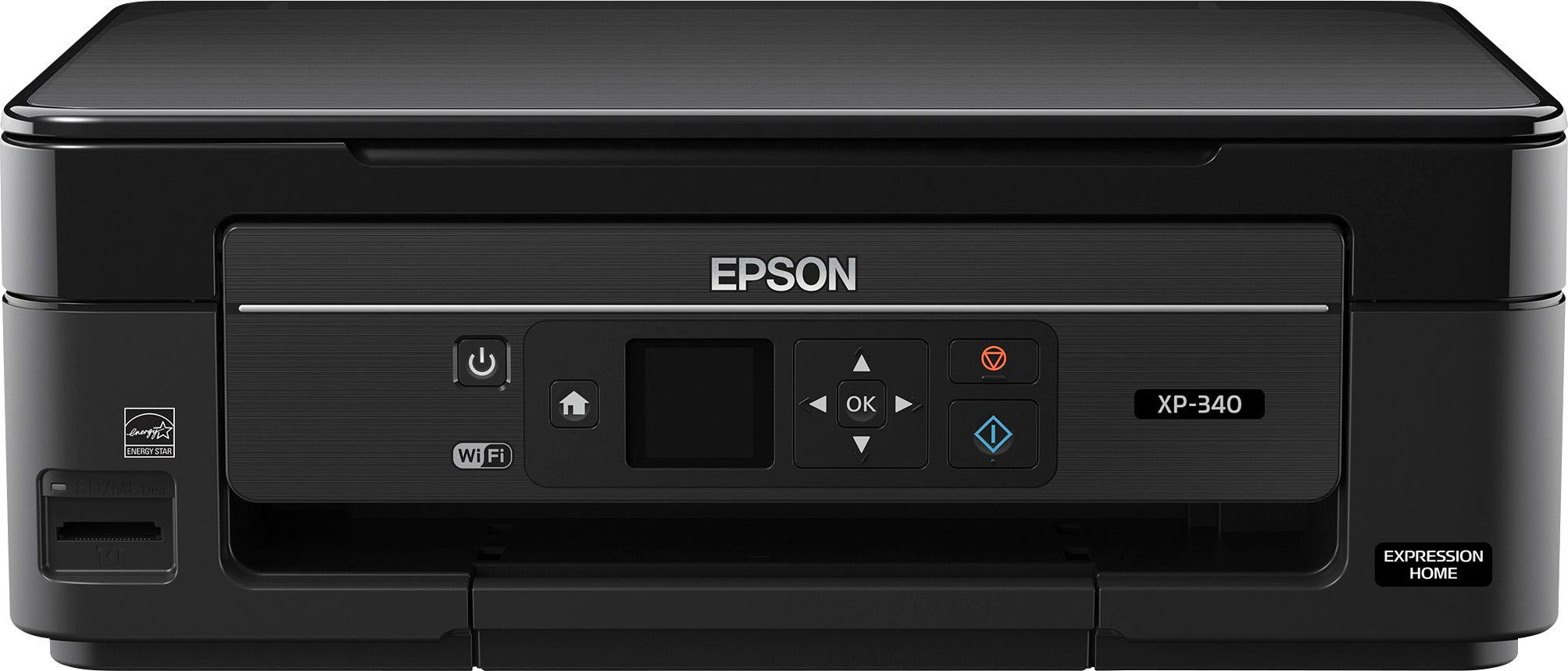
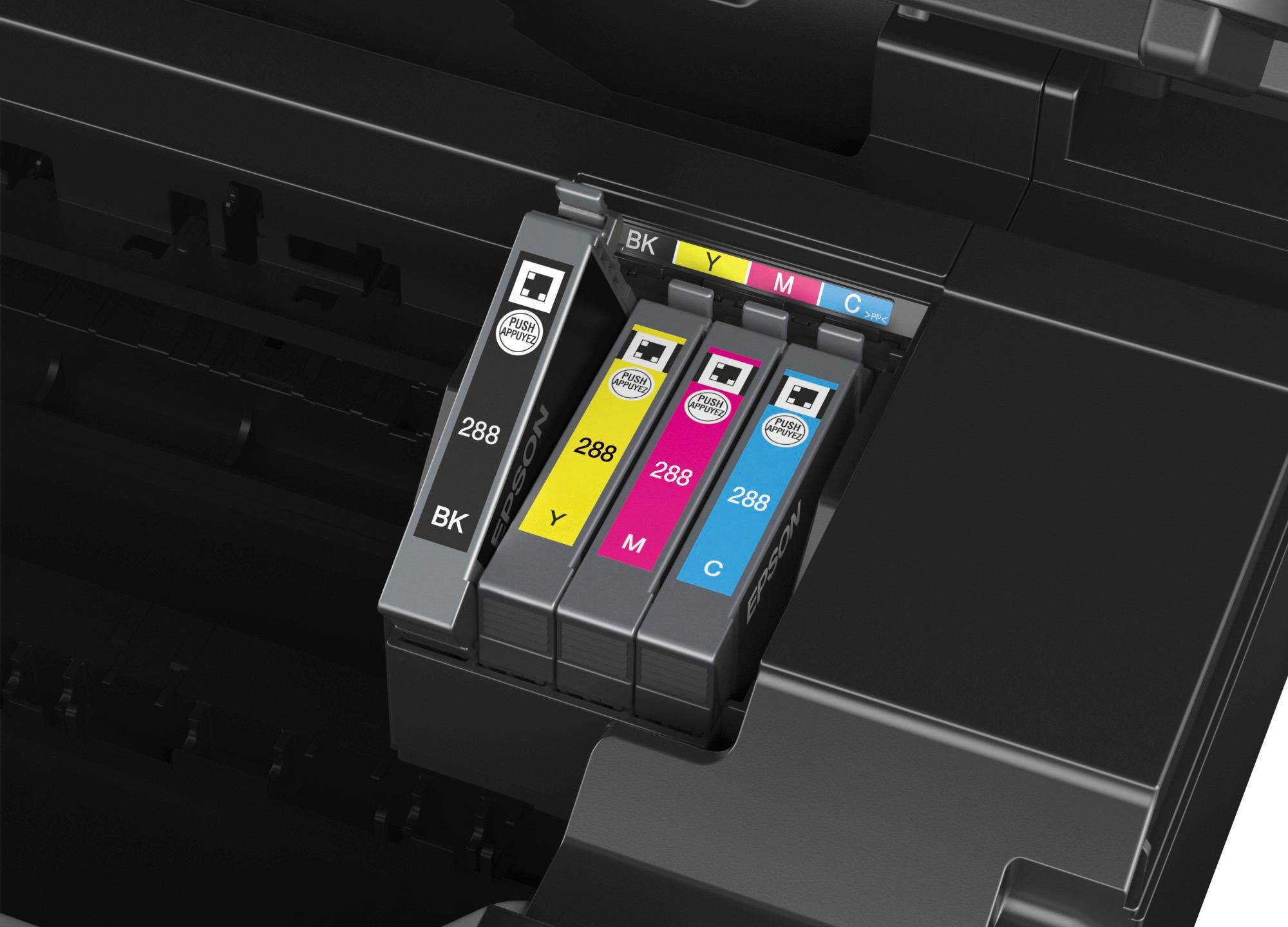
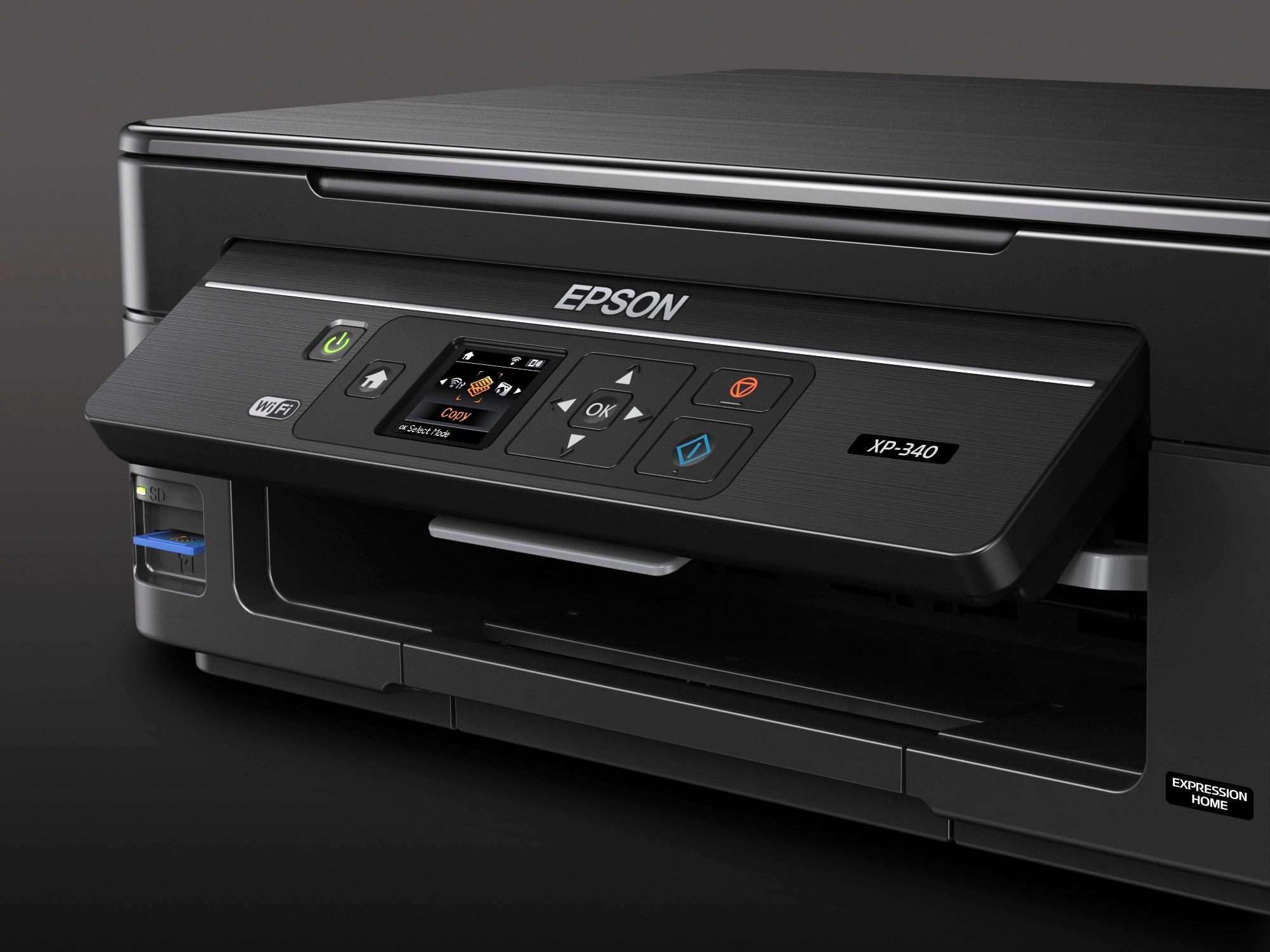
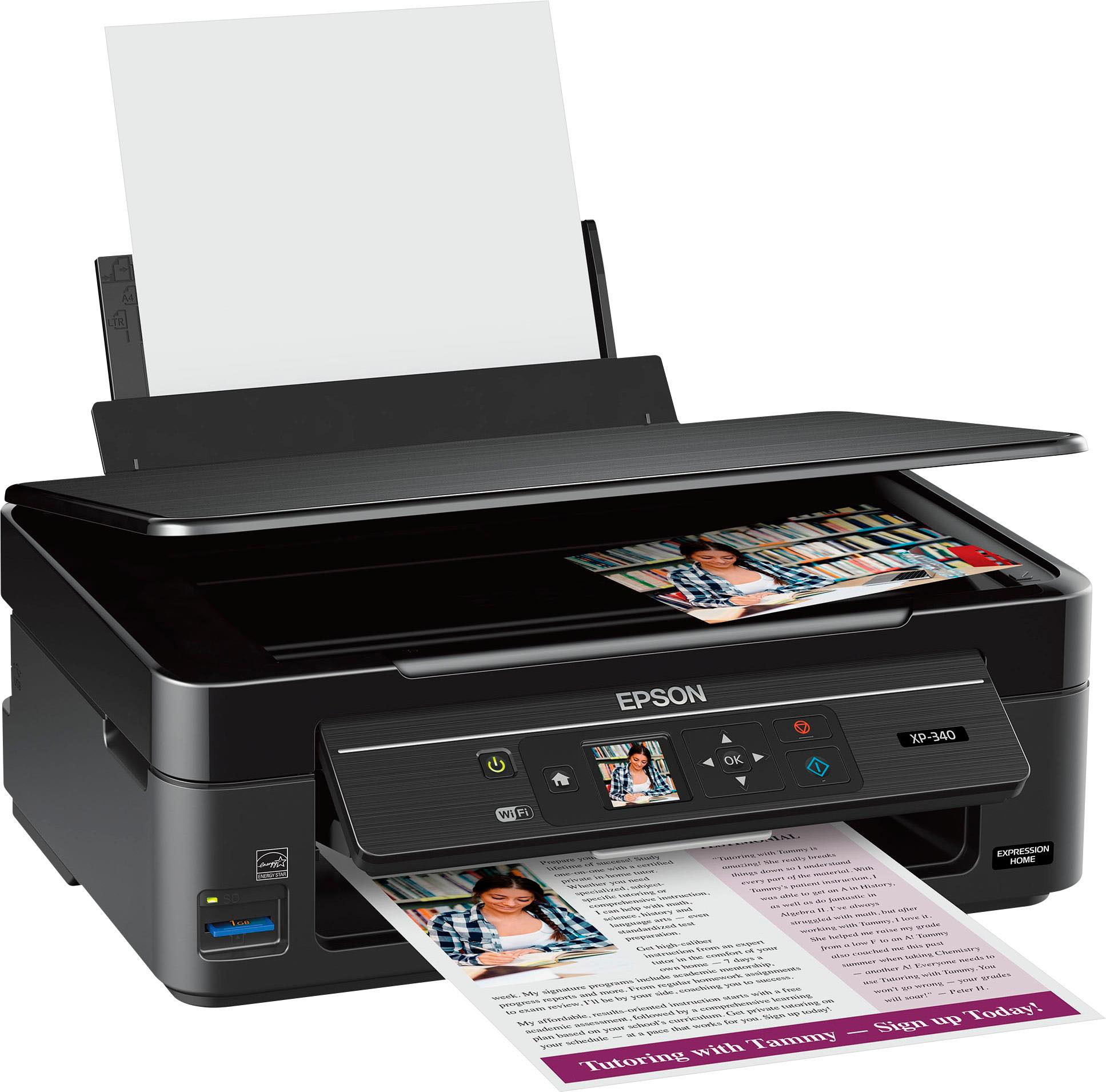
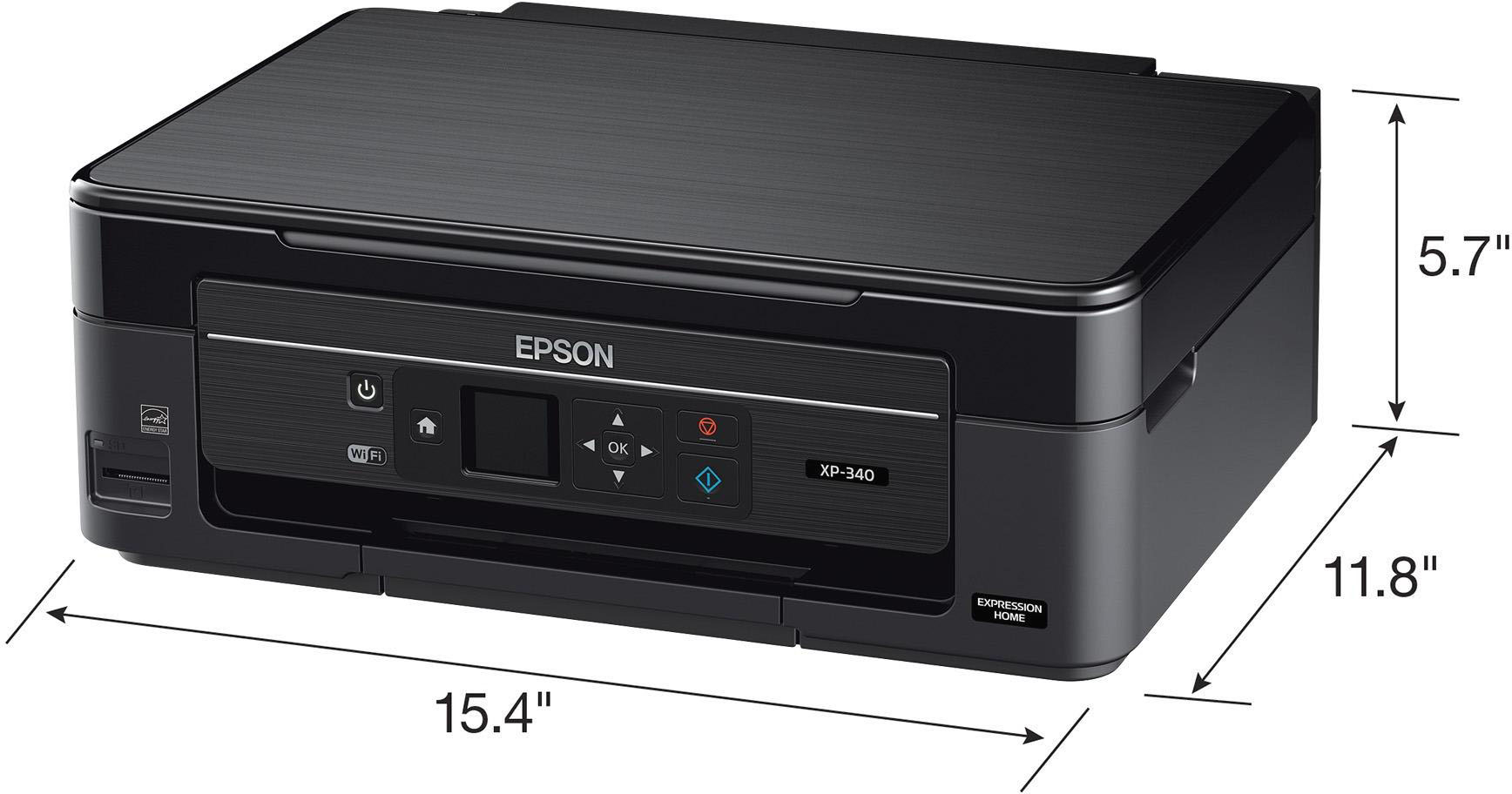
Posted .This reviewer received promo considerations or sweepstakes entry for writing a review.This is a review for the Epson Expression Home XP-340 All-in-One Printer that I received free of charge to do a beta test and review. The XP-340 is a member of Epson’s Small-in-One printer lineup and small it is, approximately 19.5 x 15.25 x 11 with paper feed and catch tray extended. Unboxing the unit is simple – just grab the protective plastic bag and pull, as shown on the flap inside the box. Physical setup is as quick as inserting the power cord and included starter ink cartridges. After that comes network setup. If you choose to use wireless printing, as I did, then you’ll use the printer’s screen to locate your network SSID and type in the password by scrolling back and forth on the screen. Setting up software for Windows 10 from the included CD is a little tricky. You’ll need to ignore the failure message after installing the software else you may end up with multiple copies of the printer installation, as I did. Don’t worry – despite the error message, the printer works great. After installation, be sure to show hidden items on the tray (bottom of computer screen), locate the Epson icon, and right-click it to update the software. The XP-340 supports printing, scanning, and copying; so let’s discuss each. The printer driver is straightforward and printing does not disappoint. Regular print mode is dark and clear. The printer also has a draft mode, which I thought was a little light. The printer also supports manual two-sided printing, meaning that when you select two-sided printing in the driver the printer prints all of the front sides and then you’ll see a pop-up graphic on your PC showing you how to reinsert the pages back into the paper tray so side two can be printed. This is a really easy, effective process. If you have a camera card, you can insert into a slot at front bottom left, choose one of the images on the card using the printer screen, and then print the image. It took me longer to describe the process than it will for you to use it. Finally, AirPrinting from my iPhone worked flawlessly. After inserting a page to copy onto the glass platen, you can choose to copy in color or black and white from the printer’s screen. Copies are clear and quick. If you need to double-side a copy then just reinsert the paper with side one back into the paper tray the same way you would have with double sided printing. To scan, you can use the printer’s screen menu or the included Epson Scan 2 app loaded from the installation CD. My advice is to use Epson Scan 2 since it gives you so many more options. Using the software, you can choose output type such as JPG, Bitmap, TIFF, PDF, or searchable PDF. Editable output is not offered unless perhaps you to have a way to edit PDF files. The scanner supports up to 1200 DPI, which should be acceptable for most applications. The software also allows you to rotate the saved image 0, 90, 180, or 270 degrees. I found this useful when I placed a sheet of paper upside down onto the platen. Graphic scans had faithful reproduction. Searchability of a high-quality original was excellent but when I scanned a draft document printed on the printer which was somewhat light, nothing was searchable. Thus if you want a searchable PDF, the original needs to be high quality. Overall, the Epson XP-340 provides good value for the money. It’s not a top of the line printer nor does it pretend to be one. It offers most features the average user will need at very little expense of desk space.
I would recommend this to a friend - Pros mentioned:Ease of use
Rated 5 out of 5 stars
simple setup and easy to use
||Posted .This reviewer received promo considerations or sweepstakes entry for writing a review.same design concept and control panel as previous epson printers made for a quick installation and ease of use.
I would recommend this to a friend Rated 3 out of 5 stars
Ok
||Posted .This reviewer received promo considerations or sweepstakes entry for writing a review.A nice printer if you just need somthing simple in yr home
I would recommend this to a friend
















