Customer Ratings & Reviews
- Model:
- V11HB83120
- SKU:
- 6669703
to a friend

Epson has a hit with this 4k UST projector
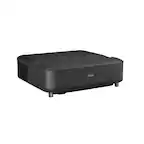
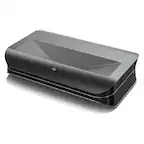
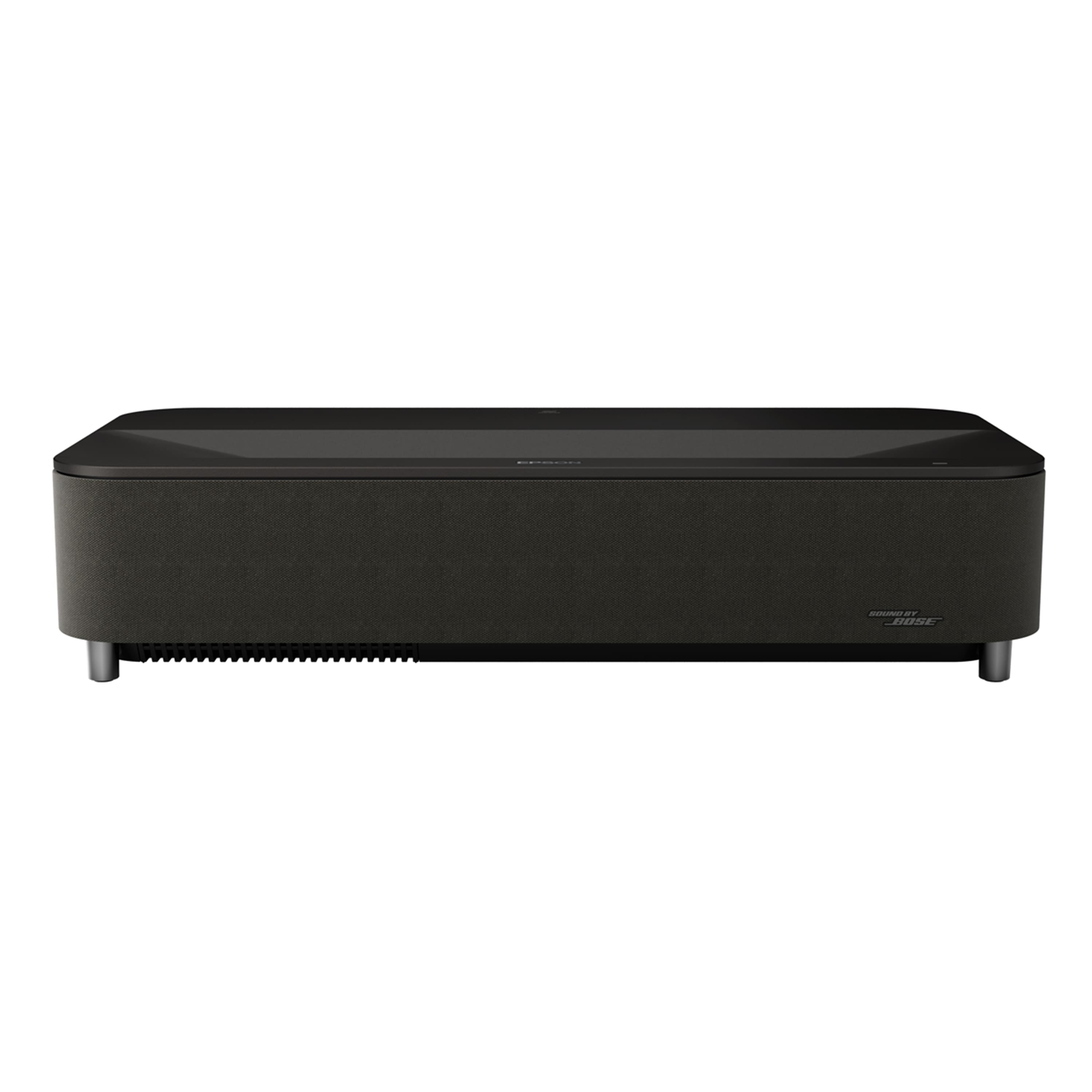
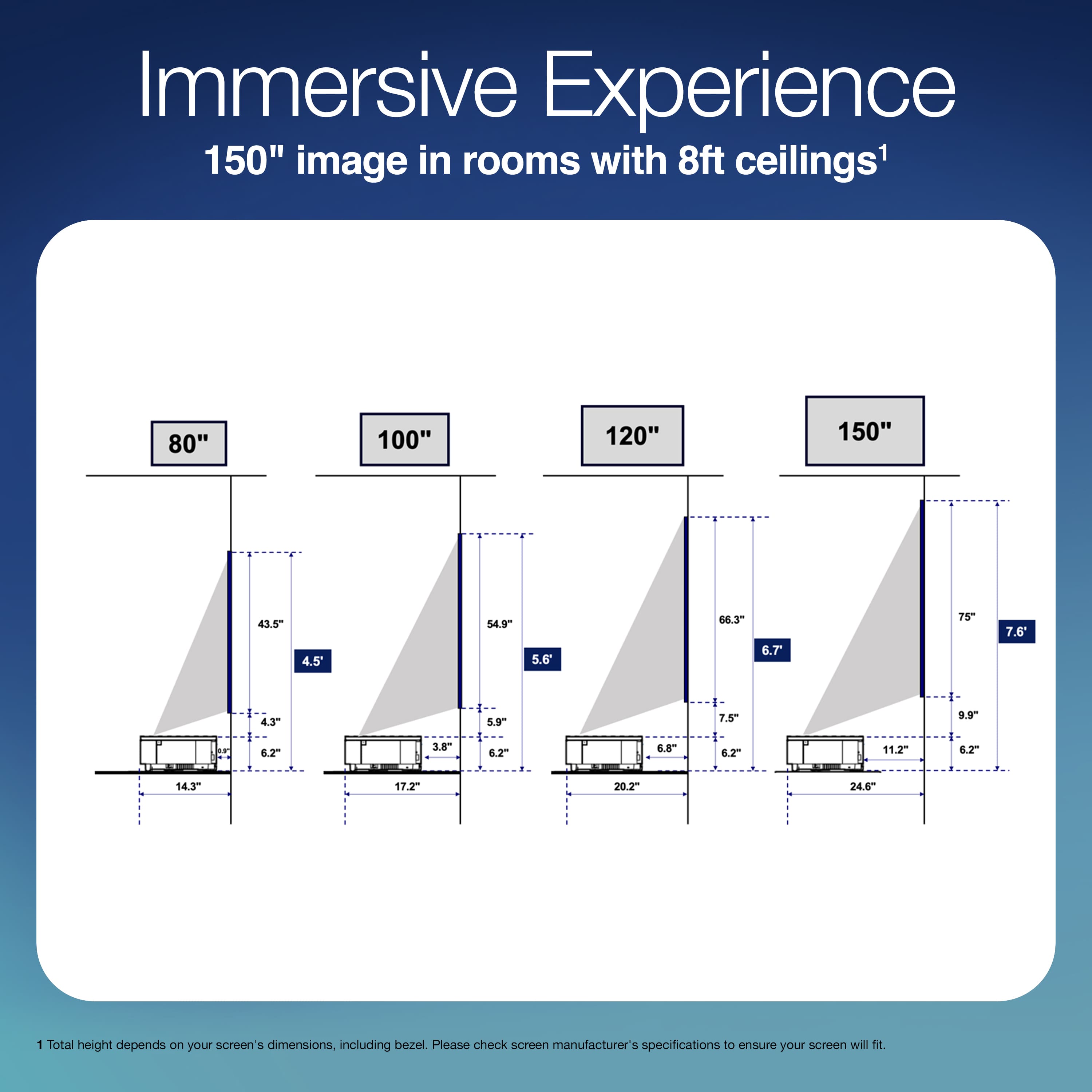
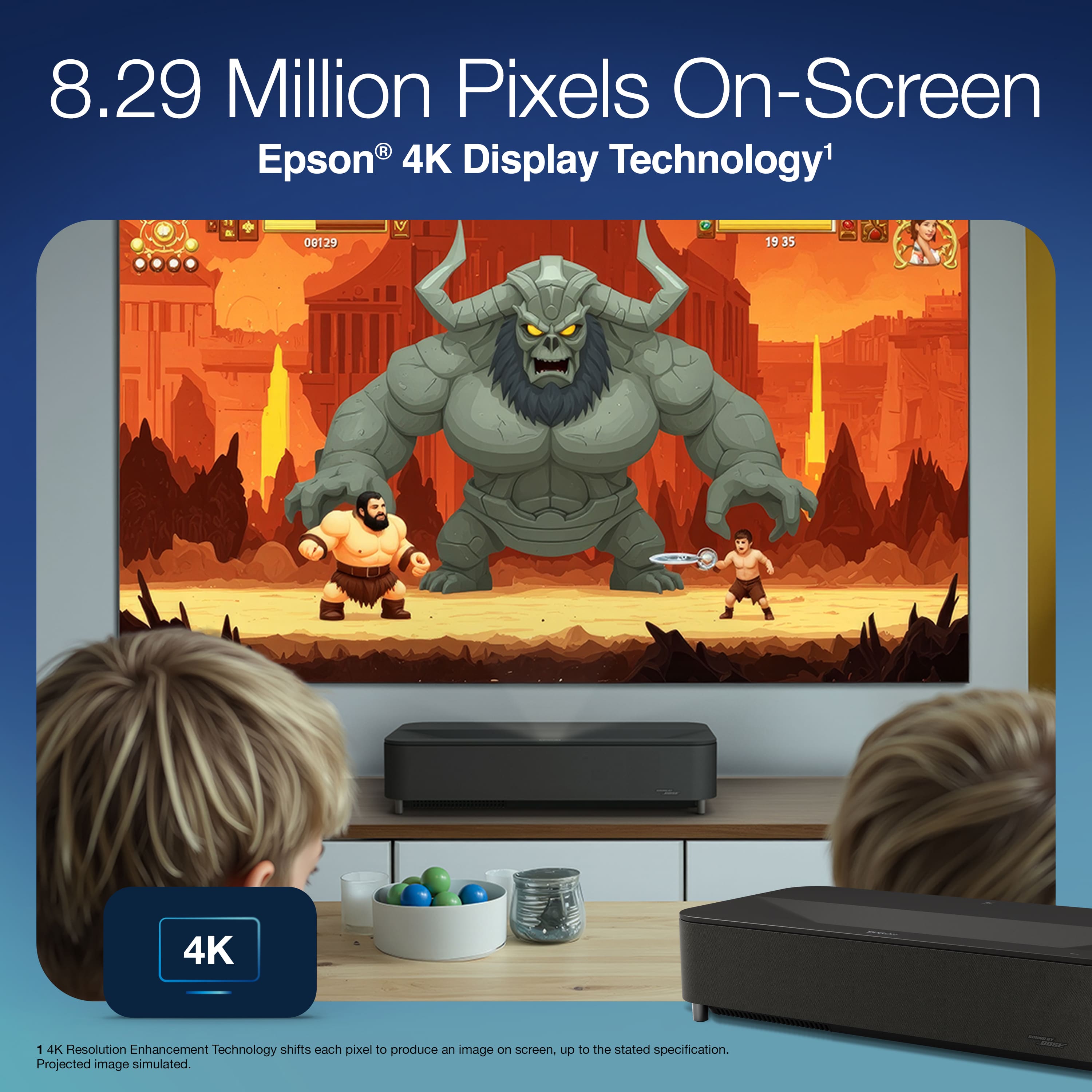
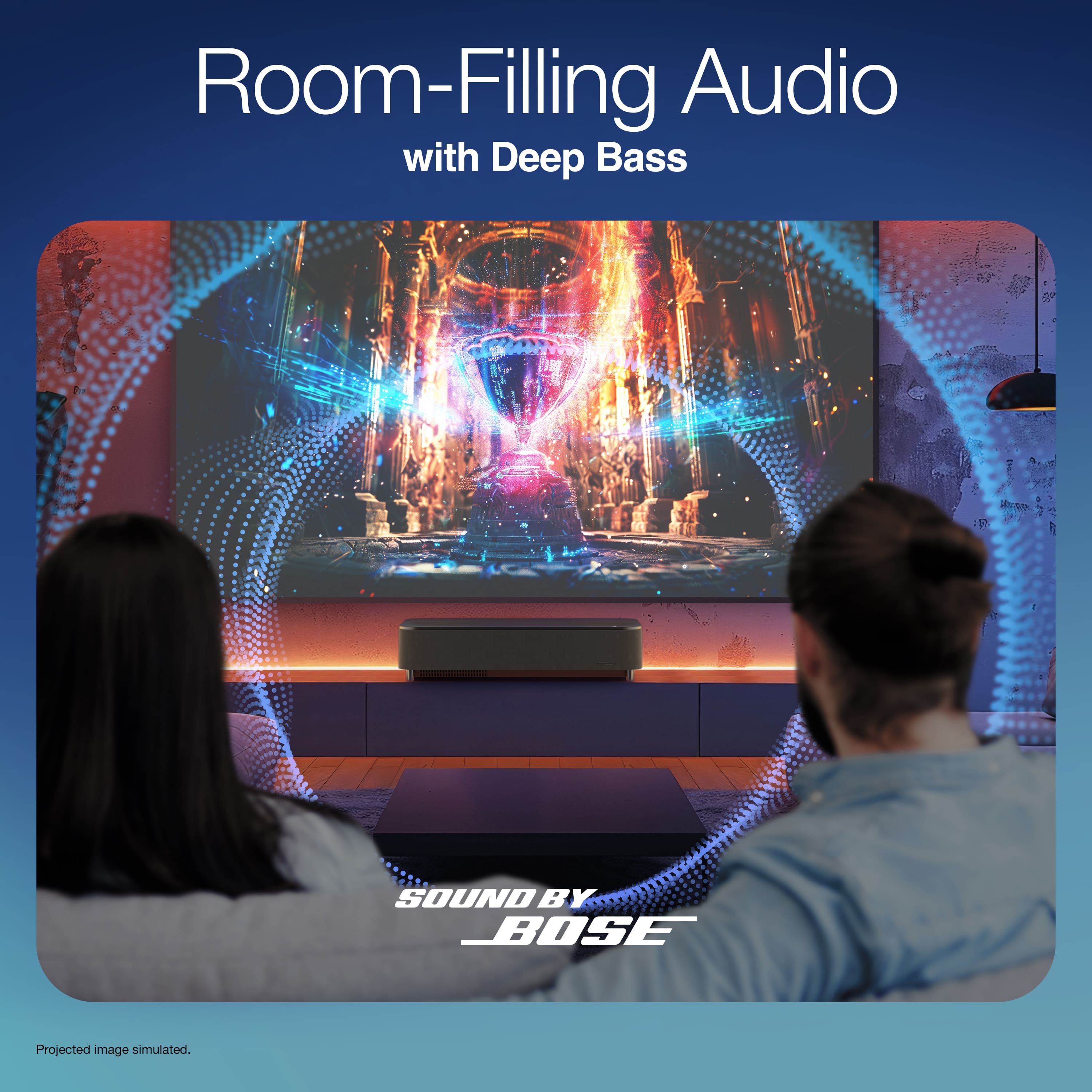
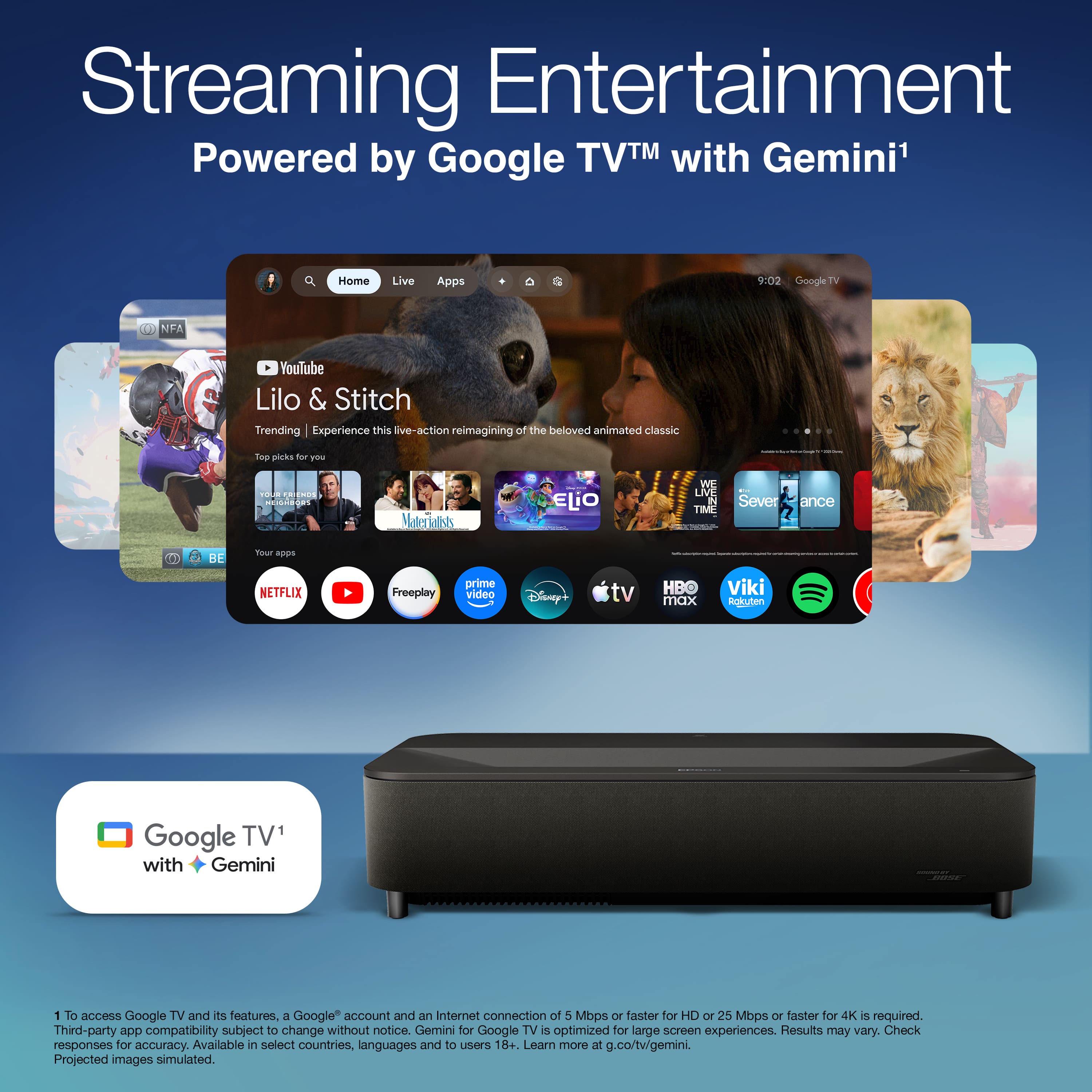
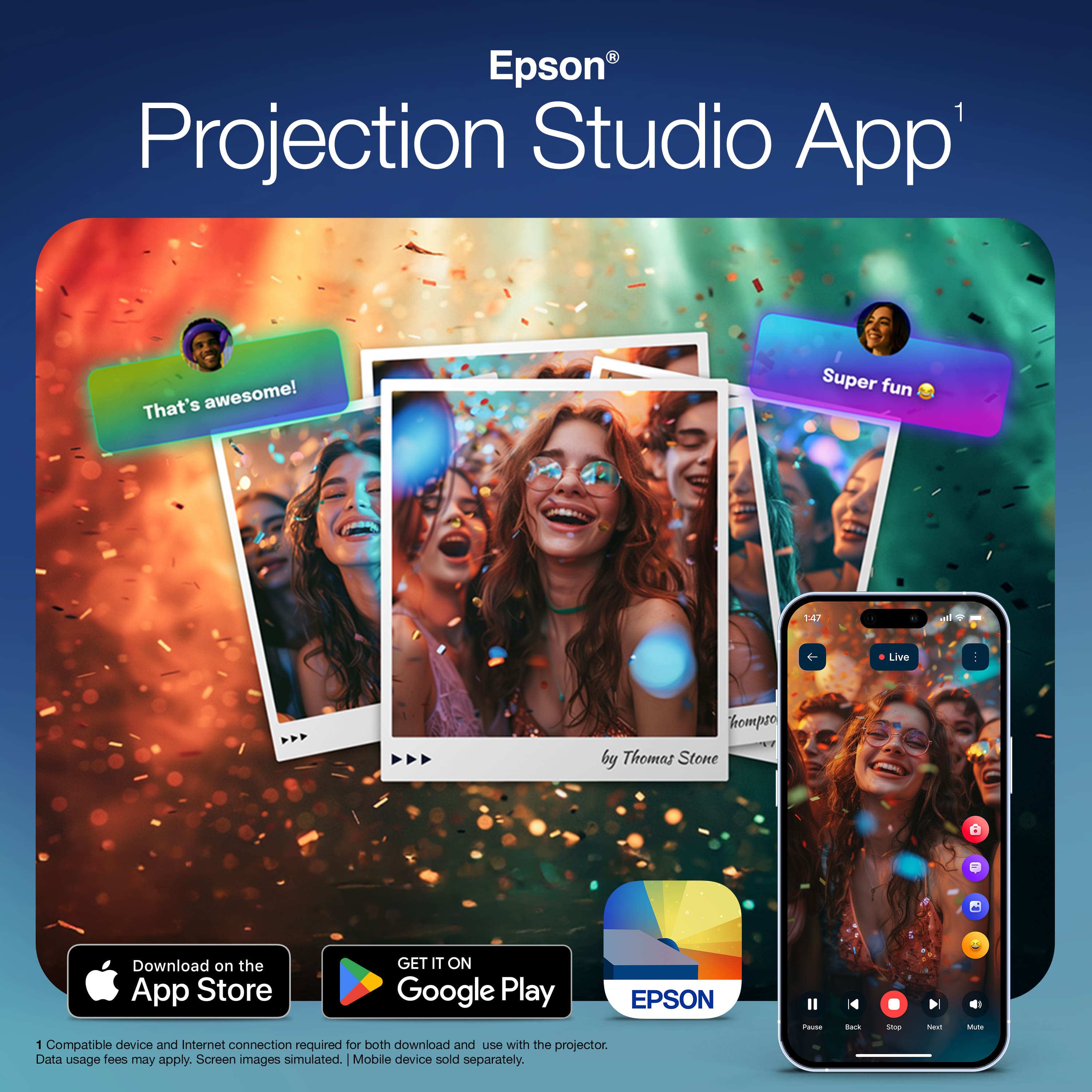
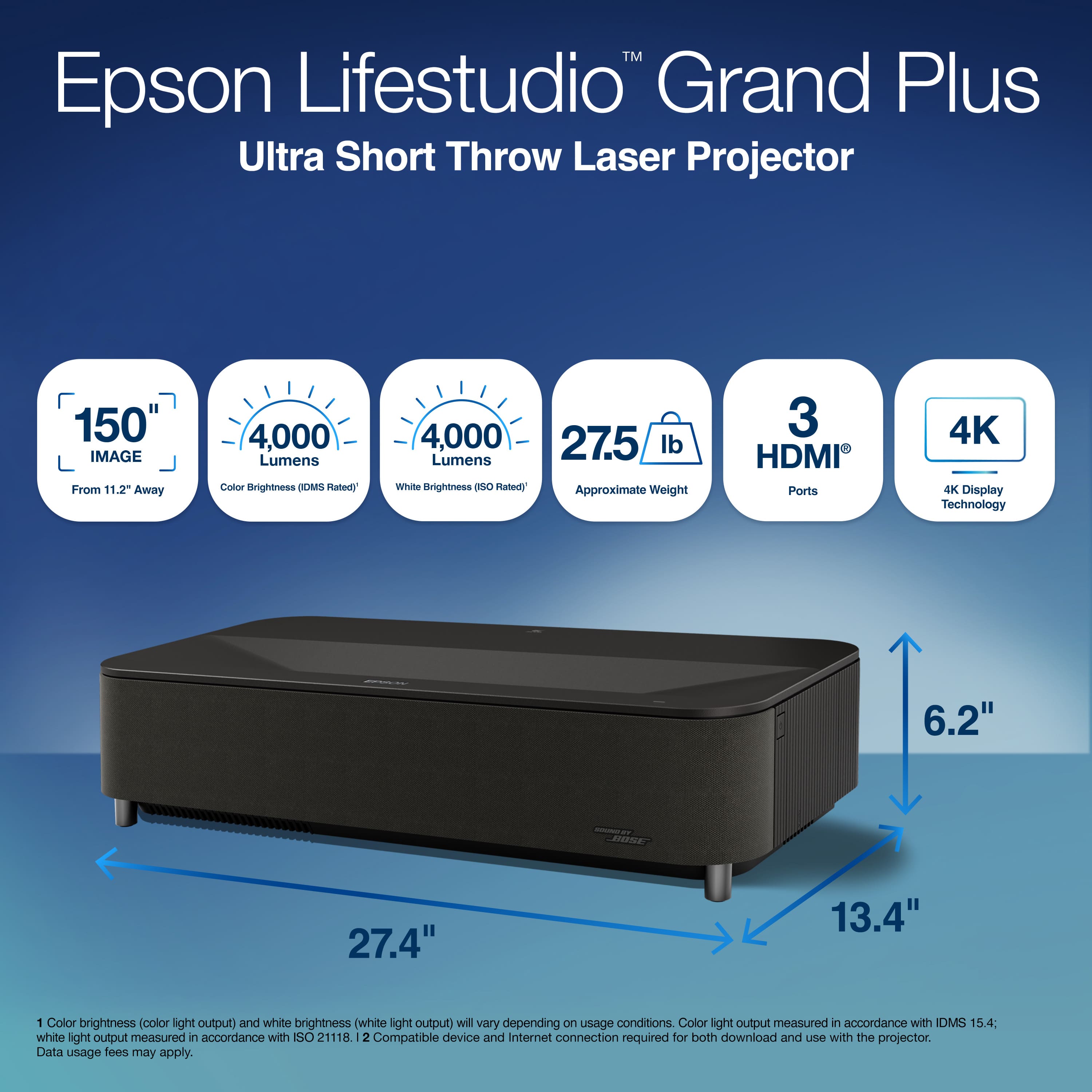
|Posted .This reviewer received promo considerations or sweepstakes entry for writing a review.The Epson Lifestudio Grand 4K PRO-UHD ultra short throw projector is a 3-chip 3LCD smart projector featuring a 0.16 ratio ultra short throw lens. It can display an 80 inch screen from just 0.9 inch and an impressive 150-inch image from just 11.2 inches away from the projection surface. The digital zoom gives you more placement flexibility if you need to move it further away from the wall when using smaller screen sizes. It uses a laser light source that Epson rates at 20,000 hours in normal mode. The projector features a 2.5x zoom capability and delivers a bright 4,000 ISO lumens of brightness with an amazing contrast ratio of 5,000,000:1 with its Laser diode light source. The native resolution is 1920 1080 x 3 separate 0.62” LCDs achieving 8,294,400 pixels to produce 4K (3840 x 2160) with pixel shifting technology (3LCD). I was blown away by the clarity and brightness even in a moderately lighted room. In my opinion I could replace my traditional projector or even my conventional flat panel tv for most of my video media viewing. For those Gamers considering this it includes ALLM (Auto Low Latency Mode) with low input lag (under 20 ms). The setup was easy, first you pair the remote by holding down the home button. Follow the on screen prompts to set up wireless connections and connect to your google account. Agree to the Epson license terms. You can also update the projector to the latest firmware with the Epson updater app that will be installed on the initial setup, this will make sure you have the latest features and bug fixes. with the Epson Setting Assistant on your phone or tablet. You power on the projector, launch the App, Select "Home" as the projector type in the app. You Connect the app to the projector by selecting "Installation" then "Geometry Correction Wizard" in the projector's menu, scan the QR code with the app, then follow prompts to take a photo of the projected screen to automatically align. You can manually set up the projector if you want but the app is the easiest way. This projector has an AI processing engine that improves the image in real time. The projector has a few settings that you may want to experiment with are: Dynamic contrast to improve the image contrast based on the brightness of the content. This is available in the setting under display and sound, display, advanced settings, dynamic contrast. Others that you might want to turn on are DNR to reduce flicker, Mpeg NR to reduce noise or artifacts in MPEG video, Adaptive Light output that adjust brightness based on the surroundings, Adaptive Gamma that adjust color according to the scene to make it more vivid, Others are Local contrast control, Dynamic color booster. The settings all boil down to personal preference. The projector comes equipped with a 2.1 channel sound system engineered by Bose. Even though this is a 2.1 stereo system, it sounds incredible and delivers very deep bass. Physically, there are two 45 mm speakers in a sealed enclosure alongside an 80 mm woofer in a ported enclosure. The built-in system produces fantastic audio that was much better than I expected. At first, I actually thought it had connected to my soundbar via Bluetooth, but that was not the case! Bose and Epson really tuned this system well. With that said, you can still connect to an external soundbar or audio system using Bluetooth or HDMI eARC if you prefer. Google TV is built right in, and the app works flawlessly. It picked up all my previous subscriptions immediately, and I had no problems with any of the streaming apps. The remote is quite good and allows you to control all the settings easily. Because Google TV is fully integrated, you also get the voice-controlled Google Assistant. With the voice remote, you can even control your Google Home-connected devices, get doorbell notifications, and view your Google Home security cameras in full screen. There is a fun app the Epson also provides for parties participants can pair their phones to the projector and create slide shows with custom frames and music. The projector has great connectivity options: 3 HDMI ports with support for AAC, LPCM (Max 192 kHz/24-bit), Dolby Digital, Dolby Atmos, and DTS audio. Wi-Fi 6E and Bluetooth 5.2 (even supporting aptX). Video processing support for HDR10 and HLG. Optical digital and 3.5 mm audio outputs 3 USB-A ports. The projector has a clean design, weighing 16.6 lbs and measuring 18.4 inches wide by 15.7 inches deep and 6.2 inches high. The native aspect ratio is 16:9. Depending on your space, it can be used anywhere from 0.7 inches to 15.6 inches away from the projection surface to create a massive diagonal image ranging from 60 inches all the way up to 120 inches. Finally, for added peace of mind, this model includes a 2-year global warranty. I am thoroughly impressed by this projector and highly recommend it if you are looking for a high end 4k UST projector. There may be a few with slightly better specs but at a much higher price point. Epson has hit my sweet spot with this unit!
I would recommend this to a friendNice projector but better options at this price
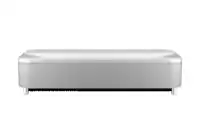
|Posted .This reviewer received promo considerations or sweepstakes entry for writing a review.The Lifestudio Grand Plus (EH-LS970) is Epson’s newest ultra short throw (UST) projector. This is essentially the replacement for the LS800. The major difference between this new projector and the LS800 is that the Grand Plus now uses 4 axis picture shifting to produce a full 8 million pixels for 4K where the LS800 and several other Epson UST’s used a 2 axis system only producing 4 million pixels or half of 4K. Epson uses a 3 chip 3LCD design as opposed to the more common single chip DLP system. The benefit here is that if you are susceptible to rainbow effect (RBE) which can be common with DLP projectors the Epson will not produce this effect. The projector can get very bright. Epson claims a 4000-lumen brightness for both color and white. This allows the projector to be used in rooms with higher ambient light and still produce a bright image. Epson UST’s offer some of the shortest throw distances of any projectors on the market. This allows the projector to sit extremely close to the wall and can produce an image up to 150 inches. As far as features the projector has 3 HDMI ports (2-2.1 ports and eARC), optical port, USB-A and a headphone jack. All of these features are housed on the side of the projector with a cover that snaps over the ports. Behind this panel is also the manual focus adjustment. The projector does not have auto focus. One thing to note is that if you plan on using a Roku stick as I did you will need to get a HDMI male to female adapter as the Roku stick will not allow the cover to close properly due to its length. The projector does come with built in Google TV operating system now with Gemini. I found it to be somewhat slow and laggy at times which is why I opted to use the 4K Dolby Vison Roku stick instead. The projector has audio provided by Bose. This is a 2.1 system mounted in the front of the projector. The sound is surprisingly good and gets loud enough for a larger room. I would still recommend a full audio system or top tier soundbar. The picture quality is very good with vibrant colors and decent black levels. Both SDR and HDR performance were on par with a good mid-tier mini LED TV. Motion handling was also very good. There are a good number of picture adjustments available. The projector is extremely quiet in operation. I noticed no audible fan noice while watching content. I am not a gamer so I did not test this feature but Epson claims excellent gaming functionality. This is where it kind of fell apart for me. Ultra short throw projectors are temperamental when setting up and typically need some form of keystone correction to get perfect. The Grand Plus offers 2 forms of adjustment. There is the Epson screen setting App and manual adjustments in the menu. I attempted using the App multiple times only to have the App disconnect from the projector halfway through the process. I could never get it to work. On the manual adjustment side there are 3 screen configurations available depending on how skewed the screen is. You have to use only one at a time because if you make changes in one of the options and go to another option to make fine adjustments the whole picture gets reset and you must start over. It’s a real pain. A couple of other things that are disappointing at this price point are that the projector does not support Dolby Vision and HDR 10+. It only supports HDR 10 which isn’t terrible considering how bright the projector can get. The projector also does not support 3D. This may not be a issue for most people but for those of us who are still doing 3D it’s a big deal. The other minor issue is the remote. It’s easy to use and get used to but at the price of this projector I would expect it to be backlit. Also, the projector is large and on the heavy side. At around 27 inches wide and weighing in at a little over 27 pounds it is one of the larger UST’s on the market. I have owned one of the top rated ultra short throw projectors on the market for a little over a year and can say that with its support for Dolby Vison and 3D as well as being extremely bright and color accurate and easily out performs the Epson on many different levels that it’s hard to recommend the Epson. This is not to say the projector is bad as it does have a good picture and can be placed very close to the wall but unless you are highly susceptible to the rainbow effect I really can’t think of a reason to recommend the Epson. There are just too many excellent UST’s on the market in this price range.
No, I would not recommend this to a friend