Customer Ratings & Reviews
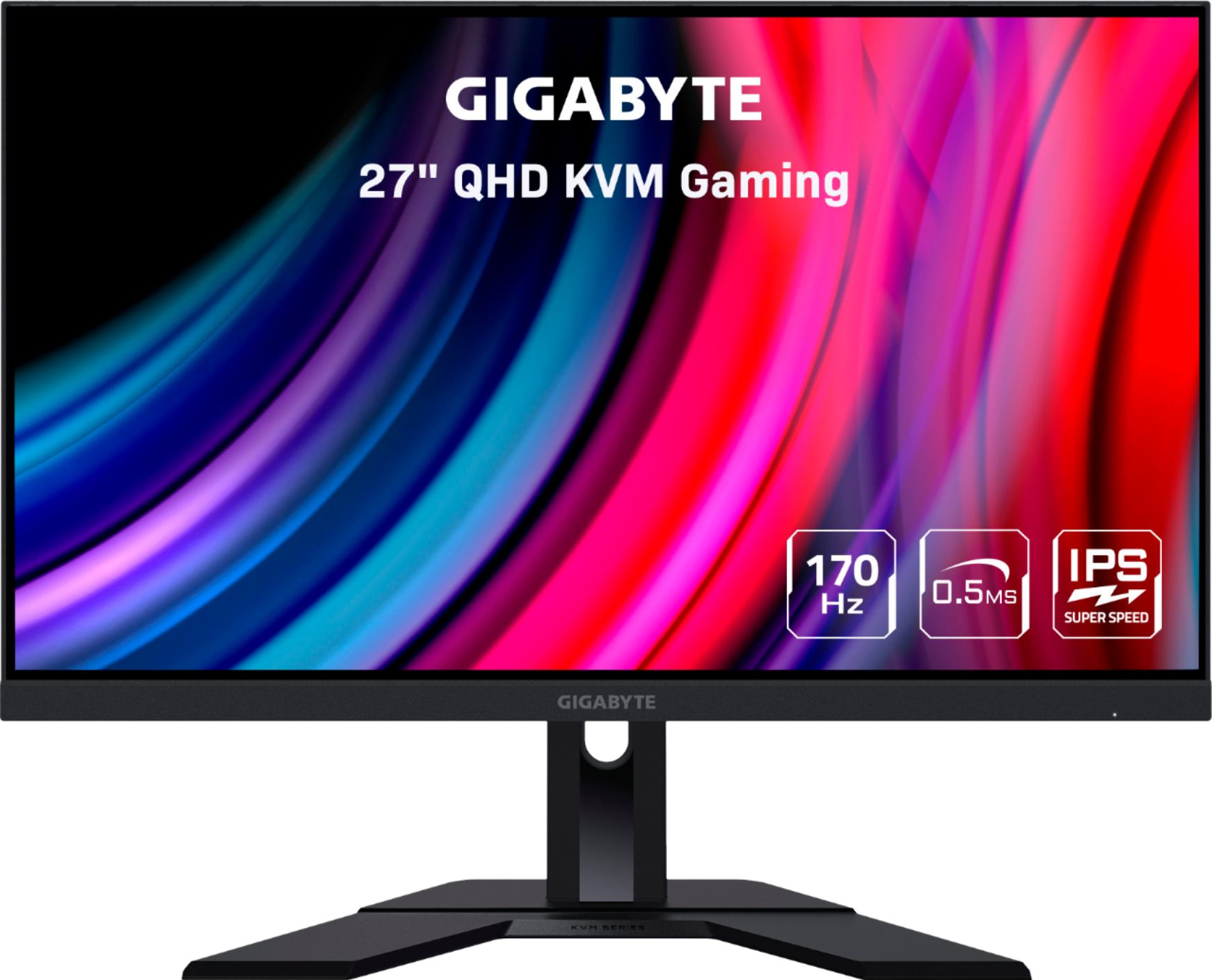
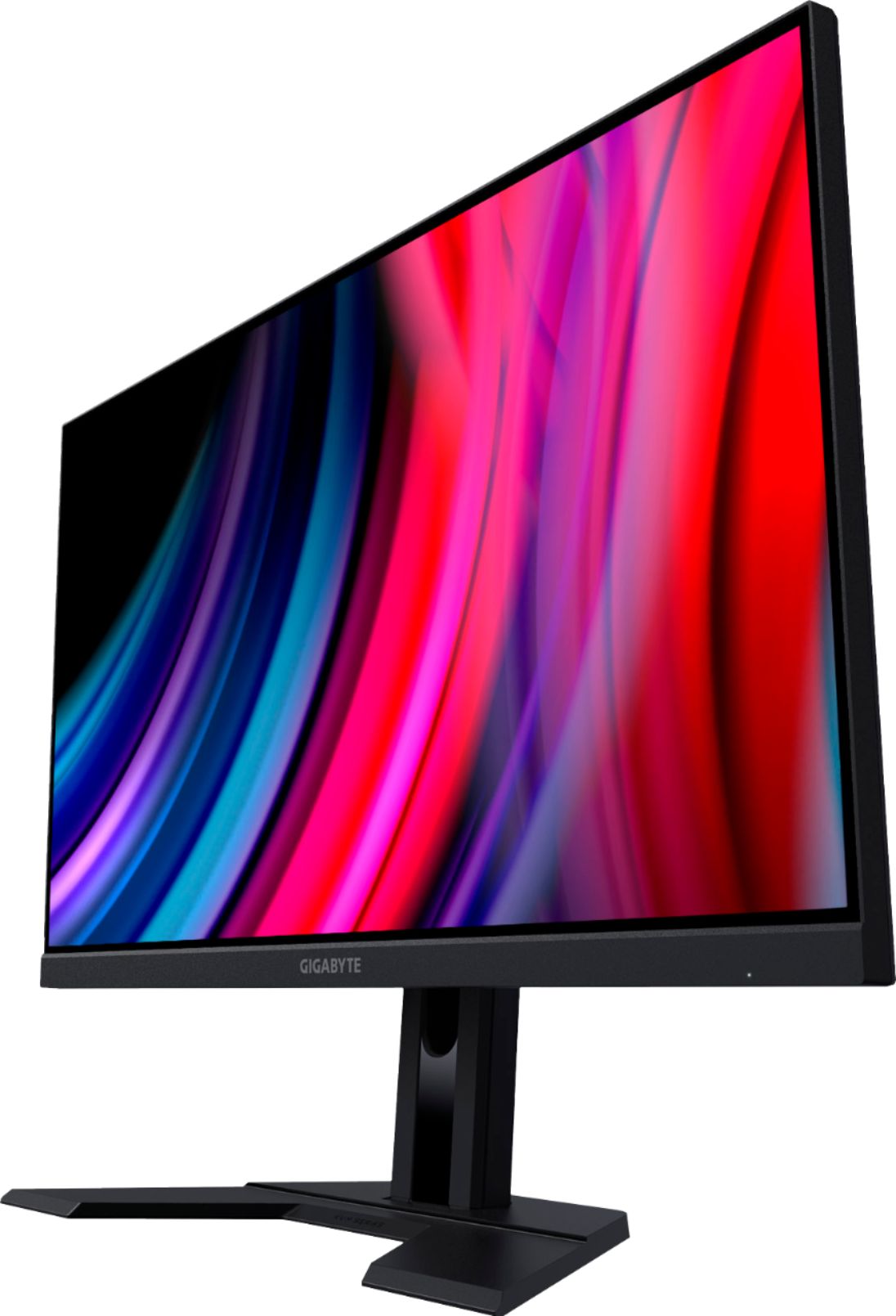
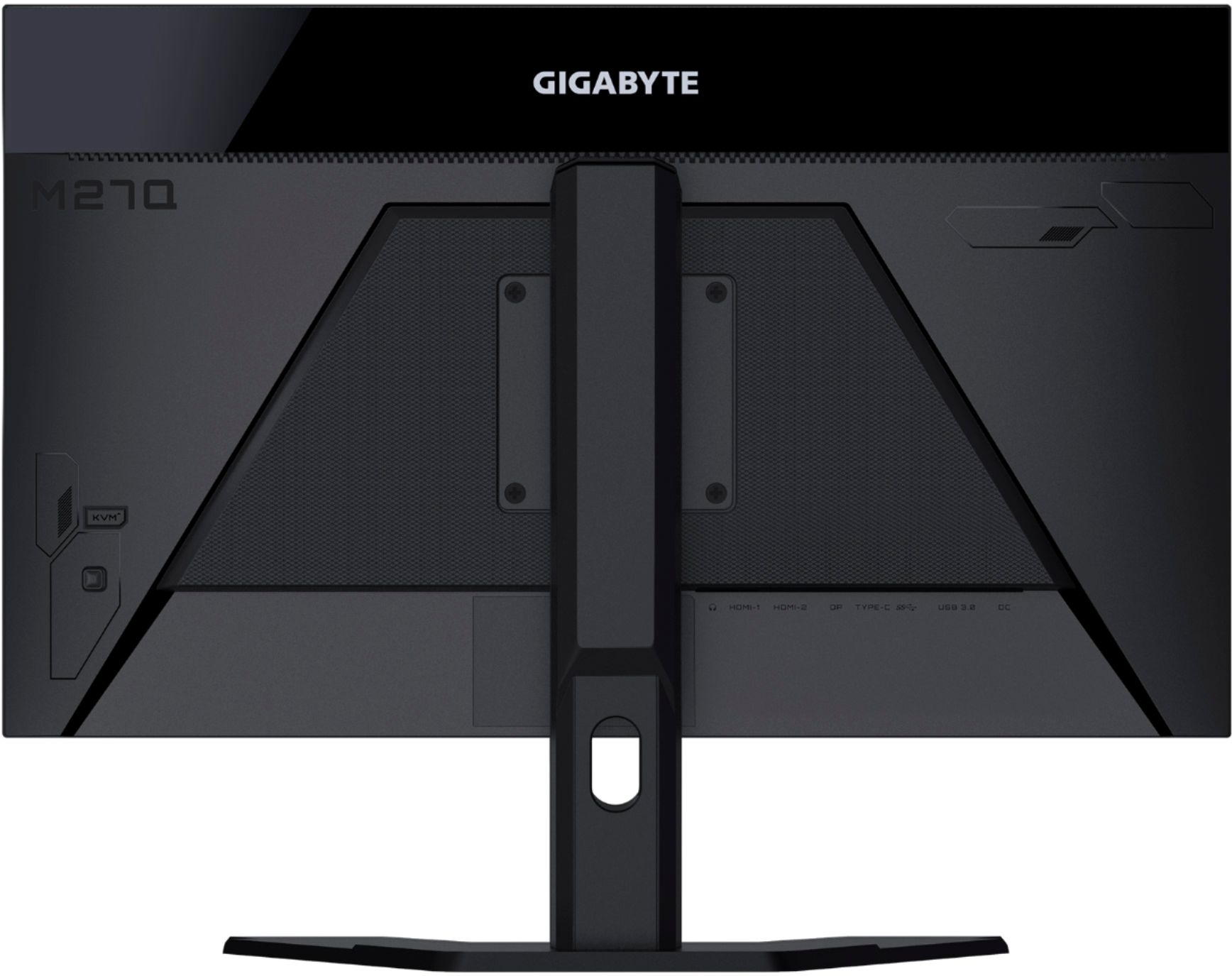
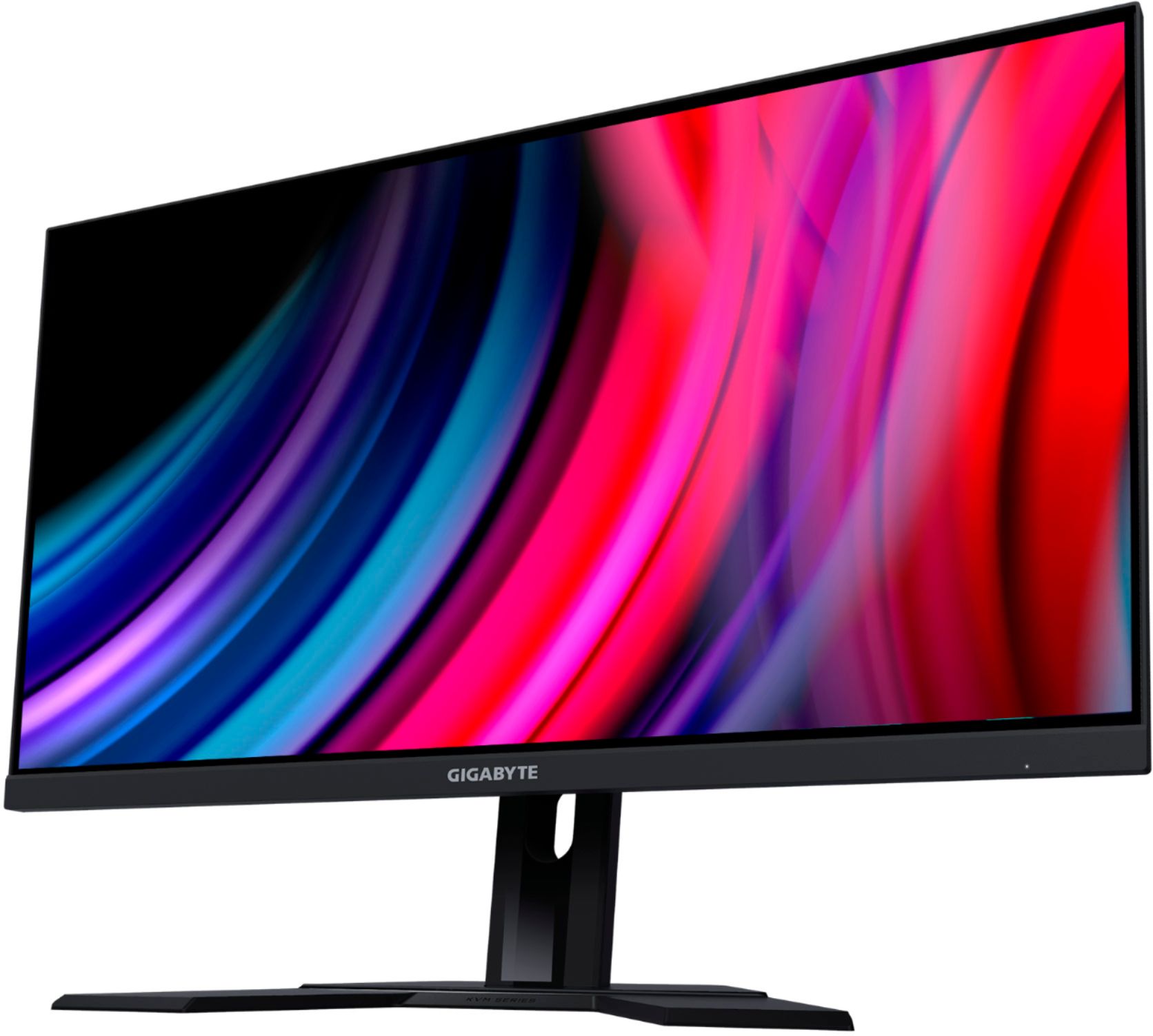
- Model:
- M27Q-SA
- |
- SKU:
- 6438287
Customer reviews
Rating 4.3 out of 5 stars with 331 reviews
(331 customer reviews)Rating by feature
- Display Quality4.7
Rating 4.7 out of 5 stars
- Ease of Use4.5
Rating 4.5 out of 5 stars
- Features4.7
Rating 4.7 out of 5 stars
Customers are saying
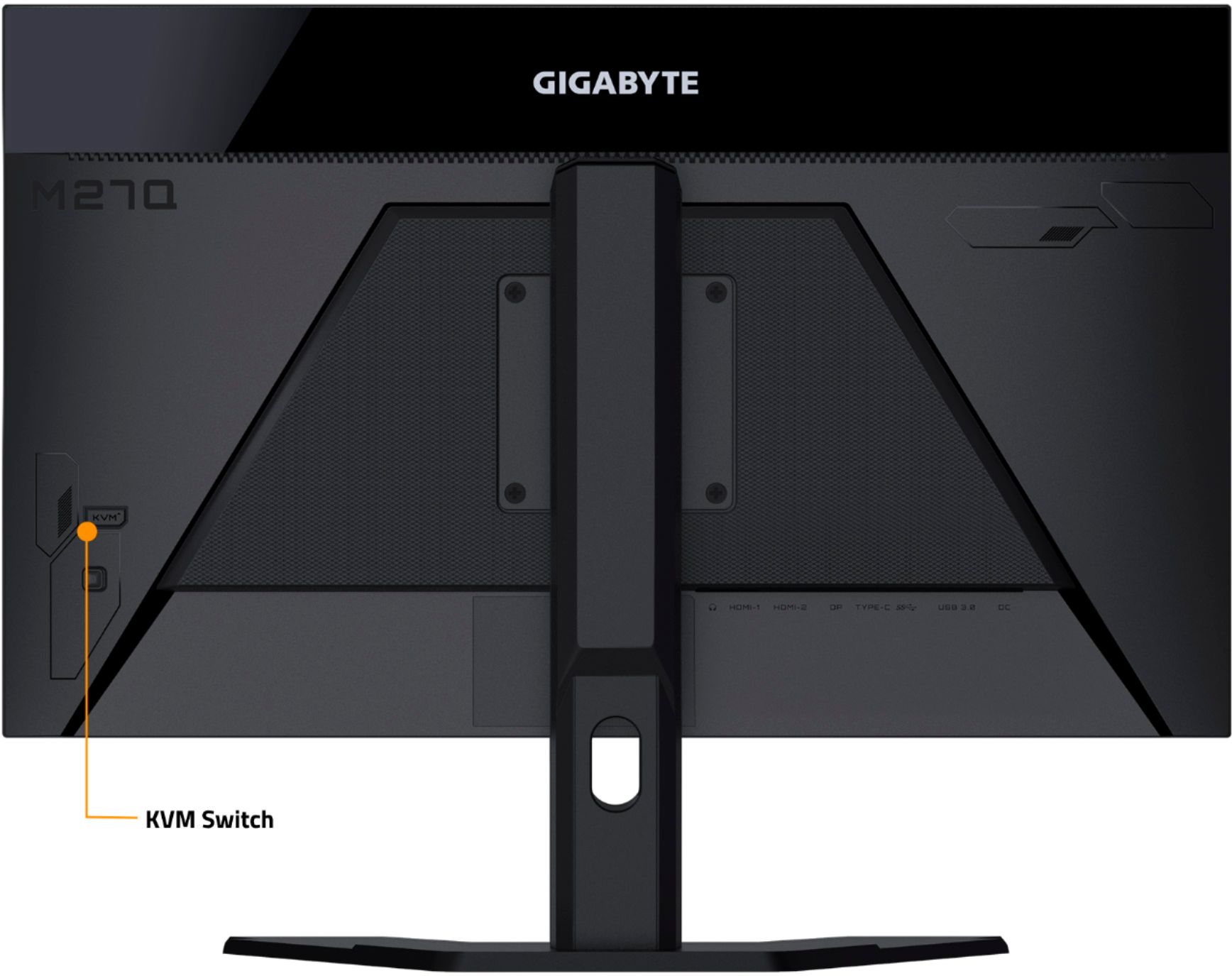
Customers love the M27Q monitor's picture quality and refresh rate, frequently praising its performance and value for the price. Many appreciate the convenient KVM functionality and sturdy stand. While some users reported backlight bleed or dead pixels, others found these issues to be insignificant or nonexistent.
This summary was generated by AI based on customer reviews.
- Pros mentioned:Kvm
Rated 4 out of 5 stars
So far so good
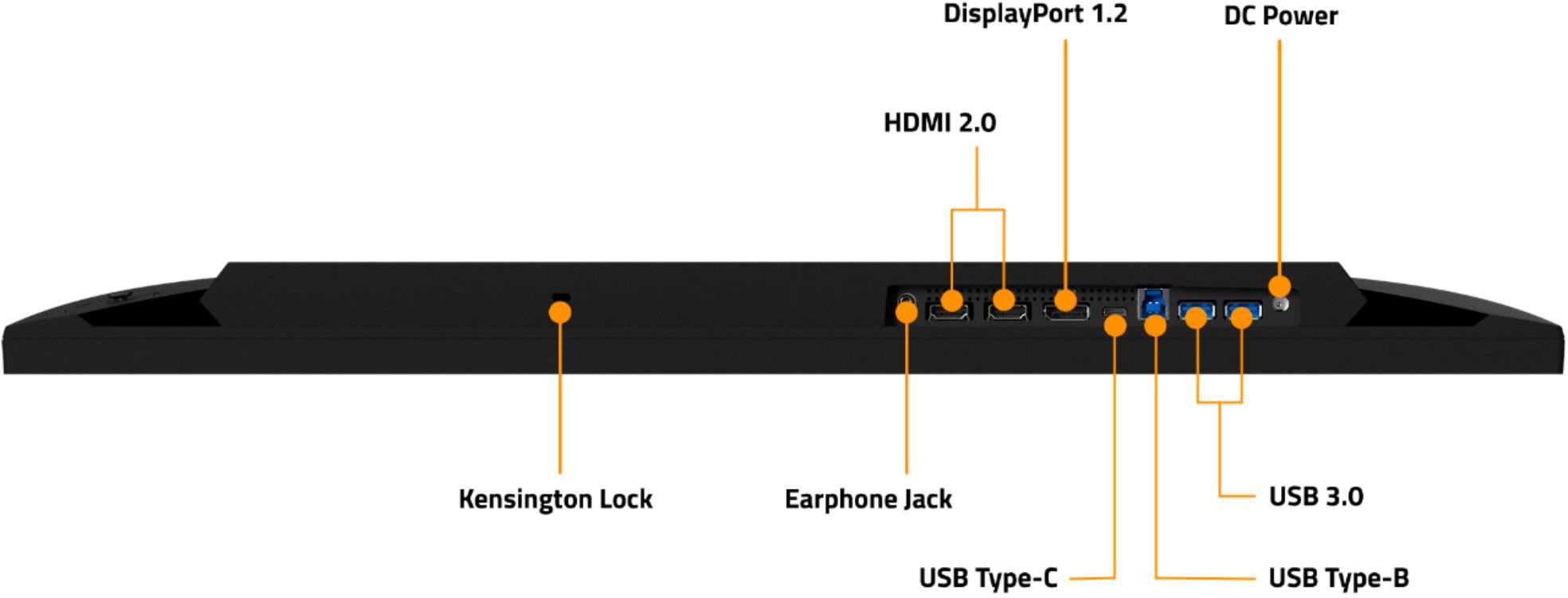
||Posted . Owned for 1 month when reviewed.This reviewer received promo considerations or sweepstakes entry for writing a review.Great looking display, check manual for connector capability for rates above 60hz not all outputs and inputs can use the full 170hz. KVM works good, can be customized and keyboard shortcut/macros can be made for kvm switch. 2 USB’s for kvm but a simple 4port replicator allows additional USB peripherals to use kvm (printer, usb speakers)
I would recommend this to a friend - Cons mentioned:Backlight bleed
Rated 5 out of 5 stars
Great Monitor. DP and HDMI cables Included.
||Posted . Owned for 8 months when reviewed.This reviewer received promo considerations or sweepstakes entry for writing a review.It can be positioned lower or higher on the included, sturdy stand. Display Port and HDMI cables included (unsure what types). The included DP Cable handles 1440p @170Hz flawlessly (I have not used HDMI)! There were no issues with the monitor. The backlight bleed is noticeable on dark content but not deal-breaking; it's not noticeable when displaying any amount of lighter-than-black content. I'm using an RTX 3060Ti, and G-Sync Compatible does show up in Nvidia Control Panel and works flawlessly.
I would recommend this to a friend - Pros mentioned:Picture quality, Refresh rate
Rated 5 out of 5 stars
Good monitor
||Posted . Owned for 1 year when reviewed.This reviewer received promo considerations or sweepstakes entry for writing a review.Great monitor, no issues running at full refresh rate, and clear image.
I would recommend this to a friend Rated 5 out of 5 stars
Great
||Posted .This reviewer received promo considerations or sweepstakes entry for writing a review.Loved it for my husband! He loved it and has enjoyed it
I would recommend this to a friend- Pros mentioned:Price
Rated 5 out of 5 stars
Excellent Valued product
||Posted . Owned for 1.5 years when reviewed.This reviewer received promo considerations or sweepstakes entry for writing a review.The m27q is thr best 1440p moniter you can buy at 300$ it supports 3 different overdrive modes which help improve either response time or picture clarity. Ive owned the moniter for the past 2 years and it is still thr best purchase ive made in years. I wont be upgraded since it already provides a great experience at 1440p 170hz gaming.
I would recommend this to a friend - Cons mentioned:Backlight bleed
Rated 5 out of 5 stars
Great monitor
||Posted . Owned for 2 months when reviewed.This reviewer received promo considerations or sweepstakes entry for writing a review.I bought this monitor while on sale for my Xbox One X. You must make sure you have a high speed HDMI cable in order to get 1440P @ 120hz. Otherwise is will kick you down to either 1440P @ 60hz or 1080P @ 120hz. Colors are great on my unit with the one issue being backlight bleed on all 4 corners. I know that will bother some but it doesn't bother me. It's just the nature of this type of display. Freesync works with X1X. Overall very glad i bought this unit.
I would recommend this to a friend - Pros mentioned:Refresh rate
Rated 5 out of 5 stars
M27q
||Posted . Owned for 1 month when reviewed.This reviewer received promo considerations or sweepstakes entry for writing a review.Really amazing product; you can use 10-bit color at 120hz and 1440p. It goes up to 165hz, not the advertised 170hz. You can go up to 165hz at 1440p, but at 8-bit color with dithering. Amazing product all around though.
I would recommend this to a friend - Pros mentioned:Kvm
Rated 5 out of 5 stars
KVM! KVM!
||Posted . Owned for 1 month when reviewed.This reviewer received promo considerations or sweepstakes entry for writing a review.KVM is unbeatable!!! I use it for work laptop + gaming desktop setup. Works like a charm, NO LAG, no extra wires (comparing to external KVM). Cons - backlit with black background is uneven. Back panel does not hide wires when using monitor arm mount. I would not mind spending $100-150 extra to get better display with KVM feature. Anything more it would be cheaper to buy separate KVM with better 2x2 setup.
I would recommend this to a friend - Pros mentioned:Price
Rated 5 out of 5 stars
Look no further.
||Posted . Owned for less than 1 week when reviewed.This reviewer received promo considerations or sweepstakes entry for writing a review.Absolutely love the monitor. Done a lot of research before hand. It can be a hit or miss regards to bad panel either with dead pixel or backlight bleed. Mine came in perfect condition. In terms of price vs performance, this is one the best in the field. Along with best buy easy exchange, you won't regret it. I don't game but mainly use for work. Don't see any text related issue with the GBR. Everything is just smooth. KMV switch is a bonus.
I would recommend this to a friend - Pros mentioned:Kvm
Rated 4 out of 5 stars
Good monitor.
||Posted . Owned for 10 months when reviewed.This reviewer received promo considerations or sweepstakes entry for writing a review.Great monitor. Kvm function works well. As others have said I have a brighter spot in the bottom corner but I decided at the the I was ok with it. Only time I ever notice it is during the 1 percent of time the screen is fully black. But I still give it one less star on the fact it is there.
I would recommend this to a friend Rated 5 out of 5 stars
27”in monitor
||Posted .This reviewer received promo considerations or sweepstakes entry for writing a review.One of the better monitors out there, I’ve put maybe about 300+ hours on it and it still runs great, the quality is still good.
I would recommend this to a friendRated 5 out of 5 stars
Great gaming
||Posted .This reviewer received promo considerations or sweepstakes entry for writing a review.Great for. My. Gamming. needs . Have two side by side
I would recommend this to a friend- Pros mentioned:Picture quality, Price
Rated 5 out of 5 stars
Perfect
||Posted .This reviewer received promo considerations or sweepstakes entry for writing a review.Excellent Monitor very great price, great picture quality
I would recommend this to a friend - Pros mentioned:Refresh rate
Rated 5 out of 5 stars
Best Gaming / Work Monitor under 300
||Posted . Owned for 2 weeks when reviewed.This reviewer received promo considerations or sweepstakes entry for writing a review.The Gigabyte M27Q is excellent for gaming. It has exceptional response time, low input lag, and a high refresh rate to deliver incredibly smooth and responsive gameplay. Its large, high-resolution screen feels immersive, and it has wide viewing angles so that you can share content easily. KVM is a little funky to use if your want to dock a laptop that needs more inputs.
I would recommend this to a friend - Pros mentioned:Gaming
Rated 5 out of 5 stars
Works Great With Xbox S
||Posted . Owned for 1 month when reviewed.This reviewer received promo considerations or sweepstakes entry for writing a review.This monitor is used with an Xbox S system for gaming (Flight Simulator). Works great and supports the (slightly) higher resolution of the S. No dead pixels, auto switches into HD mode. Headphone output supports external speakers. I am completely satisfied.
I would recommend this to a friend - Cons mentioned:Dead pixels
Rated 4 out of 5 stars
Excellent monitor, terrible quality control.
||Posted . Owned for 3 weeks when reviewed.This reviewer received promo considerations or sweepstakes entry for writing a review.The overall picture quality and performance of this monitor is incredible for the price. However this monitor has HORRIBLE quality control issues. As many people already stated, this monitor is prone to dead pixels. My unit has 1 dead pixel but it is in the corner where it is not noticeable.
I would recommend this to a friend Rated 4 out of 5 stars
Works great in my home office
||Posted . Owned for 1 week when reviewed.This reviewer received promo considerations or sweepstakes entry for writing a review.After a year plus of my home office becoming my work office too, I decided I needed to upgrade my 5+ year old 24" in monitor to a 27" monitor with higher resolution. Overall I am pleased with my choice of this monitor. It has a good image, great ergonomic (can tilt, just side to side and up and down), has clear text and is readable in day and night. The preset option are fine but need some tweaking to get the optimal viewing experience. So far I have only used for office work (emails, Teams calls, MS office) and a few online videos. I did several months of searching before deciding on this monitor and I am happy with this choice. I am currently using my old 24" as a secondary monitor but plan on purchasing a second one of these relatively soon. Just want to give this monitor another month or two of usage before committing to a second one.
I would recommend this to a friendRated 5 out of 5 stars
Really great screen for gaming.
||Posted . Owned for 3 weeks when reviewed.This reviewer received promo considerations or sweepstakes entry for writing a review.I come from an 11 years old 22" 1080p monitor so it's a big change for me. But holy wow the colors pop on this thing. So much that as soon as my wife looked at it, I had to buy a second monitor. Also the move from 60Hz to 170Hz is amazing, granted you have the power under the hood. but you don't need a 3090 to go above 60fps and experience it in a lot of games. And it's really worth it. Even just under windows seeing everything so fluid is a pleasure. Talking of windows there are a few settings to get fonts to not bleed a bit. It's better afterward but still not 100%. But as long as you don't put your nose on the screen you should be good. I maybe wouldn't buy this screen if typing is gonna be your main activity. The settings are detailed and have good ergonomics, accessible through a button that has 4 directions + click behind the monitor. But also and it's a first for me, if you hook your monitor to usb, you can use software to open the settings. Really neat. The stand is sturdy, easily slide up and down and tilt, rotates, feels good. oh and nice and wide view angle, pretty cool if you are playing side by side with someone. Finally, this is not a monitor made for dual or tri monitor setup. The plastic frame is itself really thin, but the picture doesn't extend all the way to the edge. At first you notice it but quickly forget about it, it's a big screen and very vibrant. And voila.
I would recommend this to a friend- Cons mentioned:Backlight bleed, Dead pixels
Rated 3 out of 5 stars
love the monitor but quality may be an issue
||Posted . Owned for 3 weeks when reviewed.This reviewer received promo considerations or sweepstakes entry for writing a review.Looked great for the first week or so but then developed some serious light bleed and a couple dead pixels. Decided to return and get another one. Still waiting for the return process to finish through bestbuy.
I would recommend this to a friend - Pros mentioned:Price, Refresh rate
Rated 5 out of 5 stars
Better then my LG 27GL83A-B 27
||Posted . Owned for 1 week when reviewed.This reviewer received promo considerations or sweepstakes entry for writing a review.1440P 170hz IPS Good contrast for IPS Price No dead pixels Love it!
I would recommend this to a friend