Customer Ratings & Reviews


- Model:
- GA05551-US
- SKU:
- 11087802
Rating by feature
- Value
Rating 4.4 out of 5 stars
- Quality
Rating 4.8 out of 5 stars
- Ease of Use
Rating 4.7 out of 5 stars
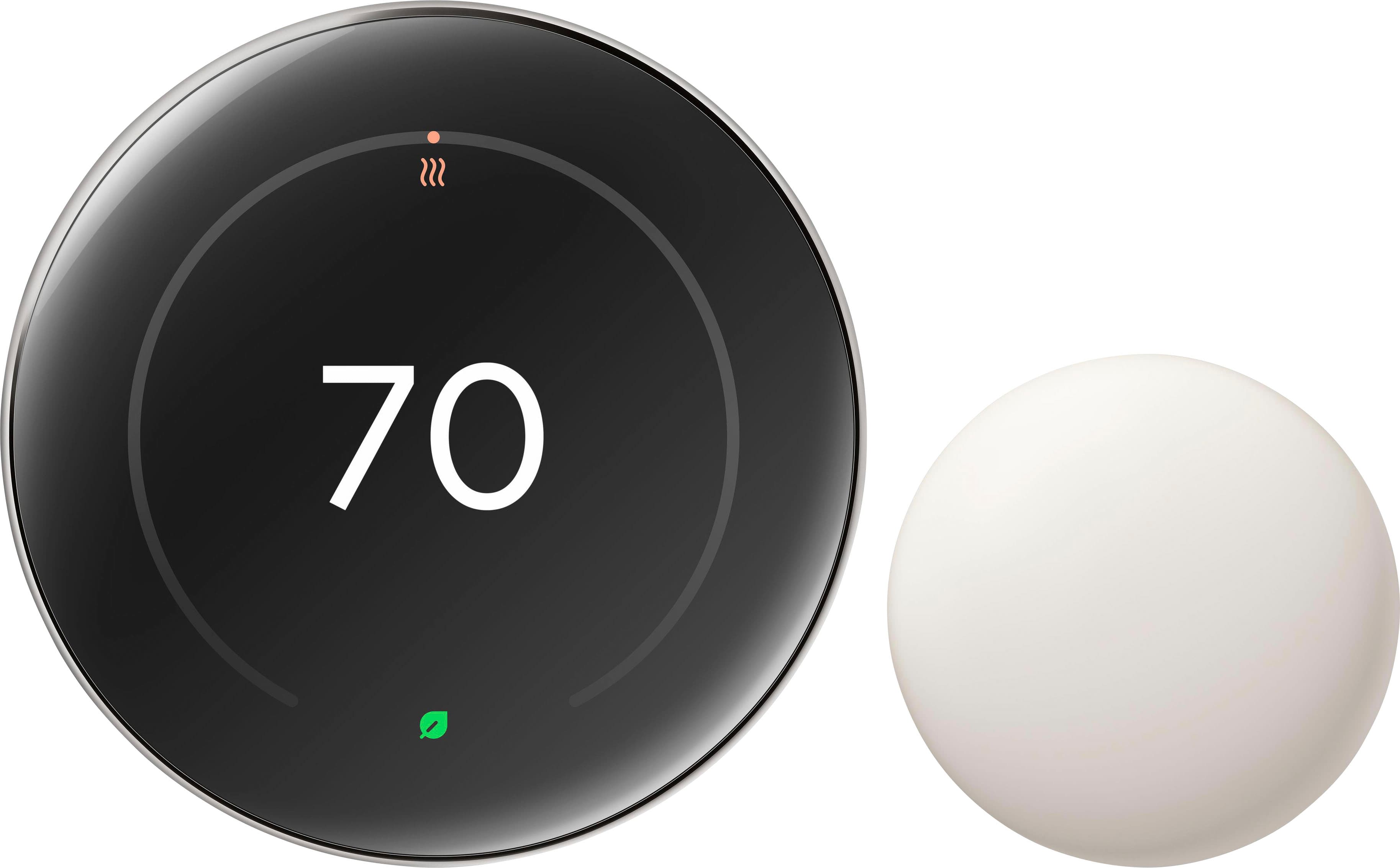
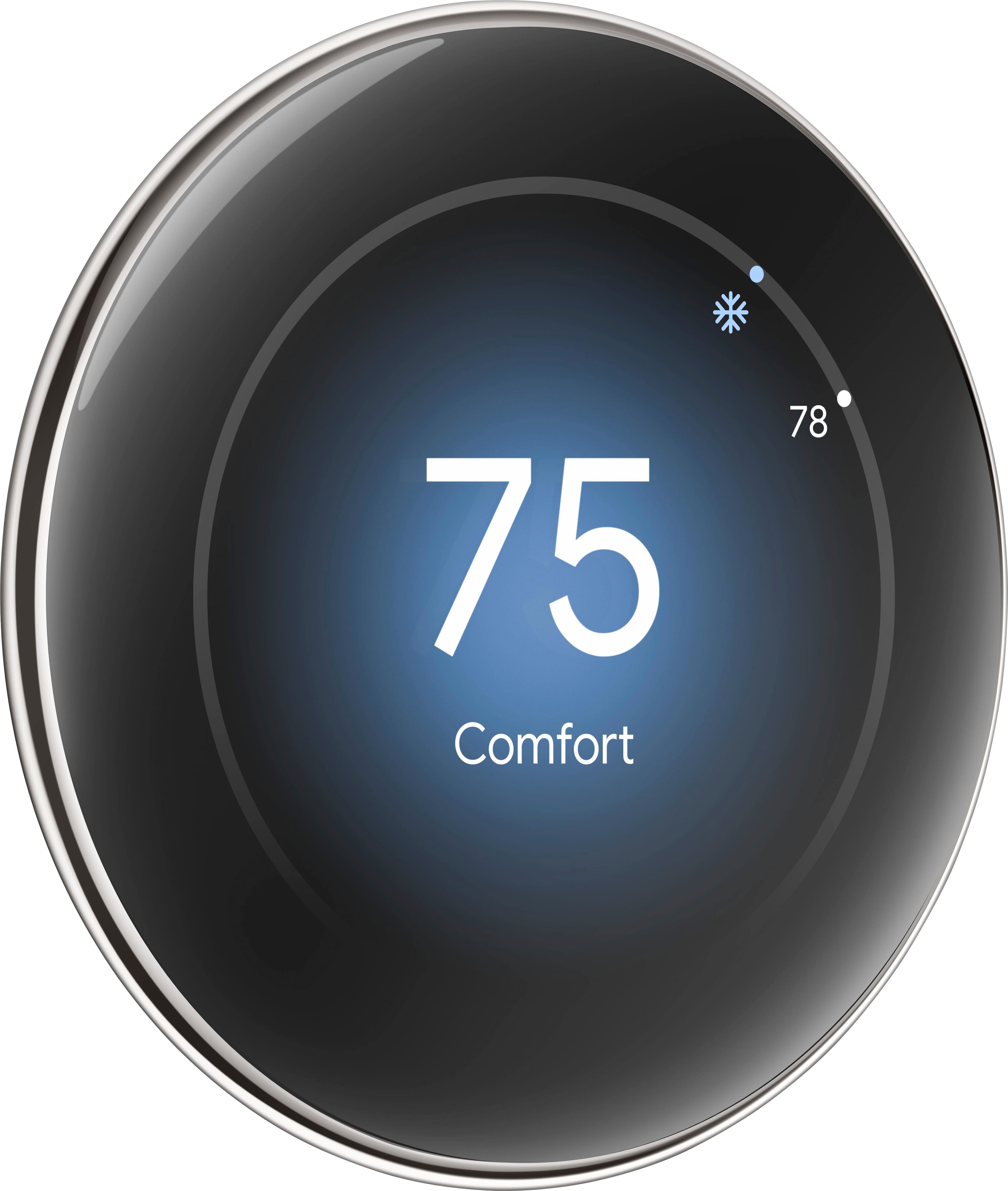
Google Nest Learning Thermostat
||Posted . Owned for 3 weeks when reviewed.This reviewer received promo considerations or sweepstakes entry for writing a review.The Google Nest Learning Thermostat is extremely user friendly, easy to read, and I highly recommend it to anyone above the age of 60. An added bonus was it was on sale when I purchased it.
I would recommend this to a friendBrand response from Google Team
Posted .The perfect temperature is a breeze, PearsonW!

Nest thermostat
||Posted . Owned for 2 weeks when reviewed.This reviewer received promo considerations or sweepstakes entry for writing a review.I love how easy this was to install. Also it looks very sleek.
I would recommend this to a friendBrand response from Google Team
Posted .Glad the maiden voyage of your thermostat was a breeze, RobinD. Happy to have you part of the Nest Family!
Nice thermo Stat.
||Posted . Owned for 1 week when reviewed.This reviewer received promo considerations or sweepstakes entry for writing a review.A Verynice unit ..works perfect..made extremely Nice ..easy to program .and is high quality.
I would recommend this to a friendBrand response from Google Team
Posted .Thanks for the kind words, ROBERTM!

Awesome if you have other google products
|Posted . Owned for 2 weeks when reviewed.This reviewer received promo considerations or sweepstakes entry for writing a review.i love my new nest thermostat it works super well with my other google products in home!
I would recommend this to a friendBrand response from Google Team
Posted .Great to hear, Ryan! We're thrilled that your Nest Thermostat is working seamlessly with your other Google products. Enjoy the convenience and control it brings to your home!
Elegant and blends well into a room
||Posted . Owned for 3 weeks when reviewed.This reviewer received promo considerations or sweepstakes entry for writing a review.Everything just works. Setup was super easy. It looks super fancy too.
I would recommend this to a friendBest upgrade Nest 4 years looks amazing Screen
||Posted .This reviewer received promo considerations or sweepstakes entry for writing a review.Best upgrade to Nest 4 in years looks amazing hasatter connectivity large screen fast UI in App must have I bought 3 Nest 4 highly recommend
I would recommend this to a friendBrand response from Google Team
Posted .Thanks for the kind words, rrabg5!
Better refined
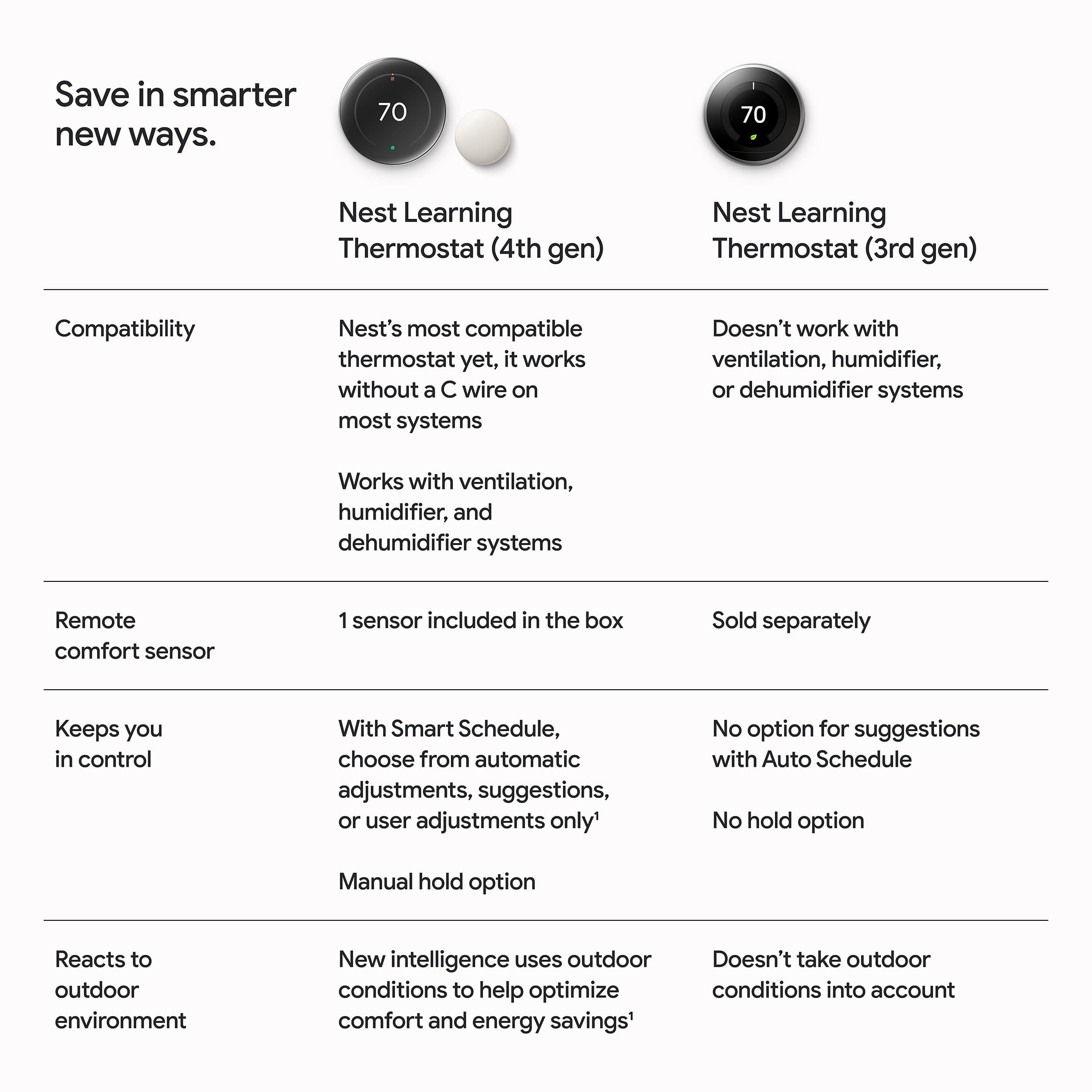
||Posted . Owned for 1 week when reviewed.This reviewer received promo considerations or sweepstakes entry for writing a review.Loving this product this far! Way better in my option than the 3rd gen.
I would recommend this to a friendVery nice
||Posted . Owned for less than 1 week when reviewed.This reviewer received promo considerations or sweepstakes entry for writing a review.I love it! I ended up going with gold but the silver is so nice.
I would recommend this to a friendNest Learning Thermostat 4th generation
||Posted . Owned for 1 month when reviewed.This reviewer received promo considerations or sweepstakes entry for writing a review.Great purchase. I am very happy with using my cell phone to control the temperature. The features are really cool and convenient. 10 out of 10. The only thing I would say is be patient when installing. It took some time to get it right. Thanks
I would recommend this to a friendBrand response from Google Nest Support
Posted .The perfect temperature anytime, anywhere, FrancineH. Thanks for the five stars!

Great upgrade from the Gen 3
||Posted .This reviewer received promo considerations or sweepstakes entry for writing a review.Big upgrade from the Google Nest Thermostat Gen 3. The screen size is nice and the display shows so much more useful information.
I would recommend this to a friendBrand response from Google Team
Posted .Thanks for the 5 star review, LonelyScythe!
Worry Free thermostat
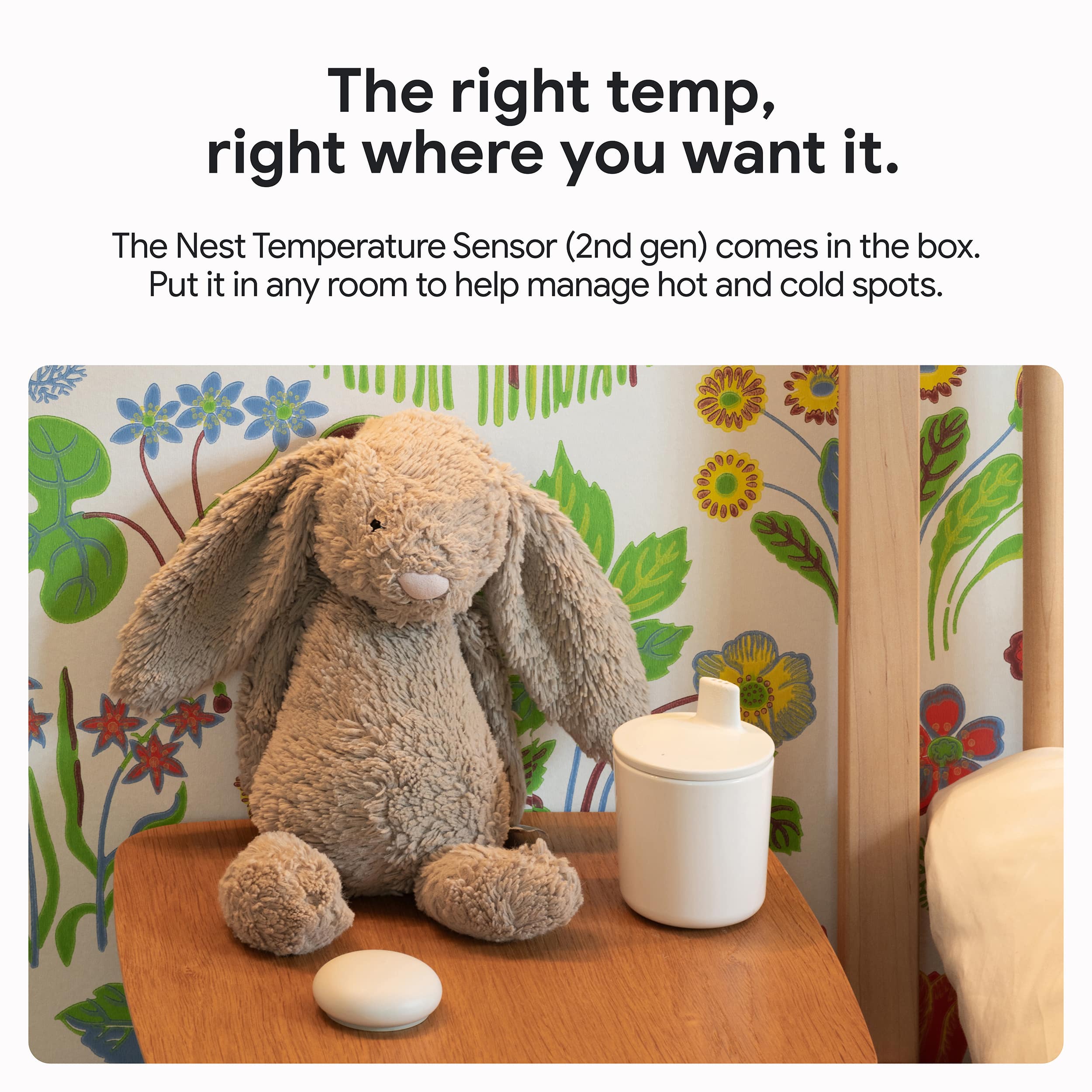
||Posted . Owned for 3 weeks when reviewed.This reviewer received promo considerations or sweepstakes entry for writing a review.Google Nest is a great product that is efficient and reliable. Can be controlled remotely from anywhere. Also have an app and tracking disc to track the temperature of every room and apartment in your home .
I would recommend this to a friendBrand response from Google Nest Support
Posted .The perfect temperature, anytime, anywhere, SumintraJ. Thanks for being part of the Nest family!
Great upgrade to the latest available features
||Posted . Owned for 3 weeks when reviewed.This reviewer received promo considerations or sweepstakes entry for writing a review.Excellent new version that replaced the four year old model that was in use. Really like the remote temp sensor feature as well. Planning to upgrade the second thermostat in our home next.
I would recommend this to a friendBrand response from Google Team
Posted .We're so happy to hear you're enjoying your new Nest Thermostat Gen 4! It sounds like it's settling in to its new home perfectly — we know it will become the best pal of your future device, too. Together, your Thermostats will make the perfect team!
New and improved !
||Posted . Owned for 2 months when reviewed.This reviewer received promo considerations or sweepstakes entry for writing a review.Slick device! Love the new nest thermostat! If you want to save money, get one now!
I would recommend this to a friendBrand response from Google Nest Support
Posted .Keeping your home in its comfort zone. Thanks for being part of the Nest fam!

Improves on several aspects of the great 3rd Gen
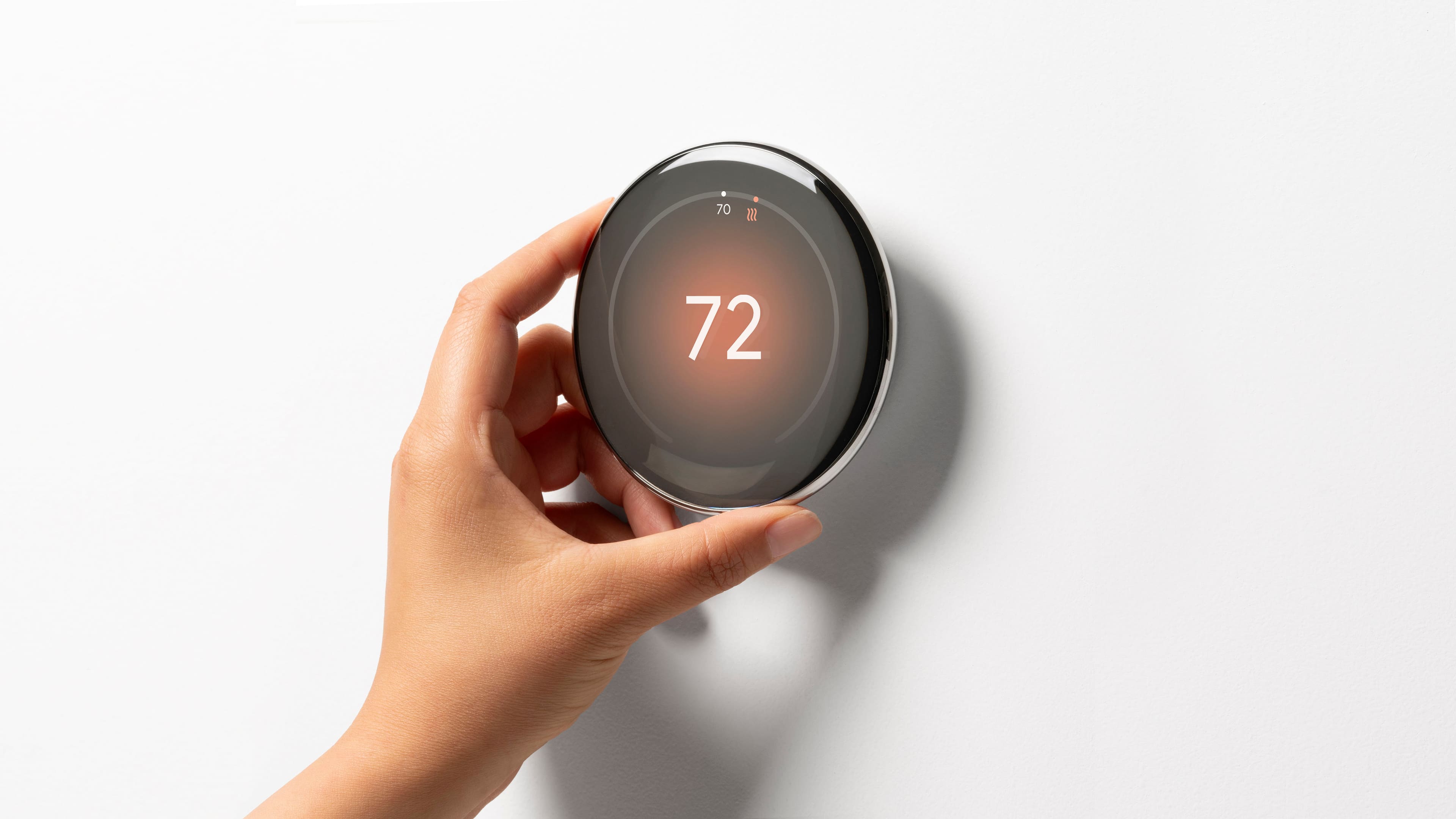
|Posted .This reviewer received promo considerations or sweepstakes entry for writing a review.It feels like I've had the Gen 3 Nest Thermostat all my life. It's followed me through three moves over the last nine years! It's been a truly "plug in and forget" item throughout all that time. I never once had any issues with it. I've grown to appreciate it throughout the years and talked several family and friends into getting their own. When hearing about the release of the fourth-generation thermostat, I wondered why I should upgrade because of how well the third-gen performed. But then I got to thinking about some things that irked me. And one of the things I did was set up my comfort settings. On the third-gen, I had to go hour by hour and adjust the desired temps. This wasn't too much of an issue because I only had to do it a handful of times throughout the years. After all, once it's set, it will be consistent in its ability to do what you want, but it was cumbersome when I had to do it. I've also had some nights where I woke up, and it was 63 degrees in the house when I had it set to 68. Much of that probably happened with my local electric company implementing their "rush hour," but I couldn't figure out how to fix it alone. My issues with it were minimal, considering I owned it for nine years. Anything connected to the internet usually has many connectivity issues and errors, but I'm delighted with the performance of the 3rd gen. That said, hearing about the differences between the 4th gen intrigued me. Some of the additions/differences from the third-gen are: * Sleeker design with a thinner profile and a mirrored finish (very nice looking on the wall and gets me to look at it more often than the 3rd gen) *An updated display that shows the temperature, weather, and time at a glance (this is the most significant visual change for me - the live weather animation and the hour-by-hour breakdown the closer you get to it is all excellent information to have so quickly) *Compatibility with more HVAC systems, including dual-fuel systems (I don't have any complicated systems, but I know a lot do, so this is welcomed to broaden the consumer base) *The ability to detect when you are away from home and adjust the temperature accordingly (this is an ideal addition because I felt like the third-gen did suffer from geolocation a bit) * Improved energy-saving features that can save you even more money on your energy bills (this is the most significant addition; any additional savings are welcomed, especially with rising power costs) This package has a sensor to place the thermostat anywhere you'd like it to prioritize. For example, if you live in a two-story home that gets hotter upstairs on a summer day, you can prioritize the sensor to be 71 degrees rather than the downstairs (where the thermostat is). This makes it cooler than 71 downstairs but will get your room to the desired temperature. If you use the sensors from the third generation, then you'll know how to use them. I don't remember any differences with the sensors other than their looks. Could they have better battery consumption? You can purchase a 3-pack of the sensors for $99, which I did to place one in each bedroom of the house. It can't be said enough how sleek this device looks on the wall. I opted not to install the base because I liked the clean look and didn't have to cover up any blemishes from the old thermostat. If you've seen a Pixel watch in person, it has the same aesthetics but is much larger in diameter. The rotation is still just as satisfying as the third-gen. This new 4th-gen thermostat improves everything the third has - positive and negative. That's what you want from a new-gen product. But unlike a PC, laptop, phone, or TV, you won't miss out as much as you think if you keep the third-gen. These thermostats are "bulletproof," I don't think the third gens will quit unless Nest decides to stop supporting them, which I don't think will happen soon. For $280, it's still a decent value because you'll own it for another nine years. However, if you're money-conscious and still have the third-gen, you can always wait for a sale - because you still have one of the best thermostats in the market with the third-gen.
I would recommend this to a friendSkeptical 3rd gen owner upgraded - I'm impressed!
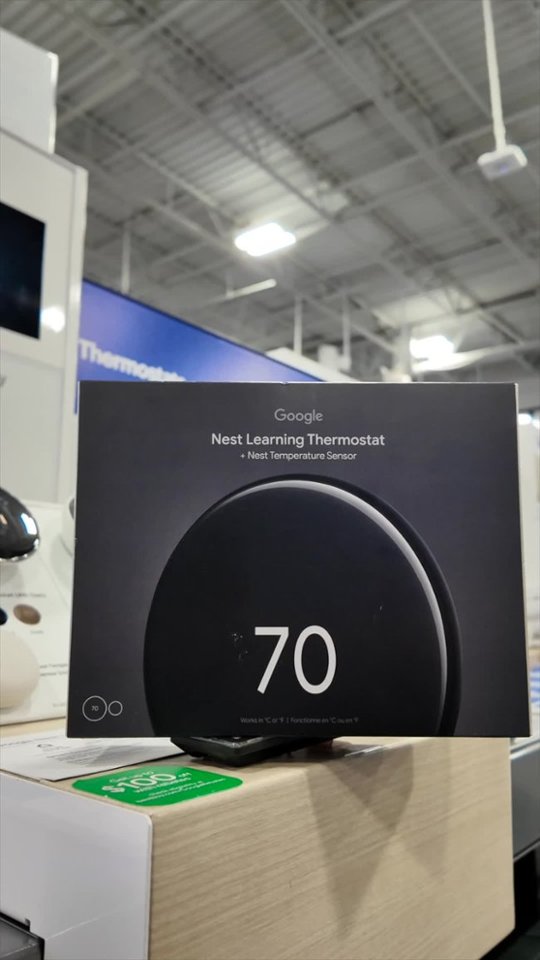
|Posted .This reviewer received promo considerations or sweepstakes entry for writing a review.I've been using two Nest thermostats for years, the original model and the 3rd gen. They work great, although the main reason I bought it to begin with is so I could change the temperature without getting out of bed (at least I'm being honest). Fast forward nearly 12 years later, I ask myself "what else can Google really do? It's just a thermostat connected to wifi." That's mostly correct, but I decided to pick up the gen 4 Nest Thermostat anyway. First impressions are, wow, this thing looks super nice, almost like a Pixel Watch. It really is beautiful, for a thermostat at least. Big, thin, classy looking. The packaging is modern and slim and the face of the dial is a metallic-y silver that looks great when the screen is on or off (I got the polished silver trim). Installation was straightforward, remove old Nest (or thermostat) and it's mounting plate, install new mounting plate and new Nest; exact wiring configuration as the previous generations. One nice attention to detail is when installing the mounting ring, the little bubble level is backlit! Didn't expect that and it's a nice bit of polish Google engineered into the design. It did come in handy as I didn't have to use a flashlight in one hand and screwdriver in the ther other when making sure it was level. Set up is exactly as you would expect. Straightforward, although I had an issue where setup kept stopping, tell me the "R" wire wasn't connected. I triple checked the wiring and re-ran the setup from the beginning, only to have the unit tell me I was missing the Y1 wire. Turns out the wire check prompted me to re-check the Y1 wire, rather than the generic R wire message. Sure enough, it, not the R wire, wasn't fully seated. If you are coming from a previous gen Nest, I'd suggest running the setup from the beginning even though you may choose "skip." This will ensure the unit communicates back to you any actual wiring issues that may exist. It likely saved me a lot of frustration because I was 100% certain the R wire was inserted correctly. It was a bit strange that the setup flow didn't tell me the the Y1 wire was the issue, it just defaulted to the R wire. The remote sensor is a nice inclusion since I never purchased one with the prior generations. Unsure how that will change my cooling/heating habits but it's a nice to have. The display shows the remote sensor temp on the main display, which is a nice touch. I'm not sure what technology is packed into this, but the screen and overall display is gorgeous vs. the prior gens. It's a nice large color screen that shows rich and colorful graphics of the weather, temps inside/outside, etc. Really classy looking. Outside of that, it's too soon to tell if it's better at energy conservation, but I normally bypass all that stuff since I like it cold in the summer, no matter the cost (again, just being honest here!). Time will tell but I anticipate it would be the same as prior generations in the energy management area. Overall, this may seem like a frivolous update if you already have a Nest; in many ways it is, but there is enough polish to warrant an upgrade, especially if you have access to a utility rebate. Highly recommended.
I would recommend this to a friendThe Future is Nest
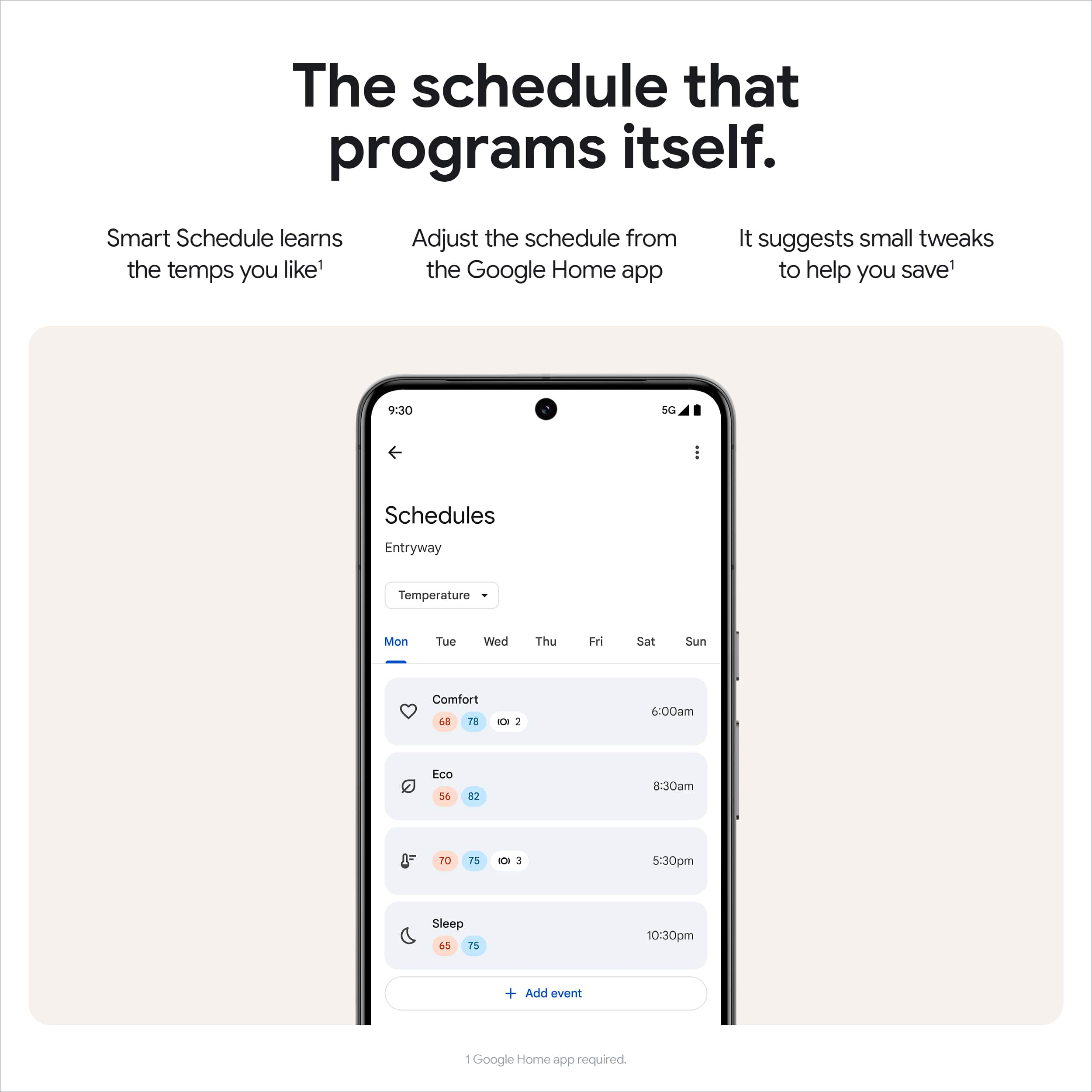
|Posted .This reviewer received promo considerations or sweepstakes entry for writing a review.Google-Nest has released their newest thermostat for 2024 after initially releasing their first smart thermostat back in 2011. Google-Nest really set the bar with their design and the intuitiveness of their app. Since then, many other manufacturers were able to gain popularity. Fast forward to now, it looks like Google has primed the Nest 4th Gen to take back the crown. Testing all the features couldn’t have come at a better time as I just replaced by whole ac system. I wanted to see if it would be worth the upgrade from the 3rd gen Nest thermostat. Design First of all, the new Nest 4th gen thermostat is a pleasure to look at. My kids have caught me staring in awe of the elegant design of the device. I’ve owned the 1st and 3rd gen of the Nest learning thermostat, and this is by far my favorite. It’s still pretty early as I have not had the device long enough to test for all the bugs and shortcoming just yet. I’ve had two brand new 3rd gen Nest thermostats fail on me, so I may be best suited to review the newest entry with the years of experience I’ve had with the Nest thermostat. Hardware and install I was able to use the existing screws and the existing placement of my 3rd gen Nest Thermostat. I was able to remove the existing and setup within 15 minutes. I love the fact that I was able to connect to Wi-Fi by using my phone instead of manually entering my password like on my 3rd gen Nest. I made sure to take a picture before removing and installing my new thermostat. Google Home App Most of hardcore Nest lovers really like the Nest app interface. The Google Home app was not widely accepted due to its interface. Now Google has made some updates in preparation for the 4th gen thermostat. I must have opened the Nest App 40 times trying to control the new thermostat. I’m still getting adjusted with using the Google Home app. Its not bad, but its not the Nest app. Features Smart schedule is really cool. Nest learns my patterns and sets my desired temperature based on the usage patterns. The cool feature I really love is that now you are able to let the thermostat suggest schedules without having it perform the action. This is a neat feature since I have to adjust the schedules that the Nest sets sometimes in the past. Having the Nest temperature sensor included is a huge plus. I have a 2-story home, so having the ability to set the thermostat temperature based on the second level is a major plus. I don’t mind the sensor not having any motion capabilities as I have other smart devices that can detect motion. Conclusion The Google Nest thermostat is a device that gets a lot of things right. Seeing the device in person, it looks really good. I was a bit surprised of the feel though. You have to be careful installing since it feels to be mostly made of plastic. I removed the base a few times and had to be extra careful handling the device. The device is made up of mostly recycled material, so I can appreciate Google for being committed to sustainability. The new Nest thermostat is jam-packed with advanced AI features such as smart schedule, adaptive eco and proactive alerts. These features are designed to reduce energy consumption and save money. If you are current Nest user and have no issues with using the Google Home app, I definitely recommend upgrading. You won’t be disappointed.
I would recommend this to a friendNest Gen 4: Smart, Stylish, and Built to Save Ener
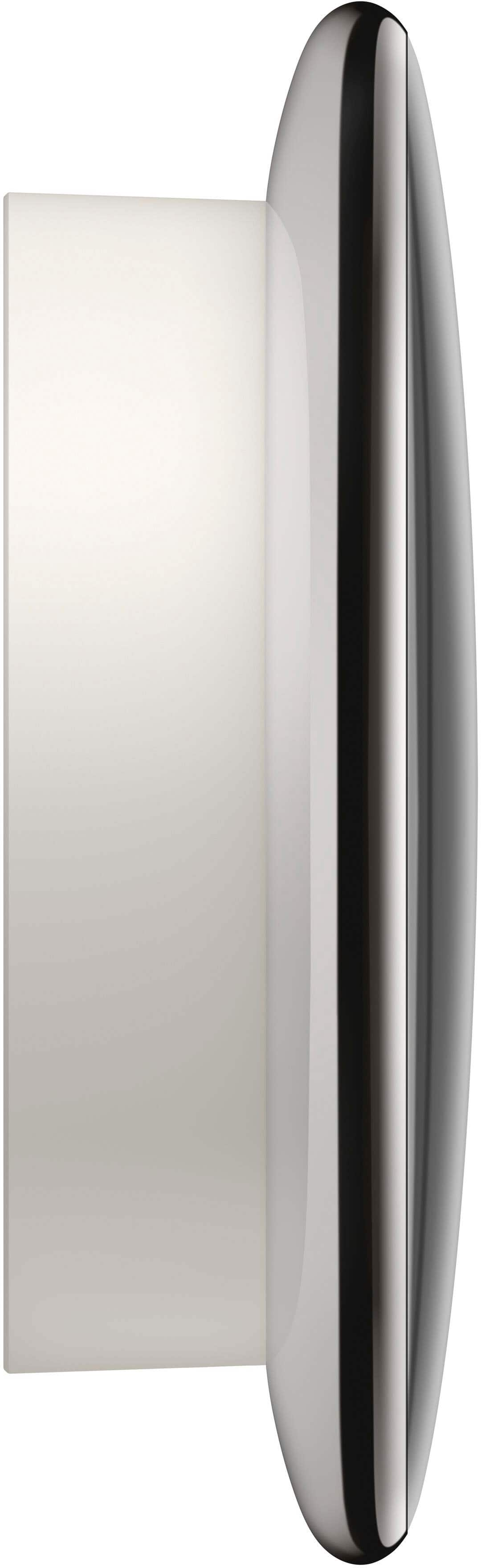
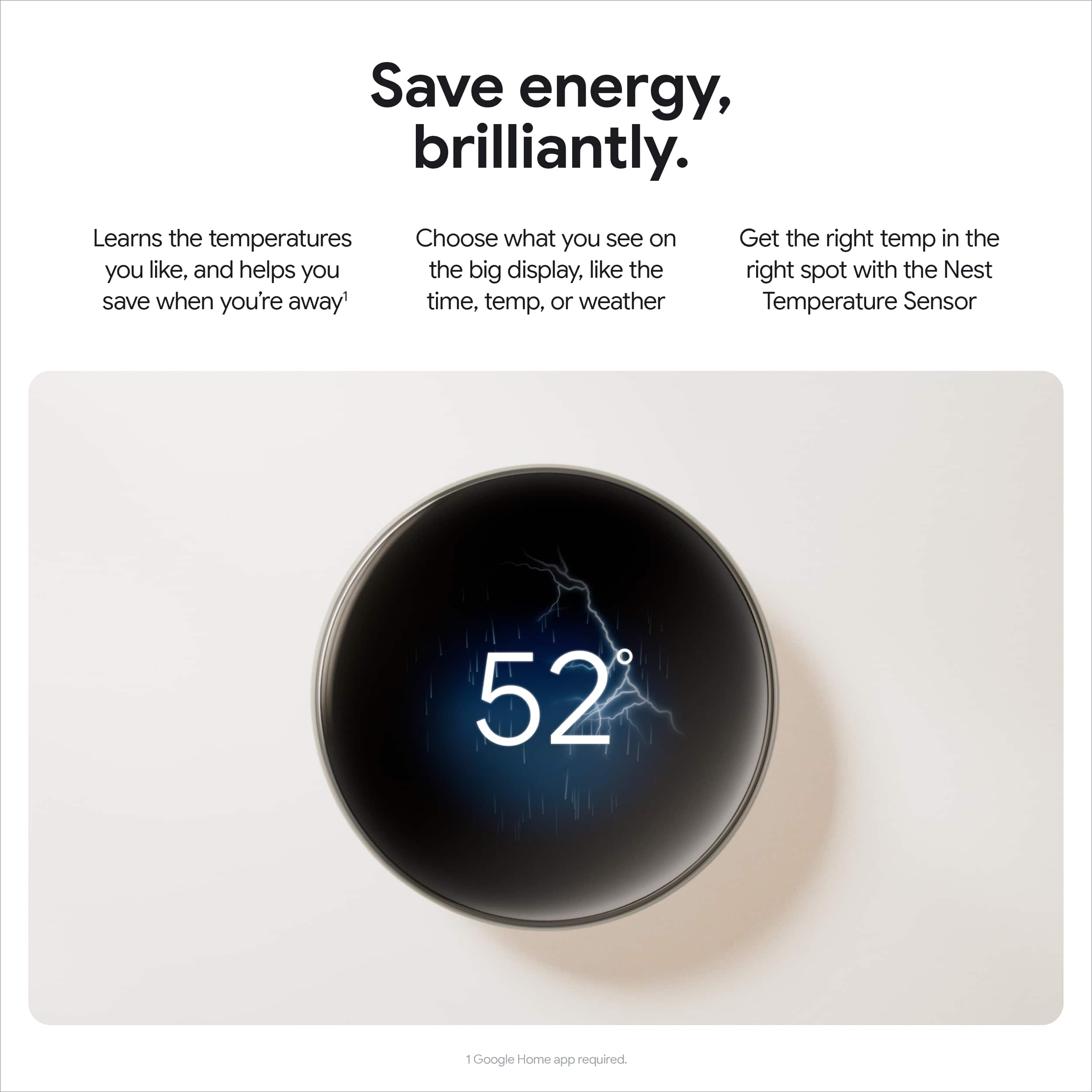
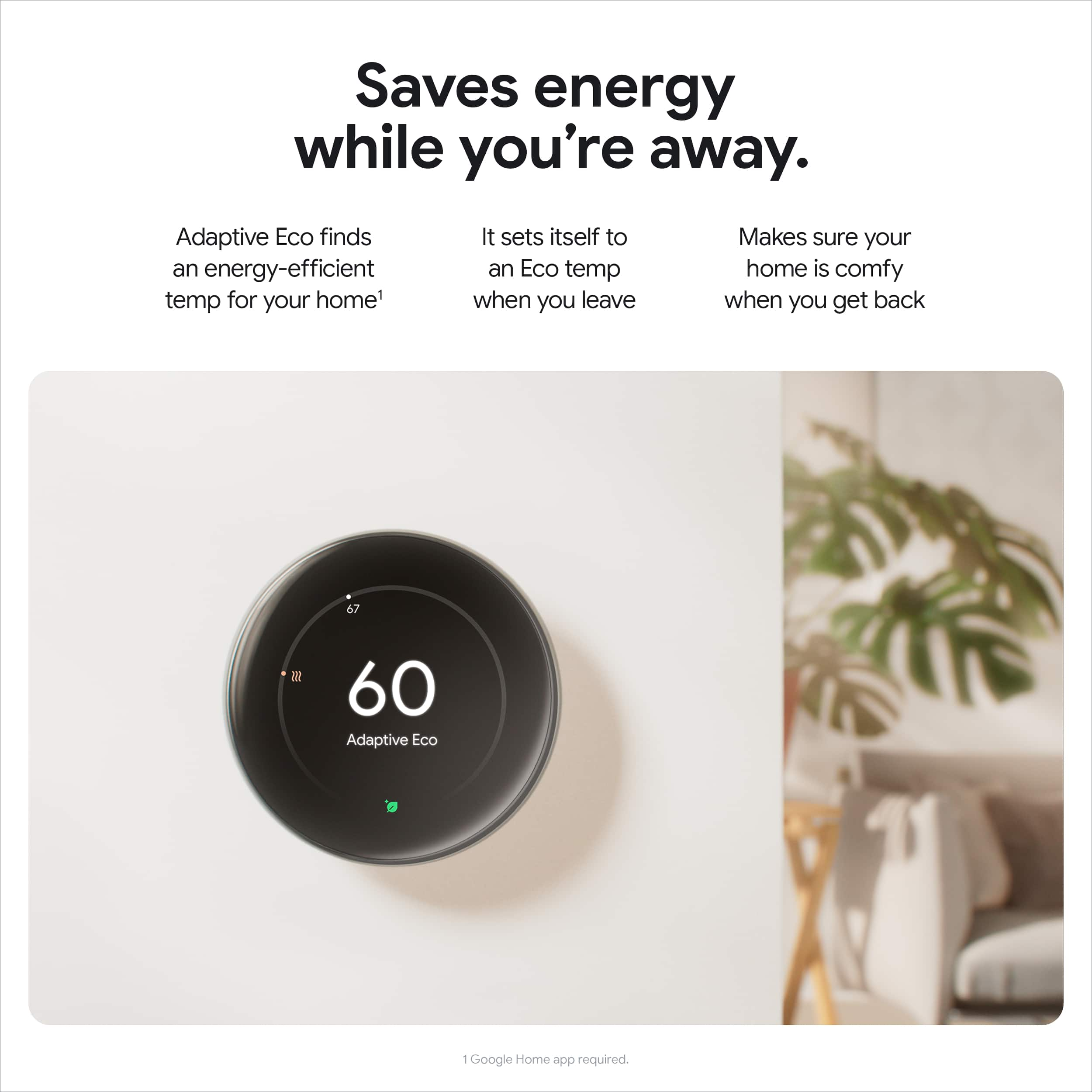
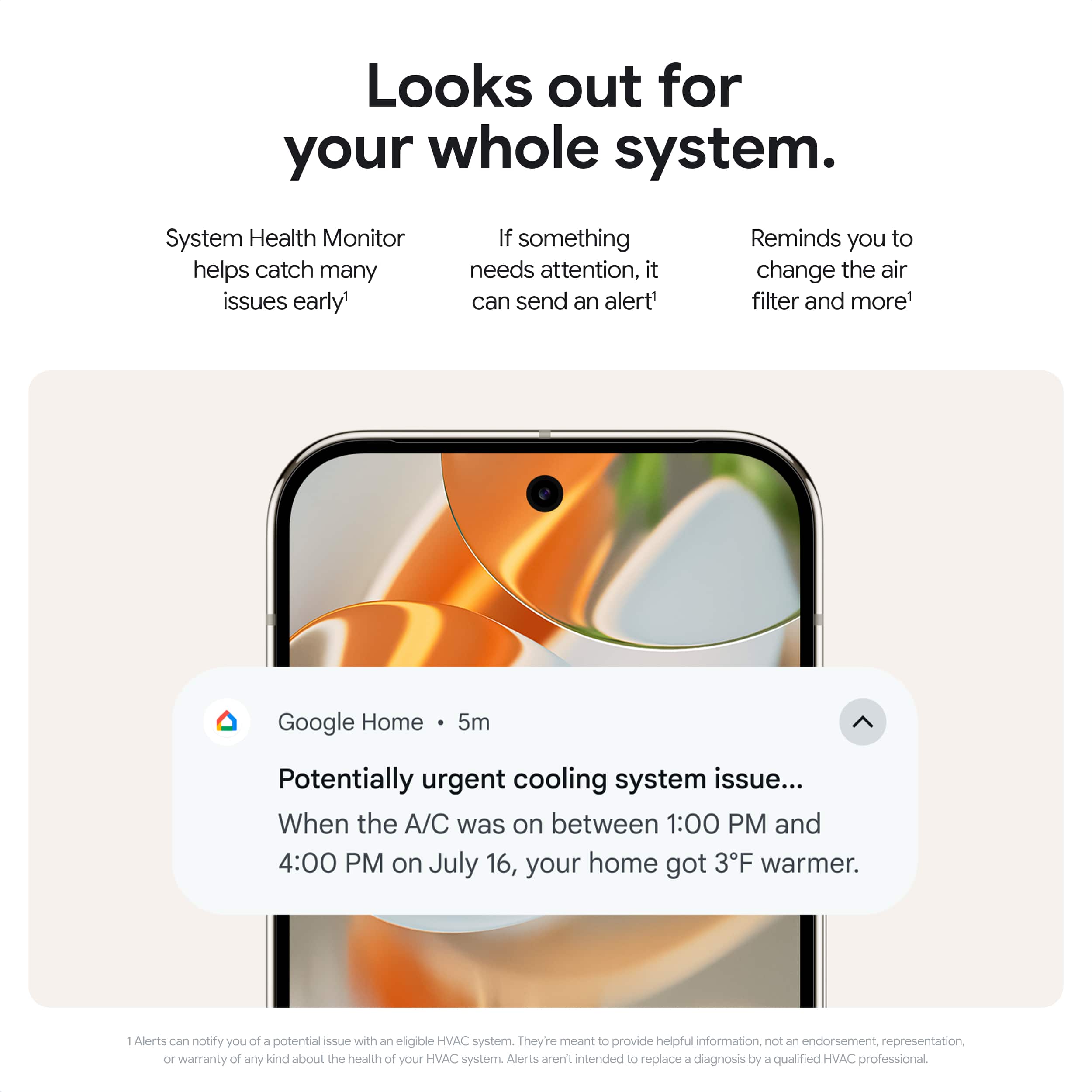
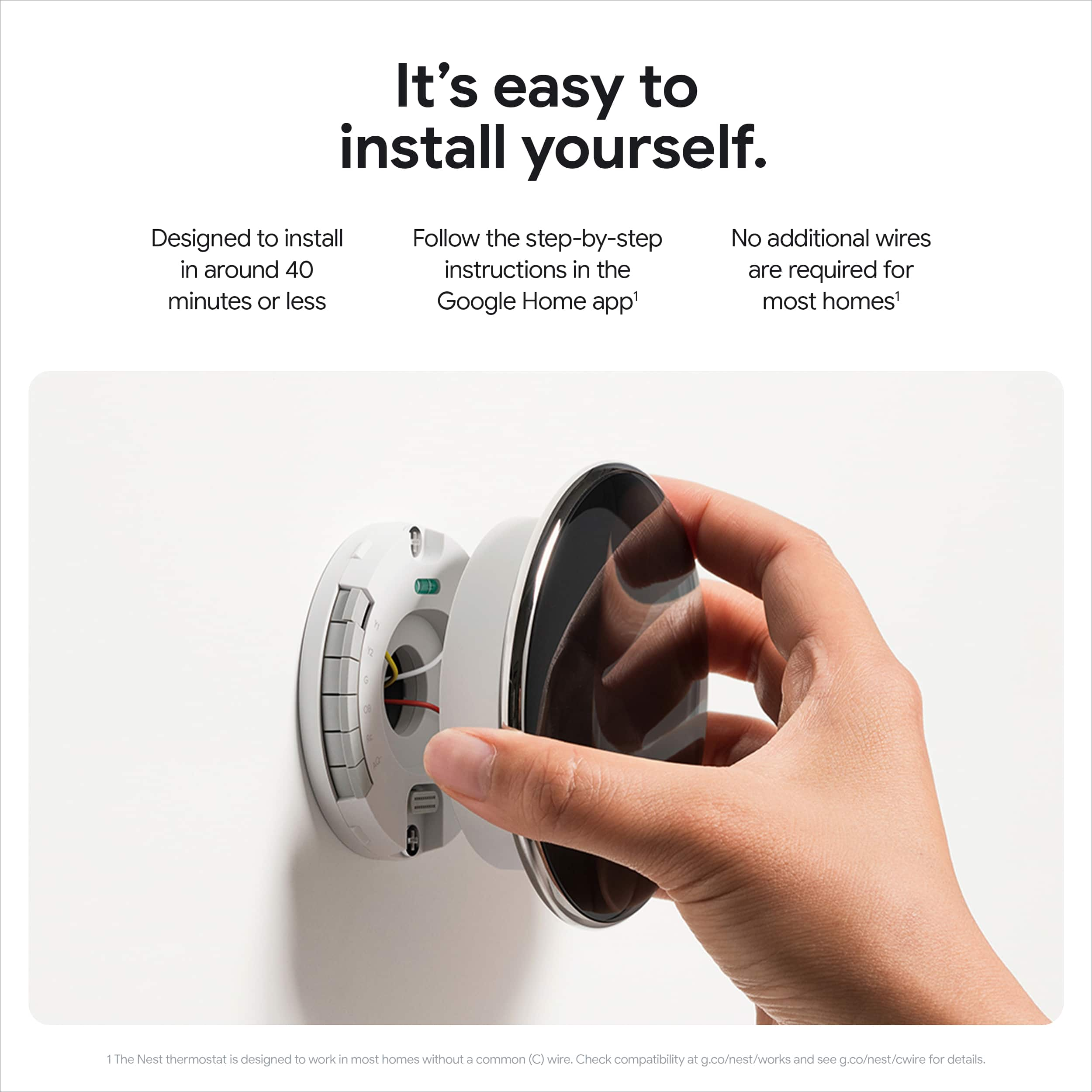
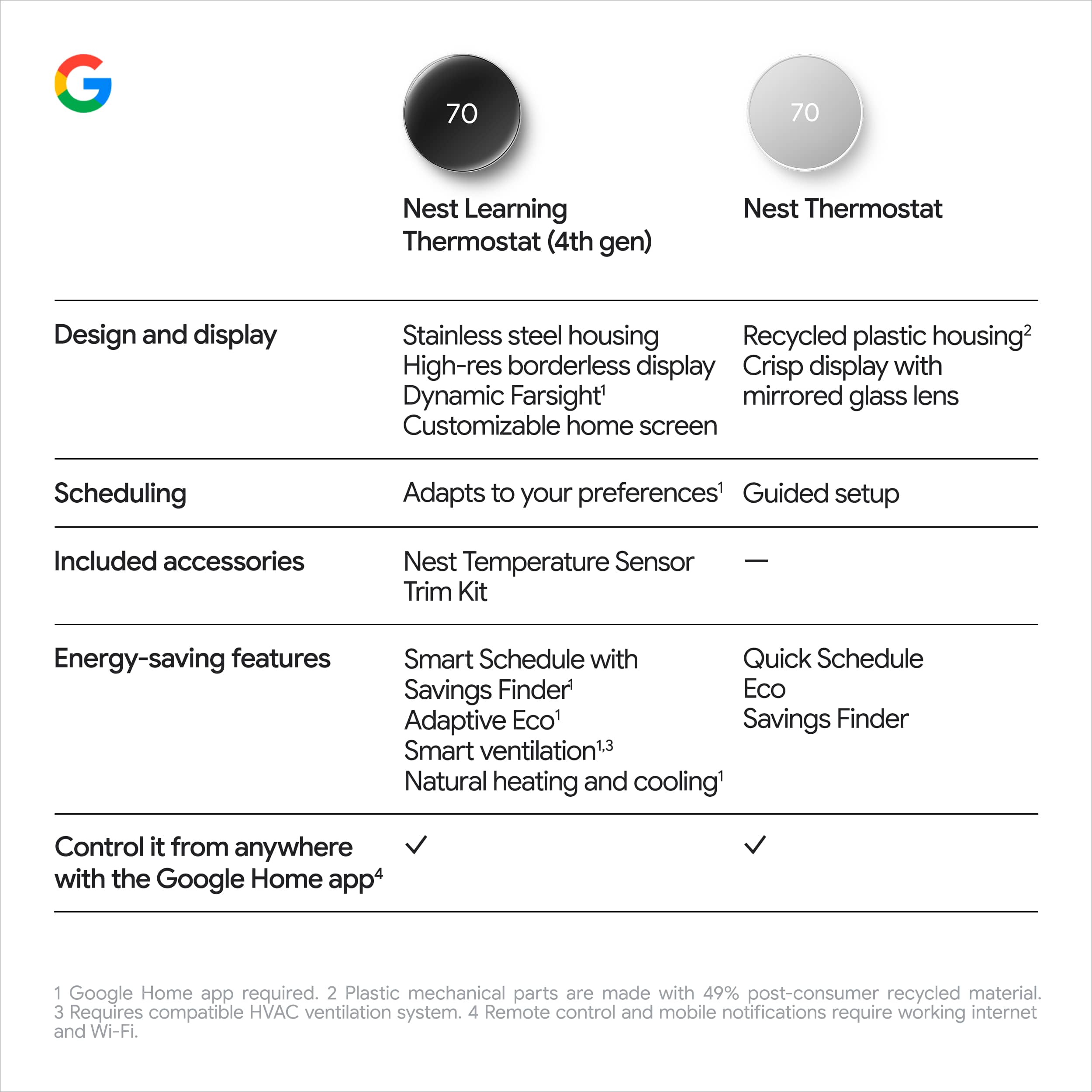
|Posted .This reviewer received promo considerations or sweepstakes entry for writing a review.The Google Nest Learning Thermostat is a solid upgrade that blends intelligence, efficiency, and sleek design. After using it, I’m really impressed by how well it adapts to my routine and the changing weather, making my home comfortable while also saving energy. First off, the installation was straightforward. I had it up and running in about 30 minutes, even without a C-wire, thanks to Google’s Power Sharing feature. The setup process through the Google Home app was intuitive, and I appreciated the detailed step-by-step instructions. The design is a major highlight. The new slim profile and polished glass dome make it look modern and stylish on my wall. The 60% larger display is not just easy to read but also smart. The Dynamic Farsight feature is a game-changer—it adjusts the display based on where I am in the room, showing the temperature, time, or weather as needed. In terms of functionality, the thermostat’s ability to learn and adjust is exceptional. The Smart Schedule feature learns my preferred temperatures and daily habits, offering suggestions that I can easily accept or reject via the app. I love how it uses AI to factor in outdoor conditions to optimize heating and cooling, which has noticeably lowered my energy bills. The inclusion of the second-gen temperature sensor is also a big plus—it’s helped manage hot and cold spots in my home by prioritizing the temperature in the most used rooms. Another cool feature is the System Health Monitor, which keeps tabs on my HVAC system and alerts me if something needs attention. I also love being able to control and view from temp from the app. Overall, the Nest Learning Thermostat (4th gen) is an excellent investment. It’s not just smart—it’s thoughtful, with features that cater to both comfort and savings. If you’re looking to upgrade your home’s heating and cooling system with something that’s easy to use and highly effective, this is the thermostat to get.
I would recommend this to a friendGoogle Delivers Another Tremendous Thermostat
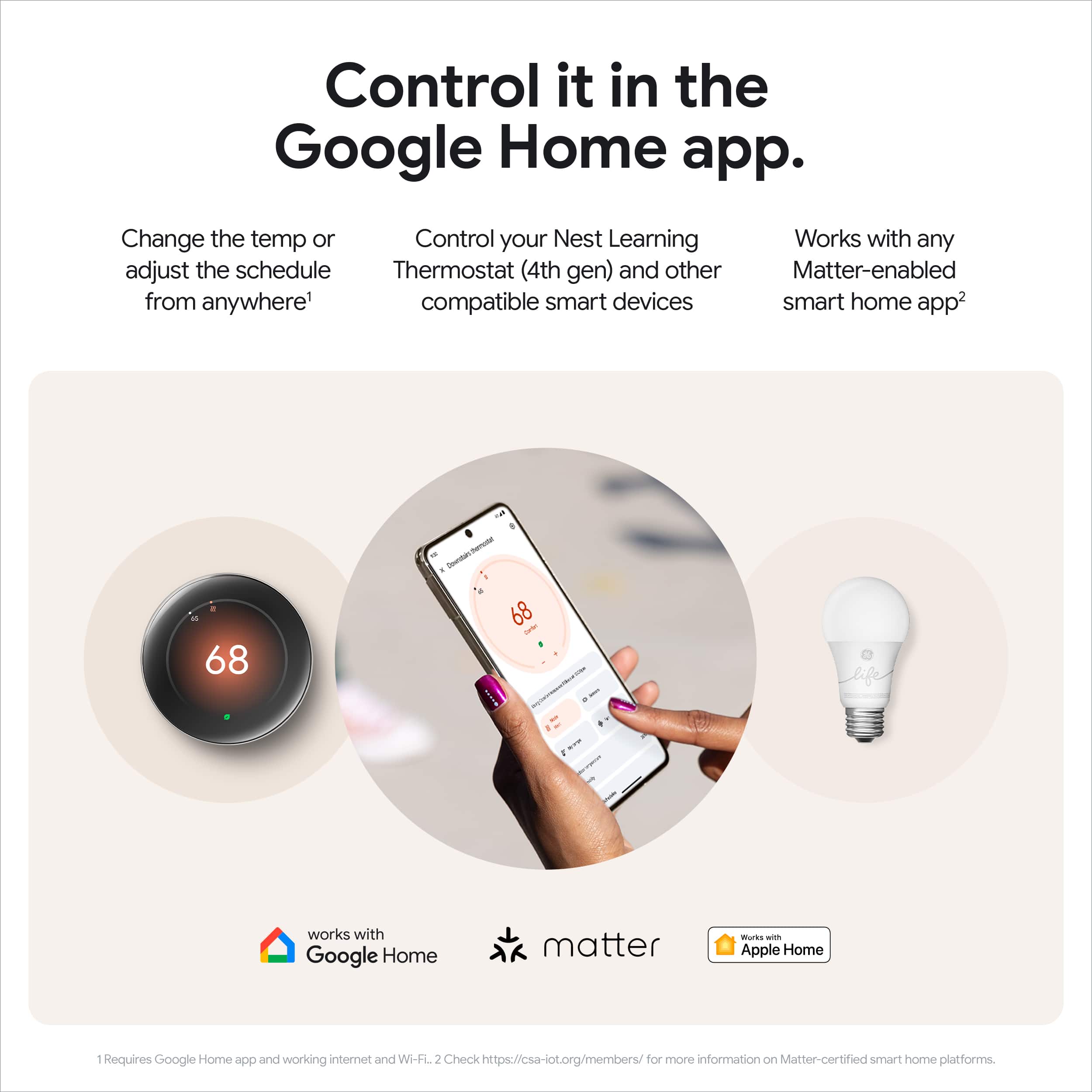
|Posted .This reviewer received promo considerations or sweepstakes entry for writing a review.I would make the argument that Google’s Nest Thermostat really kicked off this new era of “smart thermostats” - yes they had been around, but Google’s original nest thermostat really went mainstream and pushed other companies to compete in this space. Well now in 2024, Google has came out with an official “upgrade” to that original Nest Thermostat in their new 4th Gen learning thermostat, and it’s a home run. PROS: - Installation of a smart thermostat is always something that requires a bit of know how, but I think Google does a pretty good job explaining exactly what to do and how to set it all up. I had a pretty easy time during installation and found it all very smooth. - Once connected and installed, it’s clear that this thing is gorgeous. It’s so elegant in its design and just makes your living space look so sleek and modern. The screen is also really nice too and adds a nice pop any time it comes on. - That being said, the screen keeps is really great rotating bezel like design to easily change the temperature or navigate through options. Something that really adds to the overall appeal! - The Nest Thermostat comes loaded with features you know like adapting to your preferred temperatures based on the time of day and creating a smart schedule of temps to save you money. But one of my favorite new features is the thermostat knowing what the temperature is outside and changing your thermostat because of it which can help save you money or make sure your living space is comfortable in case of any weird temperature swings. - Another nice addition is the Temperature sensor. This allows you to take in account different rooms or floors that run different temperatures than where your thermostat is. For us this is really a game changing feature as our temperature can vary in different places so it’s nice that this can help adapt to make sure you are not over using or under using your controls. - Of course the Google App is what brings this all together by being able to make the changes and edits you need on the app when you are not home to control and keep an eye on things! - Lastly this Thermostat comes with “matter” which is a new smart home standard that allows smart home devices to work with one another even if they are not all on the same platform aka Google vs Apple vs Amazon vs Samsung etc. It’s a nice way to let all your devices work well together! CONS: - The only thing I do not like is that the thermostat sensor does not detect for motion. The main thermostat will change its temperatures to more of a eco-friendly numbers when it does not see any motion, but this does not account for someone who may be in a room with a sensor. BOTTOM LINE: - Google continues to showcase why they are at the top of the game in making smart thermostats. It has a fantastic build quality that showcases its unique build as well as a beautiful screen. Along with that, it is packed with smart features that will help you save money as well as remain comfortable given any changes inside or outside. The Nest Thermostat 4th Gen is a great buy for those looking to make the move to a smart home thermostat or for those looking to upgrade what they have now!
I would recommend this to a friendThe Original Smart Thermostat Gets an Upgrade!
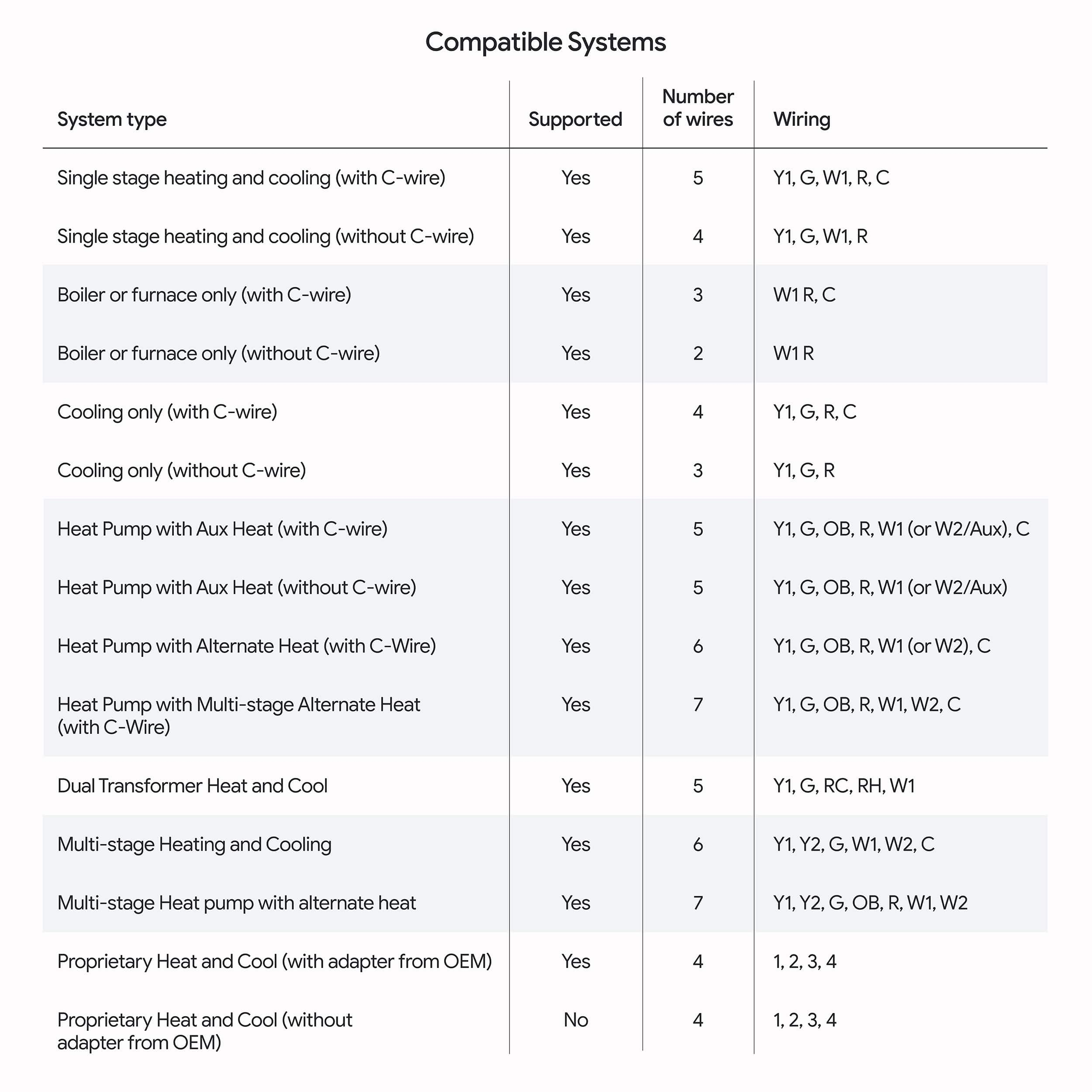
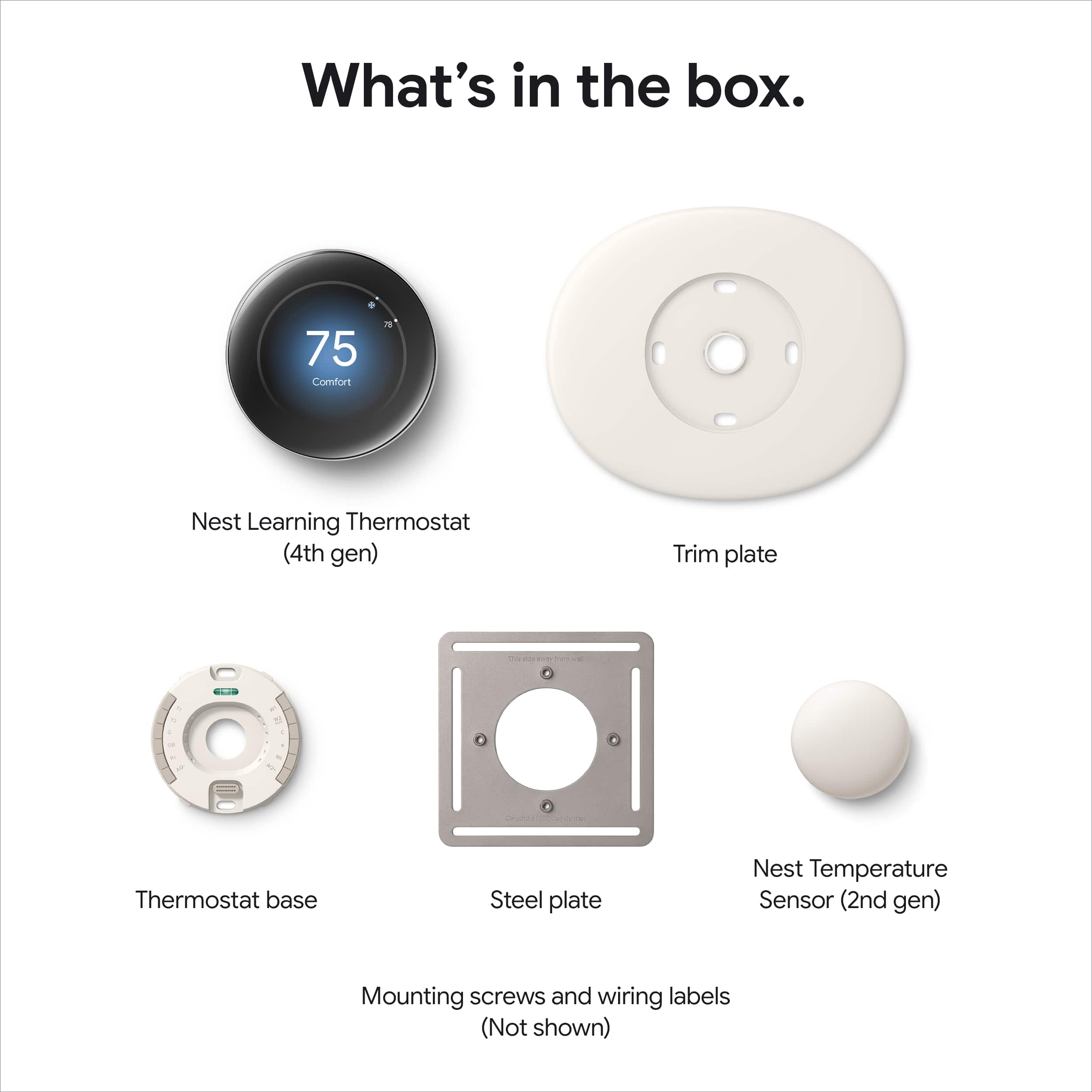
|Posted .This reviewer received promo considerations or sweepstakes entry for writing a review.The Google Nest 4th Edition Learning Thermostat feels like the next evolution for the design of the Nest thermostat. Upgrading to the Nest from a traditional thermostat was relatively easy. I have used Nest thermostats in the past, but this is my first time to own. The insights and ability to coordinate my thermostat with a sensor in another room is great. Unfortunately, it will take some time to see if the learning and ECO features translate to a lower utility bill but based purely on my experience over the last few days, I am impressed. Installation: Inside the box, you get both the front and back half of the thermostat, a remote sensor, a junction box mounting plate, and a face plate to cover up the holes from an existing installation. Google also includes screws for drywall and electrical box mounting. Google has a Nest thermostat compatibility checker. If you search for “Google Nest thermostat compatibility checker,” you can locate the checker easily. You go to the website and, based on your current wire hookup, Google will tell you if your existing set up is compatible or not with the Nest Learning Thermostat. It is all very straightforward, but I would recommend checking out the site and as I discovered I needed an electrician to get things squared away before I could install the thermostat. The wiring looked fine based on the compatibility check, but prior owners had the house wired a bit oddly with a no longer present security system. When it comes to physically installing the thermostat, Google has the mounting brackets on the top and bottom of the Nest. I appreciated that as the prior thermostat attached on the left and right. Inserting the cables is easy. You just press on the release and insert the cable. Google will verify that all cables are attached during the app set up process. There is even a small LED light, and a bubble leveler built into the back of the thermostat to aid in installation. If you currently have a jumper for the RC to RH on your thermostat, you should note that you will not use an external wire or metal jumper. The Nest has that feature built-in to the thermostat itself. Once all wiring issues were sorted, physical installation was painless. Except, I will say that if you are installing directly onto drywall, you need to invest in drywall anchors. I do not know why Google did not include drywall anchors as the screws simply did not hold during my installation. And because you are physically turning a large dial to change the thermostat, you need the device to be as secure to the wall as possible. Experience: To finalize setup, you will need to use the Google Home app. Google has included Linked Matter support with the thermostat, but, as far as I can tell, you still need the Google Home app to complete set up. I tried adding the thermostat via the Nest app, but I had no luck. Set up was easy. This is a Wi-Fi device. Adding the thermostat to my smart home via Alexa or Google Home was obviously amazingly simple. It is great to be able to access the thermostat from Alexa devices. My house is primarily using Google and Alexa devices, but the Matter support for Apple is a nice addition. The Thermostat has a humidity helper function. Smart features all the thermostat to use outside air as opposed to the AC to cool the house. The interface is very sharp and clean. The dial works well (when properly secured.) My wife and I want to make sure that the baby’s room stays at a certain temperature. The remote sensor allows us to run the thermostat to get temperatures right for that room. You can also use the remote sensor as a way of closing and redirecting vents to establish the best way to keep temperatures even across the house. Conclusion: I really like the Nest 4th Generation. Most of my installation struggles were unique to my set up. But assuming everything is wired properly, it is extremely easy to install the thermostat. My only nitpick is that I wish Google had included drywall anchors as they are necessary for a secure installation. But beyond that, if you currently do not have a smart thermostat or if you are thinking about upgrading from an older model, I think the current 4th generation Google Nest is worthy of the upgrade. I look forward to the insights (and hopefully lower utility bills) in the months to come. 4.5/5
I would recommend this to a friendLooks great, it is efficient and smart.
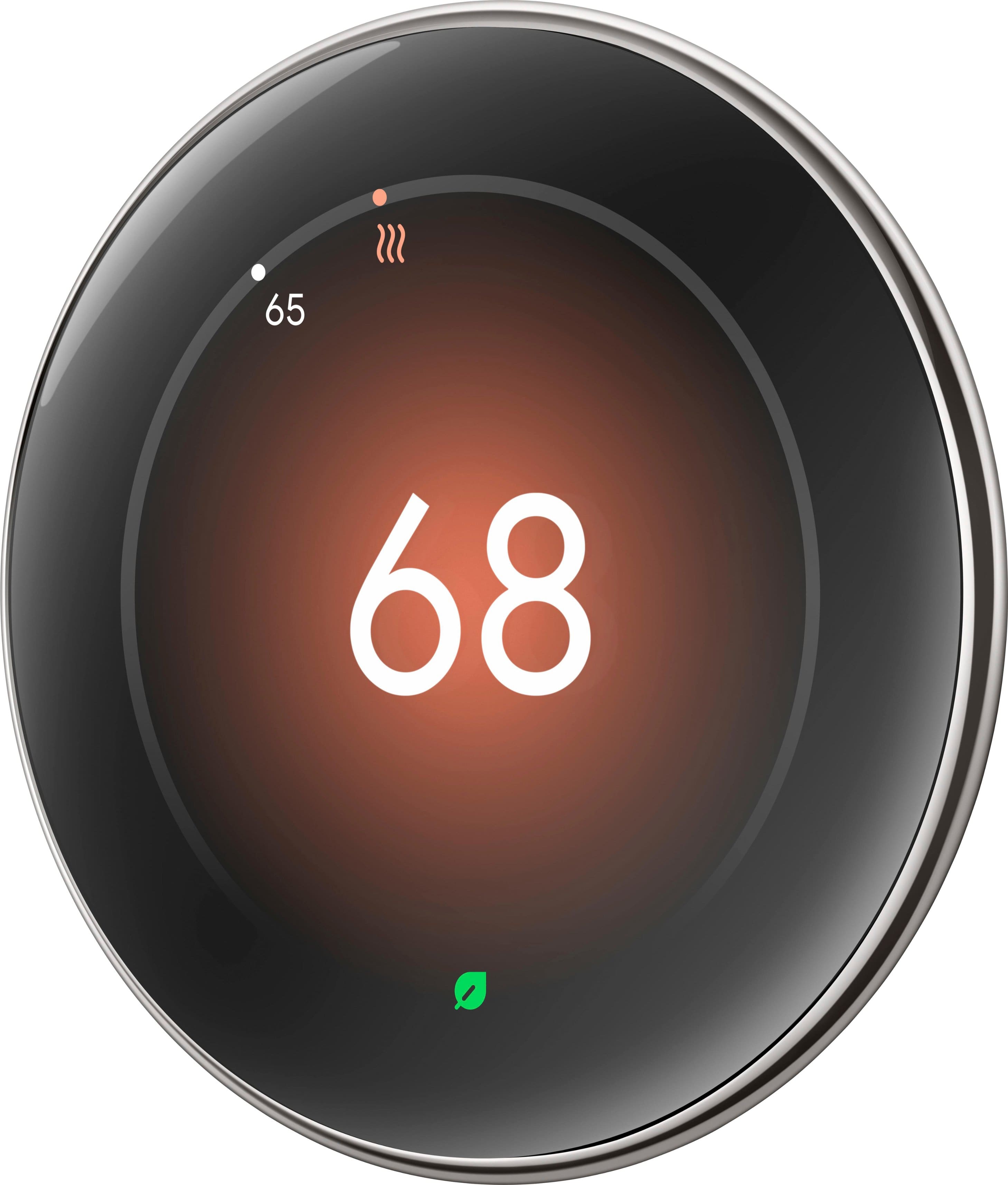
|Posted .This reviewer received promo considerations or sweepstakes entry for writing a review.The Google Nest Learning Thermostat (4th Gen) is a smart thermostat designed to optimize our home's heating and cooling efficiency. It comes with the Nest Temperature Sensor (2nd Gen), and together they offer precise temperature control in different rooms, ensuring comfort throughout our home. Right out of the box, it looks modern, clean, and sleek with a premium feel. It comes with the Thermostat display, the base, trim plate, steel plate, hardware and the sensor, all well packaged. The installation is easy and the application helps out a lot, I completed both the installation and setup fast. The polished silver finish of the thermostat adds a sleek, modern touch to any home decor. The device has a circular liquid crystal display that looks fantastic it offers a nice resolution, and it provides clear and vivid visuals. It has a premium feel and quality, and the design is both functional and attractive. We really like the smart learning function; the thermostat learns our schedule and preferences, so this information automatically adjusts the temperature to suit our needs. Over time, it becomes more efficient, helping us save on energy bills. This ends up with energy savings and lowering our costs. As for the included Nest Temperature Sensor, it helps manage hot and cold spots in our home by placing it in any room, for us is the master bedroom because it is on the second floor so the temperature is different than the first floor. This ensures that the temperature is just right where we need it most not just where the thermostat is installed. I also like how I can control the thermostat from my phone, and from time to time I can check to make sure it’s working properly and efficiently. And it works with Android, Apple iOS, Mac, Windows so we are covered. Also having Google Assistant as well as Amazon Alexa to control the thermostat is also helpful; we do not need to look for our phones to make changes or control the temperature at all. Overall, the Google Nest Learning Thermostat (4th Gen) with the Nest Temperature Sensor (2nd Gen) has been the best choice to keep in our home. It is also energy efficient, has smart features and with a clean and attractive design it is ideal for our and many homes.
I would recommend this to a friend