Customer Ratings & Reviews
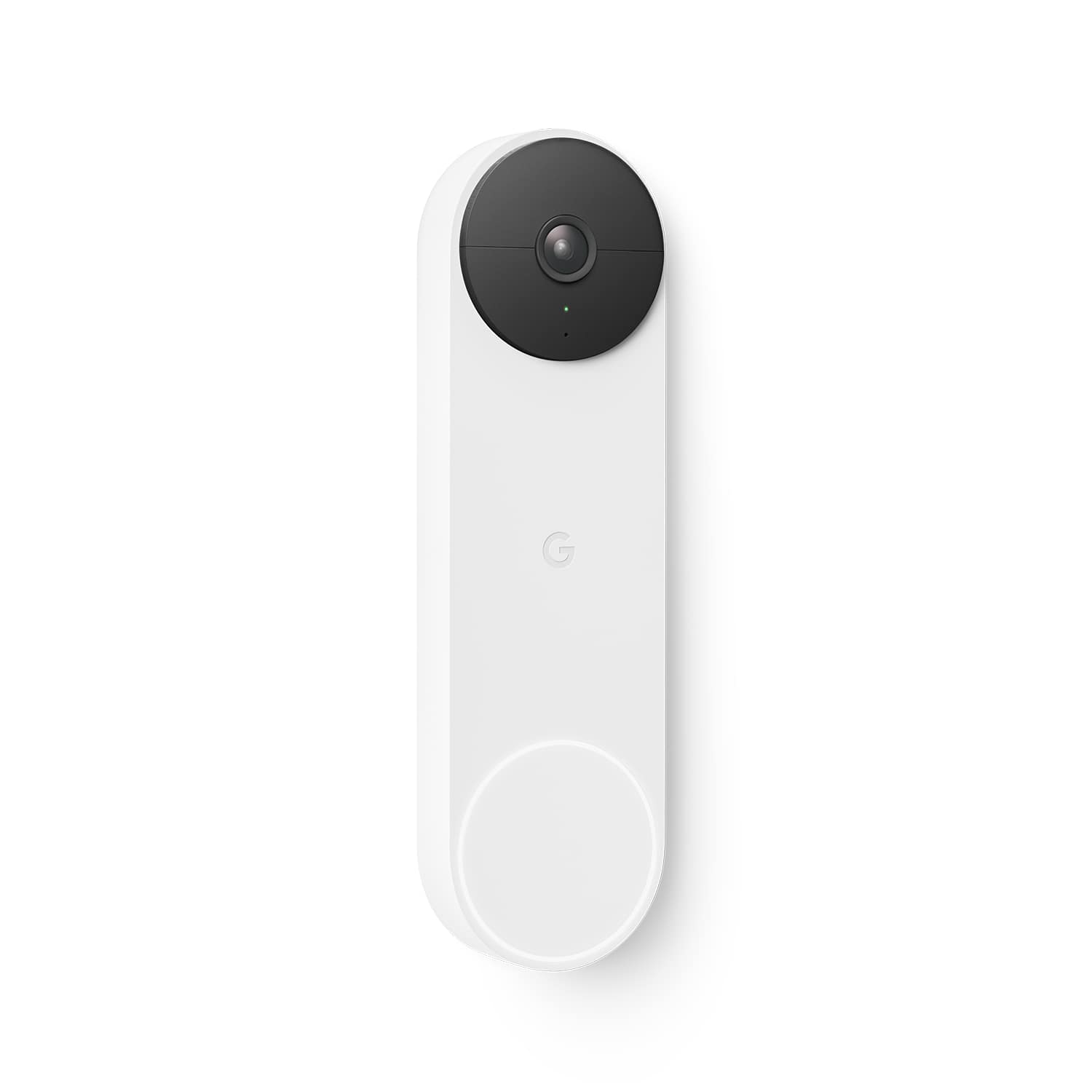
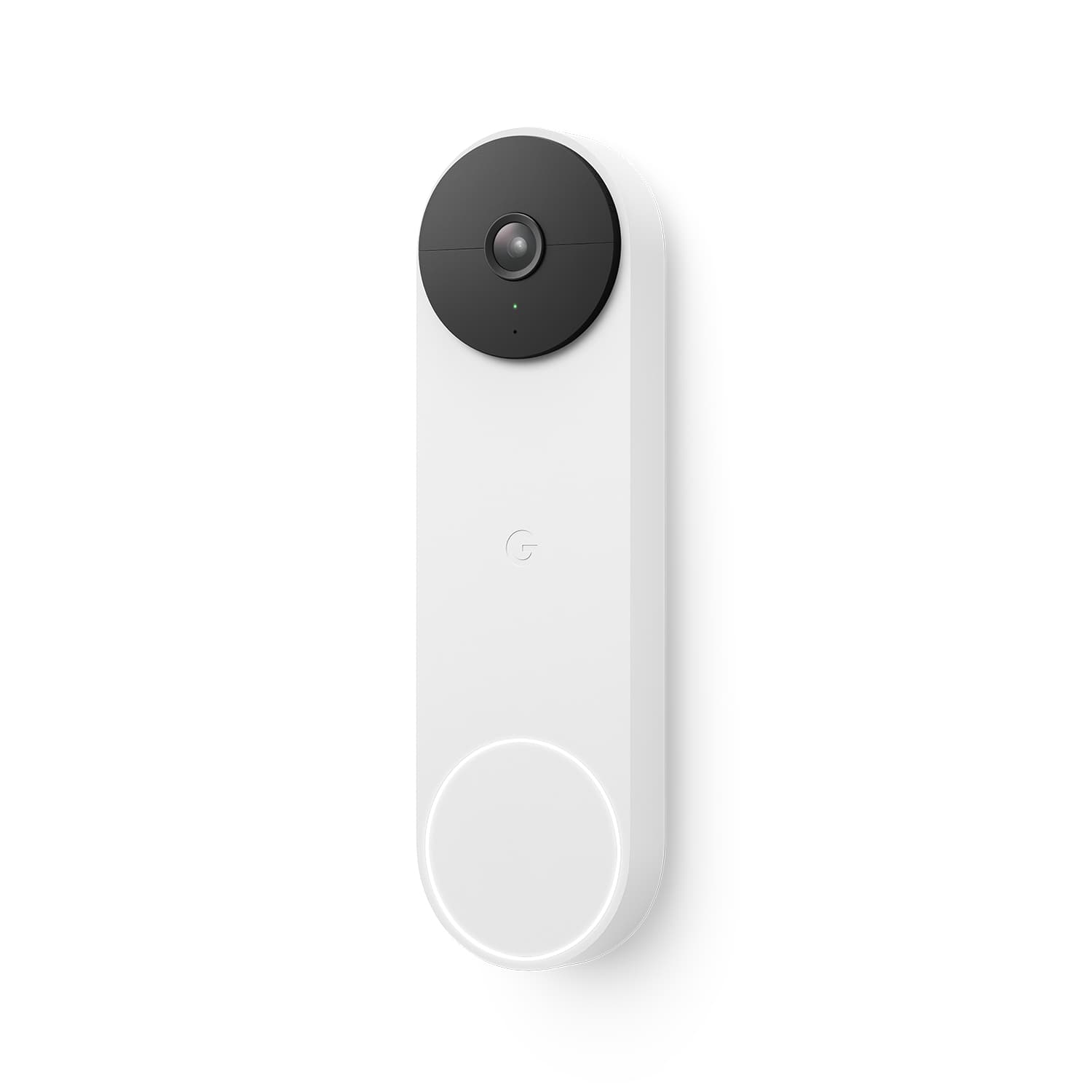
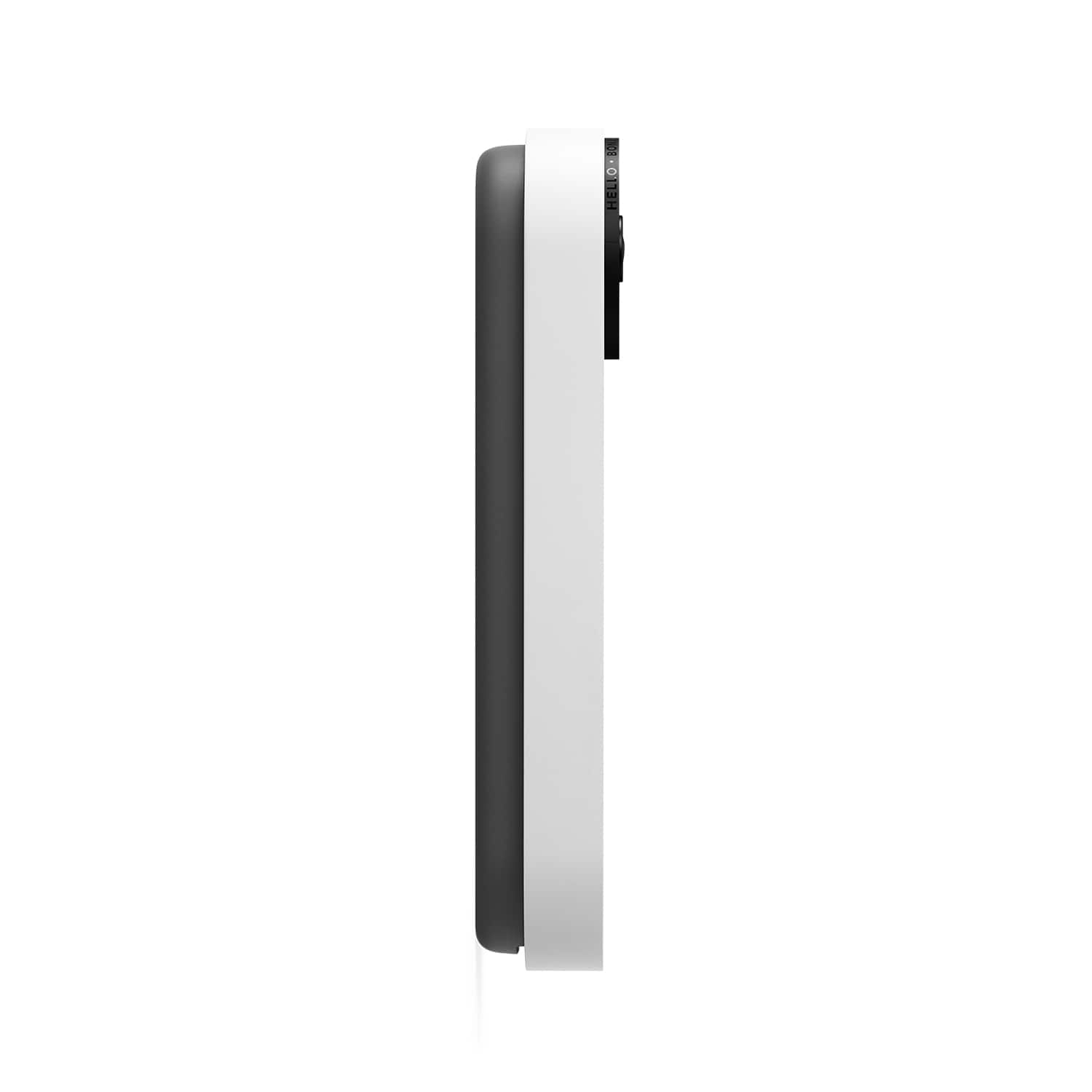
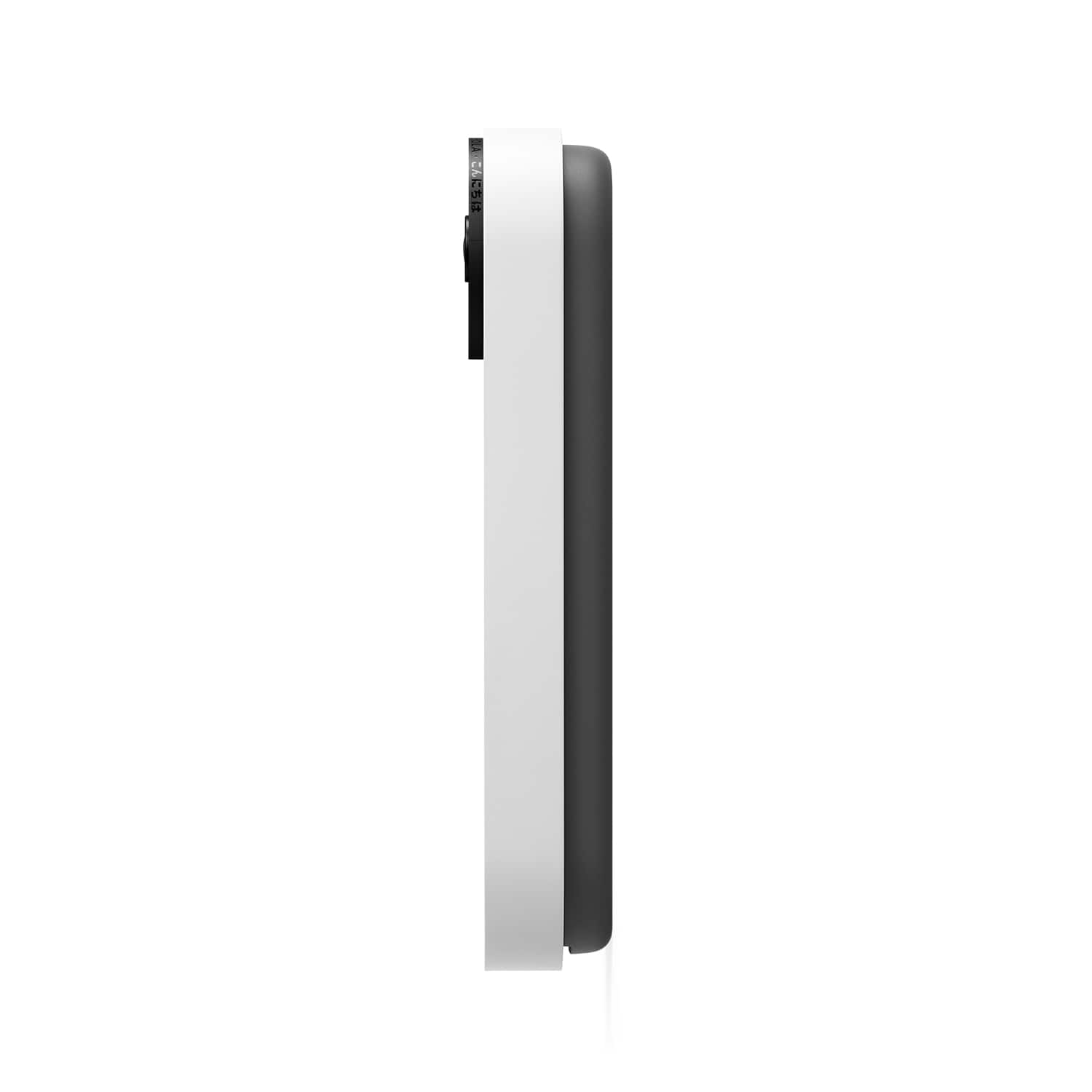




- Model:
- GA01318-US
- SKU:
- 11123926
Rating by feature
- Video Quality
Rating 4.6 out of 5 stars
- Mobile App
Rating 4.4 out of 5 stars
- Sound Quality
Rating 4.5 out of 5 stars
- Pros mentioned:Overall performance
Worth it's weight in gold!
||Posted . Owned for 1 week when reviewed.This reviewer received promo considerations or sweepstakes entry for writing a review.I love Google products, and this one is one of the best!
I would recommend this to a friend - Pros mentioned:Overall performance
Great product
||Posted . Owned for 4 months when reviewed.This reviewer received promo considerations or sweepstakes entry for writing a review.Good product and does what I need it to do when looking at my front door.
I would recommend this to a friend - Pros mentioned:Installation
Easy and Convenient
||Posted . Owned for 1 month when reviewed.This reviewer received promo considerations or sweepstakes entry for writing a review.setup and i stallation was super easy and does everything i need it to do
I would recommend this to a friend - Pros mentioned:Ease of use
Google doorbell
||Posted .This reviewer received promo considerations or sweepstakes entry for writing a review.Well worth the price. Very easy to use and install. It’s cheaper than the ring and does the same exact thing
I would recommend this to a friend - Pros mentioned:Overall performance
3
||Posted . Owned for 3 months when reviewed.This reviewer received promo considerations or sweepstakes entry for writing a review.Awesomeness purchase for the dynam8c of my home. Hubby loves it ans the children cant yet enough.
I would recommend this to a friend - Pros mentioned:Overall performance
Mimi door bell
||Posted . Owned for 1 month when reviewed.This reviewer received promo considerations or sweepstakes entry for writing a review.Works like a charm. Everyone is happy with the purchase
I would recommend this to a friend - Pros mentioned:Video quality
Catch
||Posted . Owned for 7 months when reviewed.This reviewer received promo considerations or sweepstakes entry for writing a review.Camera catches and screens anyone anytime at doorstep.
I would recommend this to a friend - Pros mentioned:Video quality
Great Product
||Posted . Owned for less than 1 week when reviewed.This reviewer received promo considerations or sweepstakes entry for writing a review.Excellent product, easy to DIY install. Great addition to Google Home network at my house. Picture is crisp.
I would recommend this to a friend - Pros mentioned:Video quality
Peek a boo...i see you!
||Posted . Owned for 1 month when reviewed.This reviewer received promo considerations or sweepstakes entry for writing a review.Great product. Battery has lasted over a month and captures quality videos. Adds an element of security.
I would recommend this to a friend - Pros mentioned:Ease of use
Great video doorbell
||Posted . Owned for 1 week when reviewed.This reviewer received promo considerations or sweepstakes entry for writing a review.First video doorbell for me and so far so good. Easy to view package and people. Easy set up
I would recommend this to a friend - Pros mentioned:Video quality
Google nest doorbell
||Posted . Owned for 1 month when reviewed.This reviewer received promo considerations or sweepstakes entry for writing a review.Have other caneras an this is clearedt an best sound
I would recommend this to a friend - Pros mentioned:Installation
Great product by google
||Posted .This reviewer received promo considerations or sweepstakes entry for writing a review.I love this product. Easy installation. alerts are way faster than any other door bell products. Love this product.
I would recommend this to a friend - Cons mentioned:Battery life
Worth every penny
||Posted . Owned for 7 months when reviewed.This reviewer received promo considerations or sweepstakes entry for writing a review.I love the best doorbell. Other then the charging part everything is fantastic
I would recommend this to a friend - Pros mentioned:Video quality
So good i bought two
||Posted . Owned for 2 weeks when reviewed.This reviewer received promo considerations or sweepstakes entry for writing a review.Best out there. Way better than ring doorbell cameras.
I would recommend this to a friend - Pros mentioned:Video quality
Google camara
||Posted . Owned for 1 month when reviewed.This reviewer received promo considerations or sweepstakes entry for writing a review.A great camara to have at your front door. I love it
I would recommend this to a friend - Pros mentioned:Overall performance
Nest doorbell
||Posted . Owned for 1 week when reviewed.This reviewer received promo considerations or sweepstakes entry for writing a review.This was a great replacement from our Vivint doorbell that did not work very well.
I would recommend this to a friend - Pros mentioned:Ease of use
Great
||Posted . Owned for 9 months when reviewed.This reviewer received promo considerations or sweepstakes entry for writing a review.Amazing camera! Easy setup and very pleased with this purchase.
I would recommend this to a friend - Pros mentioned:Overall performance
You
||Posted . Owned for 1 month when reviewed.This reviewer received promo considerations or sweepstakes entry for writing a review.Nice device…………………………………………………………………………..,.,,,,,,,,
I would recommend this to a friend - Cons mentioned:Battery life
Mediocre
||Posted . Owned for 1 month when reviewed.This reviewer received promo considerations or sweepstakes entry for writing a review.Honestly, i would get the wired version of the doorbell. The battery version is slow and the camera isnt continuously recording. It feels like a giant waste of money.
No, I would not recommend this to a friendBrand response from Nest Support
Posted .Hi there, SSzymanski. Thanks for sharing your insights with us. We're sorry to hear that you're experiencing these issues with your Nest Doorbell (Battery).
If you're experiencing delays between your camera’s live video stream and what’s happening in real-time, we recommend trying some steps below that may be helpful with the issue:
- If you have a lot of open apps on your phone, they can slow down its overall performance. Try closing some apps, including the Home app, and then re-open only the app you need to view your video.
- If the delay is 10 seconds or more and it happens after you’ve been watching a video for a long time, go back to the app’s home screen and tap on your camera again to refresh the connection.
- Try quitting the Home app and opening it again. If that doesn’t work, you can try restarting your phone or device you’re watching with.
- Your camera’s video can also be delayed by a slow network connection. Try checking for possible sources of wireless interference.
- Other devices in your home may be using a lot of bandwidth. You can temporarily stop a device’s bandwidth use manually by quitting an app or program, disconnecting it from Wi-Fi or ethernet, or by turning it off.
- The video can be delayed if your camera, phone, tablet or computer is connected to a Wi-Fi extender, which adds extra relay time to any device that’s using it. In this case, connect your camera directly to your Wi-Fi router to help reduce the delay.
To optimize the battery life of your Nest doorbell, it offers event video history and will detect and capture important activity at your door, so you can focus on the details that need your attention. If you are interested in 24/7 continuous video history, consider one of our wired Nest cameras or Nest Doorbell (wired).
If you need further help with your Nest Doorbell (Battery), you may reach out to our support team via this help link: https://support.google.com/googlenest/gethelp
- Pros mentioned:Ease of use
I love this product!
||Posted . Owned for 1 month when reviewed.This reviewer received promo considerations or sweepstakes entry for writing a review.I love this product! Easy set up, easy connection, and connects with all my other smart google items.
I would recommend this to a friend