Customer Ratings & Reviews







- Model:
- M22f
- SKU:
- 11277484
Rating by feature
- Display Quality
Rating 4.8 out of 5 stars
- Ease of Use
Rating 4.8 out of 5 stars
- Features
Rating 4.7 out of 5 stars
Thin screen, stiff settings buttons easily damaged
||Posted . Owned for 9 months when reviewed.This reviewer received promo considerations or sweepstakes entry for writing a review.Buttons to change screen settings were so still that I had to hold the monitor to keep it from moving. This, in turn, caused flickering lines, which I later learned was a sign that I pressed too hard (no harder than I use on my many other devices). Lasted about 6 months.
No, I would not recommend this to a friendNot Windows 11 compatible
||Posted . Owned for 4 months when reviewed.This reviewer received promo considerations or sweepstakes entry for writing a review.Wasn't compatible with my Windows 11/Dell laptop. Screen would go black for about a minute at a time Disappointing and a hassle to return.
No, I would not recommend this to a friendDo not purchase
||Posted . Owned for 1 month when reviewed.This reviewer received promo considerations or sweepstakes entry for writing a review.Extremely grainy image. Not worth the purchase. Looks sleek, but everything is barely readable after adjusting the sharpness and contacting Geek Squad.
No, I would not recommend this to a friendBad monitor
||Posted . Owned for 1 month when reviewed.This reviewer received promo considerations or sweepstakes entry for writing a review.Monitor has been beeping at random times. No chance to get it back to store and now will have to hassle with sending back to HP. VERY Inconvenient.
No, I would not recommend this to a friendStop working after 2 months!
||Posted . Owned for 1 month when reviewed.This reviewer received promo considerations or sweepstakes entry for writing a review.Stop working after 2 months. Changed HDMI cable, nothing changed.
No, I would not recommend this to a friendScreen Goes On and Off
||Posted . Owned for 9 months when reviewed.This reviewer received promo considerations or sweepstakes entry for writing a review.Don’t waste your hard earned money on this monitor. Screen goes on and off continuously. Very frustrating.
No, I would not recommend this to a friendNo
||Posted . Owned for less than 1 week when reviewed.This reviewer received promo considerations or sweepstakes entry for writing a review.I be do not care for this monitor I e-commerce exchanged it for the Dell Monitor
No, I would not recommend this to a friendBadly packaged
||Posted . Owned for 1 month when reviewed.This reviewer received promo considerations or sweepstakes entry for writing a review.Received it and it was shattered I never had a chance to use it
No, I would not recommend this to a friendNOT in "Excellent" condition.
||Posted . Owned for 1 week when reviewed.This reviewer received promo considerations or sweepstakes entry for writing a review.Purchased this monitor as an "Open Box - Excellent Condition" item. I'm usually happy with Best Buy's open box items but this was not in "Excellent" condition. It was not in it's original box, contained no manuals of paperwork, was missing the HDMI cable, had noticeable wear and tear (scuff marks), and had gooey residue along the right side of the monitor. The various parts were just tossed together in a make-shift box (two boxes taped to together) along with some bubble wrap.
No, I would not recommend this to a friendstand is wobbly. monitor is good.
||Posted . Owned for 3 weeks when reviewed.This reviewer received promo considerations or sweepstakes entry for writing a review.the stand is wobbly. the monitor is good. the stand needs to be better.
No, I would not recommend this to a friendGood but...
||Posted . Owned for 1 month when reviewed.This reviewer received promo considerations or sweepstakes entry for writing a review.Its good but after a while it randomly started to turn black for a couple seconds and started working fine (It happens a lot of times) NOT REALLY OFTEN.
I would recommend this to a friendEpic fail
||Posted . Owned for 1 month when reviewed.This reviewer received promo considerations or sweepstakes entry for writing a review.Monitor didn’t work…returning it. The display was clear only in the upper right corner. The rest of the display was filled with multi-colored lines. Disappointed in HP this time!
No, I would not recommend this to a friendScreen is flikering with colors
||Posted . Owned for 6 months when reviewed.This reviewer received promo considerations or sweepstakes entry for writing a review.Screen is flickering with colors after 6 months of purchase. Not expected this from HP.
No, I would not recommend this to a friendNot GOOD!!!
||Posted . Owned for 4 months when reviewed.This reviewer received promo considerations or sweepstakes entry for writing a review.Lasted 3 months, screen started shorting out. Static flooding screen.
No, I would not recommend this to a friendWrong for the PC I have.
||Posted . Owned for 3 weeks when reviewed.This reviewer received promo considerations or sweepstakes entry for writing a review.After 6 trips to the store to find what I needed to make this work, I still had to return everything and start all over. Different connectors , plugs and so on..
No, I would not recommend this to a friendDefective product
||Posted .This reviewer received promo considerations or sweepstakes entry for writing a review.This item was defective and caused me many diagnostic problems.
No, I would not recommend this to a friendget a clue
||Posted . Owned for 1 month when reviewed.This reviewer received promo considerations or sweepstakes entry for writing a review.Did not purchase don't know why you are adding this
I would recommend this to a friendNot a great buy
||Posted . Owned for 1 month when reviewed.This reviewer received promo considerations or sweepstakes entry for writing a review.Will not turn on 5 months after purchase. Pretty disappointed.
No, I would not recommend this to a friend- Pros mentioned:WeightCons mentioned:Speakers, Vesa mount

Great Color Accuracy, Lightweight, Slim Bezel
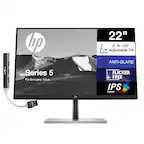
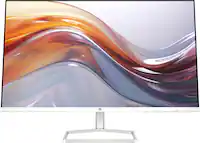
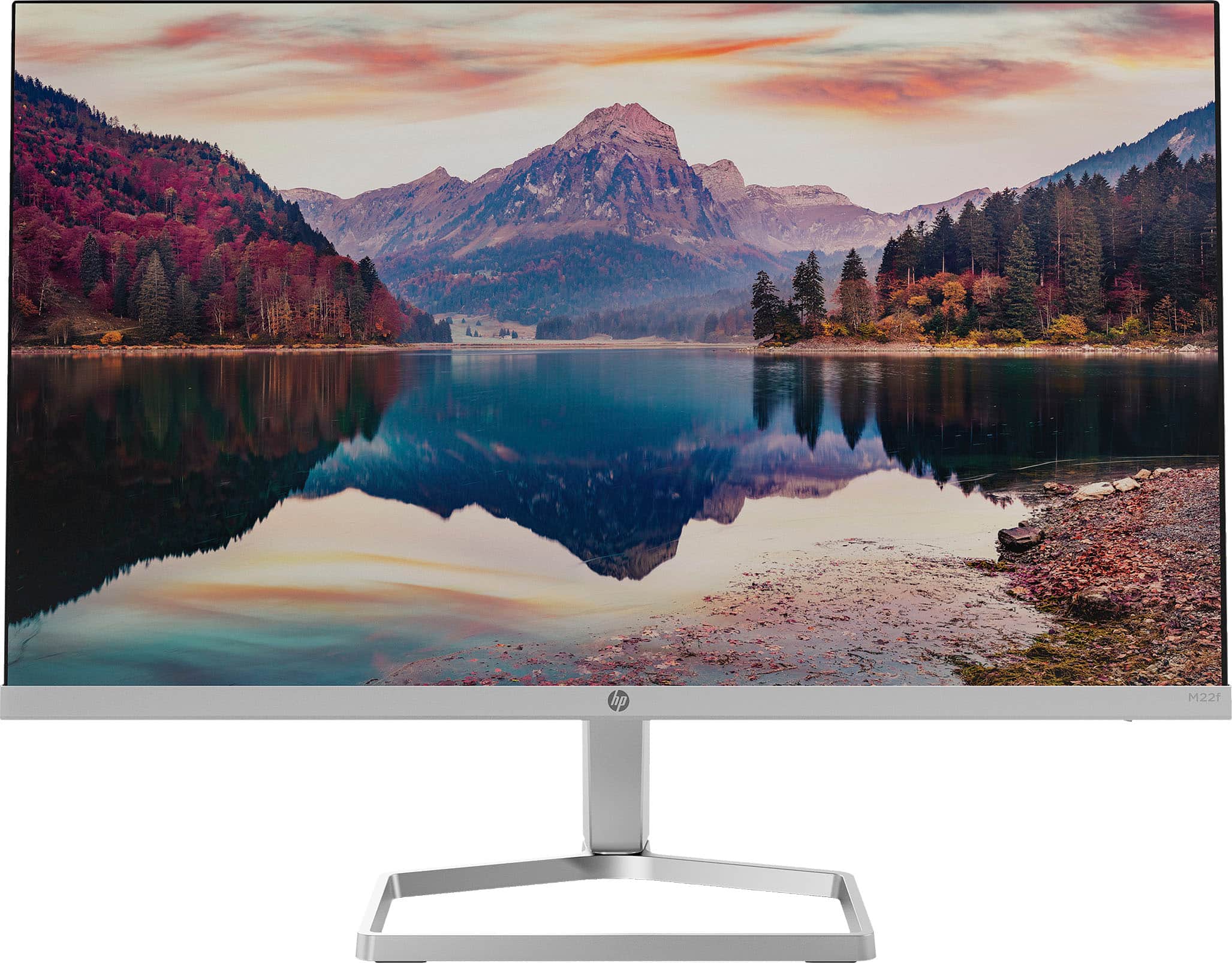
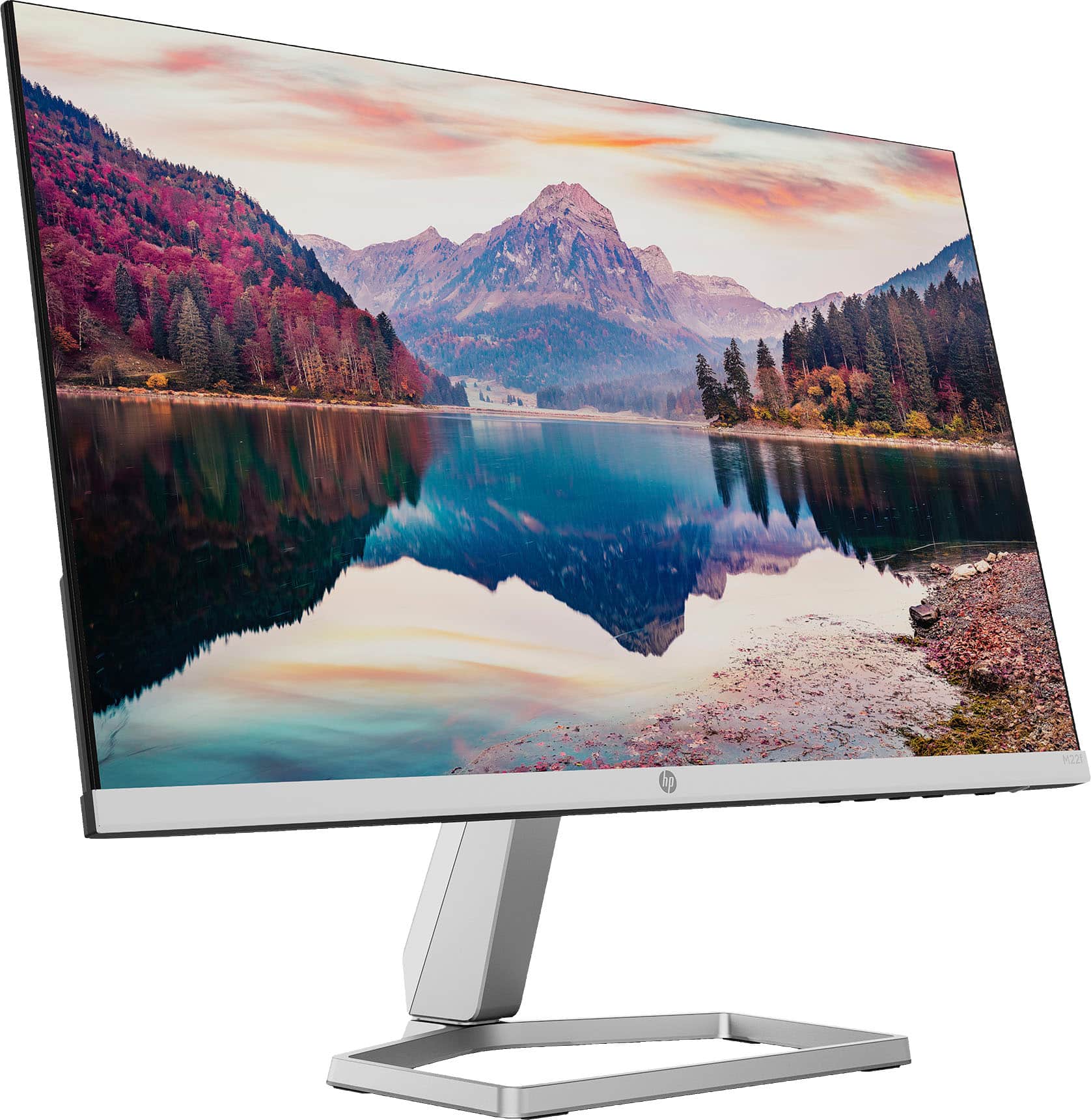
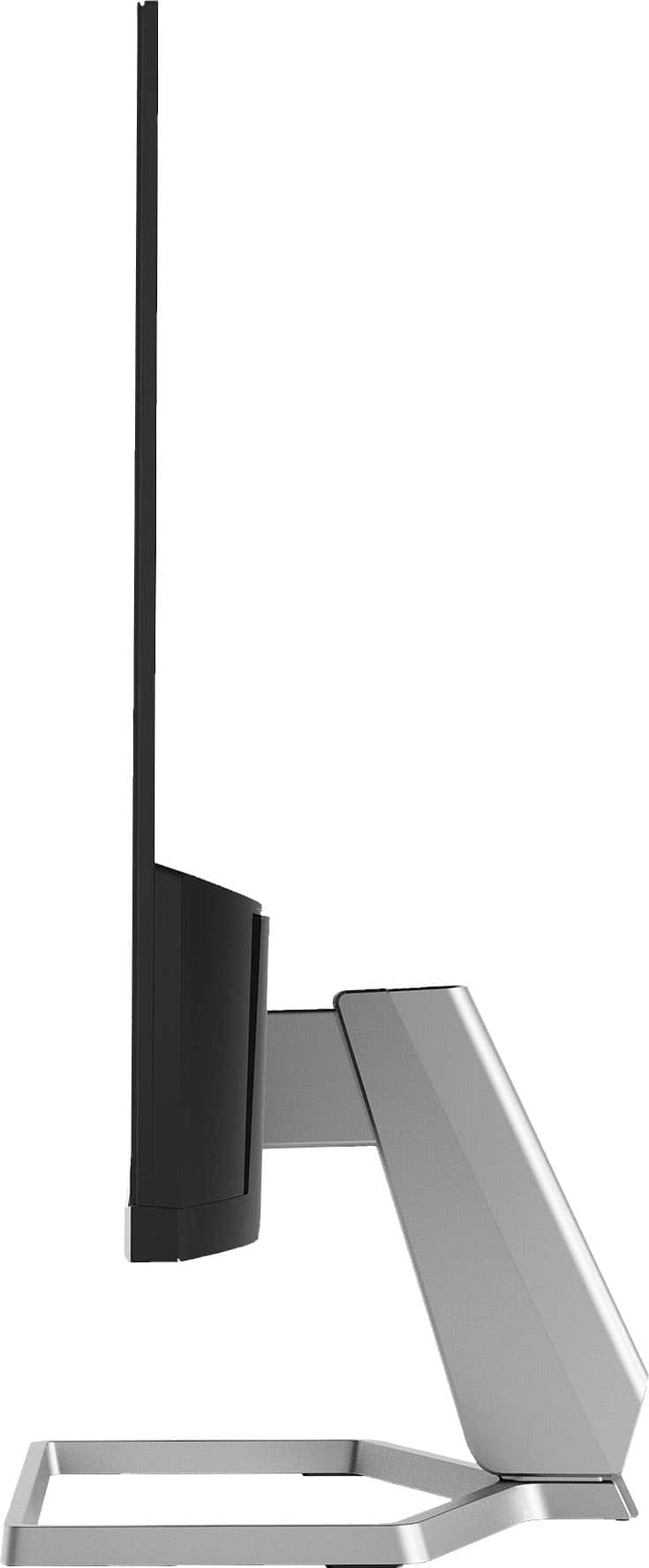
|Posted .This reviewer received promo considerations or sweepstakes entry for writing a review.I really love this HP IPS 1080 monitor. The color accuracy is noticeably good. HP has something called "EyeSafe" which in English means it has low blue light. In all-day use, I've found it comfortable. Design-wise, the monitor has very thin bezels and is super lightweight. The stand is not height adjustable and there's no VESA mount but if you're keen and have access to a 3D printer, you can 3D print a VESA adapter. Other things to know. HP included an HMDI cable in the box. The AC power is brick style. There's no audio/speakers but it does support AMD FreeSync.
I would recommend this to a friend - Pros mentioned:Screen sizeCons mentioned:Vesa mount
Good, but not perfect
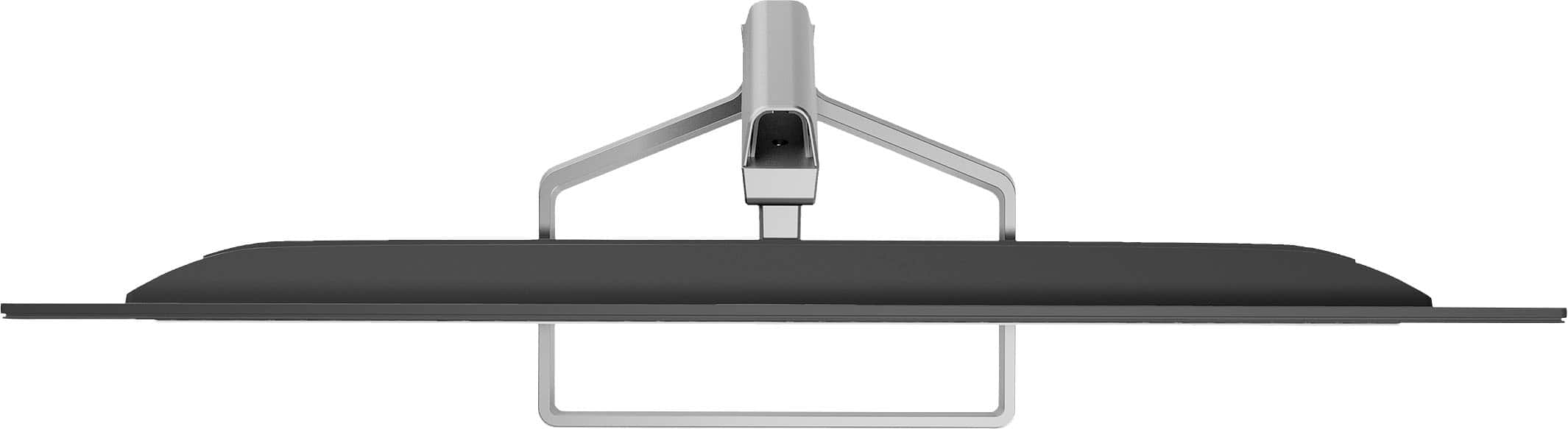
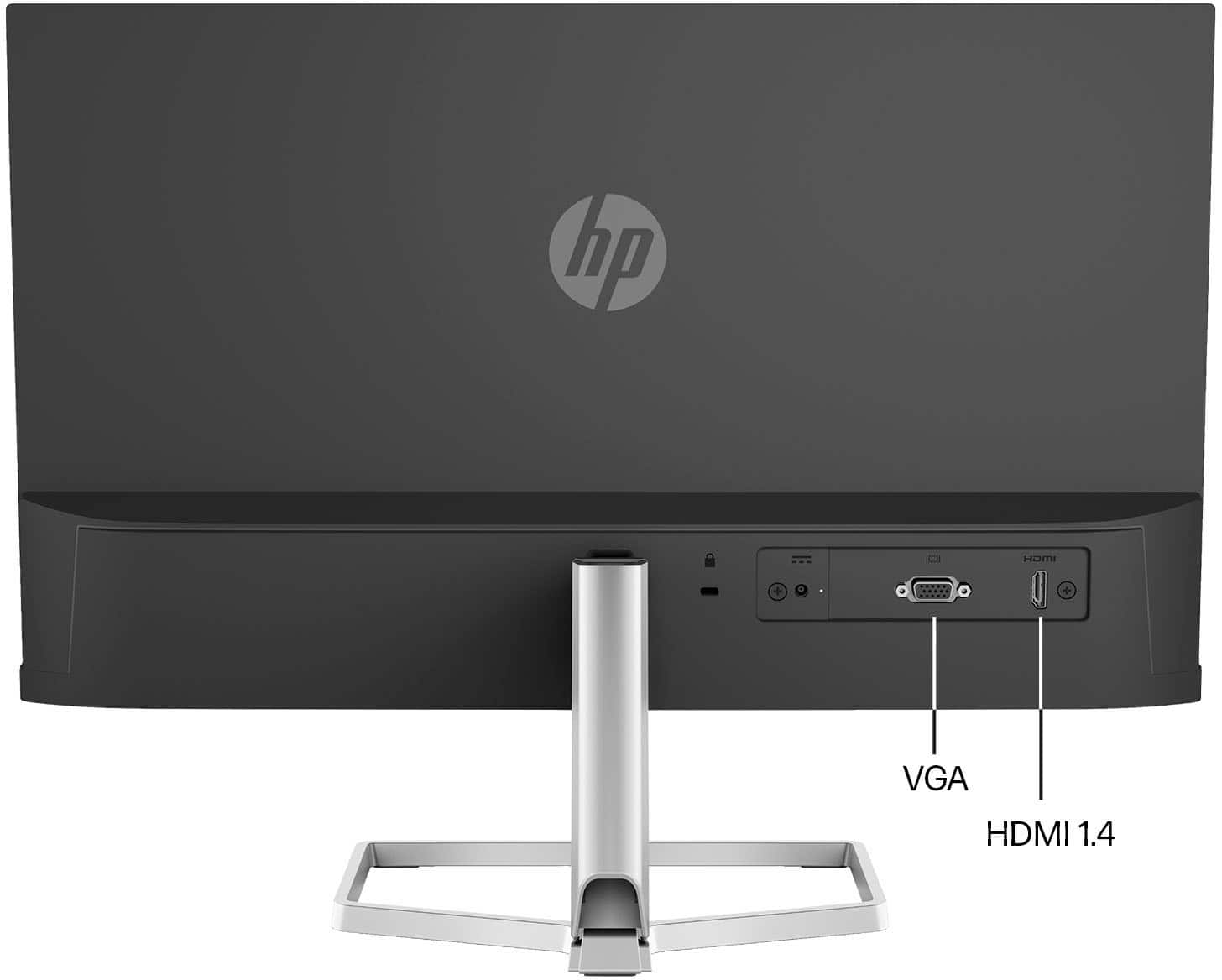
|Posted .This reviewer received promo considerations or sweepstakes entry for writing a review.The video quality on this monitor is top notch, and that is the most important thing. And extremely thin screen, but with deep colors. and rapid response. No matter what I through at it, there was no flicker or delay in the picture display. From video, to games, to code, to documents... it all displayed great. It is a very LIGHT monitor. So one thing, in my usage, I was using it as an extended monitor for my laptop. I would occasionally hit it as I walked away from the table, and being it was so light, it would move... not a big deal if you are on a desk, but if you are going to use it where there is movement about, keep an eye. Comes with just an HDMI and a VGA connector options. VGA is still important to some users on older computers, or applications... so this may be a good option for them to have a modern monitor, with that older connection. The HDMI is just as easy to connect, right on the back... not on the side. Simple AND SMALL adapter, which is great. makes storage of that small power brick easy, and I will probably end-up 3M hooking it to the back of the monitor. Now this is where It looses a star for me. The integrated stand... So for basic usage, this is going t one fine for most. Real easy to put together, took all of 3 or 4 minutes... What it really needs is the standard VESA mounting screws, so that I can add this to a 3rd Party monitor stand. I would really love to use this monitor in the portrait mode (up and down), so I can have it right next to my 32" monitor on my main computer, as a second monitor. For Code review (for work) and chat (while game playing). Also for others, that have to raise and lower their monitor to get to a good visual site light (for neck and eye strain), will have to be created to get the moniotor up of their desk a bit. Overall, the visuals are stunning, usage it is easy. Just the stand / mount options are a bit lacking, which may not matter for most. A bonus plus, if you are looking for a new monitor for your older computer that uses VGA
I would recommend this to a friend