Customer Ratings & Reviews
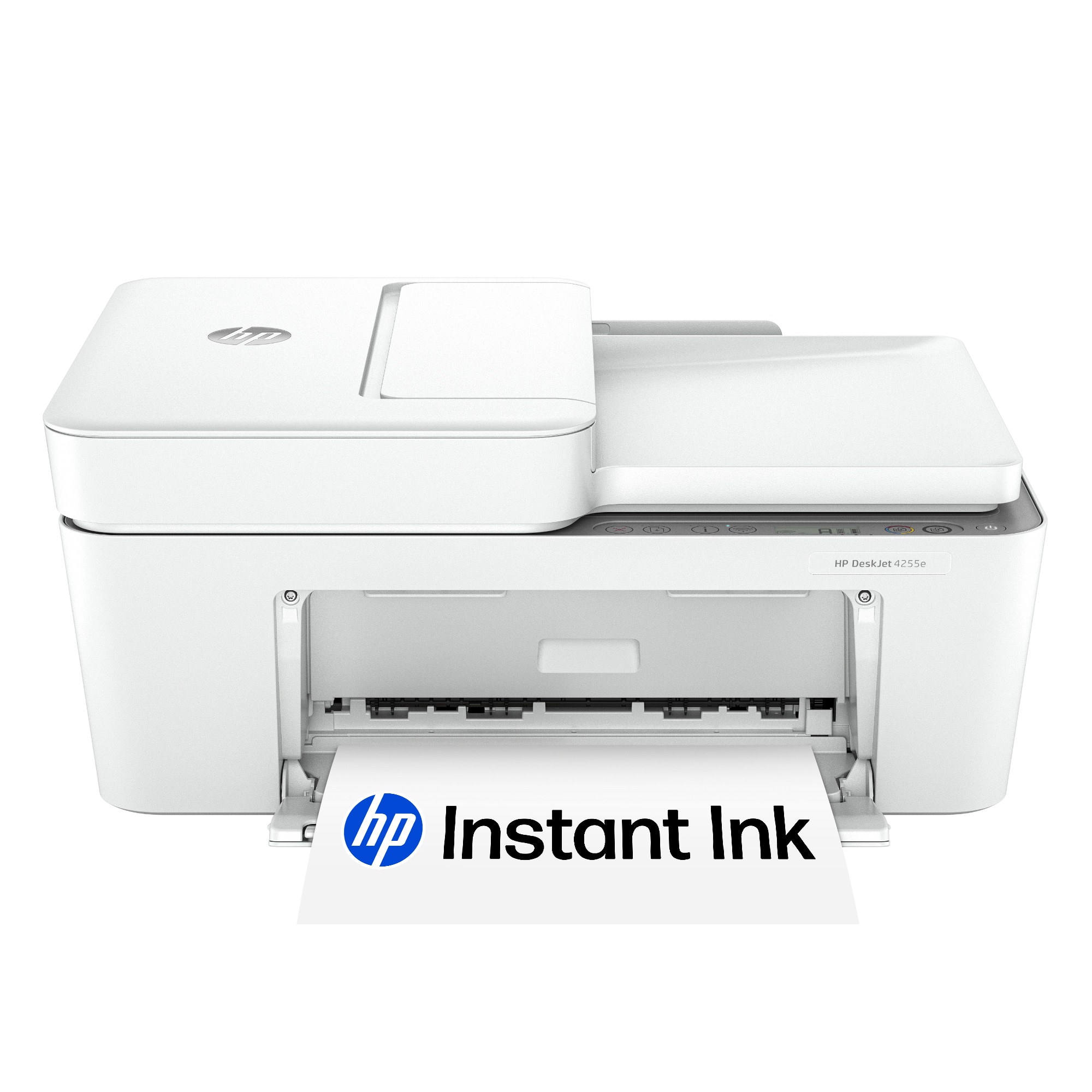

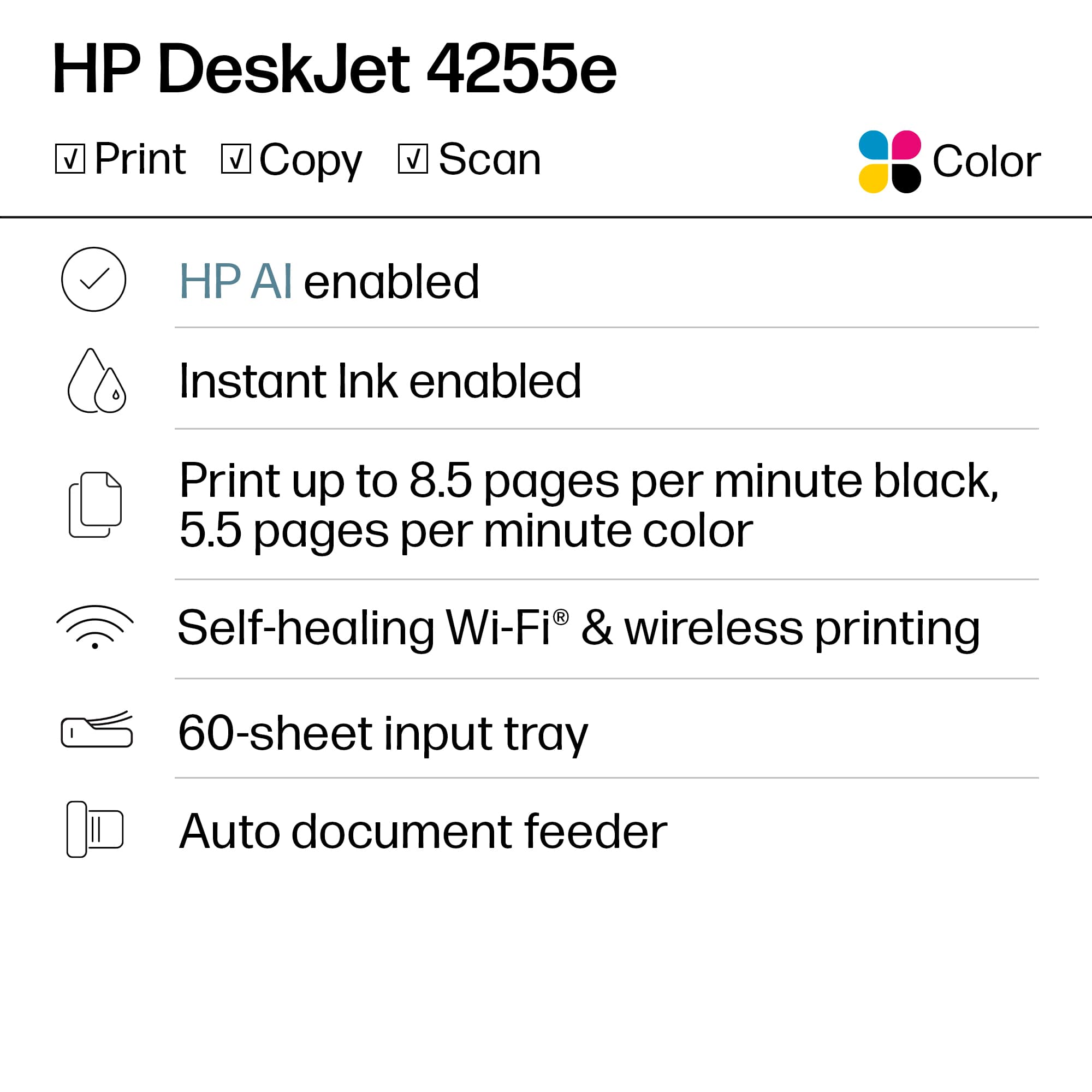
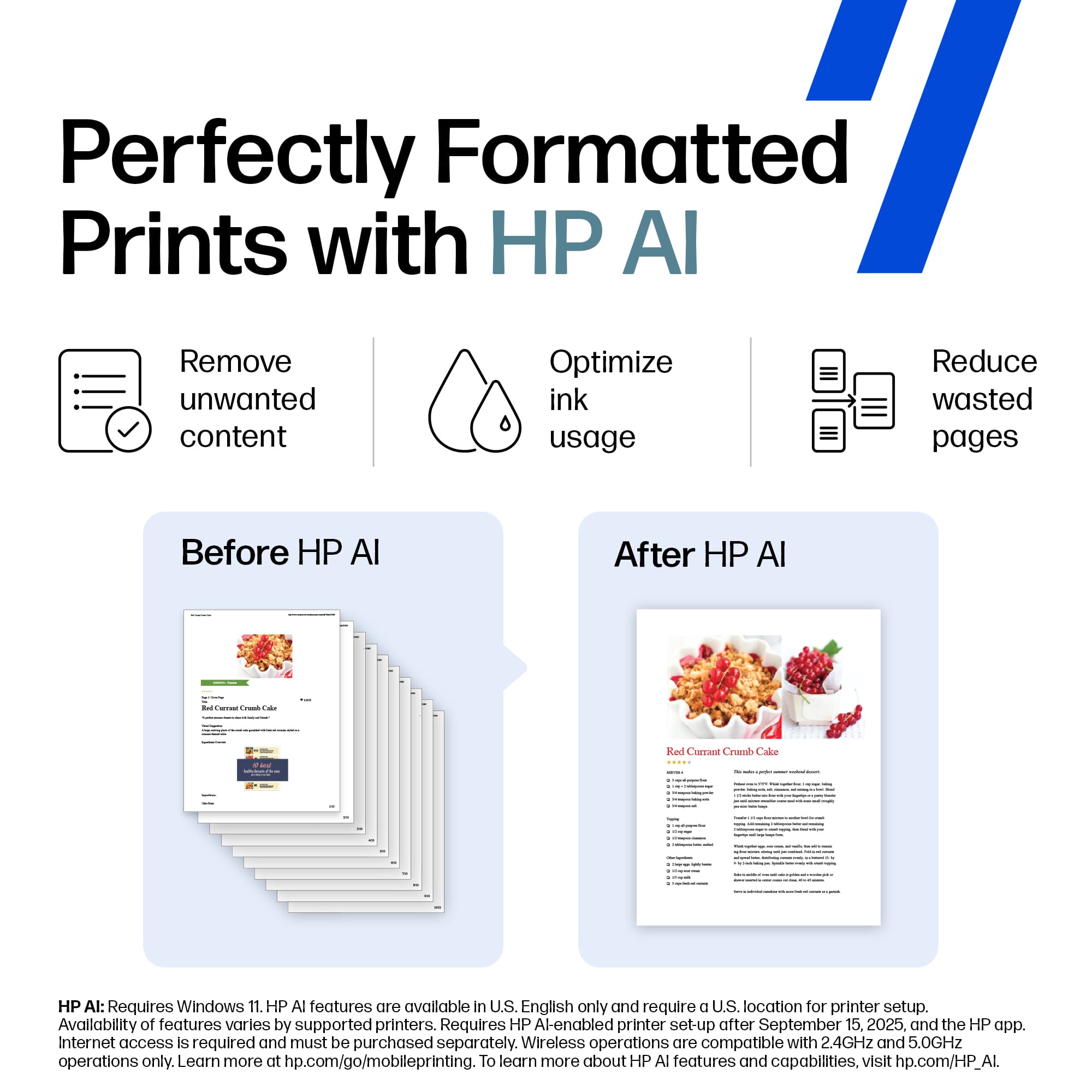
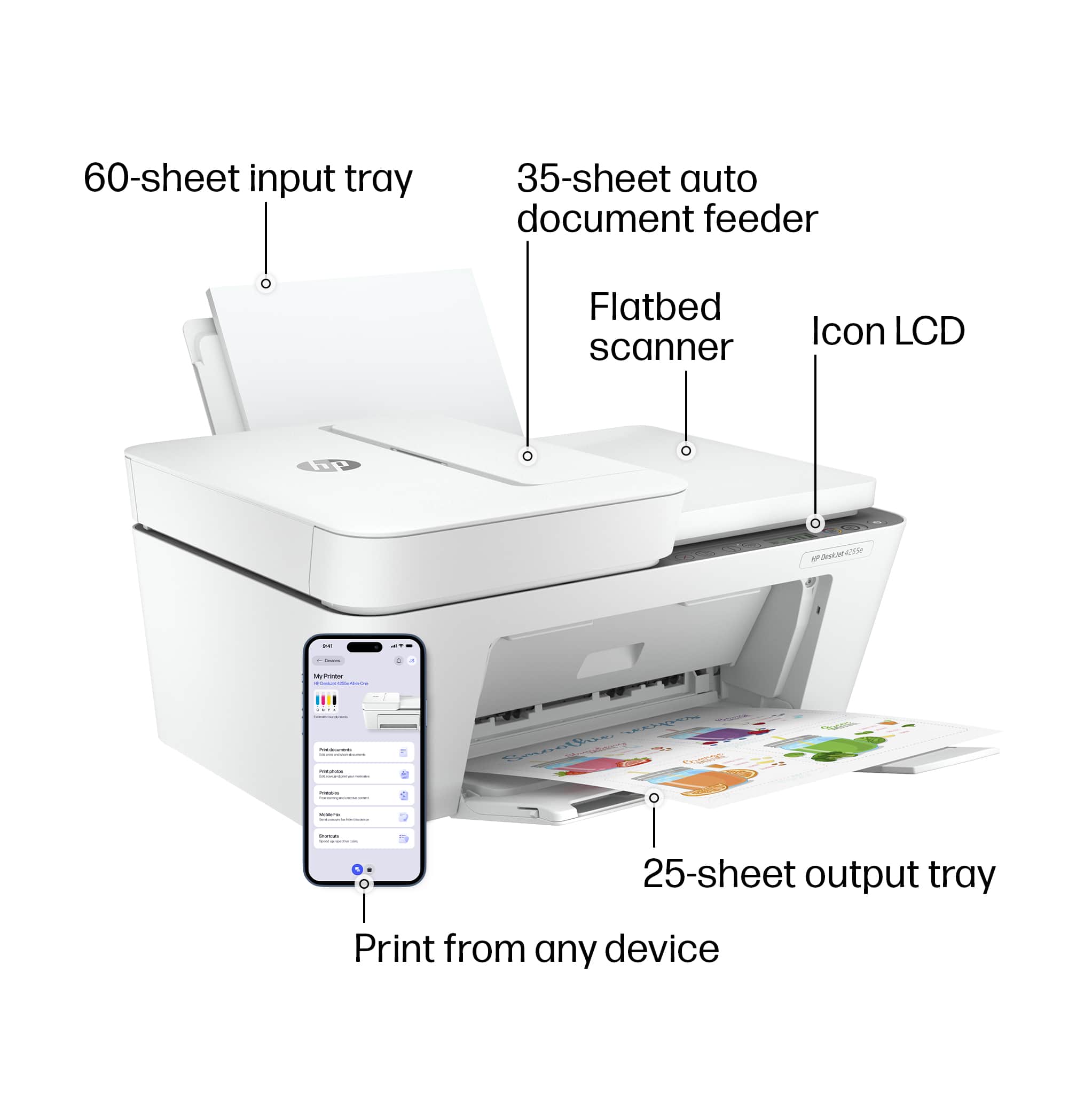



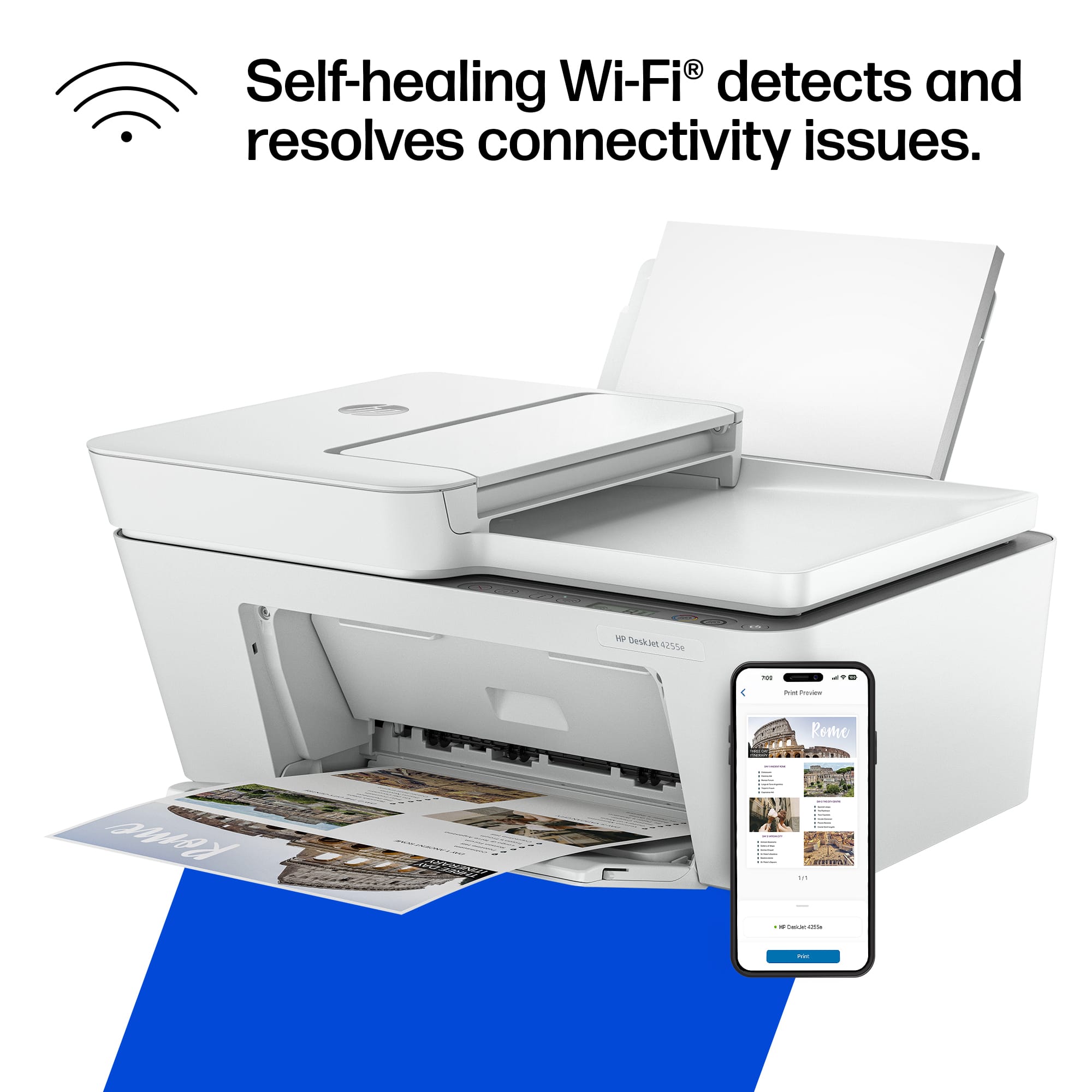


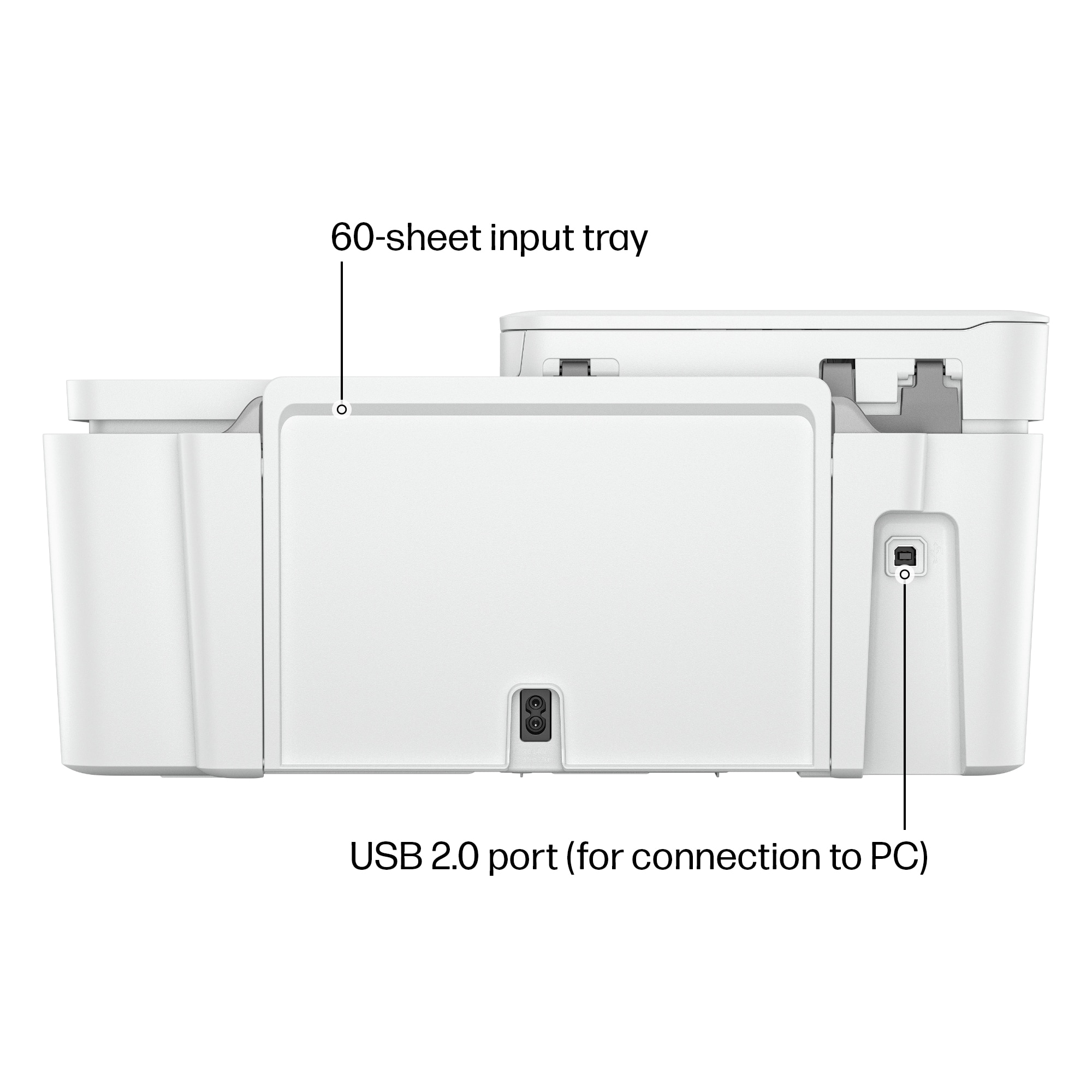

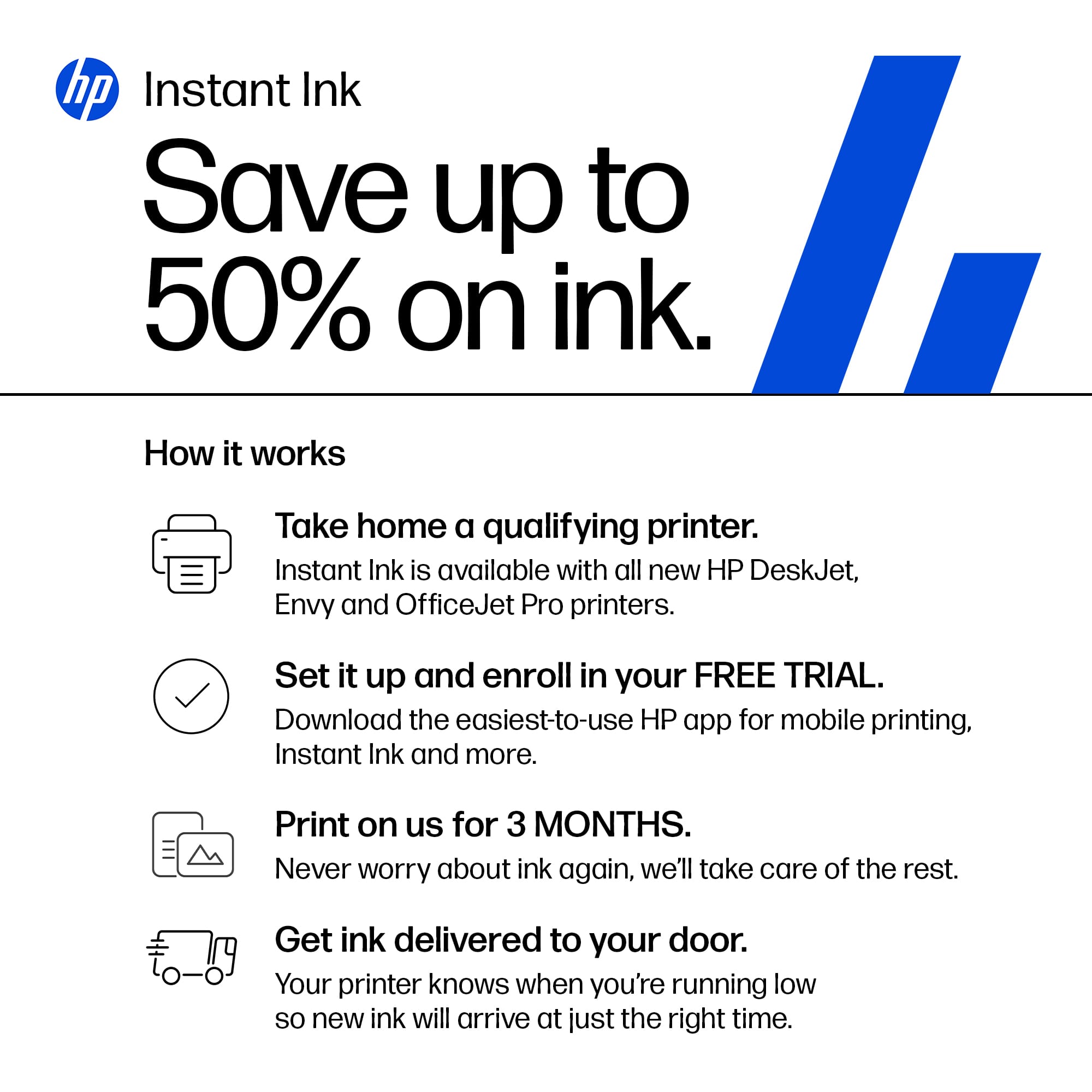

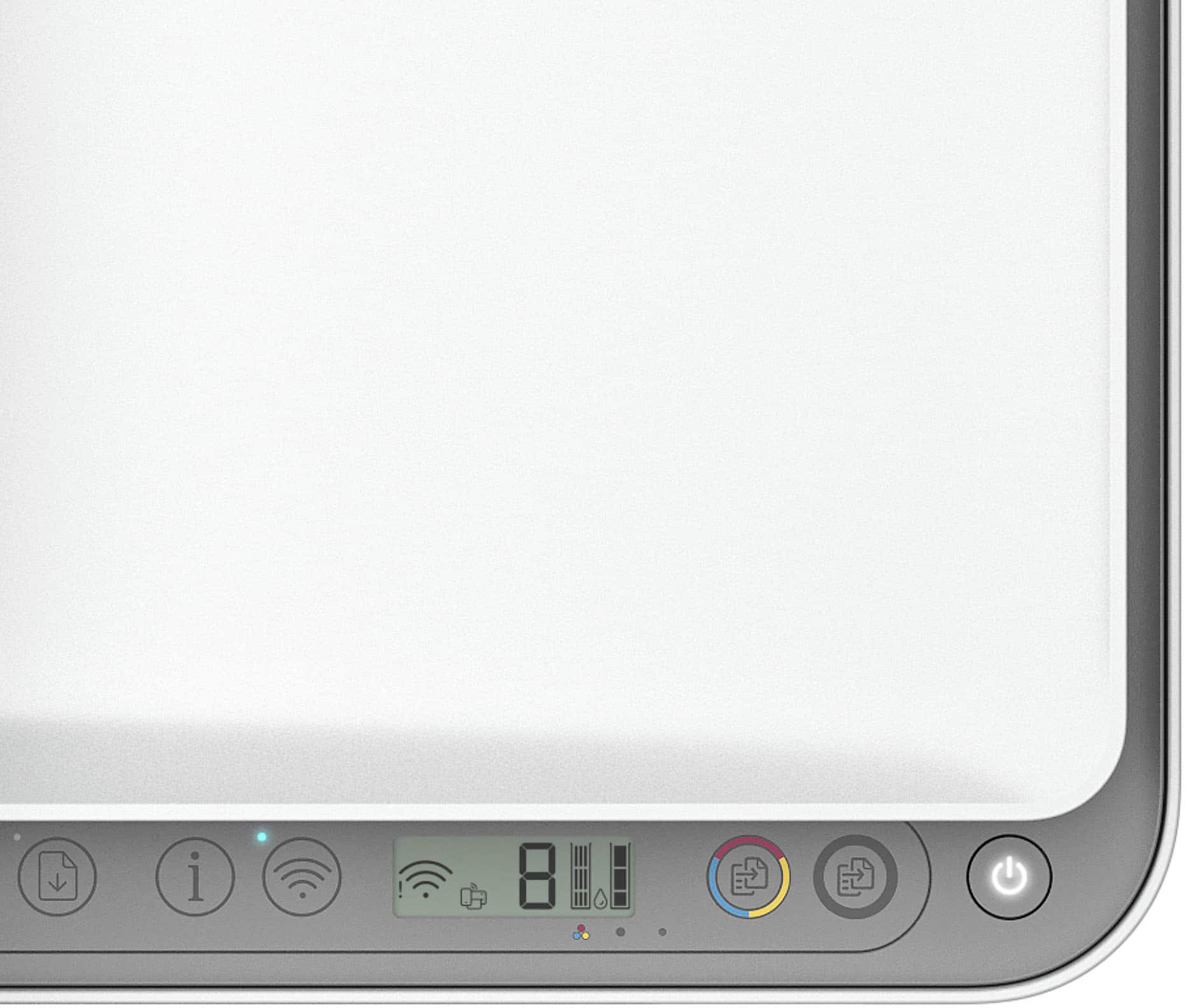
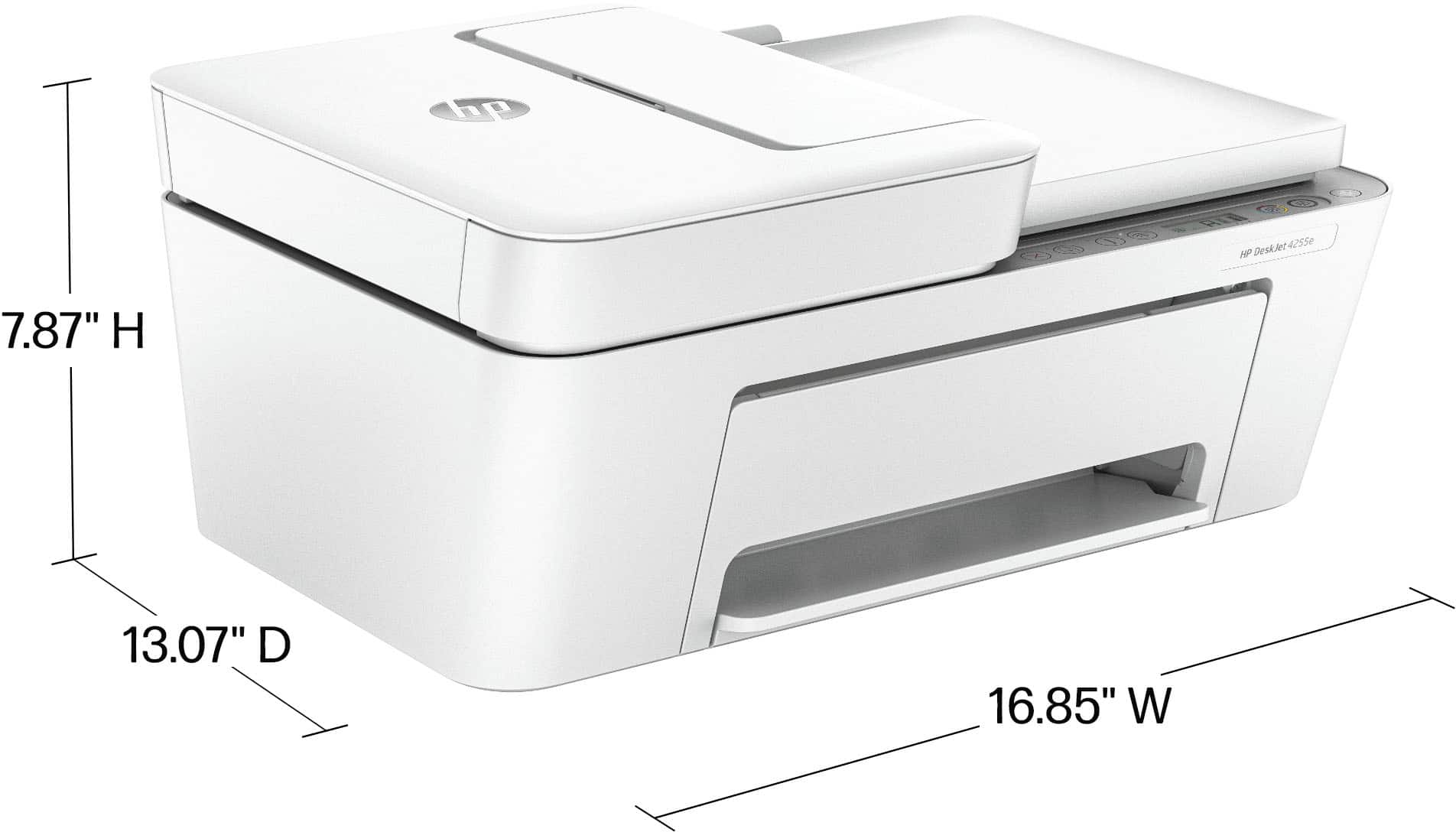


- Model:
- DJ 4255E/588S6A#B1H
- |
- SKU:
- 11006237
Customer reviews
Rating 4.2 out of 5 stars with 562 reviews
(562 customer reviews)Rating by feature
- Value4.4
Rating 4.4 out of 5 stars
- Quality4.3
Rating 4.3 out of 5 stars
- Ease of Use4.2
Rating 4.2 out of 5 stars
Rated 5 out of 5 stars
Great Product all around!
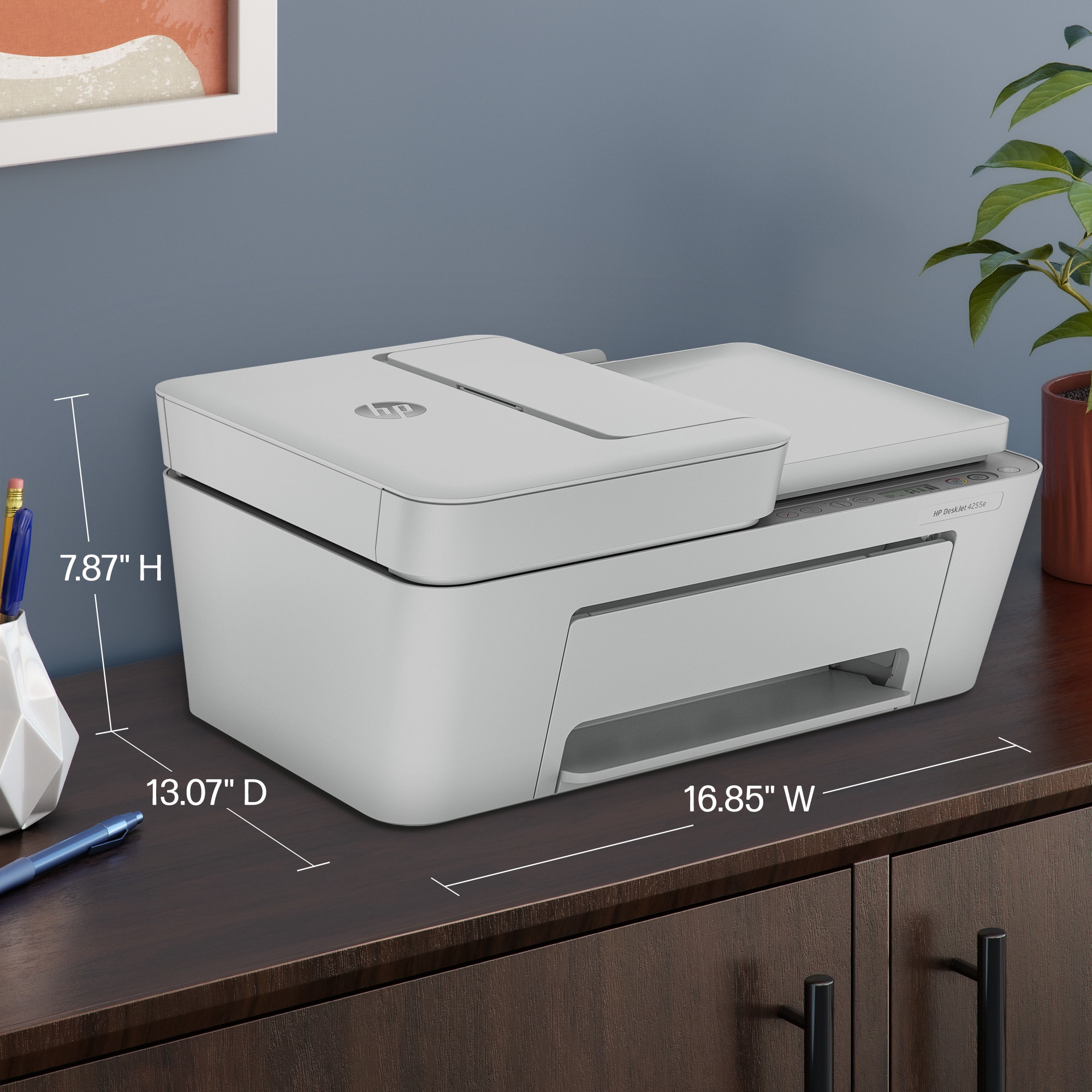
||Posted . Owned for 3 weeks when reviewed.This reviewer received promo considerations or sweepstakes entry for writing a review.Inexpensive, easy to setup, small footprint and attractive.
This review is from HP - DeskJet 4255e Wireless AI-Enabled All-in-One Inkjet Printer with 3 Months of Instant Ink (+1 Bonus Month of Ink w/ Code) - White
I would recommend this to a friendRated 5 out of 5 stars
irishlady
||Posted .This reviewer received promo considerations or sweepstakes entry for writing a review.Like it because it does both jobs of copying and printing. Easy to use and white so us old people can see buttons with no problem WHITE,WHITE,WHITE, I am changing all my technology to WHITE!
This review is from HP - DeskJet 4255e Wireless AI-Enabled All-in-One Inkjet Printer with 3 Months of Instant Ink (+1 Bonus Month of Ink w/ Code) - White
I would recommend this to a friendRated 4 out of 5 stars
Good value
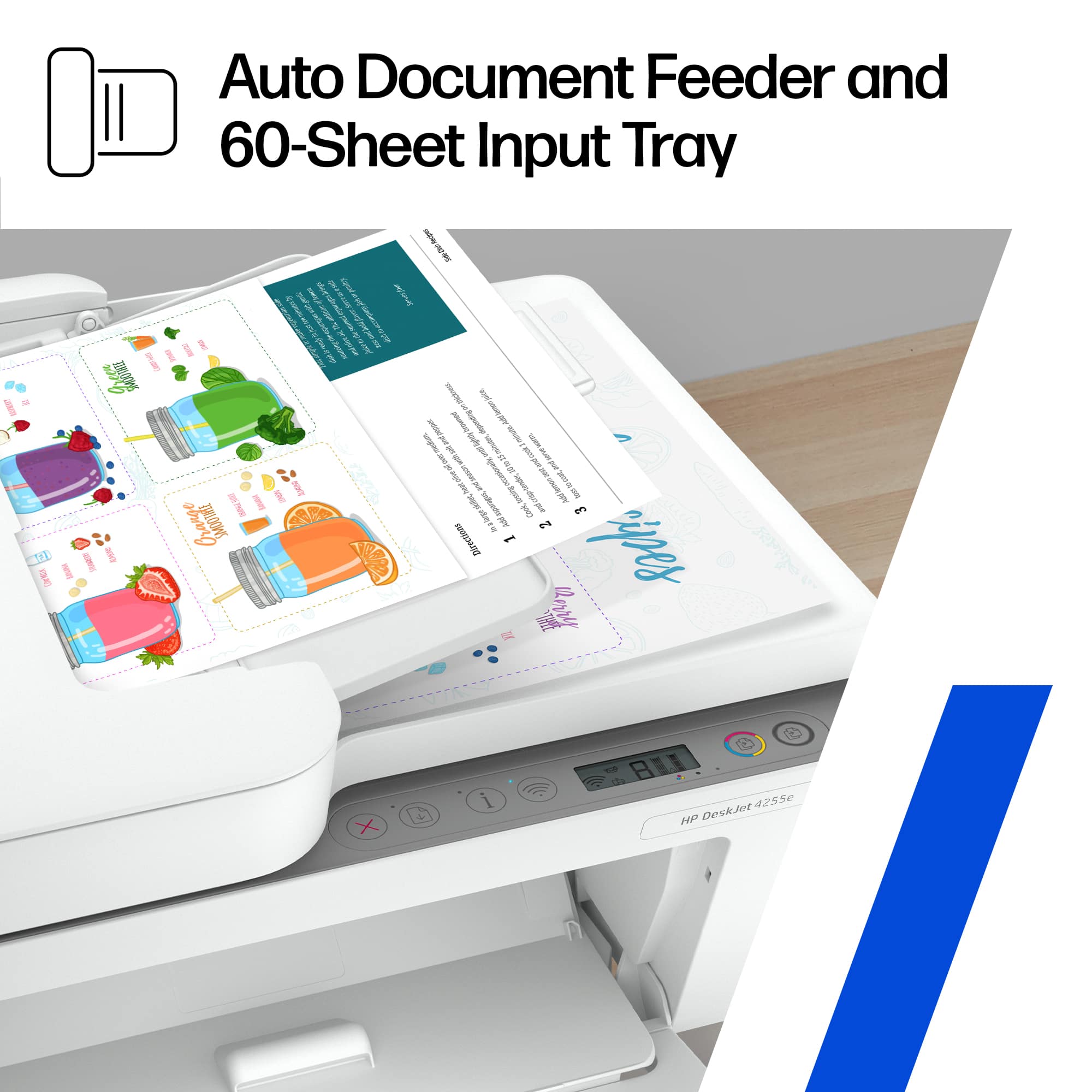
||Posted . Owned for 3 weeks when reviewed.This reviewer received promo considerations or sweepstakes entry for writing a review.Nice printer at the sale price of $90. Prints well and fairly fast. Good features especially the document feeder. Not a big fan of the gravity feed for paper. Prefer a tray feeder. Set up can be kind of difficult as the only way set up Wi-Fi is either through the H P smart app which works very well in detecting your WiFi network or the WiFi set up mode which only uses WPS and can be sometimes difficult.i wish HP had kept their old system and screen options. Was much easier IMO.
This review is from HP - DeskJet 4255e Wireless AI-Enabled All-in-One Inkjet Printer with 3 Months of Instant Ink (+1 Bonus Month of Ink w/ Code) - White
I would recommend this to a friendRated 4 out of 5 stars
Nice printer for the value and price
||Posted . Owned for 2 months when reviewed.This reviewer received promo considerations or sweepstakes entry for writing a review.This is a good printer, its easy to set up and use. It connects to the wifi, so one can use their phone and tablet to print with it as well as computer or laptop.
This review is from HP - DeskJet 4255e Wireless AI-Enabled All-in-One Inkjet Printer with 3 Months of Instant Ink (+1 Bonus Month of Ink w/ Code) - White
I would recommend this to a friendRated 5 out of 5 stars
Decent printer for the price
||Posted . Owned for 2 weeks when reviewed.This reviewer received promo considerations or sweepstakes entry for writing a review.Easy set up works smoothly. No issues. Surprised by HP
This review is from HP - DeskJet 4255e Wireless AI-Enabled All-in-One Inkjet Printer with 3 Months of Instant Ink (+1 Bonus Month of Ink w/ Code) - White
I would recommend this to a friendRated 4 out of 5 stars
Printer
||Posted . Owned for 3 weeks when reviewed.This reviewer received promo considerations or sweepstakes entry for writing a review.I have had better printers with hp but for the price I got it for it's a good print will continue to buy hp
This review is from HP - DeskJet 4255e Wireless AI-Enabled All-in-One Inkjet Printer with 3 Months of Instant Ink (+1 Bonus Month of Ink w/ Code) - White
No, I would not recommend this to a friendRated 5 out of 5 stars
HP Pinter
||Posted . Owned for 1 month when reviewed.This reviewer received promo considerations or sweepstakes entry for writing a review.Easy to set up and use. Prints fast and reasonable price
This review is from HP - DeskJet 4255e Wireless AI-Enabled All-in-One Inkjet Printer with 3 Months of Instant Ink (+1 Bonus Month of Ink w/ Code) - White
I would recommend this to a friendRated 5 out of 5 stars
Love my HP DeskJet
||Posted .This reviewer received promo considerations or sweepstakes entry for writing a review.My new HP-DeskJet 4255e wireless All in one inkjet printer was very simple to set up and is extremely user friendly. I highly recommend this product to to anyone looking for a new All in one printer.
This review is from HP - DeskJet 4255e Wireless AI-Enabled All-in-One Inkjet Printer with 3 Months of Instant Ink (+1 Bonus Month of Ink w/ Code) - White
I would recommend this to a friend- Pros mentioned:Setup ease
Rated 5 out of 5 stars
Love my new printer
||Posted .This reviewer received promo considerations or sweepstakes entry for writing a review.I am 85 years old. Technology and I don't often get along but this was easy and works like a dream.
This review is from HP - DeskJet 4255e Wireless AI-Enabled All-in-One Inkjet Printer with 3 Months of Instant Ink (+1 Bonus Month of Ink w/ Code) - White
I would recommend this to a friend Rated 5 out of 5 stars
The primter
||Posted .This reviewer received promo considerations or sweepstakes entry for writing a review.Couldn’t be better for a home office. Very easy to use and space friendly
This review is from HP - DeskJet 4255e Wireless AI-Enabled All-in-One Inkjet Printer with 3 Months of Instant Ink (+1 Bonus Month of Ink w/ Code) - White
I would recommend this to a friendRated 5 out of 5 stars
HP printer
||Posted .This reviewer received promo considerations or sweepstakes entry for writing a review.Smooth functioning, not noisy, so far a good product. I recommend it!!
This review is from HP - DeskJet 4255e Wireless AI-Enabled All-in-One Inkjet Printer with 3 Months of Instant Ink (+1 Bonus Month of Ink w/ Code) - White
I would recommend this to a friendRated 4 out of 5 stars
Nice Product
||Posted . Owned for 1 week when reviewed.This reviewer received promo considerations or sweepstakes entry for writing a review.Nice product, nothing fancy,just what I needed dor occasional printing. No complaints at this time.
This review is from HP - DeskJet 4255e Wireless AI-Enabled All-in-One Inkjet Printer with 3 Months of Instant Ink (+1 Bonus Month of Ink w/ Code) - White
I would recommend this to a friendRated 5 out of 5 stars
Happy with my purchase
||Posted . Owned for 2 weeks when reviewed.This reviewer received promo considerations or sweepstakes entry for writing a review.Love my HP printers. Have had three thus far. I would only say that the longevity of the lower end printers should be upgraded. They are great for home use...for non working people... but seem to lose steam in a short amount of time. While the lower end home use non professional usage person may need a printer they should be able to last more than a year. Just saying...
This review is from HP - DeskJet 4255e Wireless AI-Enabled All-in-One Inkjet Printer with 3 Months of Instant Ink (+1 Bonus Month of Ink w/ Code) - White
I would recommend this to a friendRated 5 out of 5 stars
Amazing printing by an inexpensive machine
||Posted .This reviewer received promo considerations or sweepstakes entry for writing a review.Printer looks cheap, but does an excellent printing job. I was amazed it worked so well and was so inexpensive.
This review is from HP - DeskJet 4255e Wireless AI-Enabled All-in-One Inkjet Printer with 3 Months of Instant Ink (+1 Bonus Month of Ink w/ Code) - White
I would recommend this to a friendRated 4 out of 5 stars
New Printer
||Posted .This reviewer received promo considerations or sweepstakes entry for writing a review.Overall it's a great product, I just have a hard time with today's technology so was not able to hook it up wirelessly. Wish it came with a users manual.
This review is from HP - DeskJet 4255e Wireless AI-Enabled All-in-One Inkjet Printer with 3 Months of Instant Ink (+1 Bonus Month of Ink w/ Code) - White
I would recommend this to a friendRated 4 out of 5 stars
Printing away!
||Posted . Owned for less than 1 week when reviewed.This reviewer received promo considerations or sweepstakes entry for writing a review.In the end, it worked perfectly. I had a problem linking it to my Wi-Fi, but a quick call with the Geek Squad and I was in business.
This review is from HP - DeskJet 4255e Wireless AI-Enabled All-in-One Inkjet Printer with 3 Months of Instant Ink (+1 Bonus Month of Ink w/ Code) - White
I would recommend this to a friendRated 3 out of 5 stars
You get what you pay for
||Posted . Owned for 7 months when reviewed.This reviewer received promo considerations or sweepstakes entry for writing a review.It might work. Stupidly it sat in a closet for seven months until my old printer's ink supply ran out. Then I set it up. After printing a test page, the color cartridge failed, so I ordered a new one. Until then, it won't print! It doesn't seem like you can tell it to print black only. HP recommended using their app to install, that didn't work. It did work on Windows. To print two sided it prints all of one side then prompts you to re-insert the paper backwards! Highly usable? Not. I guess there's no two sided scanning capability. Generally a cheap piece of plastic. One might want to spend more for something somewhat more functional. With this printer you'll never need to stop telling HP that you don't want to subscribe to ink!
This review is from HP - DeskJet 4255e Wireless AI-Enabled All-in-One Inkjet Printer with 3 Months of Instant Ink (+1 Bonus Month of Ink w/ Code) - White
No, I would not recommend this to a friendRated 5 out of 5 stars
Good low volume home printer
||Posted . Owned for 3 weeks when reviewed.This reviewer received promo considerations or sweepstakes entry for writing a review.Very compact, Easy to install with app on computer and download of print driver. Ink cartridges were easy to install. Was up and running quickly. Only had it for a month and using it for very low volume.
This review is from HP - DeskJet 4255e Wireless AI-Enabled All-in-One Inkjet Printer with 3 Months of Instant Ink (+1 Bonus Month of Ink w/ Code) - White
I would recommend this to a friendRated 3 out of 5 stars
Printer
||Posted . Owned for 1 month when reviewed.This reviewer received promo considerations or sweepstakes entry for writing a review.I didn't keep this printer. First, it would not connect with my HP computer. Second, trying to locate where the ink cartridge was a challange for me. I finally found where they went and that is when I knew I couldn't keep this printer.
This review is from HP - DeskJet 4255e Wireless AI-Enabled All-in-One Inkjet Printer with 3 Months of Instant Ink (+1 Bonus Month of Ink w/ Code) - White
No, I would not recommend this to a friendRated 4 out of 5 stars
mac set up
||Posted . Owned for 2 weeks when reviewed.This reviewer received promo considerations or sweepstakes entry for writing a review.nice easy set up and use scans ok but hard to set up
This review is from HP - DeskJet 4255e Wireless AI-Enabled All-in-One Inkjet Printer with 3 Months of Instant Ink (+1 Bonus Month of Ink w/ Code) - White
I would recommend this to a friend










